
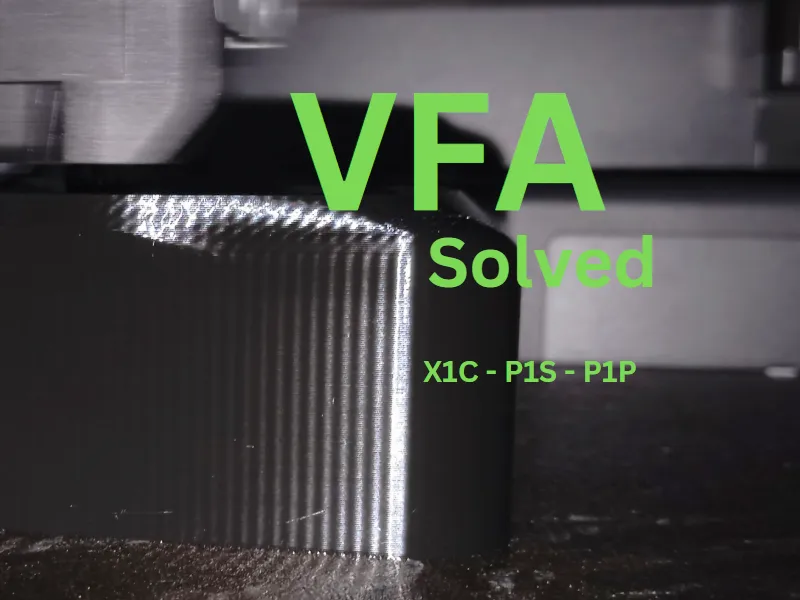
VFA/RINGING solved
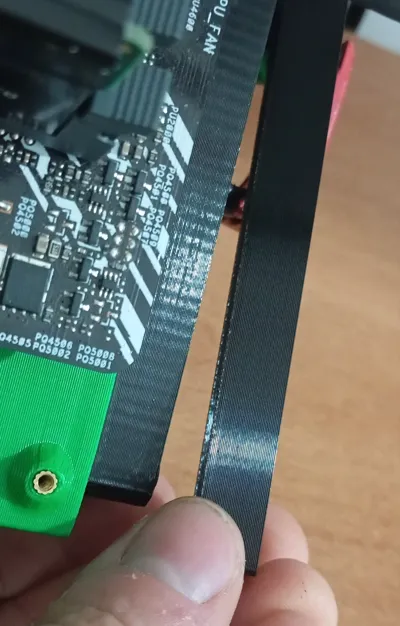
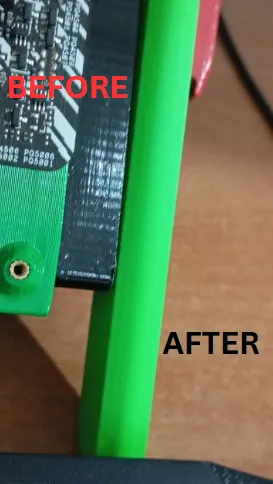
Print Profile(1)

Description
Boost Me (for free)
Like this model? Support my design efforts so I can continue to release high quality models for free.
It seems difficult, but the procedure actually lasts 2 minutes
"read carefully" this solution can work but obviously if you have major technical problems like a broken bearing, a broken belt tensioner or damaged bars for example, you have to solve them by replacing the piece and then, you can apply this procedure
VFA possible solution
guys I discovered a solution to the VFA problem
so:
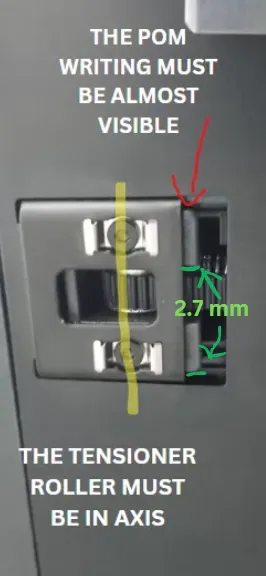
"they are the automatic belt tensioners", even if loosened for cleaning the bars for example, during the relocking phase, (following the bambu wiki procedure) the belt tensioners tend to tighten the belt excessively, and everything has repercussions on the xy rollers. during the relocking phase therefore, I added a wedge in the belt tensioner so that it does not tighten too much, leaving the belt looser. in practice the writing "pom" must be almost completely visible or the belt tensioner must come out 2.7mm.
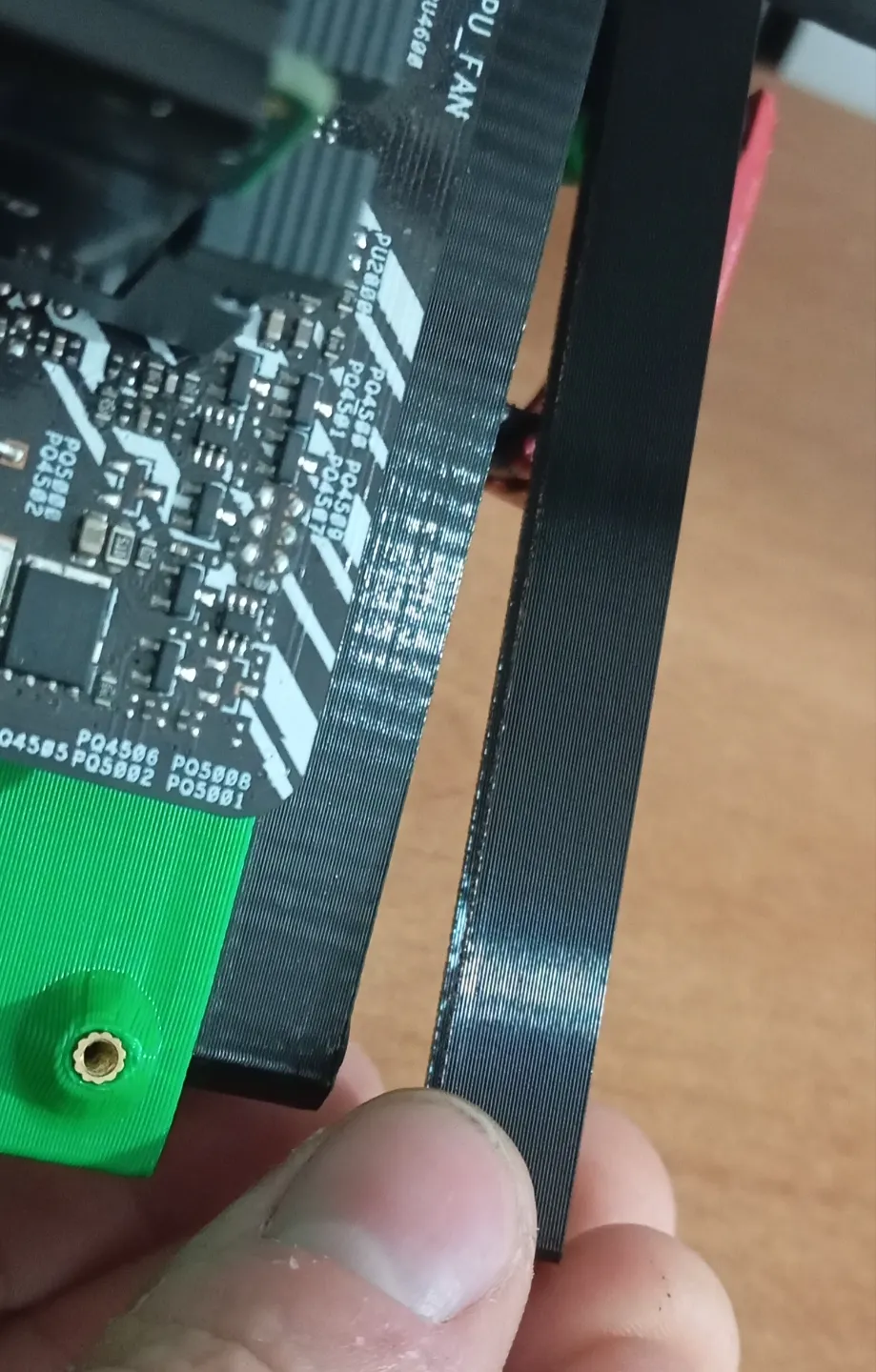
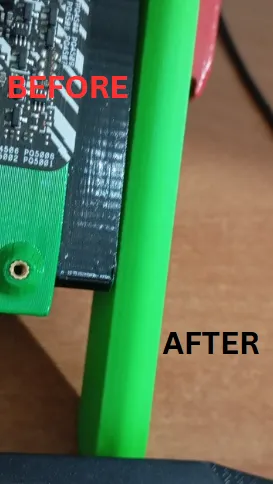
I also squared the bed with the wheels under the bed and the help of a caliper, but the main improvement occurred when I did the work on the belt tensioners.. guys I can assure you that now the vfa has reduced by 95% at least in my case.
I added a file for the vfa test
print it before doing everything, and then at the end, so you will notice possible differences
****
thanks for the feed @SeeTurtle
he successfully tested the tightening of the tensioner screws
if you have a torque screwdriver, set it to 0.65 NM
or anyway between 0.60 and 0.70 NM
if you are equipped
(if you only have a simple Allen key, make sure not to tighten too hard I did the same.)
****
STEP 1
start by following this official guide
https://wiki.bambulab.com/en/x1/maintenance/belt-tension
nel momento in cui devi ristringere tutto, comincia la mia procedura ********
STEP 2
start from the left or right side and the same
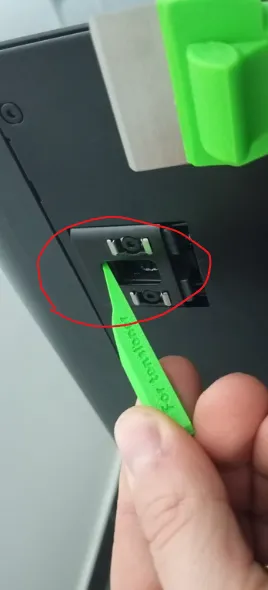
insert the wedge that I provide you (a flat screwdriver is also fine)
between the belt tensioner and the belt tensioner frame, move the belt tensioner inwards, you will see the "POM wording"if you don't see the wording pom, because maybe your model doesn't have the wording, then the belt tensioner must come out by 2.7 millimeters. AT THAT TIME, tighten the screws, remember that the screw is underneath, adjust the centering of the roller so help yourself with 2 hands or get help. once tightened, make sure that the roller is level. then move to the other side and do the same thing.
STEP 3
Rerun automatic calibration after the procedure is completed
PROCEDURE COMPLETED !!
- the stock profiles of bambulab, are the best at the moment I recommend using those, all the photos you see, were made with the petg hf profile of bambu
License

You shall not share, sub-license, sell, rent, host, transfer, or distribute in any way the digital or 3D printed versions of this object, nor any other derivative work of this object in its digital or physical format (including - but not limited to - remixes of this object, and hosting on other digital platforms). The objects may not be used without permission in any way whatsoever in which you charge money, or collect fees.


Comment & Rating (134)