
Pixelated sword
Print Profile(2)


Description
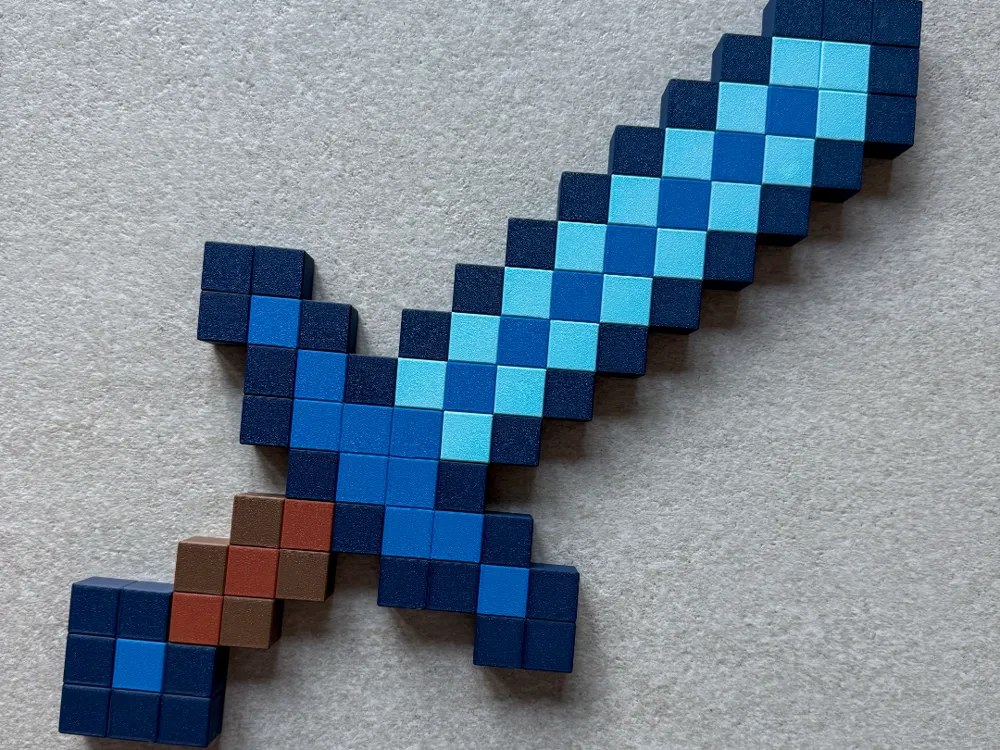
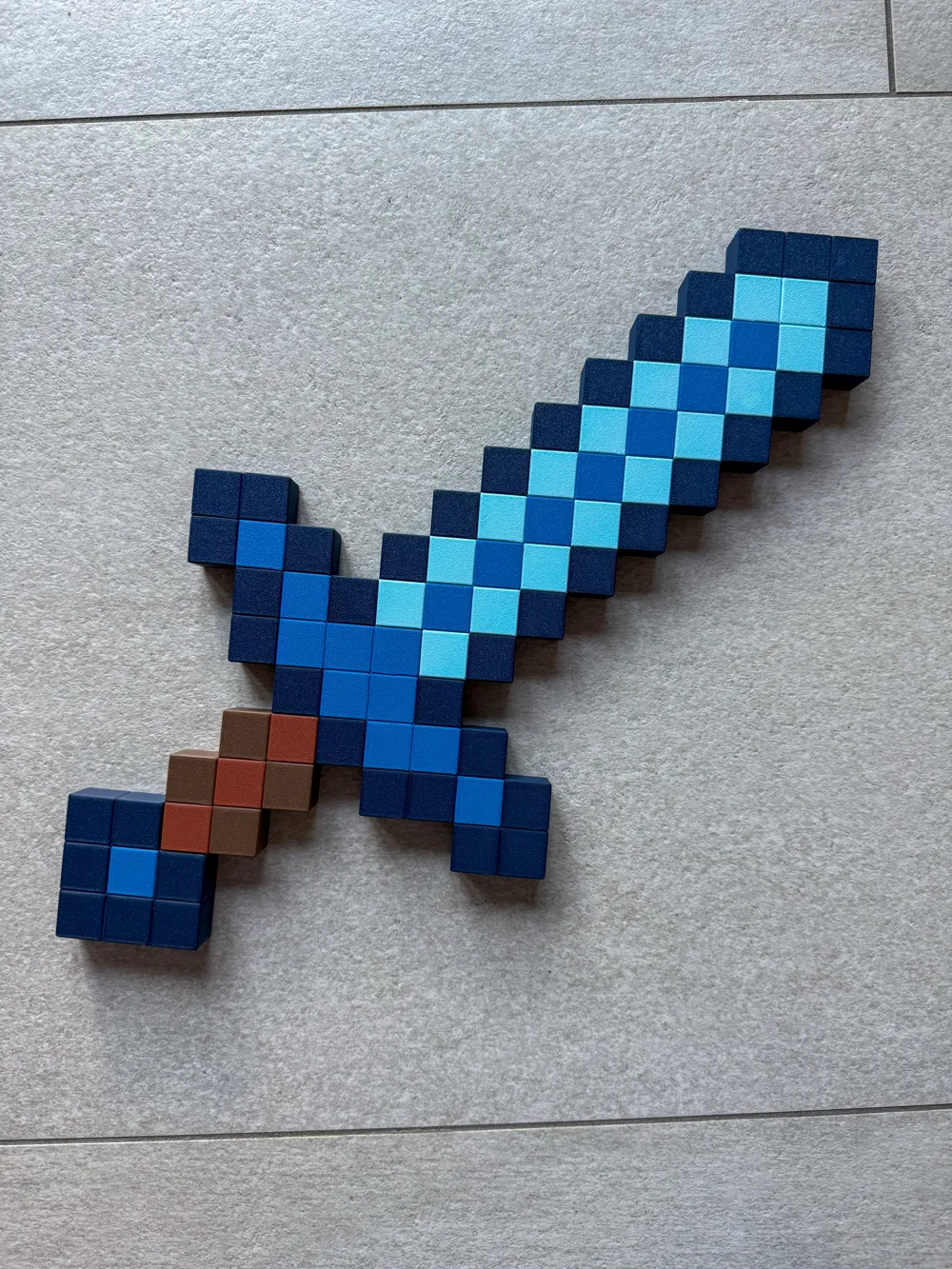
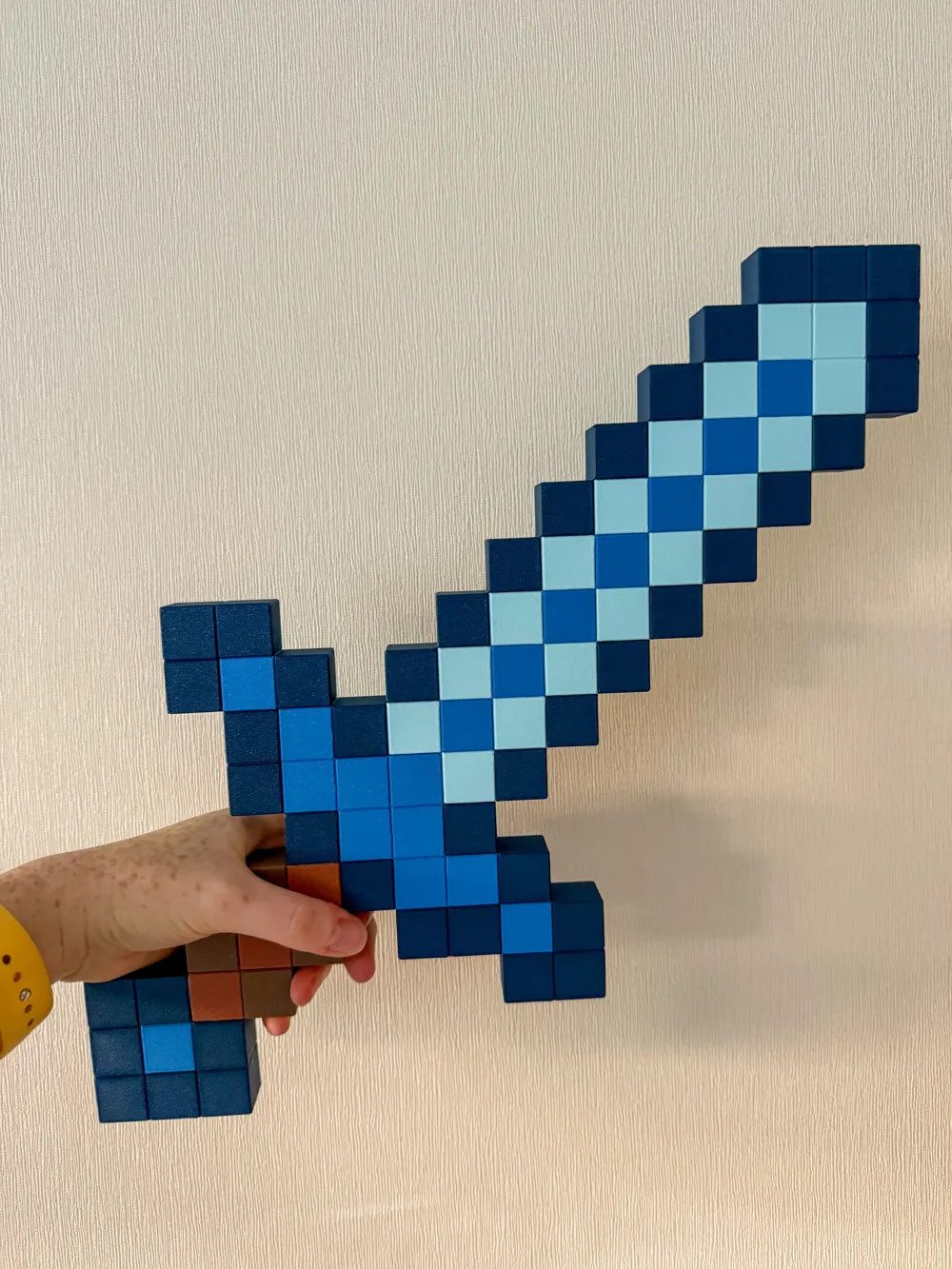
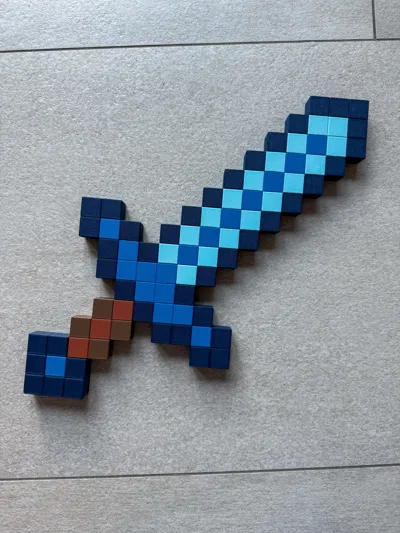
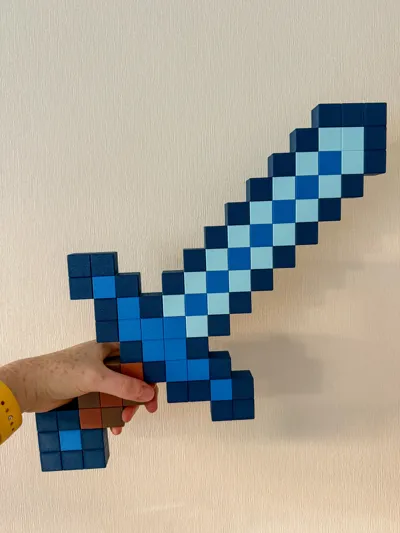
My own version of a pixel game sword. The prints I saw online were not to my liking. Specificly I didn't like how the pixels were made or how the colors were arranged.
So, i made my own version in Blender. Here it is! :)
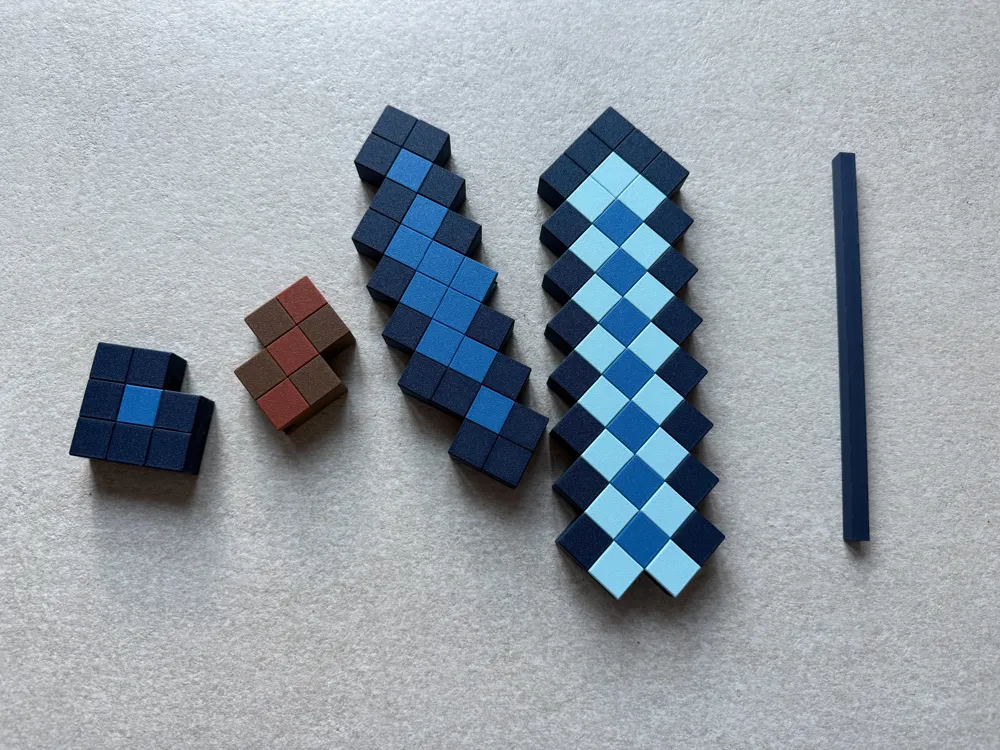
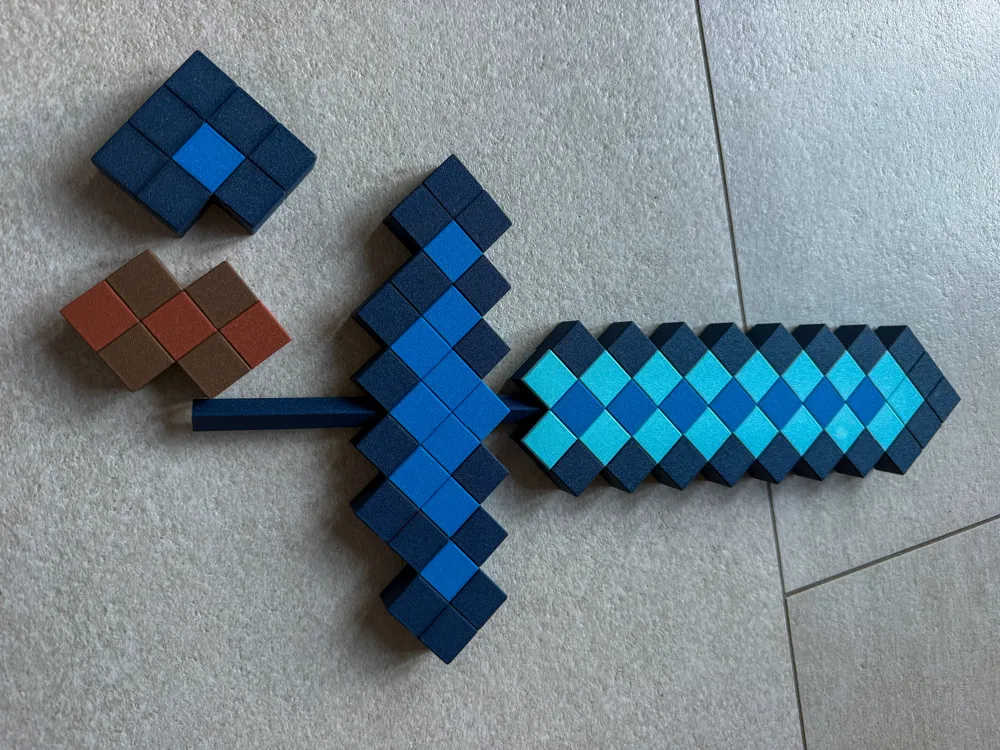
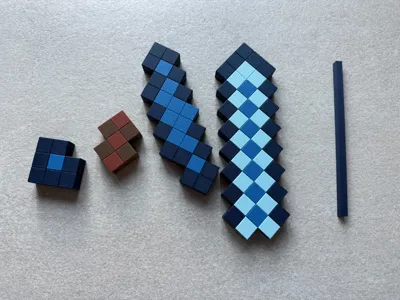
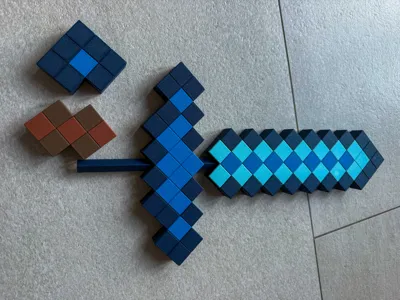
The stick in de middle is used to connect/support all the pieces. Model needs to be glued. The connector/stick is not a tight fit (this could be different depending on your settings or material).
I have included 2 print versions. I recommend using the ‘less color swap’ print version. But if you want to change some color groups yourself you might need the normal version and then apply the outline color to the middle yourself.
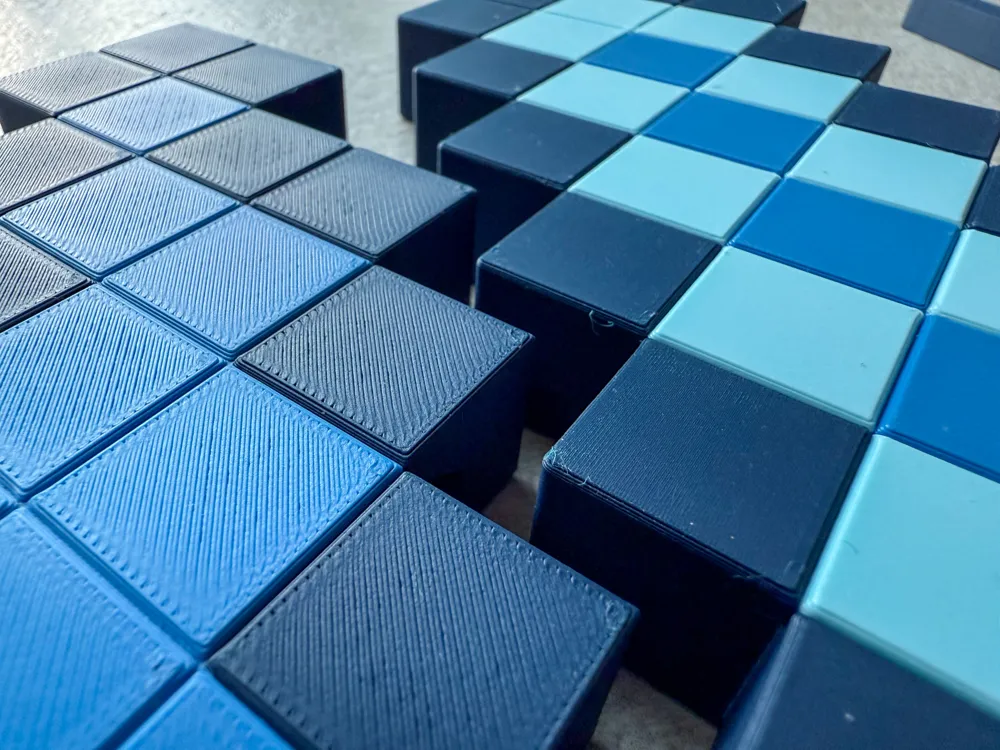
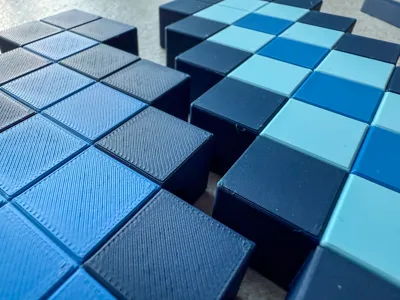
I also recommend setting the ironing function to ‘on top’ for matte or basic PLA. In my print profile I used this setting, only after I found out that the hilt was too rough to my liking. In the picture you will therefore see a different finish for the blade and the hilt (the former having been ironed). Altough, if youre are using silk or glitter etc it is better not to iron the top.
License



Comment & Rating (9)