
Quantum Qubit
Print Profile(1)

Description
This is NOT a real qubit. (Sorry!!) It is a model of a qubit, for educational purposes. More precisely, it's a model called a "Bloch Sphere", which is a convenient way to think about qubits when writing a quantum computer program that can be used regardless of the type of physical qubit (trapped ion, photonic, superconducting, etc) that the QC program is to run on.
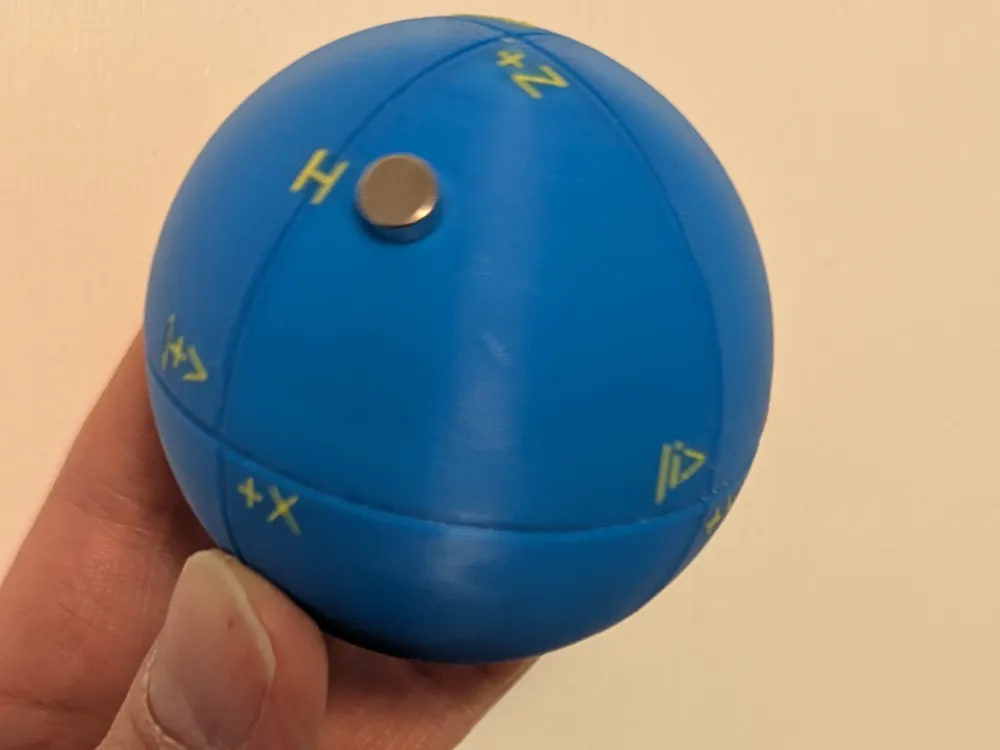
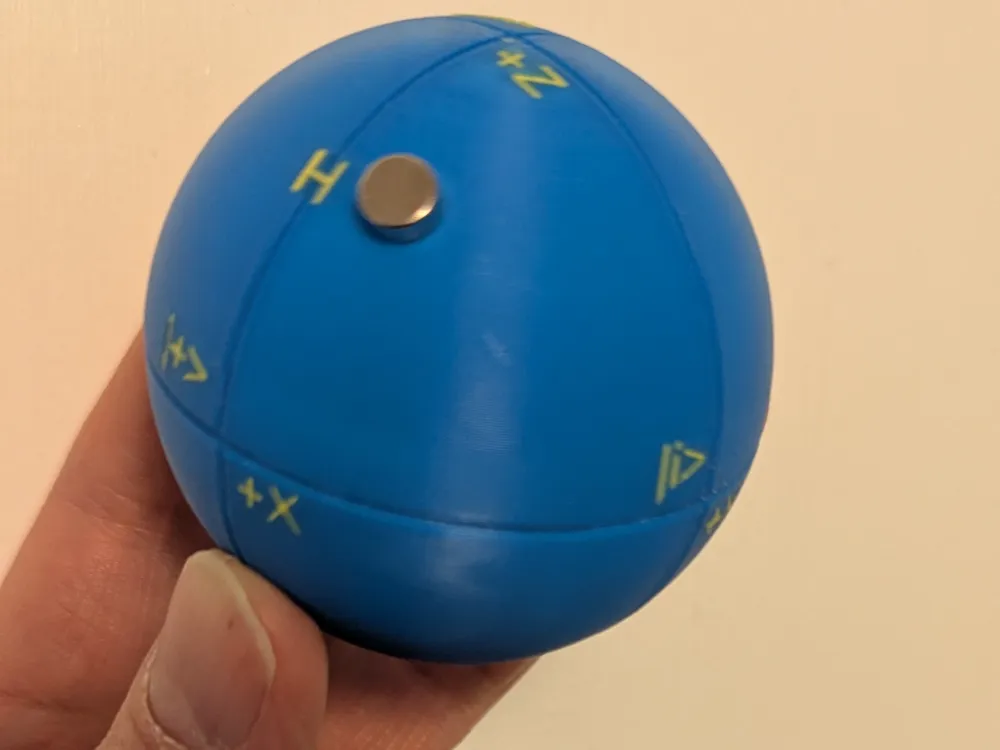
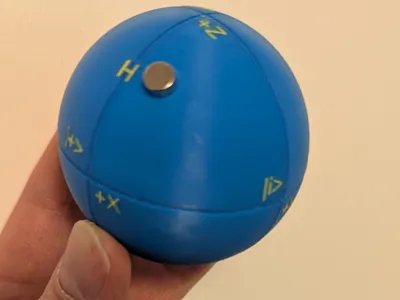
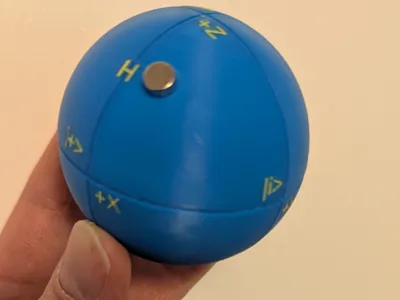
A Bloch Sphere is usually drawn as a hollow sphere, with an arrow whose base is at the center of the sphere, and whose tip points to one point on the sphere. Since that's difficult to build mechanically, I've opted to show the point on the sphere by placing one magnet inside the sphere and the other on the outside surface. That way you can move the outside magnet around and it will stay put.
Qubits contain two real values, based on two properties depending on what type of qubit you'll be using. For example, the a photonic qubit may have frequency and phase. The two components of the value can be thought of as a latitude and longitude on the Bloch Sphere. So the arrow tip (or magnet location in our case) could be represented as an (x,y,z) location on the surface of a sphere with origin (0,0,0) at the center, or the latitude and longitude. A common way is to represent one value as an angle up (positive) or down (negative) from the horizontal center plane, and the other value as an angle following a latitude line where zero degrees starts at the +X axis label.
There are numerous online tutorials on quantum computing, some free, and books on the subject. They vary widely depending on your math and science background. And there are free QC simulators around (IBM Labs has one). I've also attached a very brief (2 page) introduction to quantum computing that might be of interest.
I've included the OpenSCAD source file, in case you want to play with that. The text doesn't show well in OpenSCAD until you render, then it looks fine and the .stl file will be fine. I was trying to keep the text quality good while keeping it near the sphere surface so a magnet could be moved over the text easily.
One last caution: Bloch Spheres (this one or drawn on paper) are good at representing specific values, or superposition (such as the "Hadamard" state), but not so good at indicating entanglement. Your QC software will have the same problem; they sometimes indicate entanglement by not drawing the arrow so you could remove the magnet as an equivalent.
Construction Notes:
The .3mf file comes with the sphere already split in half, for easier 3D printing. After printing, you'll need to put one magnet (602 works well, or a little larger) inside before gluing the halves together, then one outside after the glue is dry. Be careful that the inside magnet isn't near the glued equator until the glue is thoroughly dry (yes, I made that mistake once). Then place the other (outside) magnet near the bottom (near where the inside magnet should be) and they'll jump together.
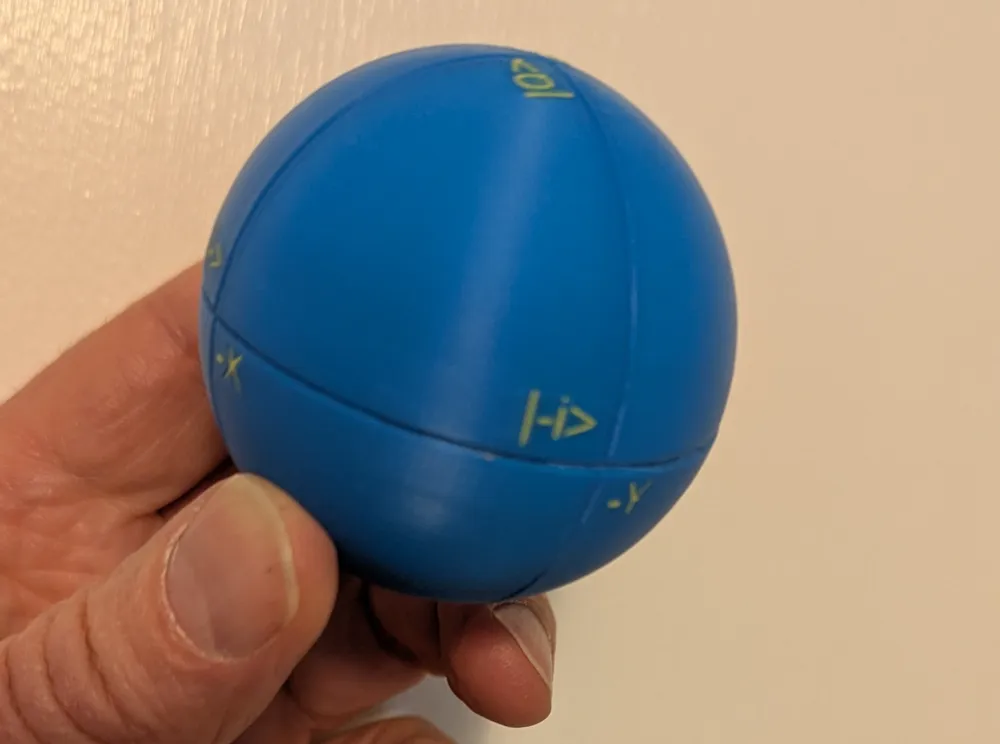
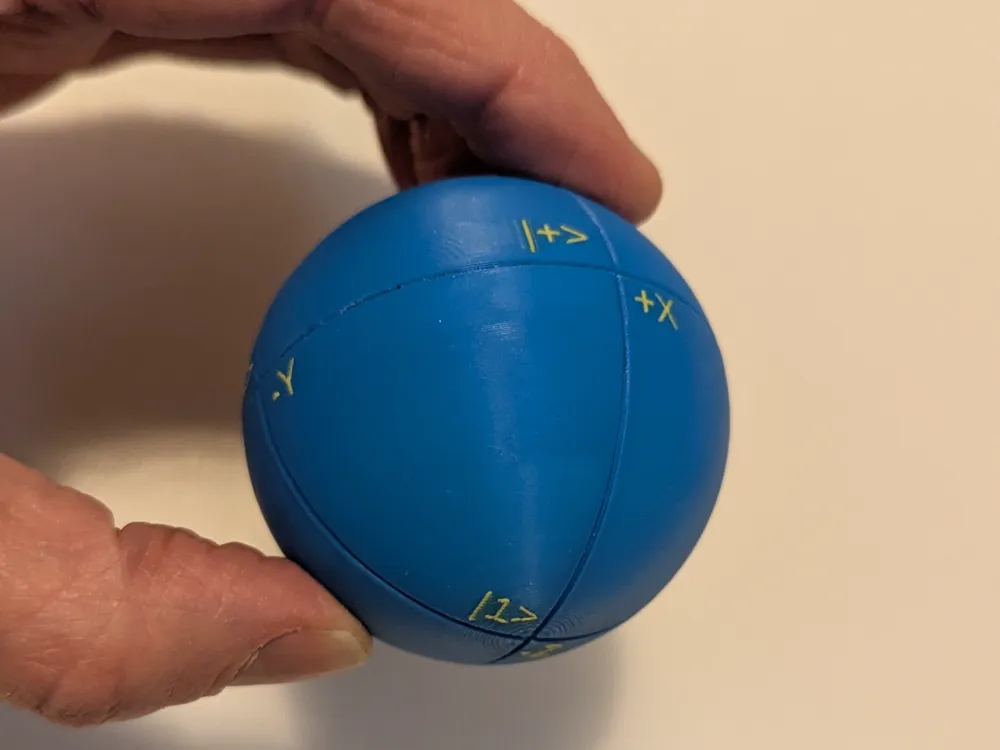
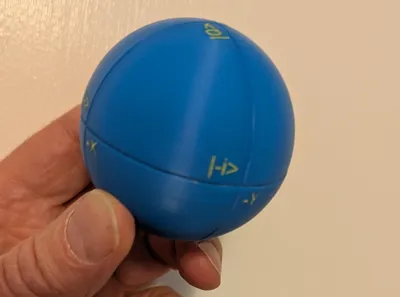
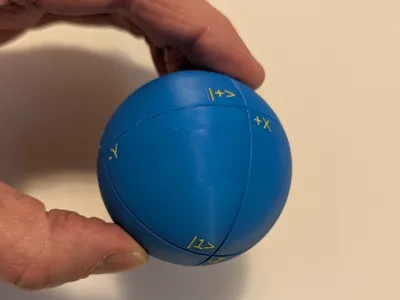
When orienting the two halves: the finished sphere's top is labeled Z+, and by its QC name of |0> (read as "ket zero"). The bottom is Z-, or |1>.
When gluing the two halves together (along the equator), make sure that +X is near |+>, +Y is near |+I>, -X is near |->, and -Y is near |-I>. This "ket" notation is used heavily when reading about or taking a course on quantum computing.
I did not color the three equators, otherwise every layer would require at least several color changes! But it isn't hard to paint the equators with the bucket tool if you want to try.
When choosing colors, make sure the text color is a good contrast from the sphere surface color. This will make the text easier to read.
I usually don't print these with support. The inside tops of the hemispheres will look ugly, but no one will ever see those! As long as it isn't so bad that the inside magnet can get tangled up, and the outside tops look OK, you should be fine. If you do use support, don't be tempted to leave the supports inside the sphere because it will interfere with magnet movement.
Documentation (1)
License



Comment & Rating (1)