
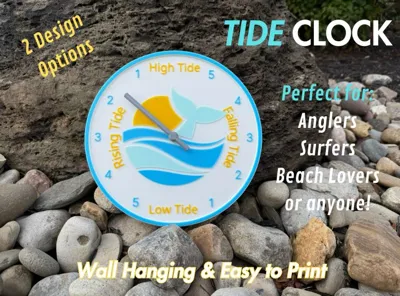
Tide Clock
Print Profile(1)

Bill of Materials



Description
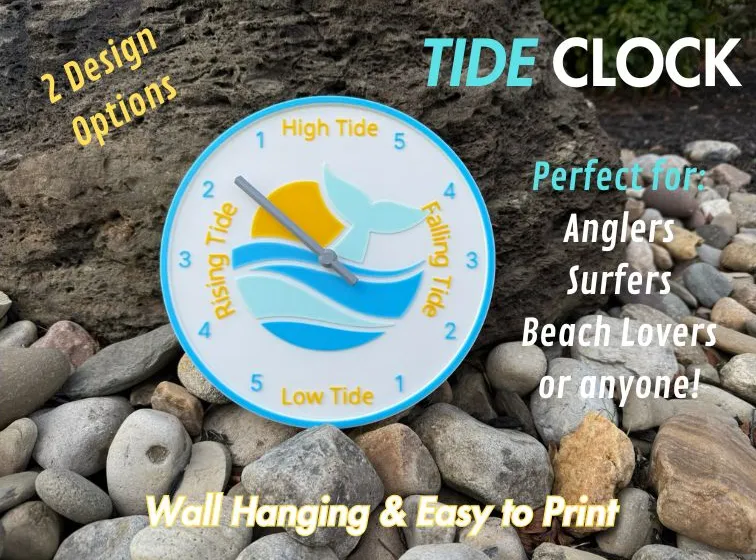
Discover the Magic of the Ocean—At a Glance! 🌊
Are you someone who loves the ocean? Whether you're a boater, surfer, fisher, or beachcomber, a tide clock is your must-have companion.
Why Choose a Tide Clock?
- Never Miss the Perfect Wave: Know when the tides are rising or falling to plan your surfing sessions with precision.
- Fish Smarter, Not Harder: Certain tides bring the best catch—our tide clock makes it easy to hit the water at just the right moment.
- Adventure Safely: Exploring tide pools or setting sail? Stay ahead of the tides to avoid surprises.
- Stylish Coastal Charm: With its nautical design, this tide clock is more than functional—it's a beautiful addition to your home, boat, or beach house.
How It Works:
This clock tracks the lunar cycle, providing you with an accurate visual of high and low tides—right down to whether they’re rising or falling. No internet? No problem. It’s simple, reliable, and always ready.
Perfect for:
- Ocean lovers
- Coastal homeowners
- Outdoor adventurers
- Anyone who wants to feel closer to nature
Printing:
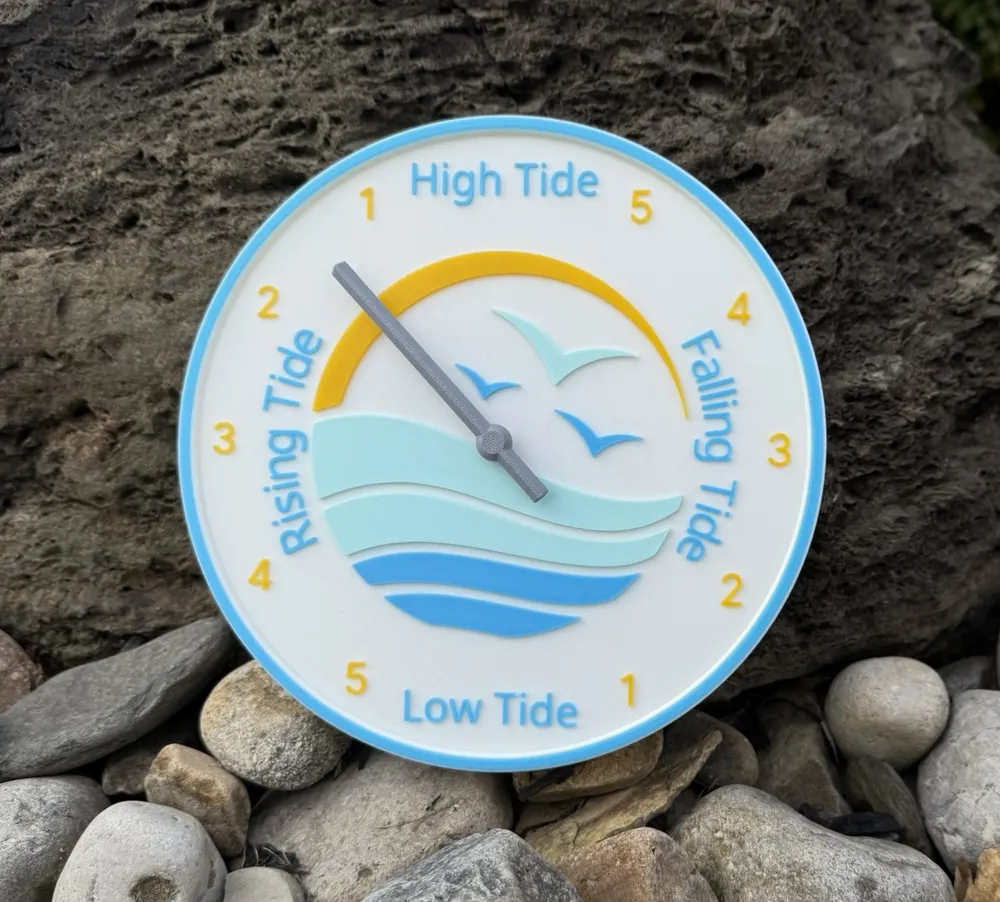
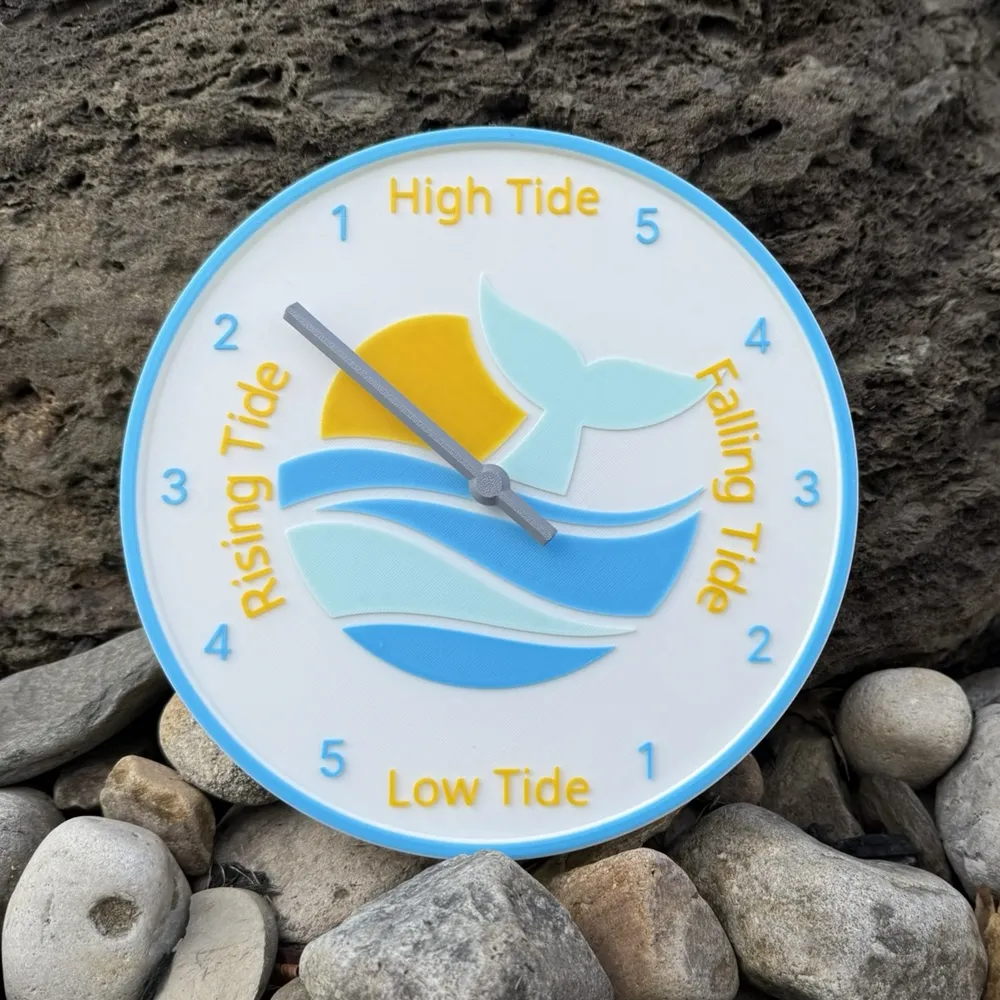
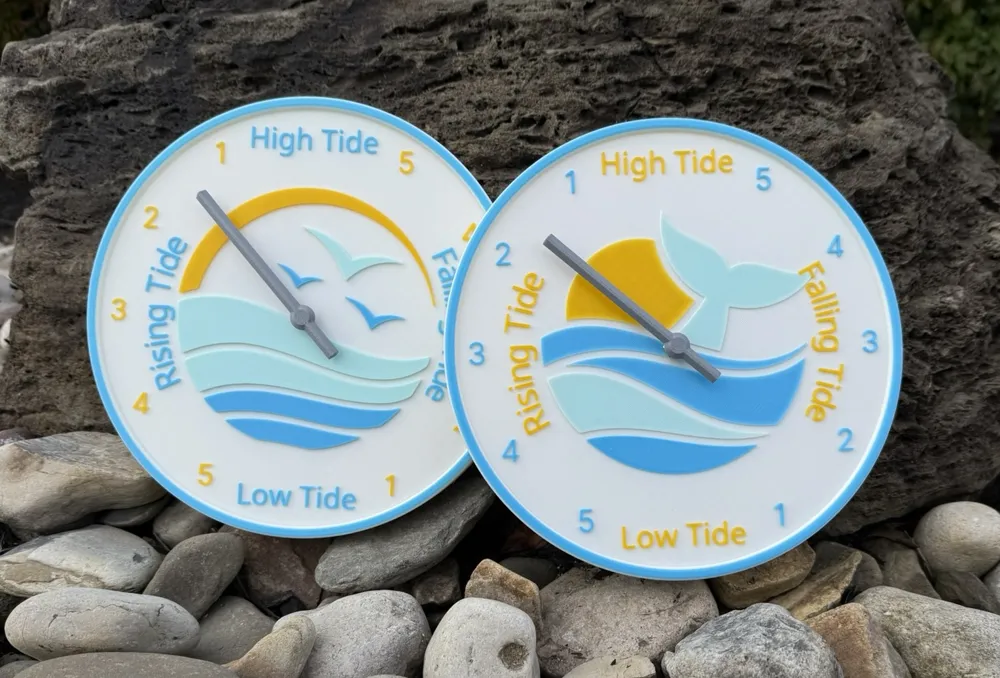
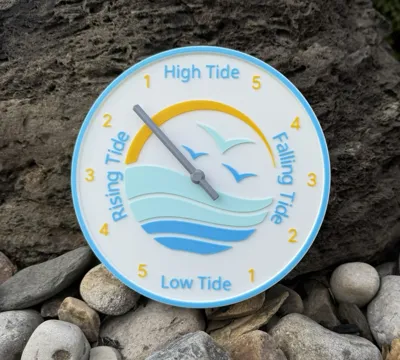
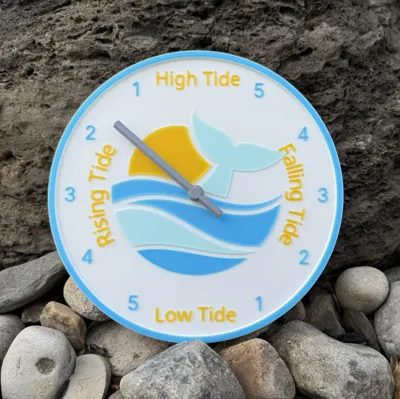
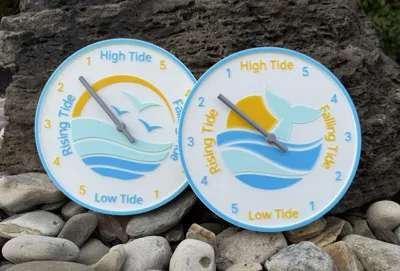
This tide clock is a 4-color print, and you can pick your own colors for the perfect look. It also features a keyhole slot on the back for hanging. The cavity for the Tide Movement and Keyhole are printed with supports and easily removable. I printed in PLA but consider PETG and ABS if you intend to use it outside.
I used Bambu Basic White, Bambu Basic Gradient Artic Whisper Inland PLA Yellow & Inland PLA+ Space Blue
Supplies:
You will need to buy a tide movement. This is different than a clock movement. I recommend this inexpensive one from Amazon. (affiliate link) https://amzn.to/3ZtgKUh
Assembly and setting your clock:
Place the tide movement mechanism into the cavity on the back, with the battery compartment in the “low tide” direction. Thread the small hex nut included in the kit onto the brass post on the front of the clock. Gently press the clock hand onto the protruding white post. Install the AA battery.
Setting your tide clock is easy. Go to www.usharbors.com and enter the location where you want the tide lock to be accurate for (e.g. Miami Beach). Look for the next High or Low tide for that area and set your clock accordingly. Rotate the small wheel on the movement to move the hand. To dial up the accuracy even more, set the clock on a full or new moon!
I hope you can appreciate this clock as much as I do!
Enjoy and Happy Printing!
Boost Me (for free)
Thank you so much for the support! If you enjoy the model, please consider giving me a Boost!
License

You shall not share, sub-license, sell, rent, host, transfer, or distribute in any way the digital or 3D printed versions of this object, nor any other derivative work of this object in its digital or physical format (including - but not limited to - remixes of this object, and hosting on other digital platforms). The objects may not be used without permission in any way whatsoever in which you charge money, or collect fees.


Comment & Rating (8)