Search models, users, collections, and posts

Cricut Rollers
IP Report
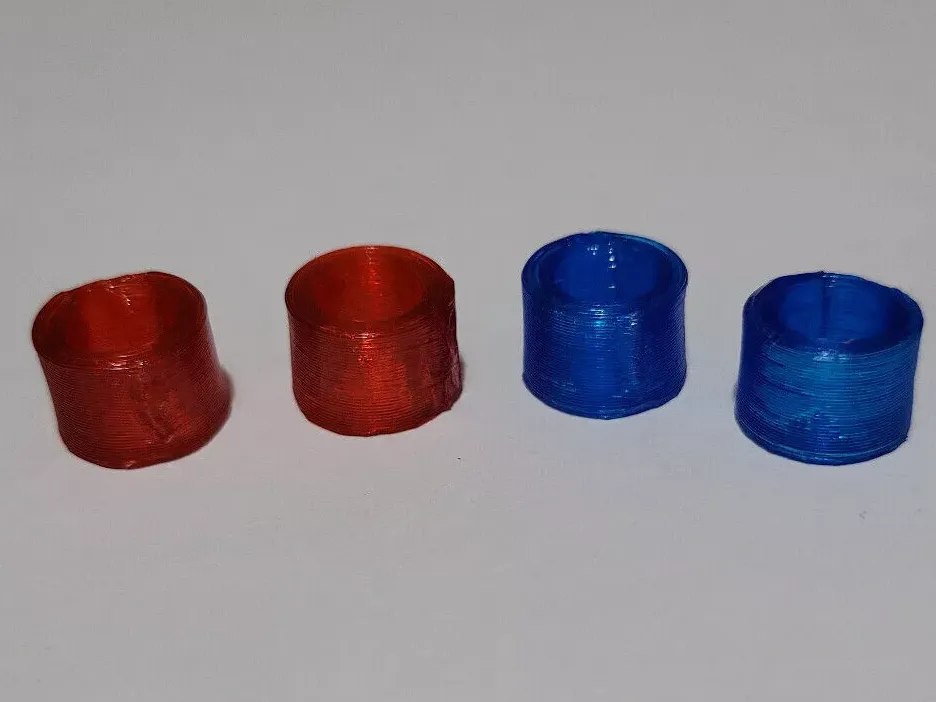
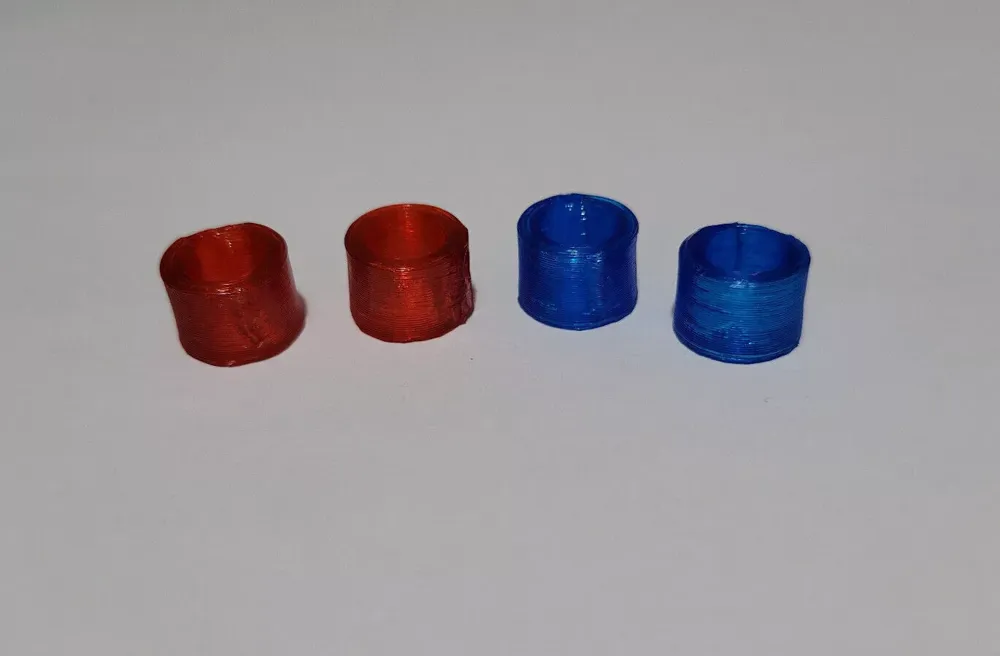
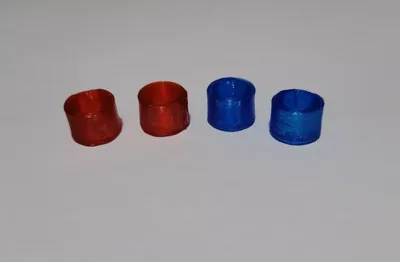
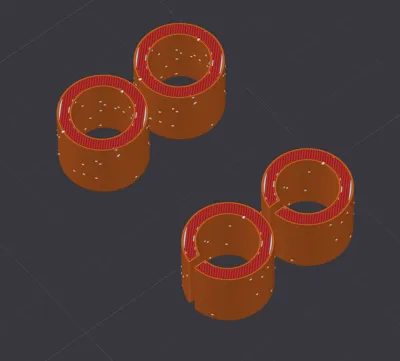
Print Profile(1)

0.24mm layer, 2 walls, 15% infill
Designer
35 min
1 plate
Open in Bambu Studio
Boost
60
191
7
0
82
54
Released
Description
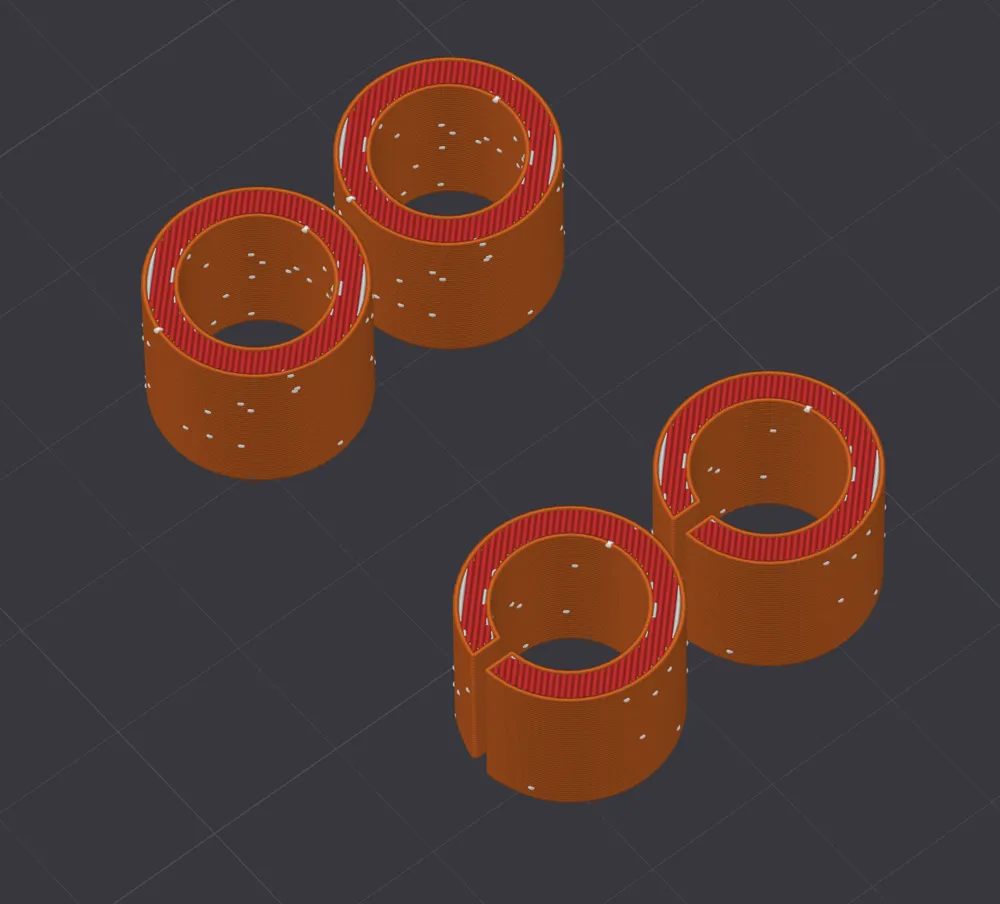
Made entirely in BambuStudio, here is the procedure for anyone who is interested:
- add a cylinder primitive, 15x15x12.5mm
- select the created cylinder and add negative part - another cylinder primitive, 10x10x12.5mm
- make sure they are aligned - center and height
- optionally you can add another negative part - cube and edit it's dimensions 1x10x12.5mm, align it aswell - this way you do not need to cut the printed roller manually.
You can scale it to your needs, this is what fitted my cricut machine.
Instructions:
- use TPU (obviously)
- cut printed rollers with a cutter knife
- insert on base rod and move it so the cut is facing you
- glue it to the rod and keep it pressed for 10 seconds
Video of installation (also where I got the ideea from):
License

This user content is licensed under a
Creative Commons Attribution


Comment & Rating (7)