Search models, users, collections, and posts

Print Profile(2)
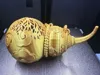
0.16mm layer, 2 walls, 15% infill
Designer
8.7 h
1 plate
0.16mm layer, 2 walls, 15% infill
Designer
15.3 h
1 plate
Open in Bambu Studio
Boost
15
36
1
0
23
6
Released
Description
Content has been automatically translated.
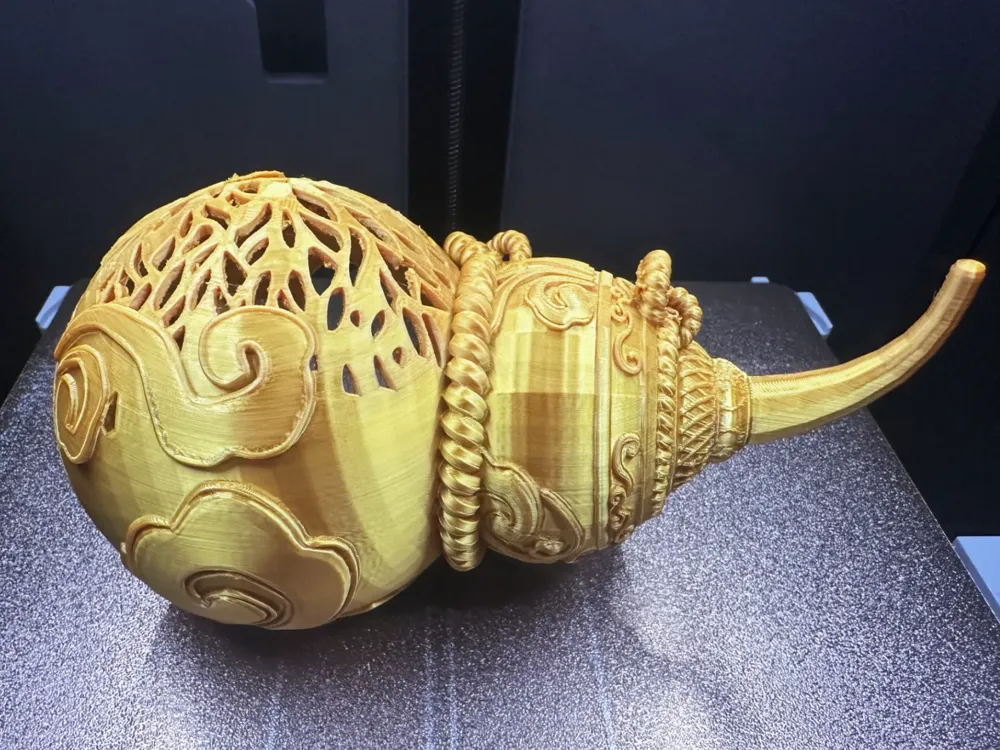
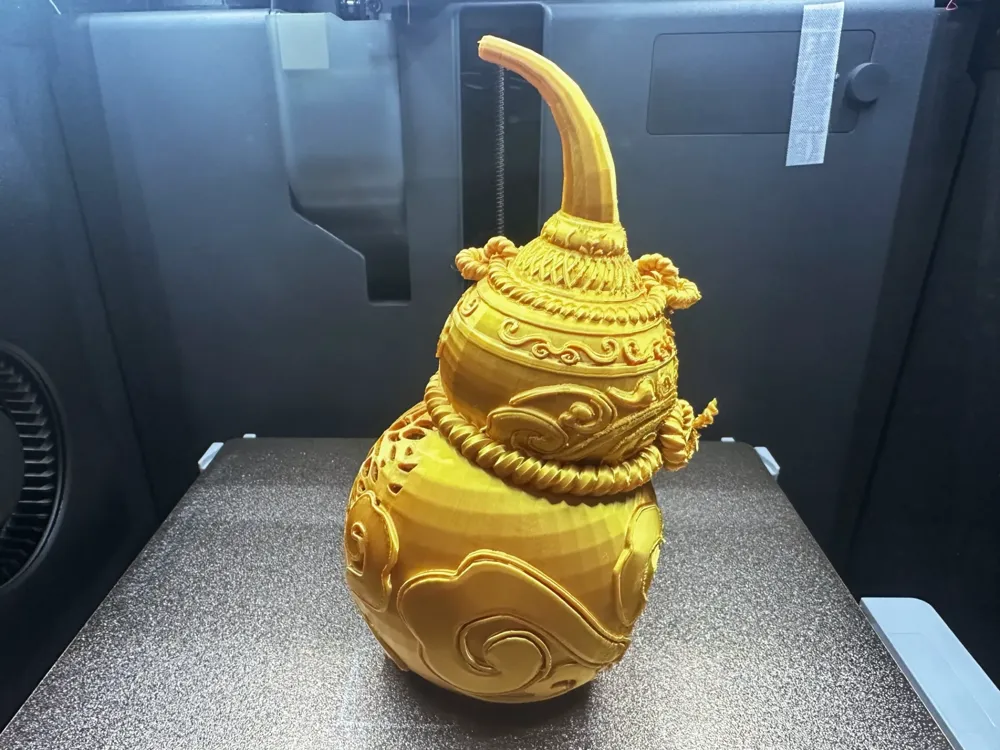
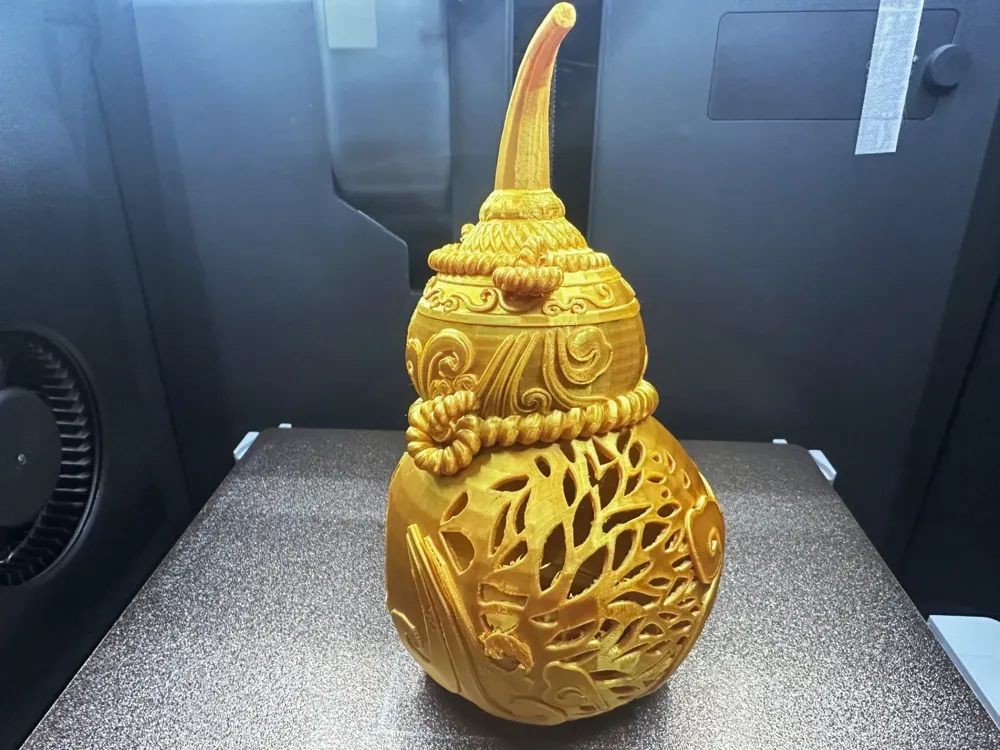
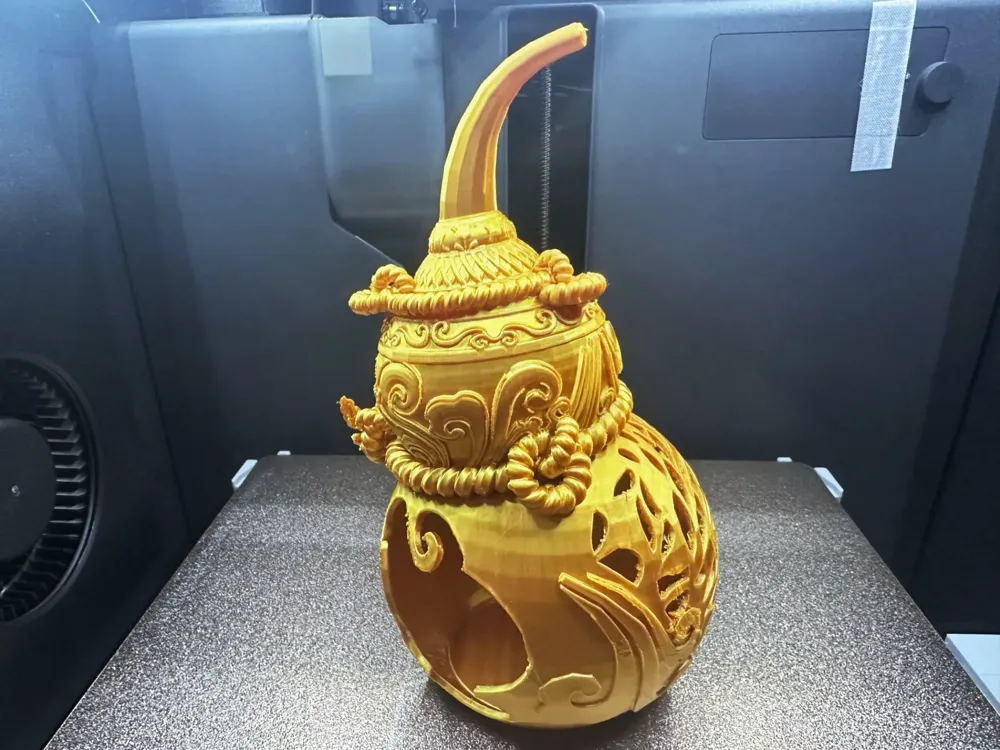
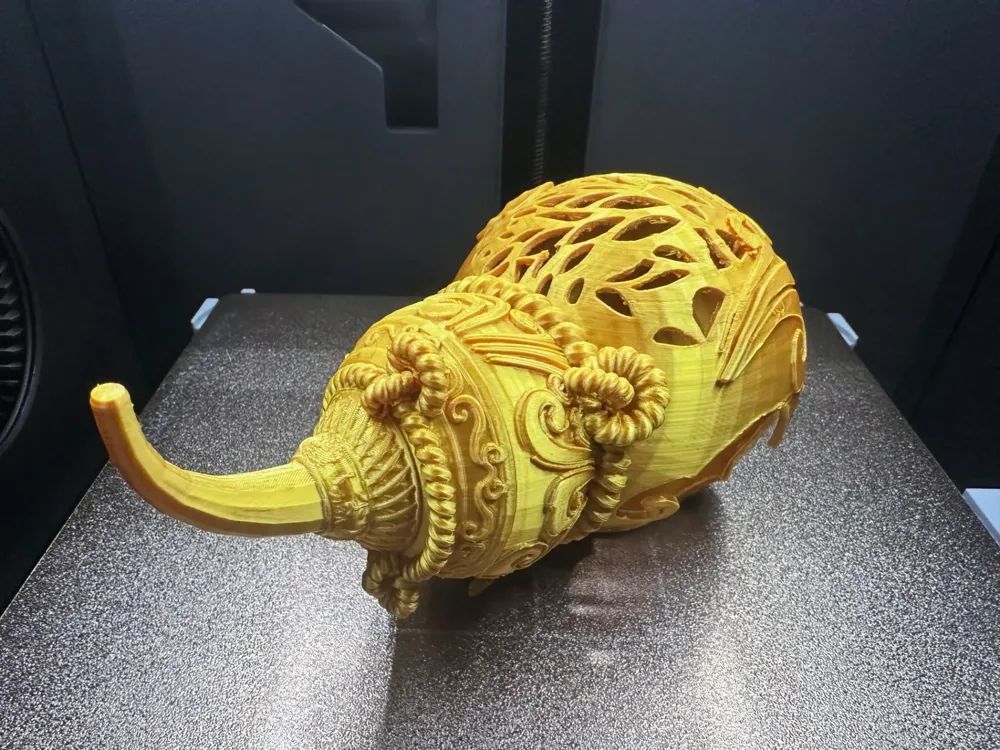
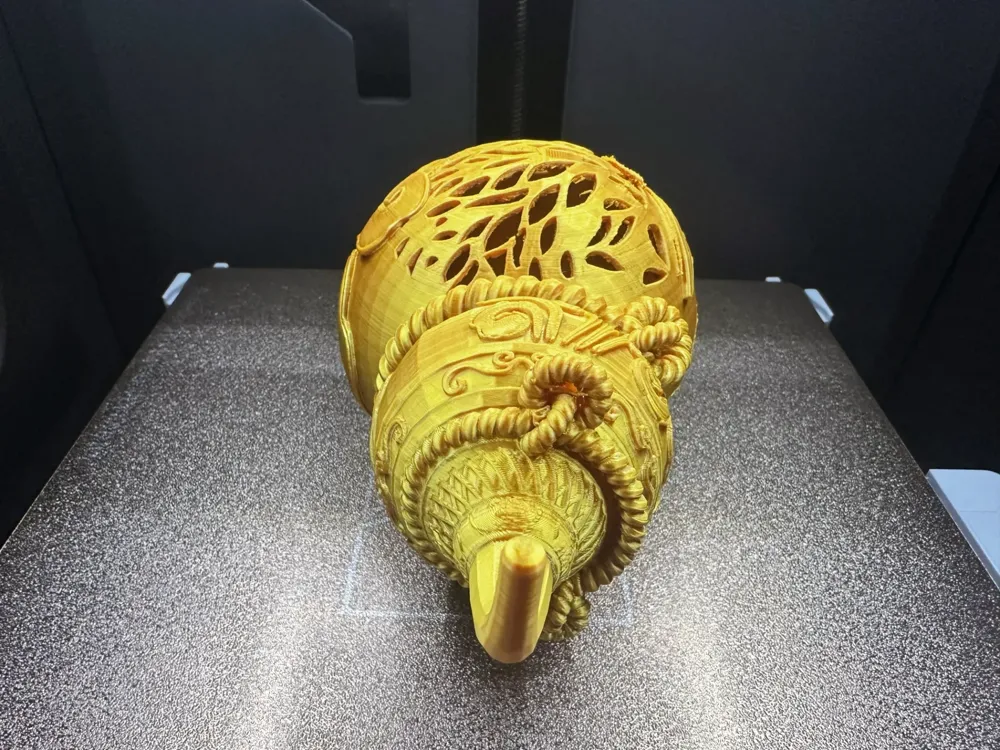
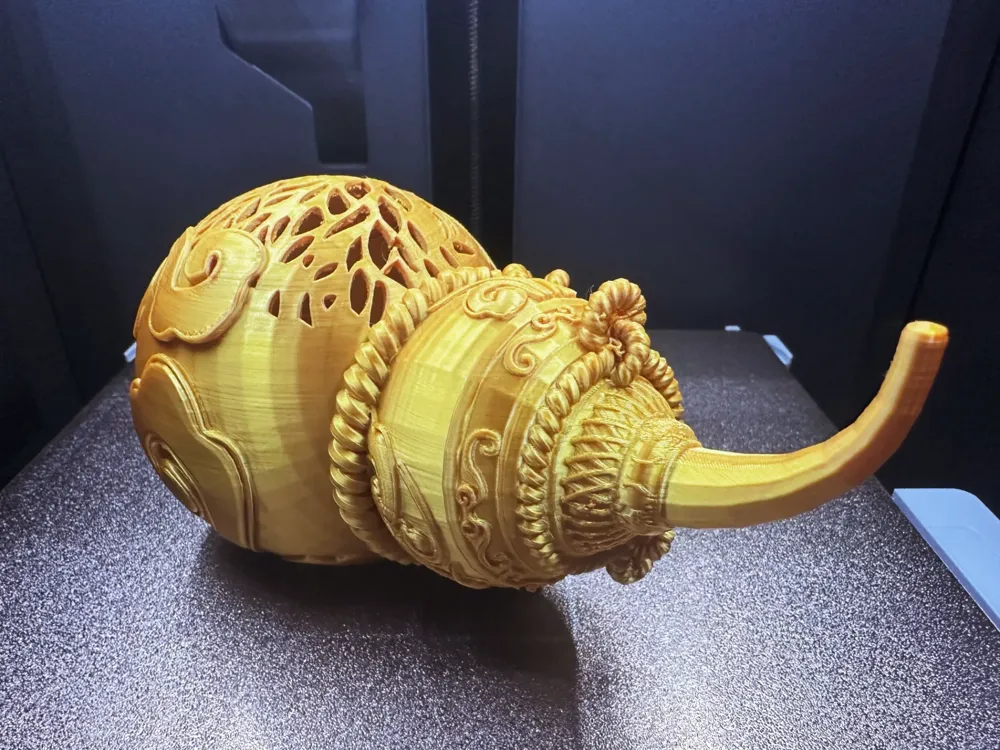
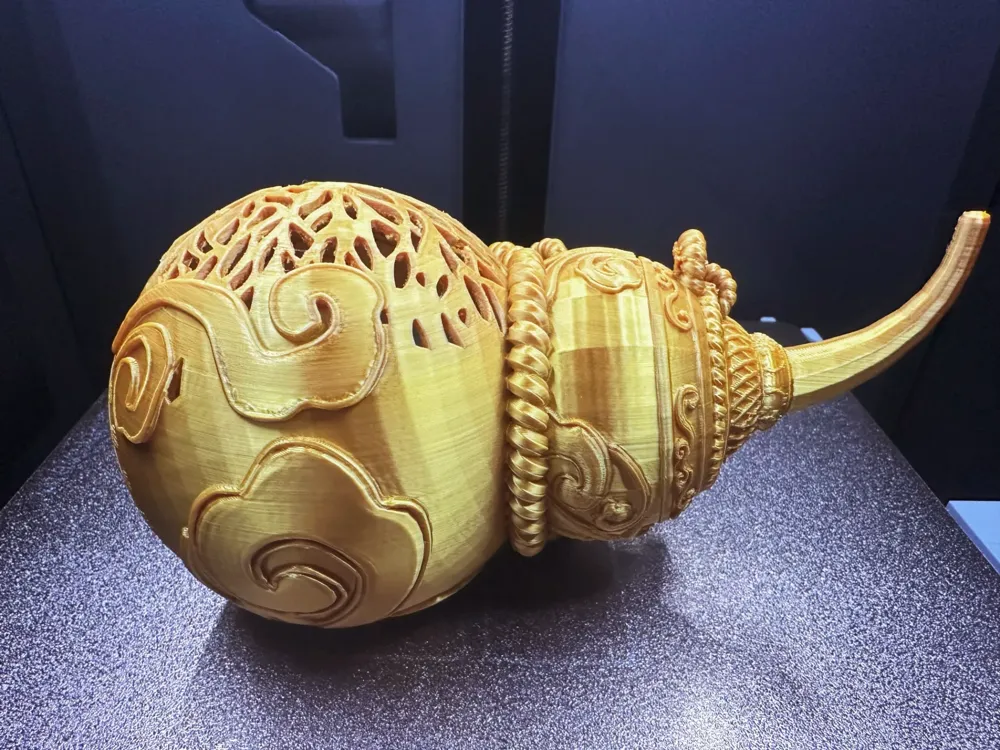
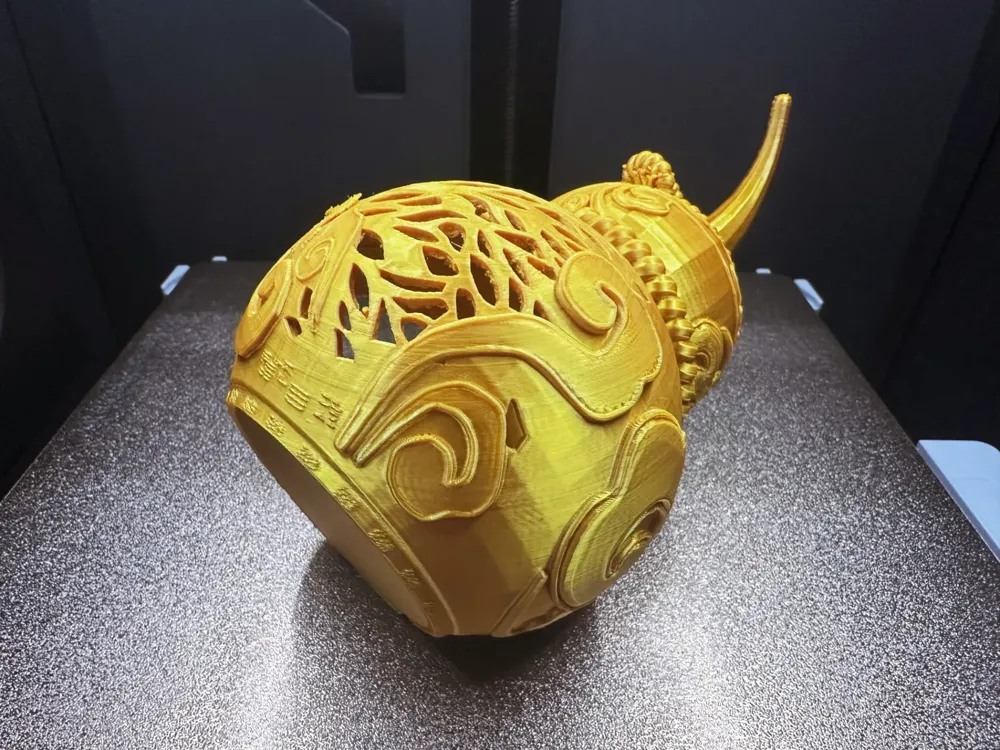
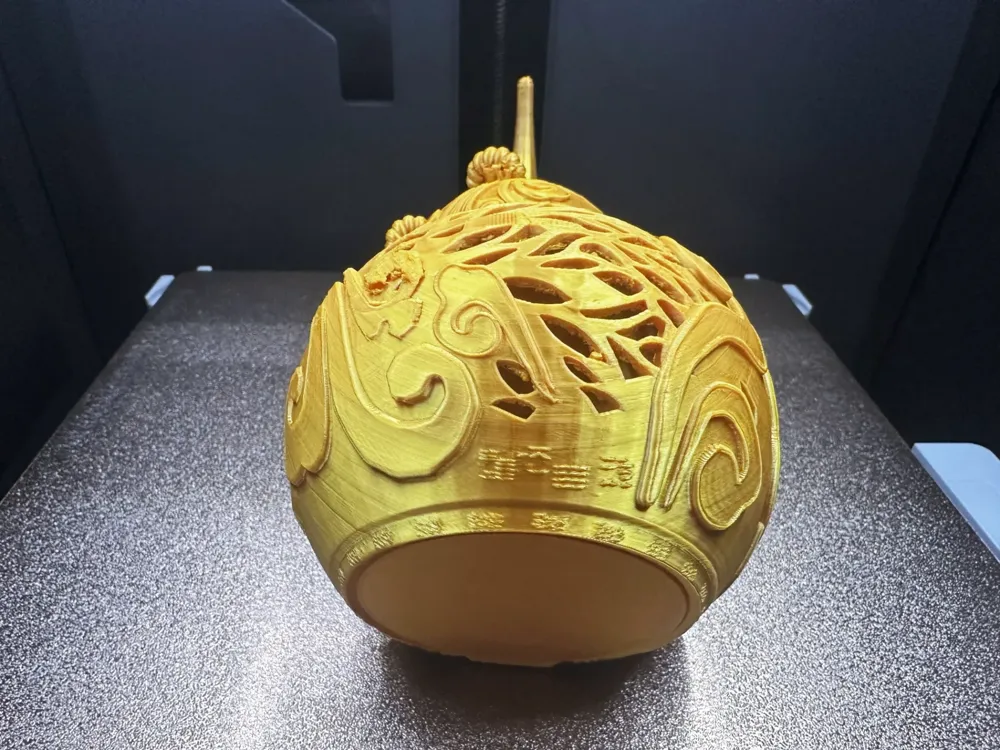
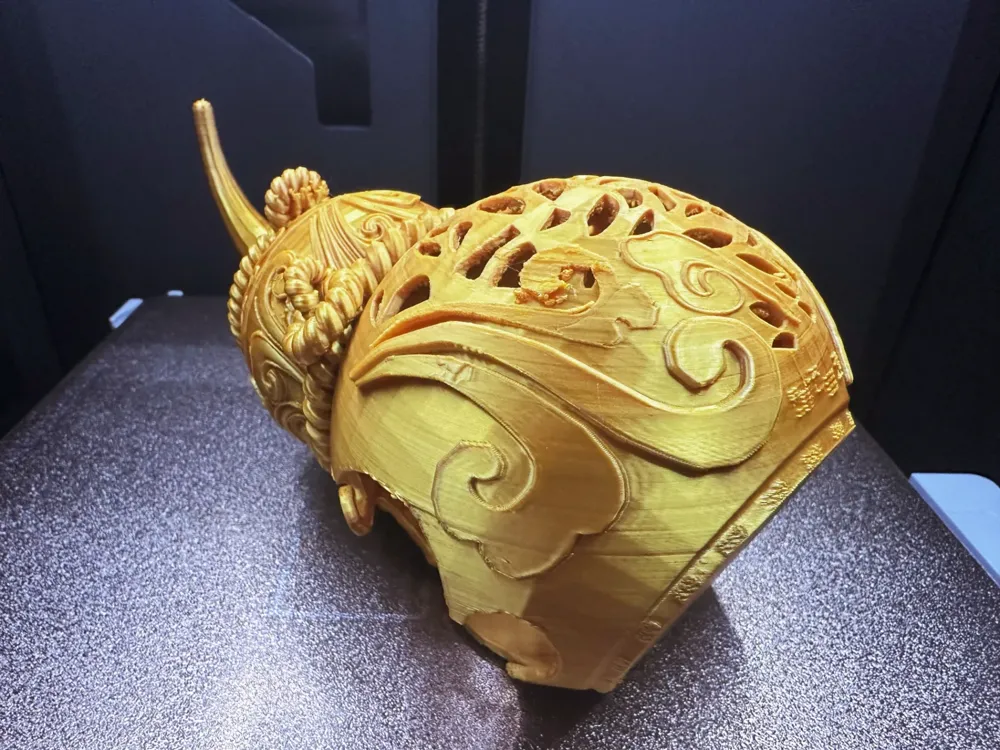
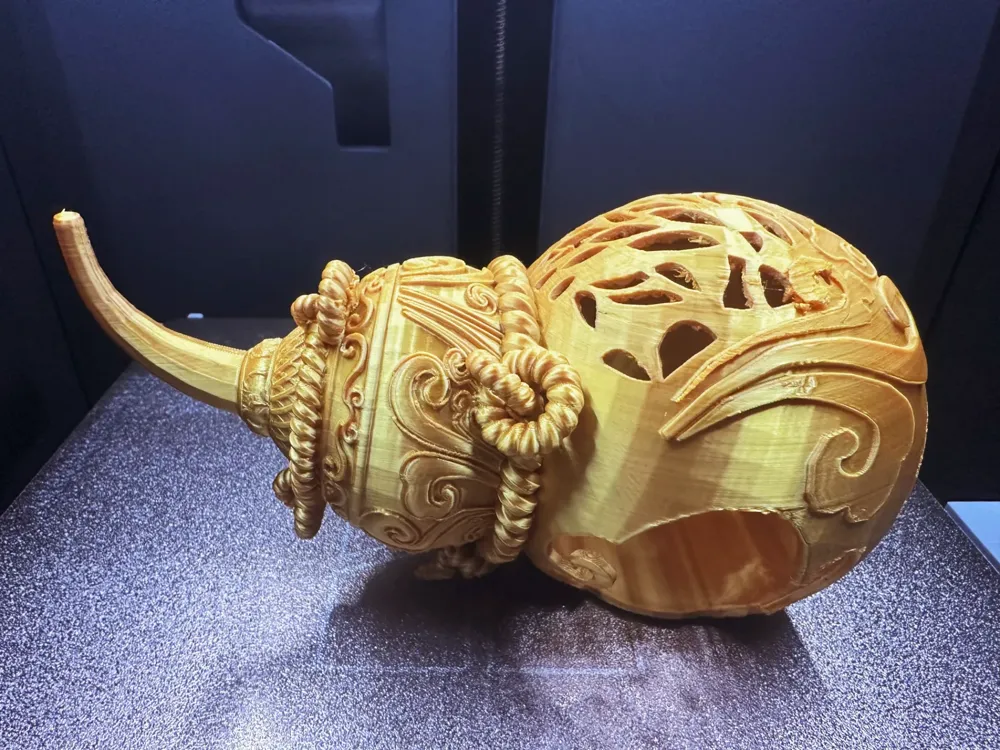
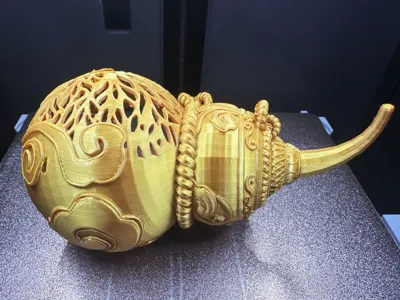
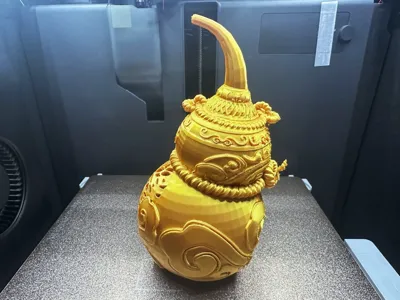
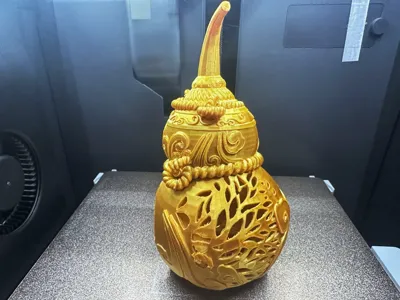
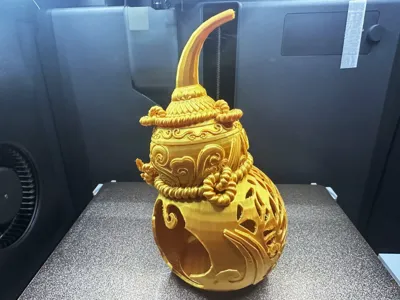
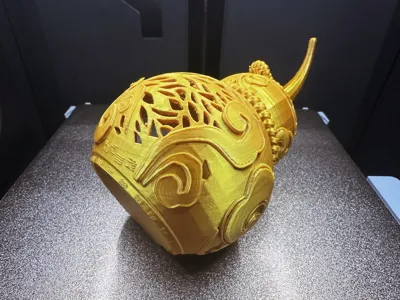
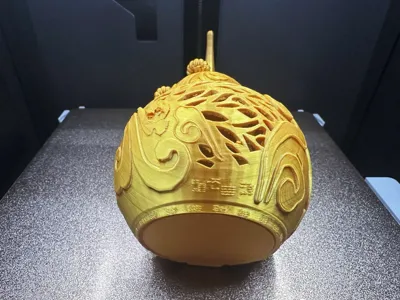
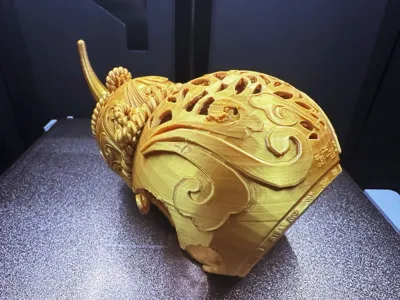
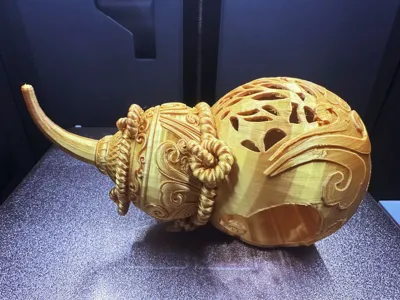
Celestial Gourd
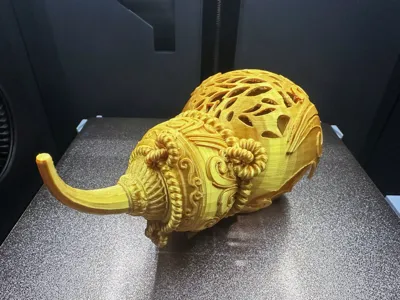
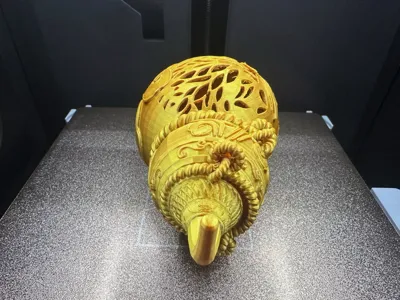
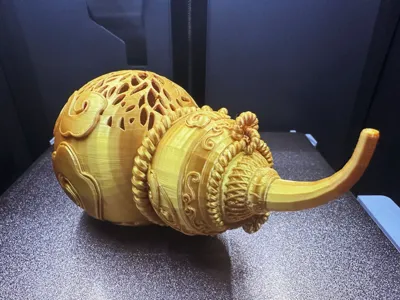
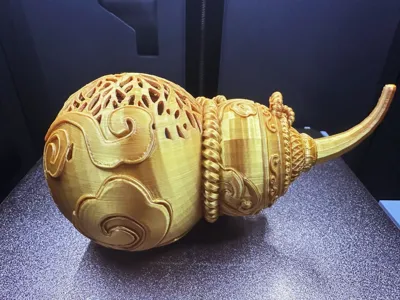
This model incorporates the theme of antiques and collectibles, adding functionality. The gourd's belly is hollowed out, with a side opening for storing items. The flattened bottom ensures stability for display purposes. It can be used as a Feng Shui ornament, a key holder for the entranceway, an incense burner stand, a cold light lampshade, and more. The displayed printing material is PLA gold (materials that have been exposed to moisture or left unsealed for more than two weeks should be dried to prevent moisture-related issues like the one I experienced). The layer height is 0.16-0.2, using a tree-like support mixed with tree, with a threshold of 30. Support removal difficulty: 1 star, extremely easy. There are two size options for you to choose from: large and small. The larger gourd offers much better print quality, requiring only a small amount of extra material but taking slightly longer. Those in a hurry can opt for the smaller size. Please adjust the material temperature to suit your own before printing. Welcome all experts to share feedback and photos! Thank you all!
Boost Me (for free)
If you like my content, please give me a boost with a little rocket! Your support is the driving force behind my content updates! Thank you!!!
- The size can be scaled to your preference.It is recommended to print using PLA material, which produces a more delicate finish.
- Printing with the default parameters is fine, but those with higher expectations can fine-tune it themselves.In the support settings, click on "Support only critical areas" three times.
- Personal experience: When removing supports, remember to use a clever technique to detach them in the direction you need to remove them. Be sure to first cut the support parts that are farthest away from the contact surface, leaving a gap just large enough for the pliers to open. This way, you can clip the support tip closest to the model with the pliers. Rolling pliers method - When the pliers are tightly clipped to the support surface closest to the model, use the rolling action of the pliers to tear the support layer off. Remember to adjust your hand position and be patient, taking things one step at a time.
3D Printing Tips and Preparatory Precautions
- (All models released by this account have been test-printed and are compatible with all machine models. Before printing, you should ensure that your printer and filament are functioning properly. If you encounter any unresolved issues, feel free to send me a private message and I will do my best to help!
- Precautions:
- If you encounter any problems, you can visitthis resource area for reference and learning: Print Quality and Troubleshooting | Bambu Lab Wiki
- Ensure that the machine print plate is clean. It is recommended to wipe it down with 95% medical alcohol after each print to ensure stable print quality and prevent mishaps. The oil residue from touching the print plate can significantly reduce the print adhesion, while previous print debris and small remnants of prints can also affect the print quality of the first layer, leading to a lower success rate.
- Pay attention to filament drying (PLA generally does not require drying, as it has good resistance to moisture). This will significantly affect your print quality and printing experience! After a long time, filament can become damp. If you experience stringing or spaghetti, you need to consult with the vendor for drying parameters and print parameters to make adjustments. Most vendors do not pre-dry their filament before it leaves their facility, so pre-drying is recommended if possible, which will result in better print quality.
- The choice of printing material depends on the type of print. For appearance parts, generally choose PLA, while for structural parts, choose PETG. The prices of these two materials are relatively affordable, and the emission of toxic gases is almost negligible. (For health reasons, it is best to have an air purifier running)
- When using new filament from a vendor, it is recommended to perform a flow calibration of the filament as soon as you start printing, and modify the calibration coefficient. This will significantly impact your print quality and is a necessary step to help the new filament adapt to your printer.
- If you encounter a sudden drop in print quality or a low success rate, check if the nozzle is clogged, check if the printer is placed stably (for peace of mind, simply place it on the floor) and you can also try recalibrating the printer.
- Print at the recommended speed specified in the model instructions. Overhang quality, model surface count and printing speed are directly related. A suitable speed (neither too fast nor too slow) will allow the material to cool and solidify properly during deposition.
- Set the bed and nozzle temperature appropriately based on the material used. Temperatures that are too high or too low can lead to warping, layer deformities, or adhesion problems, which can affect print quality and success rate. For users with P1S models or higher, if the chamber temperature exceeds 35 degrees Celsius, be sure to open the glass door on the machine body.
License

This user content is licensed under a Standard Digital File License.
You shall not share, sub-license, sell, rent, host, transfer, or distribute in any way the digital or 3D printed versions of this object, nor any other derivative work of this object in its digital or physical format (including - but not limited to - remixes of this object, and hosting on other digital platforms). The objects may not be used without permission in any way whatsoever in which you charge money, or collect fees.


Comment & Rating (1)