
Portable Undo Button

Print Profile(4)
Description
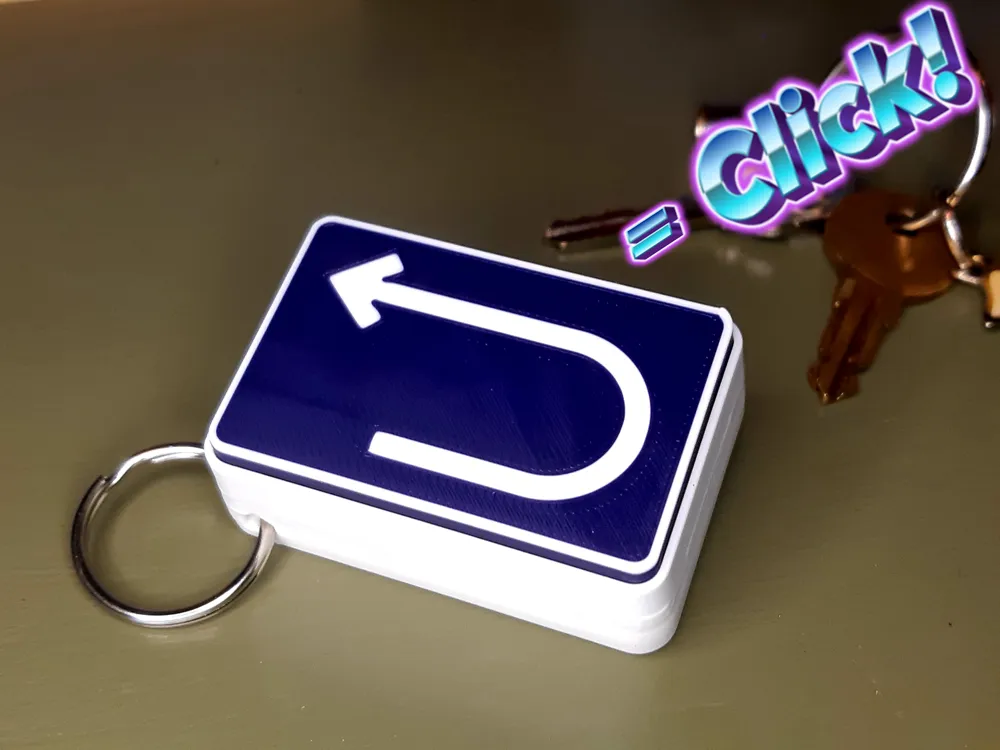
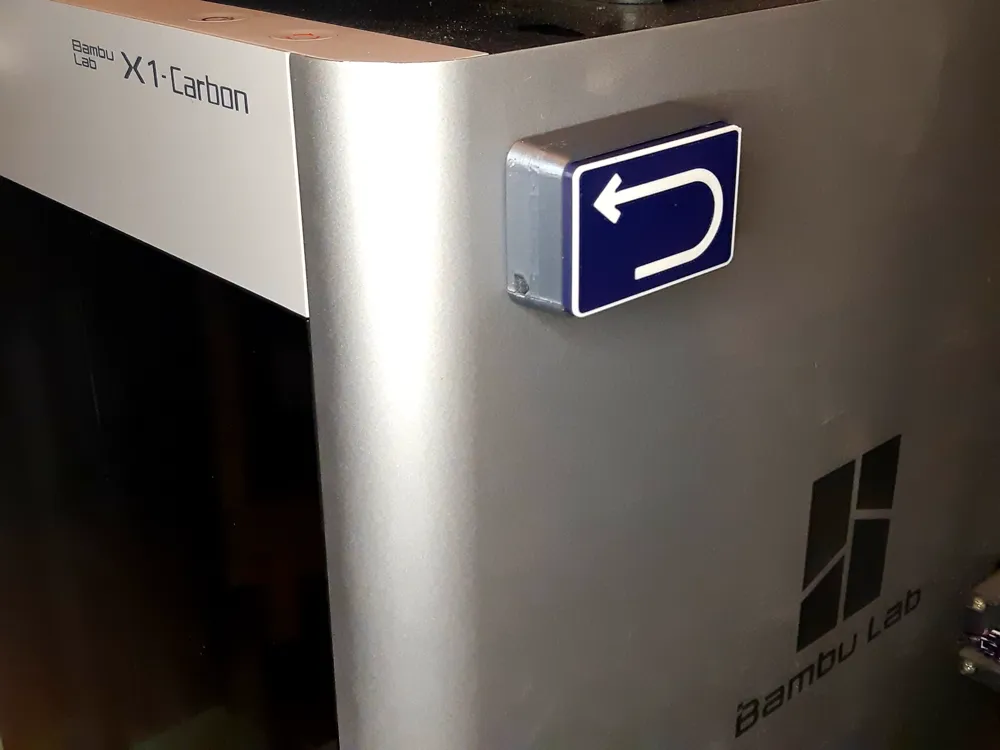
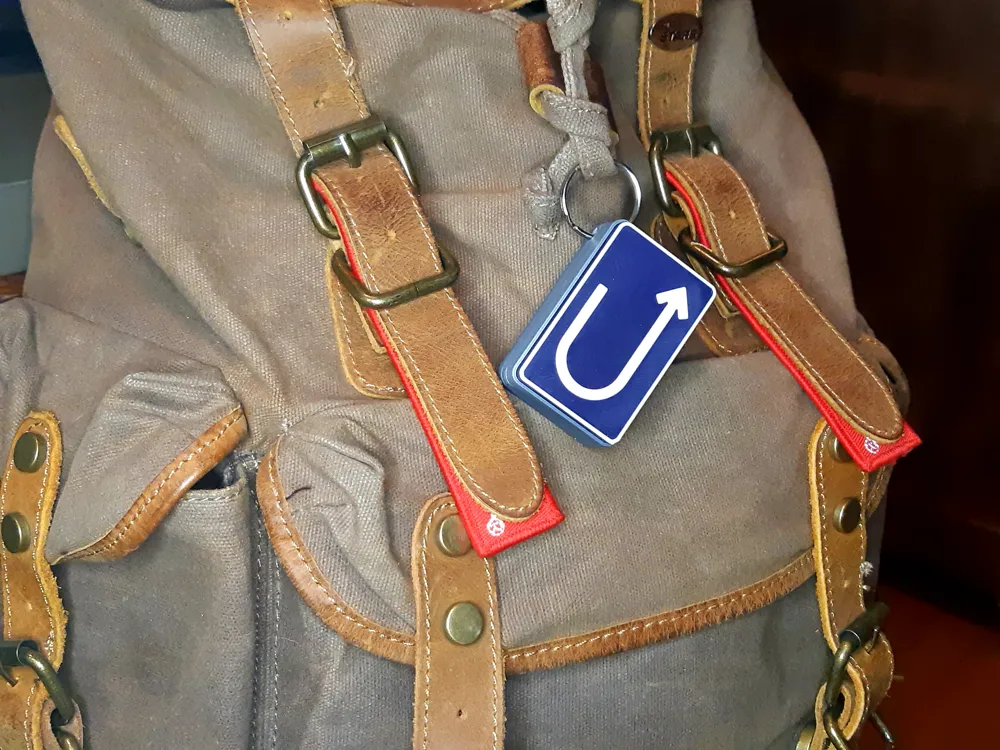
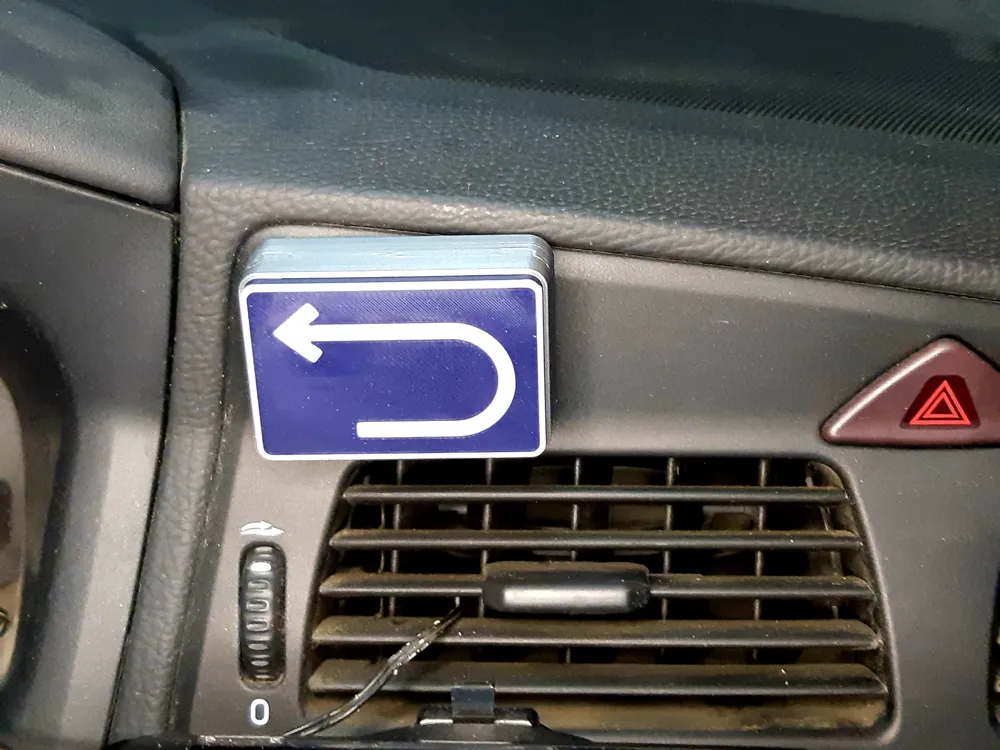
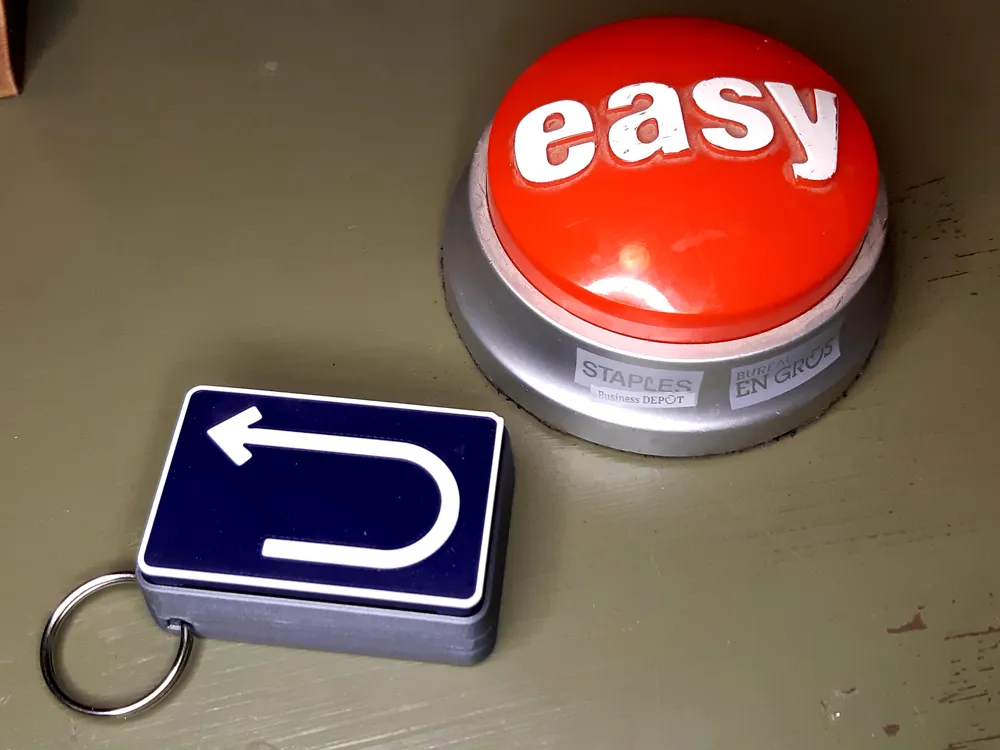
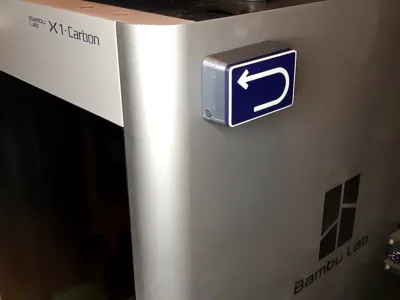
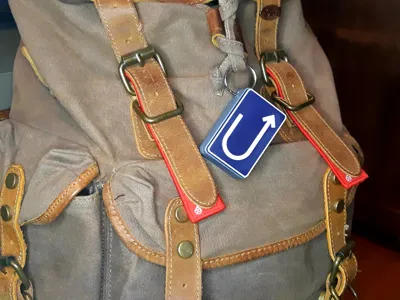
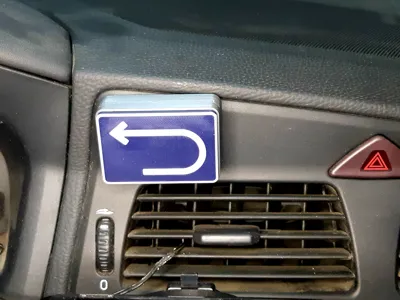
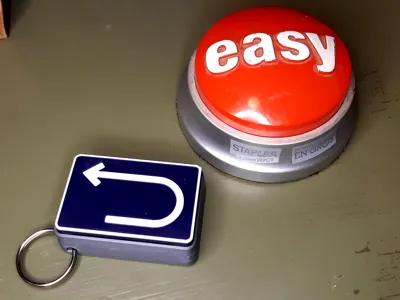
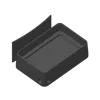
Ever find yourself thinking you need an undo button but there isn't one? Use it in places like your printer, when you're driving, or maybe after you've said something you shouldn't in that discussion with a loved one. Keep it handy, you never know when you'll need to undo what you just did with a crisp, satisfying click of your trusty Portable Undo Button.
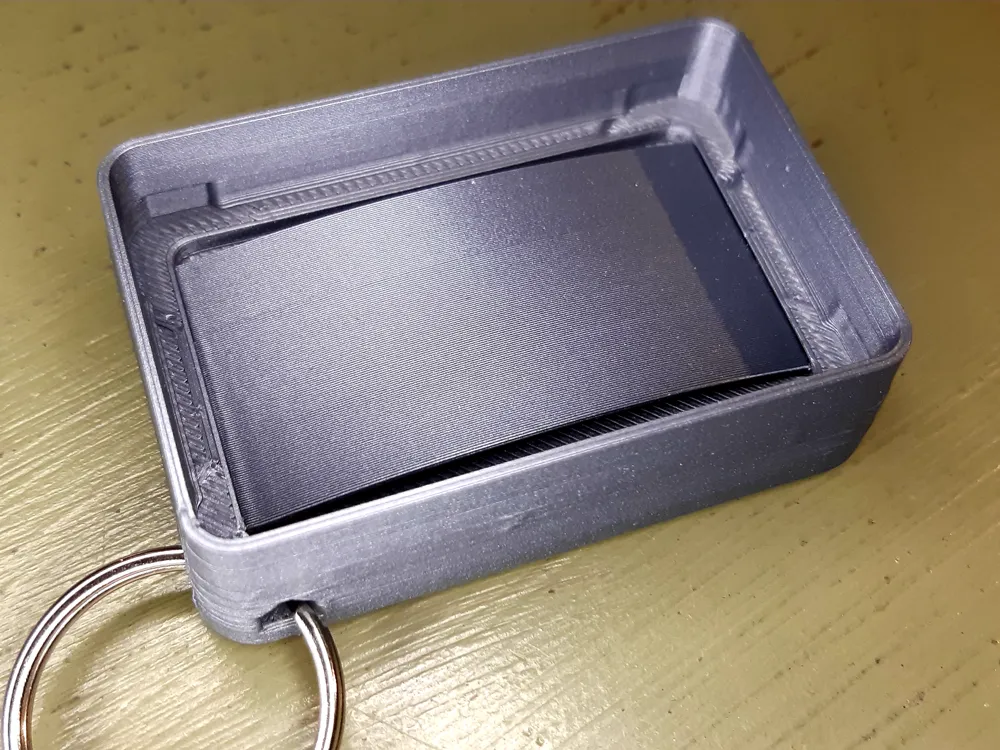
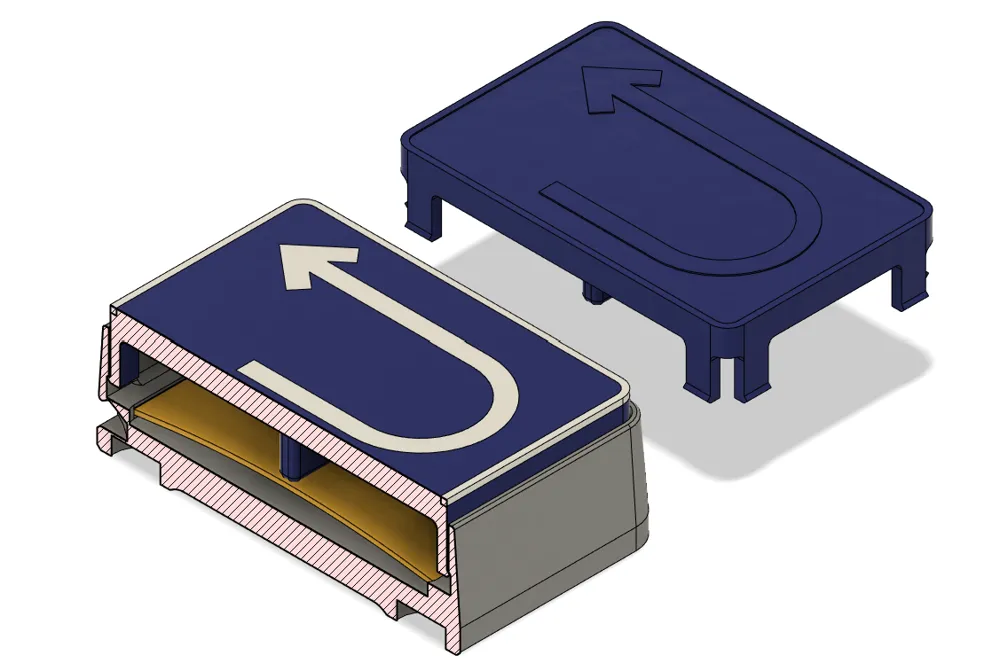
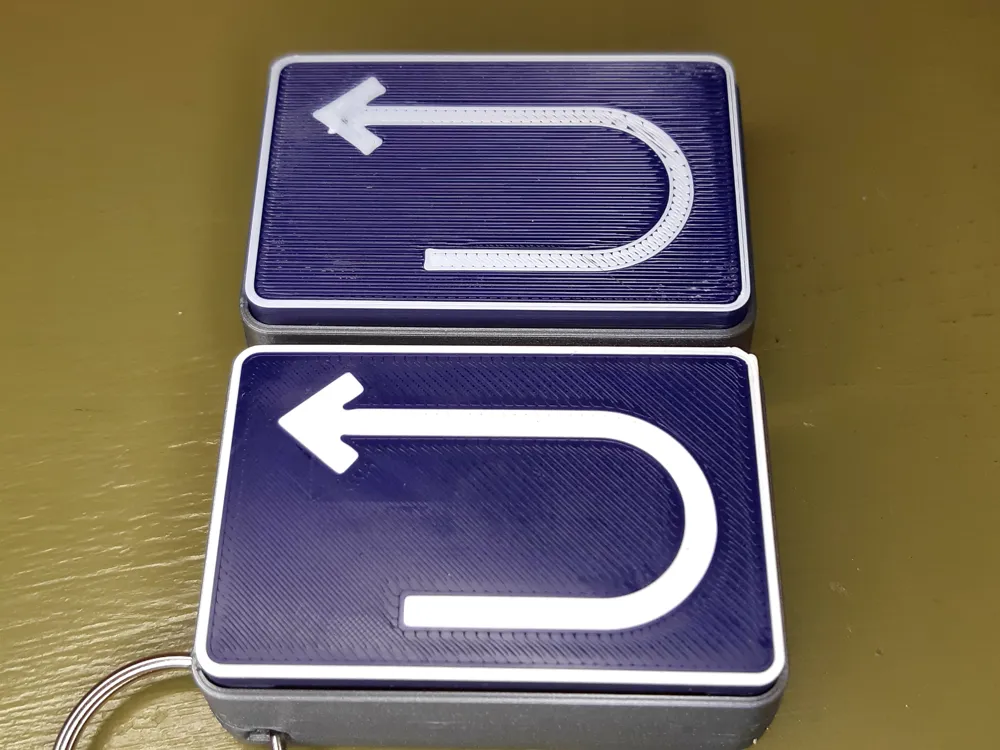
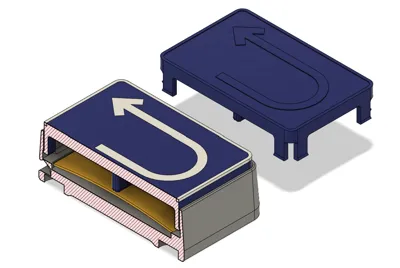
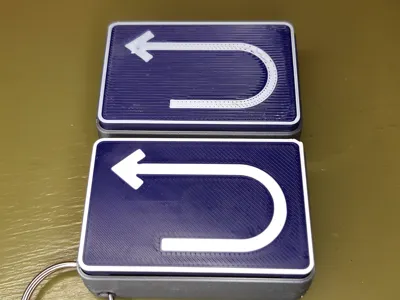
Easy print, no supports reqired, 0.2mm works well. Designed for multi-colour printing, but there is a variant of the top you can print with a colour change after the first layer. Just keep support off, and the second layer will print ok even though it's 0.2mm higher. It is not as clean looking as the multi colour(see comparison pic), but it still looks good and gets the job done.
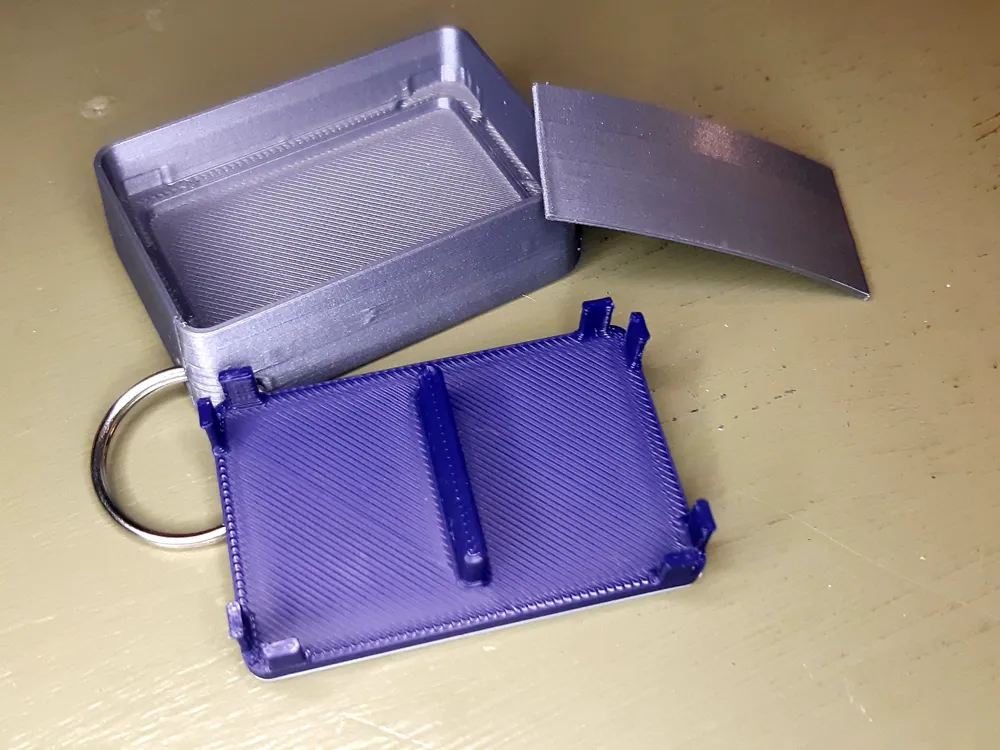
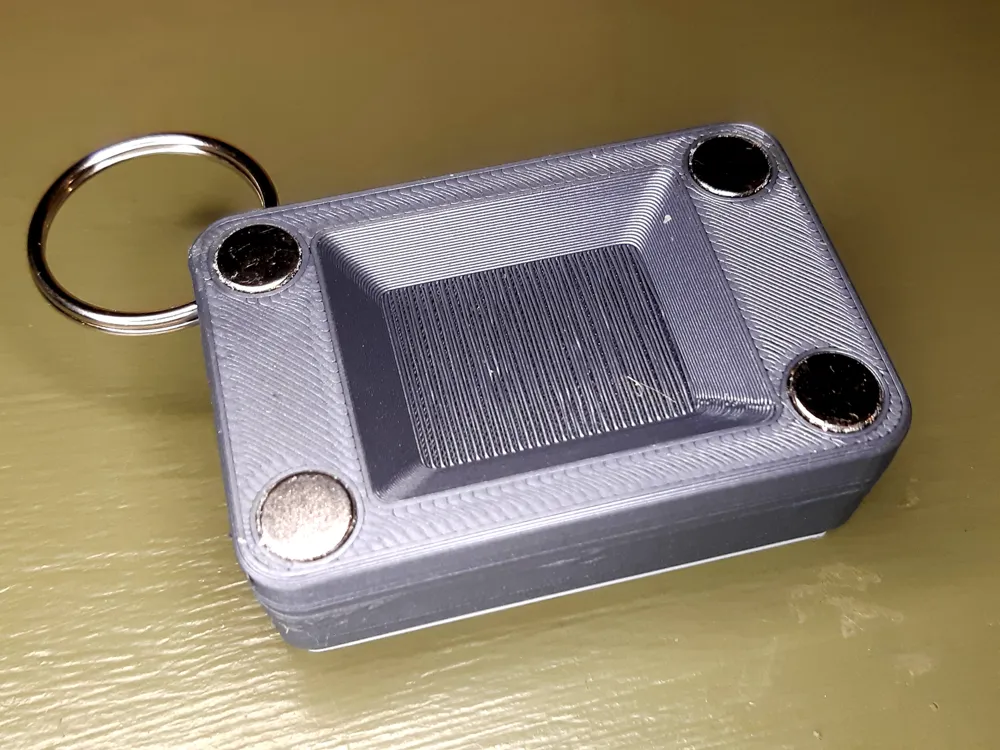
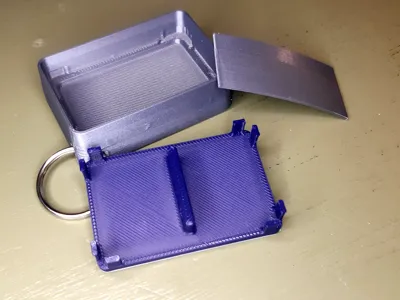
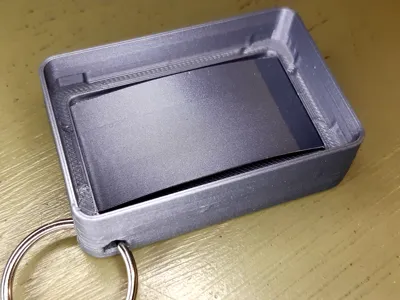
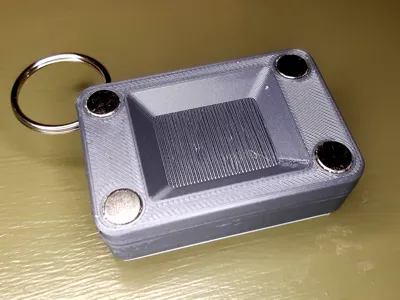
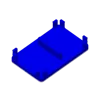
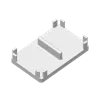
Assembly is straigntforward, first install four 8x3mm magnets, if using, then position the spring, the ends sit in curved recesses, so just make sure it's postioned well, then align the top and slide it vertically in place.
.Step file attached for mods if you need to change something.
License



Comment & Rating (2)