
Fullrange desktop speakers
Print Profile(1)
Description
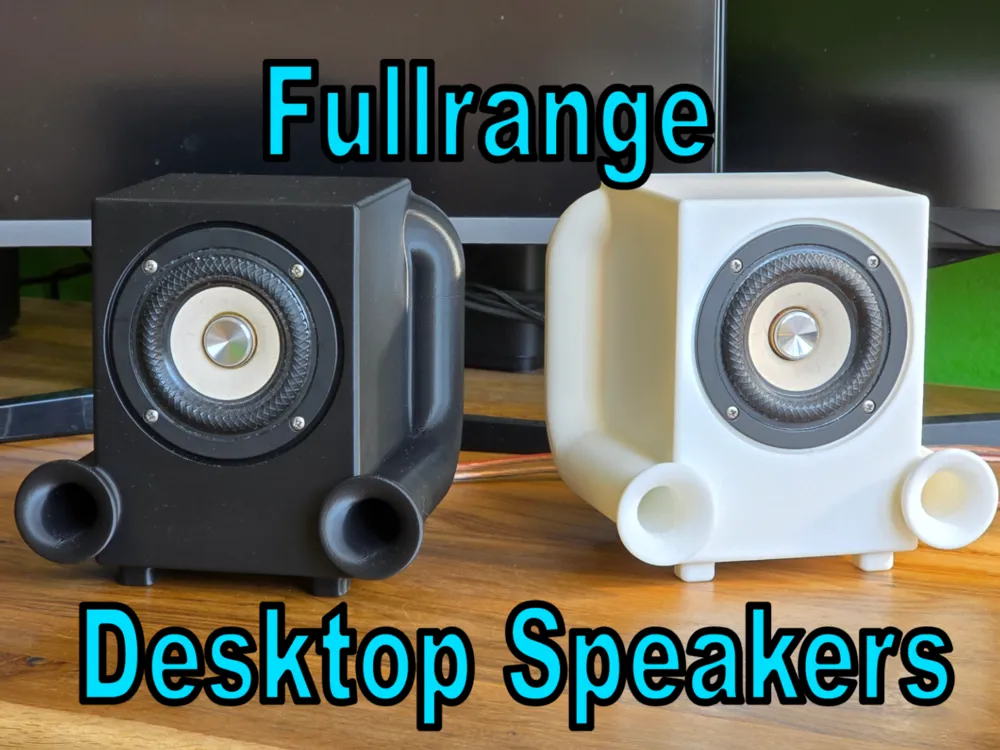
Compact Desktop Speakers
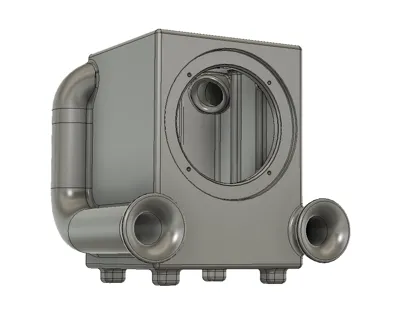
Bring high-end sound to your desk! These compact 3D-printed speakers are designed around the Tang Band W3-2141 3-inch full-range driver, offering crystal-clear sound, detailed mids, and surprisingly rich bass in a small package.
Whether you're working, gaming, or listening to music, this setup elevates your desktop audio without taking up valuable space.
Boost Me (for free)
Key Features
- Designed for Tang Band W3-2141: Tailored enclosure to get the maximum performance out of this 3" driver.
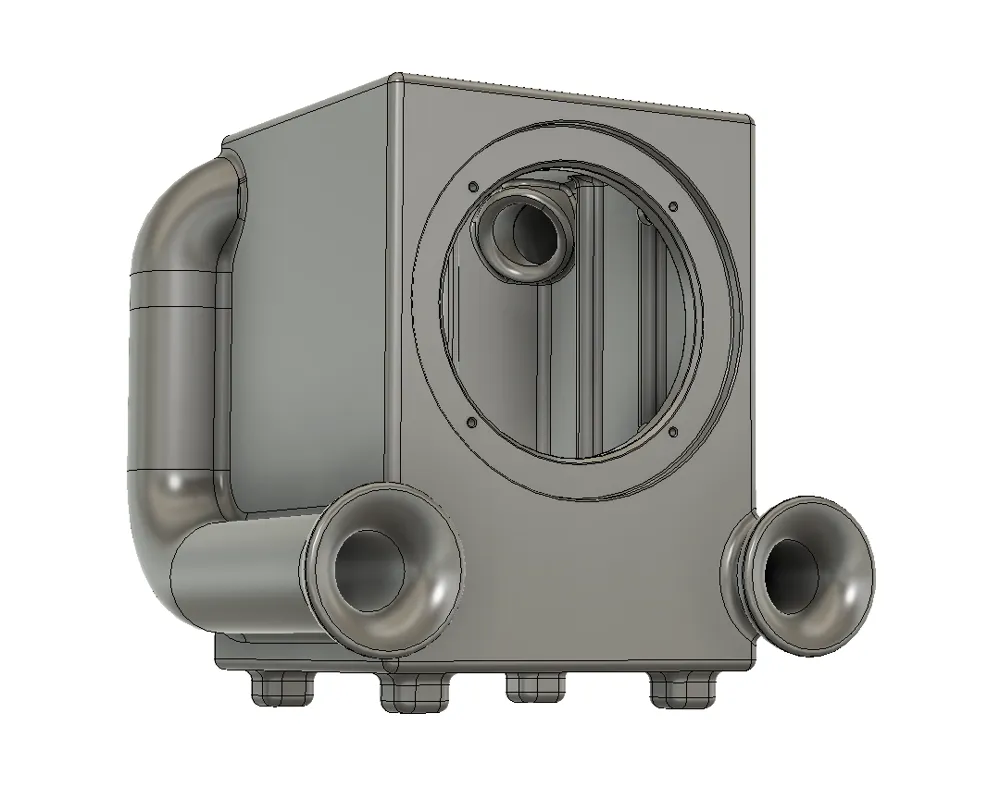
- Front Bass Ports: Dual front-facing ports deliver deep bass even if the speakers are placed close to a wall.
- Compact & Clean: Perfect minimalist design for any modern desk setup.
- Easy to Print: Optimized geometry for straightforward printing.
What You Need (BOM)
- 2× Tang Band W3-2141 drivers
- 8× M3 screws (for driver mounting)
- Speaker cable & amplifier of your choice
- Polyfill or dampening material of your choice.
- Speaker sealing tape
Assembly Guide
Prep the Printed Enclosure:
Clean up any stray stringing and ensure the mounting holes and port tubes are clear of debris.
Add Sound Damping (Crucial for Bass!):
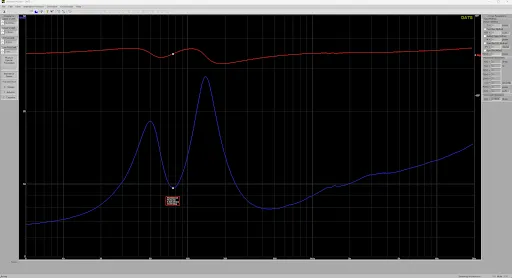
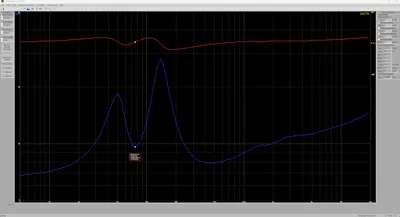
Fill the inside of the cabinet with polyfill or acoustic stuffing. Not too loose, not too tight. This drops the tuning frequency from 85 Hz down to 76 Hz and cleans up unwanted resonances.
Wire & Mount the Driver:
Solder or attach your speaker wires to the Tang Band W3-2141 terminals, run the wire out through the rear holes, and secure the driver using M3 screws. Use a speaker sealing tape.
Seal & Isolate:
Ensure all wire exits/terminals are airtight (you can wrap the wires in painters tape) so air only moves through the front ports.
💡 Tip: Stick small rubber feet on the bottom to isolate vibrations from your desk!
License

You shall not share, sub-license, sell, rent, host, transfer, or distribute in any way the digital or 3D printed versions of this object, nor any other derivative work of this object in its digital or physical format (including - but not limited to - remixes of this object, and hosting on other digital platforms). The objects may not be used without permission in any way whatsoever in which you charge money, or collect fees.


Comment & Rating (0)