
Print Profile(1)
Description
Boost Me (for free)
You like the Design? Consider using your boost tokens to help and support me for free!
- Want to earn easy reward points? Rate the print profile by going to the Rating link on your Profile drop down menu.
- My own link is https://makerworld.com/en/@neocrisis/rating

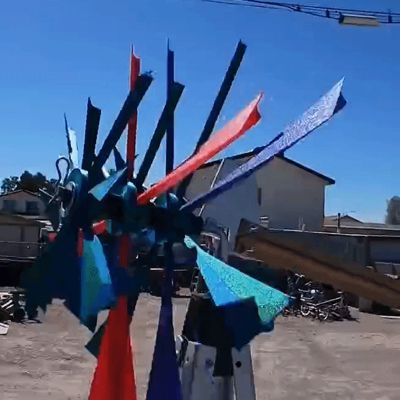
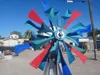
I found a windmill but it was missing its blades. I decided to design the missing blades.
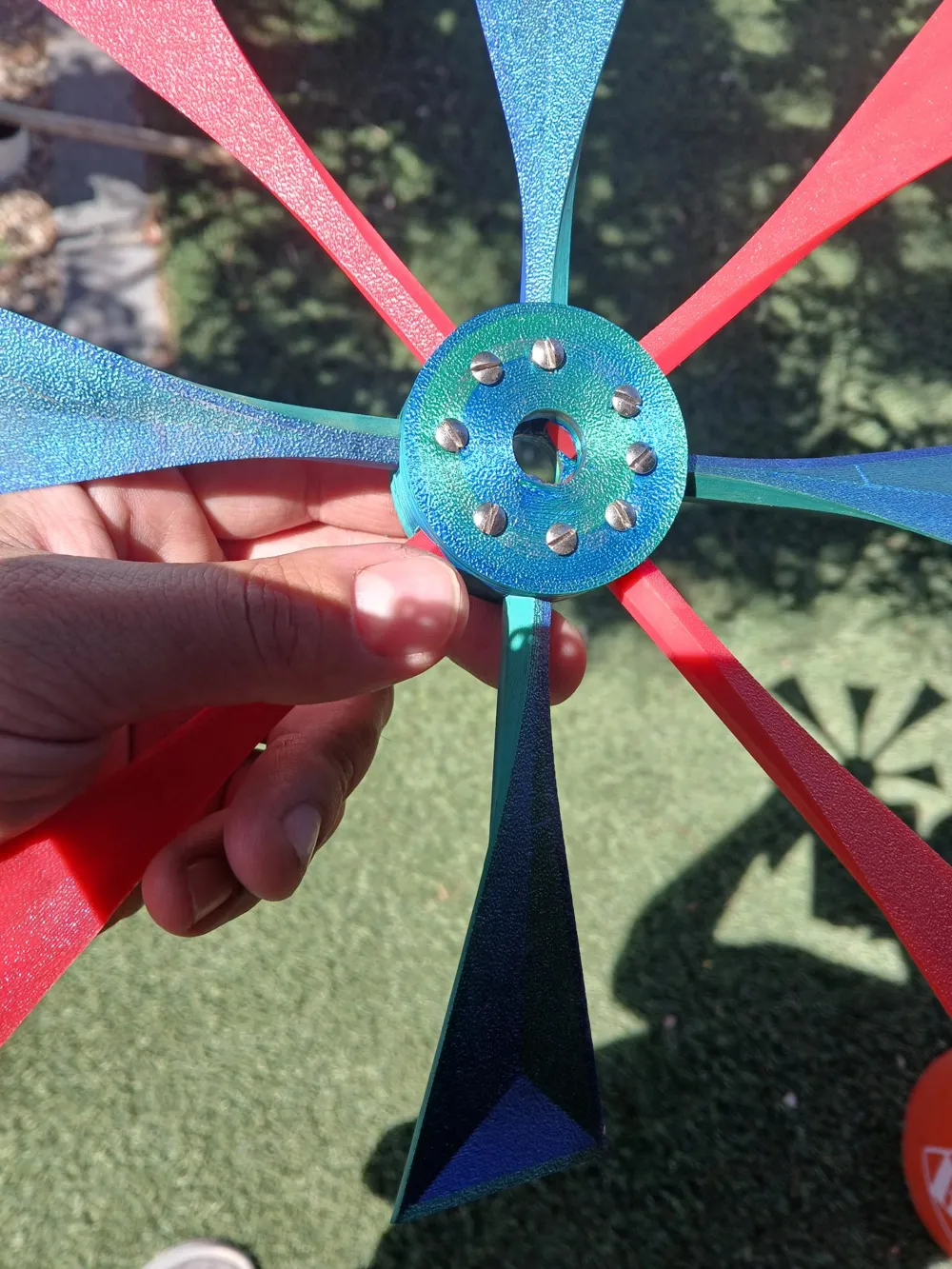
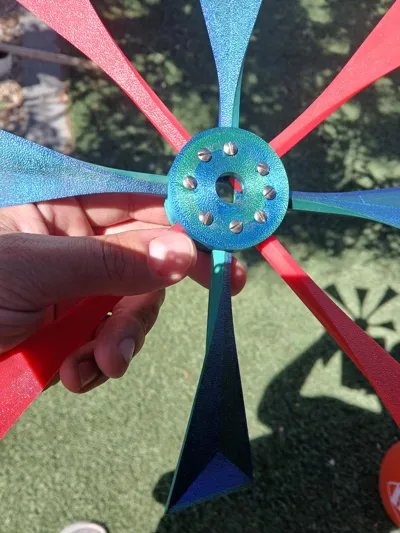
You should be able to use these blades on anything you want. The center hole for the Central Base is 13.25mm.
With this information, you should be able to uniform scale ALL parts to the size you need.
For example, if you whole size you have is 16.5mm, you would uniform scale all parts to between 200 to 205%.
This is just a random example.
I designed the blades to slide it and out. AS A RESULT, they can fly off the central hub because the are not secured to the central hub.
Attach the blades - I used small screws but you can use glue or wire of some sort.
No glue - I decided to use screws not glue because I expect the blades to break. So, using the screws, I can replace just the blade itself not the whole thing.
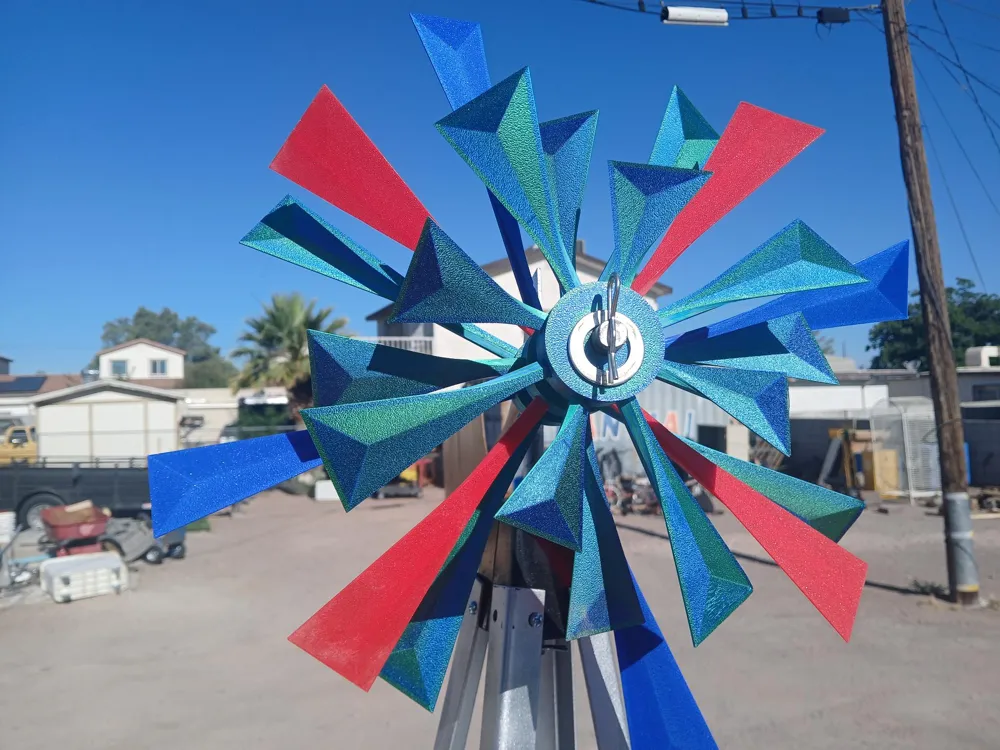
Blade Sizes - Small, Medium, Large, Extra Large.
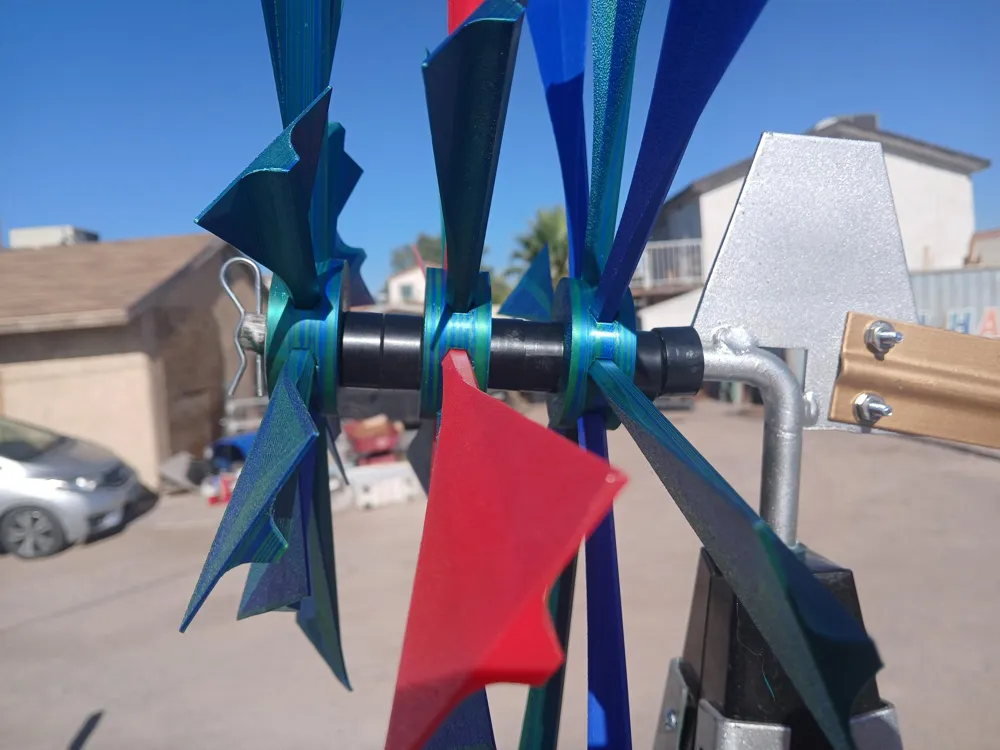
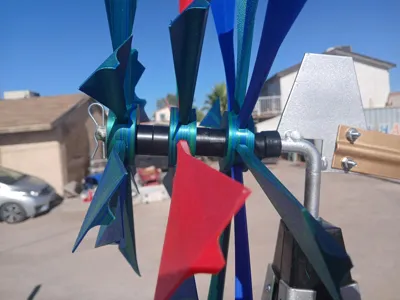
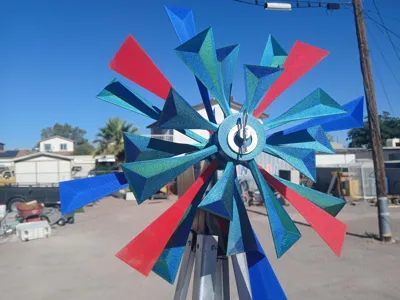
Multiple Rows - You can add as many rows as you want. You should add a spacer between the rows for the blades don't hit each other.
Row 1 - 4 small, 4 medium
Row 2 - 4 medium, 4 Large
Row 3 - 4 large, 4 extra large
Strength - I live in an area where the wind is rather strong, the blades have so far survived. I am actually quite surprised. Even if it breaks, its rather easy to replace parts
Nothing else required - Technically, i could have designed this with ball bearings but was both lazy and did not want to buy extra stuff. You can add oil, grease, lubricant or whatever you have but I did not. I don't think its really needed. You can but if the central hub gets damaged, print a new one. Honestly, I think it will take a long time for you to need to replace it.
Blade Angle - I put mine at a 45 degree angle and it simple works
Adding Color - I found that adding color to 4 of the 8 blades on each row allows the blades to pop and easier to notice the different rows.
Wrong blade direction - I don't know how to explain this, if you complete the blade and it does not rotate, then that means you need to change the blade angle to the opposite direction
- If you look at my images, put your blades on the same way how they are in the photos, the blades should rotate.
License

You shall not share, sub-license, sell, rent, host, transfer, or distribute in any way the digital or 3D printed versions of this object, nor any other derivative work of this object in its digital or physical format (including - but not limited to - remixes of this object, and hosting on other digital platforms). The objects may not be used without permission in any way whatsoever in which you charge money, or collect fees.


Comment & Rating (0)