Search models, users, collections, and posts

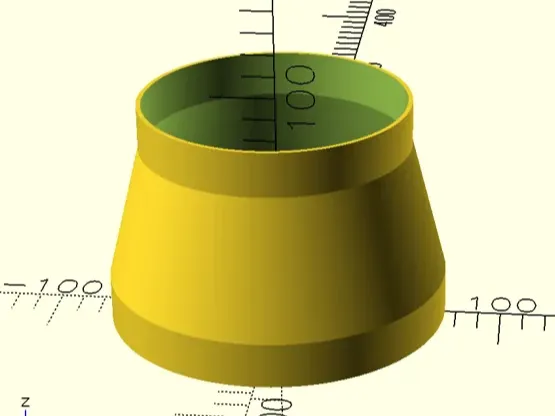
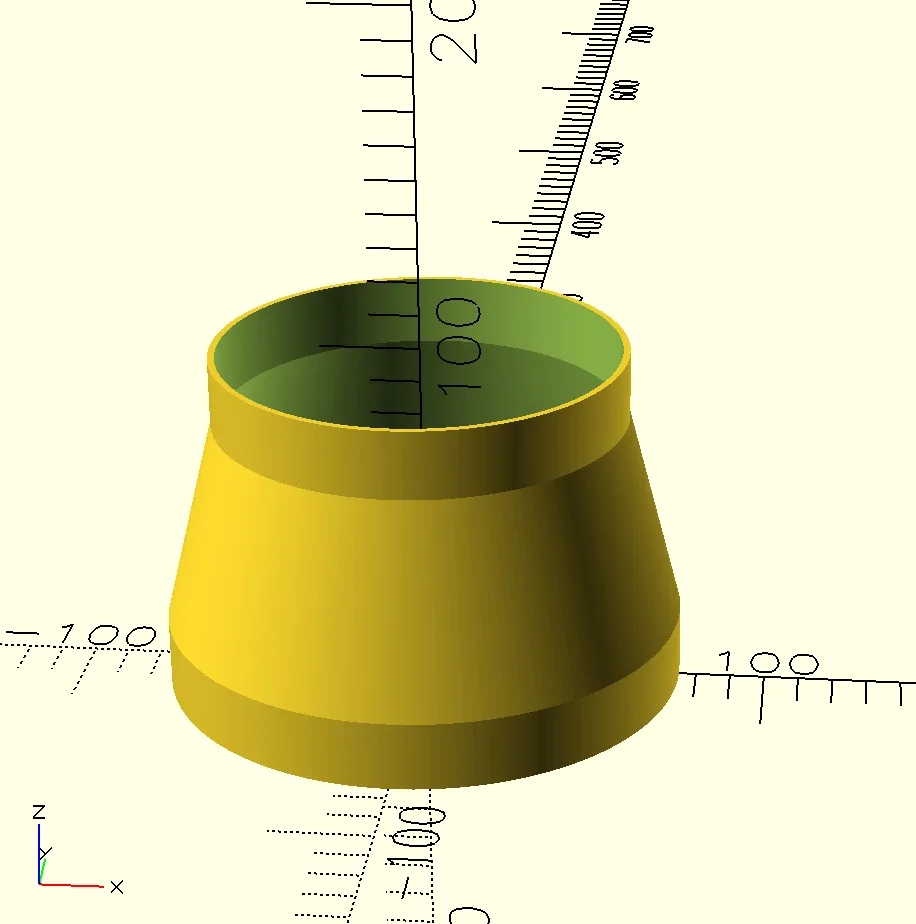
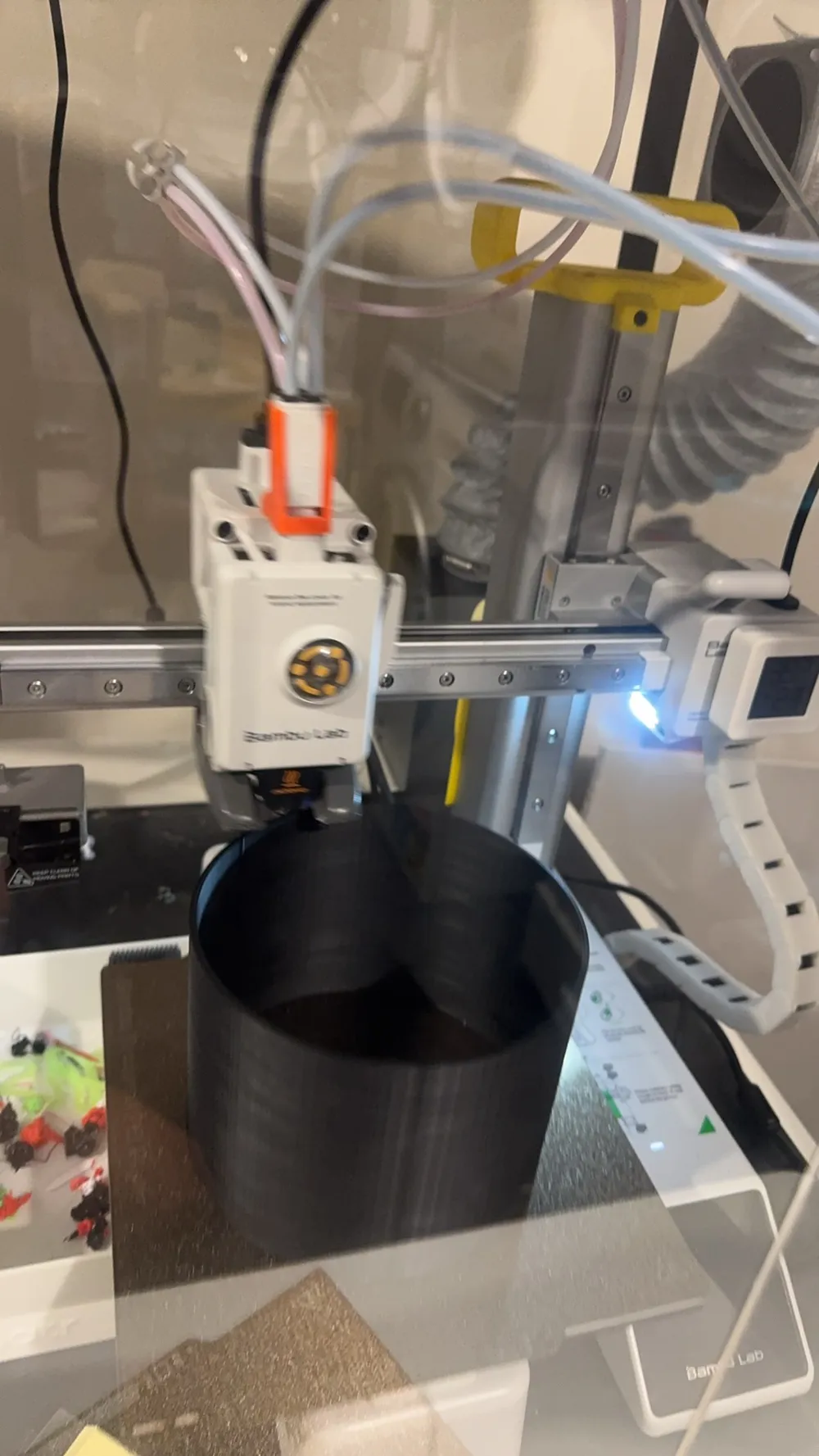
Parameterized Cylinder
IP Report
Print Profile(0)
Add the first print profile to earn points
Boost
1
3
0
0
8
5
Released
Description
Content has been automatically translated.
Key Parameter Guide / Customization Guide
1. Basic Dimensions (Basic Dimensions)
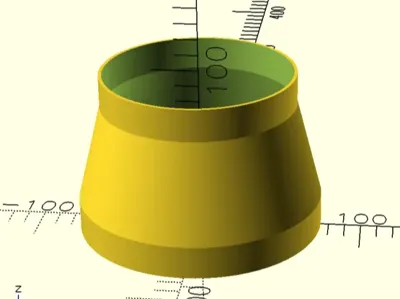
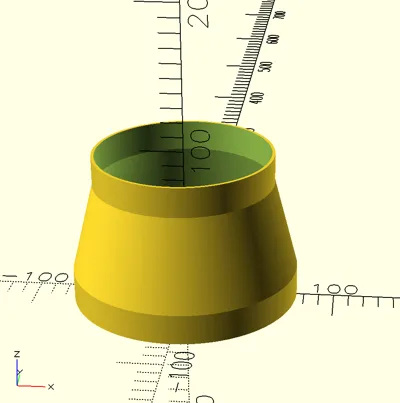
- top_r / bottom_r: Top and bottom radii (controls whether the overall shape is cylindrical or conical).
- total_height: Total height including all segments.
- top_height / bottom_height: Vertical transition height for the top and bottom to remain cylindrical.
- oval_length: Axial stretch length. Set to 0 for a perfect circle, and greater than 0 for an aesthetically pleasing oval.
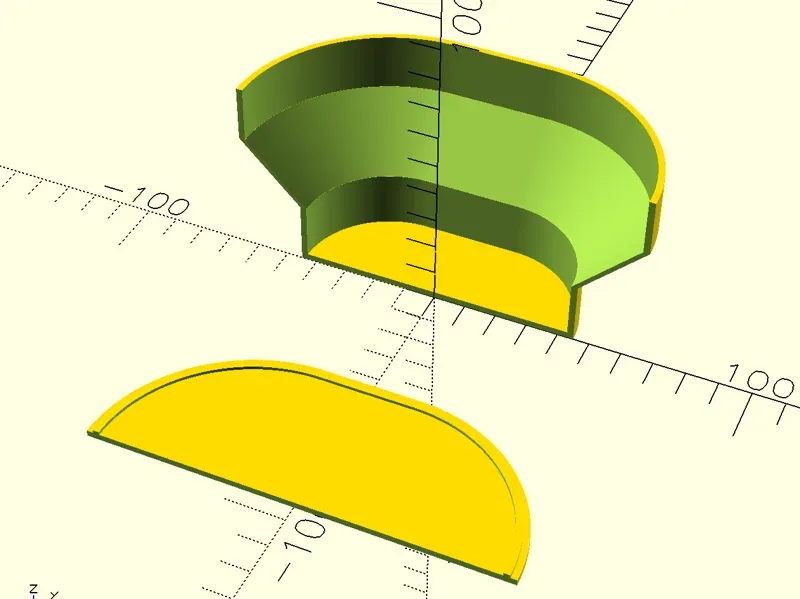
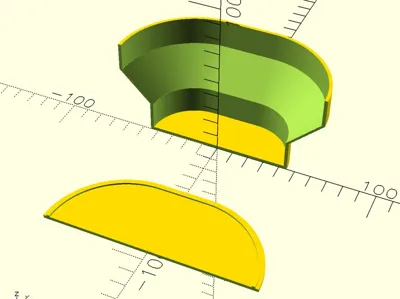
- sector_angle: Sector cut angle. Default 360 for a complete object; set to 180 to print only half, convenient for making wall-mounted storage racks or display cross-sections.
2. Hollow and Lid Settings (Hollow Settings)
- is_hollow: Whether to enable hollow shell mode (keep enabled for making bottles or tubular objects).
- wall_thickness: wall thickness (default 2mm, recommended to adjust based on your nozzle diameter and desired strength).
- print_mode:
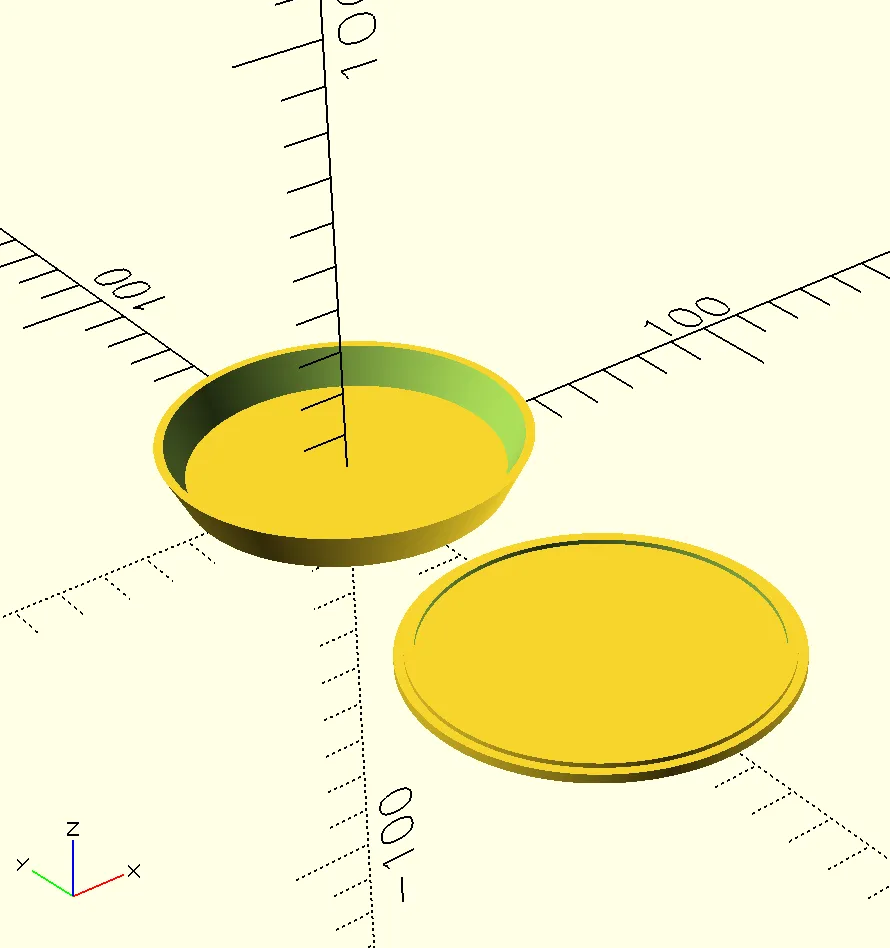
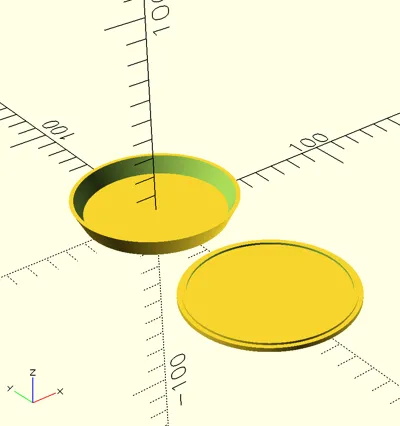
- 0: Render all (main body + lid)
- 1: Render only the main body with the containment groove
- 2: Render only the sealing lid
- 3: Render a completely transparent hollow tube at both ends
- cap_insert_tolerance: Lid tolerance fit. If the lid is too tight after printing, slightly increase this value (e.g., 0.1 - 0.2mm) to ensure a perfect physical snap fit.
🖨️ Printing Suggestions / Printing Tips
- Wall Thickness Fit: It is recommended to set wall_thickness to an integer multiple of your nozzle's Line Width. For example, for a 0.4mm nozzle, set it to 1.2 for 3 walls, 1.6 for 4 walls, or the default 2.0 (5 walls).
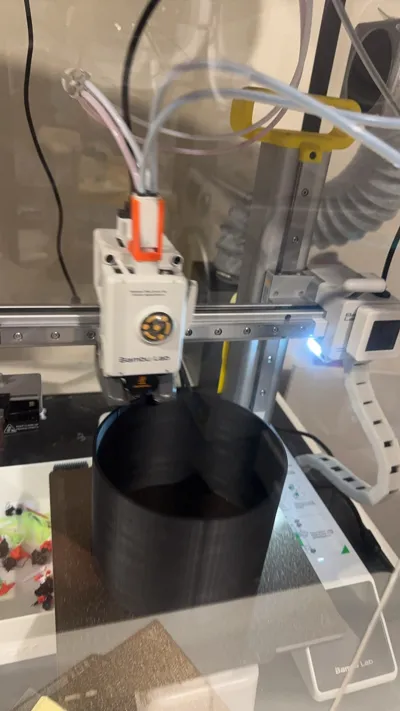
- Supports: Normal cylinders/tapered cones printed vertically require no supports whatsoever.
License

This user content is licensed under a
Creative Commons Public Domain


Comment & Rating (0)