
Claude Code Keyboard
Print Profile(1)
Description
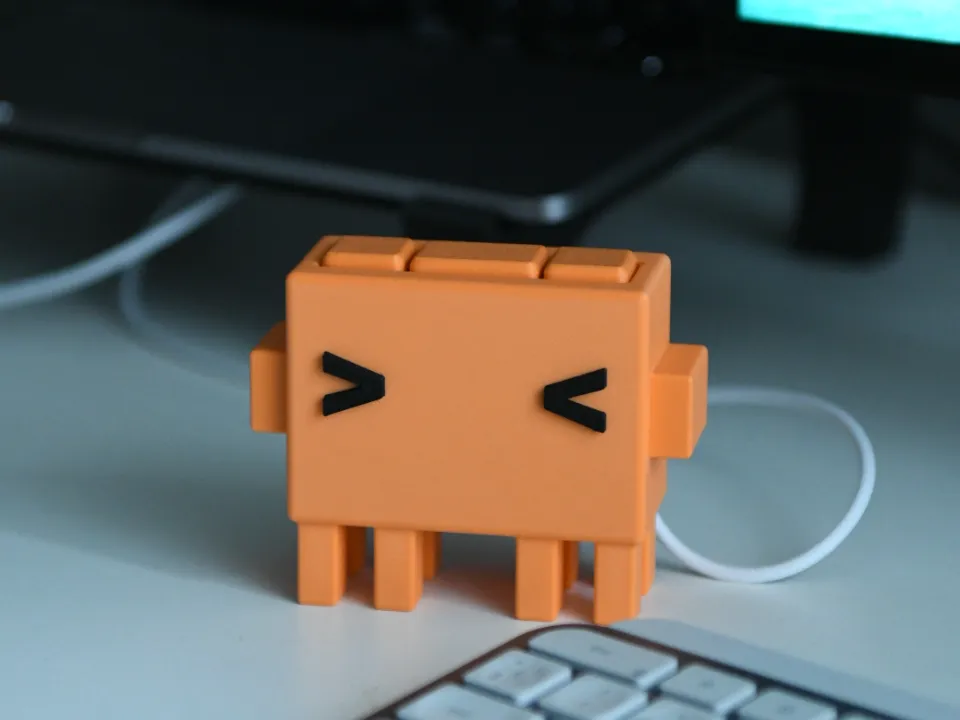
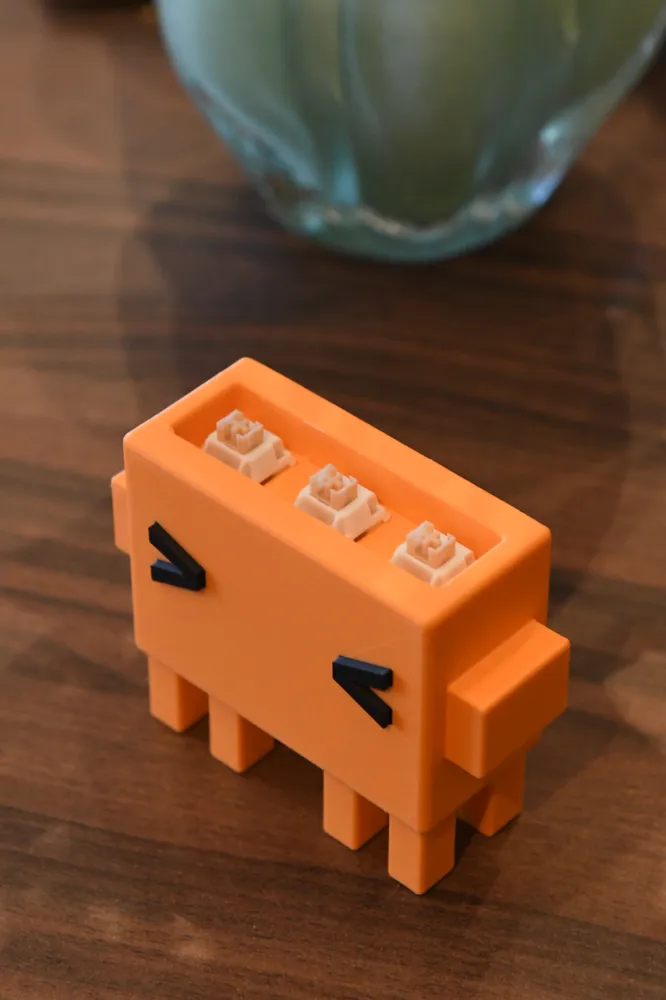
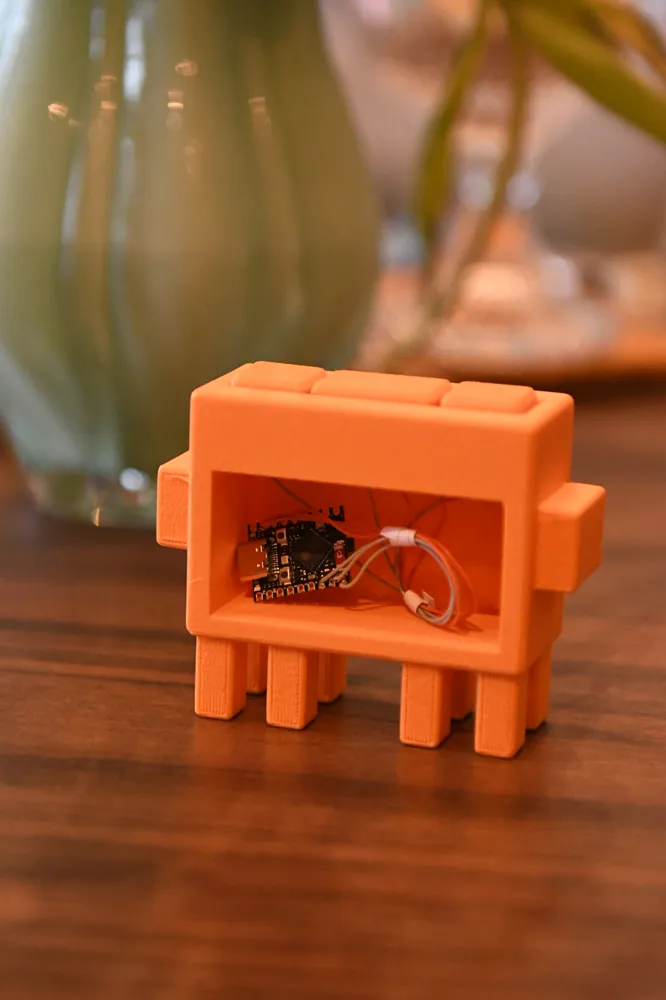
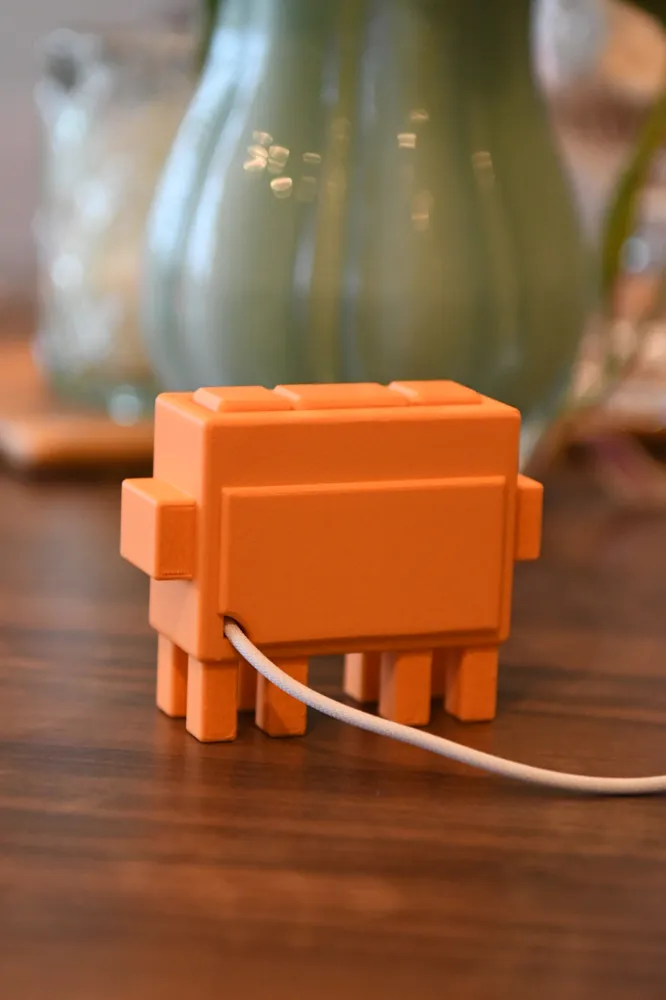
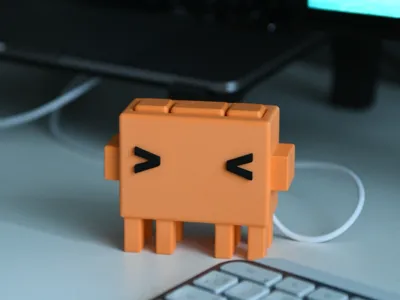
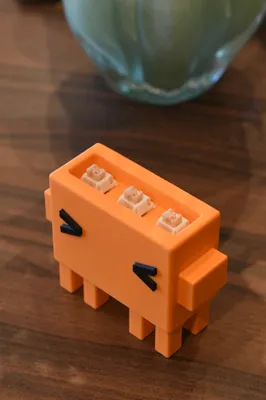
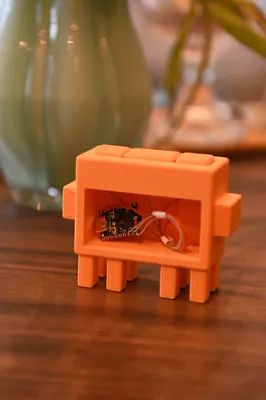
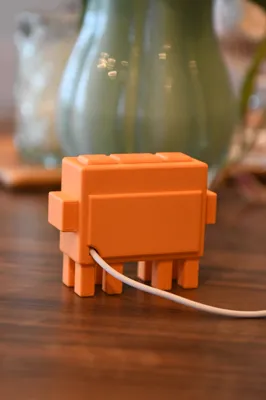
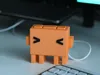
I made this Claude Code keyboard as a fun, lighthearted project to keep on my desk at work. In addition to this 3D print you will need 3 mechanical keys and your choice of micro controller that supports USB output. I am using a esp32-s3-supermini and have made the keys map to the “yes”, “yes, always”, and “no” keys.
I have soldered the wires directly from the keys to the microcontroller. It’s a simple setup: One side of each key connected to the ground pin, and the other side of each key to their own GPIO pin. Claude should be able to help set up the code for your specific microcontroller once you have it wired up!
License

You shall not share, sub-license, sell, rent, host, transfer, or distribute in any way the digital or 3D printed versions of this object, nor any other derivative work of this object in its digital or physical format (including - but not limited to - remixes of this object, and hosting on other digital platforms). The objects may not be used without permission in any way whatsoever in which you charge money, or collect fees.


Comment & Rating (16)