
Cube Bracelet - Fully Customizable!
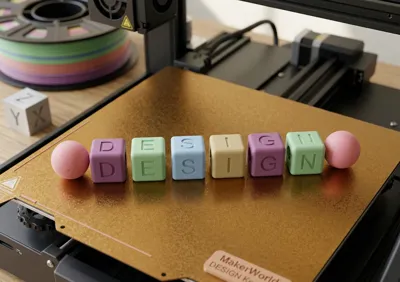
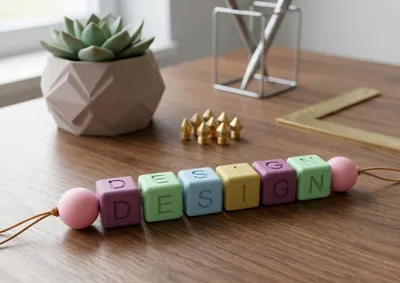
Print Profile(1)



Description
Boost Me (for free)
Boost me! (for free)
If you find this 3D Model useful, a rating helps me enormously and gives me the possibility to develop more free tools for the community ❤️
🔠 Cube Bracelet - Fully Customizable!
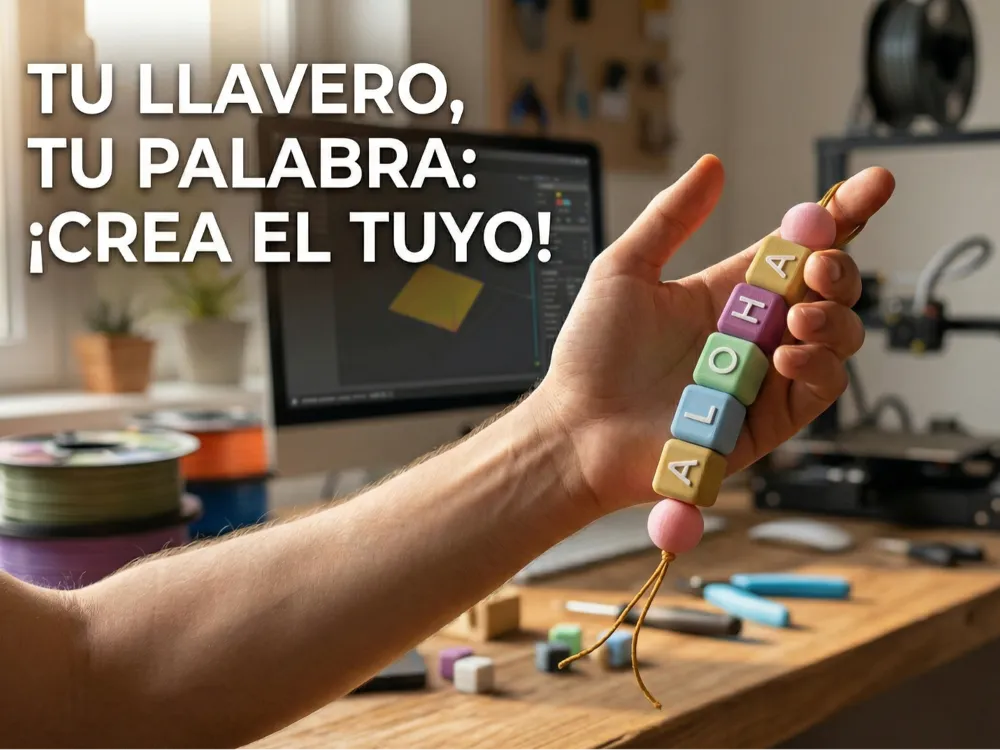
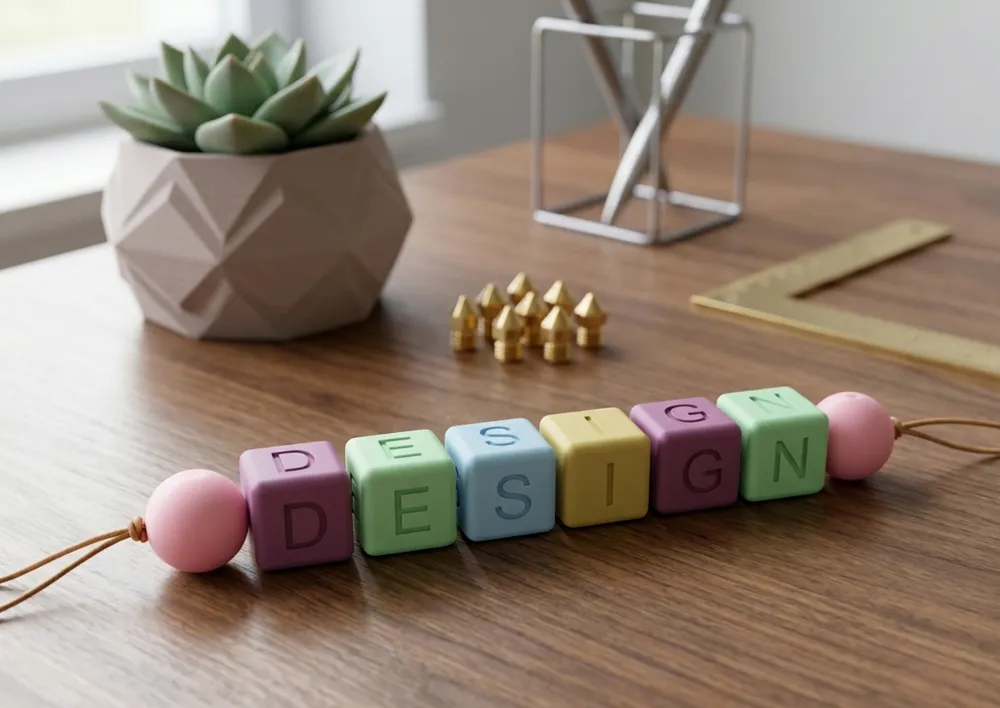
Create your own keychain, name tag, or accessory with this premium bead generator! This model has been designed with aesthetics and comfort in mind, offering a soft-to-the-touch finish and a professional look.
✨ Main Features
- Fully Customizable: Change the name or word instantly using the "Customize" button.
- Smooth Edges: Forget sharp edges. Each cube has rounded edges for a much more pleasant feel.
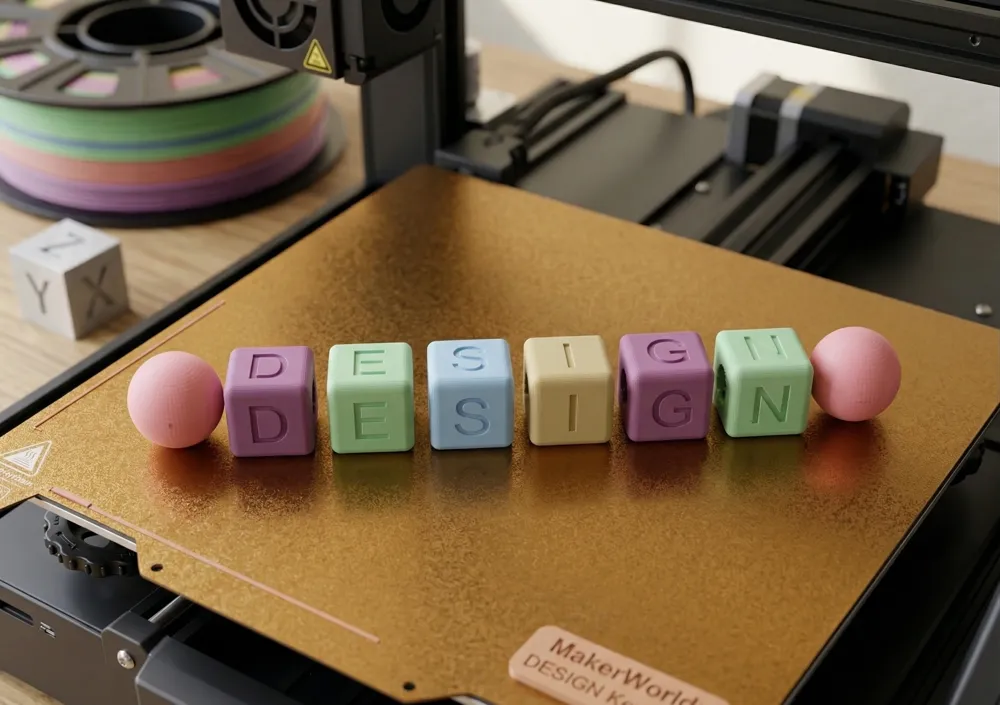
- 360° Visibility: The text appears on all 4 side faces of the cube, ensuring your word is visible from any angle.
- Letter Styles: Choose from three finishes:
- Smooth (Inlay): Perfect for multi-color systems (AMS/MMU), the letter is flush with the cube.
- Extruded (Embossed): The letter stands out.
- Recessed (Engraved): The letter is engraved inwards.
- No Supports: Designed to print cleanly without the need for support material.
🛠️ How to Customize
- Click the "Customize" button (or open it in OpenSCAD).
- Text: Type your word in the word field.
- Font: Choose from a wide variety of installed fonts.
- Style: Adjust whether you want the letter to be extruded, recessed, or completely flat.
- Color: Activate random mode for a fun look or choose a fixed color for a more sober design.
🖨️ Recommended Print Settings
- Layer height: 0.2mm (for good detail on curves).
- Infill: 15% - 20% is sufficient.
- Supports: NOT required.
- Multi-color: If you use AMS or MMU, the "Smooth" mode is the most efficient and visually appealing.
💡 Tips
- If the name is too long, you can reduce the size of the cubes in the technical settings if necessary.
- Don't forget to upload photos of your prints! I love seeing how your color combinations turn out.
📦 Script Content
The code allows previewing the model in 4 ways:
- Assembled: The perfect final view. Ideal for seeing how colors and relief combine before exporting.
- Base: Generates only the cubes and spheres with the letter cutouts.
- Letters: Generates only the letter inserts (ideal for printing in a different color).
- Both: Places the base and letters separately on the print bed, ready for export if you don't have a multi-color system.
Boost Me (for free)
THANKS!!! THANKS!!!!
License

You shall not share, sub-license, sell, rent, host, transfer, or distribute in any way the digital or 3D printed versions of this object, nor any other derivative work of this object in its digital or physical format (including - but not limited to - remixes of this object, and hosting on other digital platforms). The objects may not be used without permission in any way whatsoever in which you charge money, or collect fees.


Comment & Rating (2)