
PiBox
Print Profile(1)

Description
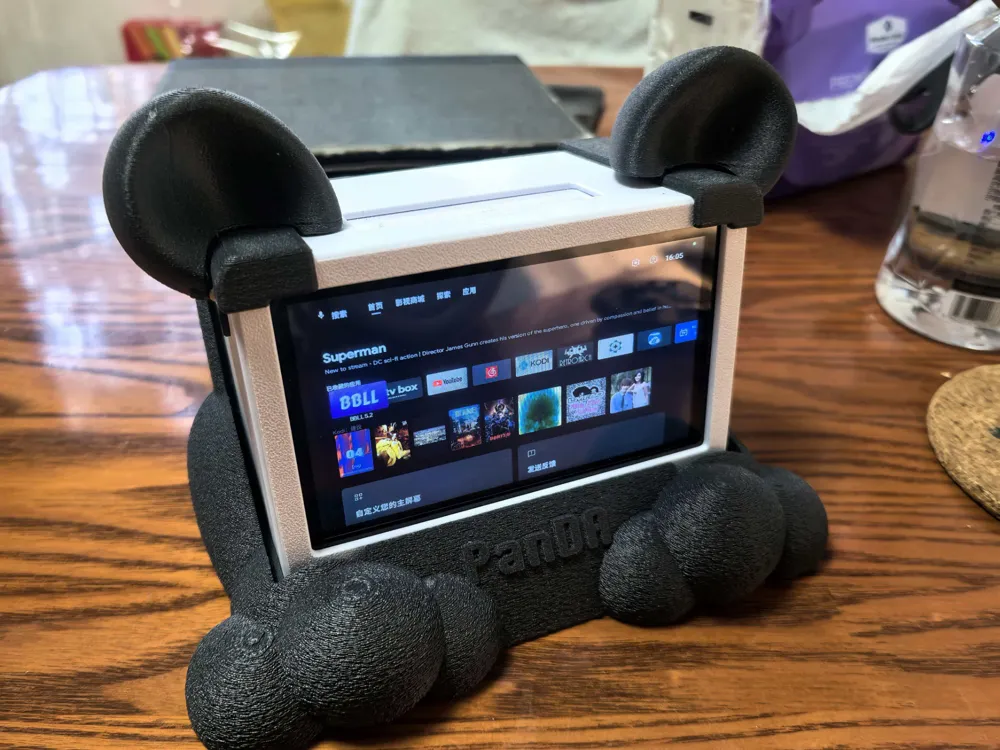
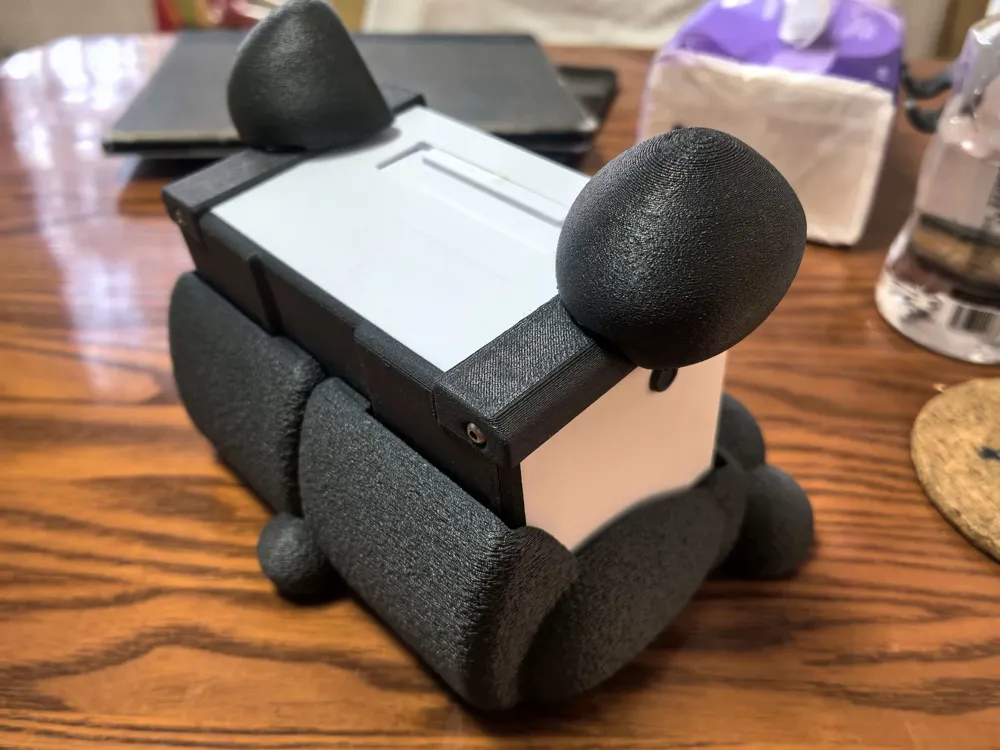
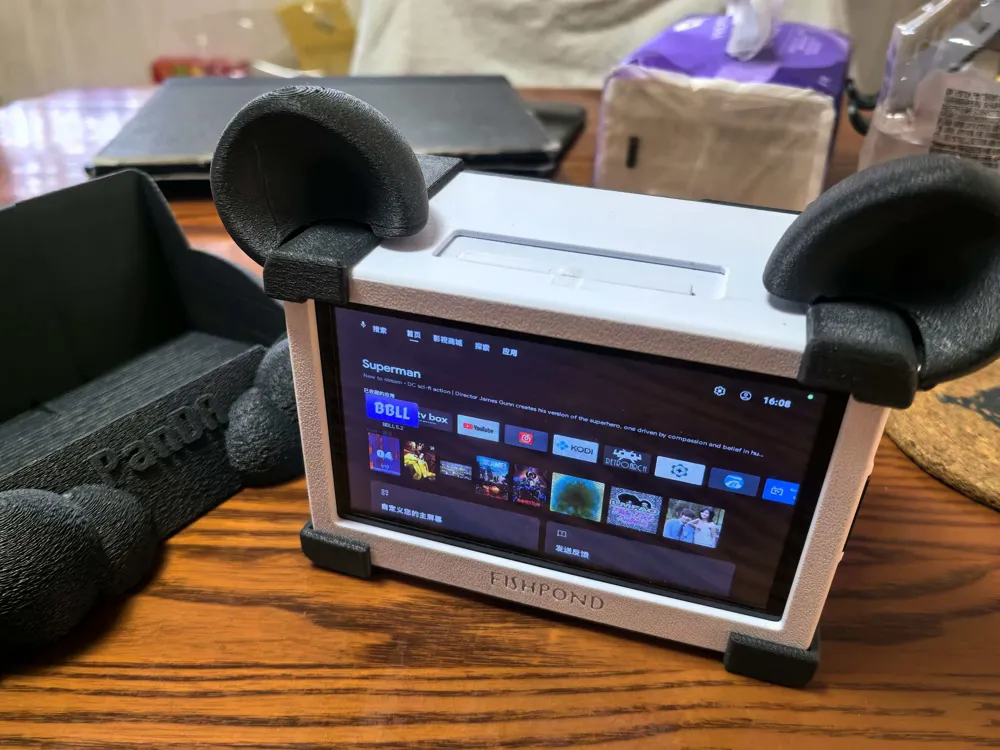
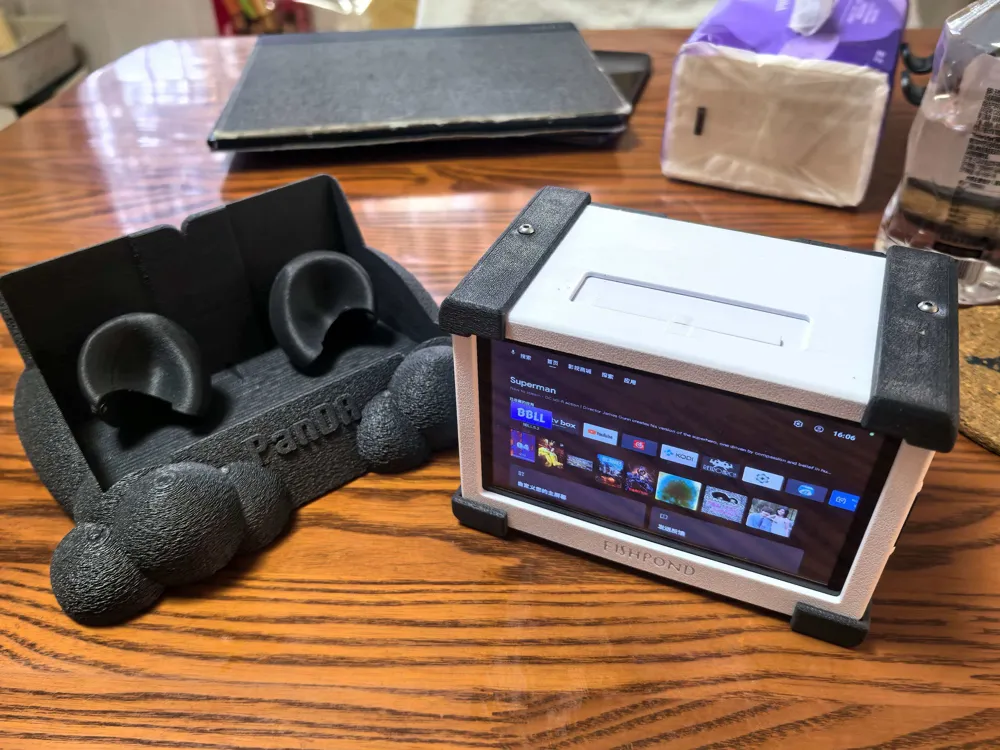
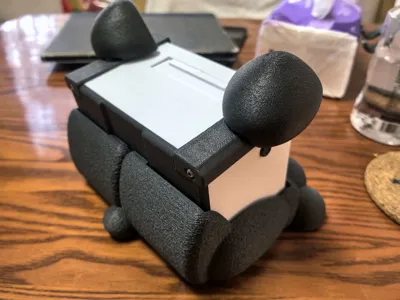
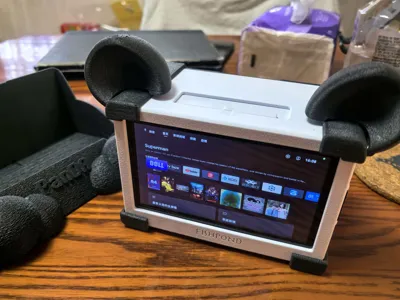
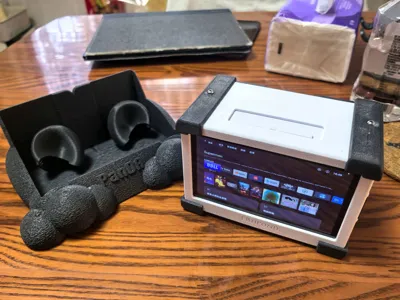
Recently, I dug out my Raspberry Pi 4B and some of its accessories, which had been idle for a long time. I felt it was a waste to let them sit, so I made this desktop mini TV.
Features:
Flashed Raspberry Pi with KonstaKang's TV version; I used Android 14.
After solving a bunch of system issues, the following functions can be achieved:
1. Installing Bilibili, Kodi, TVbox, etc., can meet daily video needs;
2. Installing RetroArch can meet retro game emulator needs;
3. Installing Reading and MultiTTS allows listening to audiobooks according to personal preference;
4. Installing NetEase Cloud Music, Kodi, etc., can meet music appreciation needs;
5. Finding an Android version of the Xiaozhi app should also be fun (this has not been tested yet).
Theoretically, most Android applications can be installed, and remote control issues can be solved by pairing a gamepad or wireless keyboard and mouse.
If you have any questions about system installation, feel free to ask.
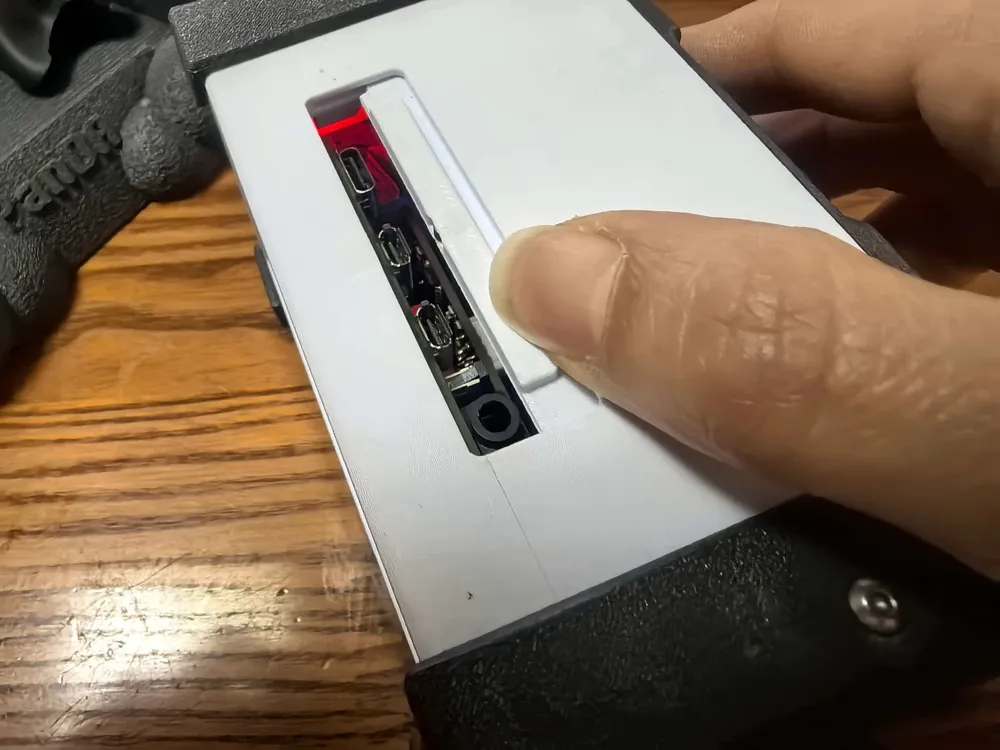
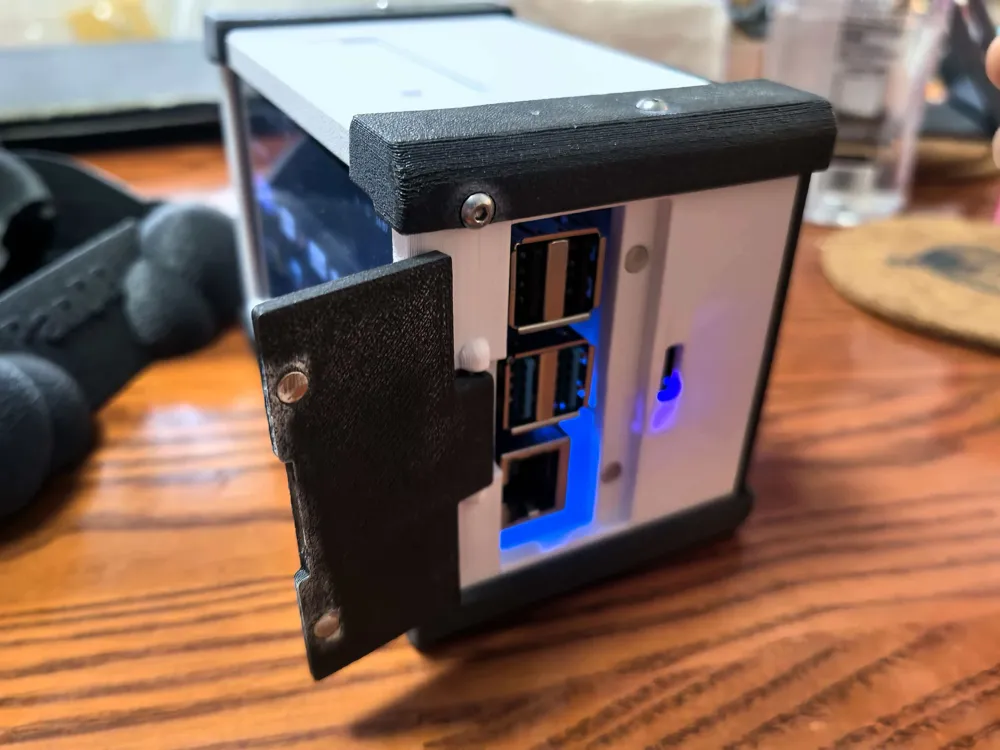
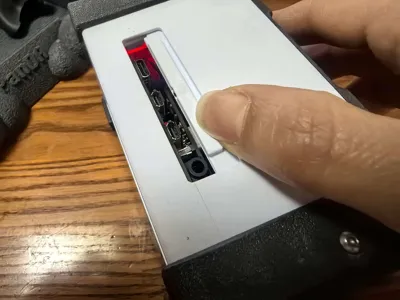
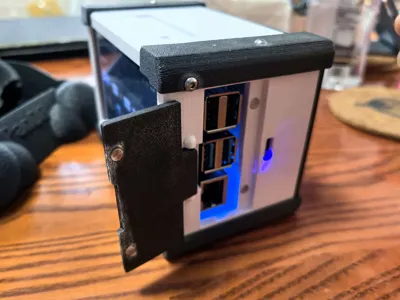
DIY requires Raspberry Pi 4B, 4.5-inch IPS capacitive touchscreen, battery (I used a 10000 mAh one), 5V2A all-in-one playback Type-C module, GPIO speaker expansion board, button switch, remaining screws and magnets from CyberBrick, and some Dupont wires.
Expansion accessories: mini wireless keyboard and mouse, USB recording microphone; Bluetooth gamepad.
Have fun!
License



Comment & Rating (0)