
Infinity Cube - Tolerance Test
Print Profile(1)

Description
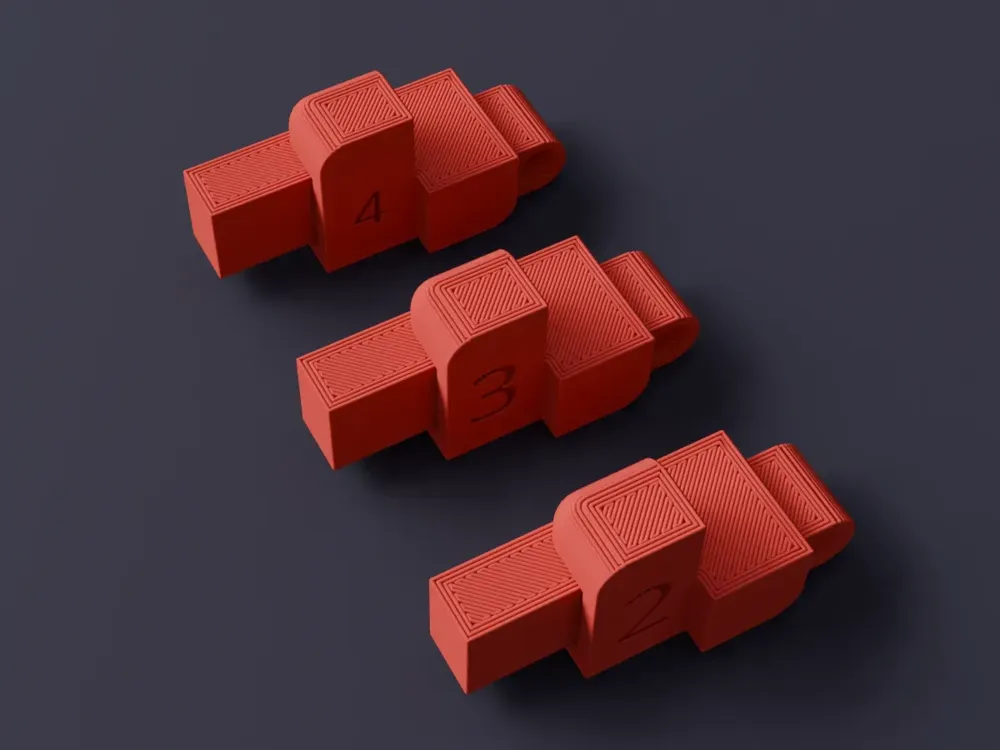
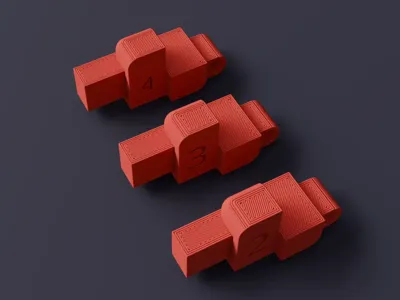
Introducing the V4 Infinity-Cube Tolerance Tests
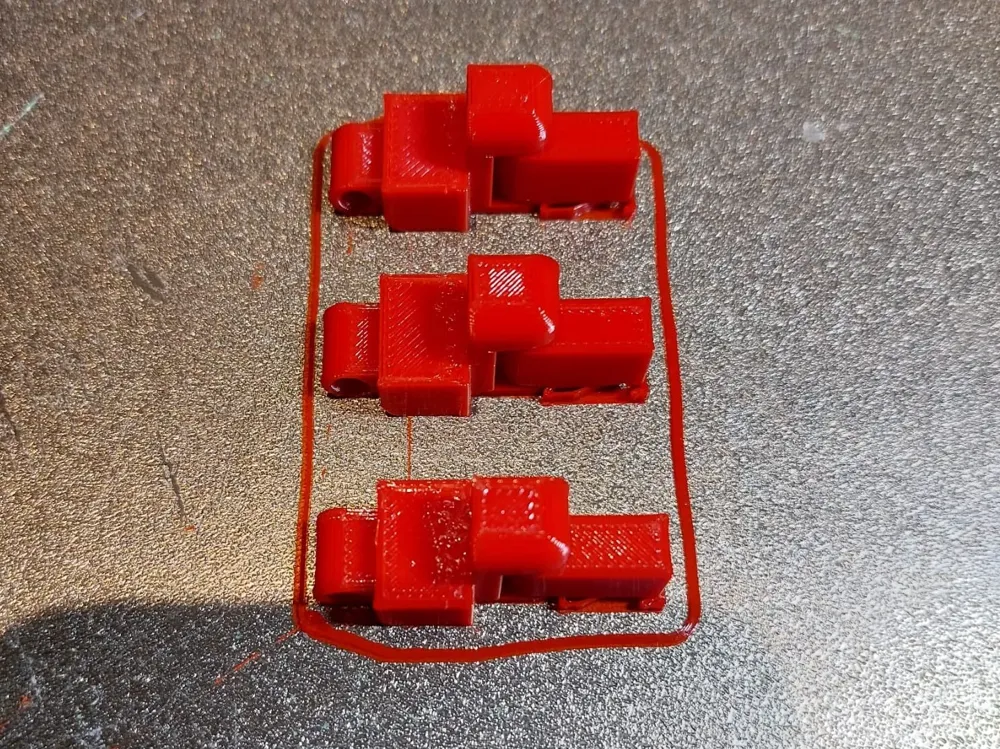
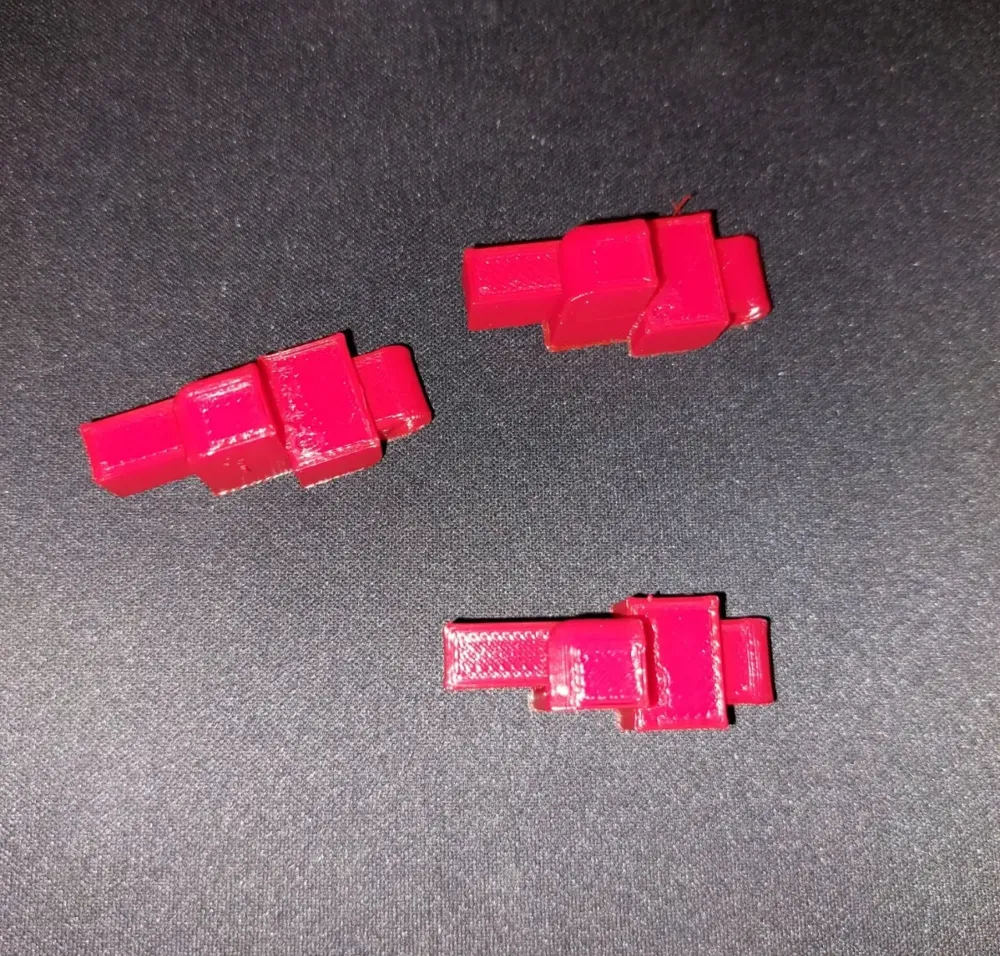
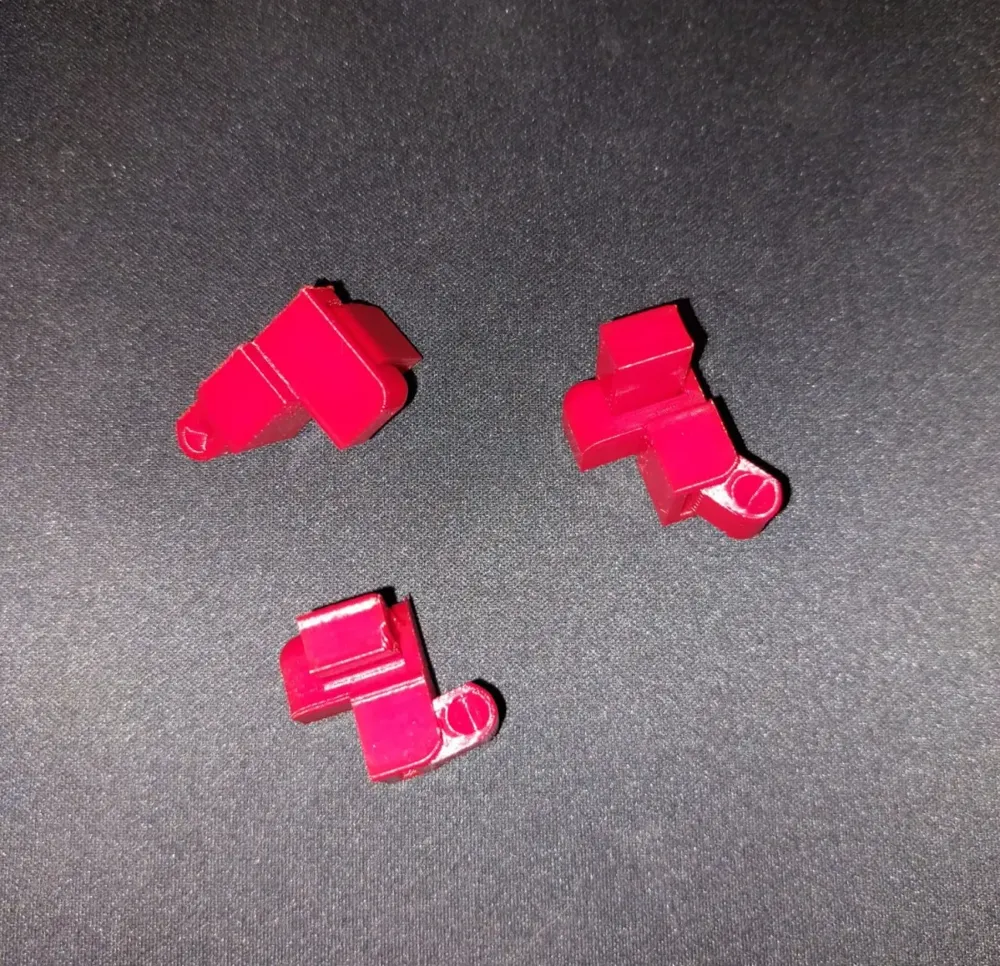
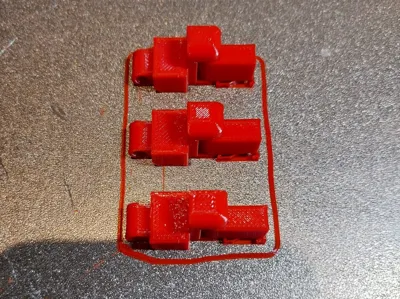
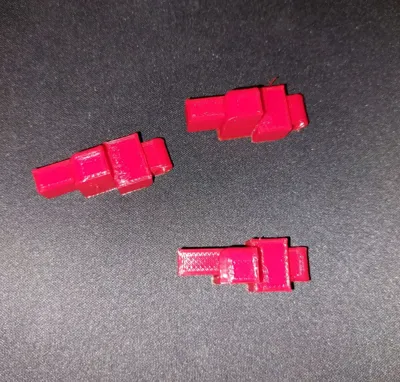
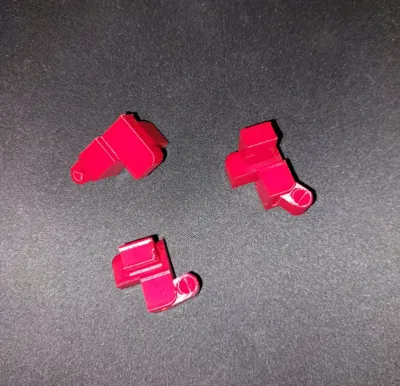
These test prints are designed to ensure your printer can handle the latest hinge designs for the Infinity-Cube V4 without resulting in overly loose joints. Each test piece is marked with numbers (2–4) corresponding to the 0.2–0.4 mm gap variations available.
Before You Begin
- Check Your Supports:
If you aren’t using the provided .3mf files, make sure to apply supports only to the longer, free-hanging lever. This lever is intentionally designed to provide extra leverage, allowing you to carefully loosen the hinge after printing. - Dialing In Your Settings:
If the hinges feel too stiff, consider the following adjustments:- Print Slower: A slower print speed often results in better dimensional accuracy and tighter tolerances.
- Maximize Part Cooling: Ensure your part-cooling fan is operating at its best setting for sharper edges and improved hinge tolerance.
By making these fine-tuned adjustments, you’ll likely achieve the perfect balance between hinge movement and stability—ensuring your Infinity-Cube V4 works smoothly right from the start.
Boost Me (for free)
License

You shall not share, sub-license, sell, rent, host, transfer, or distribute in any way the digital or 3D printed versions of this object, nor any other derivative work of this object in its digital or physical format (including - but not limited to - remixes of this object, and hosting on other digital platforms). The objects may not be used without permission in any way whatsoever in which you charge money, or collect fees.


Comment & Rating (0)