Home
All Models
Following
MakerLab
Contests
Crowdfunding
Explore
Maker's Supply
CyberBrick
Community
Forum
Privacy
Terms
Guidelines
FAQ
Cookie Settings
Hot Searches
© 2026 MakerWorld
Search models, users, collections, and posts
Log In
🎇3𝓓 𝓟𝓻𝓲𝓷𝓽 𝓦𝓲𝔃𝓪𝓻𝓭🎇
@
WV4AM
695
Followers
724
Following
116
5.3 k
6.2 k
3.2 k
Follow
Social Media Links
Bio
Just a wizard who likes adding some magic to his designs.
Achievements
MakerWorld Guardian
Active more than 20 days out of last 30 days UTC time
Home
Collections
3D Models (100)
Laser & Cut Models
Crowdfunding (0)
Posts (350)
Pinned Models
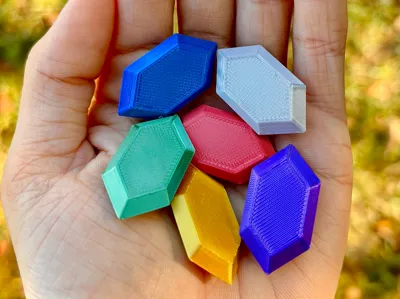
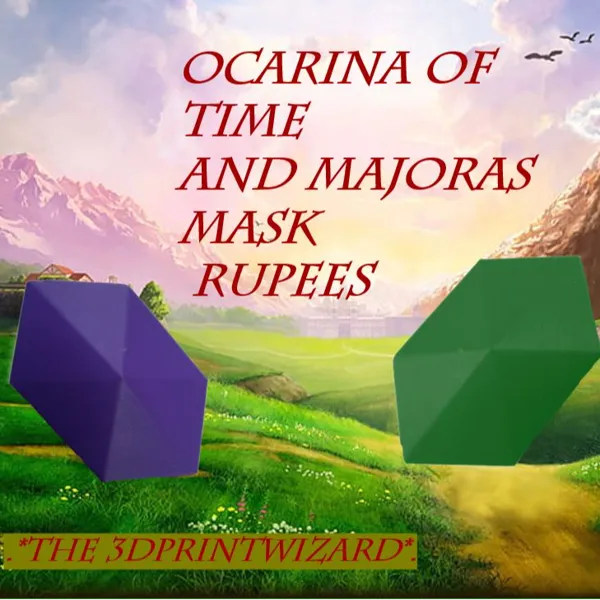
Rupees- The Legend Of Zelda
285
11
670
542
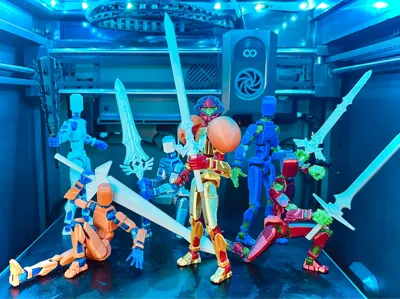
Zelda TOTK Weapon Pack 4 Dummy 13 V1
296
4
356
189
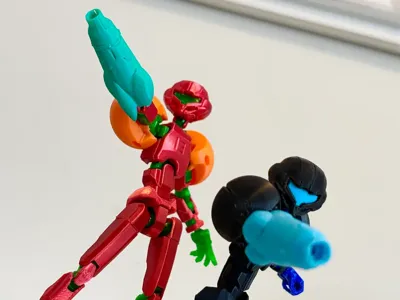
Dummy 13 Samus Metroid Armor (No AMS)
281
1
161
61
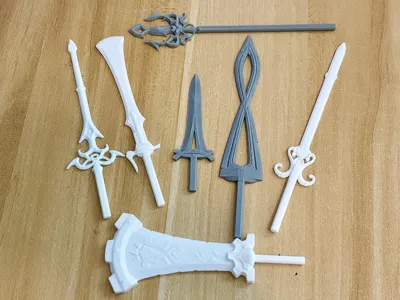
Zelda ToTK Weapon Pack V3 For Dummy 13
372
7
370
274
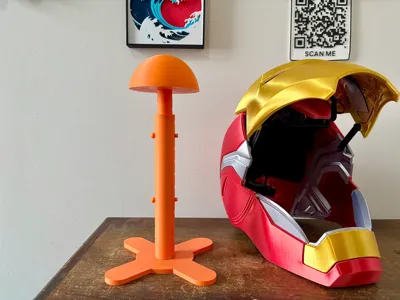
(Adjustable) Cosplay Helmet/Mask Stand
147
7
195
164
TOTK Zelda Weapon Pack V2 For Dummy 13
264
3
258
209
Pinned Collections
Follow
Zelda Collection
18
models
12
followers
+12
Follow
Catan
16
models
6
followers
Recent Models
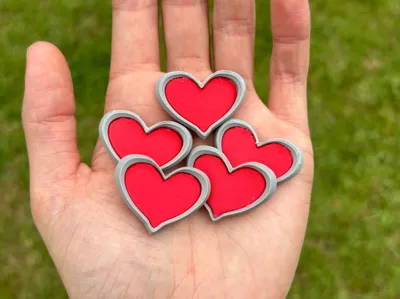
Heart Pieces- Zelda (No AMS)
5
0
0
0
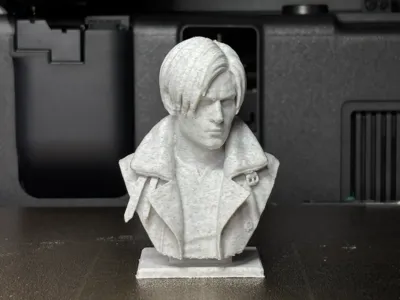
Leon S. Kennedy Bust-High Detail RE9 (Requiem)
7
0
2
2
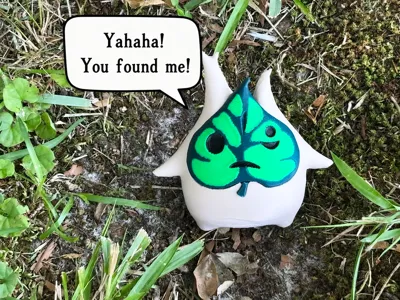
Korok Figure, Zelda BOTW (AMS)
15
1
2
0
Explore All 100 Models
Recent Article
How to tell if a model is AI-generated
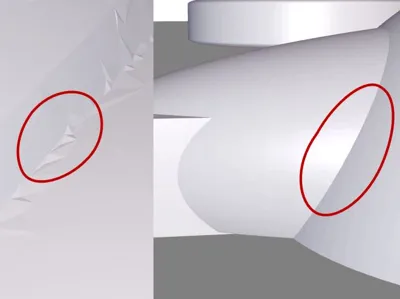
How to tell if a model was made with AI AI models are really starting to infest sites like MakerWorld, Printables, and CrealityCloud. Printables has a way of letting you know what models are AI and what are not by flagging them with “AI”. This is a really helpful and nice tool for those of us who don't like to download AI models, as they can have lots of problems and are generally low-quality. CrealityCloud is festered with these kinds of models, and no way to tell without actually looking at the model in a 3D perspective. Makerworld is also starting to see a huge increase in these models, which are promoted with their image-to-model tools and other AI tools. While I personally don't have any problem with AI models, I do have a problem with people not marking them as AI and/or taking credit for it. So how do we know if a model is AI? Well the first thing is pretty obvious. If it's a model of a person, there's always something that just doesn't look right. Missing or mutilated fingers, contorted features, etc. But how do we really know for certain that a model was AI-generated? There's a pretty easy trick I've learned just by studying models. Take a look at these picture:You can see that the edges of this model are jagged, uneven, and has tons of unnecessary triangles. This is the #1 sign of an AI-generated model. Bambu AI is getting really good these days, so it's getting harder and harder to tell. But this is a bad case of AI generation distortion. By the way, this picture is from my Cucko model if you were wondering. Now take a look at this:This is a propeller piece of my B-17G model here on Makerworld. Look at those edges. All around, they're smooth, defined, and orderly. No extra triangles or cracks. This is a real model. I hope this helps you if you were wondering how to tell real and AI models apart. Thanks for reading!!
Explore All Posts