Home
All Models
Following
MakerLab
Contests
Crowdfunding
Explore
Maker's Supply
CyberBrick
Community
Forum
Privacy
Terms
Guidelines
FAQ
Cookie Settings
Hot Searches
© 2026 MakerWorld
Search models, users, collections, and posts
Log In
这盛世如你所愿
@
Super_China
175
Followers
1
Following
196
2.3 k
4.5 k
1.8 k
Follow
Bio
Show original
This glorious era is as you wished
Home
Collections
3D Models (88)
Laser & Cut Models
Crowdfunding (0)
Posts (20)
Pinned Models
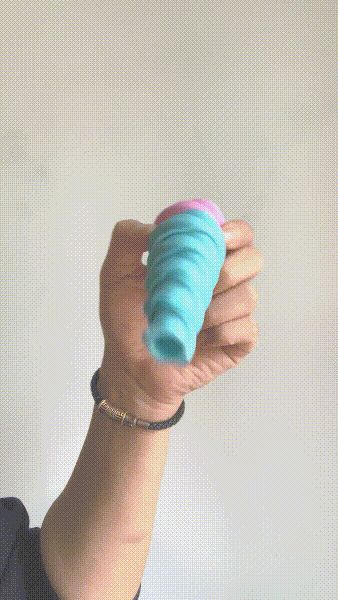
Spiral penetration integrated printing
50
14
103
69
Square Maze Integrated Printing
58
51
103
37
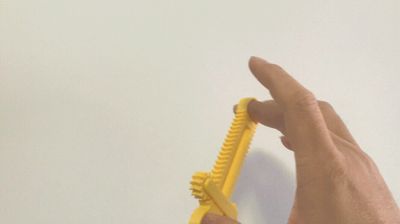
Gear and Rack Stress Relief Toy, Print-in-Place, Free Movement
17
1
42
19
Fingertip ratchet
118
12
335
156
Temporary Parking Number Plate临时停车号码牌
22
11
103
28
Recent Models
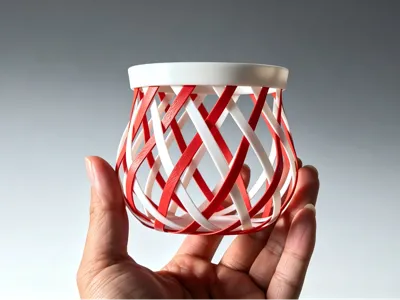
Who knew! 3D printing can also create this interwoven magic effect
3
0
4
3
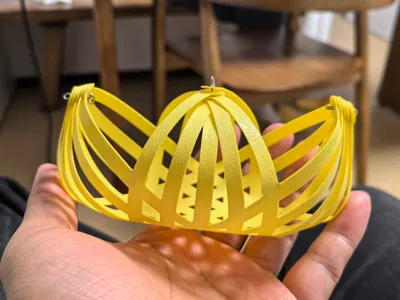
【no supports】Foldable Woven Style Storage Basket Original Deformable Storage Basket | Ins Style Home Decor Item | Compatible with all Bambu Lab models
2
0
0
0
Imitation bamboo weave creative design (no supports, purely handmade)
0
0
0
0
Explore All 88 Models
Recent Article
【创意底面 AND 缩短打印时间】——适用于所有收纳类模型的BambuStudio设置
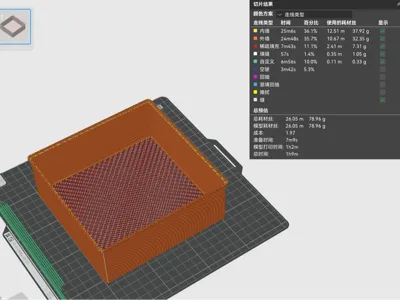
在BambuStudio软件工艺设置中,更新了一个稀疏填充的图案——locked Zag。选择这个跳虫图案,可以允许我们分别表皮图案和骨架图案,可以实现意想不到的镂空效果。 上述功能,在针对收纳类模型时,效果更佳。一方面在模型底部自动就镂空效果,图案可以按照自己意愿随意组合。另一方面,将原来实心的底面镂空化,打印时间大幅度缩减,还节省耗材用量。如下对比所示。其他更多设置自行尝试。设置前(1h43m,118.55g材料)设置后(1h10m,79g材料) 默认设置 表层:蜂窝,骨架:蜂窝 TIPs:上述设置之后会出现一个问题就是,不仅是底面,模型其他部位涉及顶面走线的都会默认采用了这个填充。解决方式如下:选中模型---右击---选择添加修改器,使用缩放、旋转、移动等功能,将这个修改器包裹不需要产生镂空效果的部分,选中这个修改器,在左边的强度---稀疏填充,修改稀疏填充图案为其他类型,即可。
Explore All Posts