
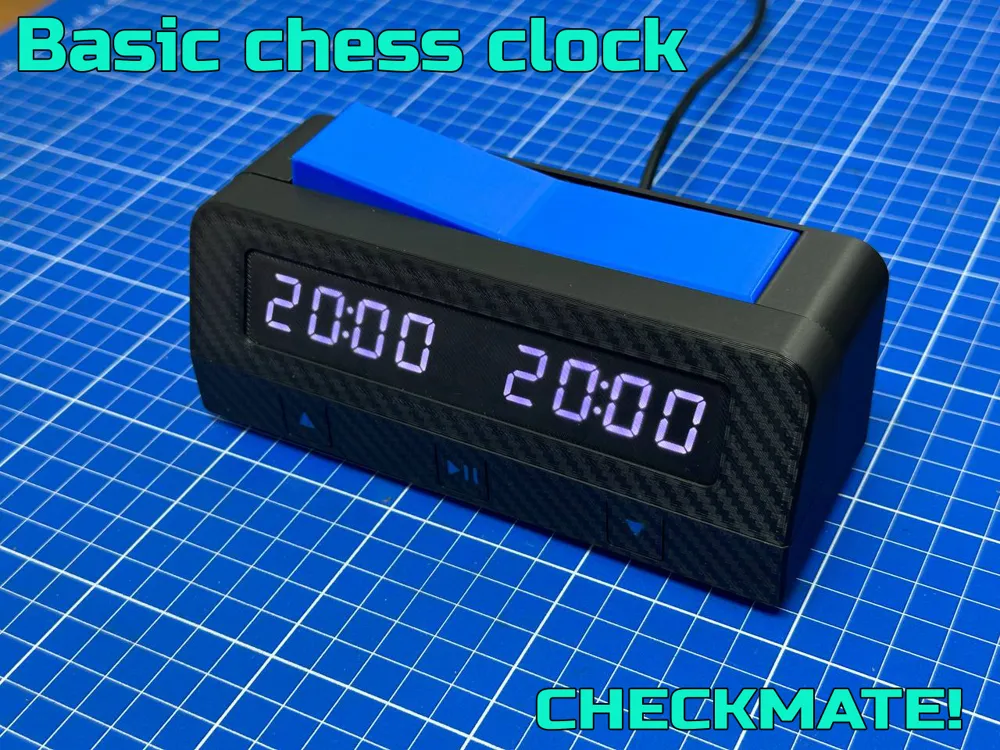
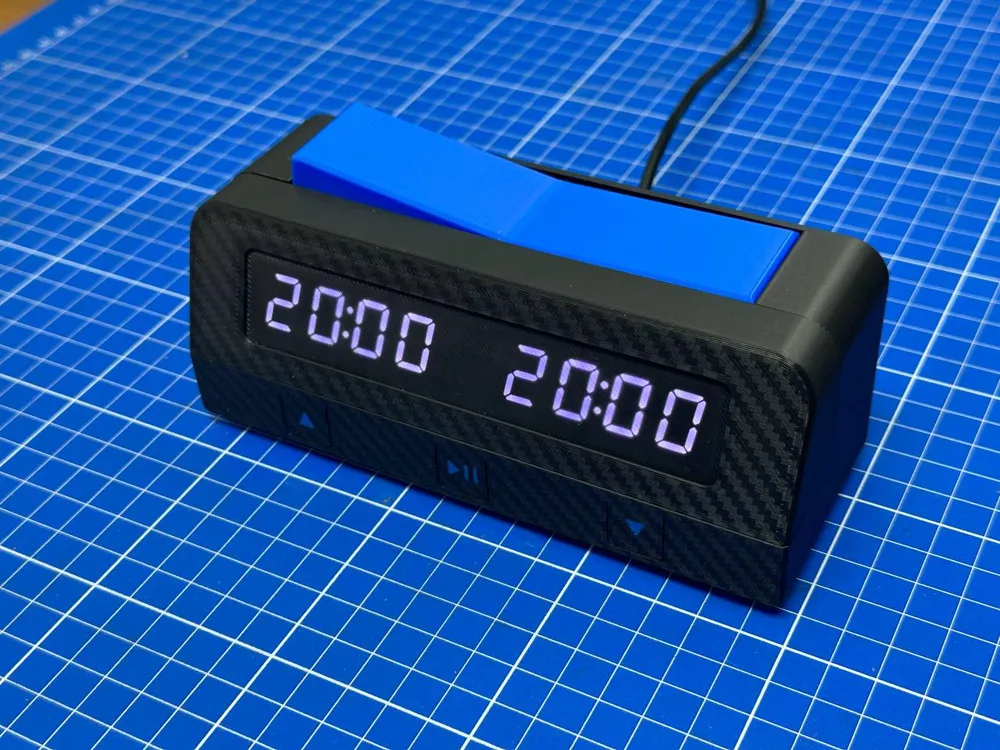
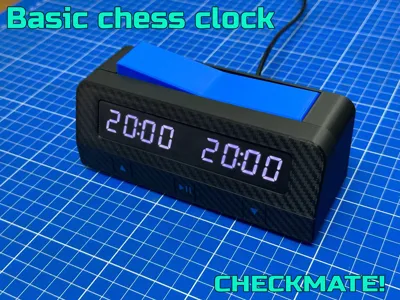
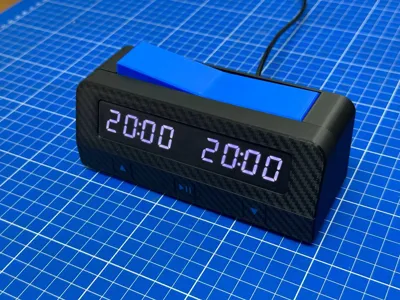
Chess clock
Print Profile(1)

Bill of Materials
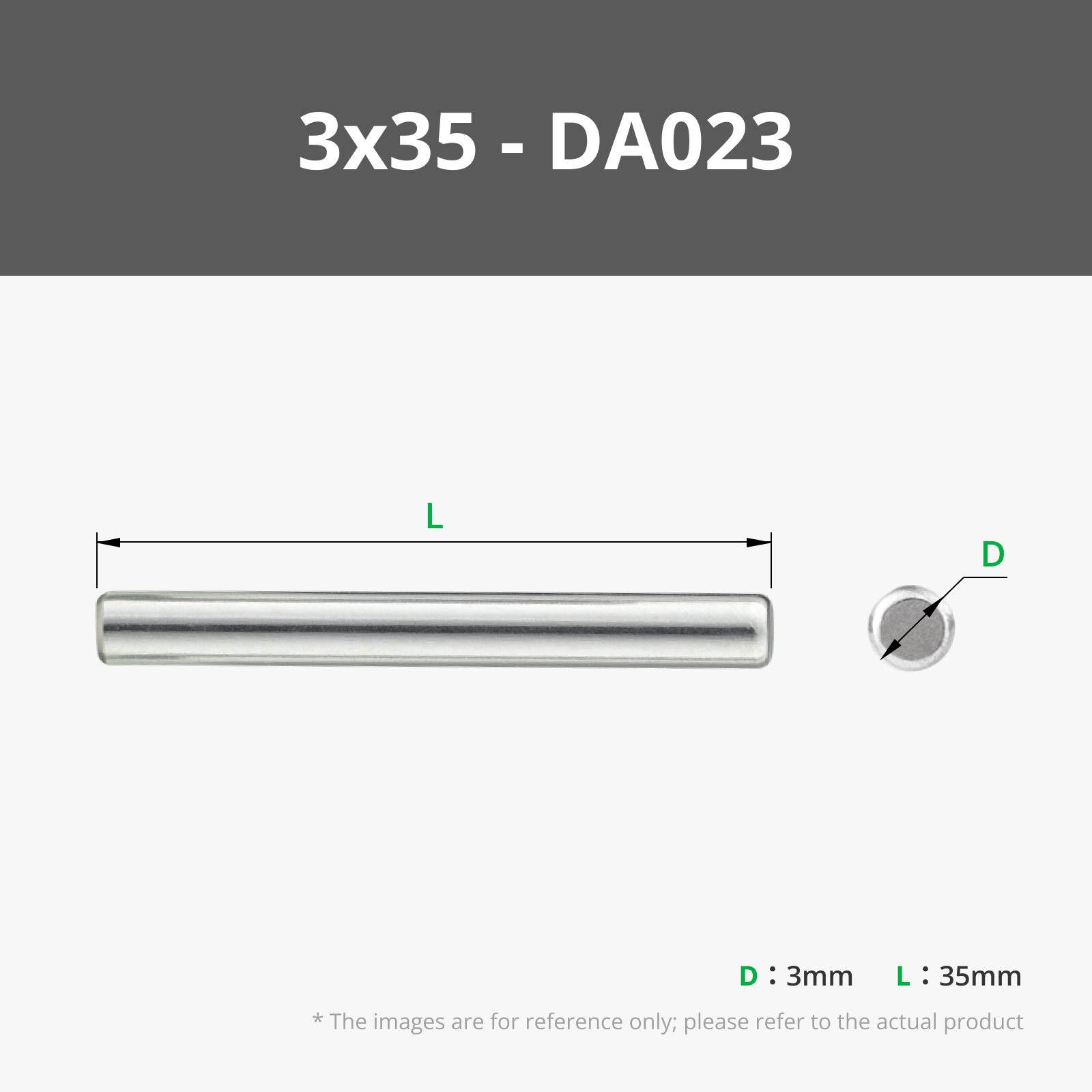


- The rest of the necessary material is indicated in the pdf "Chess clock BOM.pdf" x 1:
Description
This program implements a basic chess clock. It uses the TM1637Display library
to control the 7-segment displays and show the remaining time for each player.
The clock allows players to alternate turns and will display a "LOSE" message if a player's time runs out.


Hardware used:
- 1 Arduino Nano 3
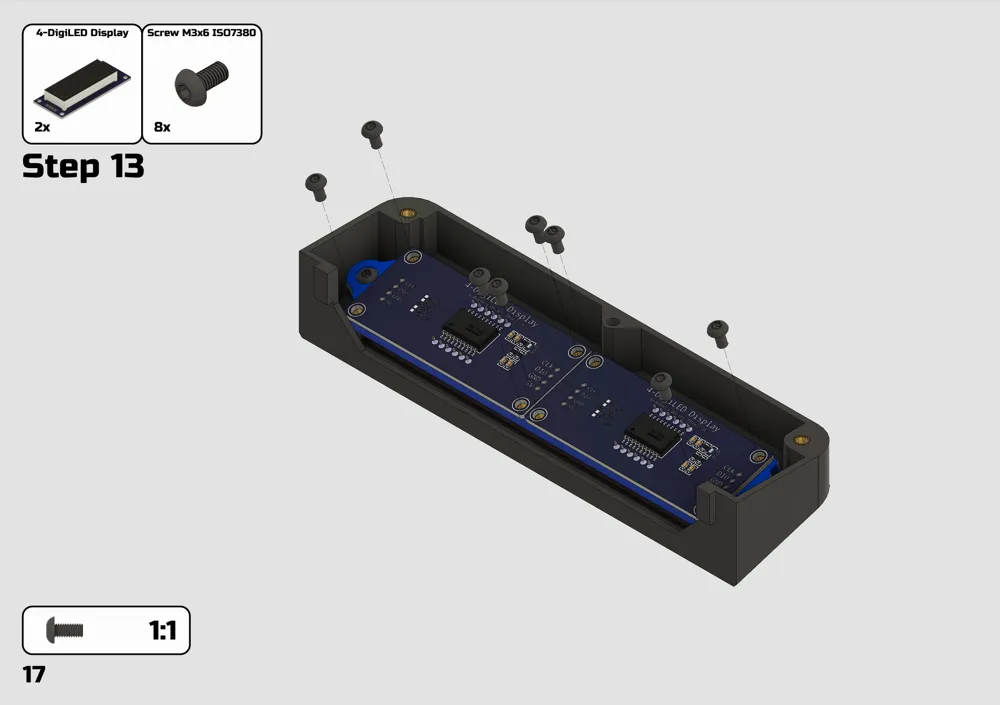
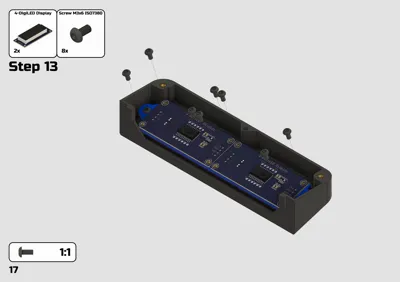
- 2 TM1637 7-segment displays
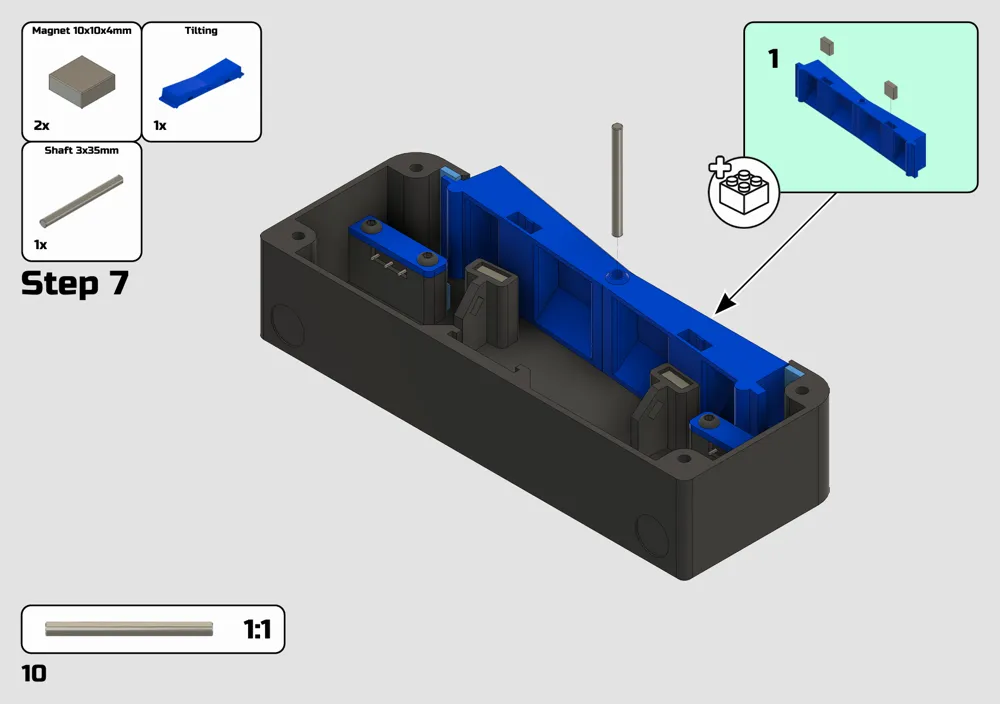
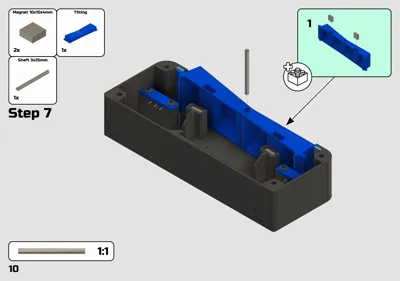
- 2 Endstops
- 3 Microswitches
Connections:
Player 1 display
CLK: Pin 2
DIO: Pin 3
Player 2 display
CLK: Pin 4
DIO: Pin 5
- Player 1 button: Pin 7
- Player 2 button: Pin 8
- Increase time button: Pin 16
- Start/Reset button: Pin 15
- Decrease time button: Pin 14
Functionalities:
- Show the remaining time for each player on their respective 7-segment display.
- Alternate turns between players using buttons.
- Detect time expiration and display "LOSE" for the player who runs out of time.
Libraries:
TM1637Display: https://github.com/avishorp/TM1637
Firmware:
Chess Clock Instructions
Initial Setup
Power On: When the chess clock is powered on, the display will show the default configured time.
Time Adjustment:
- Increase Time:
- Press the Increase button to add time.
- From 1 to 5 minutes, the time increases in 1-minute increments.
- From 5 to 90 minutes, the time increases in 5-minute increments.
- Decrease Time:
- Press the Decrease button to subtract time.
- From 5 to 1 minutes, the time decreases in 1-minute increments.
- From 90 to 5 minutes, the time decreases in 5-minute increments.
- Time Range:
- The minimum configurable time is 1 minute and the maximum is 90 minutes.
- Increase Time:
Starting the Game:
Once you have set the desired time for the game, press the Start button to begin. The active player's time will start counting down.
- During the Game
Turn Switching:
When the active player presses their button, the other player's clock will start counting down.
Players must alternate turns by pressing their respective buttons.
Pause and Resume:
Press the Play/Pause button to pause the countdown. Press it again to resume the countdown.
End of Game:
If a player's time reaches 0, the display will show the word "LOSE" indicating that the player has run out of time and lost the game.
Game Reset:
If you want to reset the time configuration while a game is in progress, hold the Start/Reset button for 3 seconds. The clock will return to the initial configuration mode, allowing you to adjust the time again before starting a new game.
Documentation (2)
License

You shall not share, sub-license, sell, rent, host, transfer, or distribute in any way the digital or 3D printed versions of this object, nor any other derivative work of this object in its digital or physical format (including - but not limited to - remixes of this object, and hosting on other digital platforms). The objects may not be used without permission in any way whatsoever in which you charge money, or collect fees.


Comment & Rating (59)