
Customizable Modular Shelf
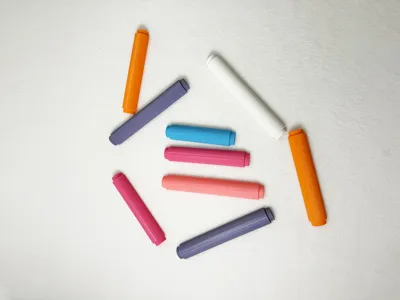
Print Profile(2)
Bill of Materials






Description
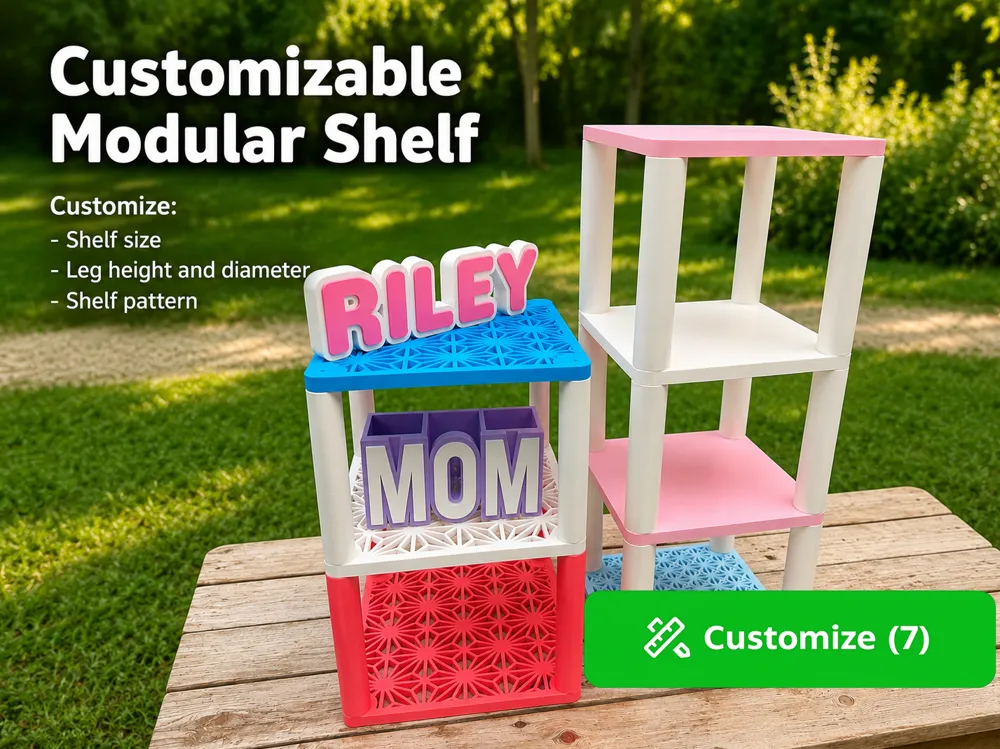
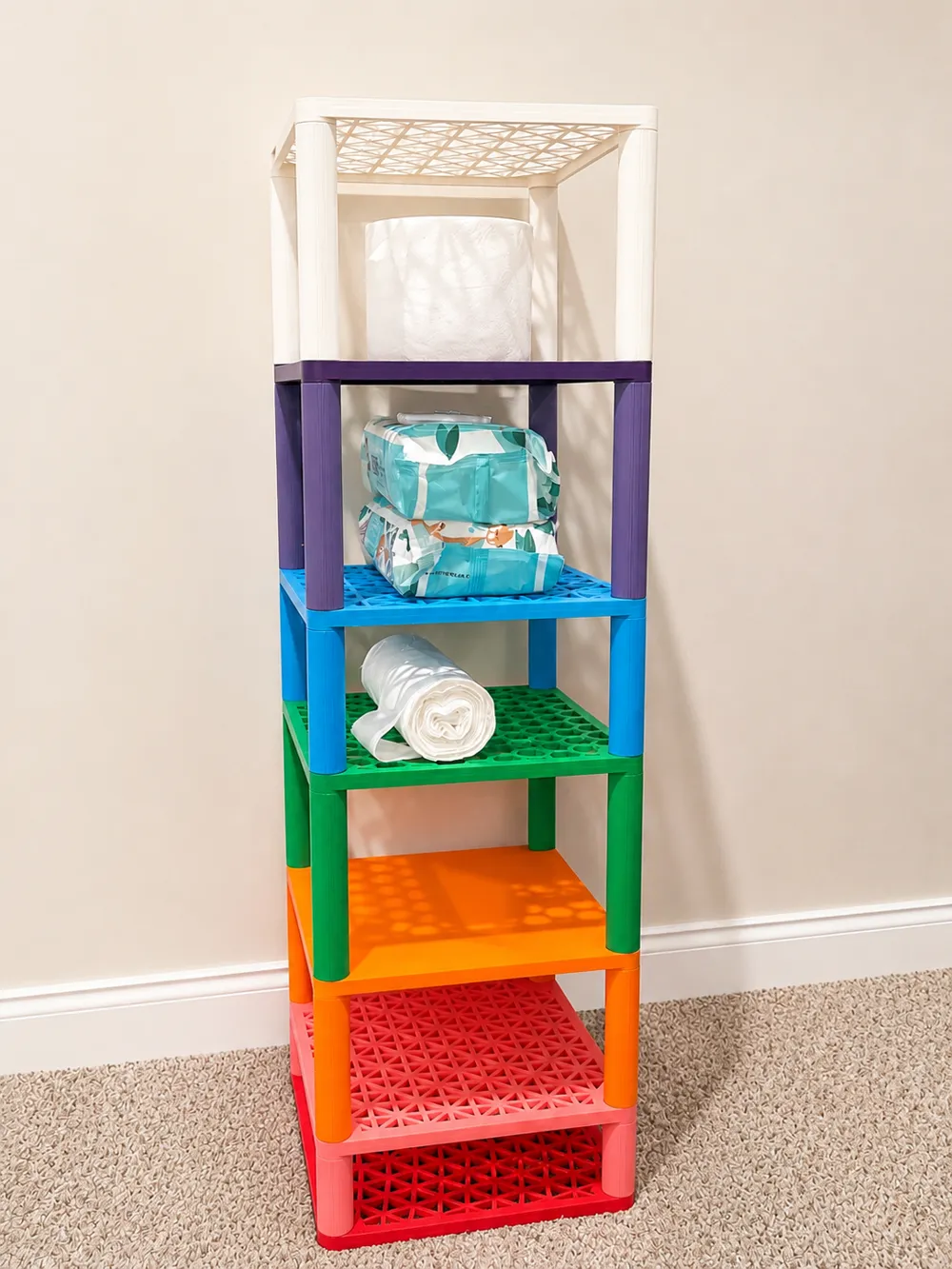
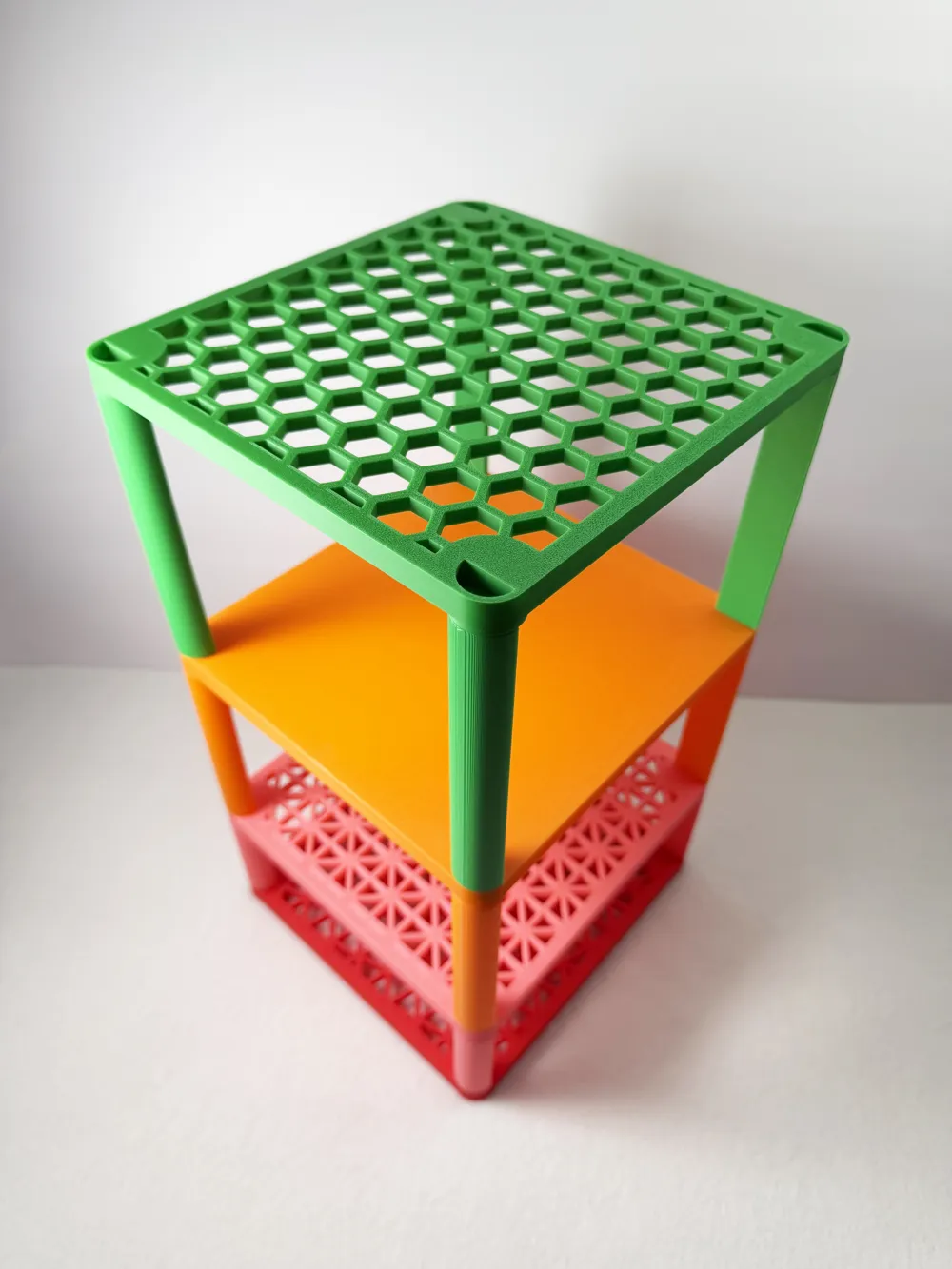
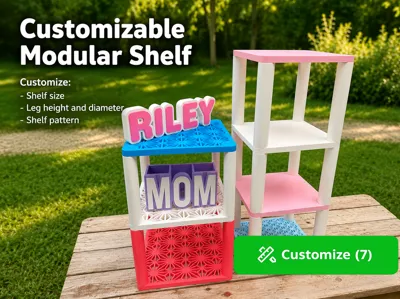
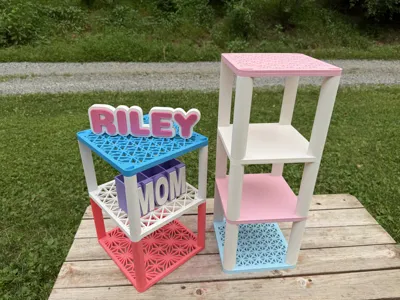
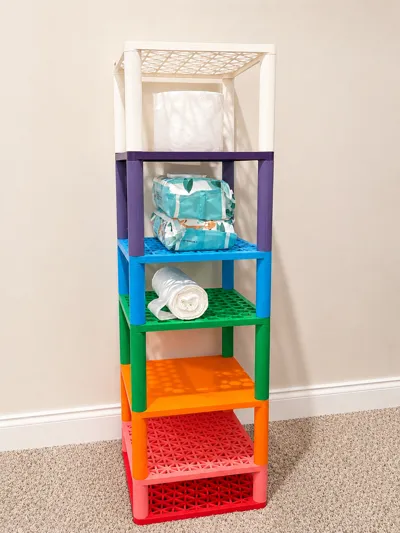
Create a fully customizable modular shelf system sized exactly for your needs. Whether you're organizing a craft room, displaying products at a vendor event, storing filament spools, or creating classroom storage, this shelf generator lets you build a shelf that fits your space.
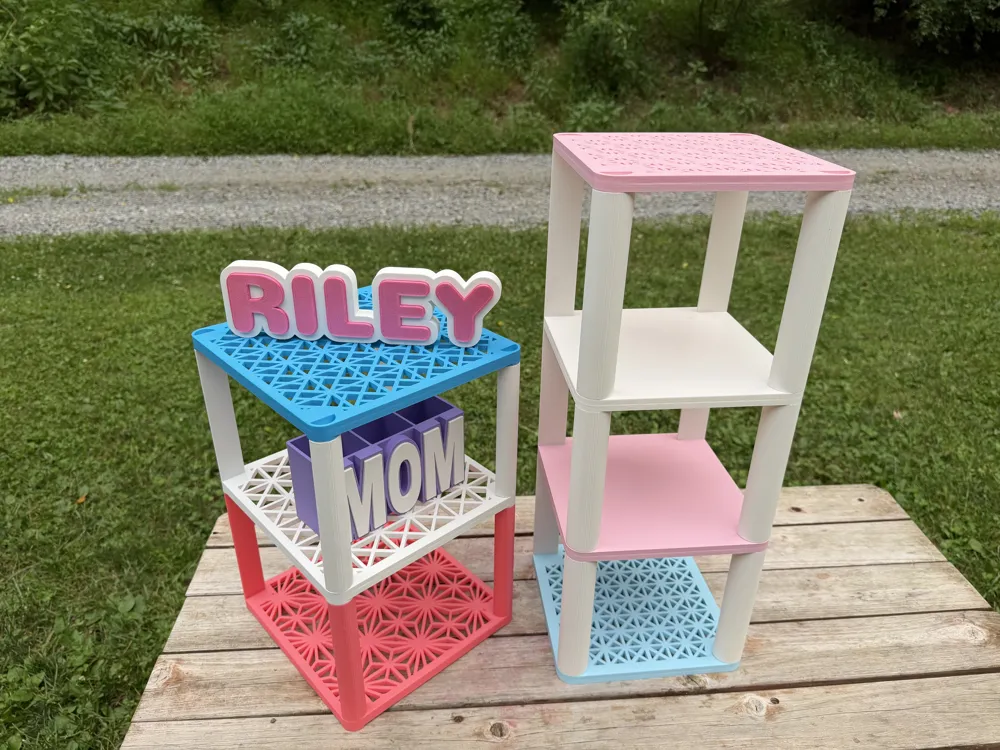
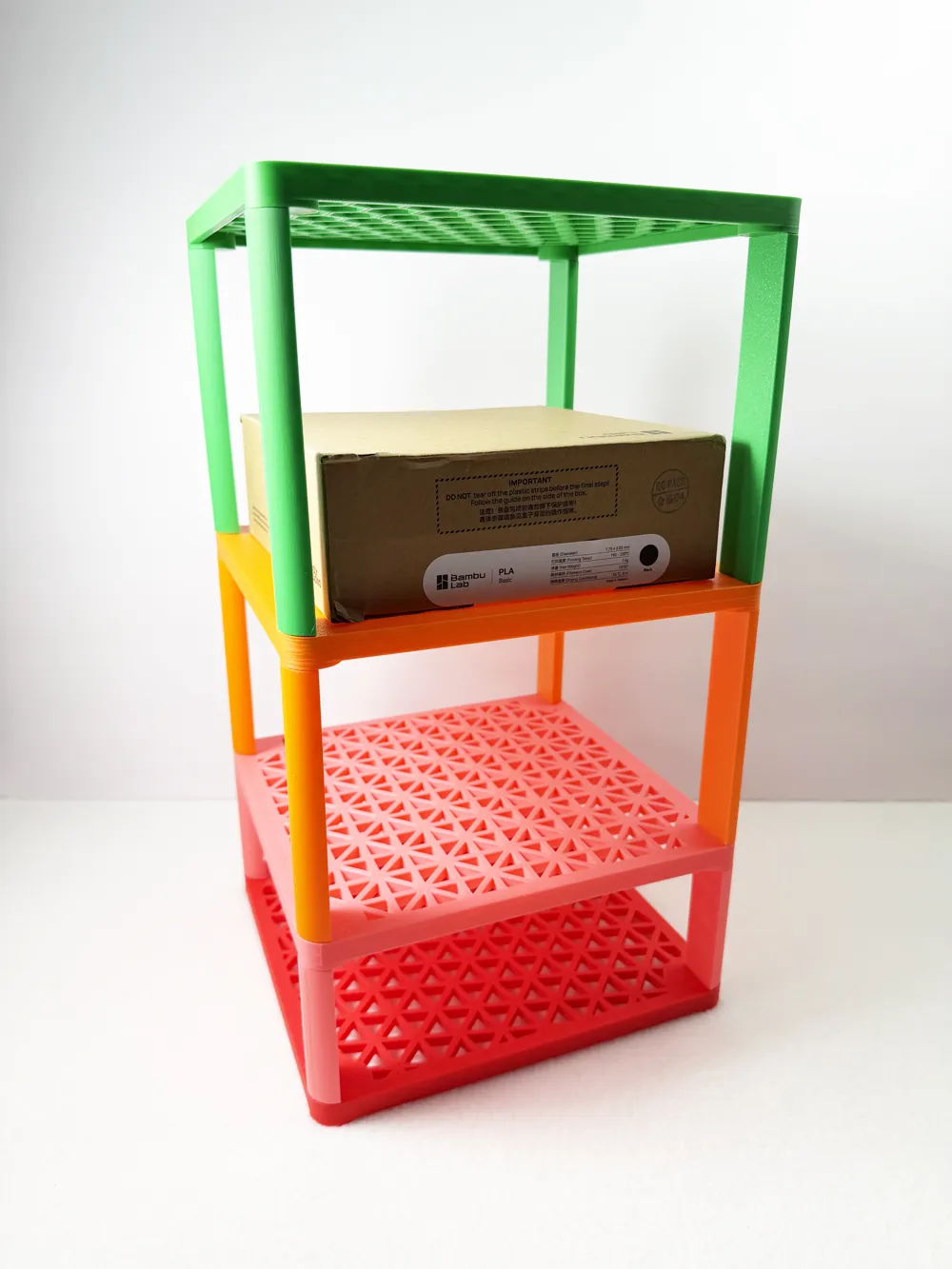
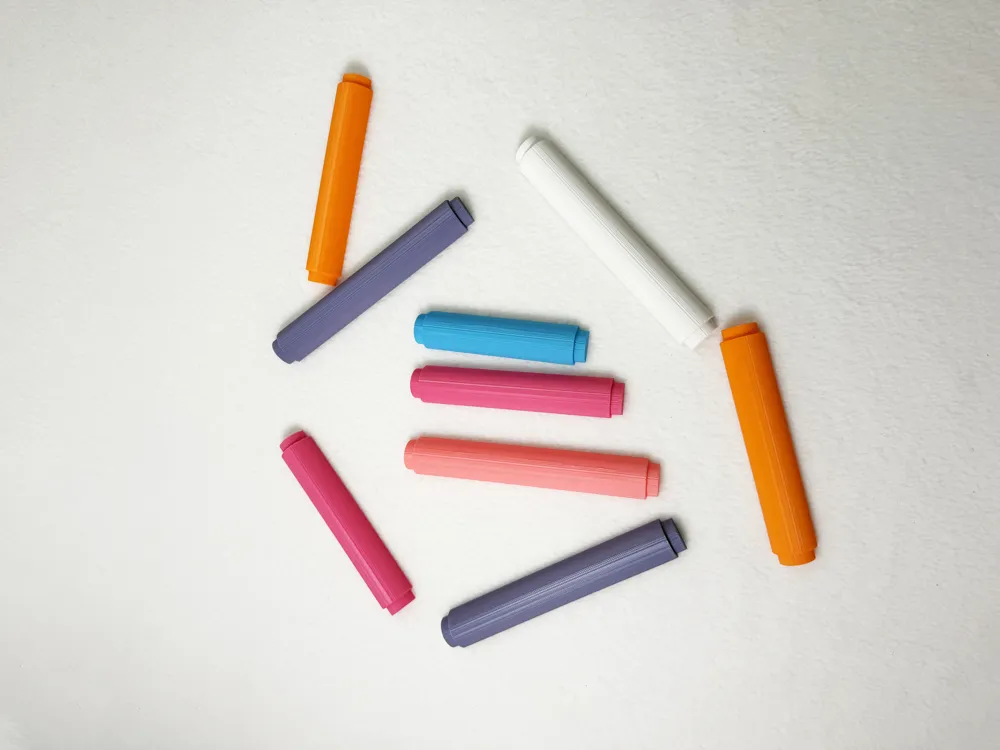
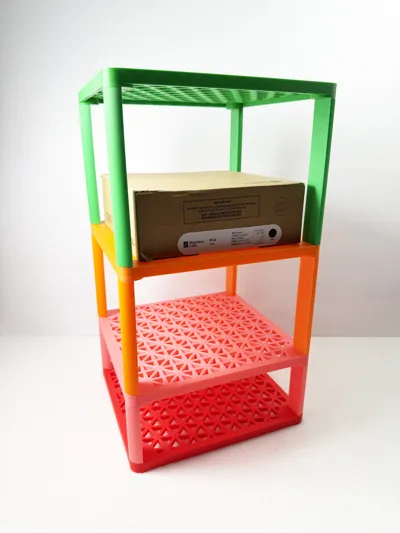
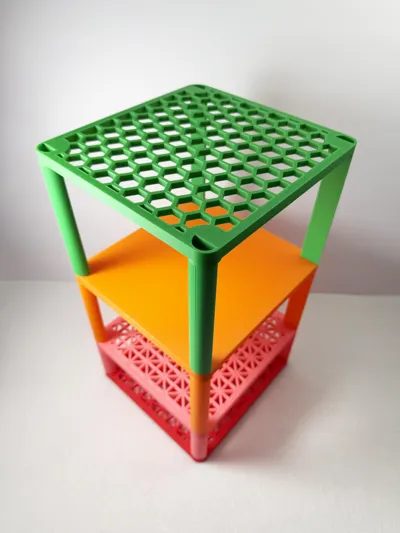
The shelf and legs are completely parametric, allowing you to customize the overall size, shelf pattern, leg dimensions, and stack height. Mix and match shelves and legs to create anything from a small desktop organizer to a tall storage tower.
The modular design allows shelves to stack securely using integrated pegs and sockets, making it easy to expand your storage as your needs change.
Tolerance for the socket:
Default is set to 0.10, this a very tight fit. If you want a looser fit which you may have to glue follow this guide:
0.10–0.15 mm total clearance: Very tight or press fit; may require force.
0.20–0.25 mm total clearance: Snug fit that can usually be inserted and removed.
0.30–0.40 mm total clearance: Easier sliding fit with a little movement.
0.50 mm or more: Loose fit.
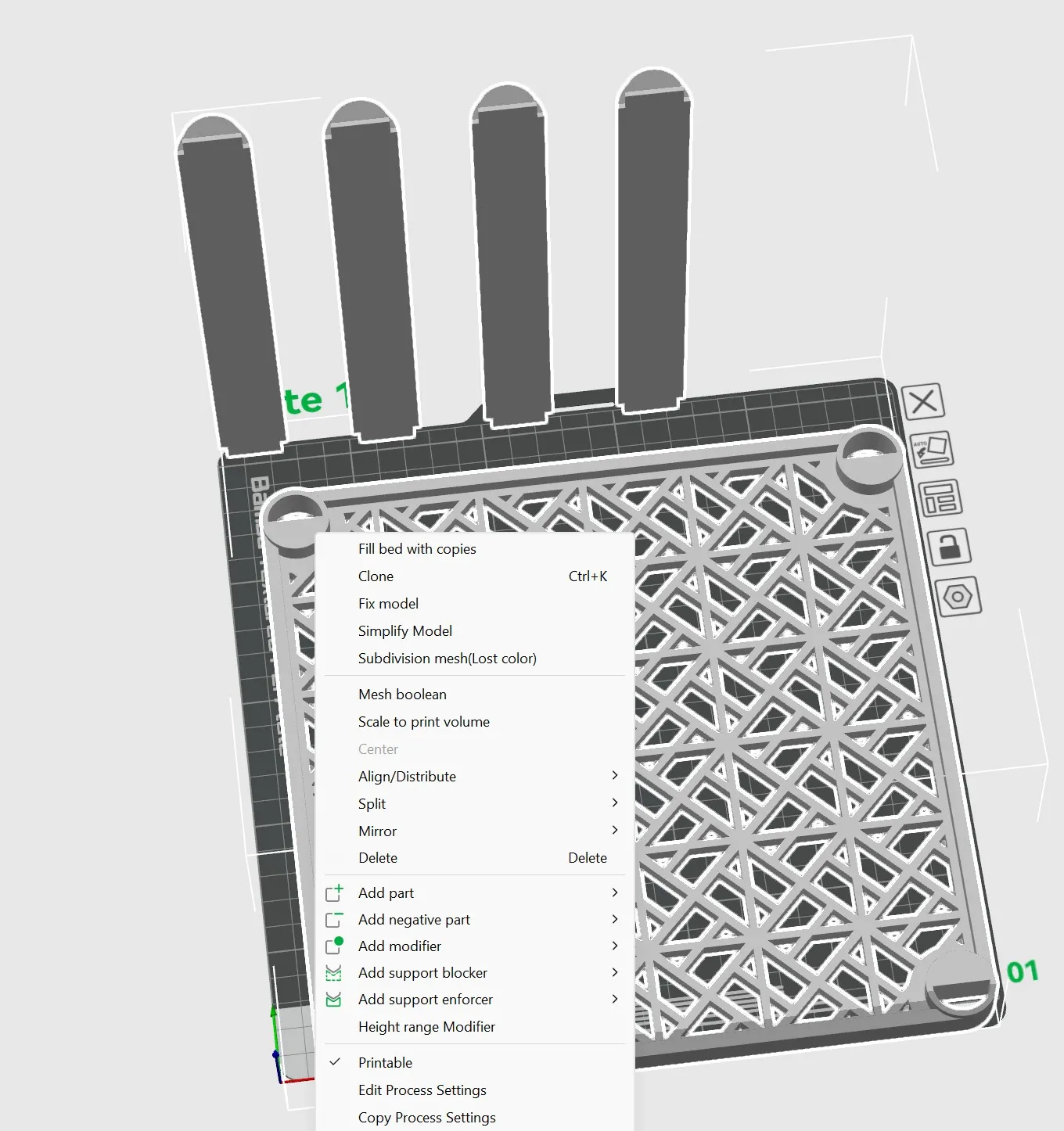
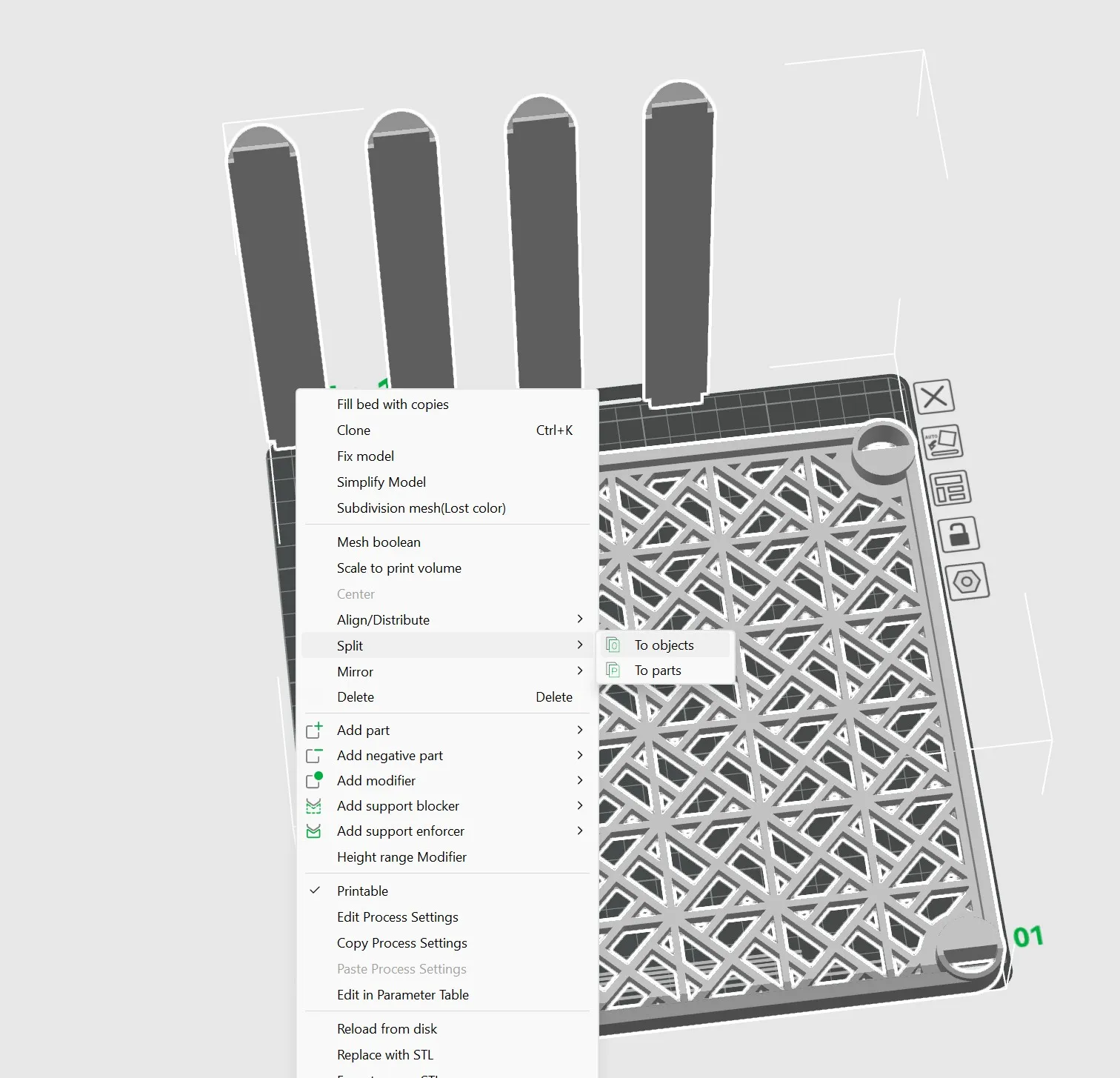
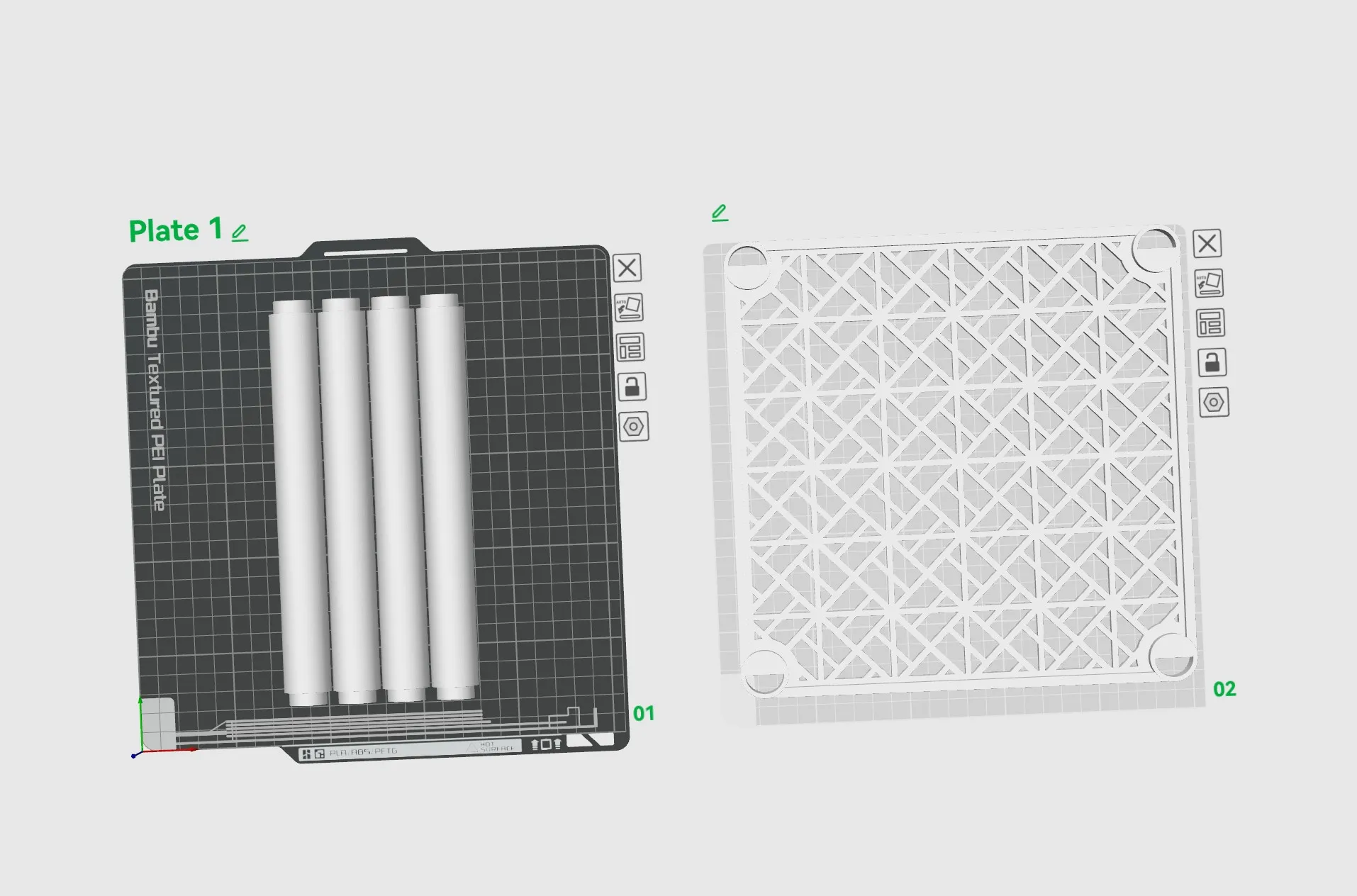
Once you download your model, if you have more than one part on the plate you are going to want to split the objects and then you can move them to separate plates. You will also want to auto arrange, and auto orient them on the plates so that they print correctly. Below picture 1 shows right clicking the objects, picture 2 shows where you can find split objects and picture 3 shows them on separate plates arranged and oriented correctly to print.
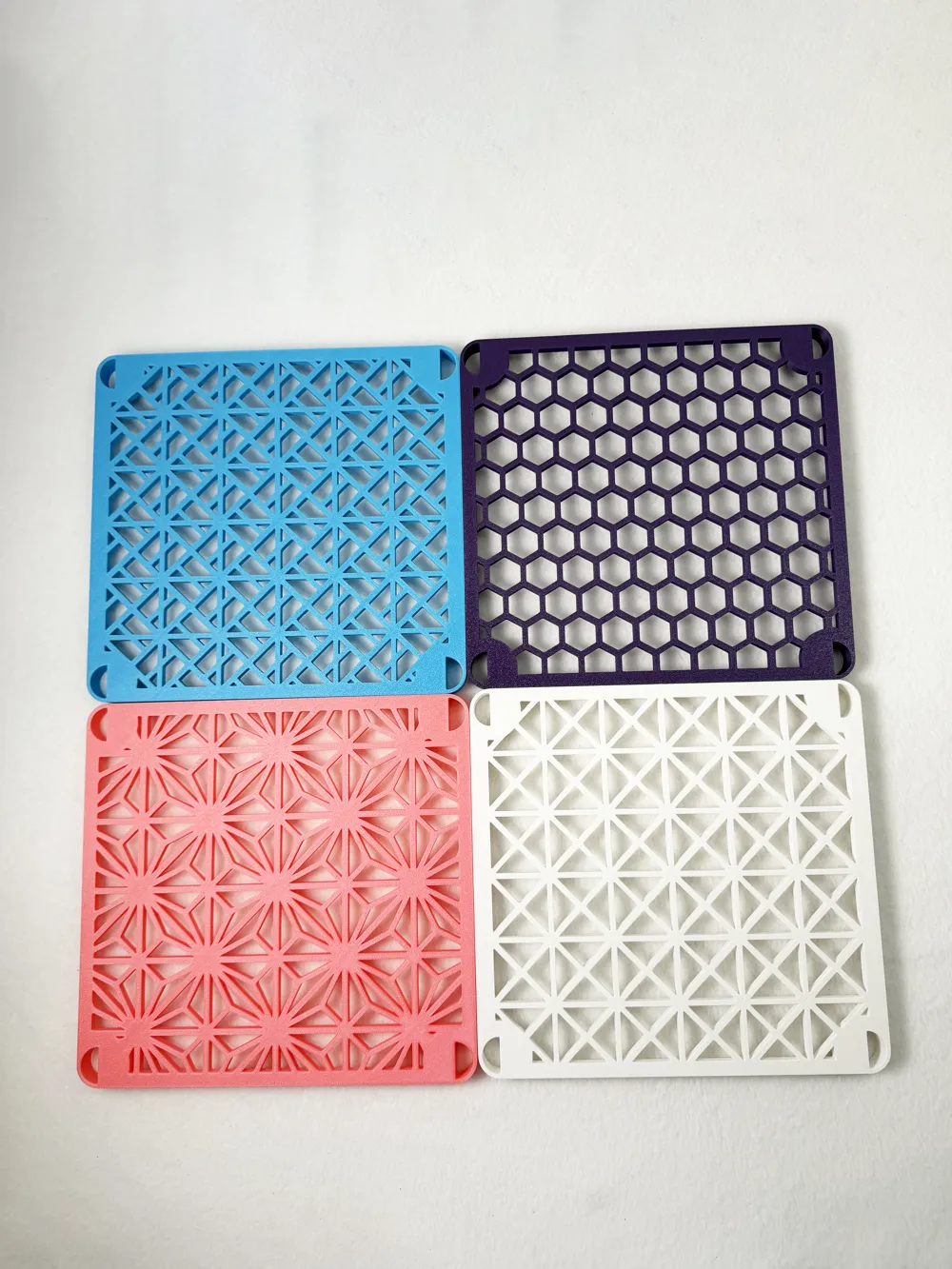
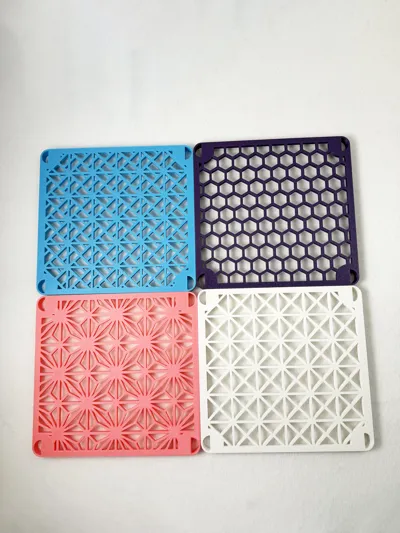
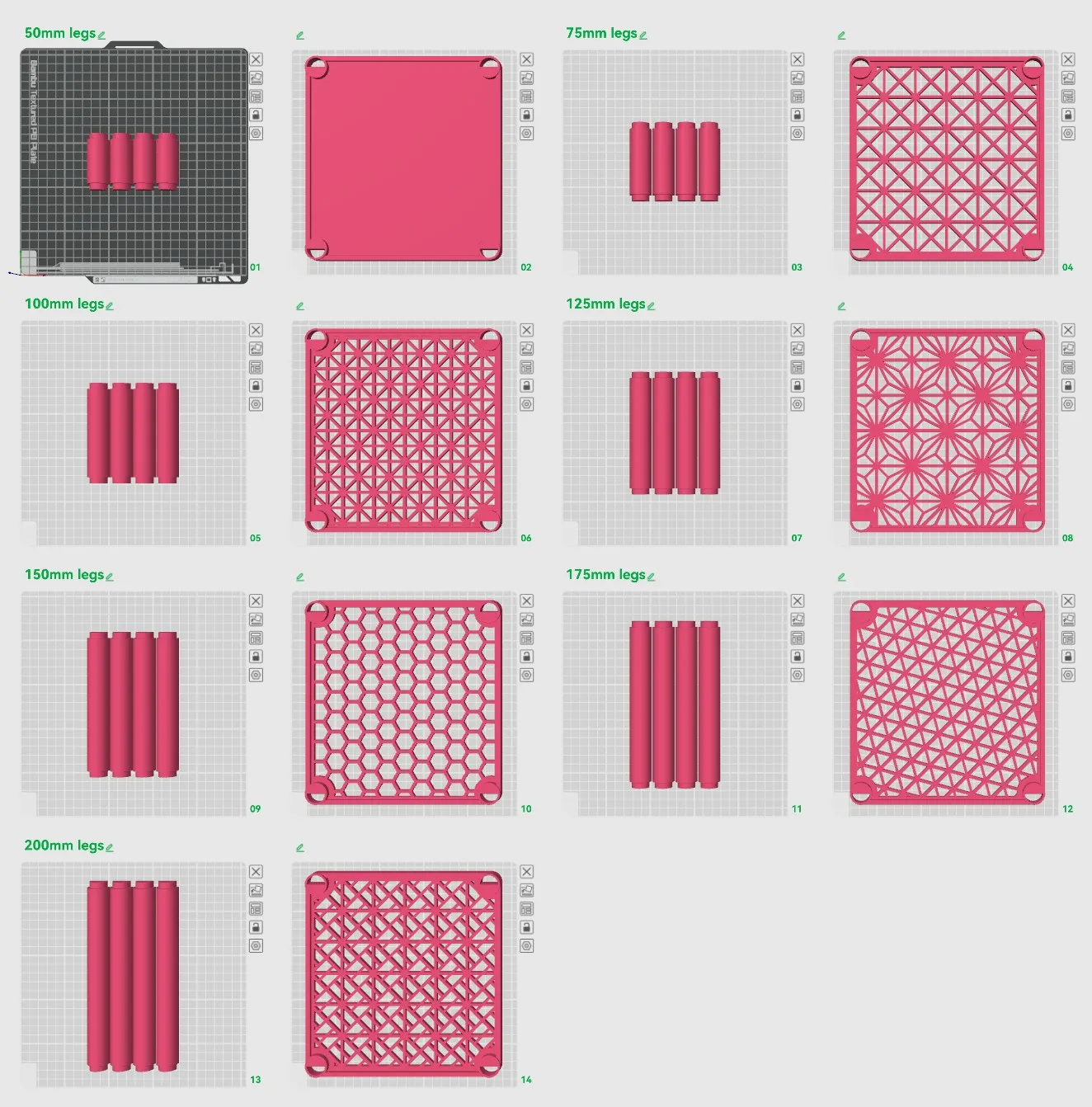
Example of some of the patterns you can create, you can change them a little by adjusting the tile size of the pattern and rotating them if you'd like!
Thank you for your support. If you have any suggestions or requests just send me a message.
Membership
Commercial license is available for all my models.
Boost Me (for free)
Boosting me supports me to create more models like this.
License

You shall not share, sub-license, sell, rent, host, transfer, or distribute in any way the digital or 3D printed versions of this object, nor any other derivative work of this object in its digital or physical format (including - but not limited to - remixes of this object, and hosting on other digital platforms). The objects may not be used without permission in any way whatsoever in which you charge money, or collect fees.


Comment & Rating (0)