Search models, users, collections, and posts

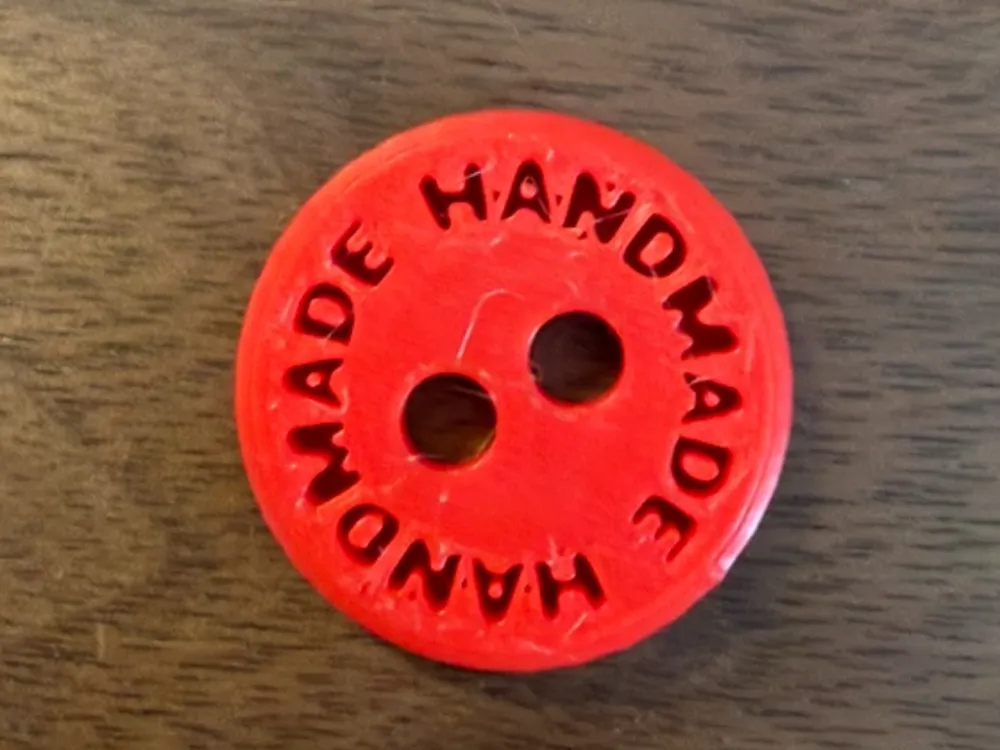
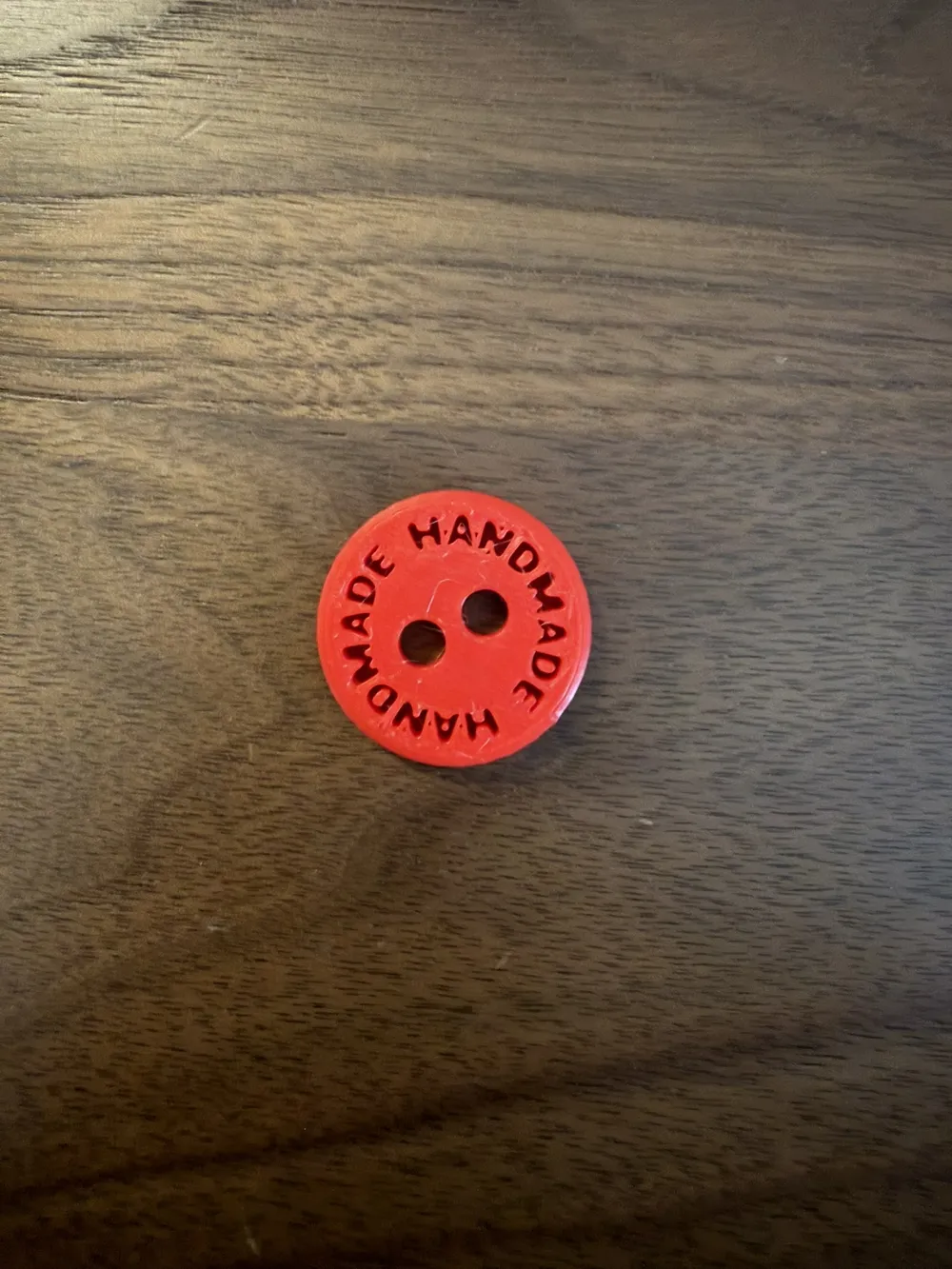
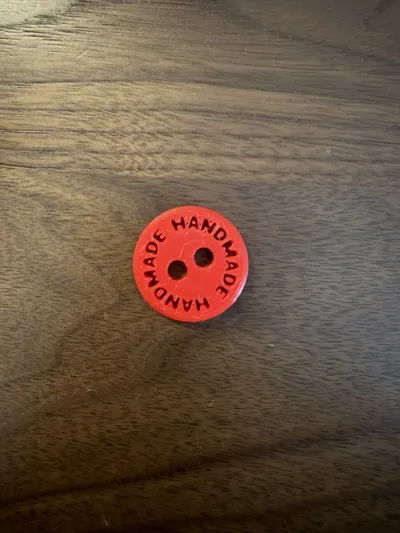
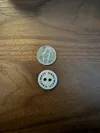
Handmade Button
IP Report
Print Profile(3)
0.4mm nozzle, 0.2mm layer, 4 walls, 15% infill
Designer
15 min
1 plate
0.2mm nozzle, 0.1mm layer, 4 walls, 15% infill
Designer
14 min
1 plate
0.4mm nozzle, 0.2mm layer, 4 walls, 15% infill
Designer
12 min
1 plate
Open in Bambu Studio
Boost
22
62
4
0
23
16
Released
Description
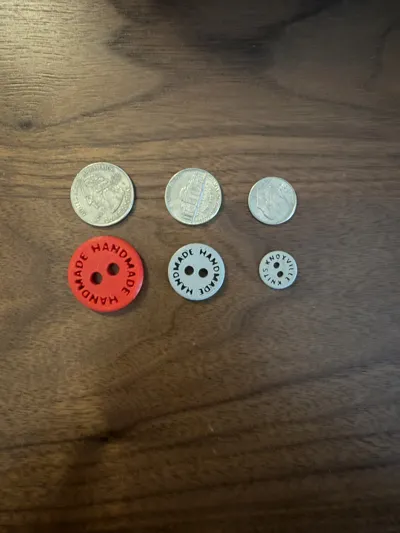
A simple button that can be modified to include custom text and sizing using the included .blend files.
To modify, download the .blend files and open with Blender.
- Scale all 7 layers to fit your size needs
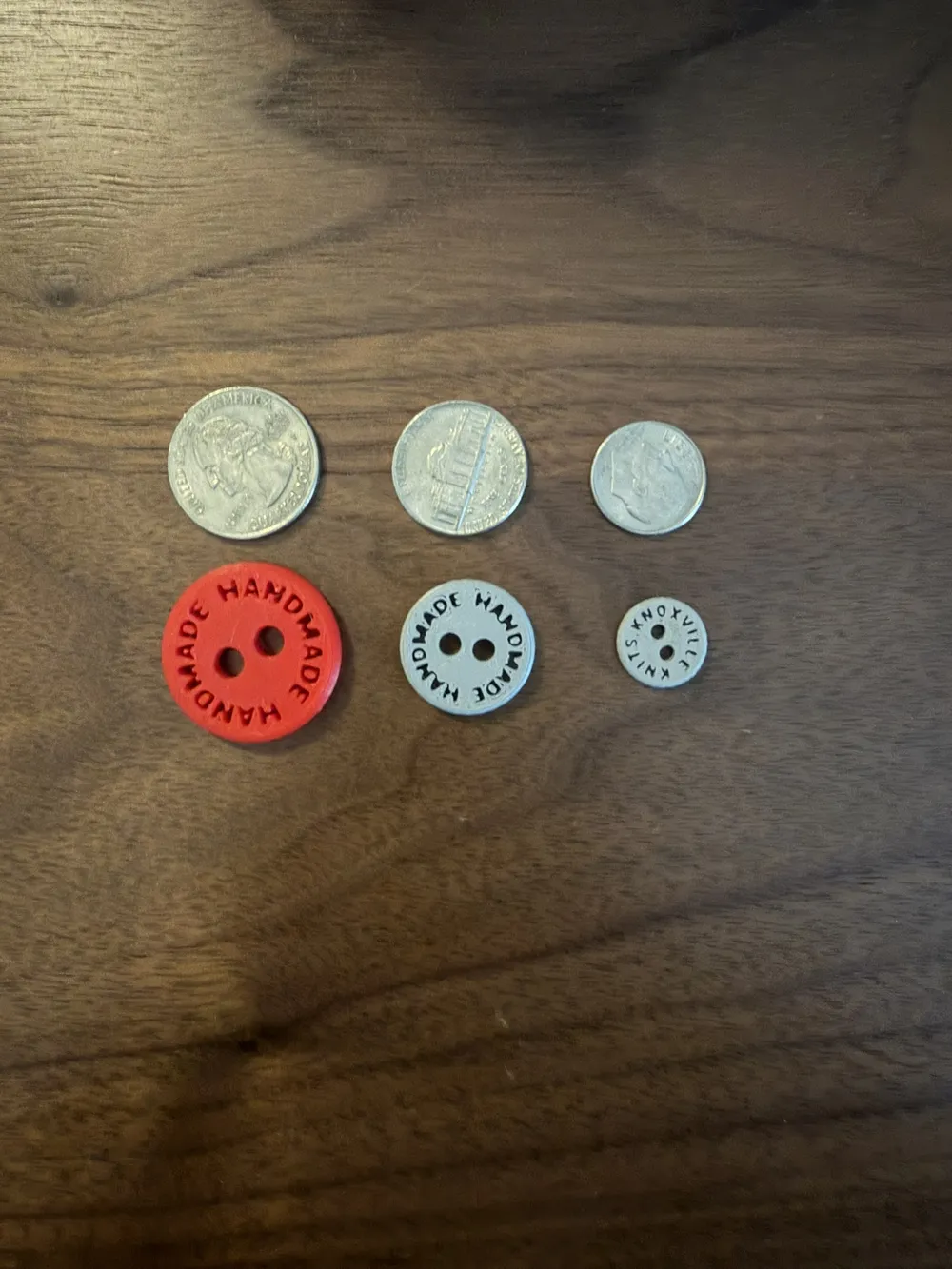
- For reference, a button base of 28-21mm prints nicely with a .4mm nozzle while a 20-14mm button base requires a .2mm nozzle.
- Delete the Text and Text Curve layers
- Text has been converted to a Mesh to allow for engraving effect and you can no longer edit the text on this layer.
- Duplicate Text Backup (this will also duplicate Text Curve Backup, thats ok)
- This backup layer has not been converted to Mesh yet, so you are able to modify the text and font as you wish.
- Rename this duplicated layer to Text and Text Curve to prevent confusion
- Select Text and switch to edit mode to add your custom word
- Make any font size and spacing changes needed to fit cleanly on the button in the data properties panel
- Convert Text to Mesh
- This will allow for you to create the engrave effect but it cannot be undone. This is why we keep a backup layer.
- Add boolean modifier on the Button Base and select Text
- Hide Text
License

This user content is licensed under a
Creative Commons Attribution-Noncommercial


Comment & Rating (4)