
Aspect Ratio Tool
Print Profile(1)


Description
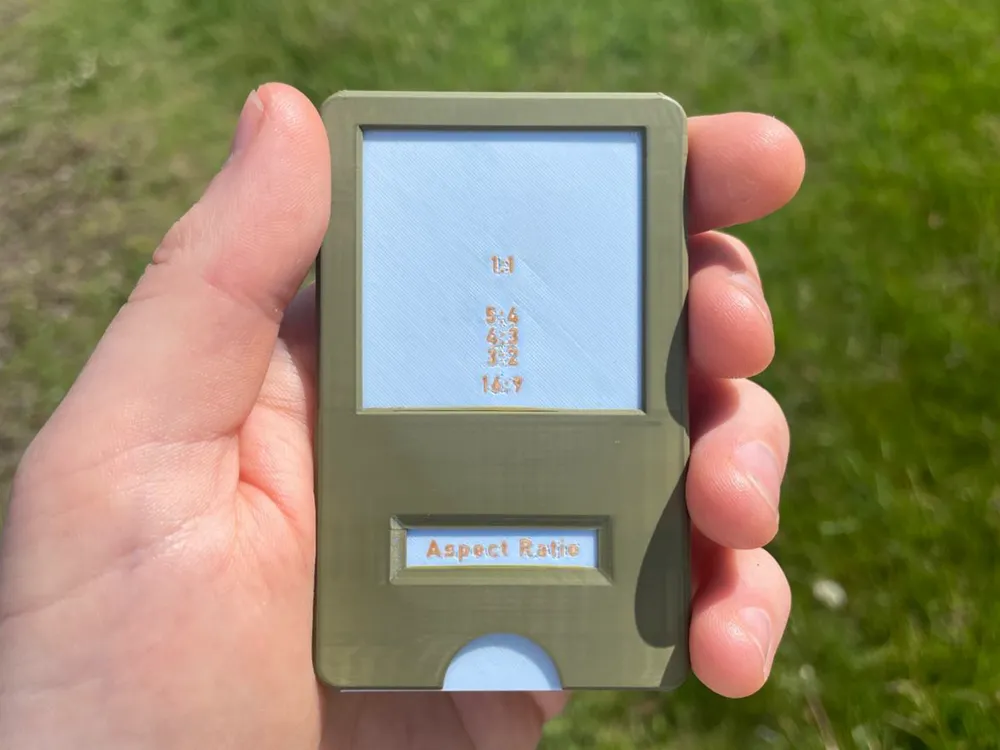
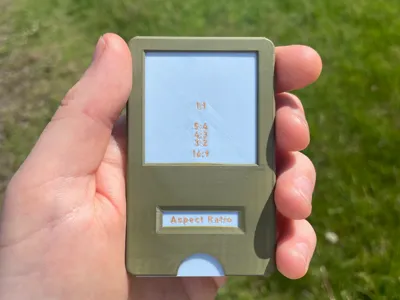
The Aspect Ratio Tool!
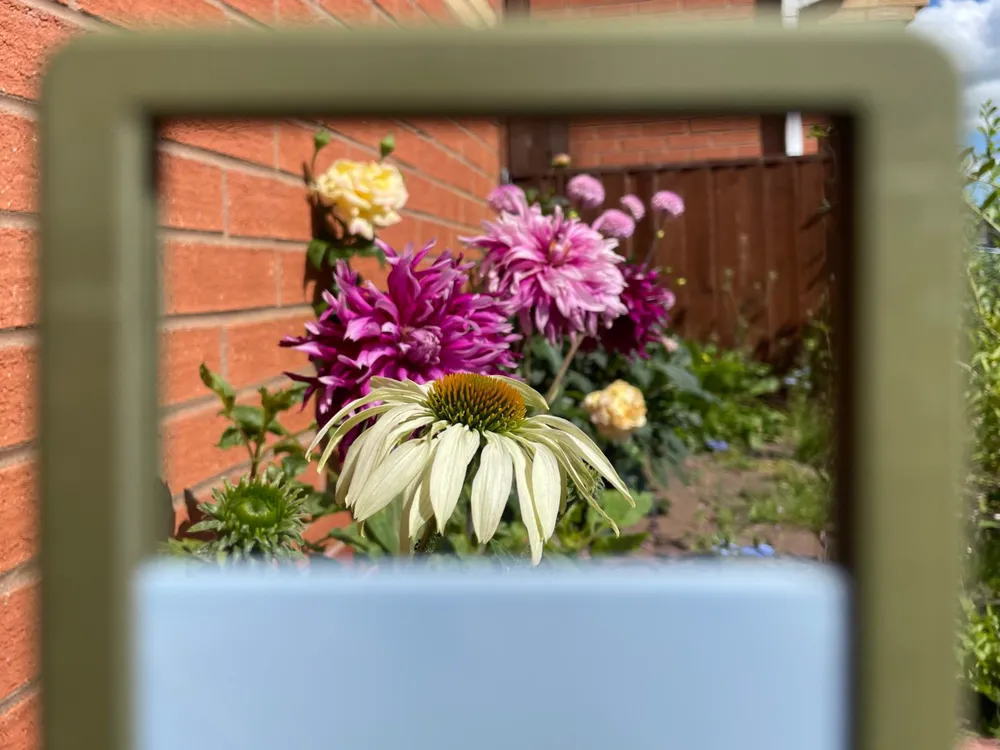
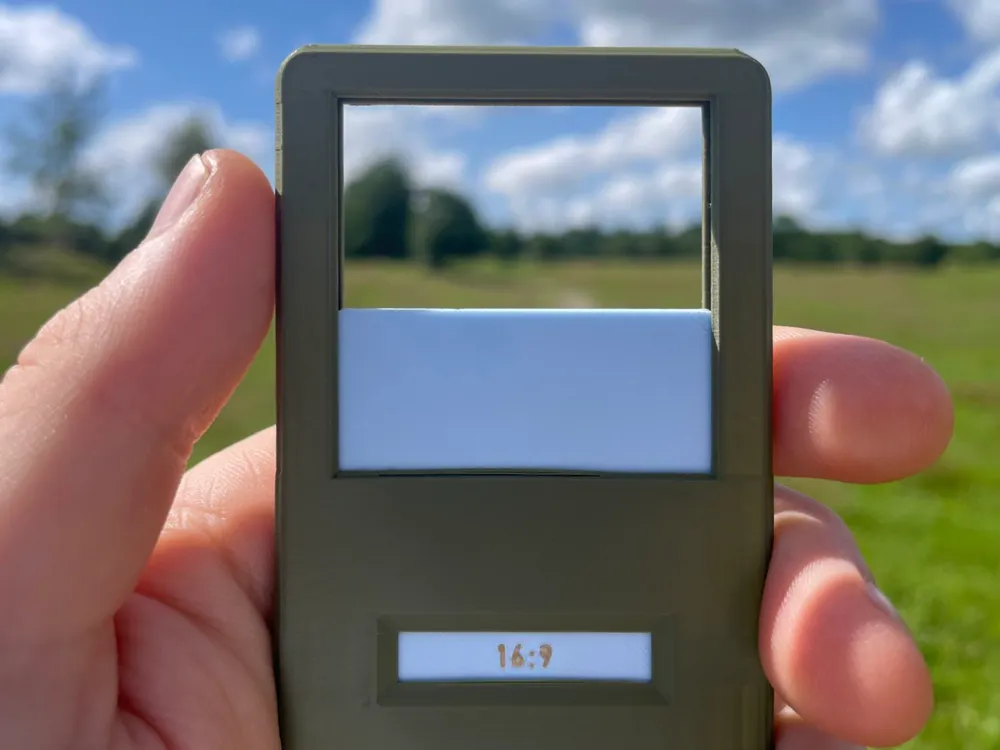
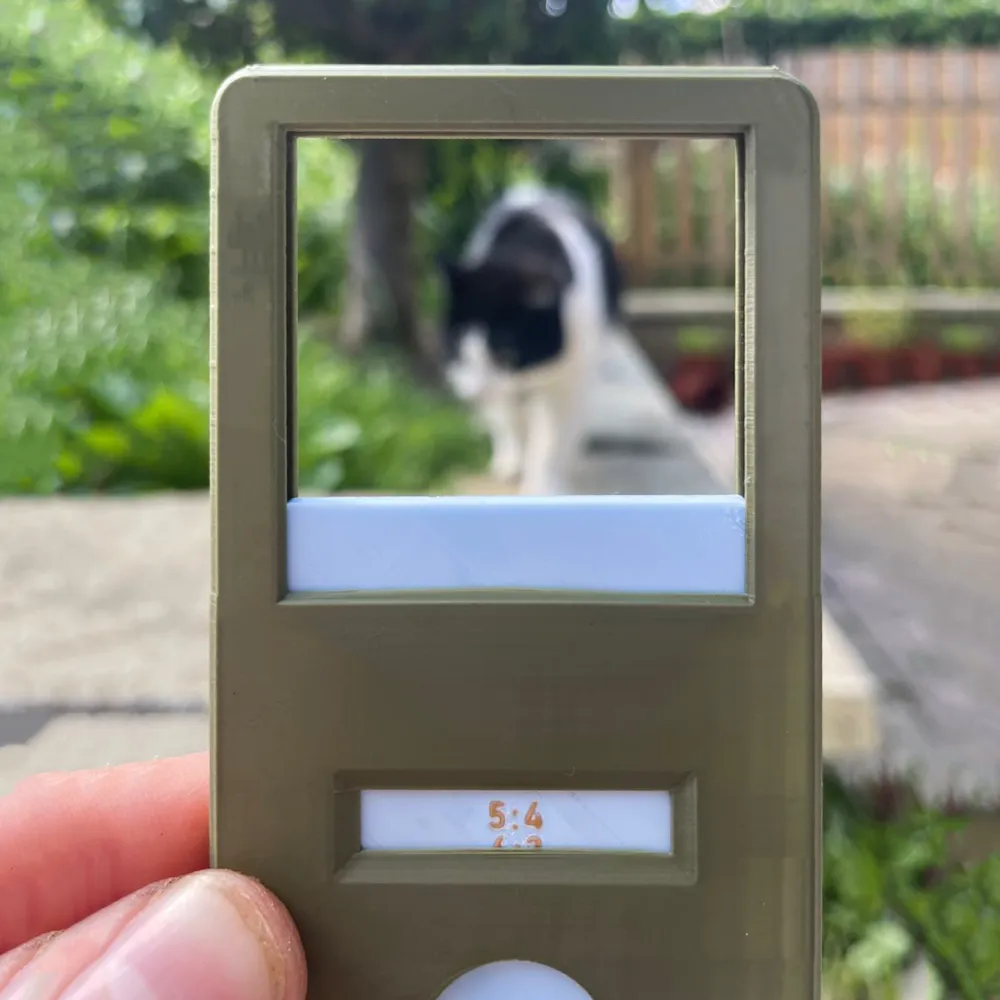
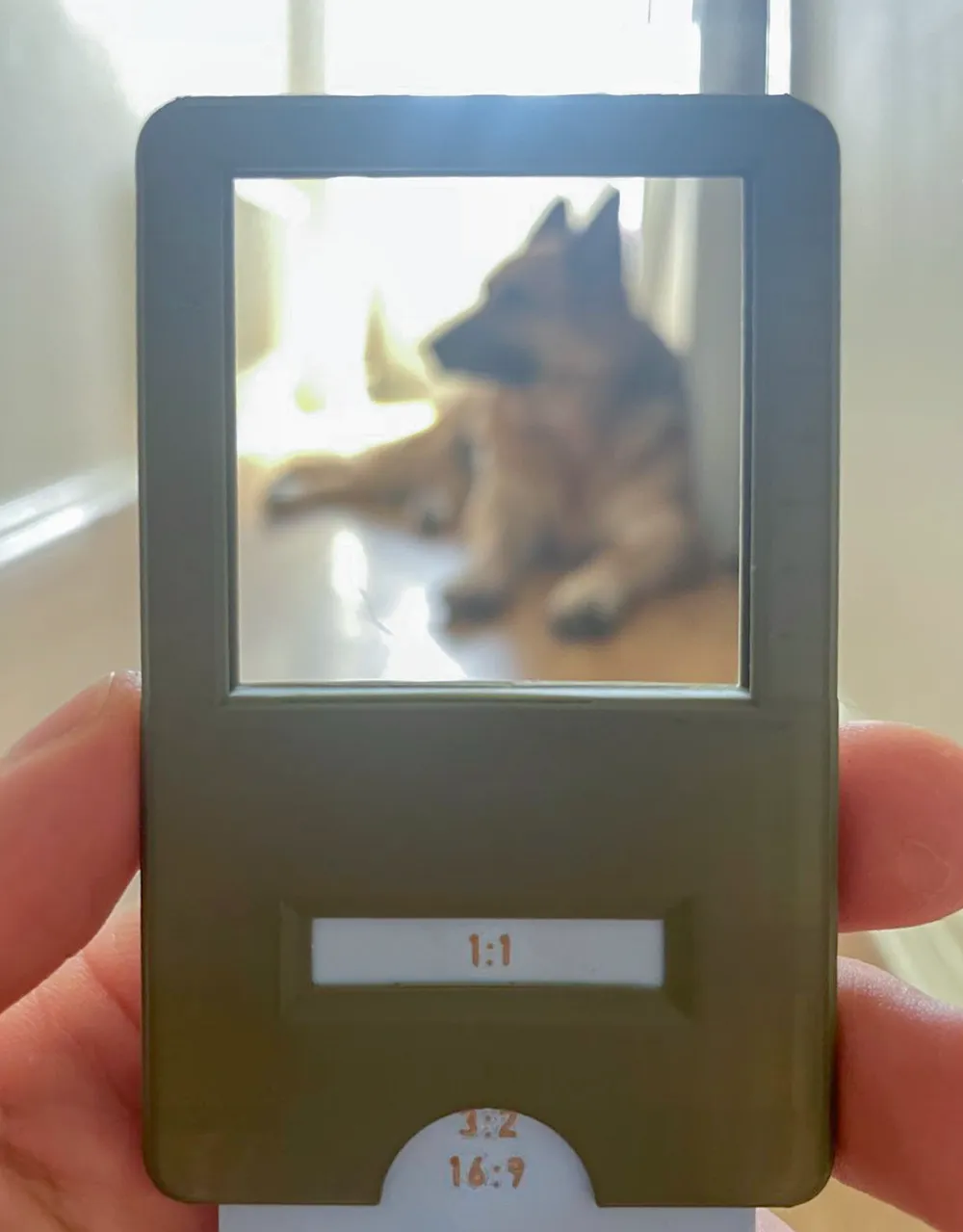
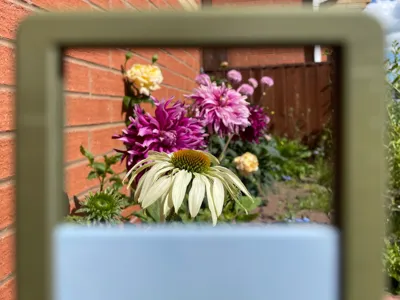
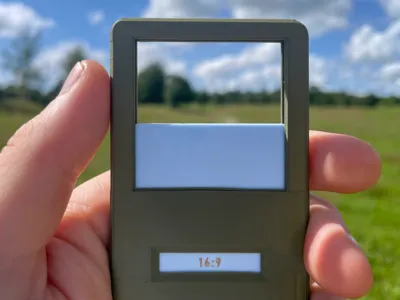
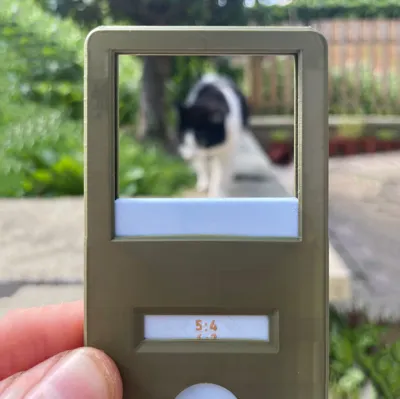
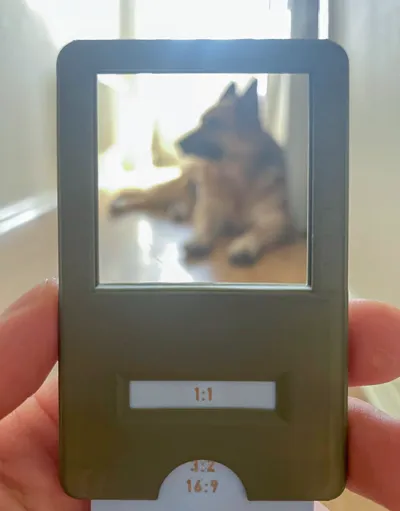
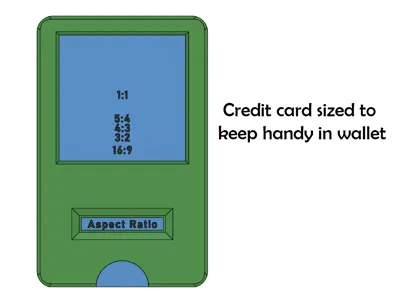
The purpose of this tool is to quickly get an eye for which aspect ratio would suit a shot without having to take a photo, replacing the need to take a test shot, or estimating by holding out your fingers.
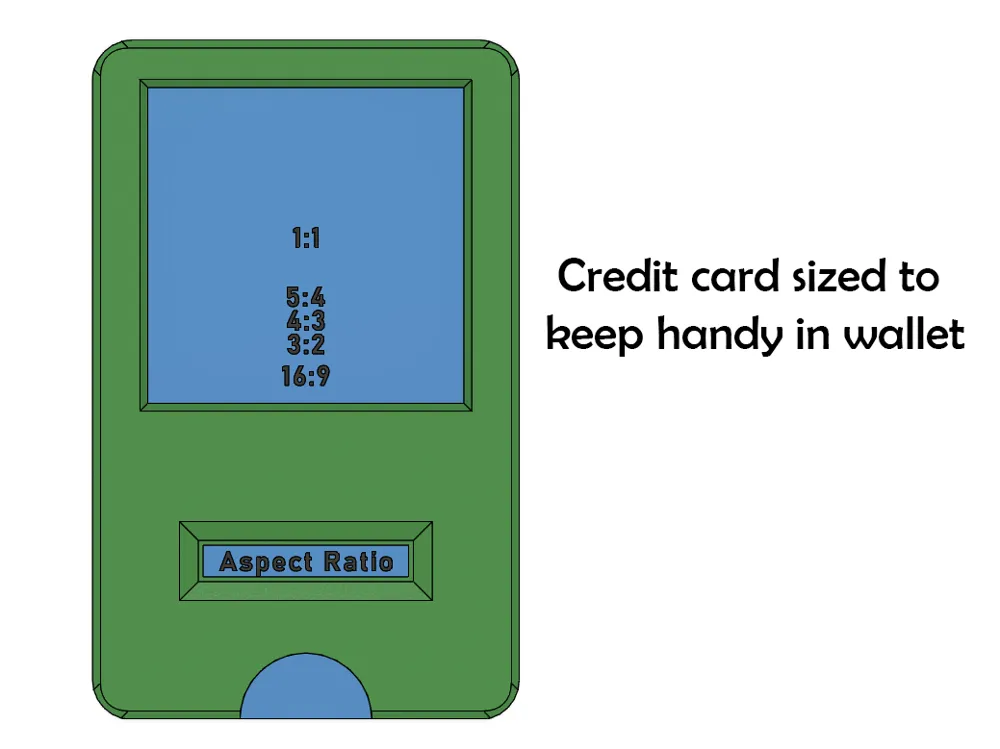
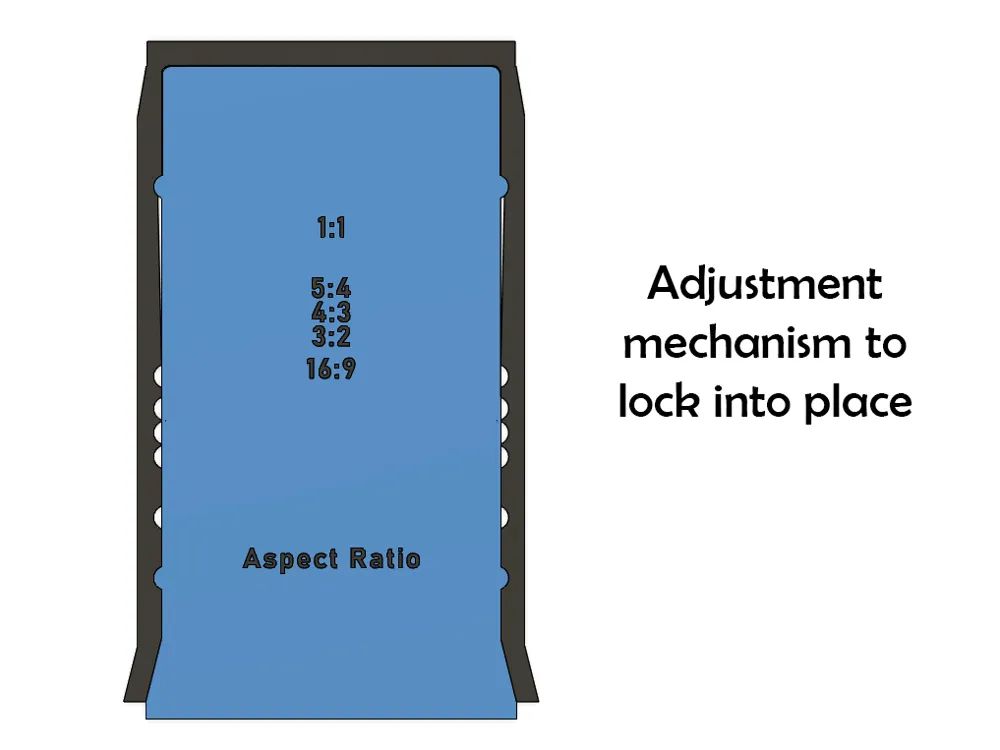
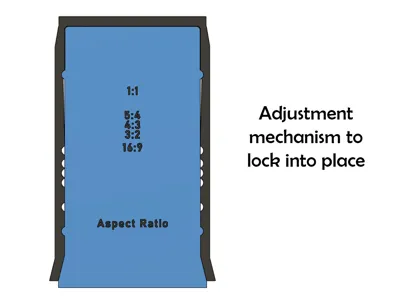
The tool is set to the 5 most common aspect ratios, with a very satisfying clicking mechanism that locks in place, however these ratios can be adjusted by changing where the notches line up.
The print is set up for 3 print plates, the main body, the locking mechanism insert and the sliding key. The main body is best printed upside down, vertically with minimal supports, and the insert/key are best printed horizontally. To assemble, place the insert through the bottom of the main body, then slide the key in. The insert might take a bit of encouragement to seat properly within the body.
License

You shall not share, sub-license, sell, rent, host, transfer, or distribute in any way the digital or 3D printed versions of this object, nor any other derivative work of this object in its digital or physical format (including - but not limited to - remixes of this object, and hosting on other digital platforms). The objects may not be used without permission in any way whatsoever in which you charge money, or collect fees.


Comment & Rating (4)