
Modular Display Stand

Print Profile(1)

Description
Description:
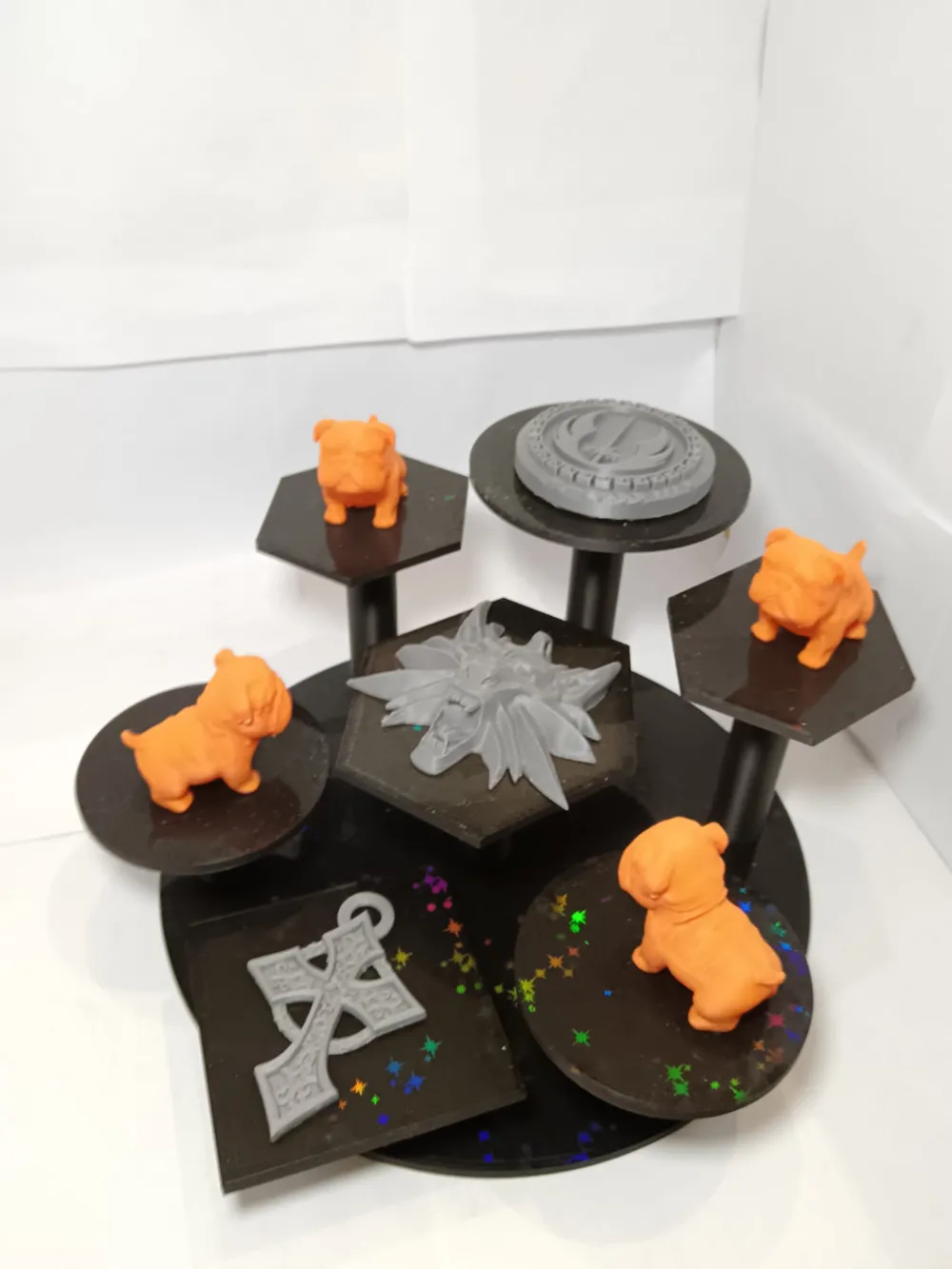
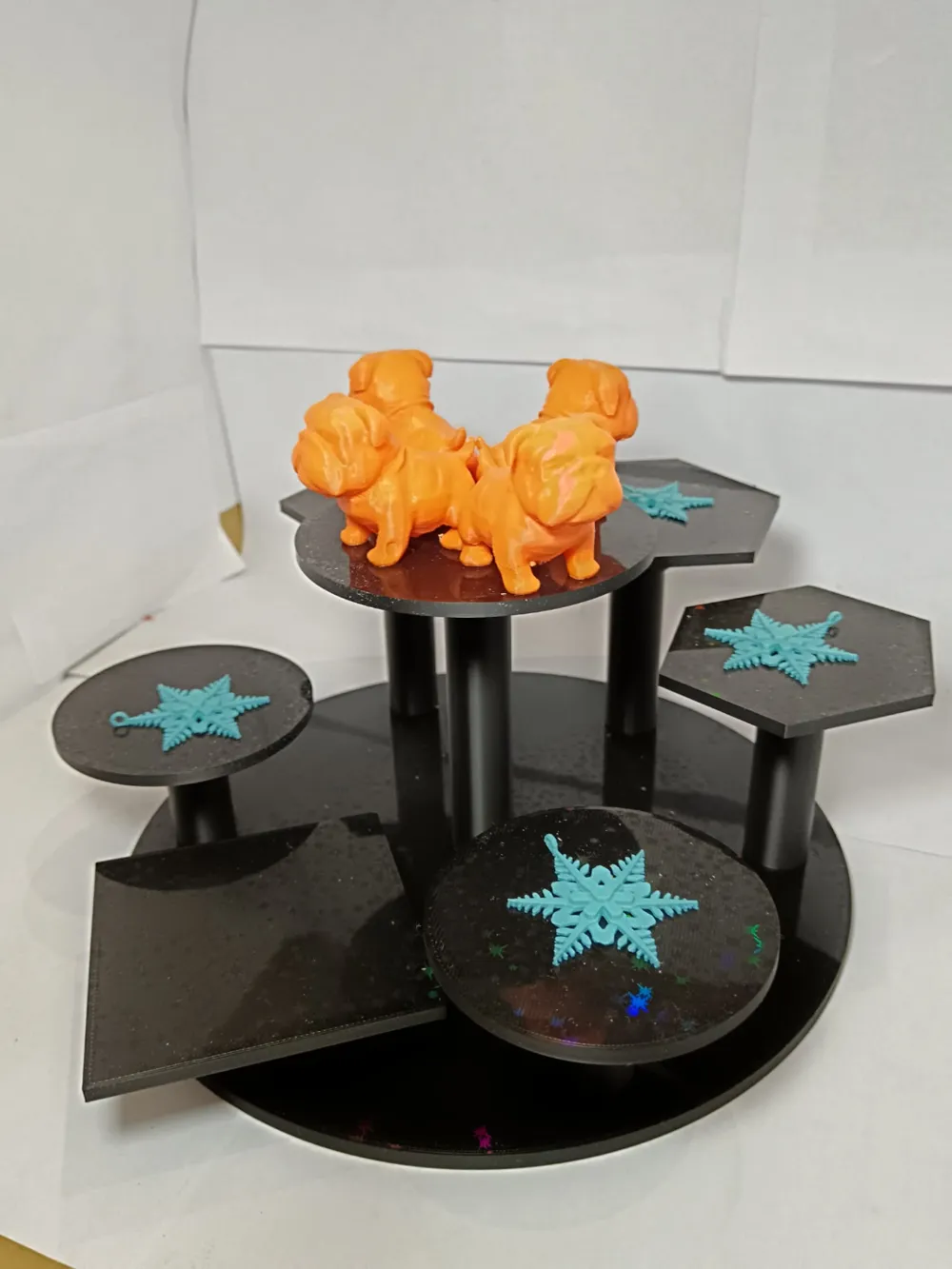
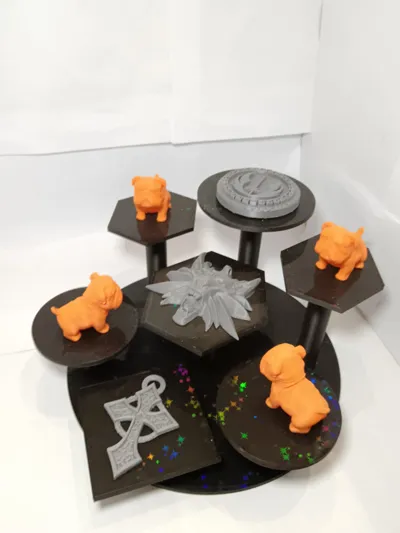
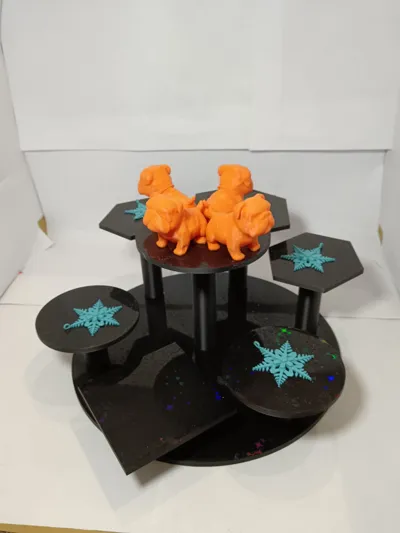
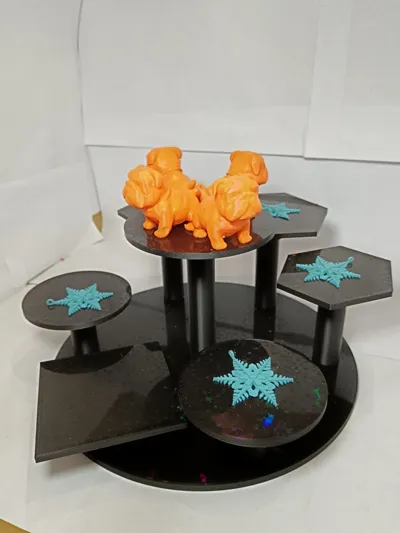
I sought a method to display my models, encountering @Babylone(https://makerworld.com/it/models/920993#profileId-883064)'s exhibition stand; quite charming, and I even commenced printing it. However, certain model characteristics dissuaded me from completing the print. Primarily, the necessity of gluing parts rendered the structure static and inflexible, precluding adaptability to future exhibitions.
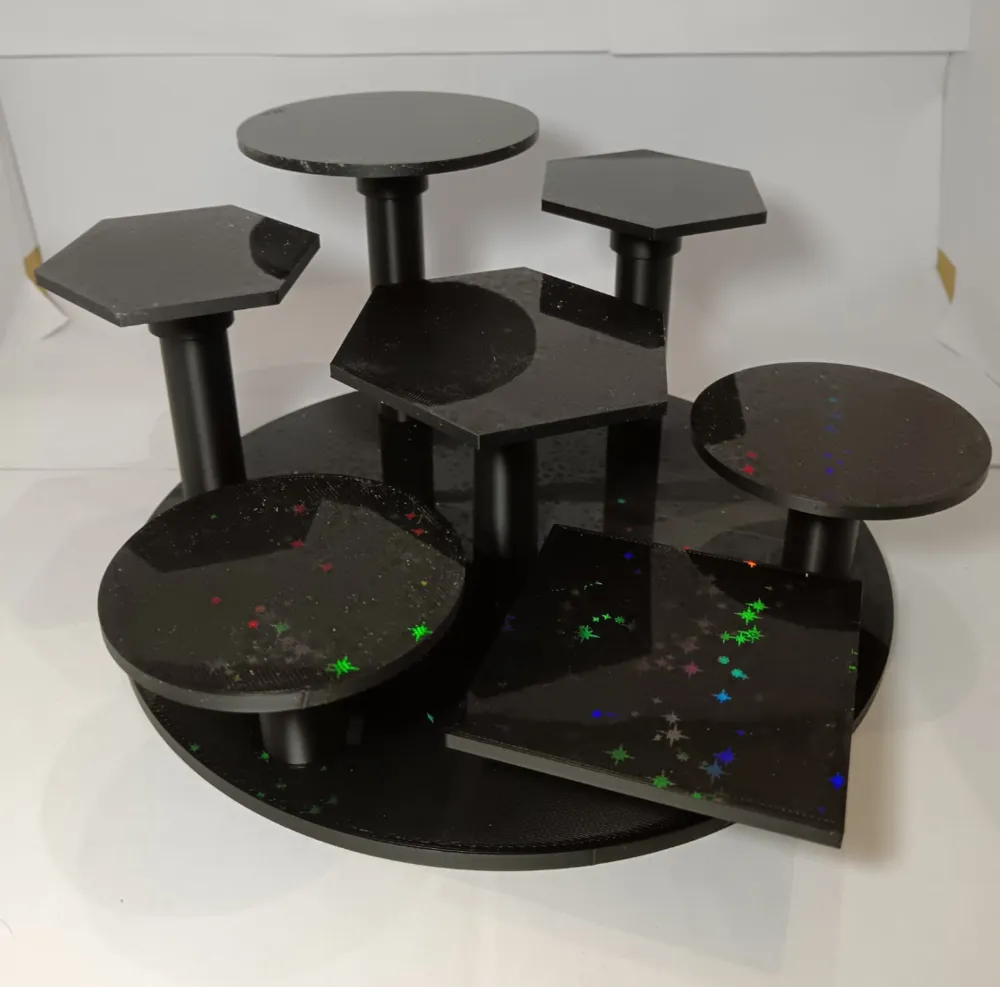
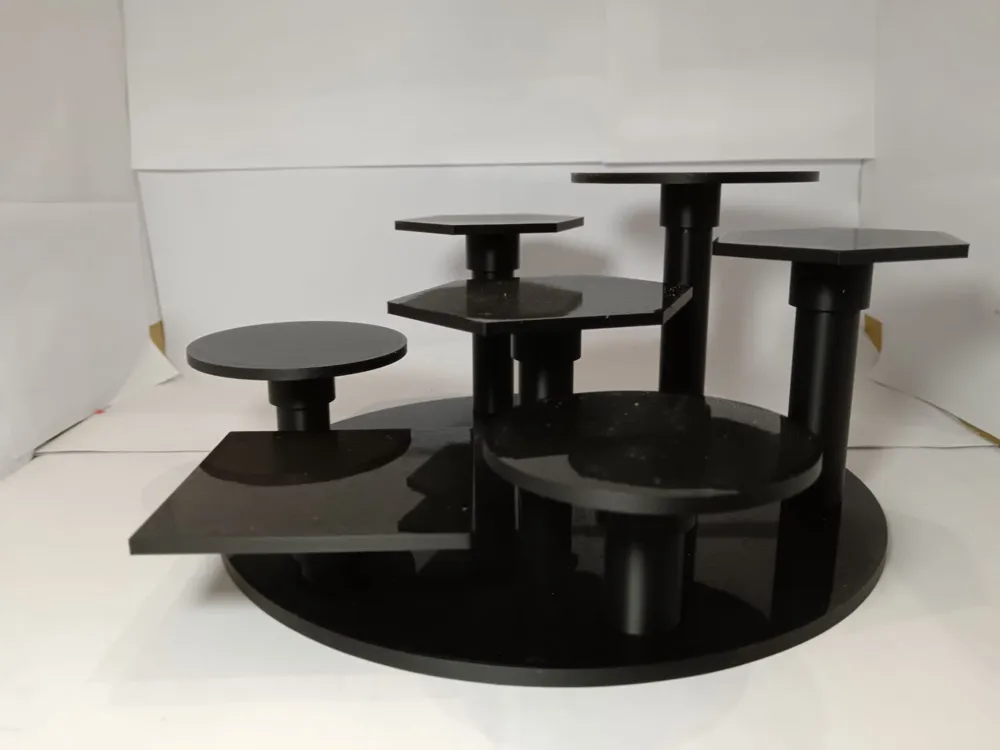
The author's copyright restrictions prevented a simple remix incorporating the desired modifications; thus, I developed a new modular exhibition stand from scratch, facilitating effortless rearrangement. Parts interlock, eliminating the need for any adhesive.
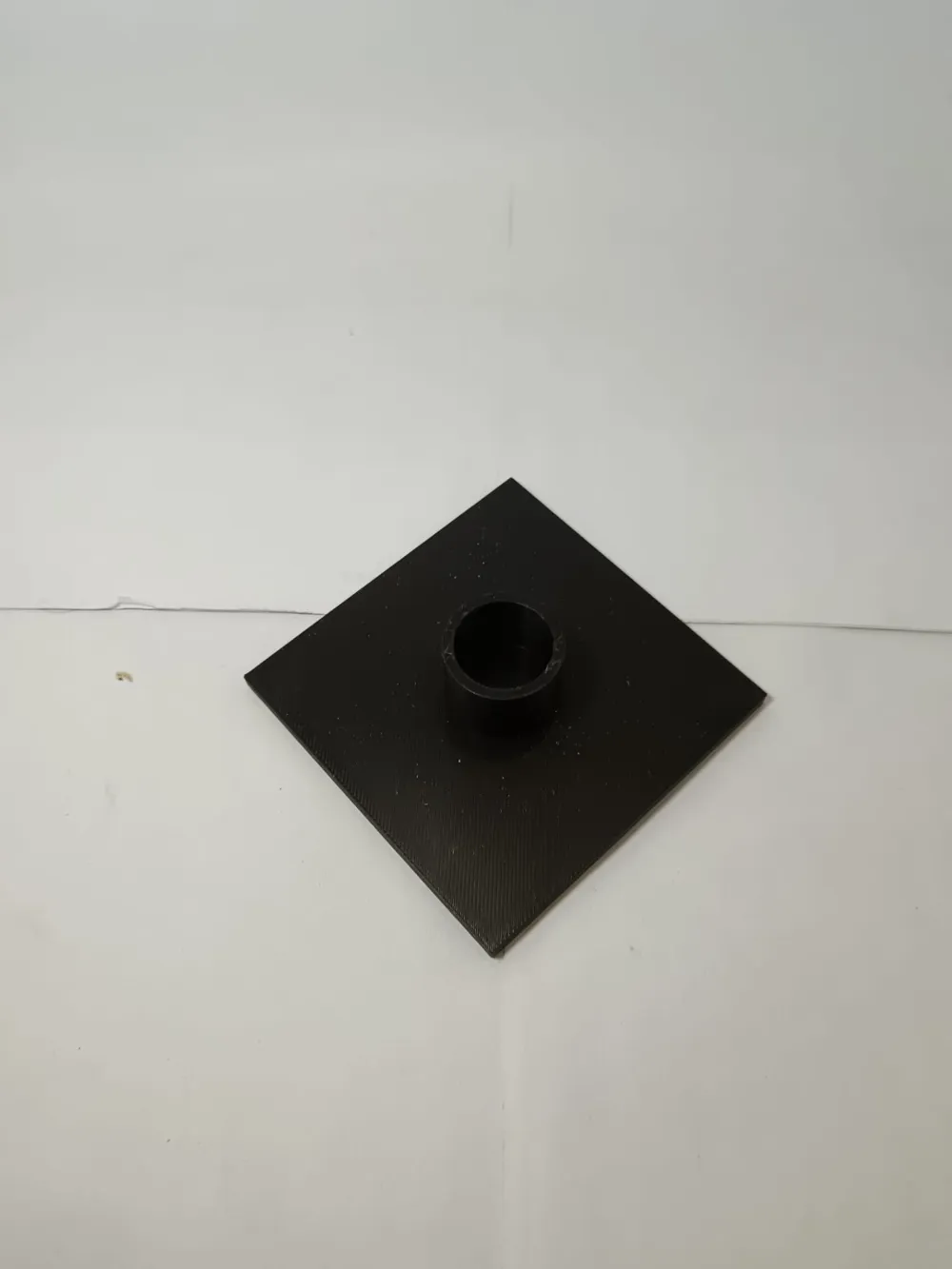
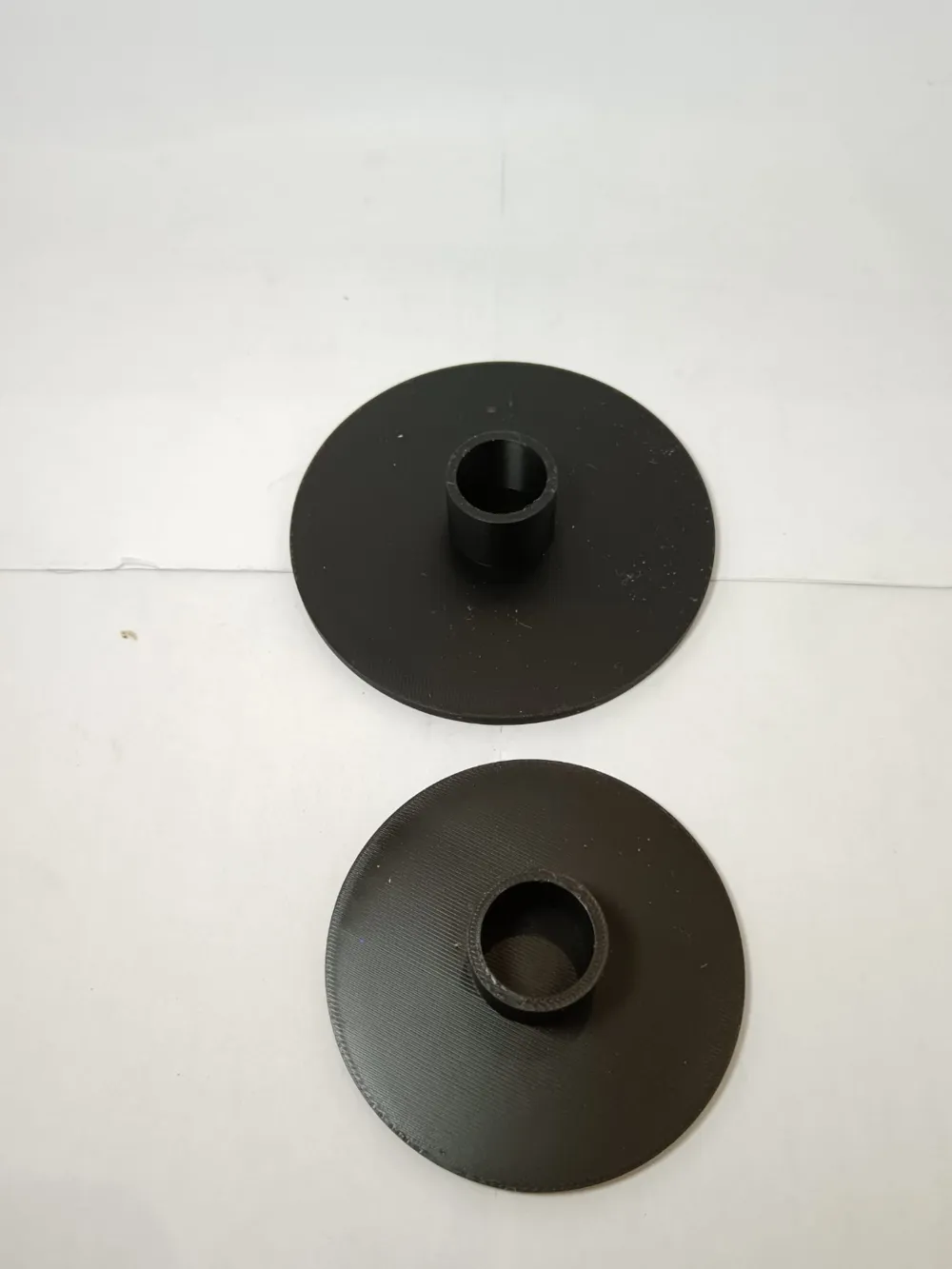
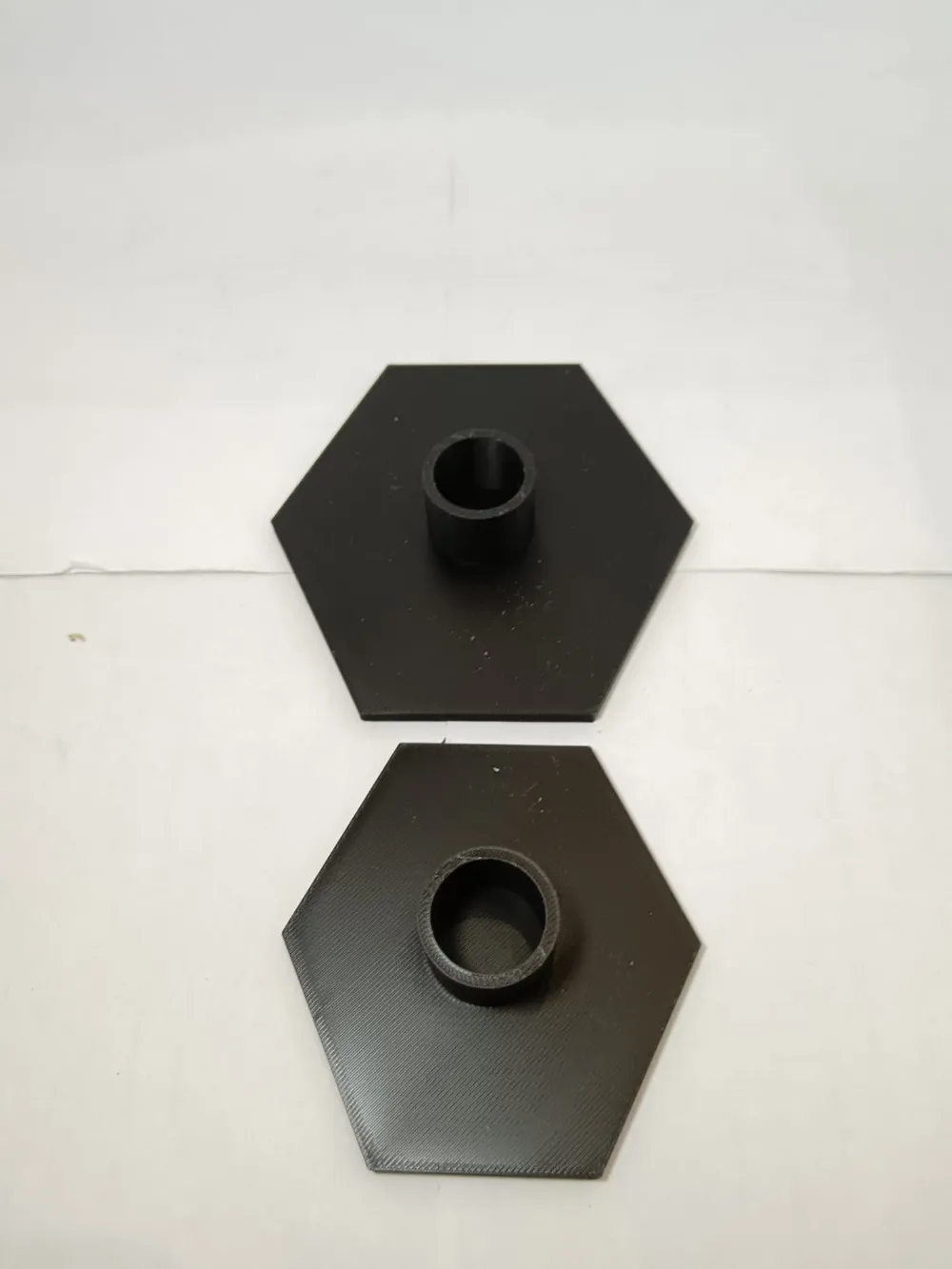
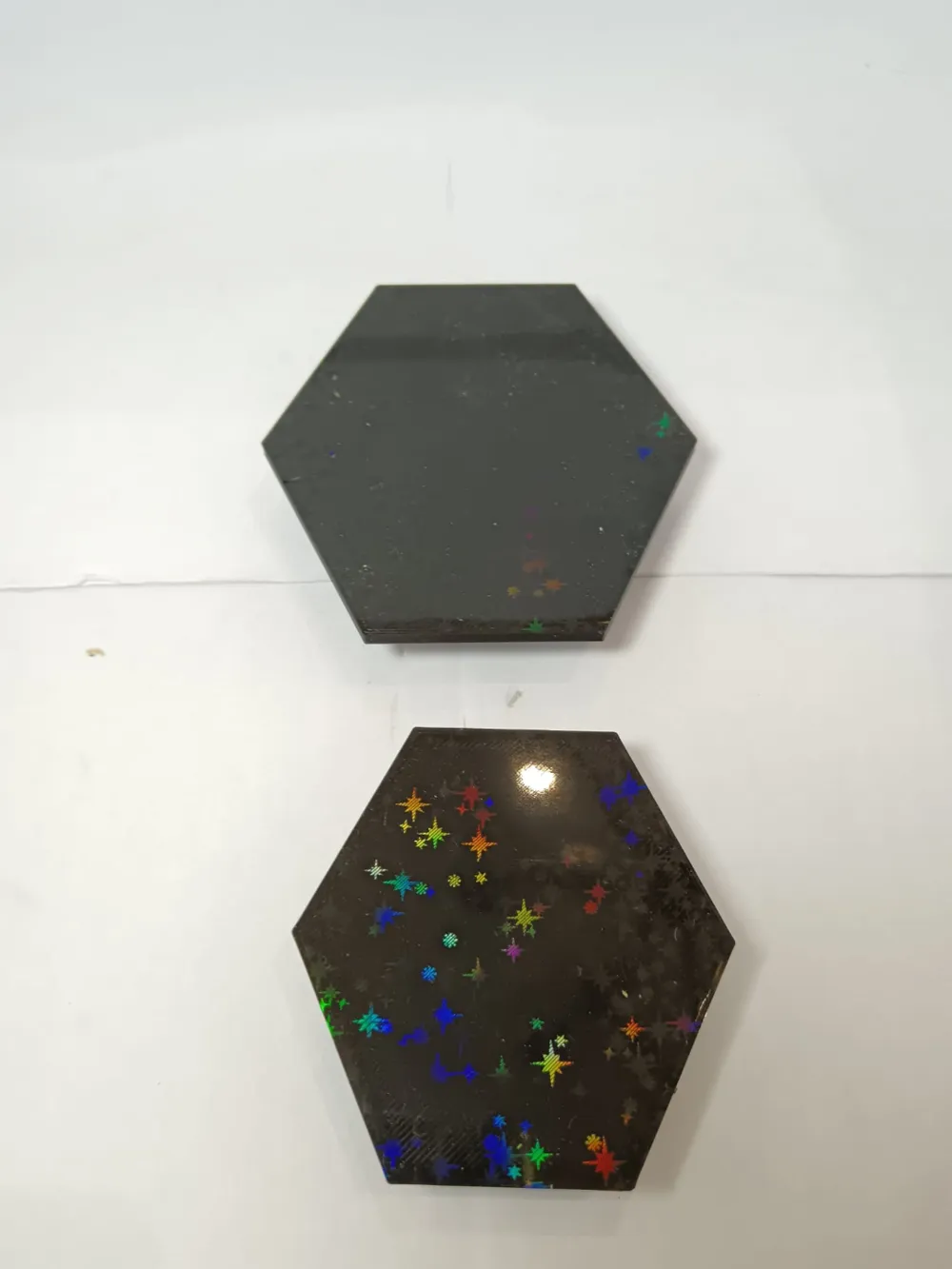
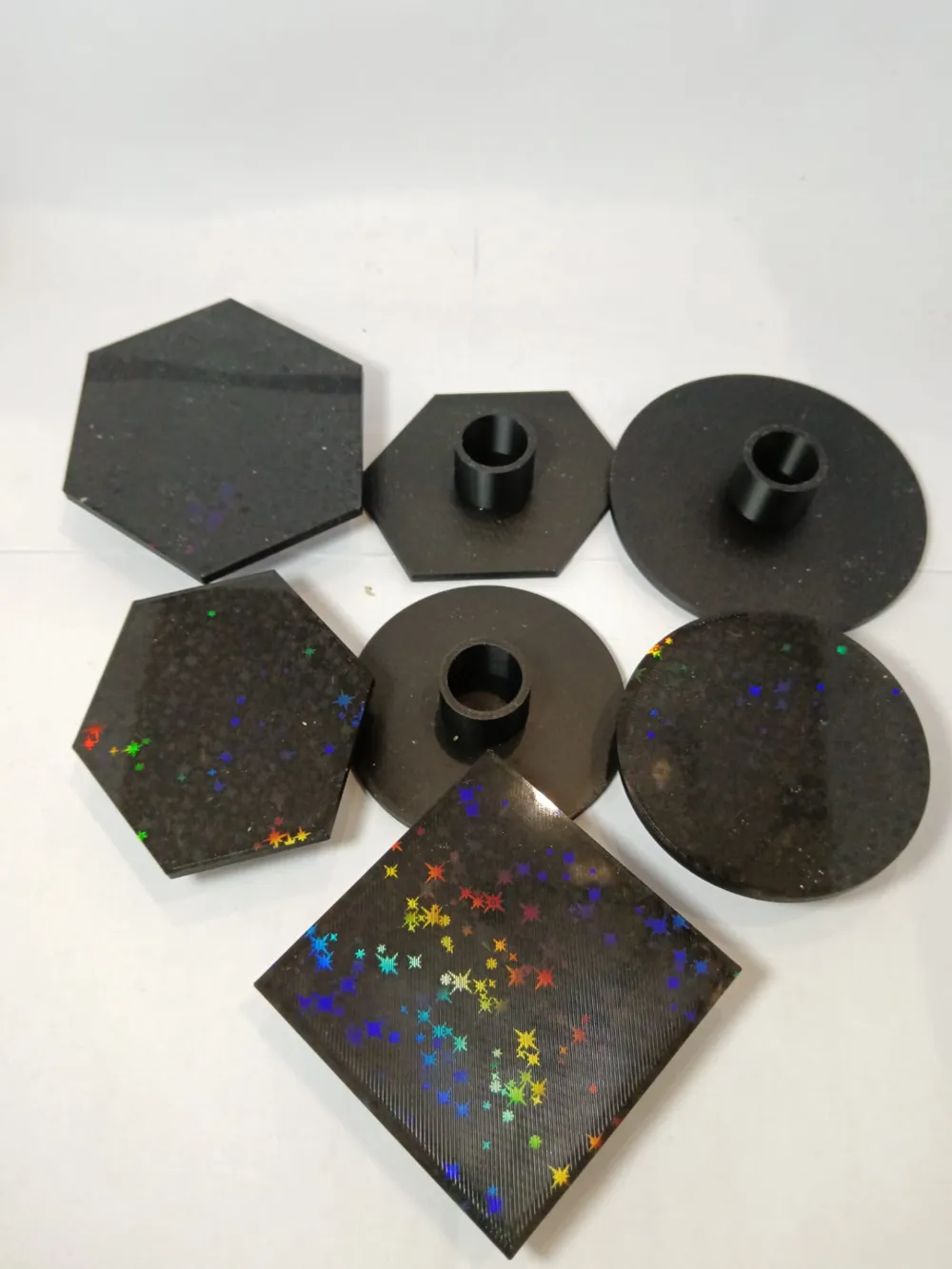
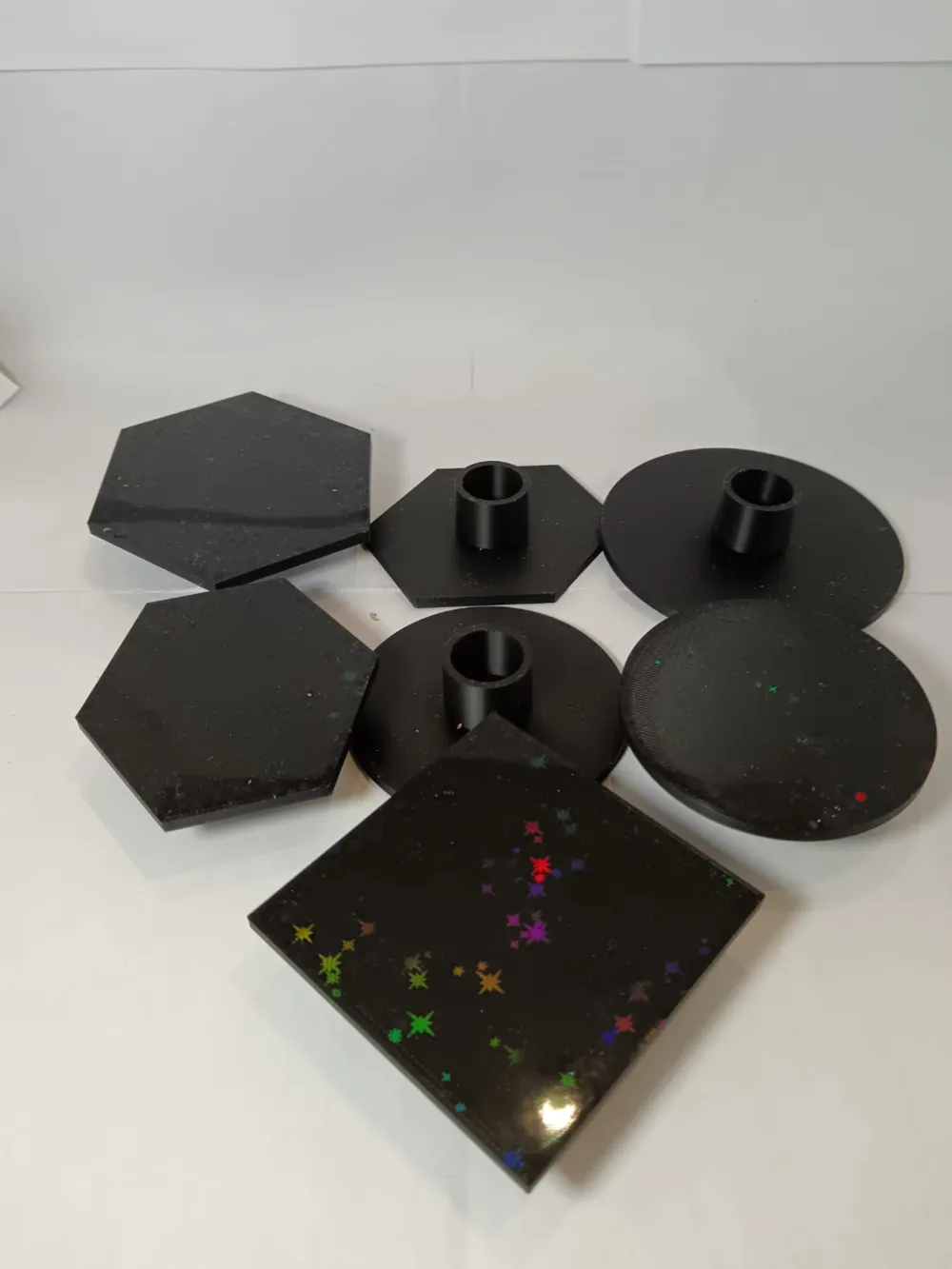
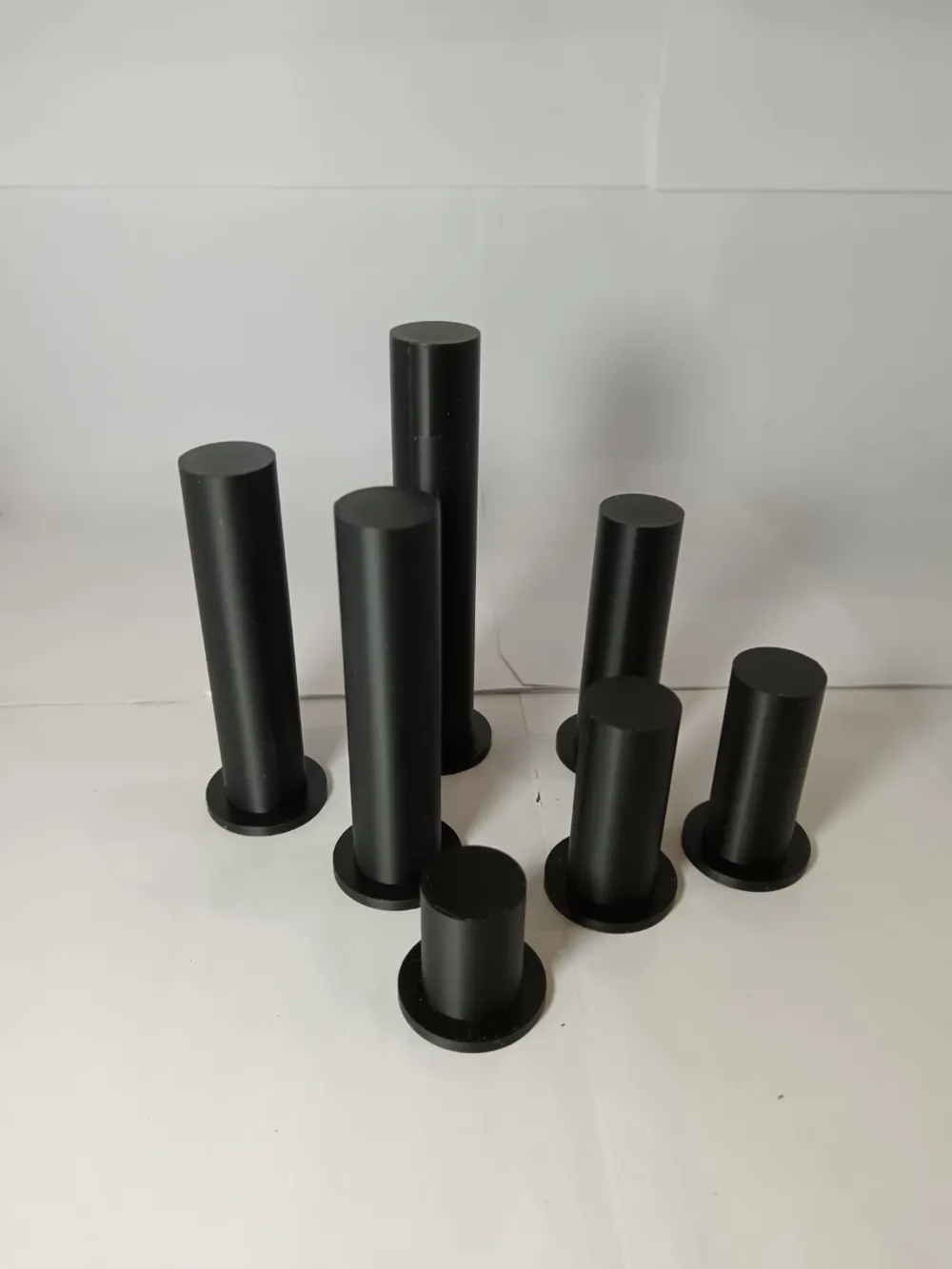
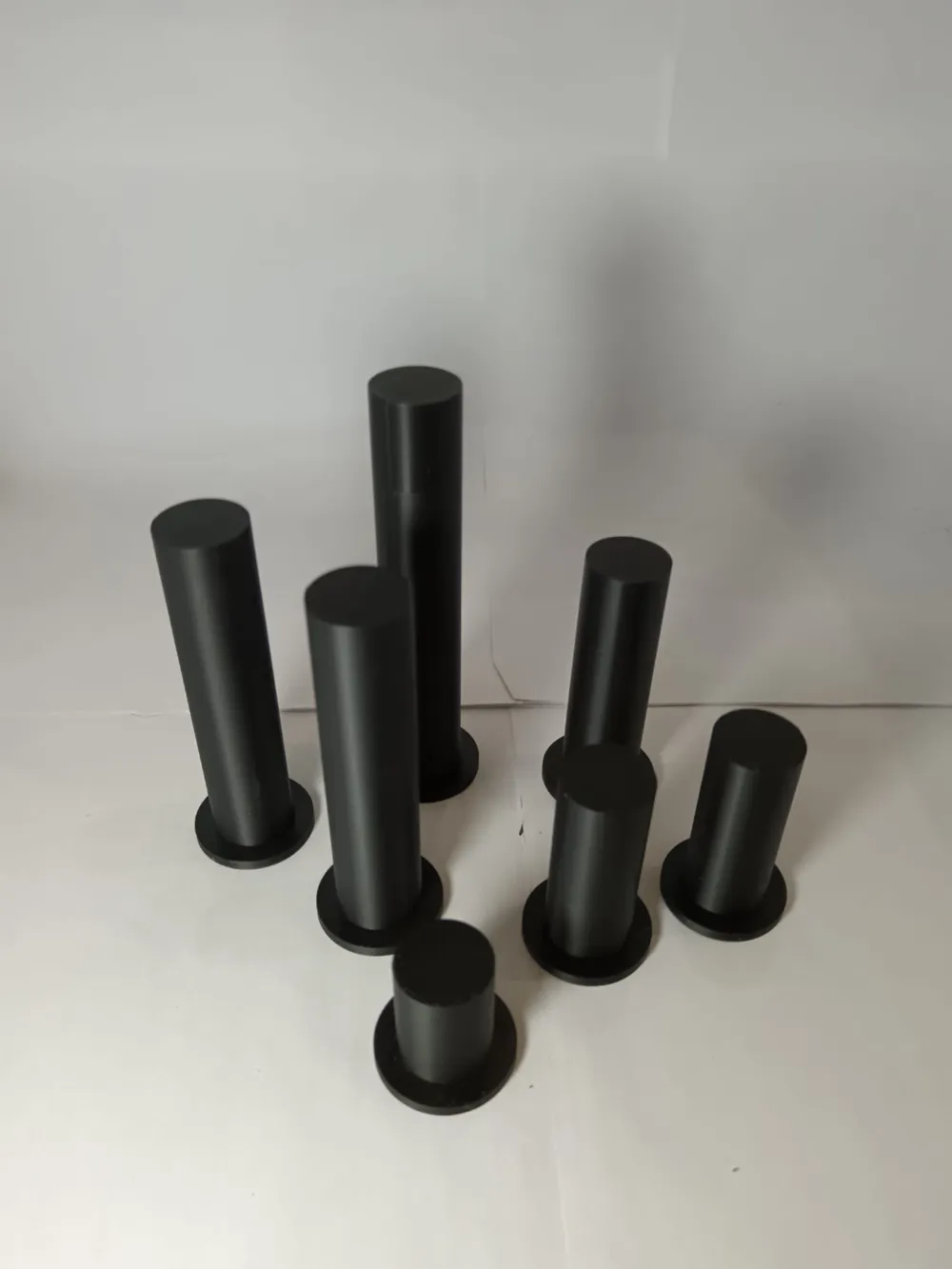
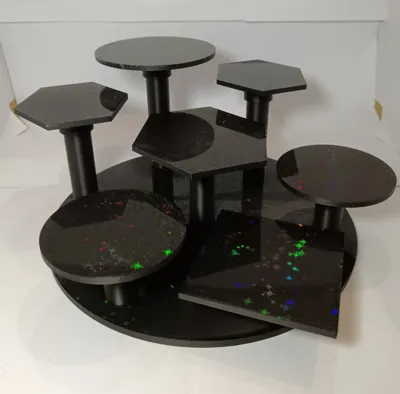
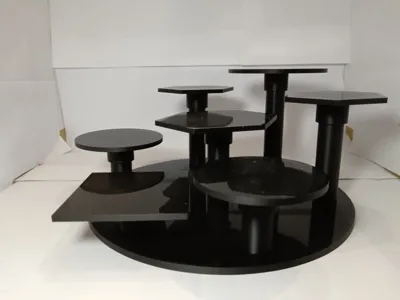
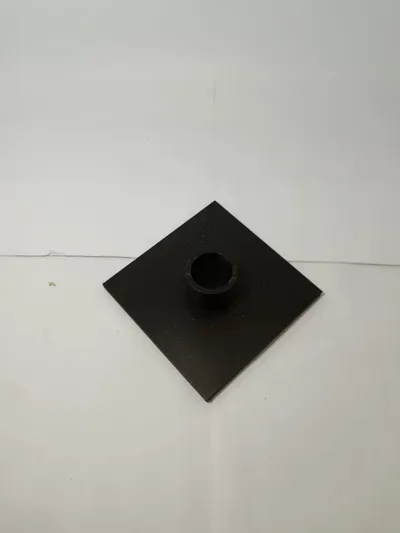
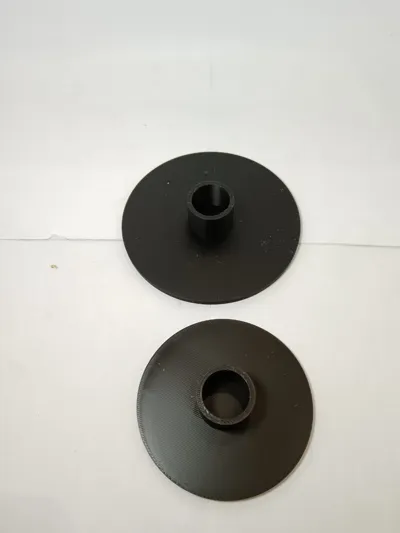
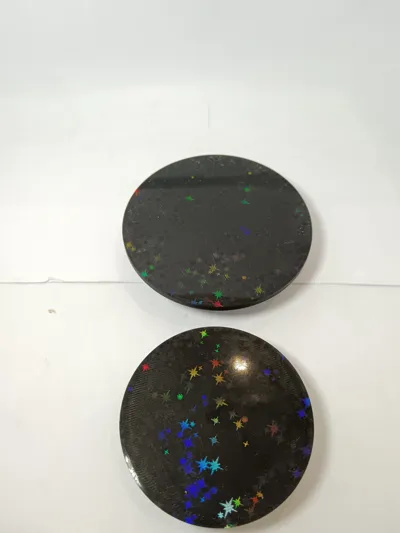
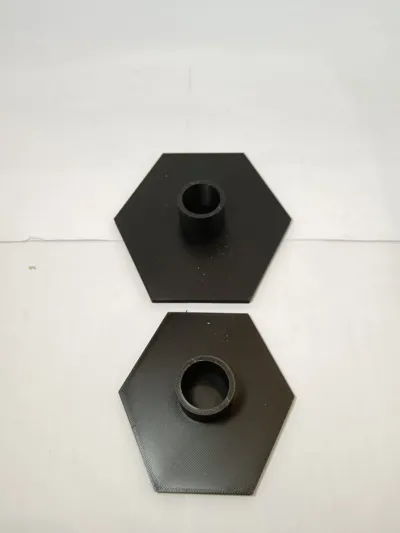
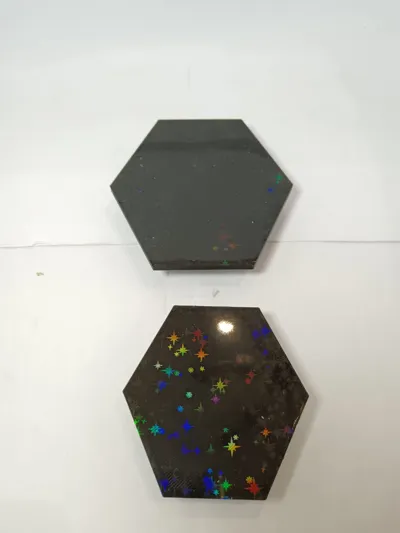
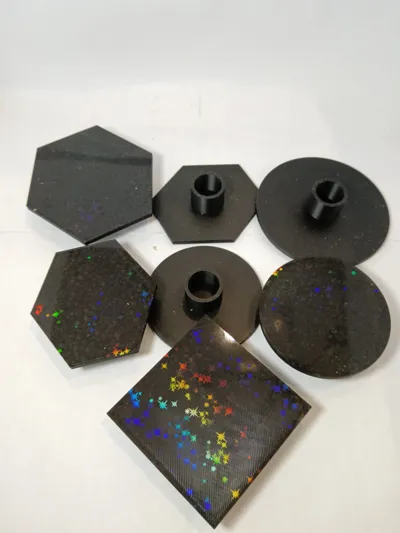
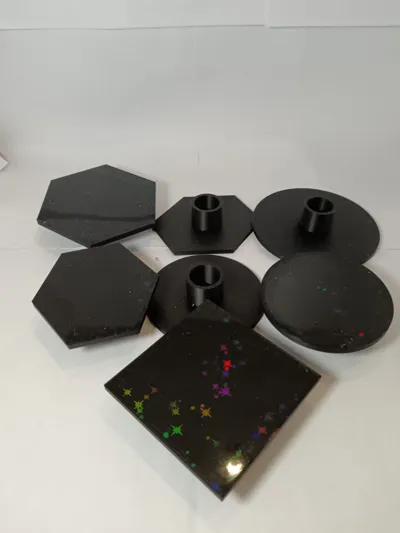
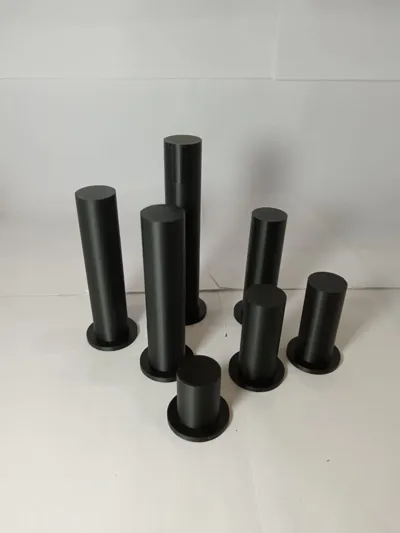
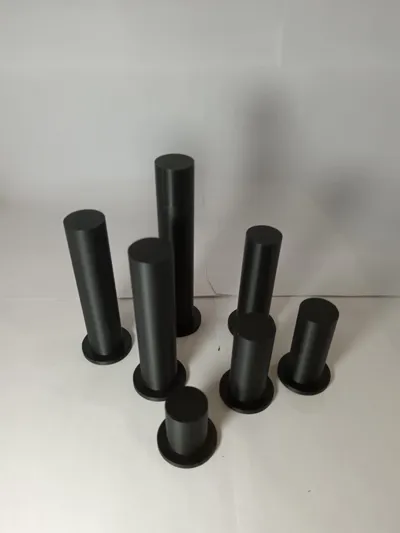
I created six column types with variable heights: 30mm, 50mm, 70mm, 90mm, 110mm, and 130mm. Support heads are available in two widths, 80mm and 100mm, and three shapes: hexagonal, round, and square. A cap is also included to close one or more holes if fewer than seven display points are required.
Printing Instructions:
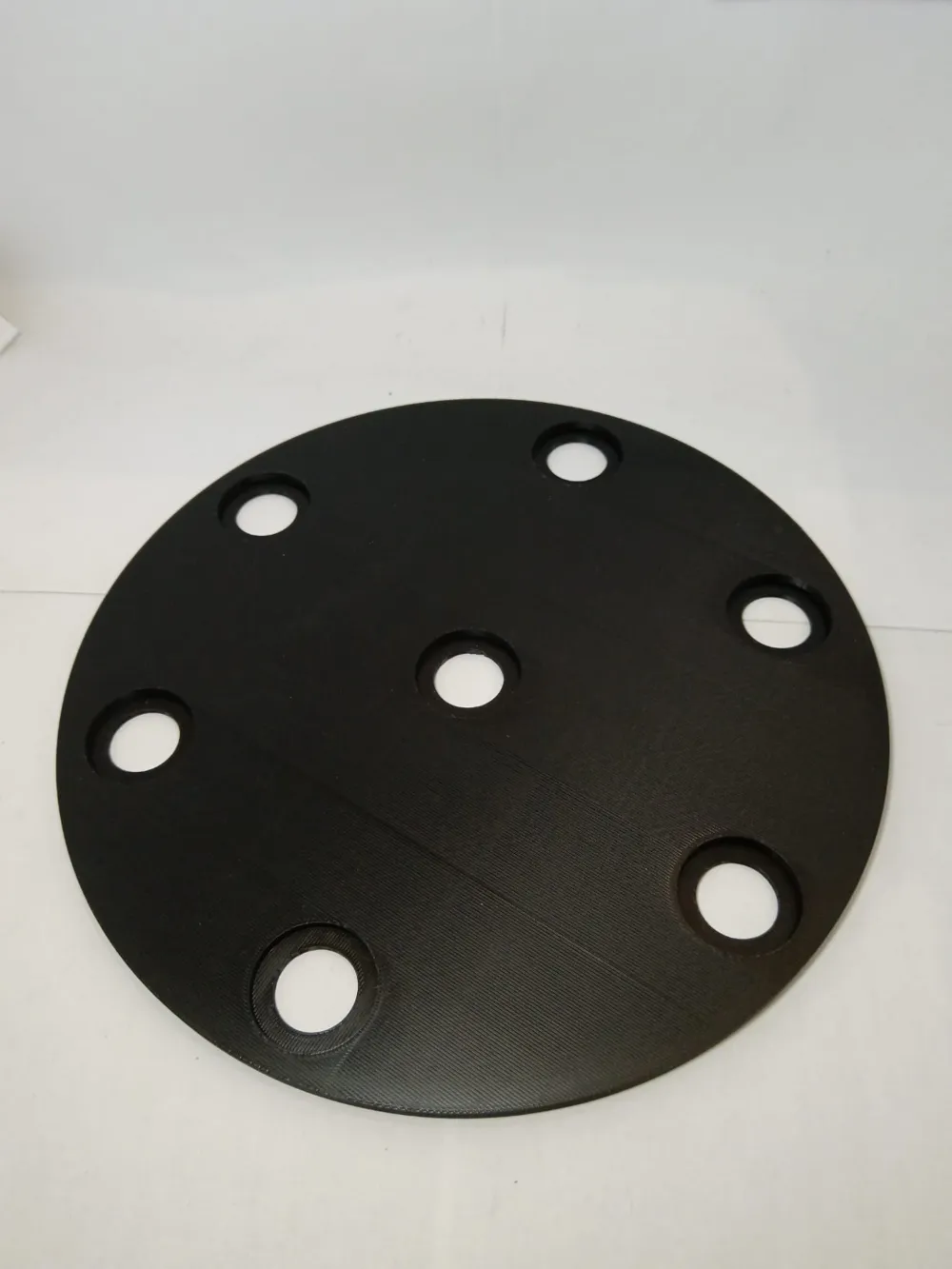
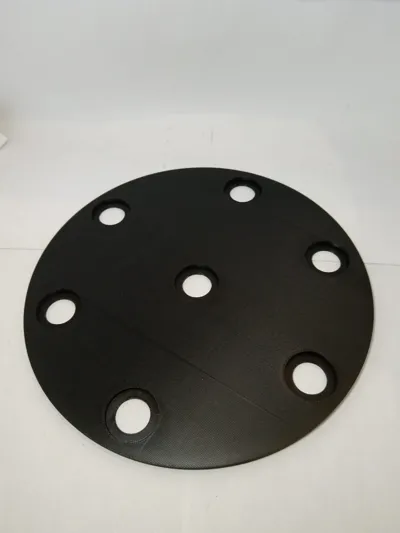
Print one copy of the base and then select the columns and support heads according to your needs.
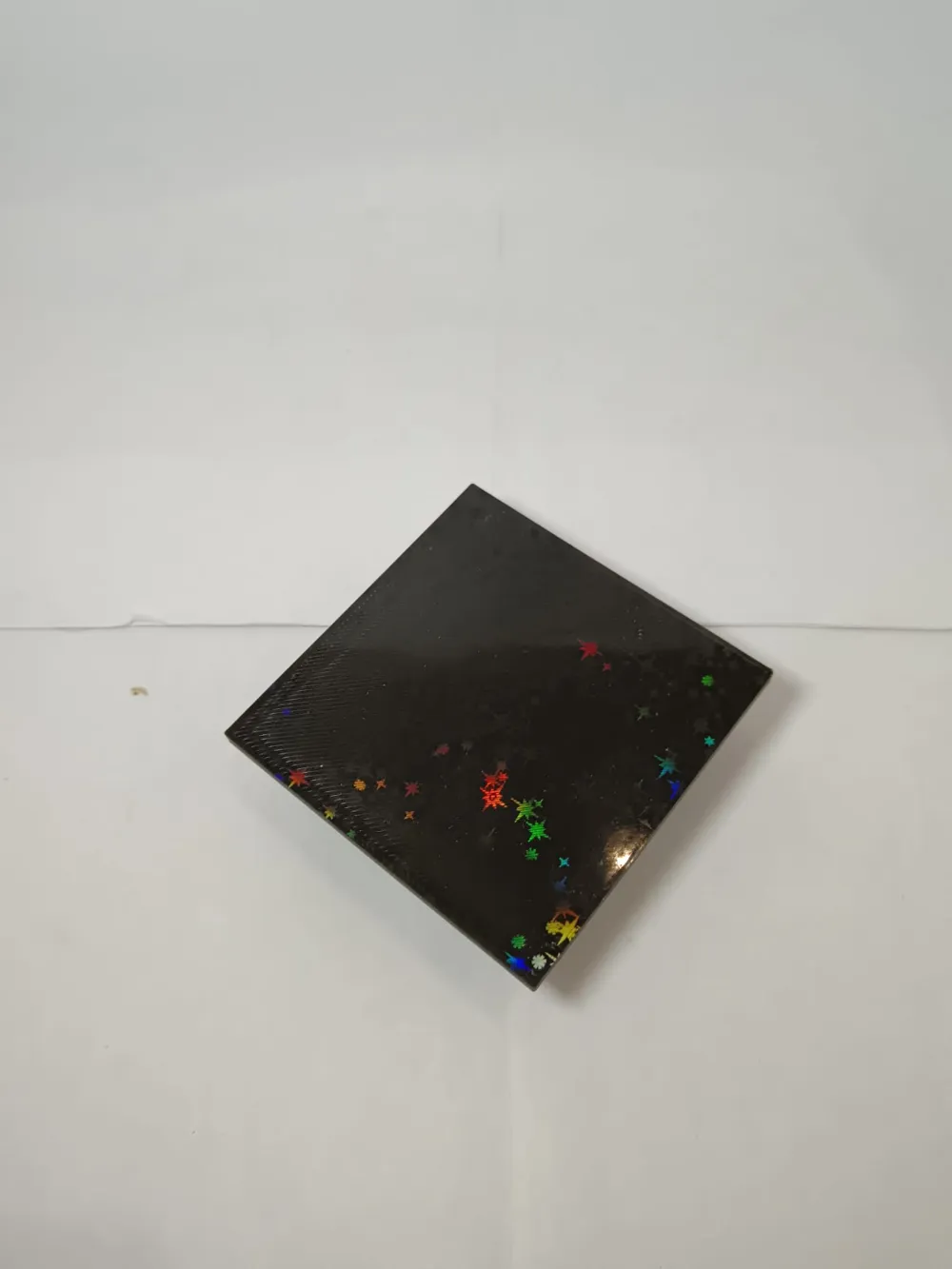
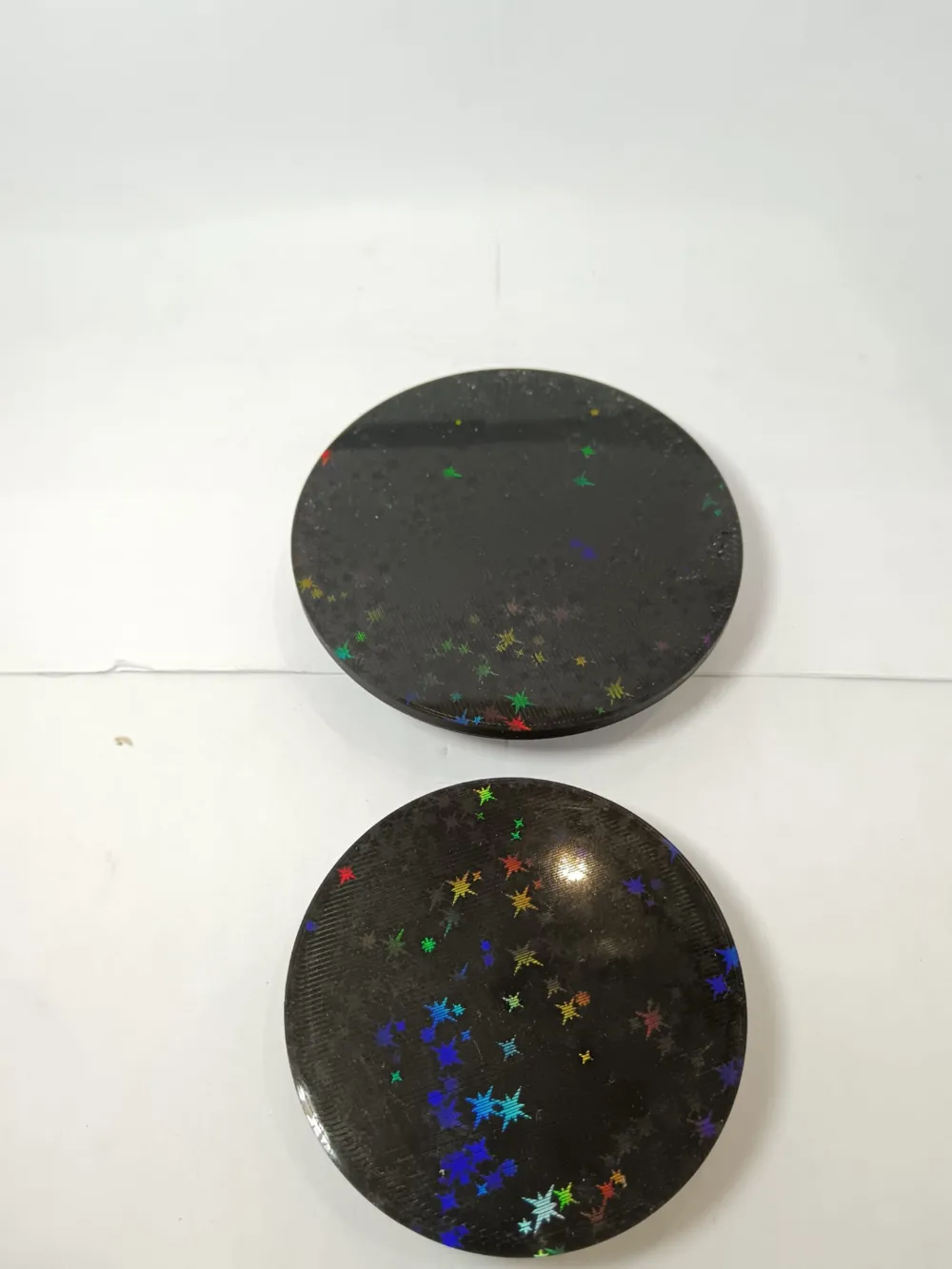
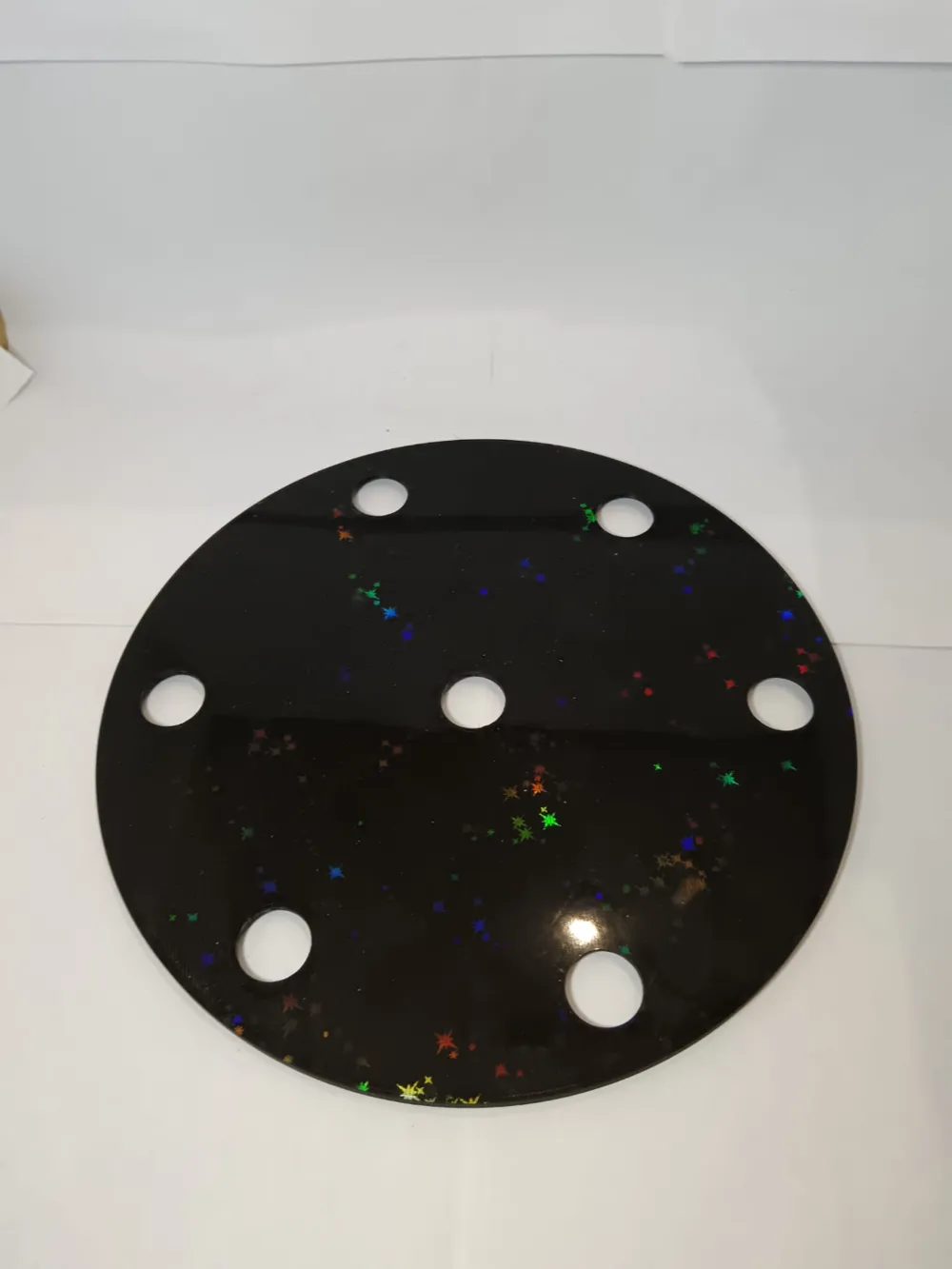
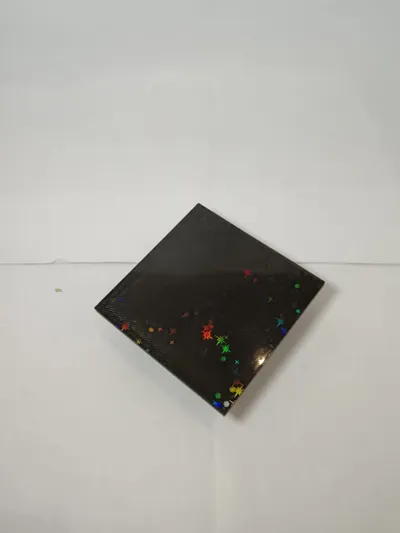
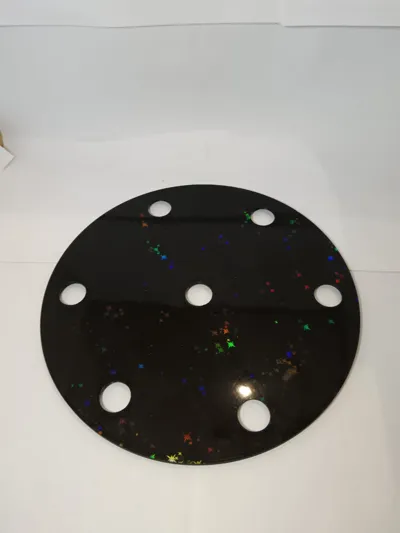
Position the base on the print bed with the upper surface facing down to apply holographic effects, if desired, using print beds with such capabilities. No supports are needed. Similarly, orient the support heads towards the print bed to add effects, eliminating the need for supports. Columns require no supports. The cap is the only part requiring support if printing the upper surface with holographic effects; if a standard rough or smooth surface suffices, invert the cap to avoid support use.
Due to the base's size, printing this model on the A1 mini is not feasible.
Assembly Instructions:
Invert the base, exposing the recesses. Insert columns in the desired order, starting with the narrow end into the base holes, pushing until they lock into place. Turn the base over and attach the support heads to the columns.
I recommend attaching support heads starting with the shortest columns to prevent taller columns from interfering with assembly, particularly when using wider heads.
To disassemble the entire stand or a portion, simply pull off the desired heads and push the columns towards the base to release and remove them.
Post-Processing:
Only the cap, if printed with holographic effects and requiring support, needs support removal to ensure proper interlocking with the base. Other parts are ready for use without post-print cleaning.
Boost Me (for free)
If you liked my models and wish to support the creation of more models, I invite you to Boost the models you liked most in my collection This will allow me to develop and print more models, being able to convert points into gift cards to buy more filament, without costing you a single cent =)
Membership
For those interested in the physical sale of my models, you can subscribe to my commercial membership through the subscription program provided by MakerWorld. If you have any questions regarding the membership or wish for a particular model, I invite you to contact me directly
License

You shall not share, sub-license, sell, rent, host, transfer, or distribute in any way the digital or 3D printed versions of this object, nor any other derivative work of this object in its digital or physical format (including - but not limited to - remixes of this object, and hosting on other digital platforms). The objects may not be used without permission in any way whatsoever in which you charge money, or collect fees.


Comment & Rating (75)