
Drone frame kit - CineWhoop (BabyApe Pro > Pavo20)
Print Profile(3)


Description
Hey fellow FPV lovers!
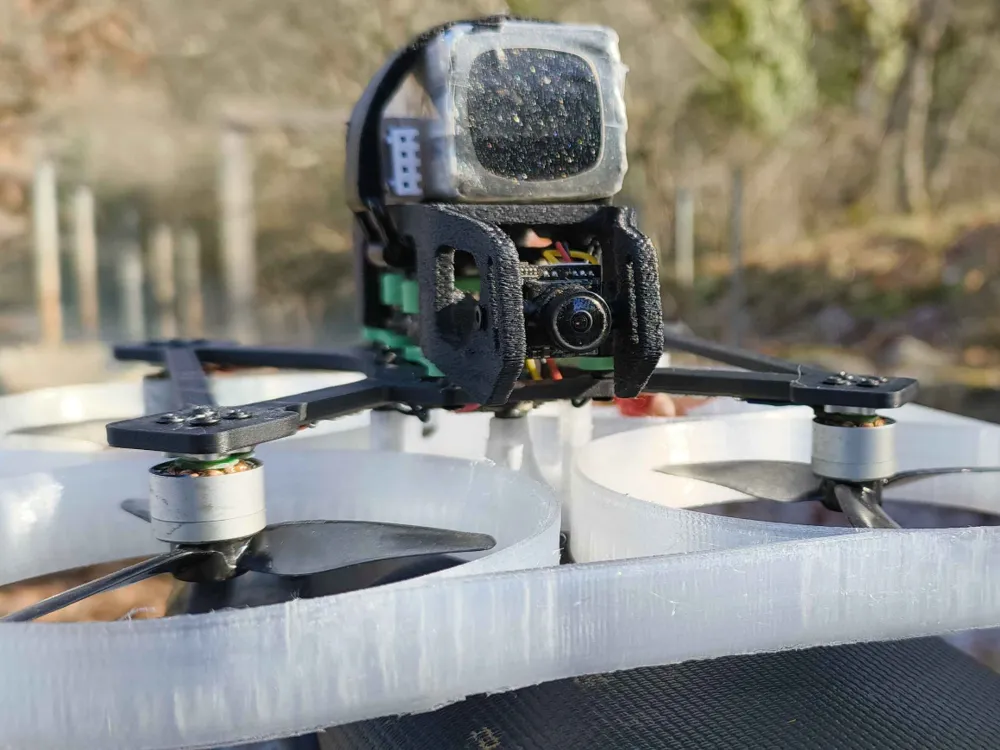
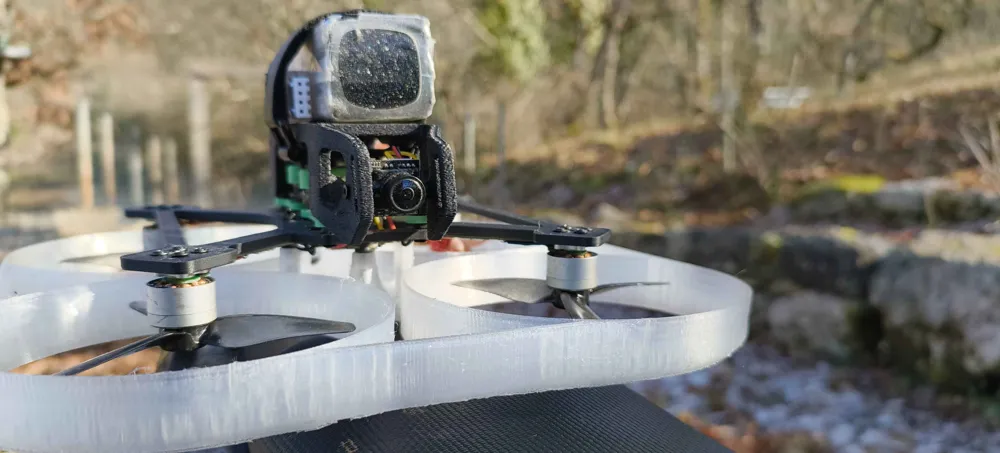
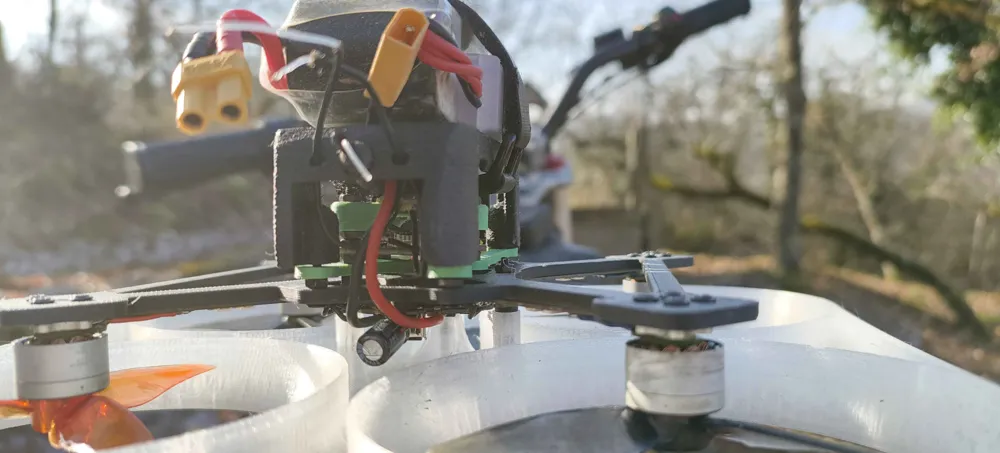
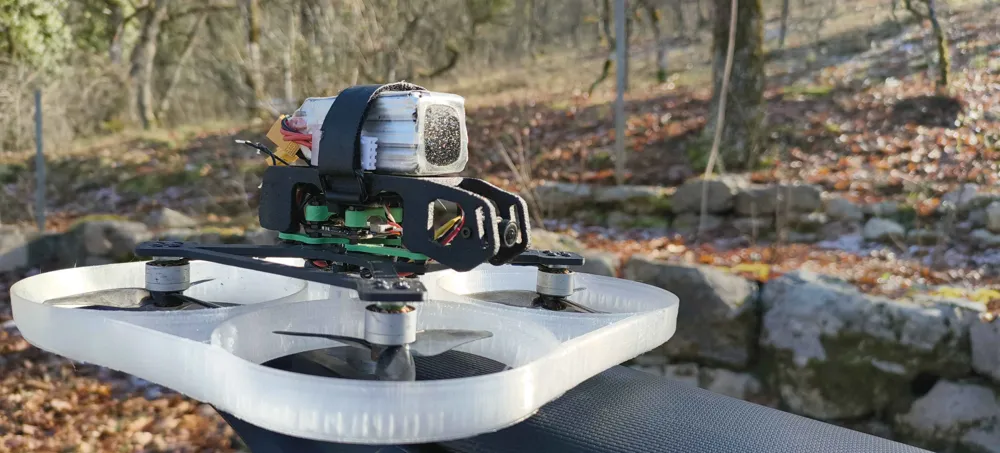
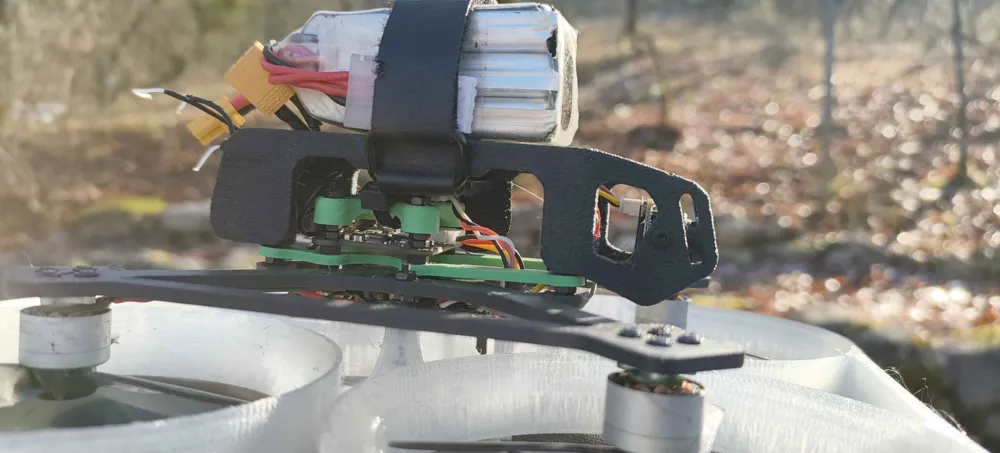
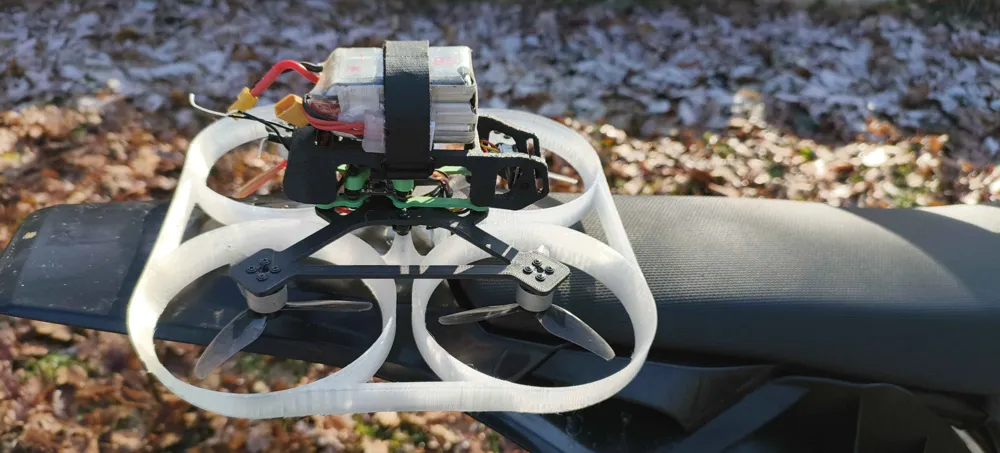
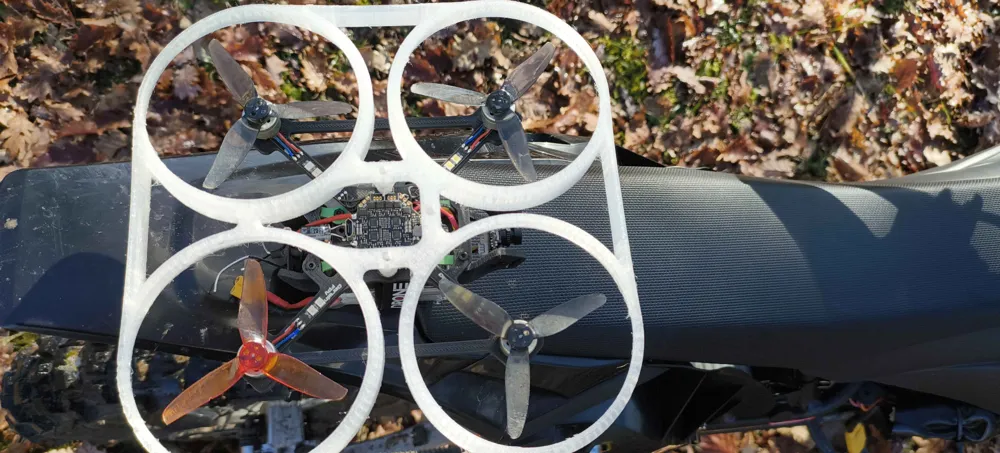
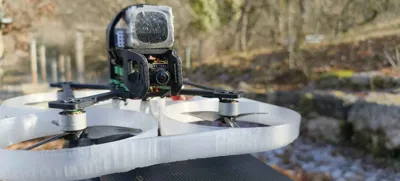
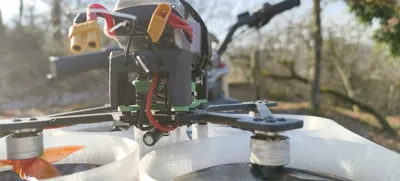
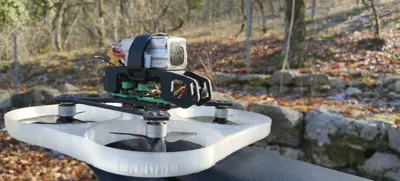
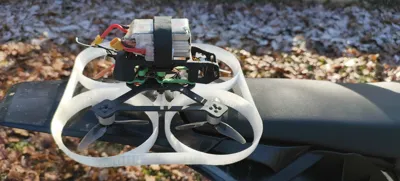
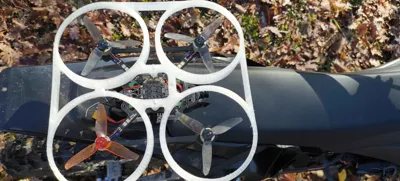
Today, I present to you my conversion kit to transform your BabyApe Pro from DarwinFPV into a brand-new cinewhoop, perfect for capturing your best indoor shots.
All the design is original and created by my little brain. Of course, as you can see, it is heavily inspired by the Pavo20 from BetaFPV and other cinewhoops on the market. However, it works for both analog and digital FPV pilots.
This design is intended for a 25mm flight controller, a 20mm ESC and a small FrSky receiver, but it has plenty of room to fit alternative electronics—you just need the correct mount for it.
Boost Me (for free)
If you like what you see and you want to help me get a bambu printer ---
Required hardware:
- M2x12 screws
- M2x20 screws
- M2 nuts
- Washers/spacers
Assembly instructions
1 - Prepare the bumper and flight controller:
Take your M2x20 screws (x3), insert them through the bumper, and add some washers.
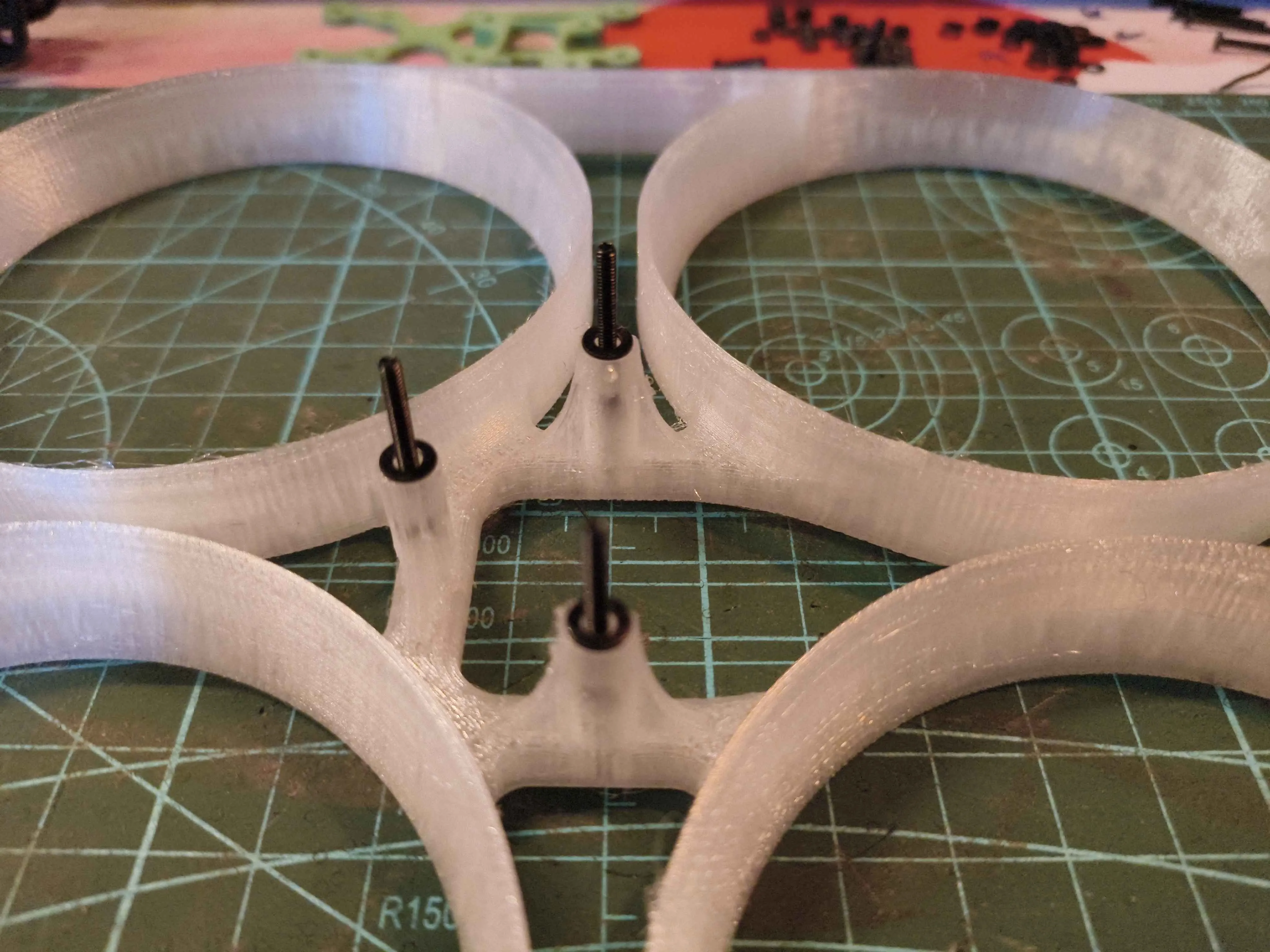
screws have to go through without screwing Install your flight controller and motors upside-down on the studs coming out of the bumper, and secure them with nuts.
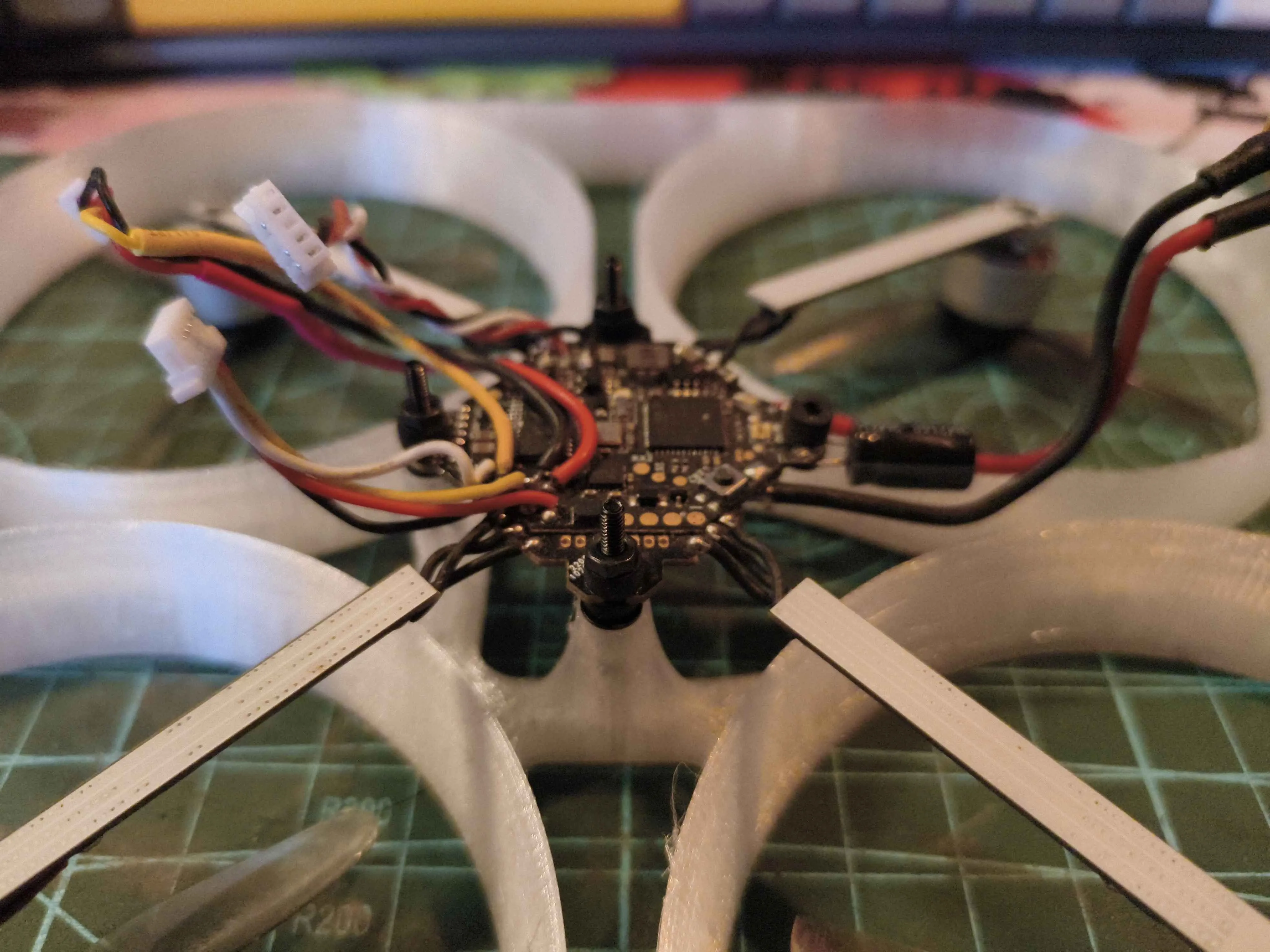
DO NOT OVERTIGHT, keep the pcb level
2 - Attach the frame:
Place the frame on top, with the curved side at the back of the drone. You can now screw in the motors.
(Don't worry about my motor screws sticking out in the photos—I used ones that are too long for demonstration purposes.)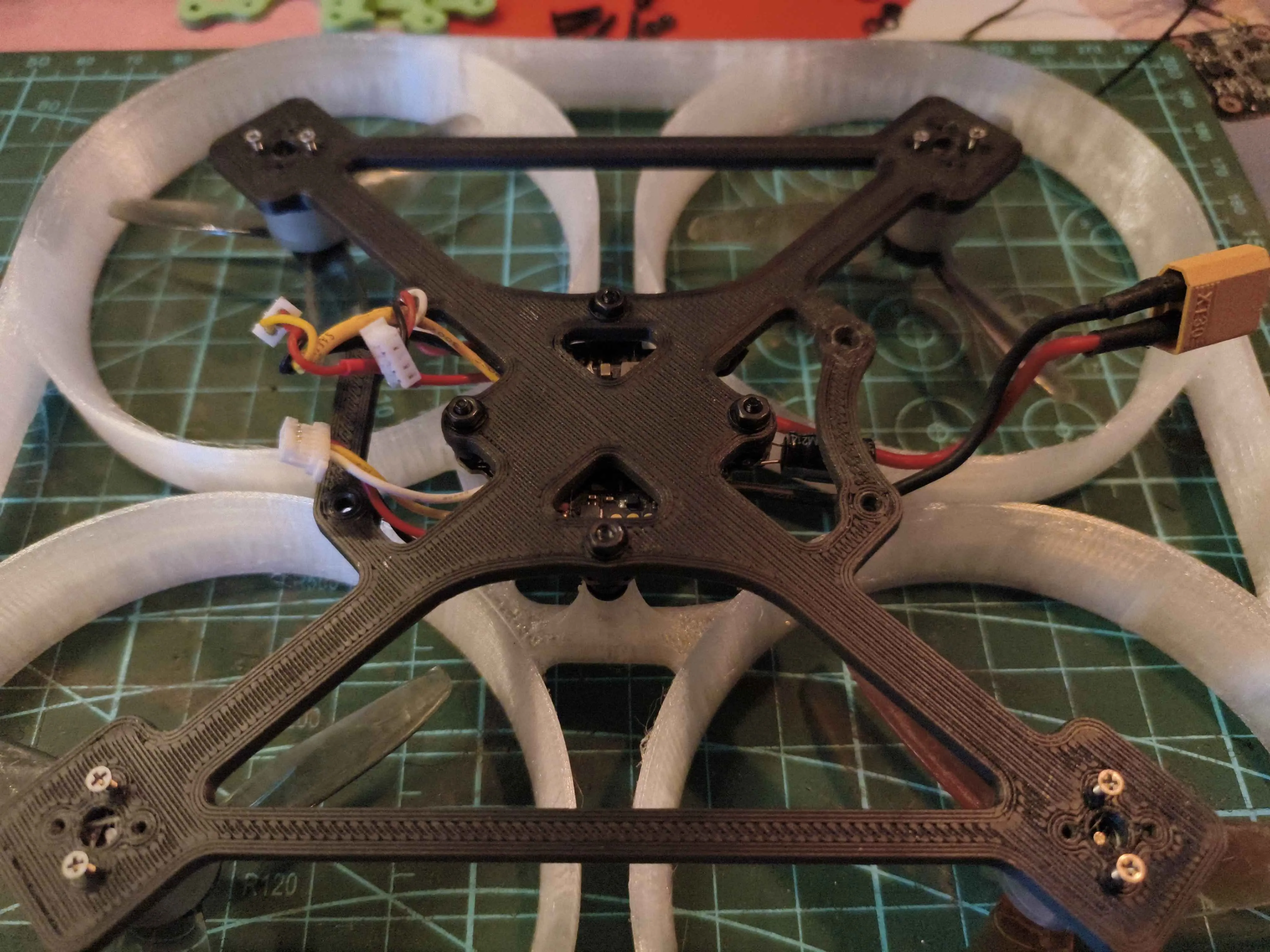
don't forget to take all cables through the frame
3 - Installation of the VTX and receiver:
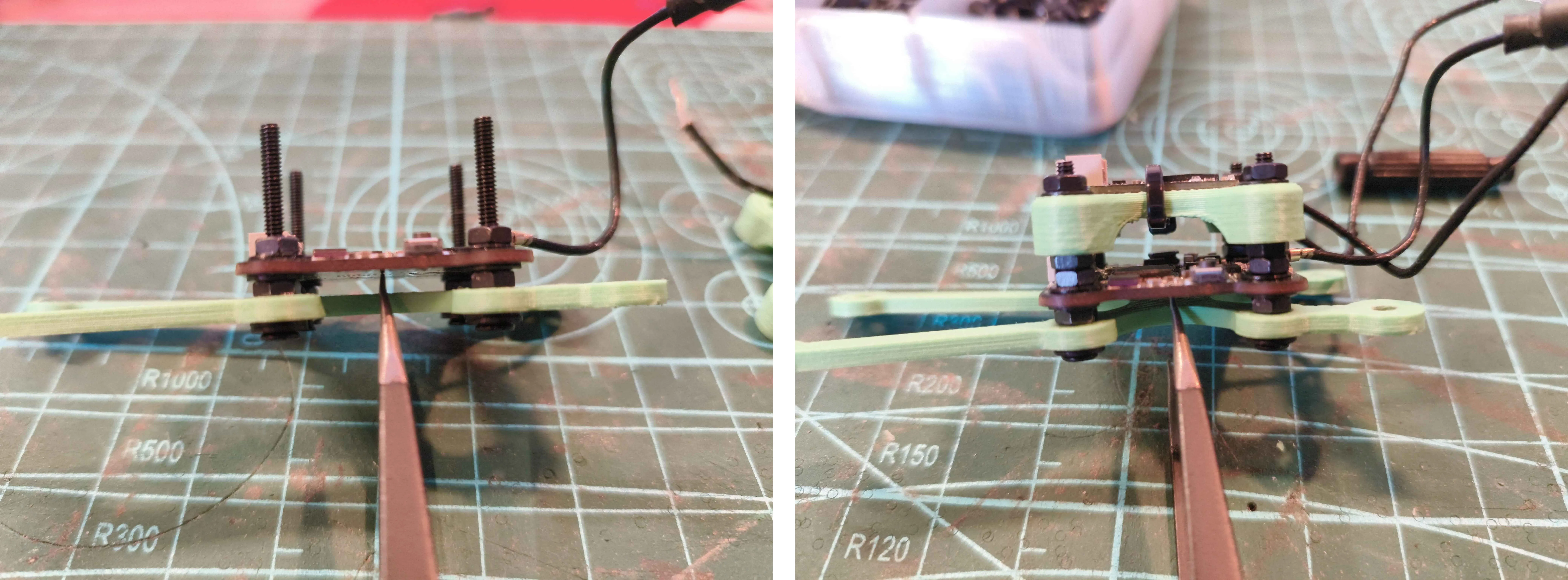
Assemble the stack in this order:
Screw > 2x Washers > 3D-printed brackets > Nut > Washer > VTX > Washer > 2x Nuts > 3D-printed mount + Receiver > Washer > Nut
4 - Prepare the frame for the stack:
Insert the screws into the frame in this order: Important: Do not tighten the nuts yet, this will be done later.
Screw > Washer > Frame > Nut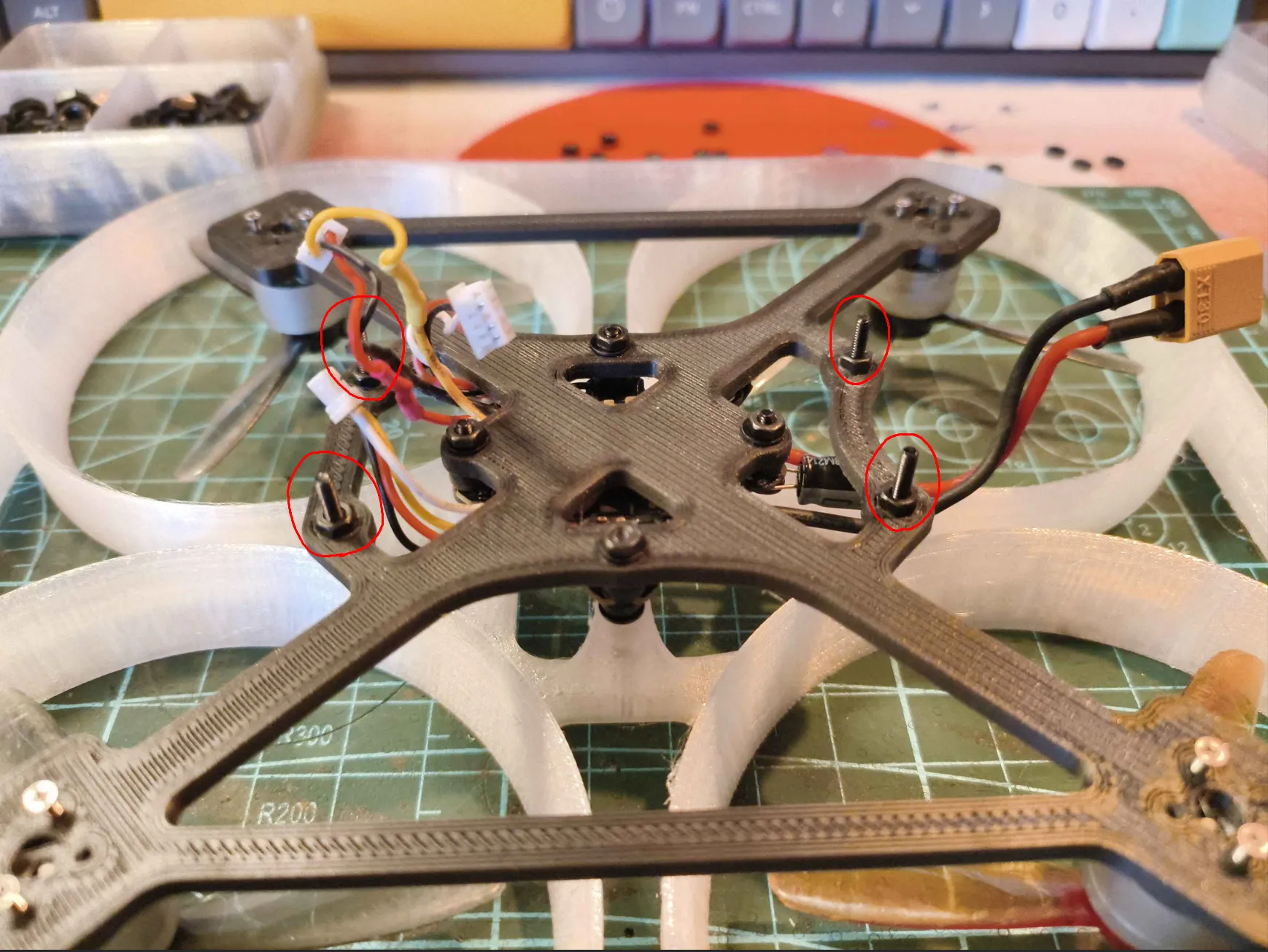
5 - Install the stack
Add the stack you built earlier. Place a washer on every stud, and you're ready for the next step!
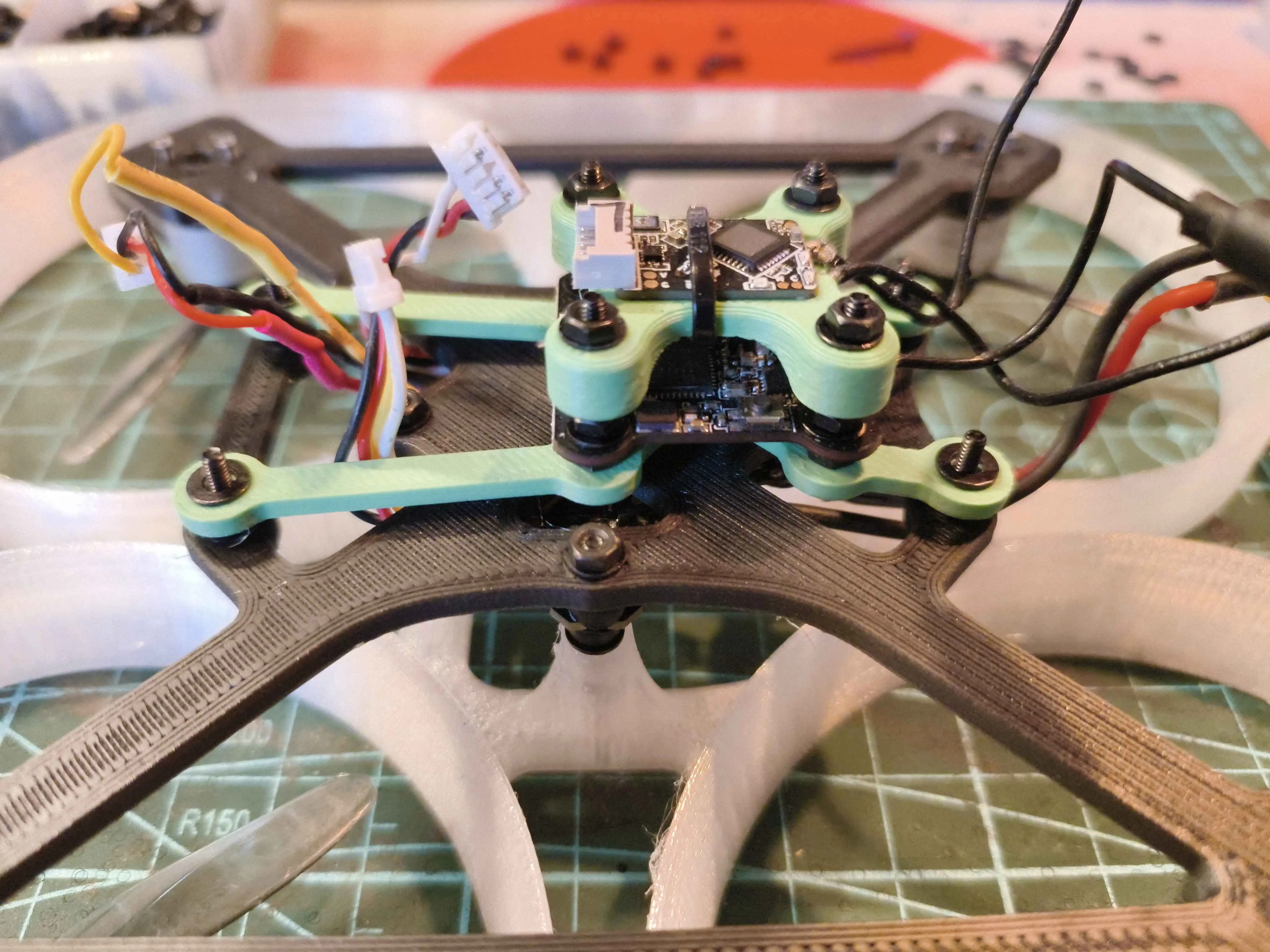
At this point, plug in everything, as it will be trickier to do later.
6 - Attach the canopy and the camera:
- Mount the camera onto the canopy using two O-rings between the camera and the plastic.
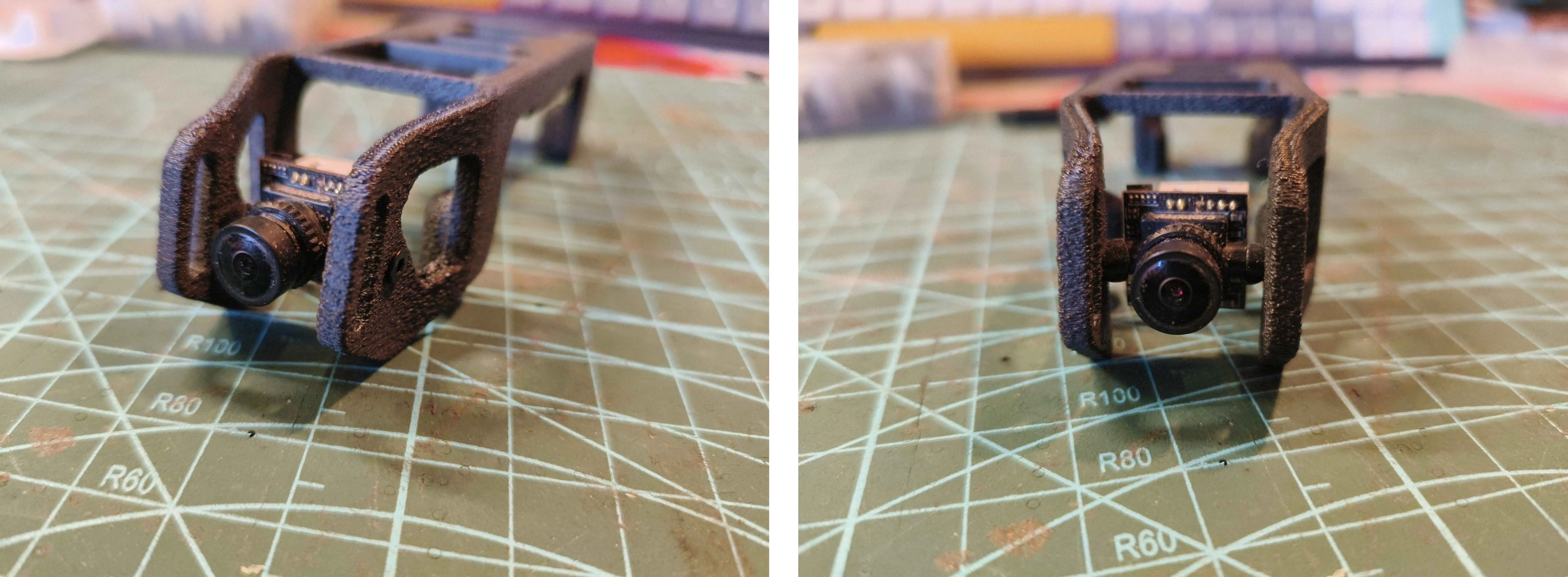
Don't forget to feed the antenna through the canopy as well. (there are holes for that at the rear)
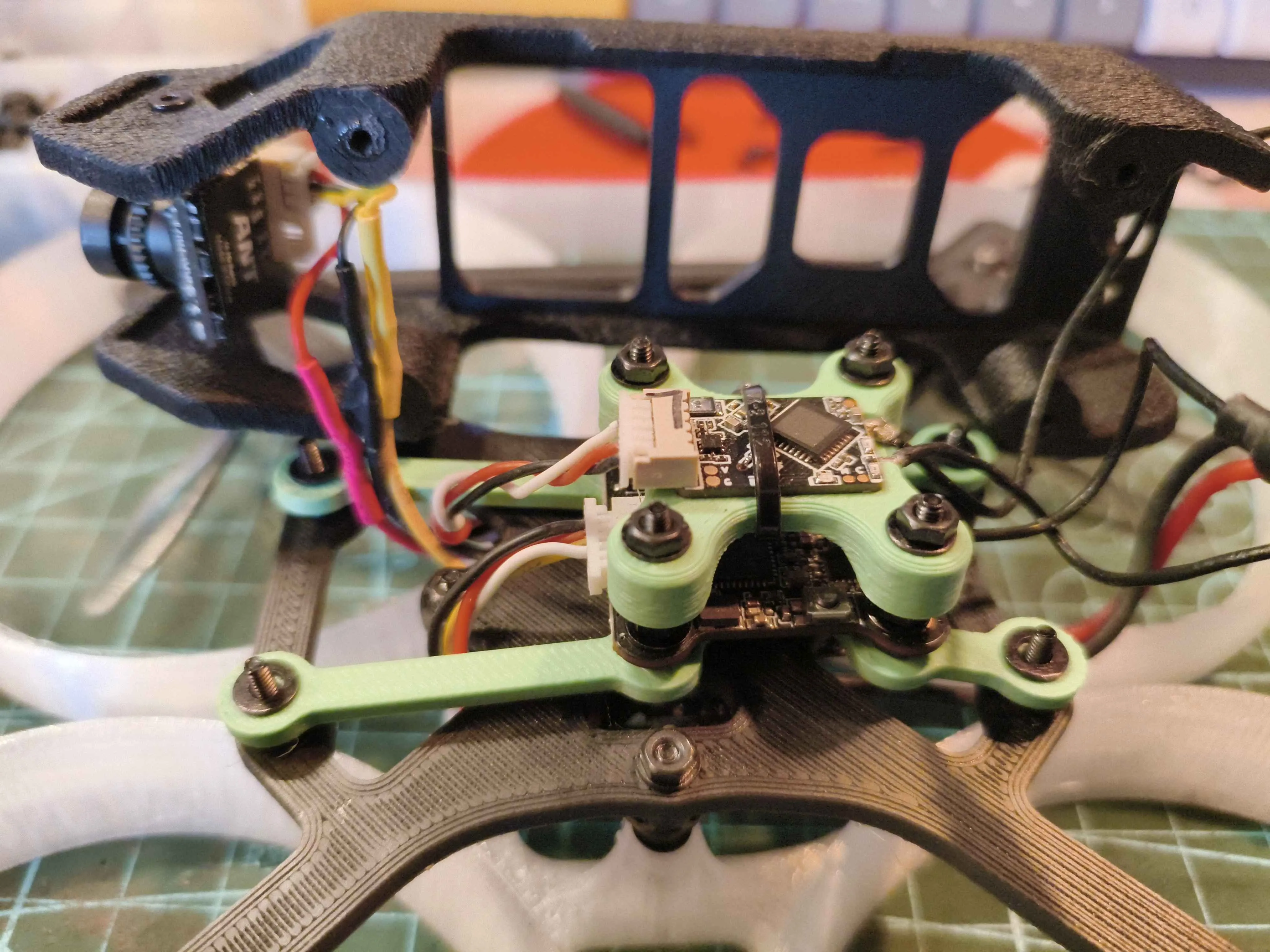
7 - Secure the canopy
- Screw the canopy in from underneath. This will securely tighten everything, ensuring nothing moves.
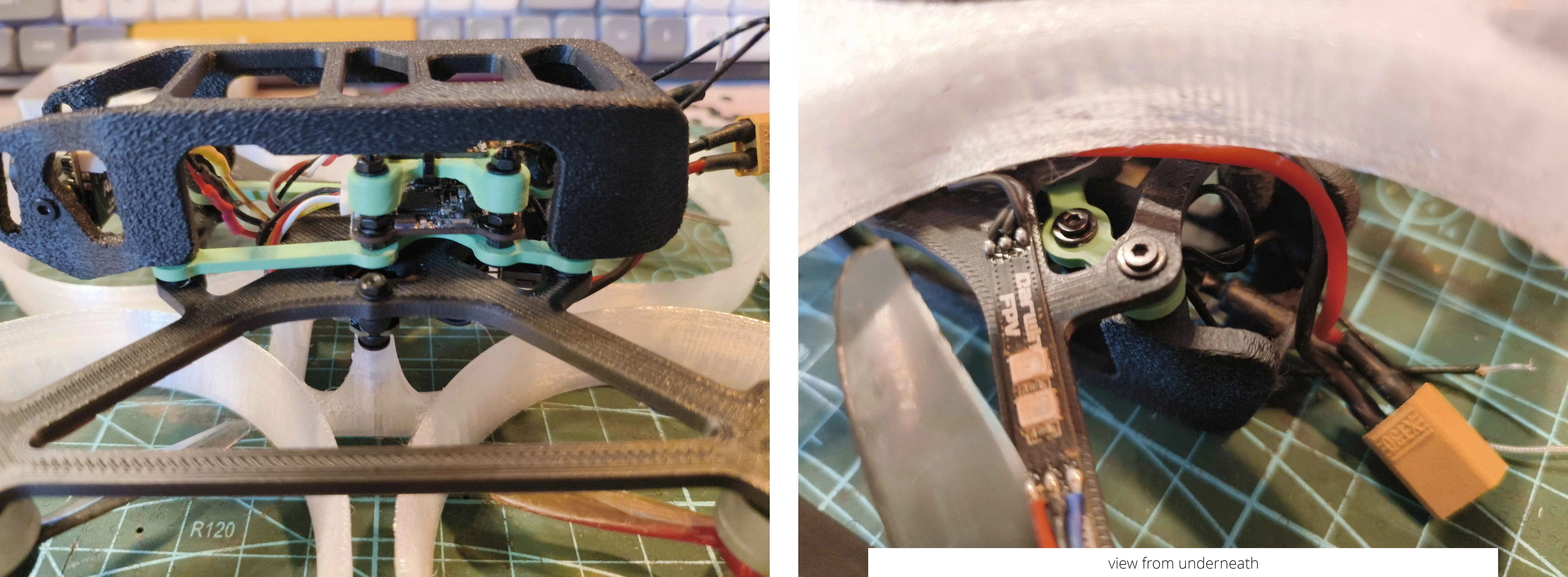
8 - Final touches:
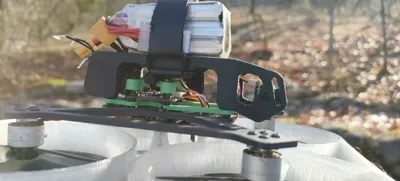
A little strap slap that battery on top, a bit of betaflight and you are good to go !
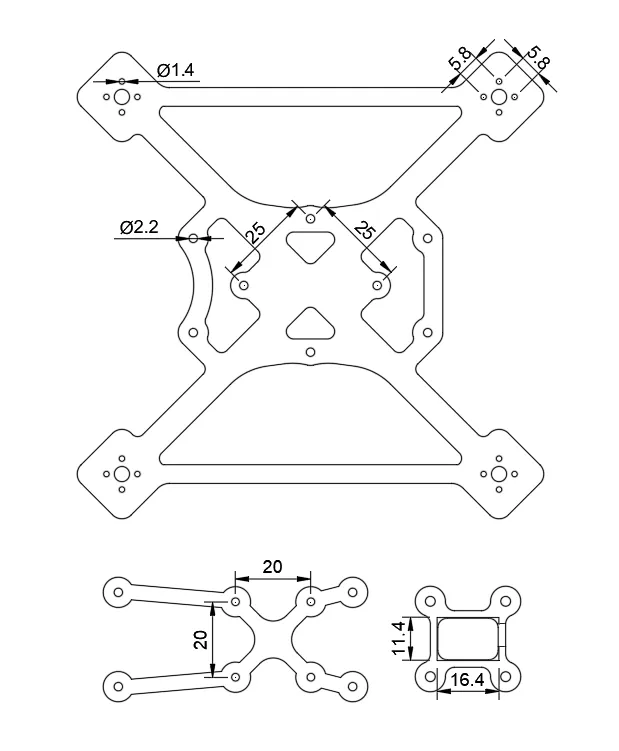
Everything have been done in fusion360 so feel free to ask for some modification.
I'm waiting for your feedbacks, thanks to the few who are going to build it!
If you see anything that is off, regarding design, post or whatever don't forget to mention it in your comment.
One very last thing, unfortunately I don't have any bambu 3D printer so if you succeed in your print and want to upload your .3mf to farm some points go for it ! :D
License



Comment & Rating (13)