
Alphabet beads generator with lots of font options
Print Profile(1)

Description
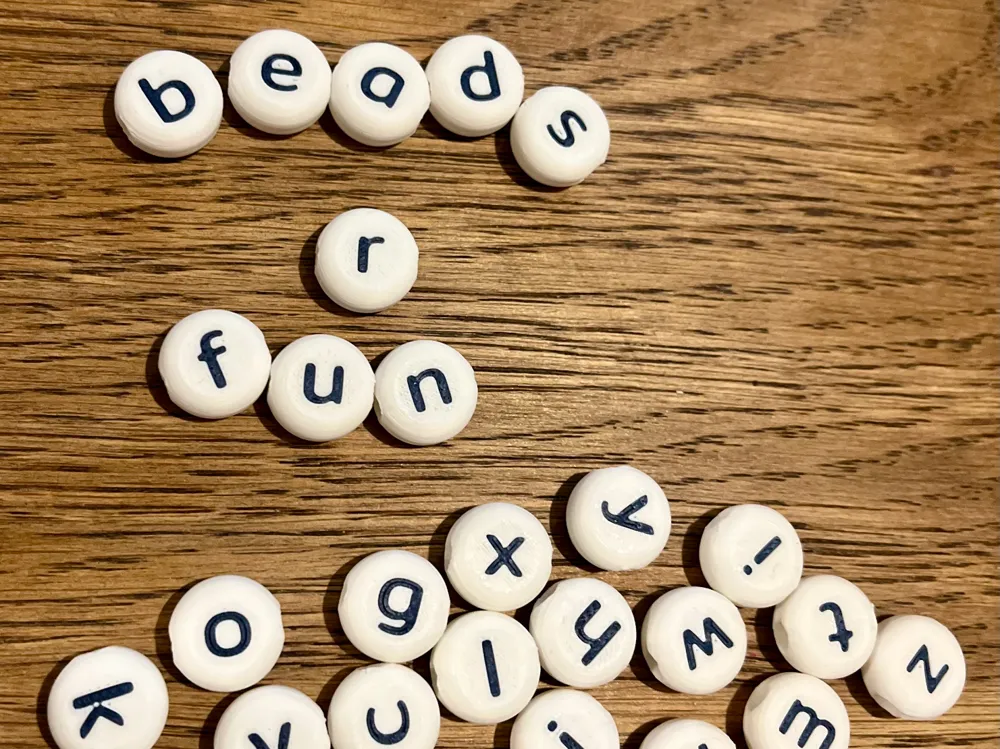
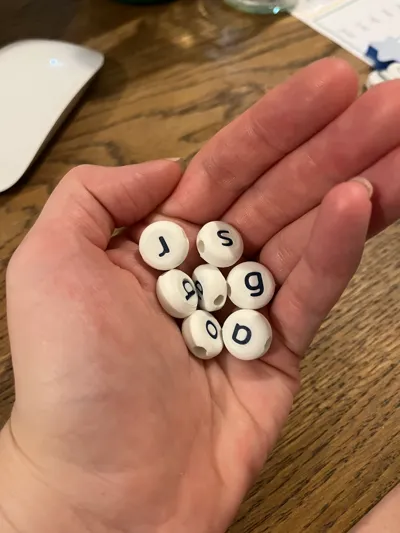
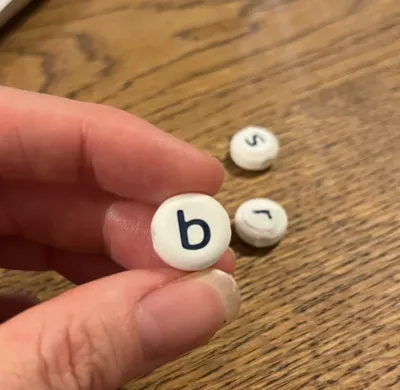
Customizable Letter Beads for Classroom Use (Remix of SprocketStudio's letter beads OpenSCAD Script)
This OpenSCAD model was designed to create customizable letter beads, specifically for use in infant and primary classrooms. After encountering a lack of suitable letter beads with readable fonts for young learners, I modified SprocketStudio's original script to offer a variety of font options, including both uppercase and lowercase letters. This remix provides a flexible solution for generating personalized alphabet beads, ideal for educational activities, crafts, or even gifts.
Customizable Features:
- Font Variety: Choose from a range of fonts available in the OpenSCAD online directory, all in English. These include simple and clear fonts appropriate for early learners. Patrick Hand and Mitr are nice, simple fonts with styles that are okay for young learners. OR, use the font picker and choose any font from Makerworld's extensive font library.
- Uppercase and Lowercase Letters: Unlike many existing bead models, this generator supports both uppercase and lowercase options, catering to early literacy development.
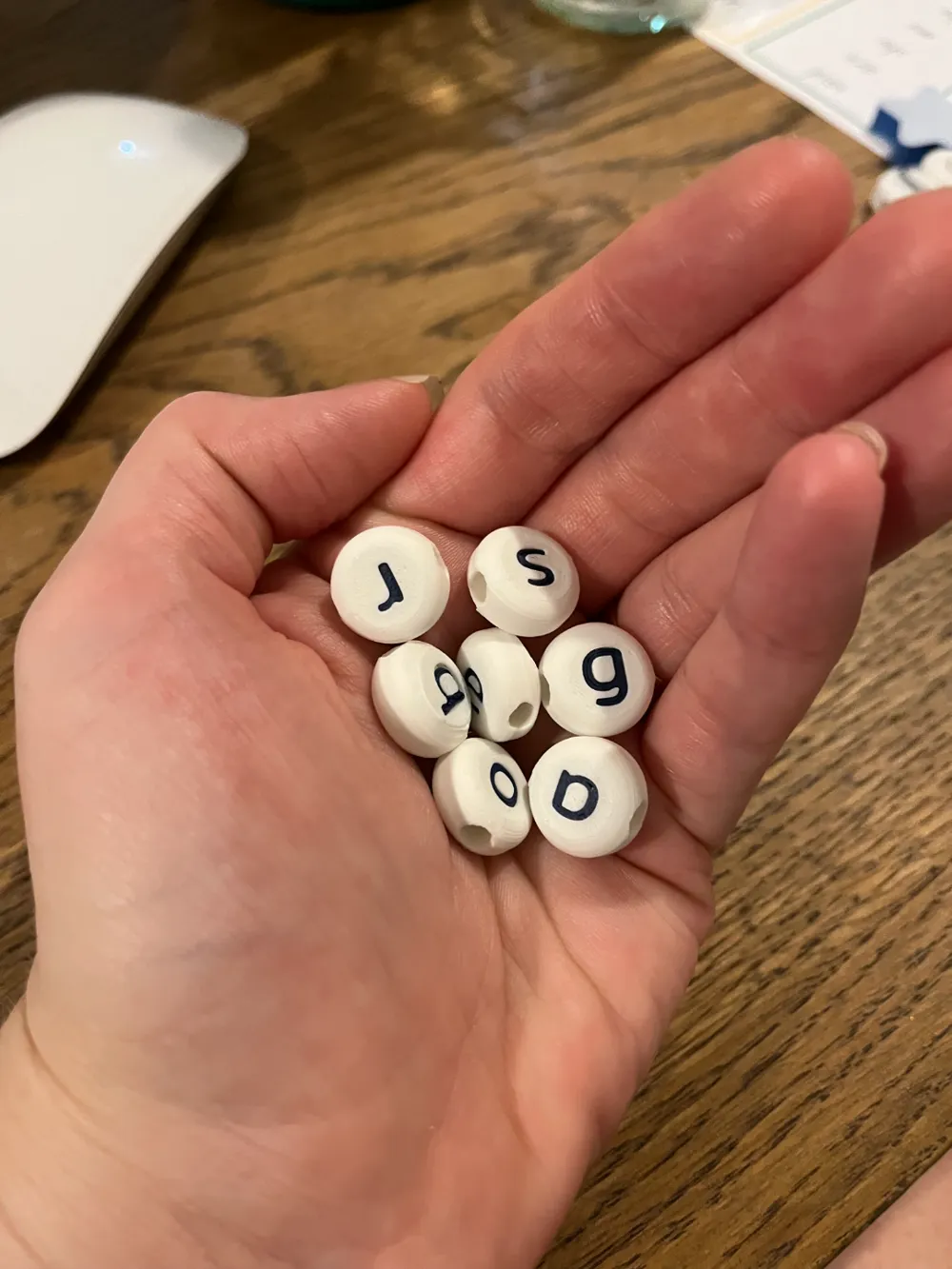
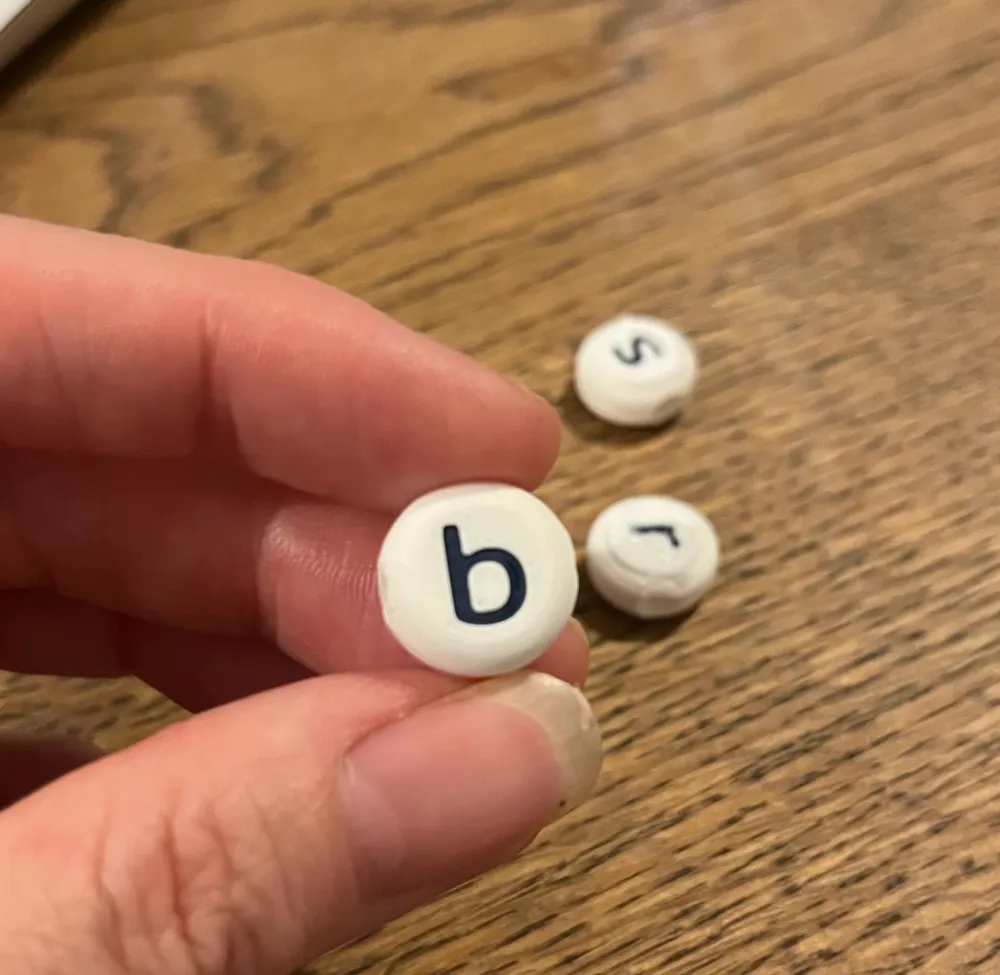
- Bead Customization: Customize the bead diameter, edge radius, hole size, font type, font size, letter depth. Double check that your font and bead diameter work together, for example, with no text hanging over the edge.
Printer Settings:
- Optimal Profile: I’ve uploaded a custom printer profile for optimal results when printing beads. The profile is set for printing with a 0.4mm nozzle, but for finer details, especially when printing smaller beads (less than 15mm in diameter) and size 9 font, using a 0.2mm nozzle will yield the best results.
- Printing Instructions: When printing the beads, make sure to use the fine print setting or variable layers (although I think you will need to keep all the beads as one object for this setting, meaning you won't be able to skip beads if they lose adhesion). For beads with inset letters, you may need to use supports for the bottom layer to ensure the letters print clearly. I found it best to make the letters sit almost flush instead of having them inset.
- Wall & Layer Settings: Printing the outside wall first is recommended to improve overall print quality.
How to Use:
- Open the model in Maker World’s OpenSCAD interface (Parametric model maker).
- Customize the bead diameter, font, size, threading hole direction to match your preferences.
- Generate the bead files and print using the provided profile or adjust the settings as needed for your specific printer.
- NOTE: The generator is a little slow. It will say ‘generate successful’, however it will then take another 20 seconds or so to actually update the preview.
Whether you're creating personalized alphabet beads for classroom activities, educational games, or crafting, this tool provides the flexibility to design beads that are both functional and visually engaging. I hope this model adds creativity and learning opportunities to your classroom!
Change log: v2 - added vertical threading hole, fixed j issue. V3. Made vertical threading mirror text on back along the x axis.
This remix is based on


License



Comment & Rating (44)