
Versastack Drawer Front Label Plate


Print Profile(1)

Description
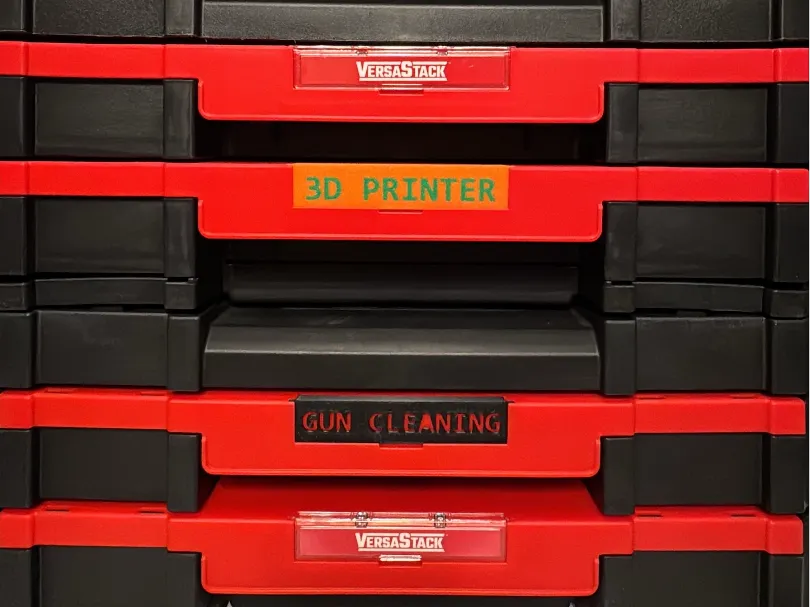
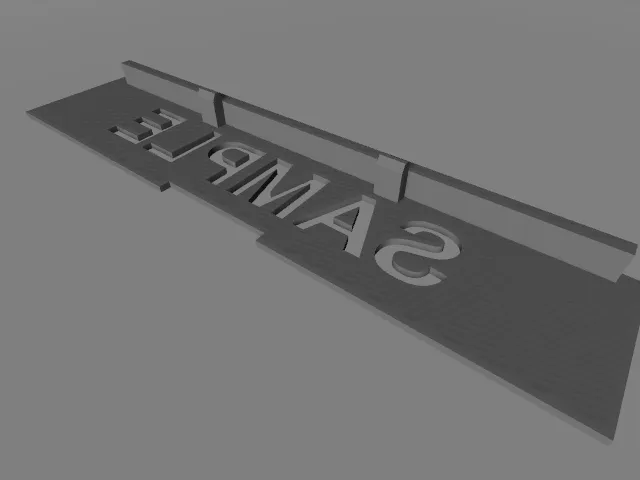
This is a remix of the Versastack drawer front label plate, link below. Use Bambu Studio to edit the text. For multi-color prints, simply edit the text in plate 2. For a single color “cut out” label, start with plate 3, edit the text as desired, and follow instructions in next paragraph.
For removing the custom text from the printable object, use the “Mesh Boolean” tool, click the “difference” tab, click the “Blank Versa Plate” part first, then click the “Text to Diff Mesh” that you edited with your own text. Verify the "Blankl Versa Plate" is the “Subtract from” part and your custom text is the “Subtract with” part. Uncheck “Delete input” and click the “Difference” button. Click the move tool and move the text up/down to verify every letter was cut out correctly; if not, move the text back into place and repeat the mesh boolean task (I always have to do this at least twice; maybe a bug?). Once satisfactory, you can manually delete the text part, slice, and print. Enjoy.
Original Author is IrishUkele found here: VersaStack/TStak Front Plate by IrishUkulele | Download free STL model | Printables.com




Comment & Rating (3)