
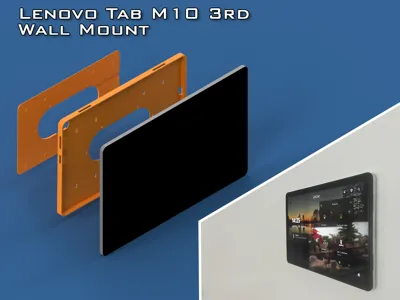
Lenovo Tab M10 (3rd Gen) Wall Mount
Print Profile(1)


Description
Description
For people from Czech republic, you can order whole set here also for Apple iPads:
https://www.acomp.cz/drzaky-na-tablety/
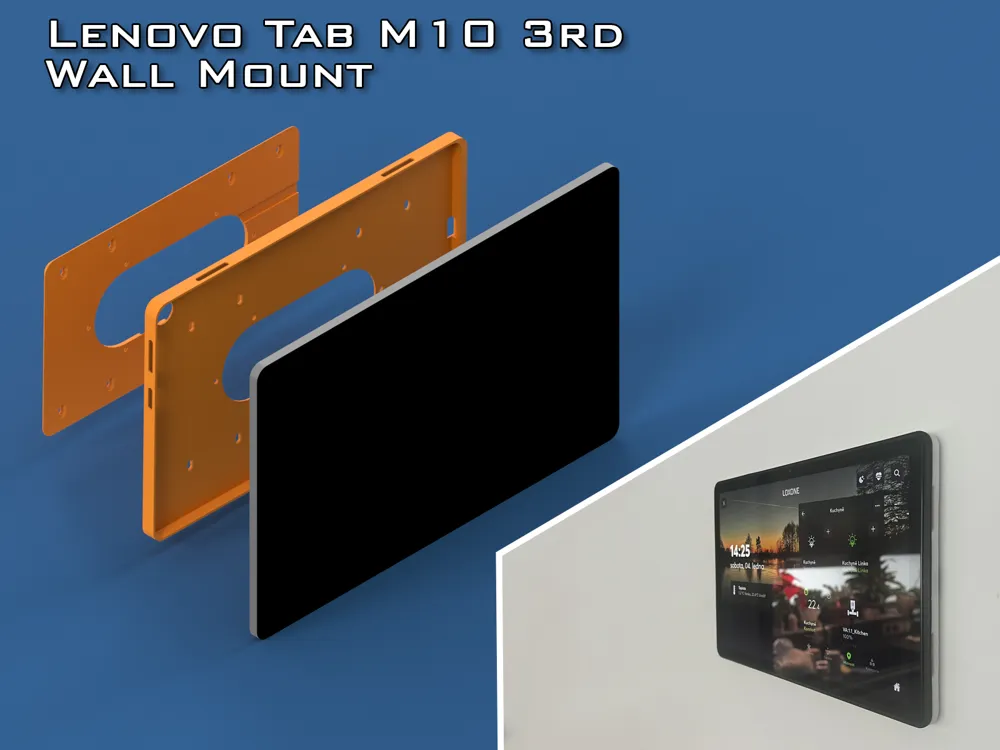
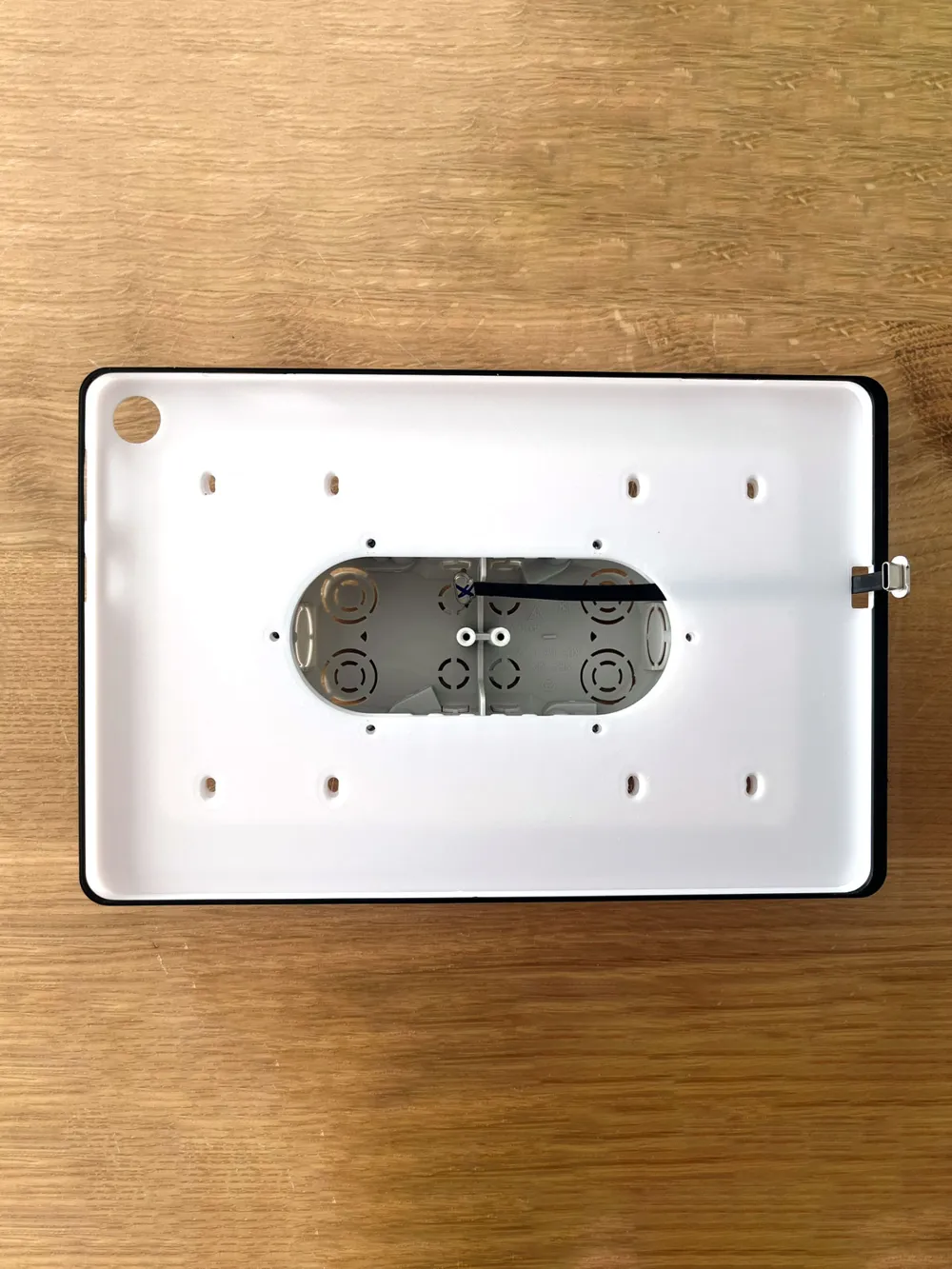
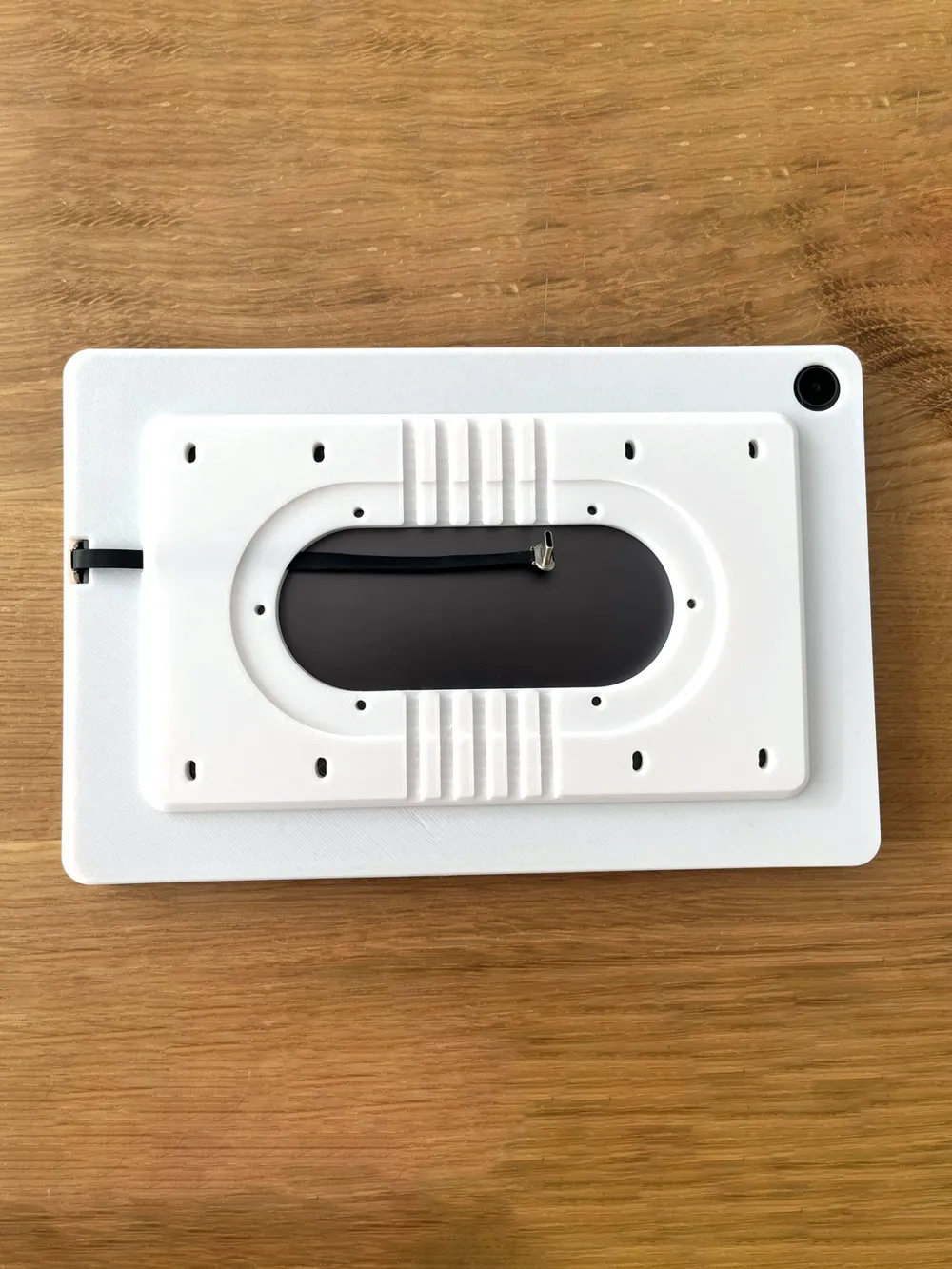
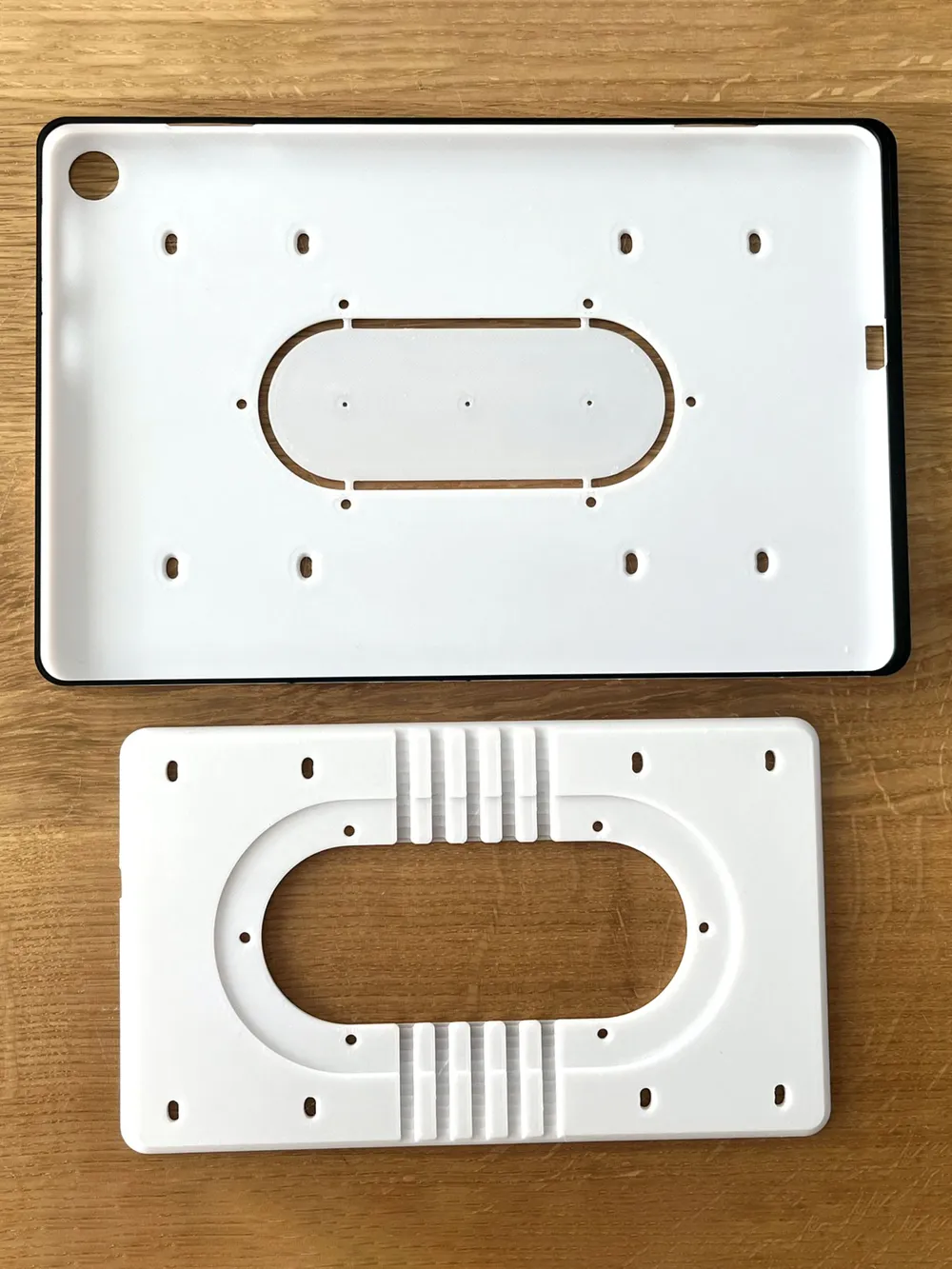
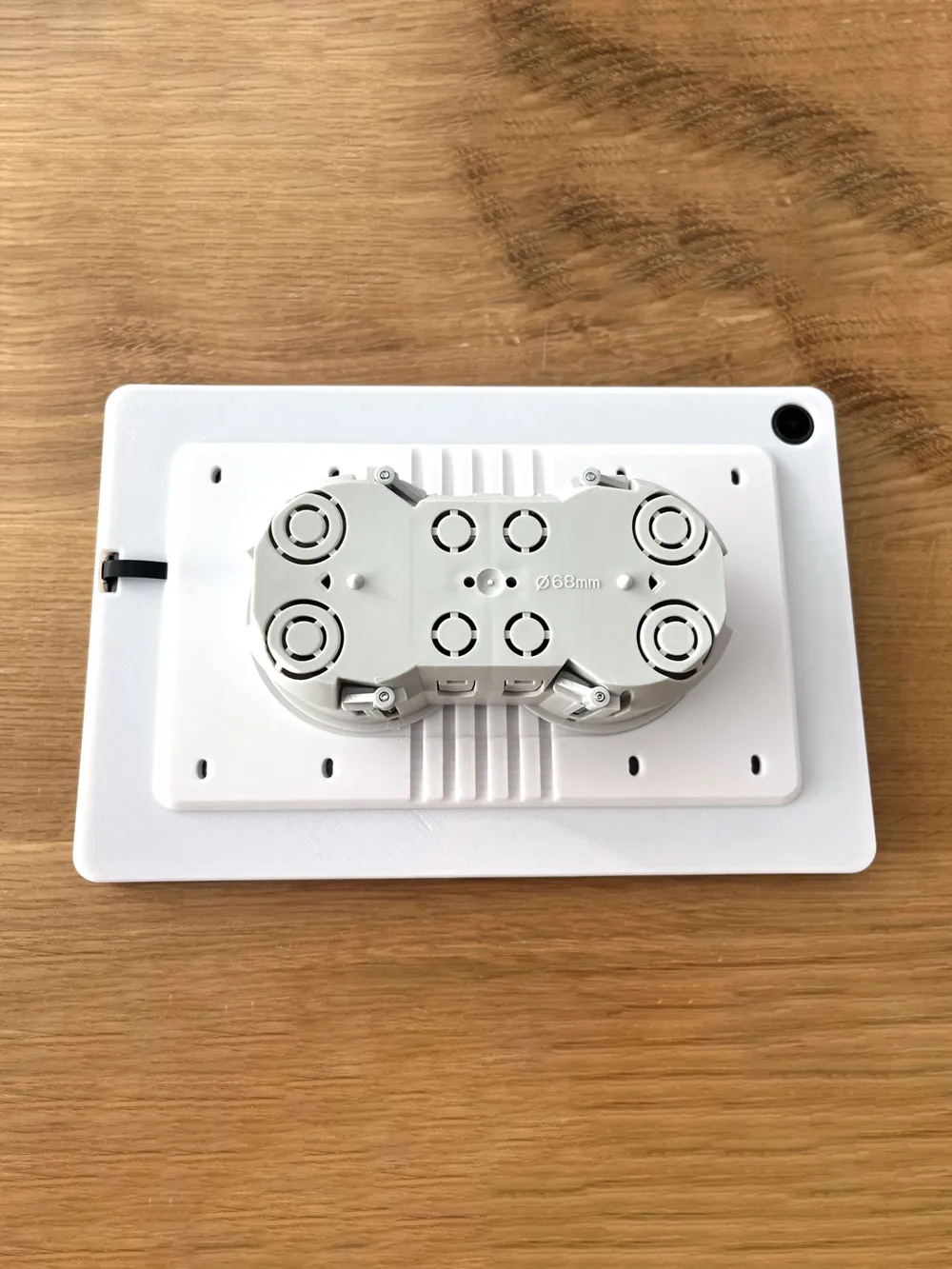
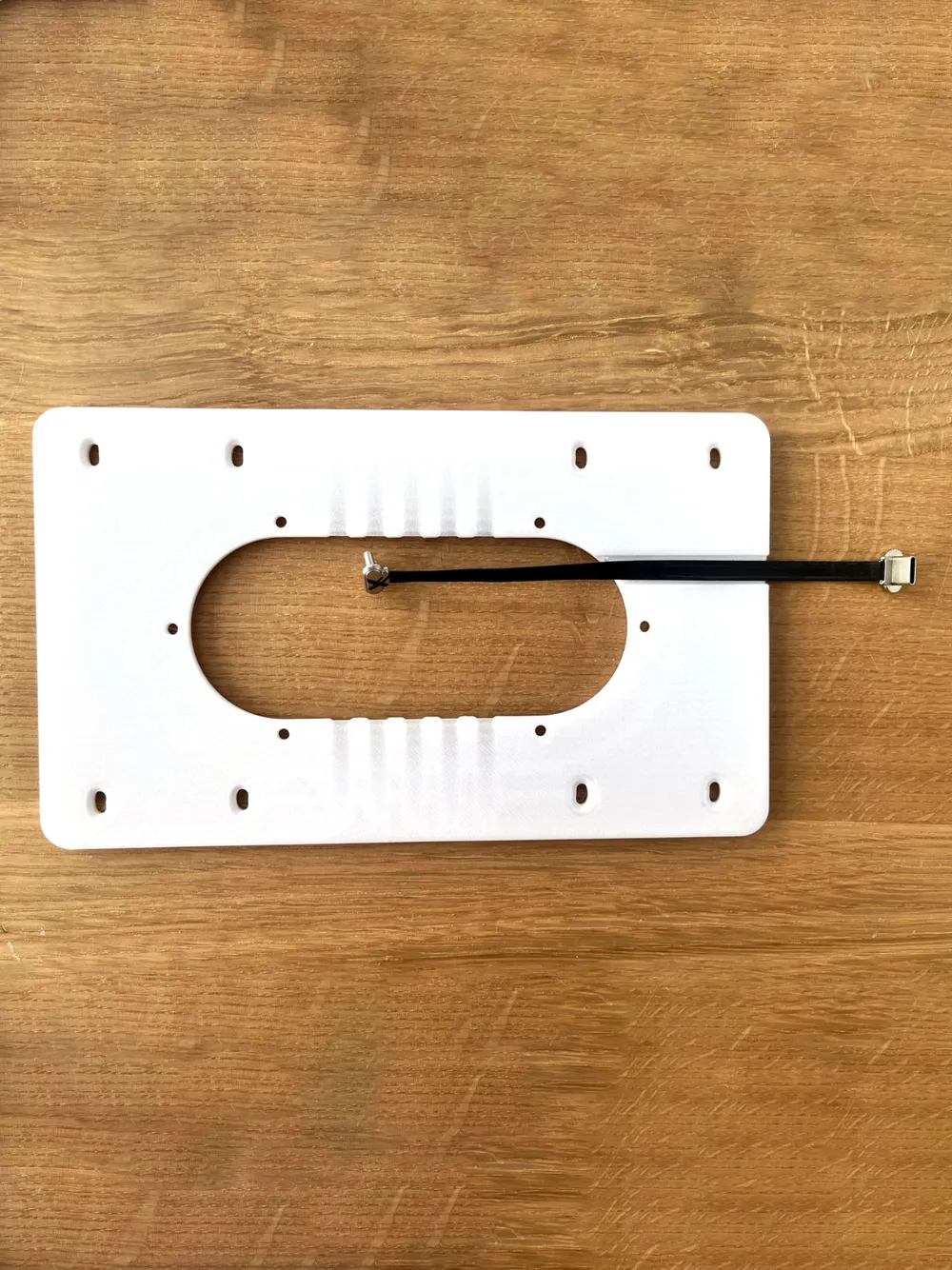
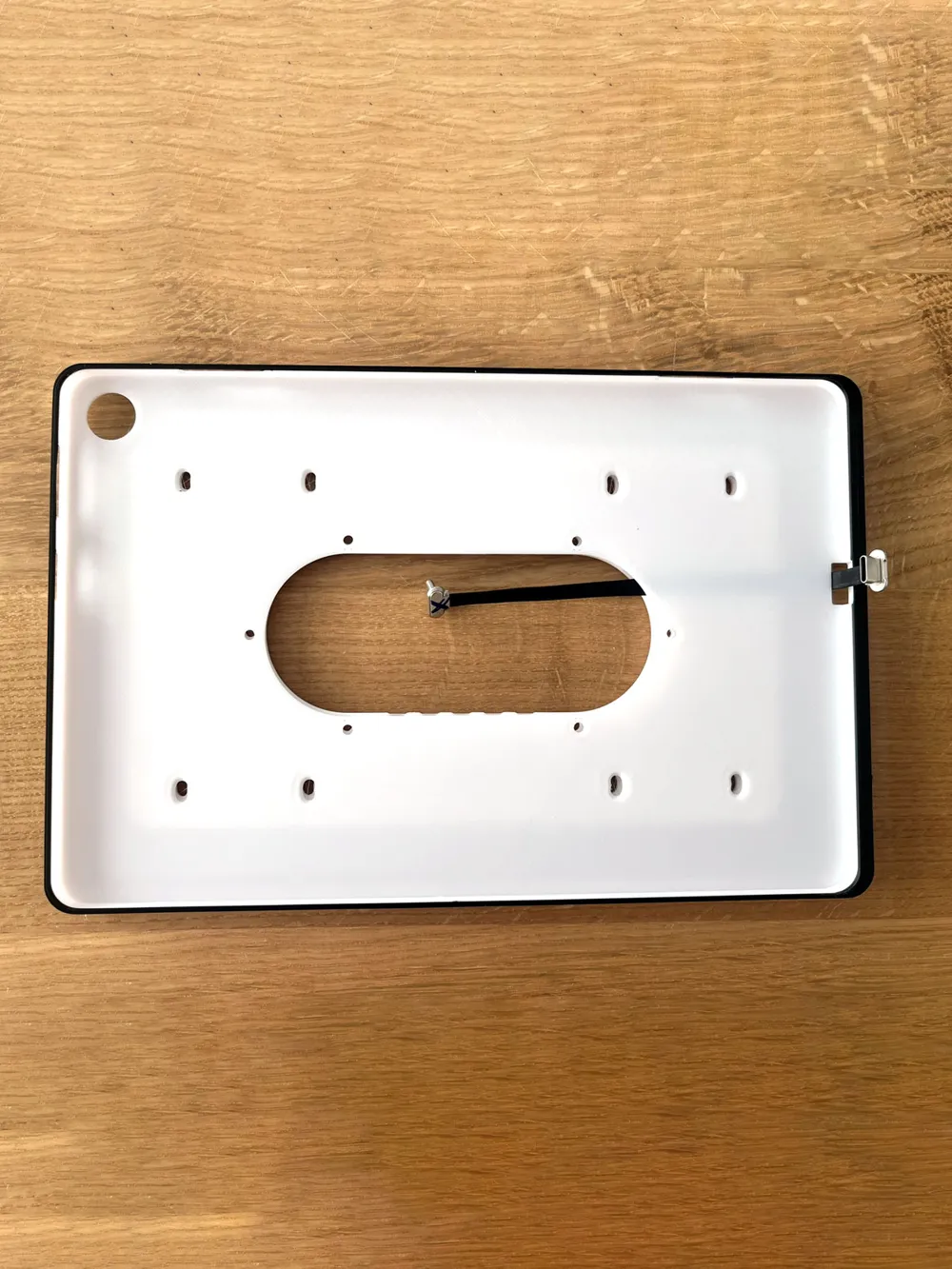
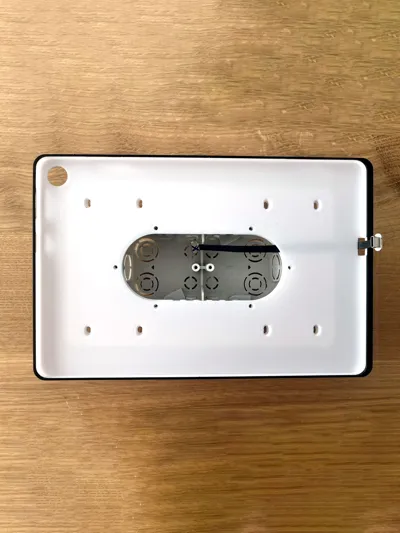
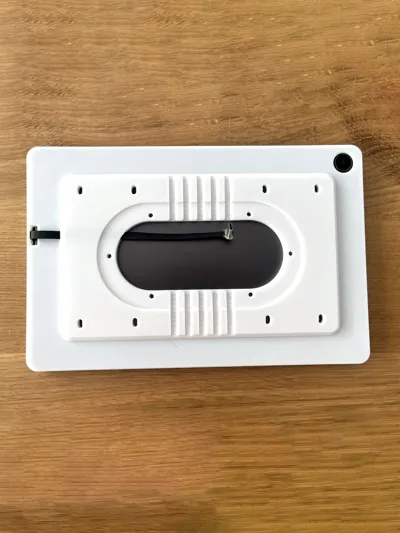
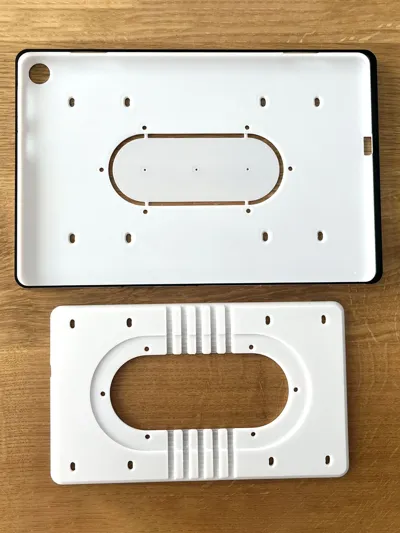
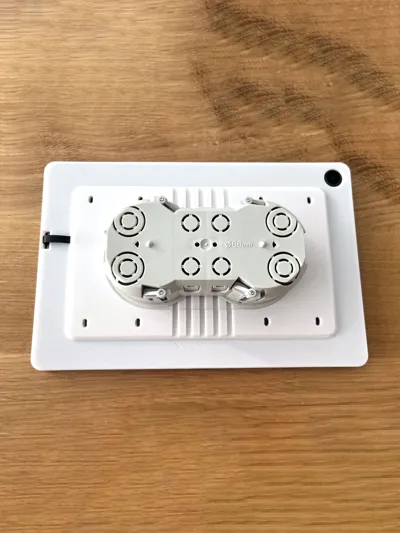
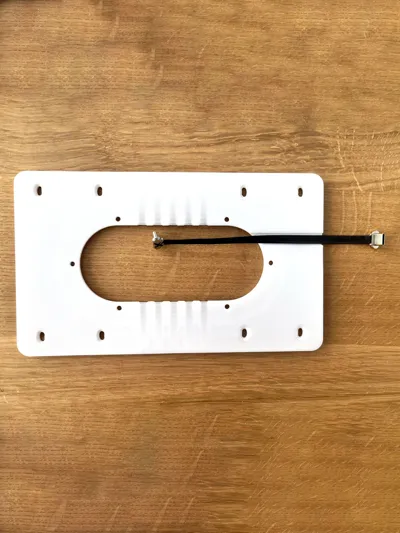
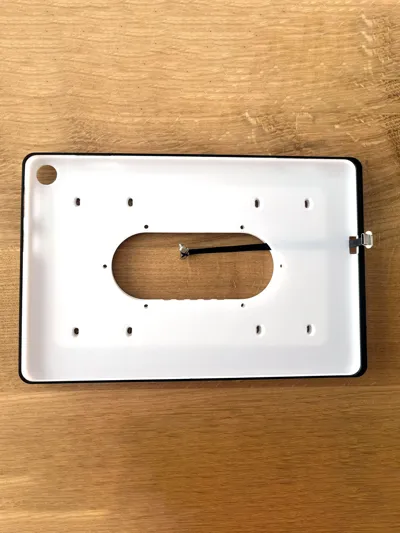
Wall mount for Lenovo Tab M10 3rd tablet. Minimalist design that does not disturb and follows the line of the tablet. The power cable is hidden. The small gap between the wall and the tablet allows for better cooling and visually separates any curved wall. This wall pad spacer includes ventilation channels for better cooling of the electronics located in the installation box in the wall.
The bracket includes a drilling template for easier placement on the wall and alignment of drill holes. After alignment, this template can be easily removed from the holder, e.g. with a breaking knife.
Assembly procedure
- Prepare and mark the holes. Use a level to align the bracket and mark the position of the drill holes. The spacing of the holes is 71 mm. If necessary, you can transfer the outline of the holder to the wall for possible cutting or for installation in a material other than plasterboard.
- Installation of the spacer and cable: Place the spacer on a flat surface and insert the power cable into the prepared slot. Make sure that the ends of the cable are oriented correctly. Then attach the bracket to the spacer using double-sided tape. Make sure that the cable can slide freely in the groove.
- Stretching the cable: Pull the power cord through the hole in the bracket so that it is ready to connect to the tablet.
- Attaching the mount to the wall: Use countersunk screws (3 mm diameter recommended) to attach the mount to the wall. Tighten the screws so that their heads are aligned with the surface of the bracket and do not protrude.
- Prepare the necessary power accessories, such as a POE2USB adapter, Step Down converter, or other power source of your preference.
- Placing the tablet in the mount: Plug the power cable into the tablet. Insert the tablet into the holder in an angled motion - insert the connector side first, then the other end. Pay attention to the tablet buttons and thin bridges in the holder to avoid damaging them.
- Securing your tablet: if you're worried that your tablet might fall out of the holder, you can use double-sided tape to secure it. This will ensure that it stays firmly in place even under heavy use.
- Avoid placing the holder and especially the tablet in a location with direct sunlight.
There are several ways to power the device
- PoE (Power over Ethernet): Power over a CAT 5e or higher Ethernet cable when using a PoE to USB-C converter.
- Step-Down Voltage Converter: The most common choice is to convert from 24V/48V to 5V USB-C.
- Mains Adapter: To connect to 230V mains and convert to 5V USB-C.
Cable
- 150mm USB-C to USB-C cable right angled, thin.
- https://megabonus.com/y/p9Ya7
- POE to USB-C Charger
- https://megabonus.com/y/aphBA
- To ensure safety and proper operation, we recommend that a qualified professional perform the wiring.
Printing requirements
- PLA or whatever you want. No supports, 3 and more perimeters, 25% infill, 0.2mm layer.
- From end of hole for buttons to top is black. Multi color printer required
For people from Czech republic, you can order whole set here also for Apple iPads:
License

You shall not share, sub-license, sell, rent, host, transfer, or distribute in any way the digital or 3D printed versions of this object, nor any other derivative work of this object in its digital or physical format (including - but not limited to - remixes of this object, and hosting on other digital platforms). The objects may not be used without permission in any way whatsoever in which you charge money, or collect fees.


Comment & Rating (2)