
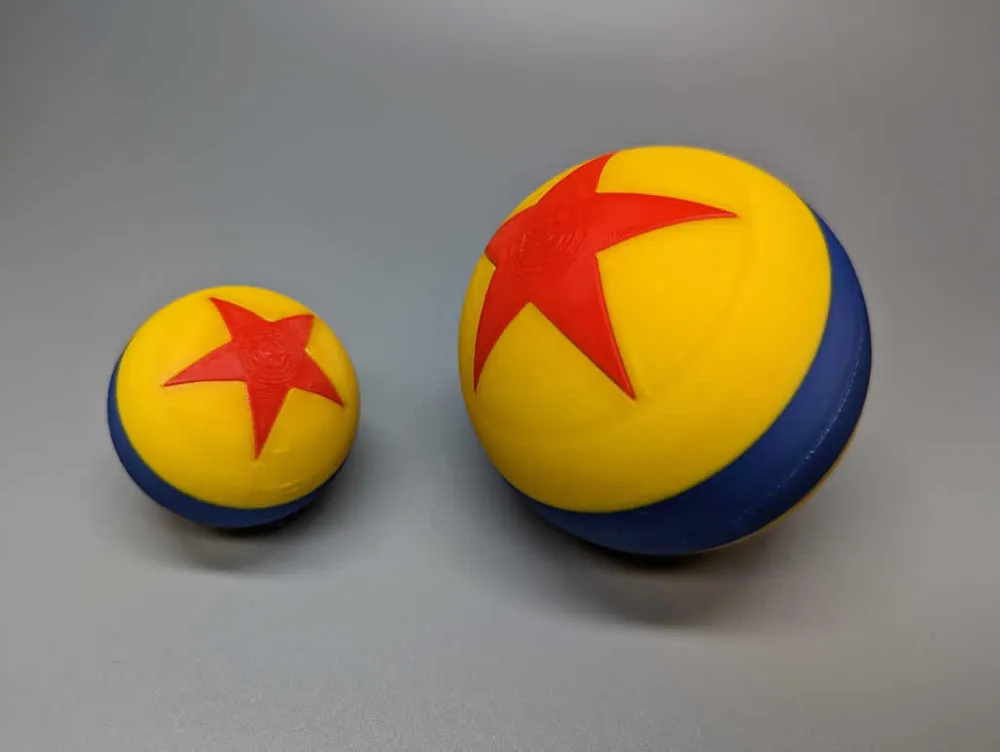
Pixar Luxo Jr. Ball - No AMS - 70mm and 42.67mm

Print Profile(1)
Description
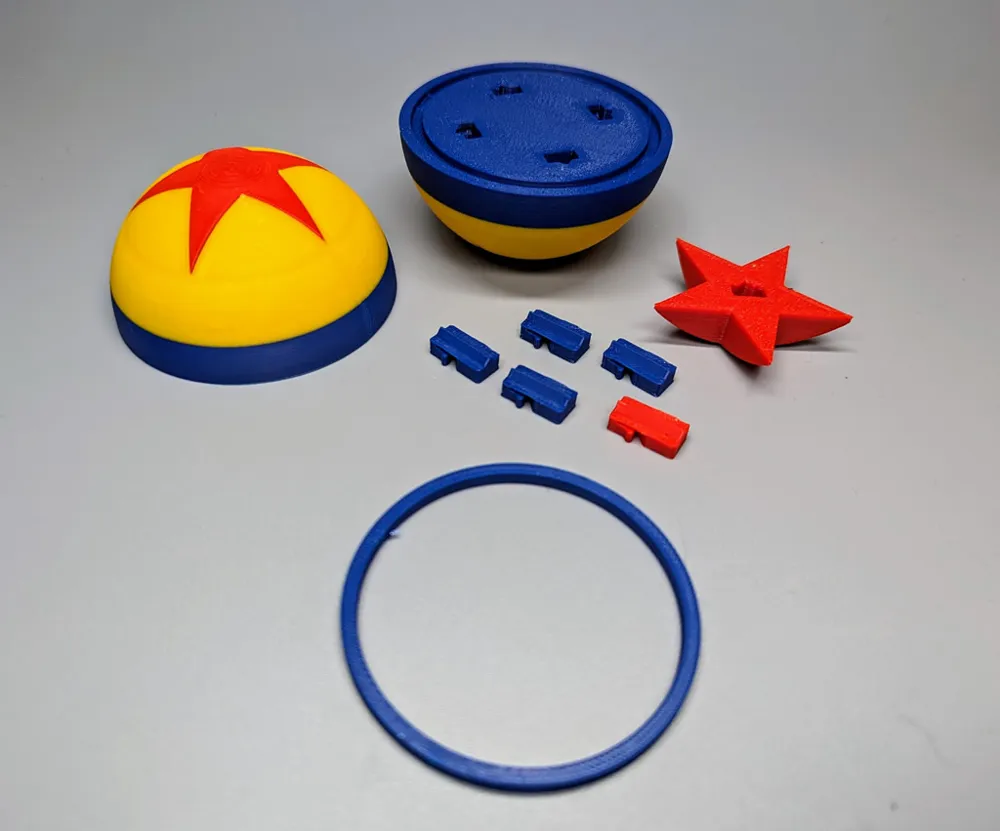
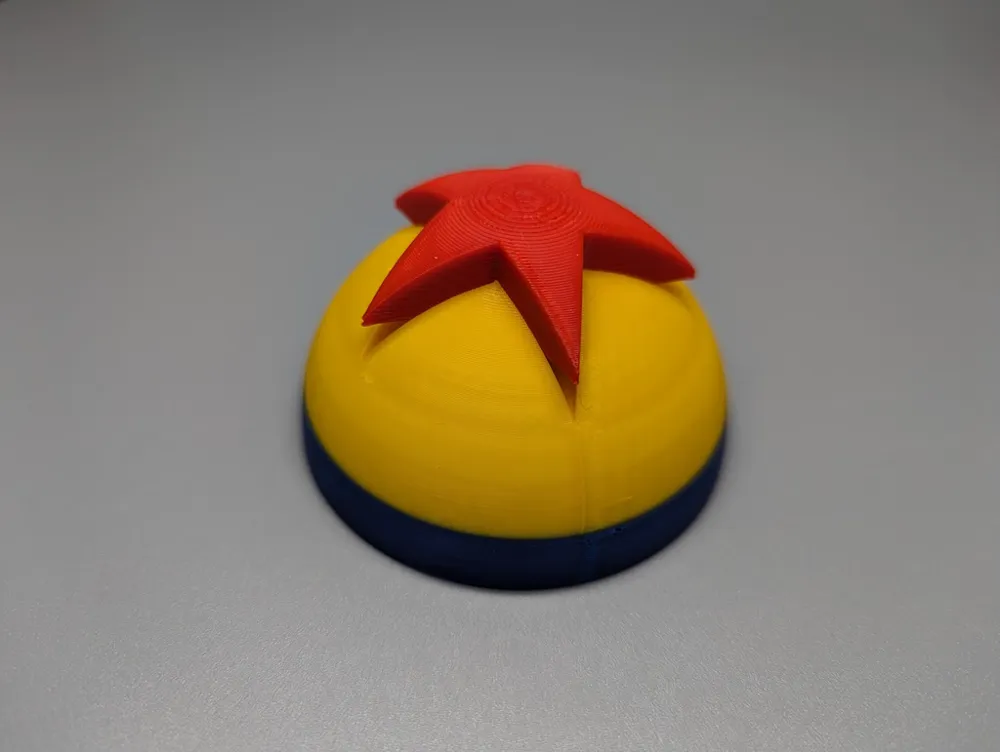
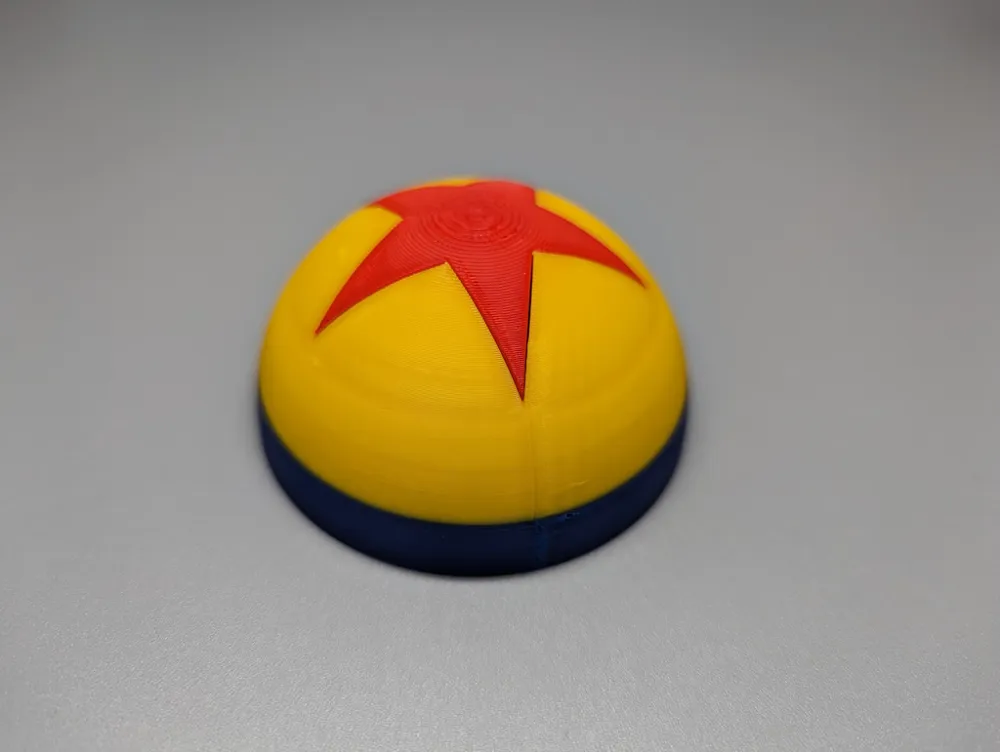
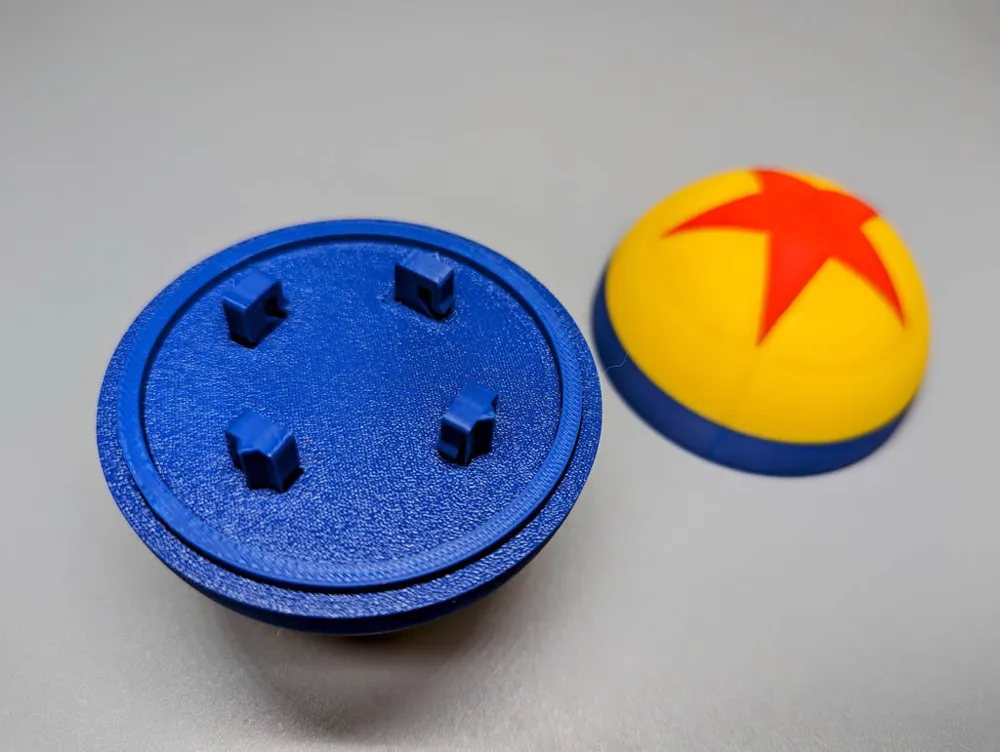
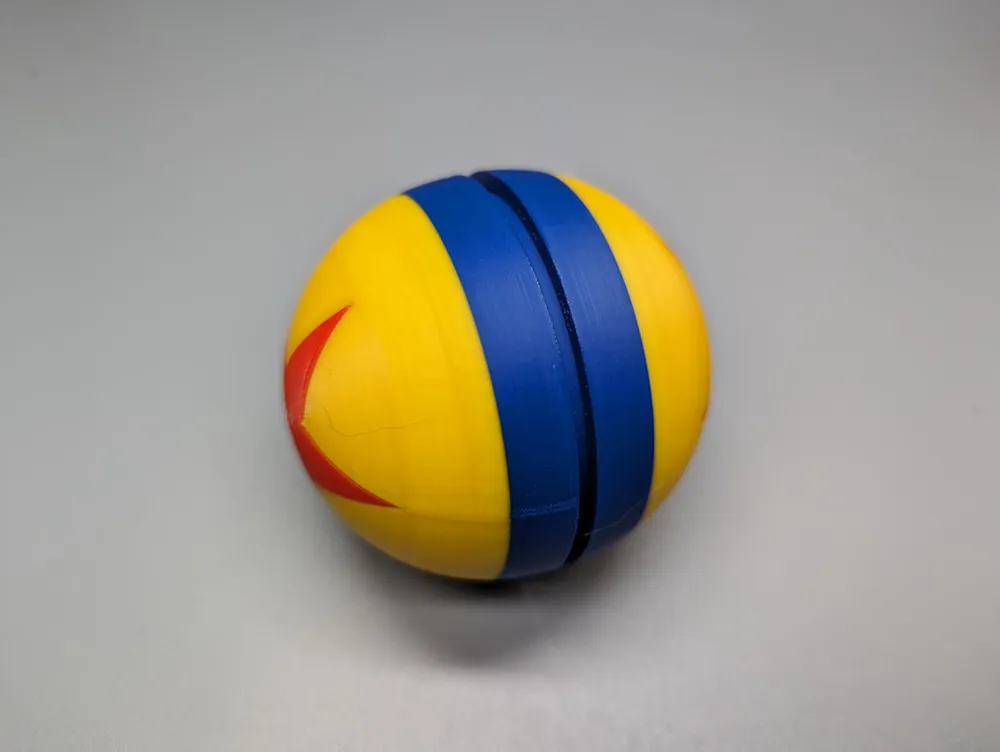
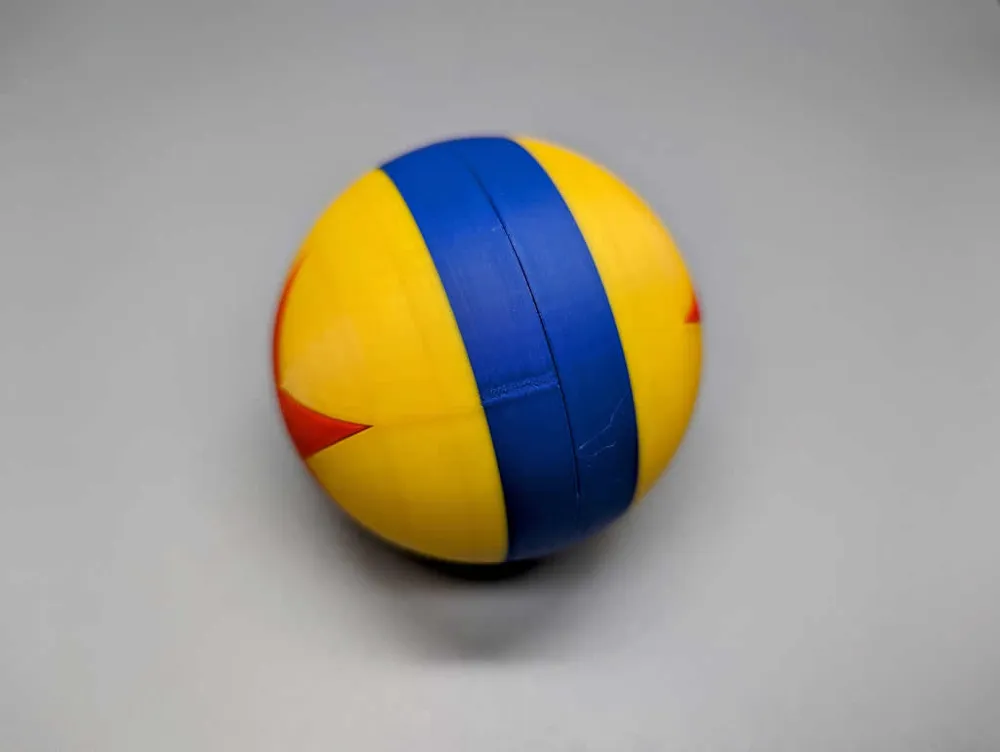
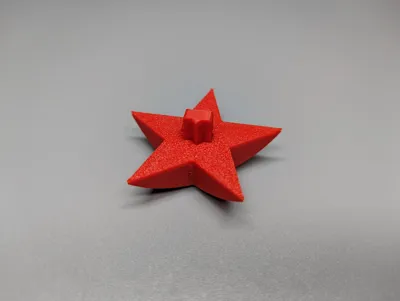
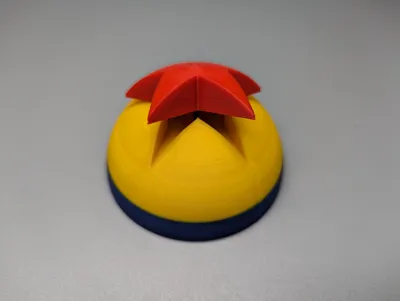
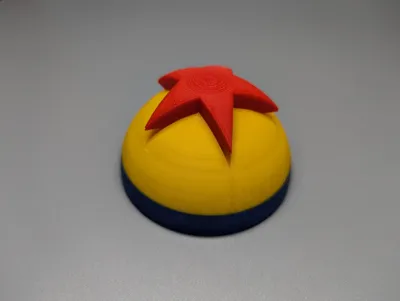
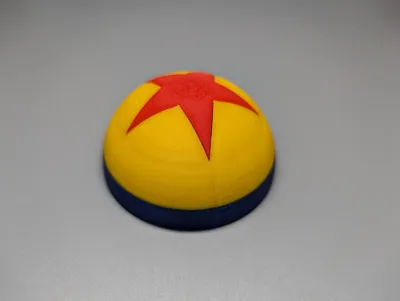
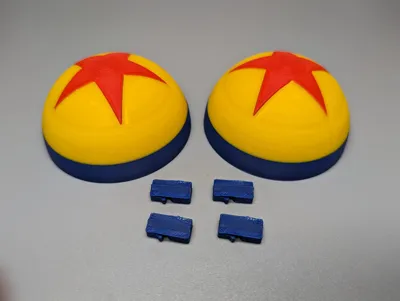
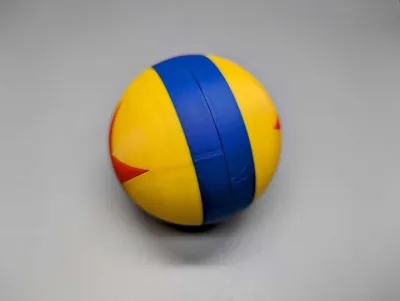
A Pixar Luxo Jr. themed ball that requires no AMS, AMS Lite, MMU, or any other automatic material changer. Parts are held together using miniature locking pins. No adhesive necessary. The 70mm sized ball is ideal for juggling and the golf ball 42.67mm sized one makes an amusing cat/child/adult toy. Supervision is advised if you intend to use them as a cat, kid, or adult toy.
I printed the balls using PETG but any filament should work. No supports are necessary. I used the default settings for the “0.16mm Optimal @BBLX1C” system preset in Bambu Studio except for the following:
Strength > Walls : 3
Strength > Top/bottom shells > Top shell layers: 5
Strength > Top/bottom shells > Bottom shell layers: 5
Strength > Sparse infill > Sparse infill pattern: Cubic
Others > Bed adhesion > Brim type: No-brim
Others > Prime tower > Width: 20mm
Others > Prime tower > Prime volume: 20mm3
Others > Flush options > Flush into objects' infill: enabled
Because every spool of filament can vary in composition, you may have to adjust the locking pin slot/hole size using the X-Y hole compensation setting. I suggest adjusting the setting by (+/-) .1mm increments to get the best fit and to make it easier to assemble.
Quality > Precision > X-Y hole compensation: .1mm increments
There is a filament change at layer 63 for the 70mm ball and layer 33 for the 42.67mm ball for the color change from the center band to outer color change.
Filament Used:
- Overture Red PETG
- Overture Blue PETG
- California Filament Golden Yellow PETG
Assembly Instructions:
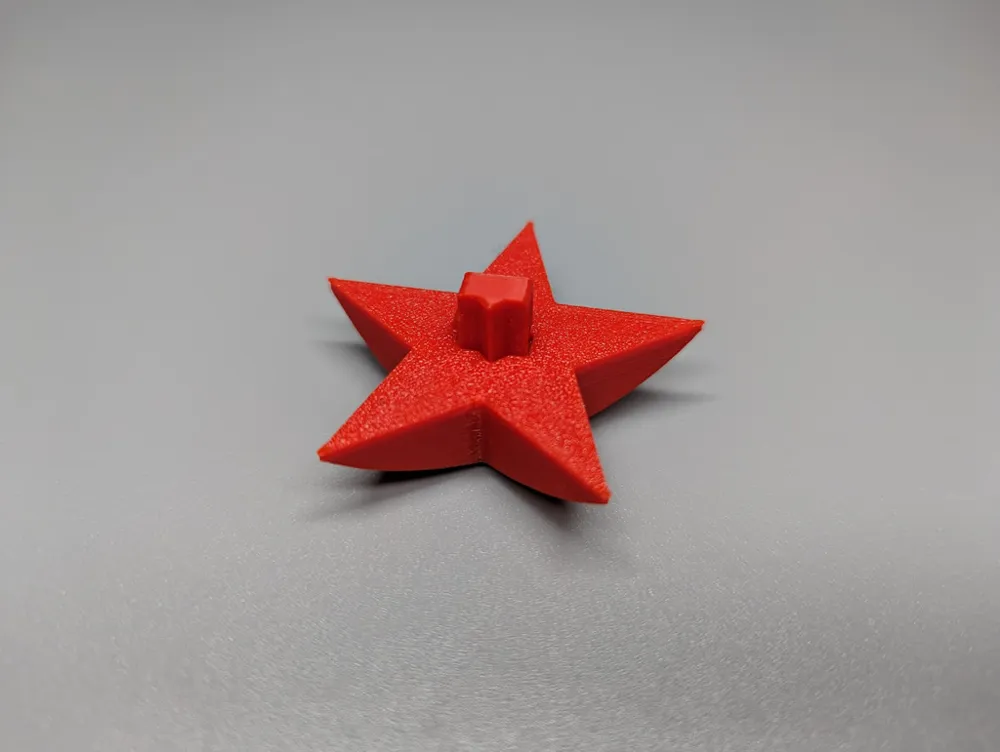
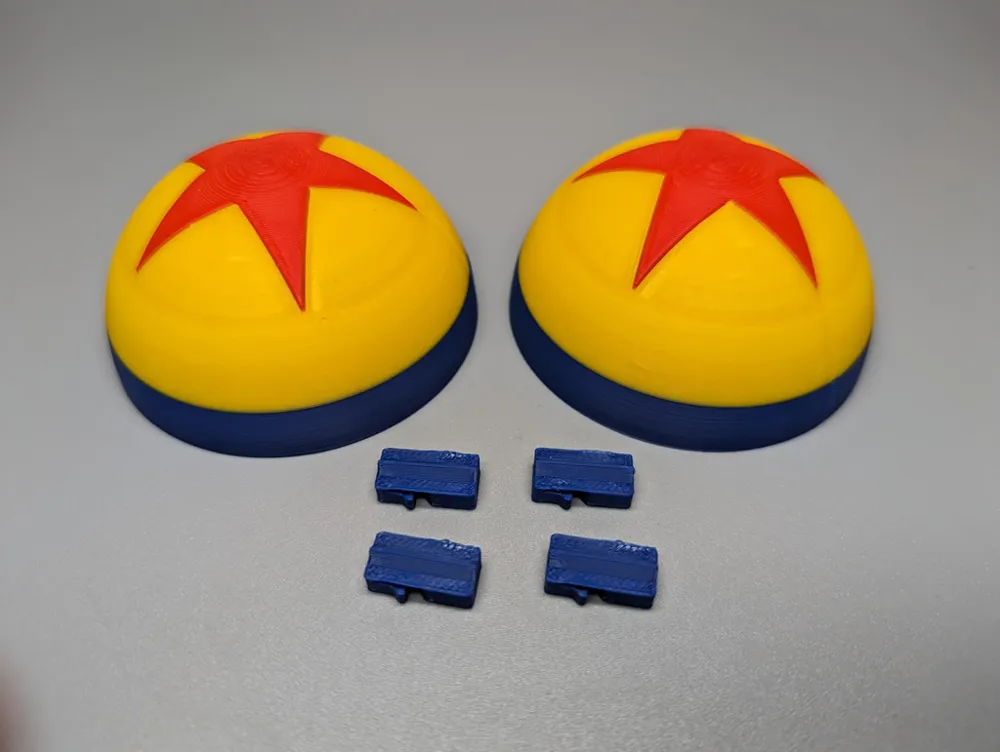
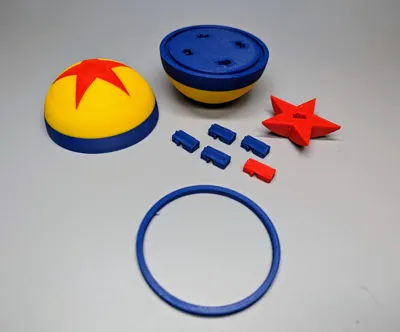
- Insert a locking pin into each of the star shaped pieces. Make sure that the notch on the locking pin is oriented correctly. Use the mini locking pins for the 42.67mm star pieces.
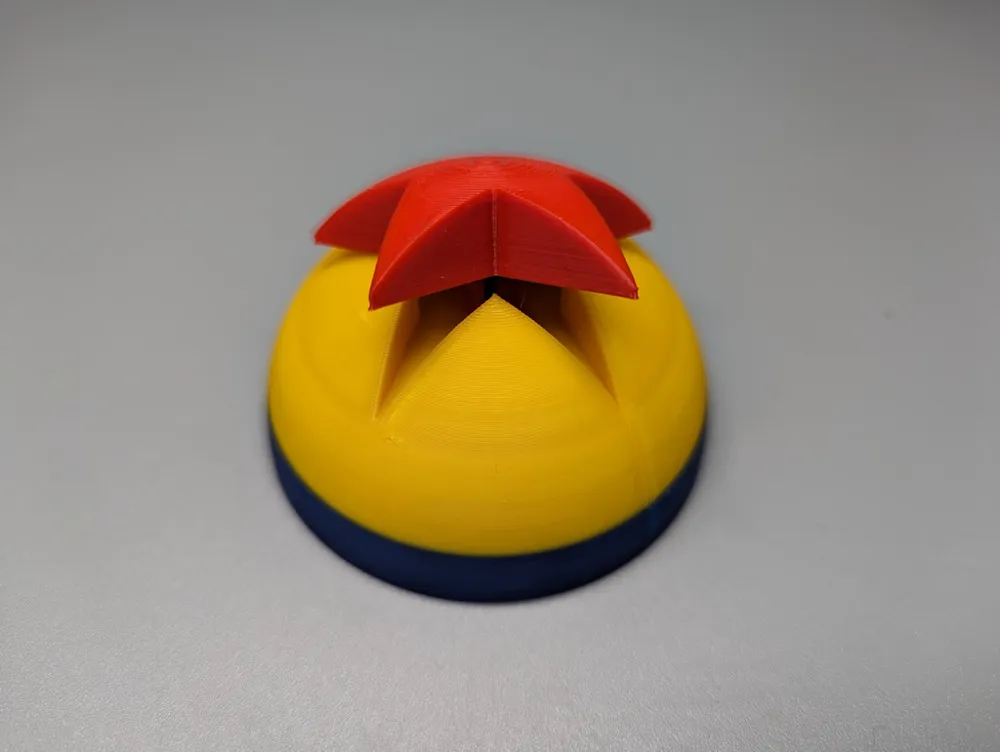
- Insert the star shaped pieces each into a ball half. Make sure that the notch on the locking pin is oriented correctly. Be careful with the star pointed ends.
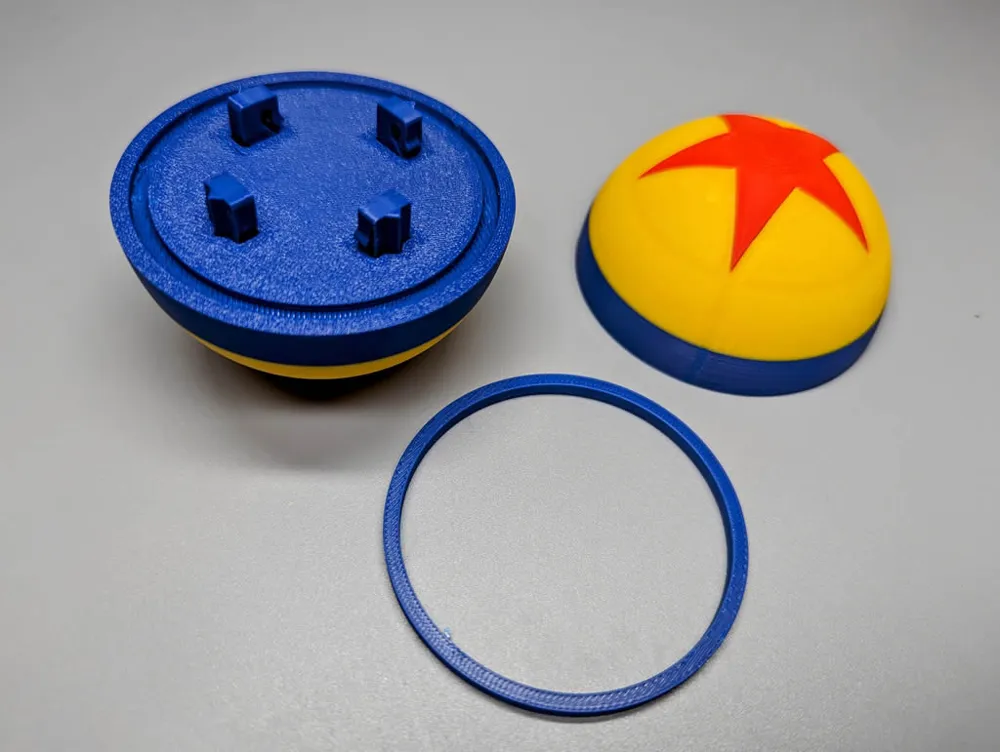
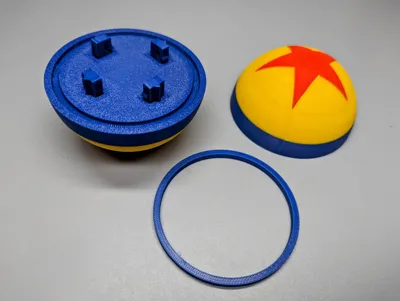
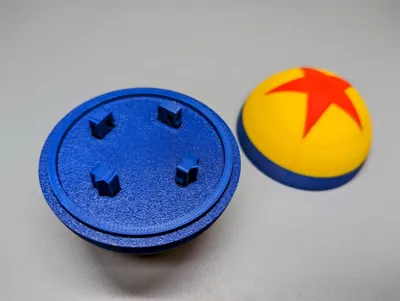
- Insert the last remaining (4 - 70mm, 2 - 42.67mm) locking pins into the slots of one of the ball halves.
- For the 70mm ball only, take the alignment ring and insert it into the circular slot of the this ball half.
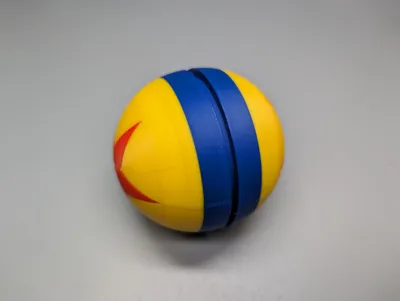
- Now take the other half of the ball and push it onto the other end of the locking pins, making sure the notches are correctly oriented, the alignment ring mates with the circular slot, and until you hear both latches click.
- Both ball halves should be flush with each other.
License



Comment & Rating (15)