
Reference Cubes 1mm - 15mm
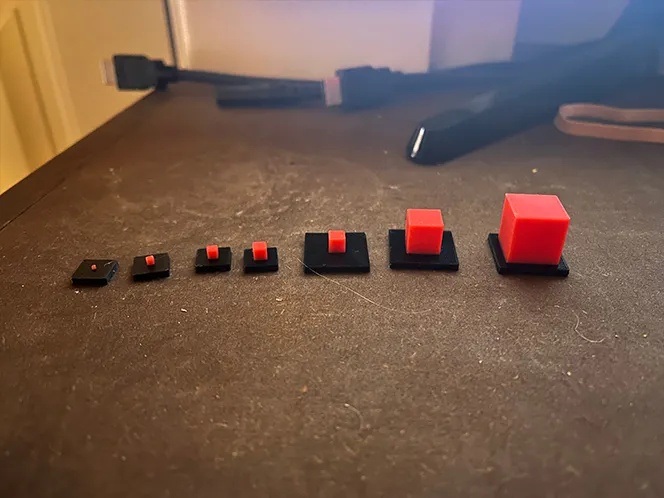
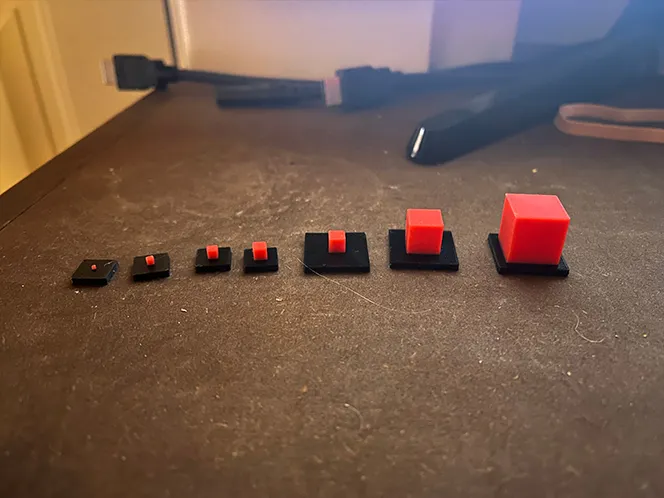

Print Profile(1)

Description
OVERVIEW:
I have created a series of cube shaped blocks for size testing, model creation reference as well as testing multi-color prints without AMS.
In this file are sizes ranging from the following:
1mm
2mm
3mm
4mm
5mm
10mm
15mm
Included is the .3mf file as well as individual files for the stands and the cubes. However for correct printing the following is how the cubes are to be put into the stands.
1mm - 4mm cubes are to be printed on the 10mm stands.
5mm - 15mm cubes are to be printed on the 15mm stands.
MUTLI-COLOR PRINTING:
As mentioned above this model or series of models can be printed without the use of the AMS. In order to achieve this use the following steps.
Inside Bambu Studio on the preview tab and using the vertical layer bar, find the first layer where the color changes, meaning the first layer of the second color. For this model this occurs at I believe layer 12 when the black stops and the red begins.
In order for the color change to happen correctly right click on the vertical bar at layer 12 and at a pause at the beginning of the layer. This will tell the printer to pause before printing the next layer.
When the printer reaches this pause this is your que to unload the first filament, in this case black, and then load load the second, in this case red. After loading the second filament resume your print.
In order to achieve the best color results do not unload your first filament color until the printer reaches its pause.
License



Comment & Rating (0)