Search models, users, collections, and posts

Auto Bed Leveling Value Indicator P1S
IP Report
Print Profile(1)

0.2mm layer, 2 walls, 15% infill
Designer
46 min
3 plates
Open in Bambu Studio
Boost
37
101
8
3
79
31
Released
Description
Description:
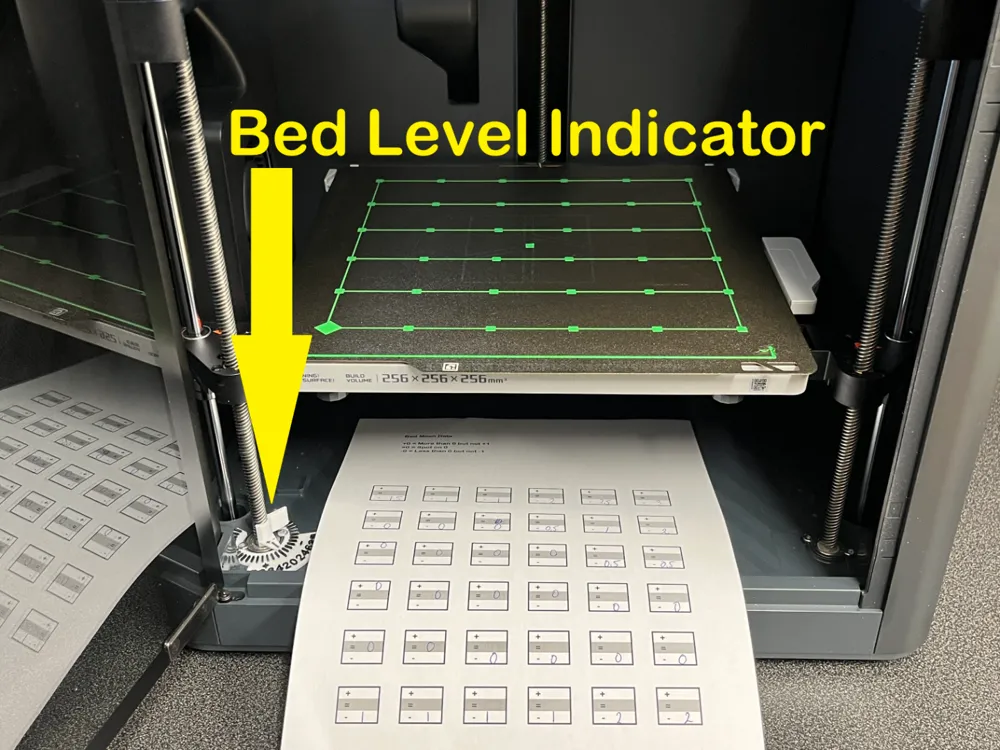
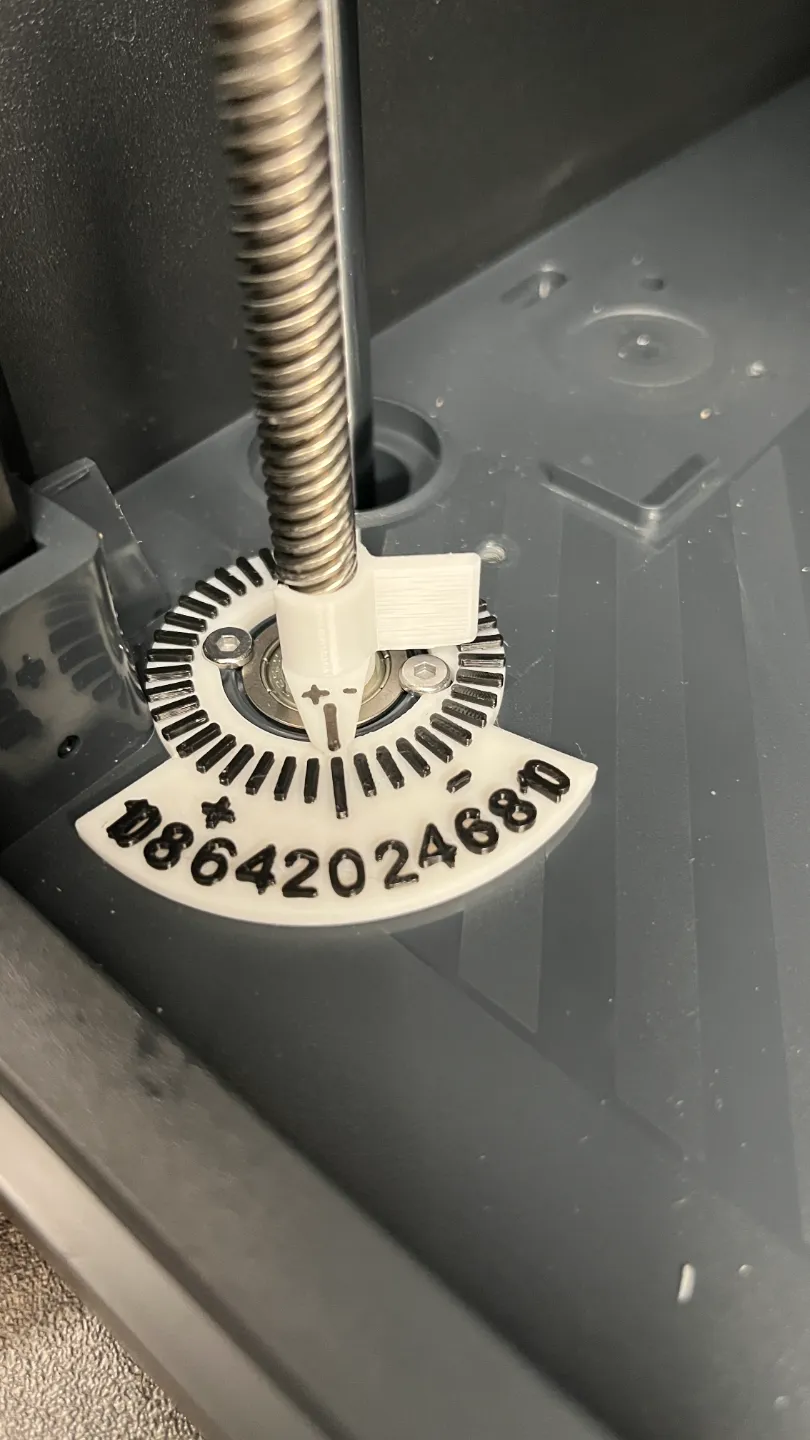
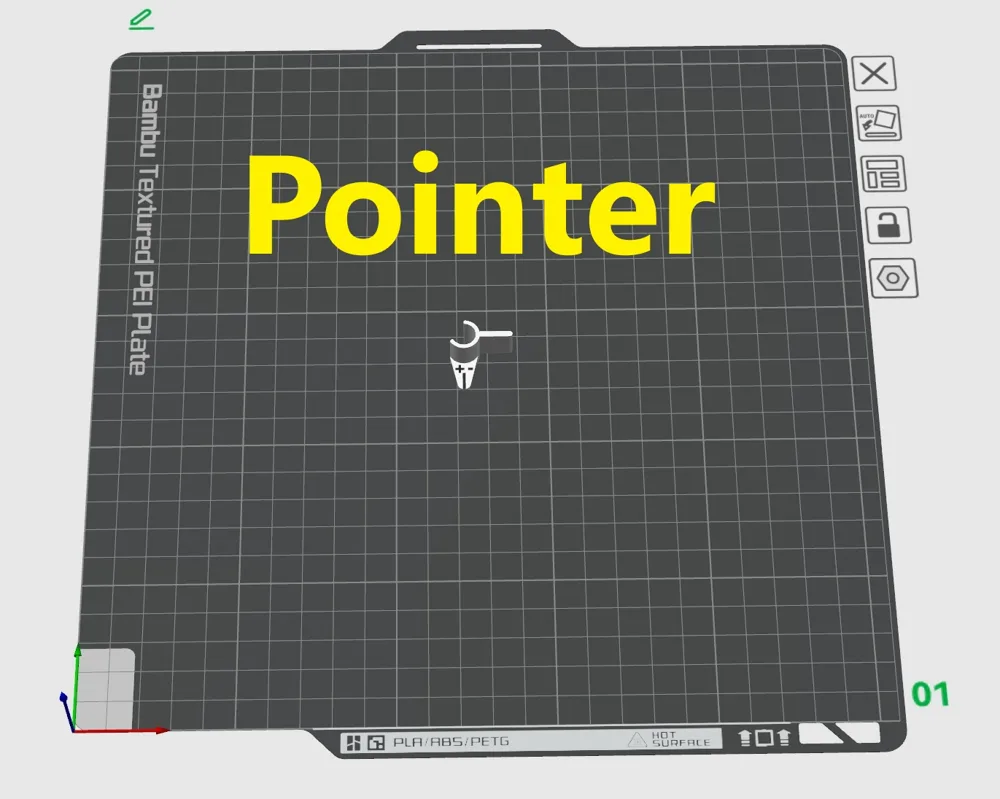
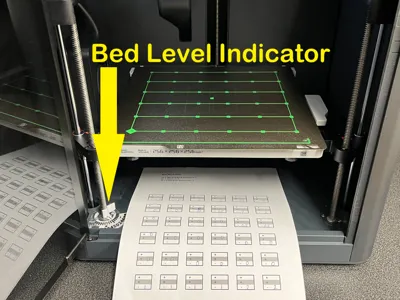
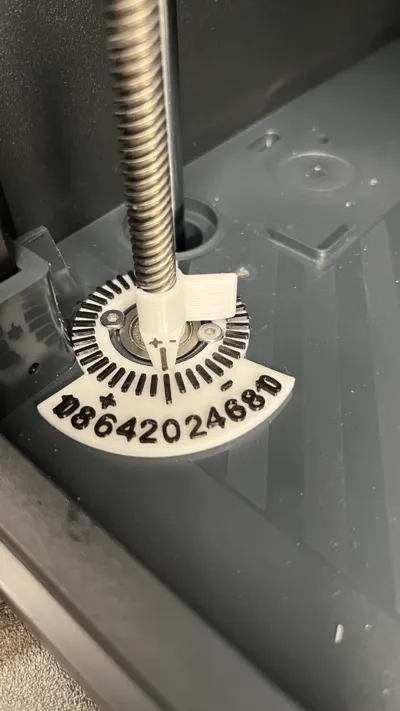
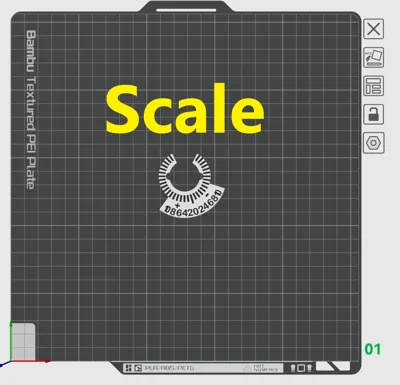
Bed level indicator for left Z-screw.
Easy reading of bed mesh calibration values.
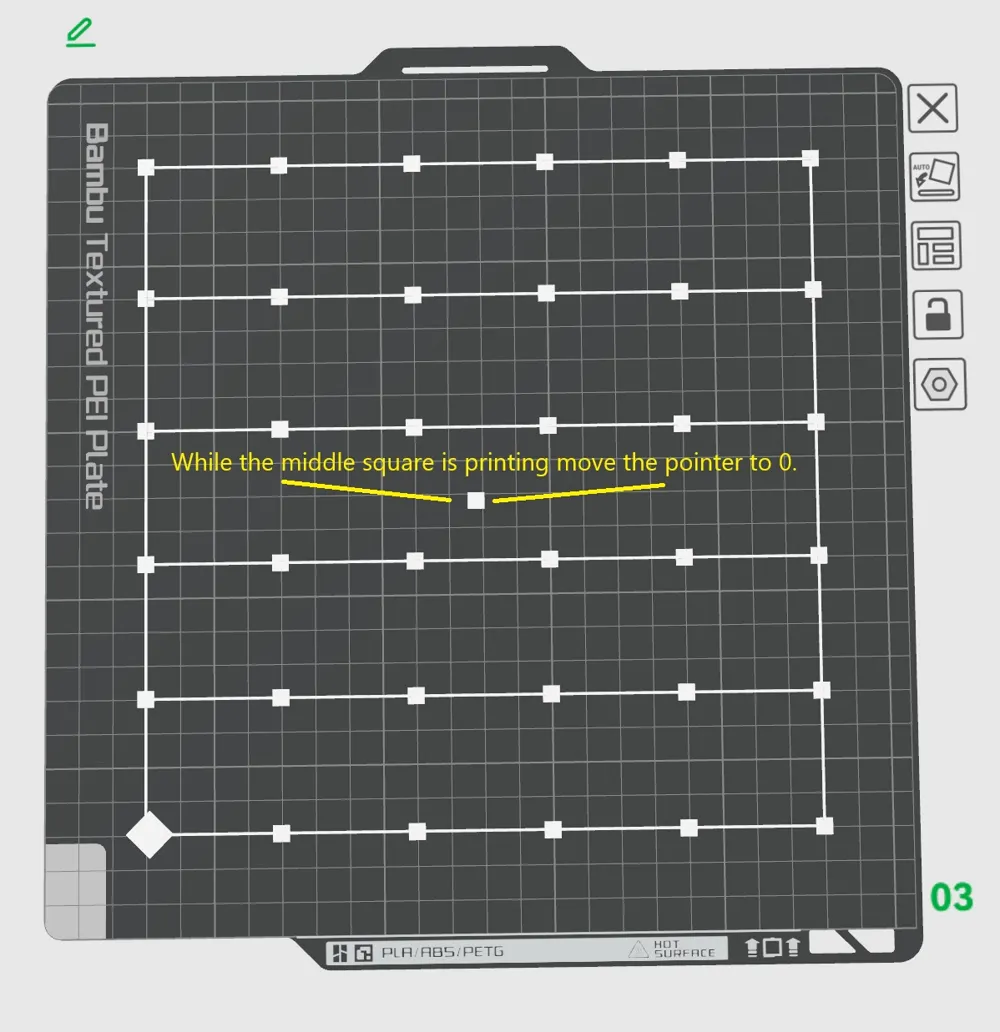
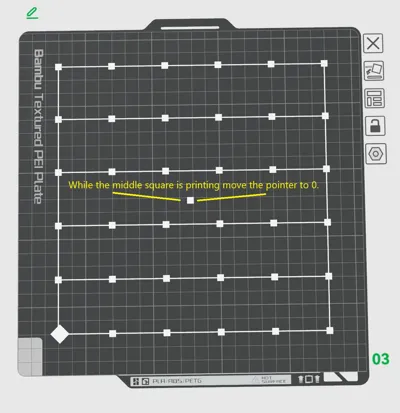
Print the bed mesh squares that correspond to bed leveling calibration points and read the values from the scale.
For P1S
How to do it:
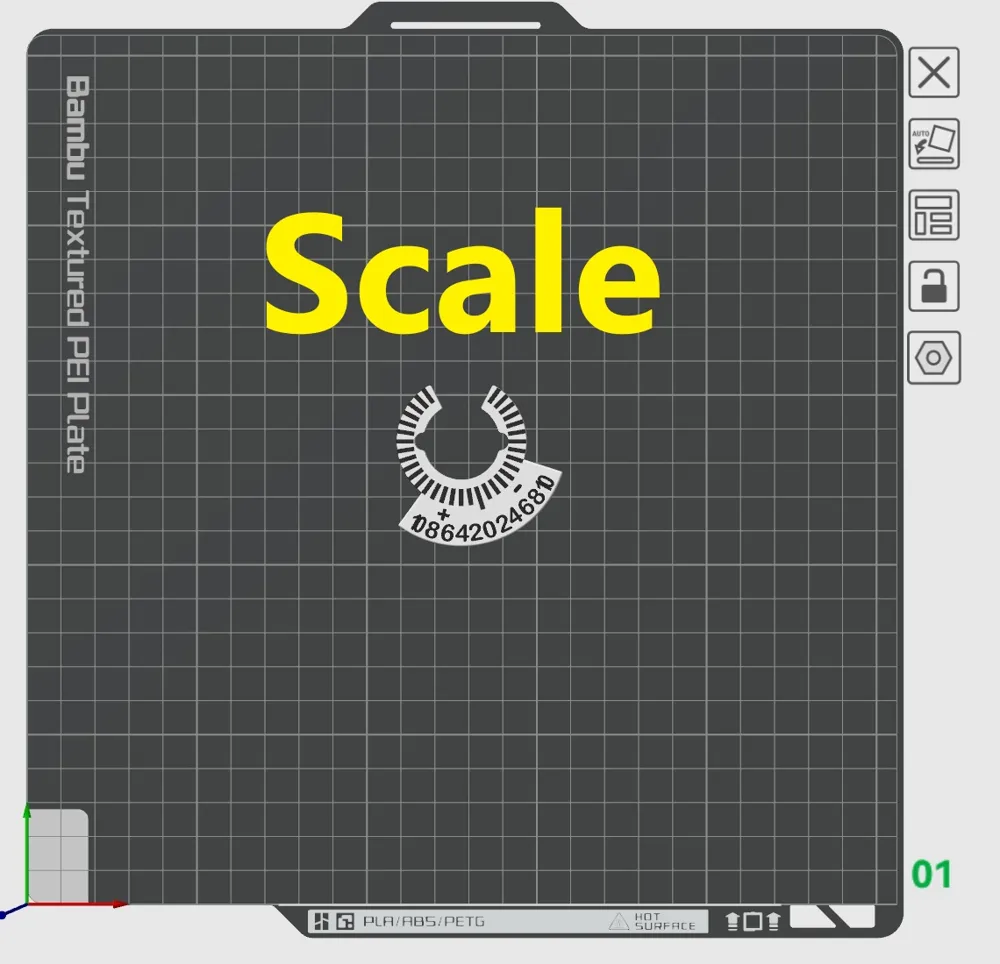
- Print the first and second plate and attache it to left Z-Screw.
- Print the pdf-file "Bed mesh data" for writing down values.
Before printing mesh squares on plate 3:
Change the Line width for first layer to 0.42.
Speed for First layer to 100.Speed for First layer infill to 4.
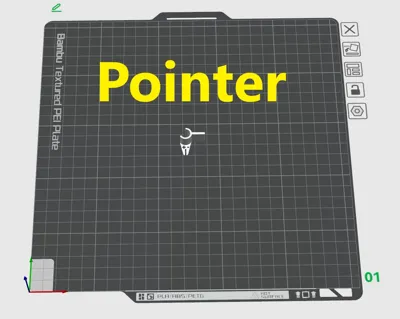
- Print plate 3. While the middle square is printing move the pointer to 0.
Take notes of the values that the indicator shows while printing each square.
Numbers on the scale go from -10 to +10. 2=0.2mm
Adjust the bed:
- First option: Follow this bambu wiki is one way https://wiki.bambulab.com/en/x1/manual/manual-bed-leveling
- Second option:
+ Value indicates that the bed is lower than 0 from nozzle.
Decrease + value by adjusting bed knob anti clockwise to get the bed closer to nozzle.
Documentation (1)
Other Files (1)
Bed Mesh data.pdf
License

This user content is licensed under a
Creative Commons Attribution-Noncommercial-Share Alike


Comment & Rating (8)