Search models, users, collections, and posts

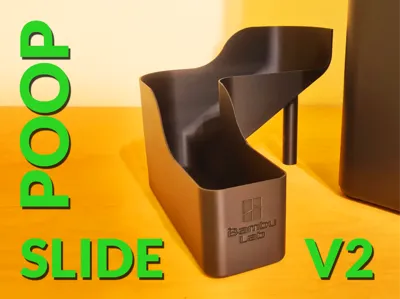
Bambu Poop Slide V2 (X1C, P1P, P1S, P2S)

Remixed by

Print Profile(1)

All
P1S
X1 Carbon
X1E
H2D
H2D Pro
P1P
P2S
H2S
X1
A1
H2C
X2D
A2L

[Single Color] X1C / P1P / P1S / P2S
[Single Color] X1C / P1P / P1S / P2S
Designer
4.4 h
1 plate
4.8(1.7 k)

Open in Bambu Studio
Boost
1966
5946
1777
507
18.4 k
12.5 k
Released 

Description

Boost Me (for free)

You like the model? Consider using your boost tokens to support me for free! (or check out my Patreon for commercial seller licensing)

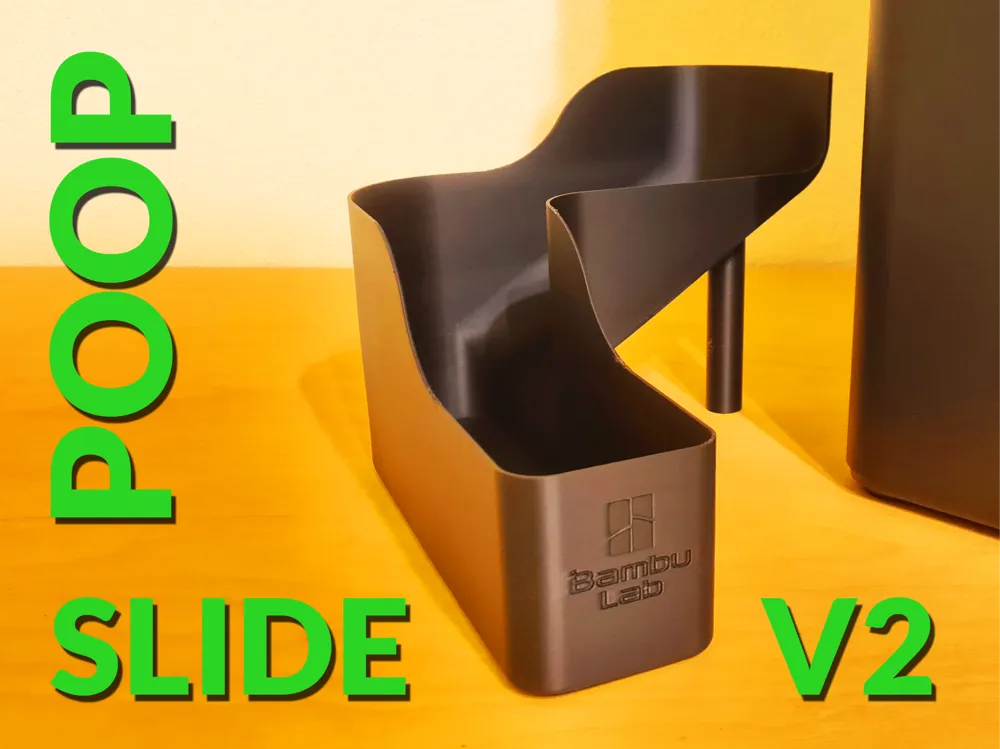
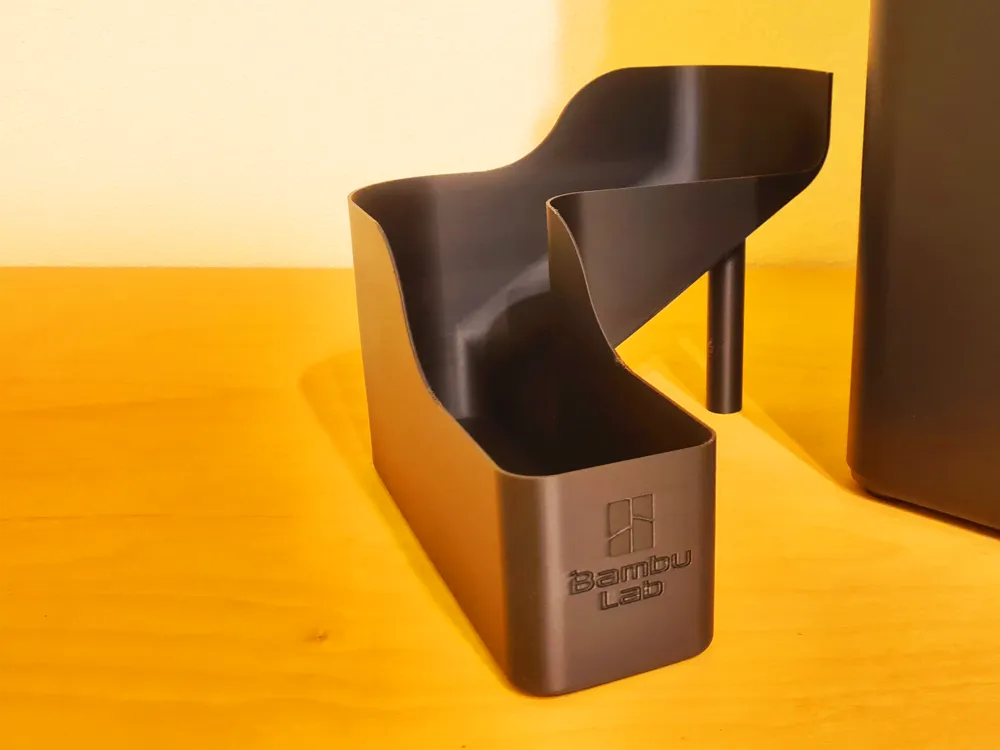
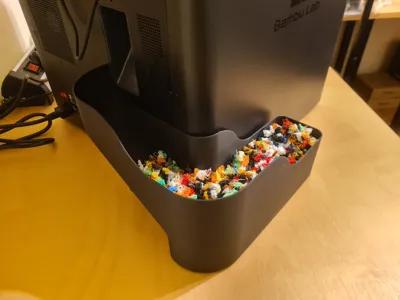
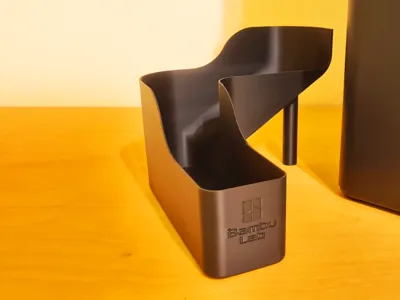
The Bambu Poop Slide V2 improves printability be adding a back wall to the Bambu logo in the front. This leads to less print errors and a more beautiful final result.


Features

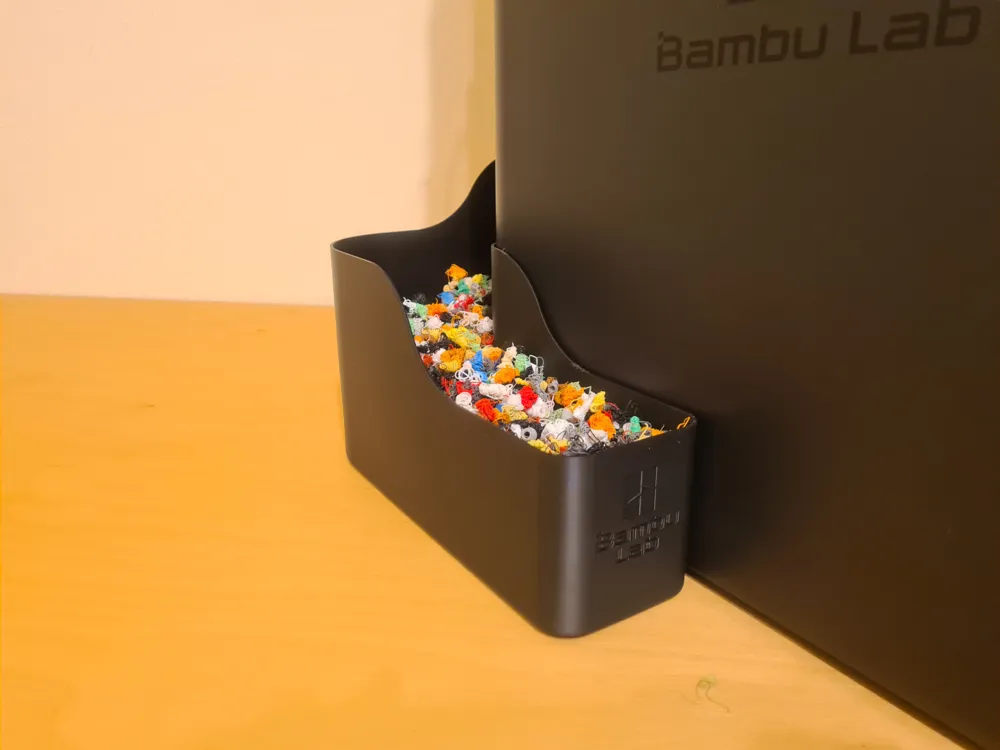
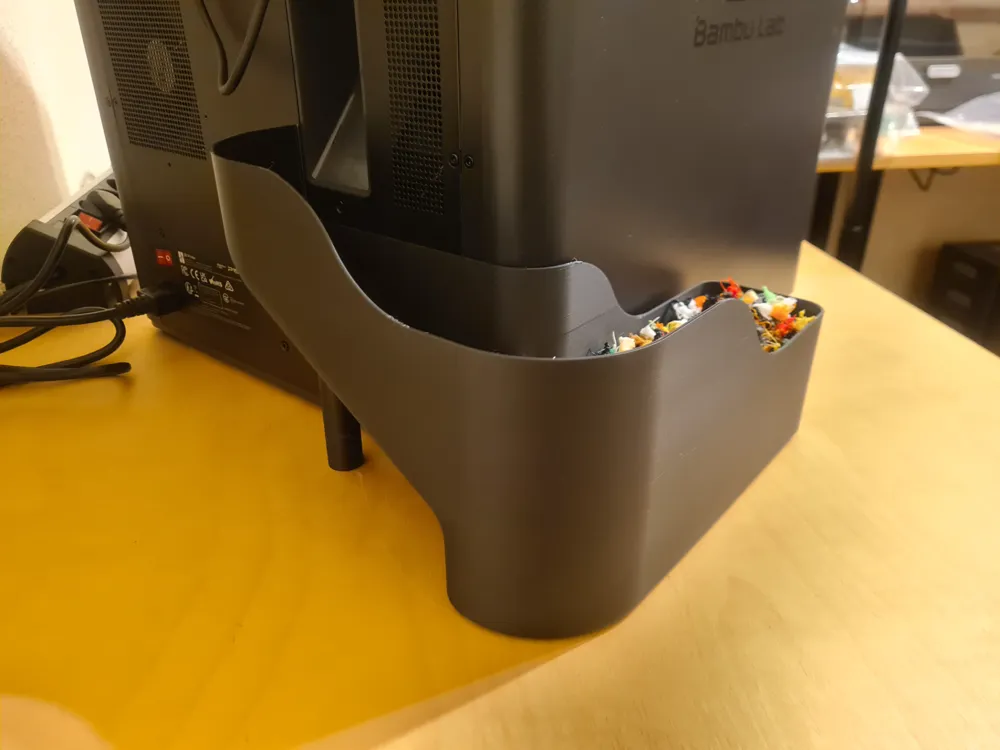
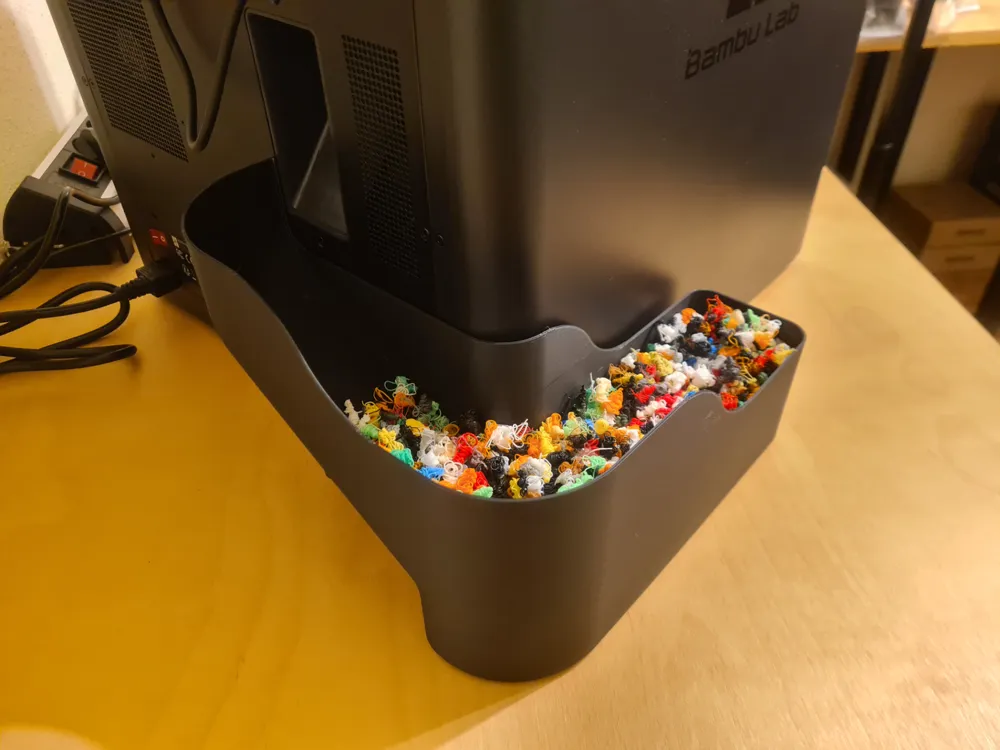
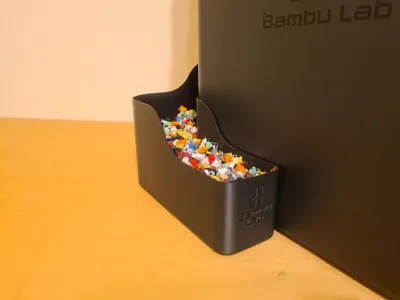
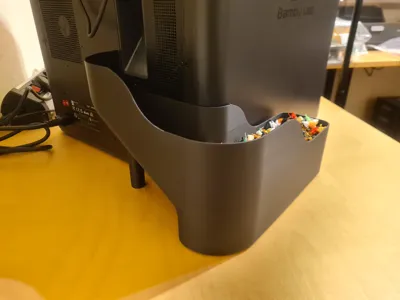
  • Collect the printers poop
  • Don't have a mess on your table
  • Easy to remove and empty
  • Easy to print
  • Compatible with the X1 and P1 series

Recommended print settings (or just use the provided print profiles)

  • Layer Height: 0.2mm
  • No supports needed
  • Adhesives or using the Bambu Cool Plate Supertack are recommended

Changes to the original models

  • Added a back plate to the Bambu logo to reduce print errors
  • Minor additional fixes to the original mesh


You want to sell physical copies of my models?

Check out my attractive commercial seller licensing via a membership over on Patreon!

Comment & Rating (1777)

(0/1000)

this is the third time I have attempted this print and it keeps hitting the slide and pops off the nozzle cover. brand new P2S, it was my 4th print and it won’t make it past 46%. what am I doing wrong here? after the 2nd print I figured it was the air flow so I printed a diffuser for that but it failed in the same spot…
12
Reply
mine did the same thing p2s, I put the cover back on a couple of times and peeled the corner where I could see it knock it off. Once I got past that corner it stopped knocking it off... fingers crossed it makes it to the end. You can see the layer that was giving problems.
2
Reply
The same thing happened to me on the P2S. I was afraid of damage and canceled the print
Show original
1
Reply
Same here, even sratched it a little bit...
1
Reply
Print Profile
[Single Color] X1C / P1P / P1S / P2S
Passt Perfekt
profile
5
Reply
Even with the machine's vibrations, it doesn't fall off
Show original
0
Reply
Print Profile
[Single Color] X1C / P1P / P1S / P2S
only my second real print and it was easy and exactly as expected
profile
4
Reply
Print Profile
[Single Color] X1C / P1P / P1S / P2S
easy peasy!
profile
1
Reply
did it cause the front of your toolhead fall off at all?
0
Reply
nope printed perfect
0
Reply
Perfect for P2S, I didn't have to adjust anything
designer
1
Reply
What material and color did you use? Thanks
0
Reply
Replying to @raffaelps :
Sunlu PLA Matte Gray.
1
Reply
Print Profile
[Single Color] X1C / P1P / P1S / P2S
Optional magnets could be integrated
Show original
profile
3
Reply
Print Profile
[Single Color] X1C / P1P / P1S / P2S
Turned out really nice! Doesn't move at all. Best design for no attachment points.
profile
2
Reply
Print Profile
[Single Color] X1C / P1P / P1S / P2S
LOVE IT! First print was a success!
profile
2
Reply
Print Profile
[Single Color] X1C / P1P / P1S / P2S
Perfect! 💯
profile
2
Reply
Print Profile
[Single Color] X1C / P1P / P1S / P2S
As one of teh 1st three prints of me starting my 3D journey. I am pleased with how this came out. I just wish that otehr models that I have tried did not make this get full so fast lol. I am learning to control waste a lot more in the last day or so. I am just glad this design makes it easy to bring it around to the front. I bought magnetic strips (thin tape style) and put it on teh sides of this and teh sides of the printer to make it easy to snap back in place. A strip on teh back and a round button style on teh side of this just makes it slide to into the Printer and not have to look back. Love this a lot. TY!
profile
7
Reply