
Articulated Chihuahua

Print Profile(3)




Description
Membership
Want to sell physical prints of this and/or any other of my models?! Subscribe to my Commercial License Membership! :D
Boost Me (for free)
If you like my models, consider giving me a Boost! :D
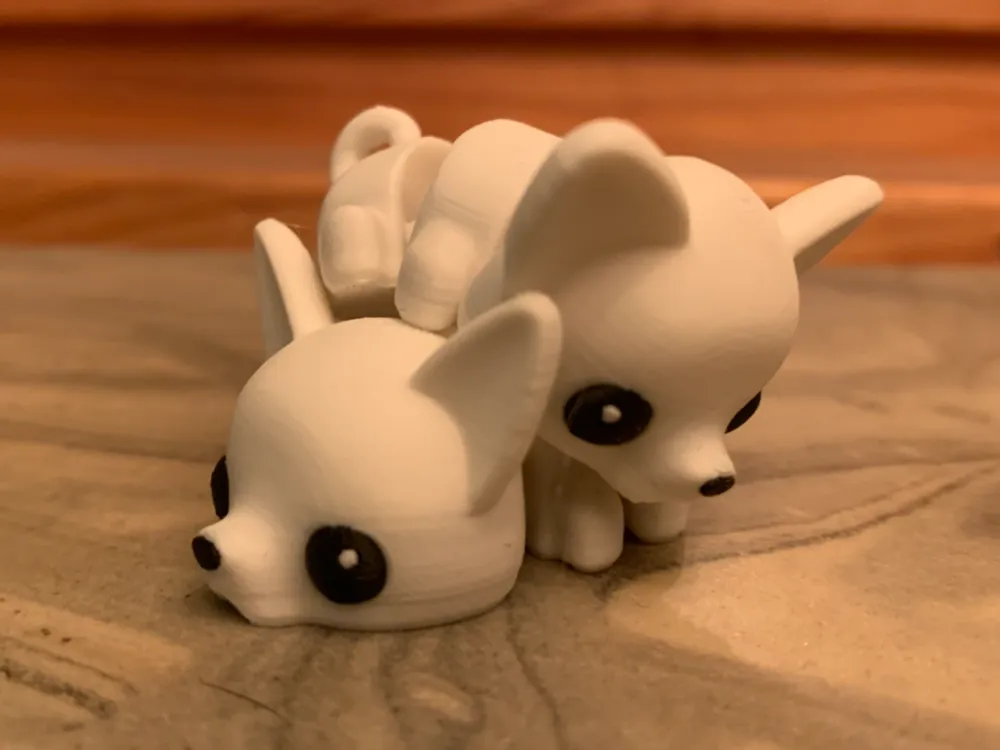
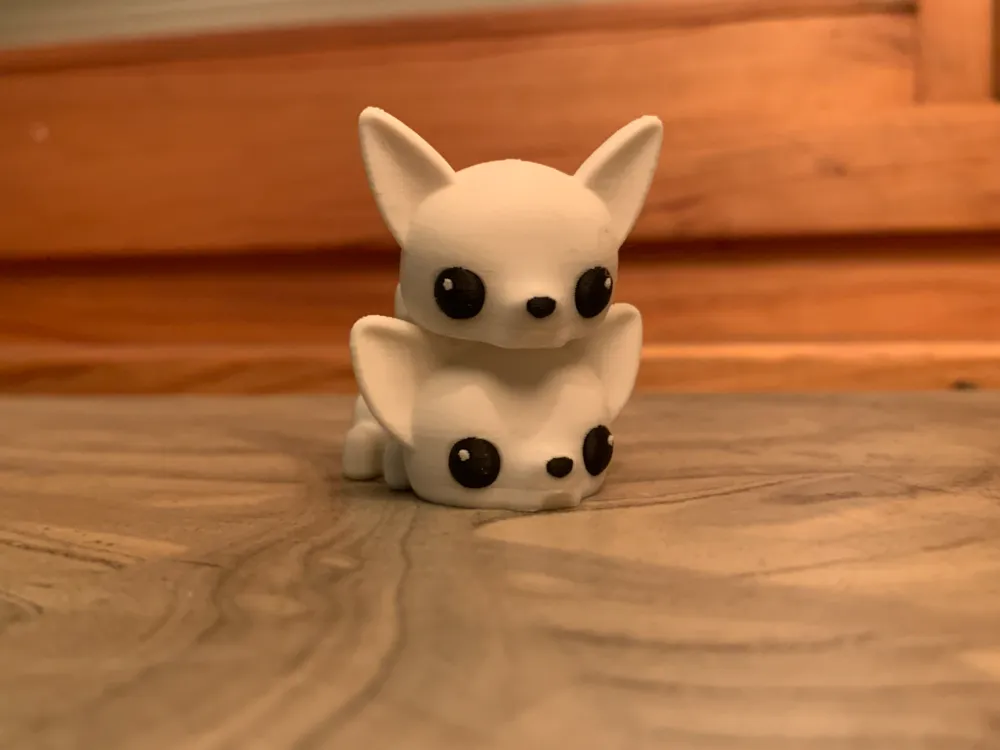
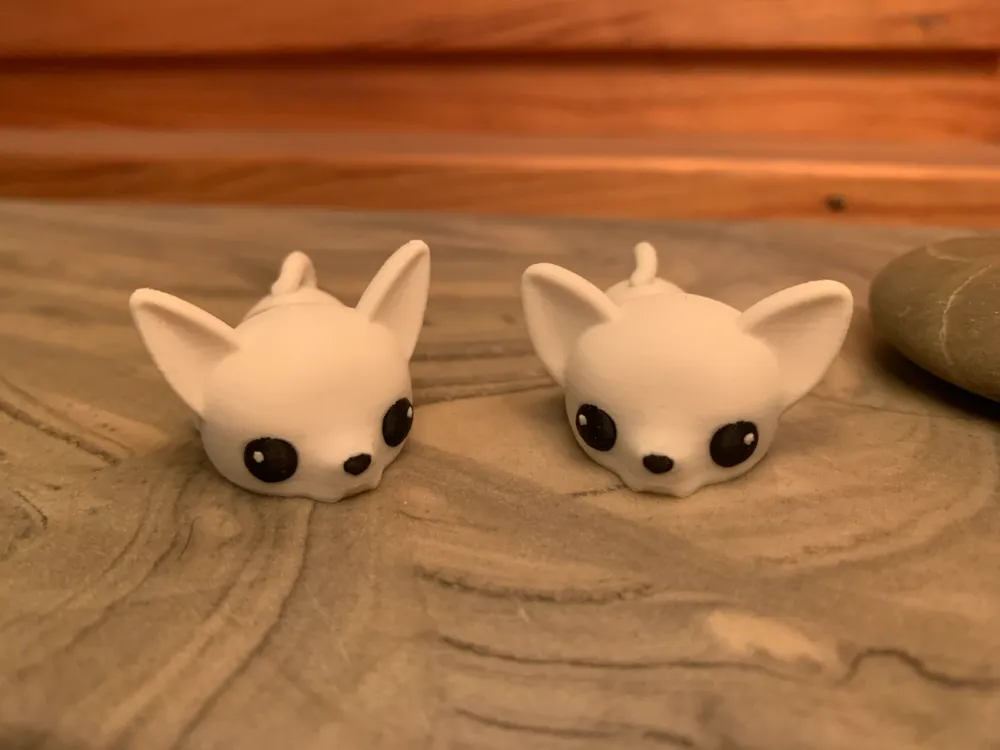
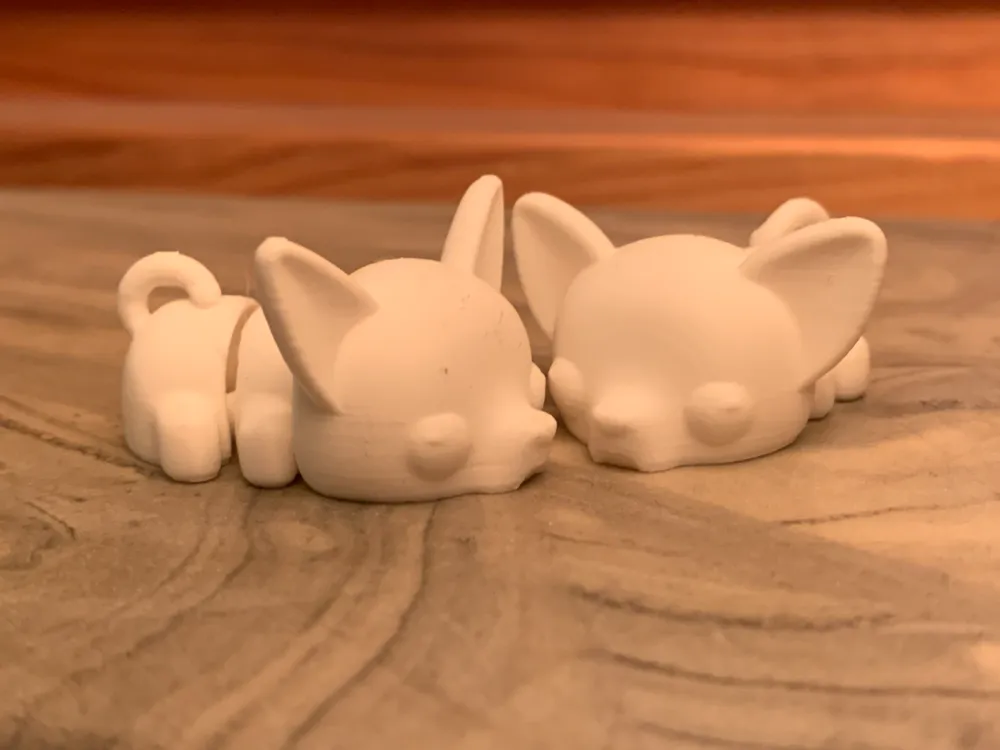
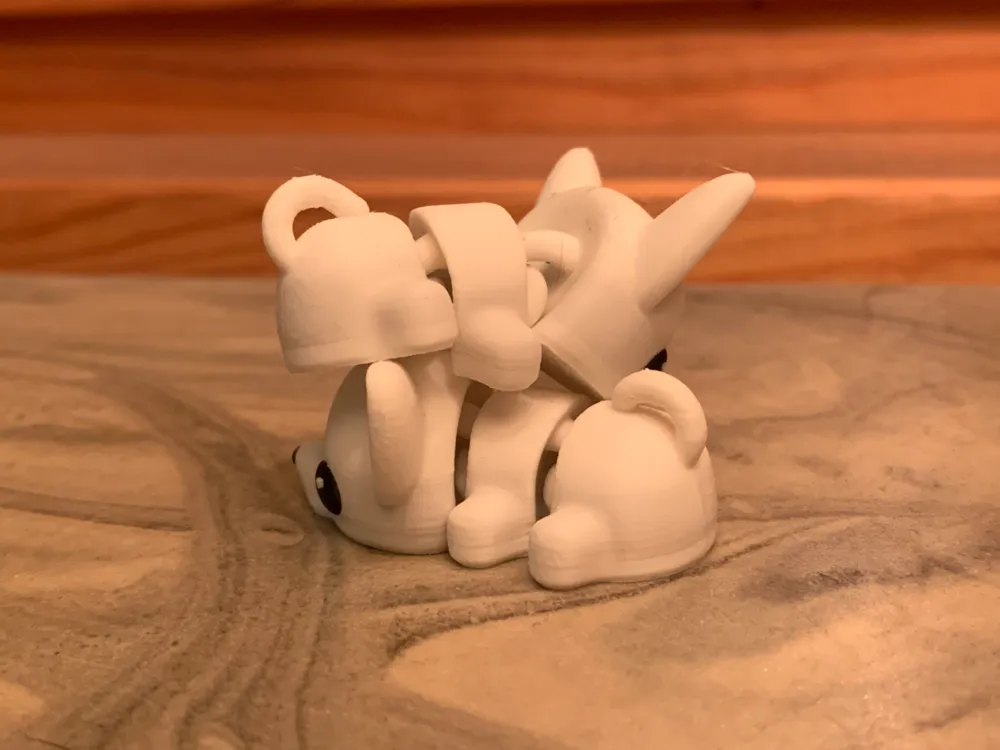
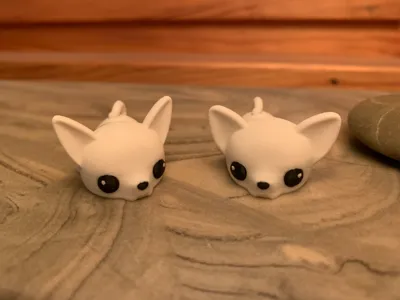
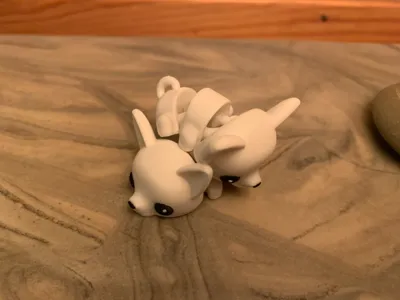
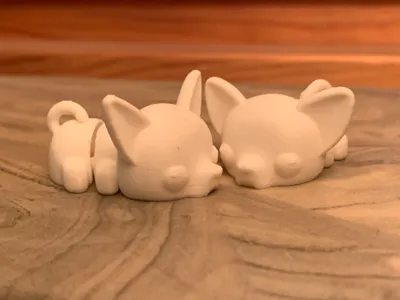
Hello! The ears are a little different where one is a more narrow and the other wider. The different options can be found on the print profile.
_______________________________________________________________
If you do not want waste when printing the "Multi Colored" print, I strongly recommend to print the “Single Color” verson and paint the eyes/nose afterwords.
Here are some tips on how to reduce the waste with the multicolored print:
- Print Multiple on the same buildplate. It is the same amount of waste when printing one object as with printing 4 of the same objects on one buildplate.
- Reduce Flush Volume. Less filament is extruded when changing color. If reduced to much some of the previous color will show one the newly colored layers.
- Add a new object and mark it as “Flush into this object”. Instead of getting filament poop you can flush the wasted filament into an object that you dont mind having in uneven colors.
_______________________________________________________________
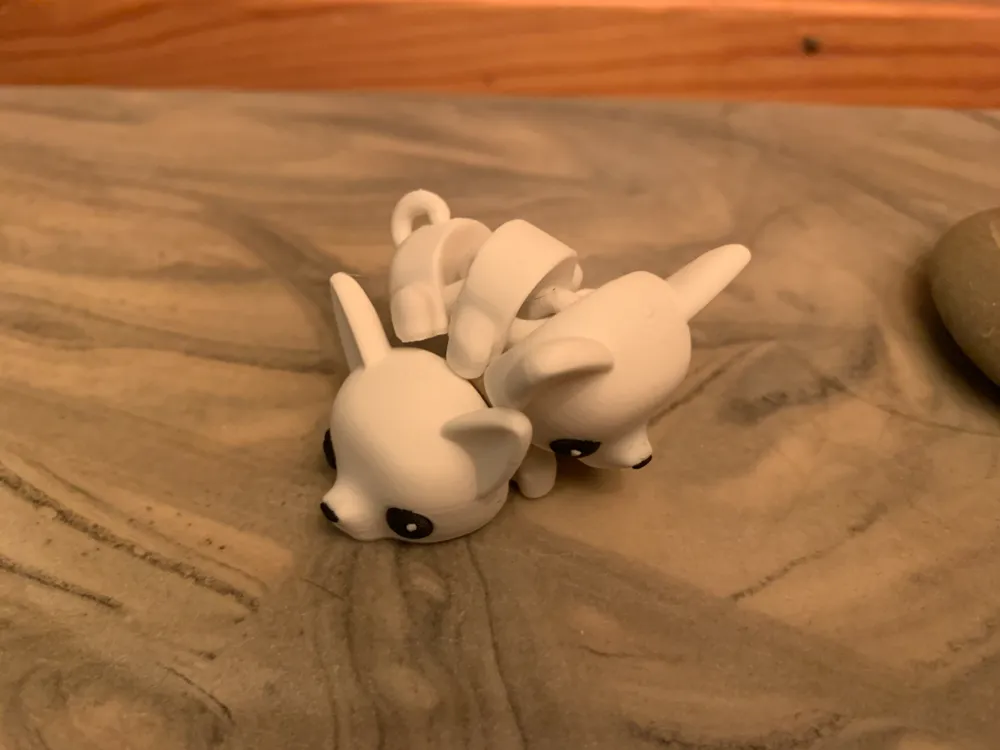
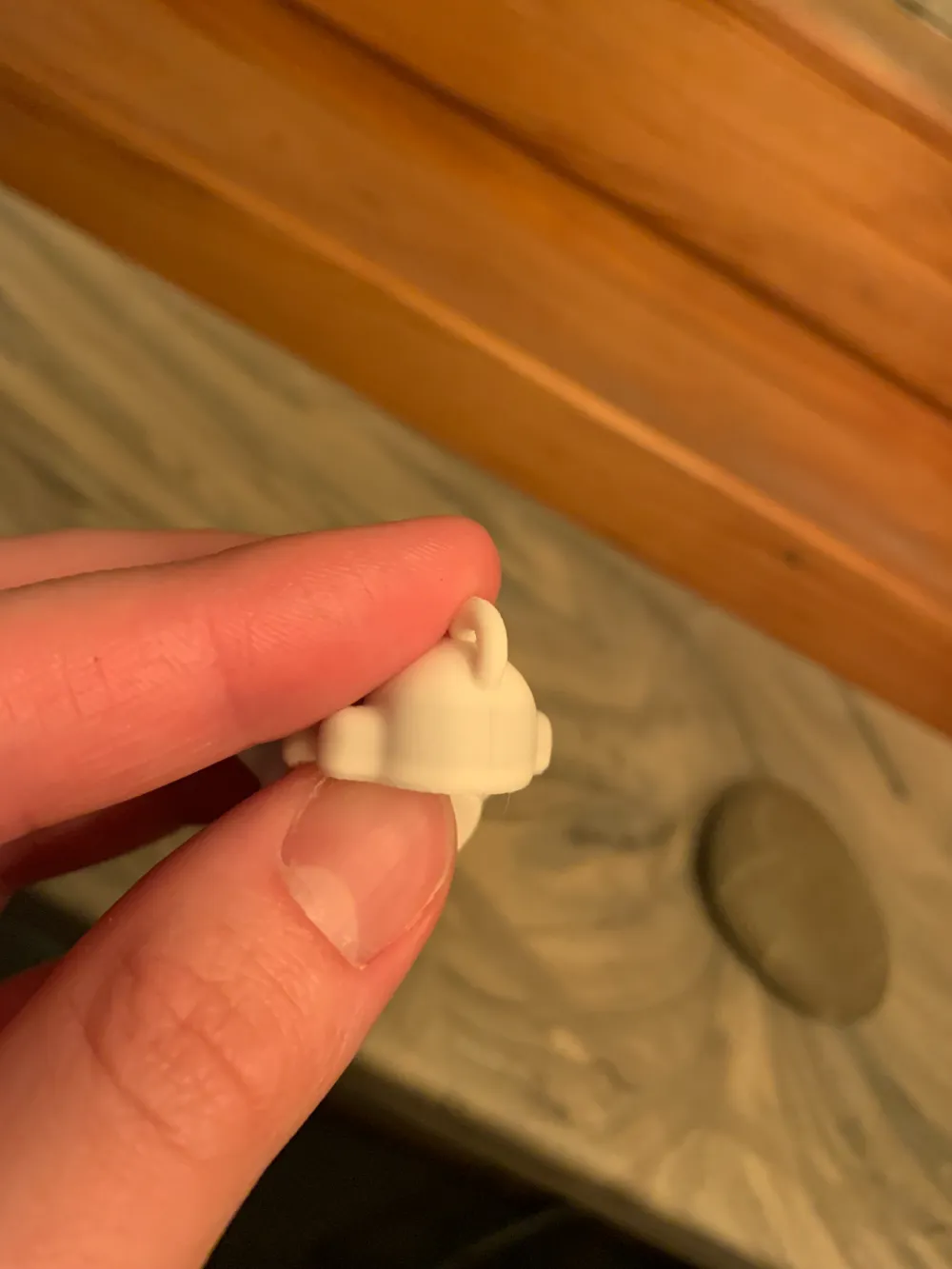
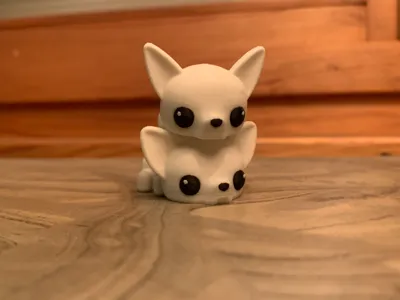
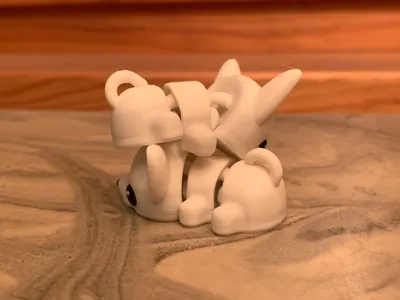
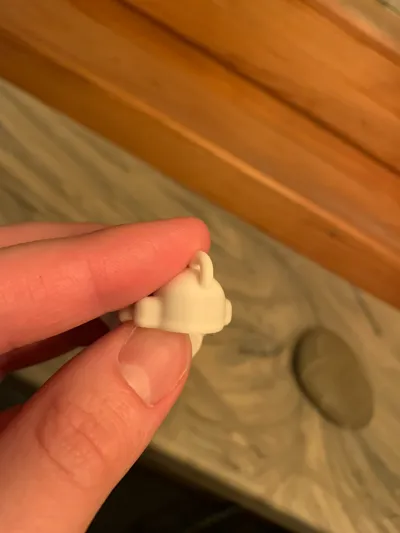
Since I printed with white and black I reduced the flush volume to 60% to reduce the amount of wasted material. This in turn resulted in the white layers in the same height of the eyes having a slight missmatch to the rest of the model. This can be seen on the last picture.
Please leave feedback if you encounter any issues with the model/print profile :D
Here are the settings I used on my A1:
Prime tower - On.
Z hop when retracting - 0.4 mm.
Seam - Back.
0.12 layer height.
Ironing - On (20% flow), line spacing 0.13.
2 walls, 15% infill - Gyroid.
Flush into objects infill - On.
Brim type - Outer brim only. Brim object gap 0.2 mm.
I printed with Bambu PLA Matte. Ivory White and Charcoal black.
License

You shall not share, sub-license, sell, rent, host, transfer, or distribute in any way the digital or 3D printed versions of this object, nor any other derivative work of this object in its digital or physical format (including - but not limited to - remixes of this object, and hosting on other digital platforms). The objects may not be used without permission in any way whatsoever in which you charge money, or collect fees.


Comment & Rating (49)