
AutoPilot for Flight Sims

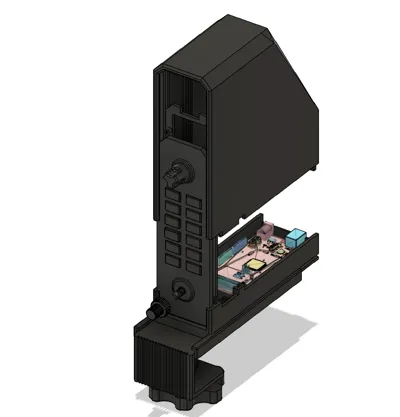
Print Profile(2)





Description
AutoPilot v1.0
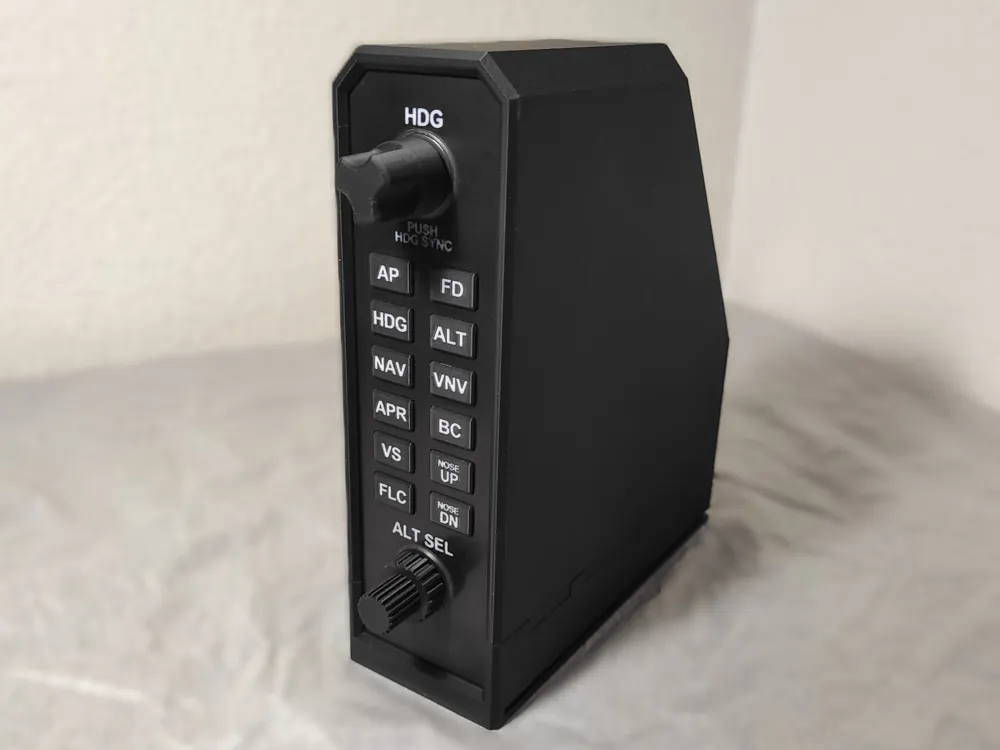
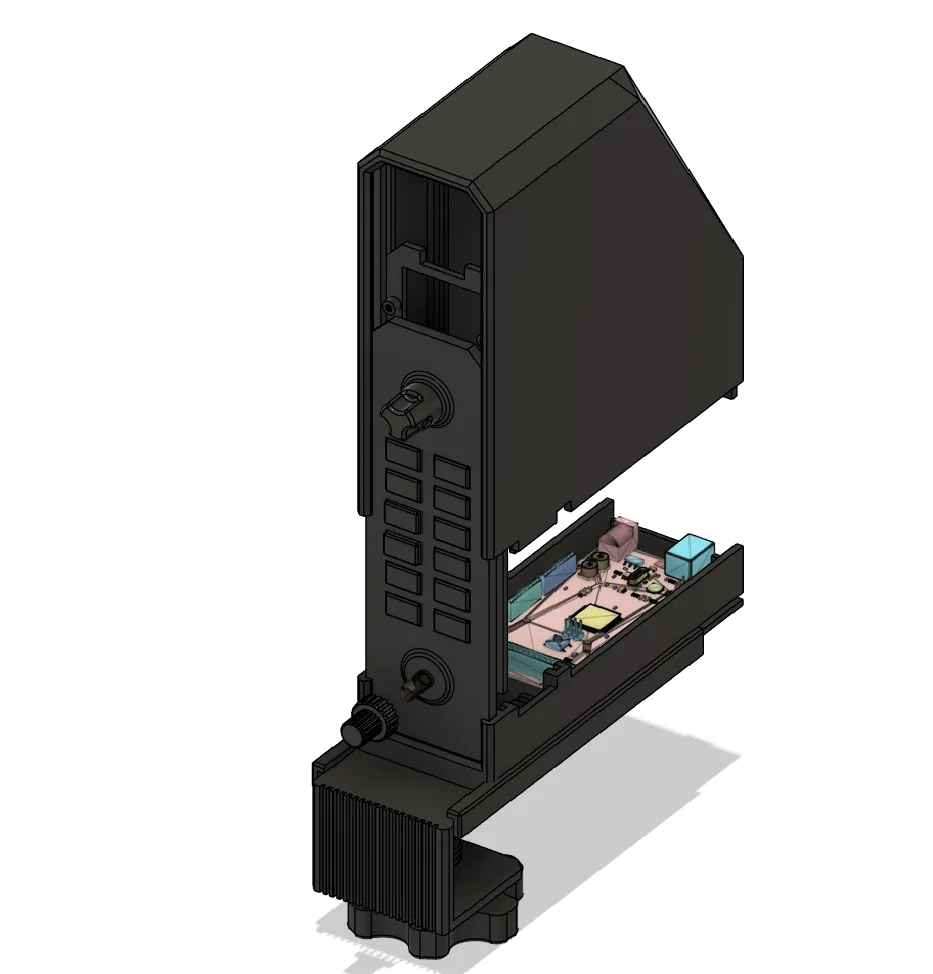
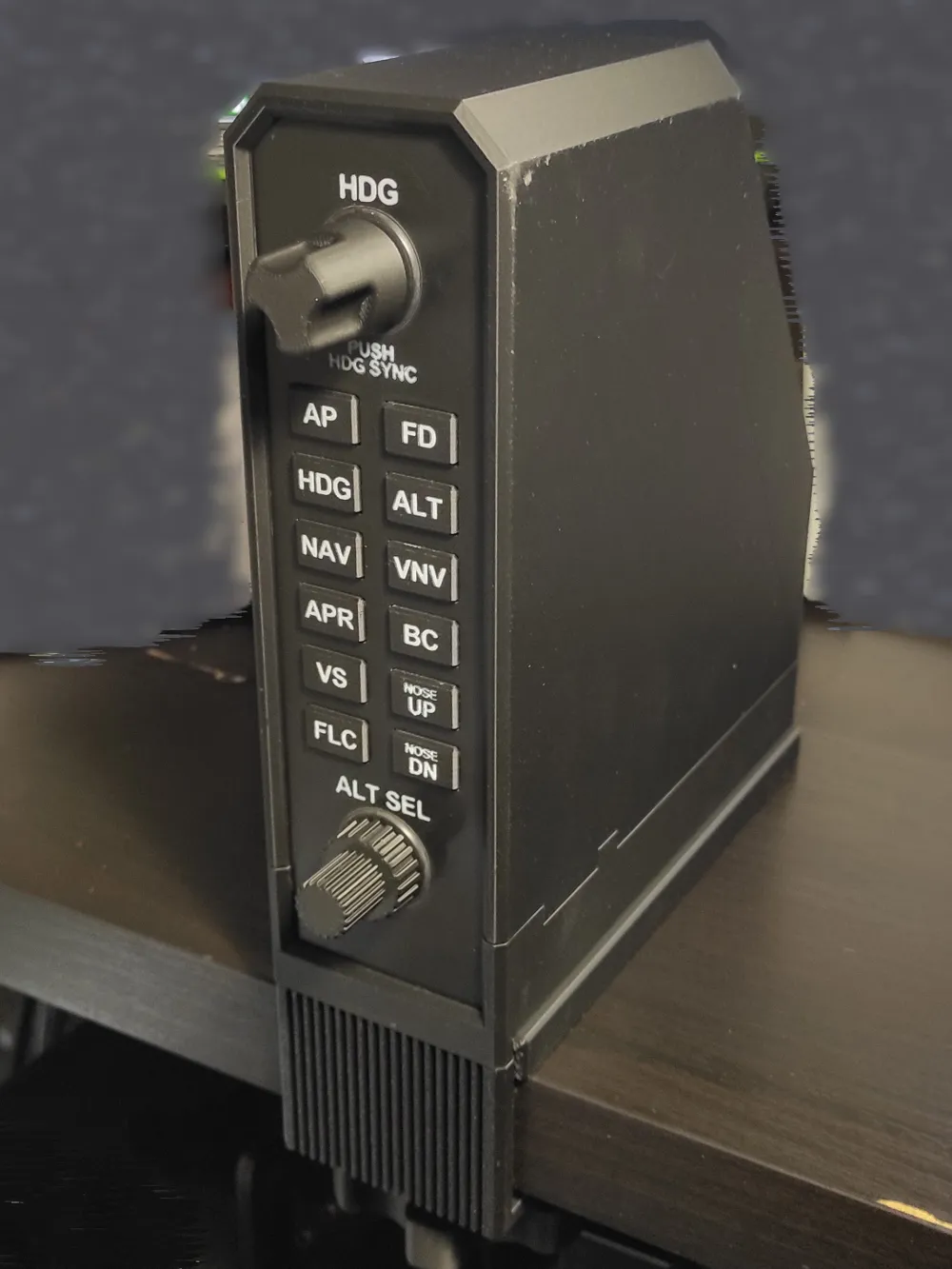
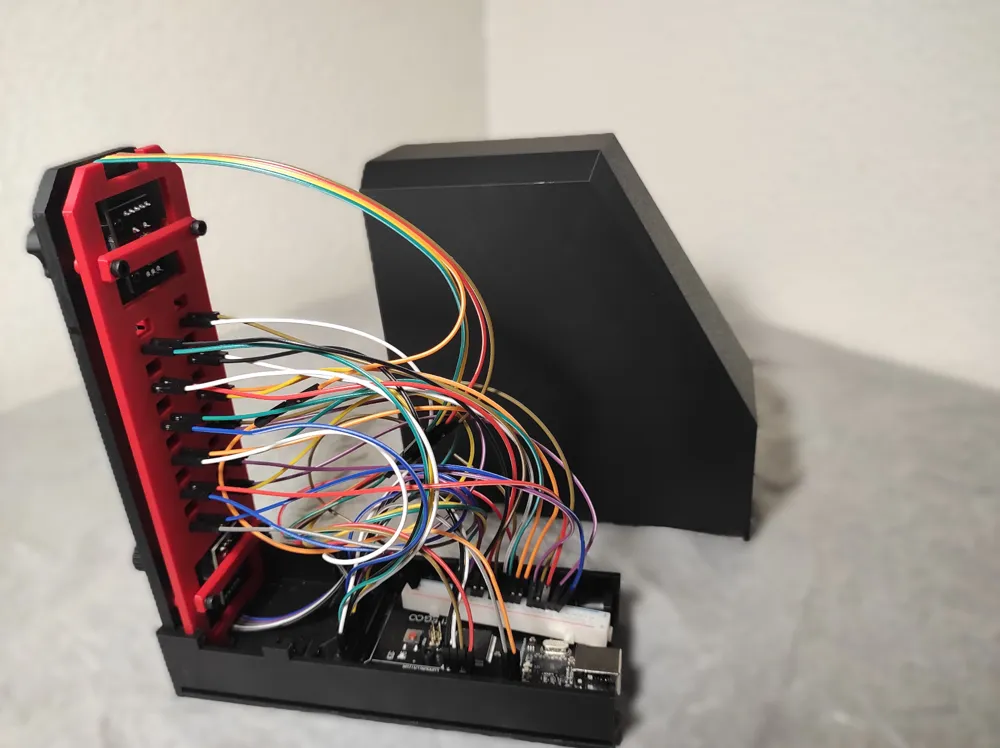
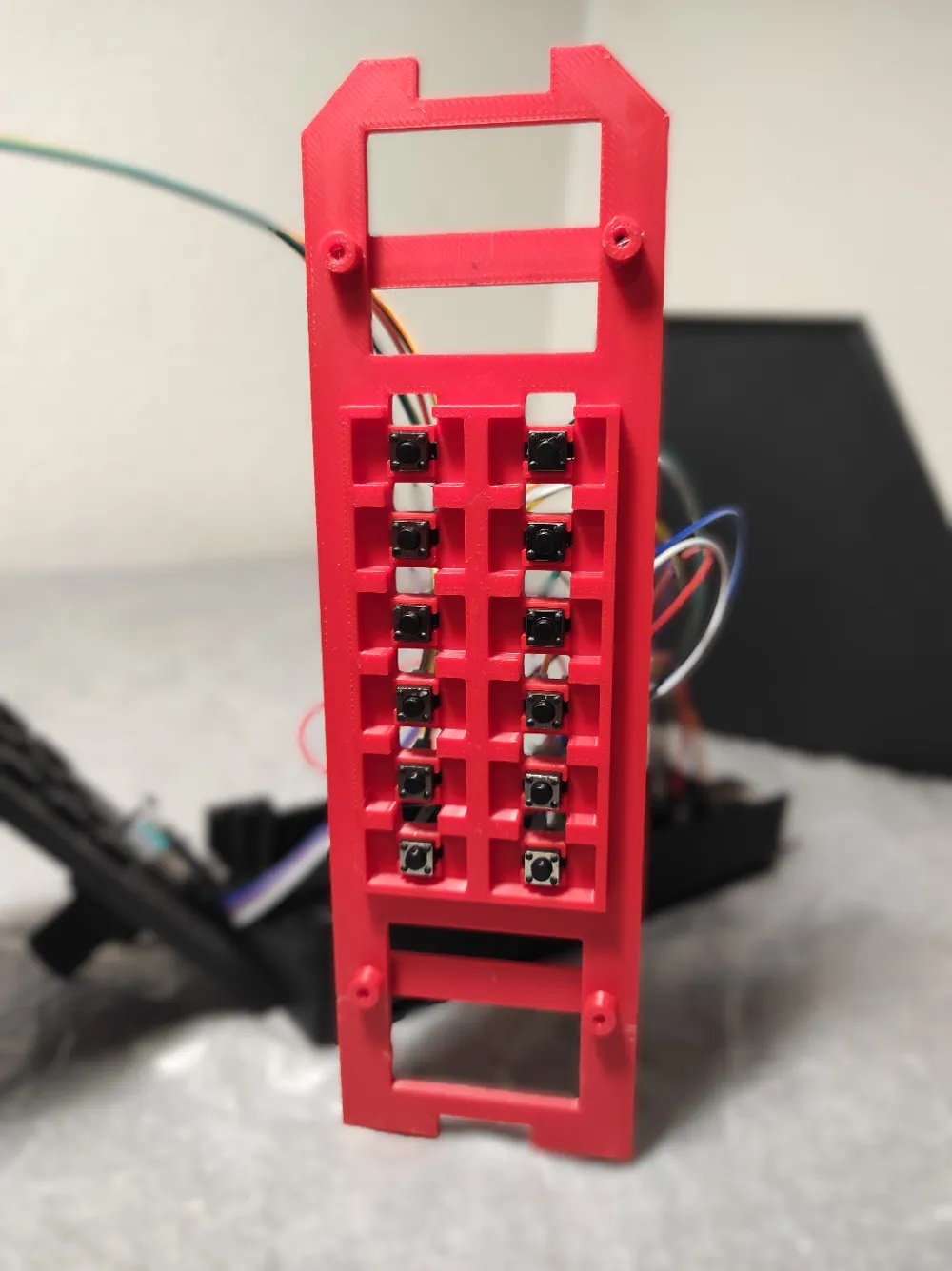
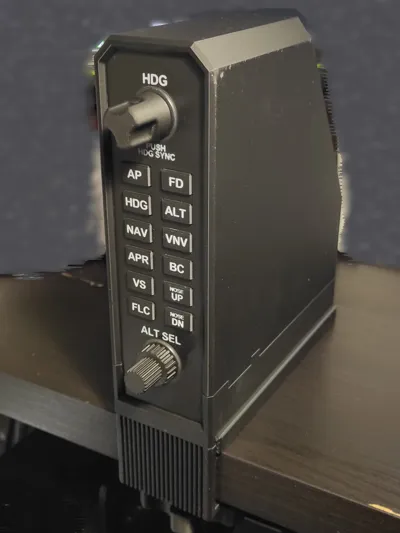
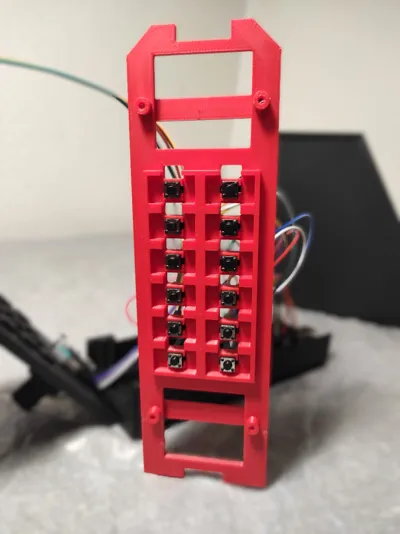
This is a G1000-inspired flight sim autopilot panel, like the one found in the Cessna 172 (but works with other models/planes).
It's like the real thing except for the ALT rotary button which is only one stage.
The front plate in the photos is polished wth sandpaper, this is optional, the result mainly depends on the ironing settings.
AMS required for buttons and front plate.
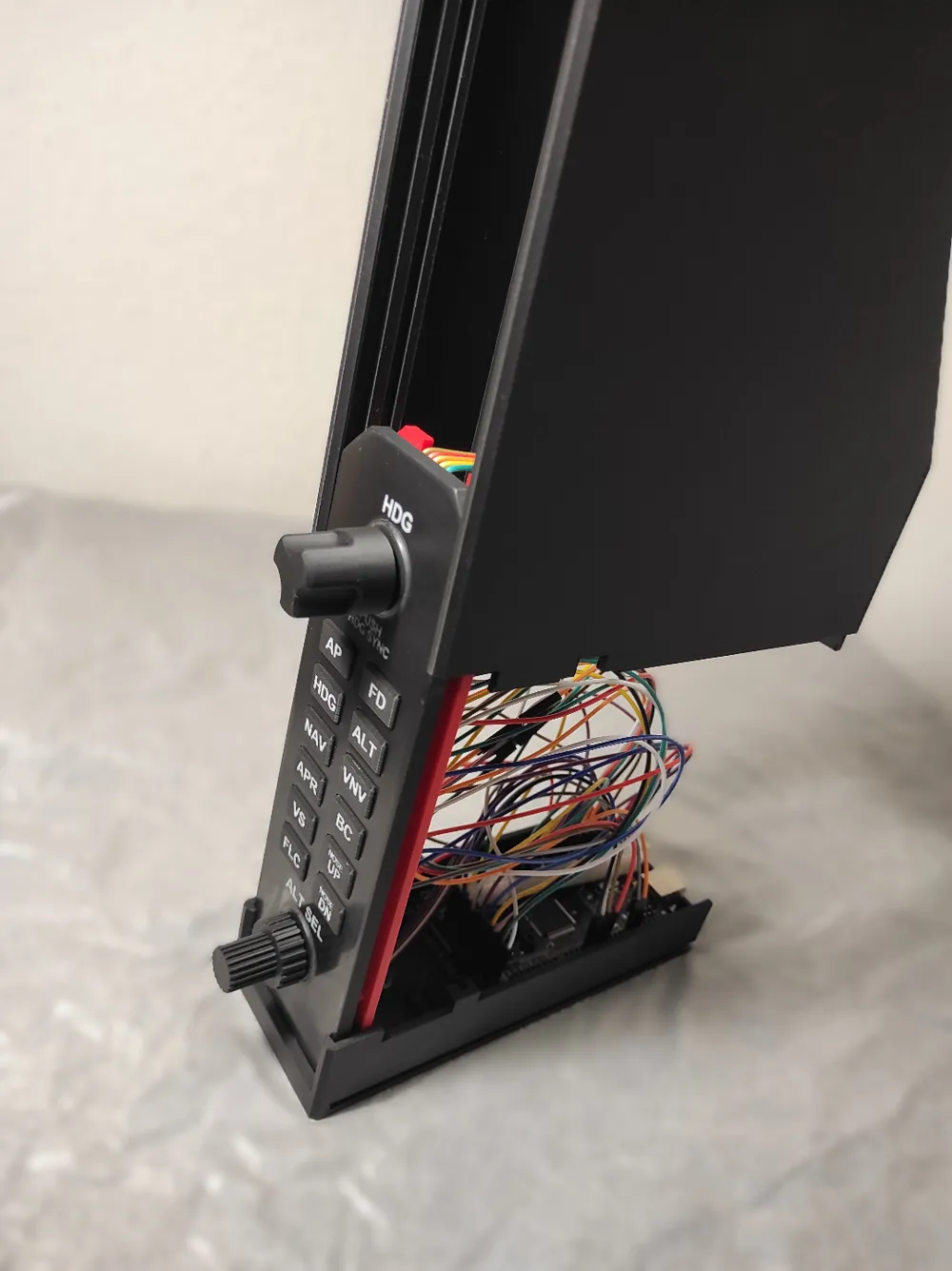
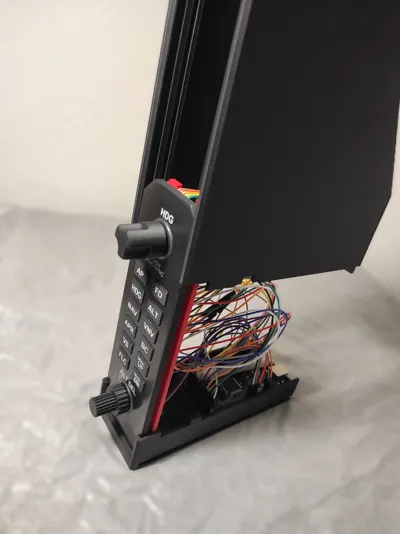
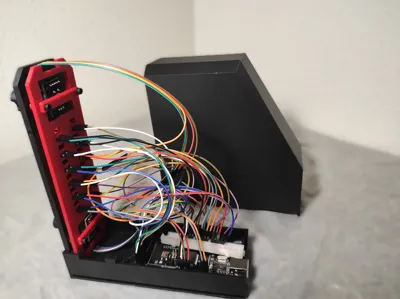
It works with an Arduino Mega R3 and Mobiflight (https://www.mobiflight.com), it is free and open source software which allows you to connect the inputs/outputs of the Arduino to variables in MSFS (or other flight sims, but I haven't tried). Works with MSFS 2020 and 2024.
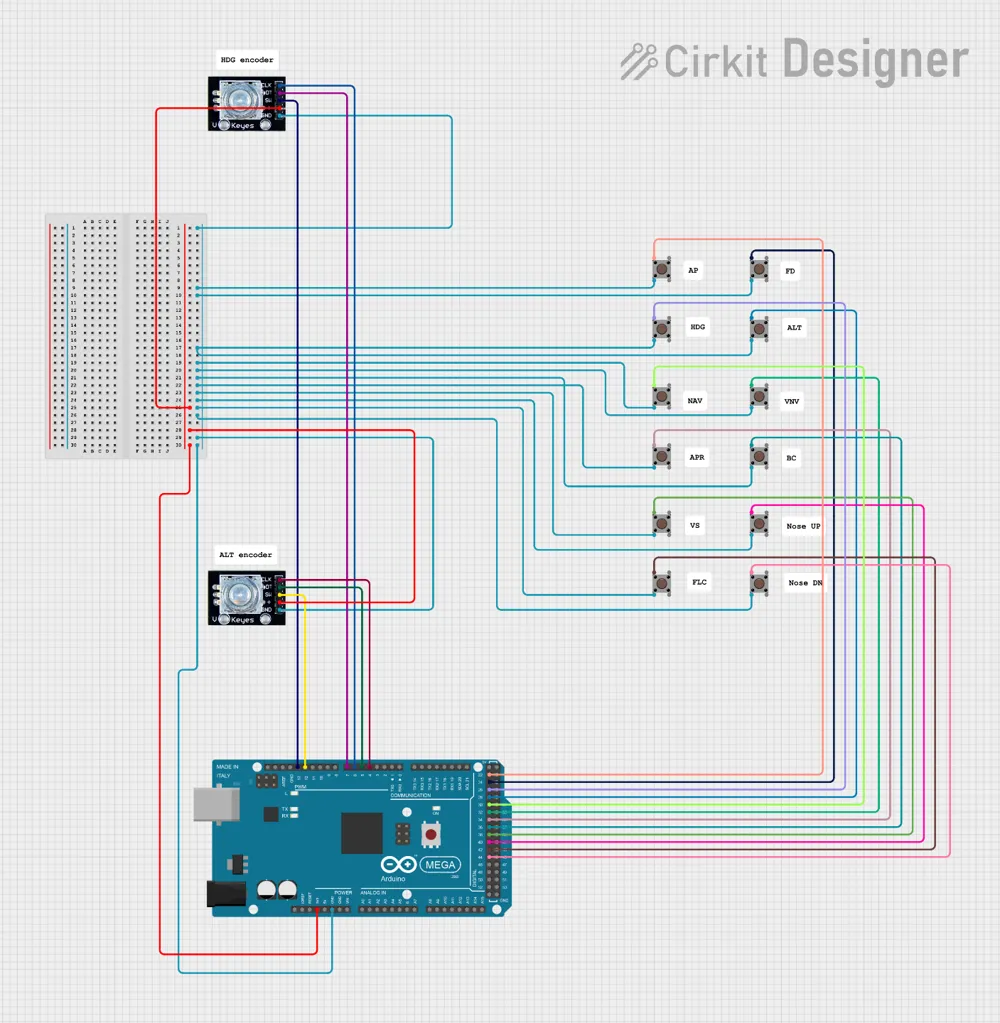
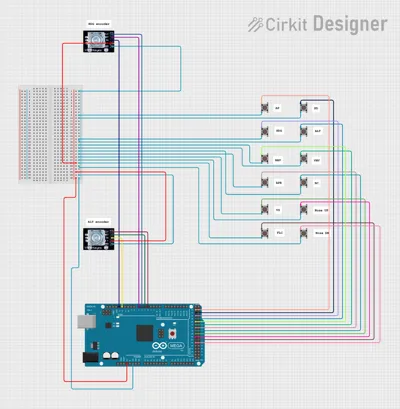
I provide a tutorial for the installation and config files, so you shouldn't have to deal with that if you don't want to (see assembly doc).
The mounting is a bit flimsy and will break if too tight.
You can download the config files by clicking “Download STL/CAD files” and then select config_files.zip
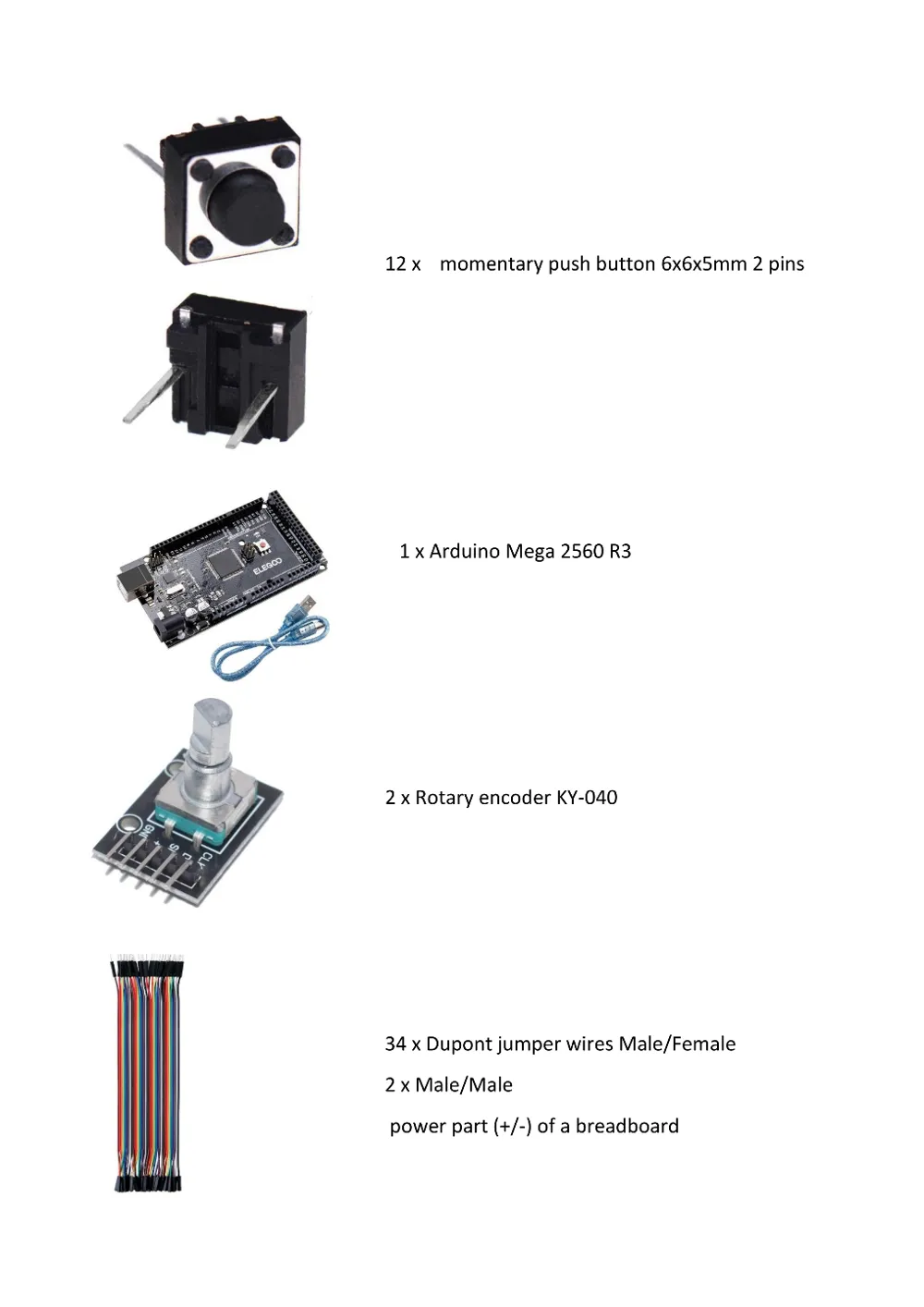
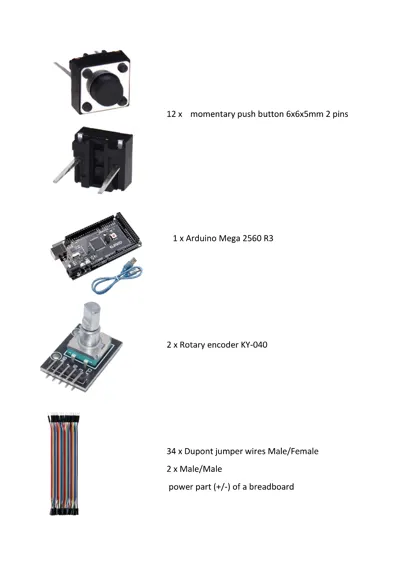
Required parts :
- 1 x Arduino Mega 2560 R3
- 2 x Rotary encoder HY-040
- 12 x momentary push button 6x6x5mm 2 pins as shown in the picture (the normal 4 pins version won’t fit)
- Dupont jumper wires M/F (34 + 2 M/M)
- Power part (the +/- lines) of a breadboard (alternatively you can replace this by normal wires and solder everything)
- M2 and M3 screws
Documentation (2)
License



Comment & Rating (35)