
Manual AMS
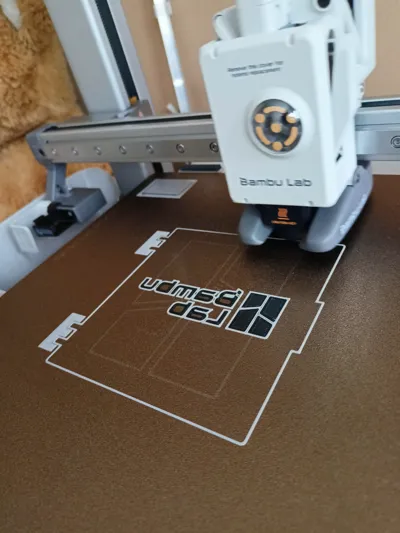
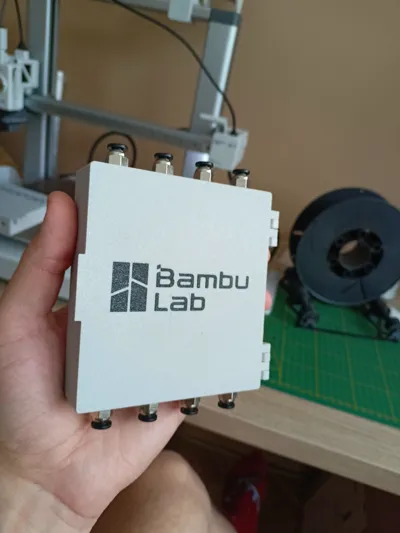
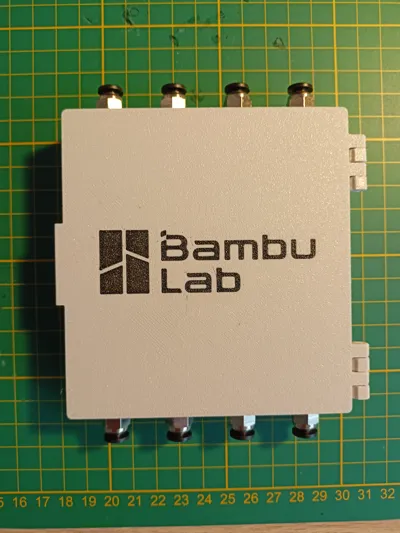
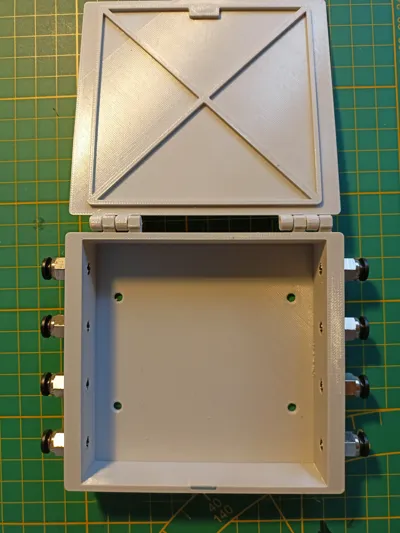
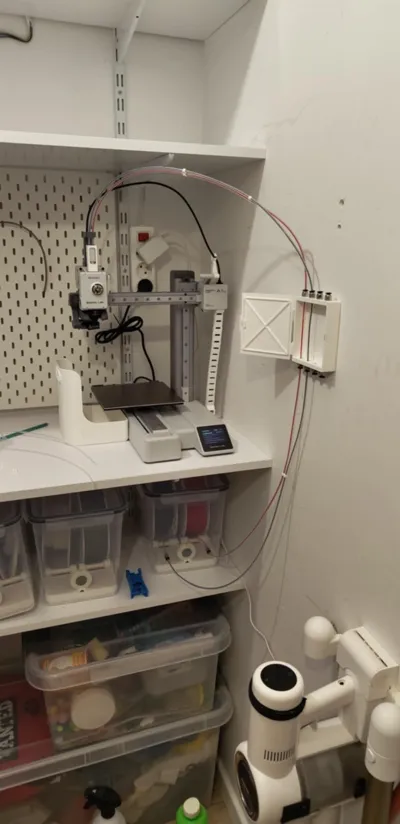
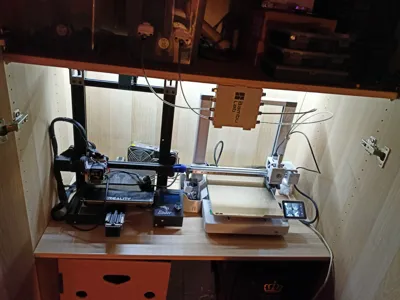
Print Profile(1)

Description
UPDATE 06.2025
-= Add A1 printer filament change beta gcode =-
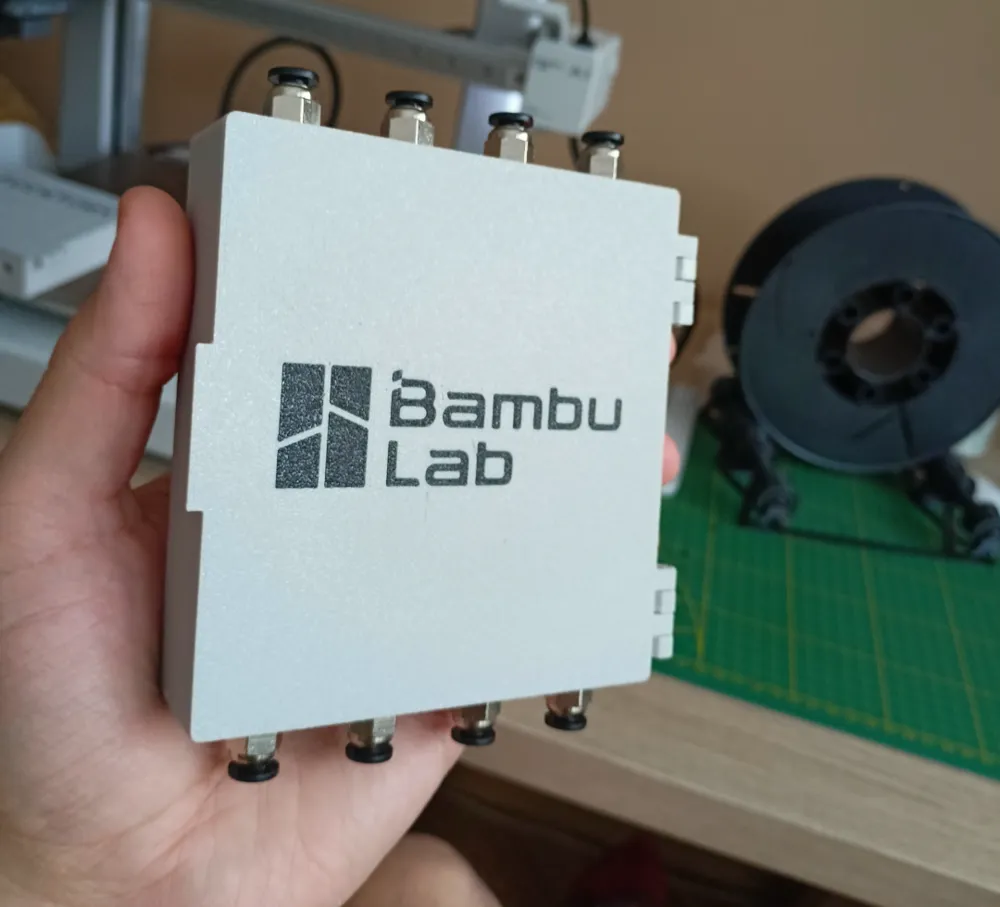
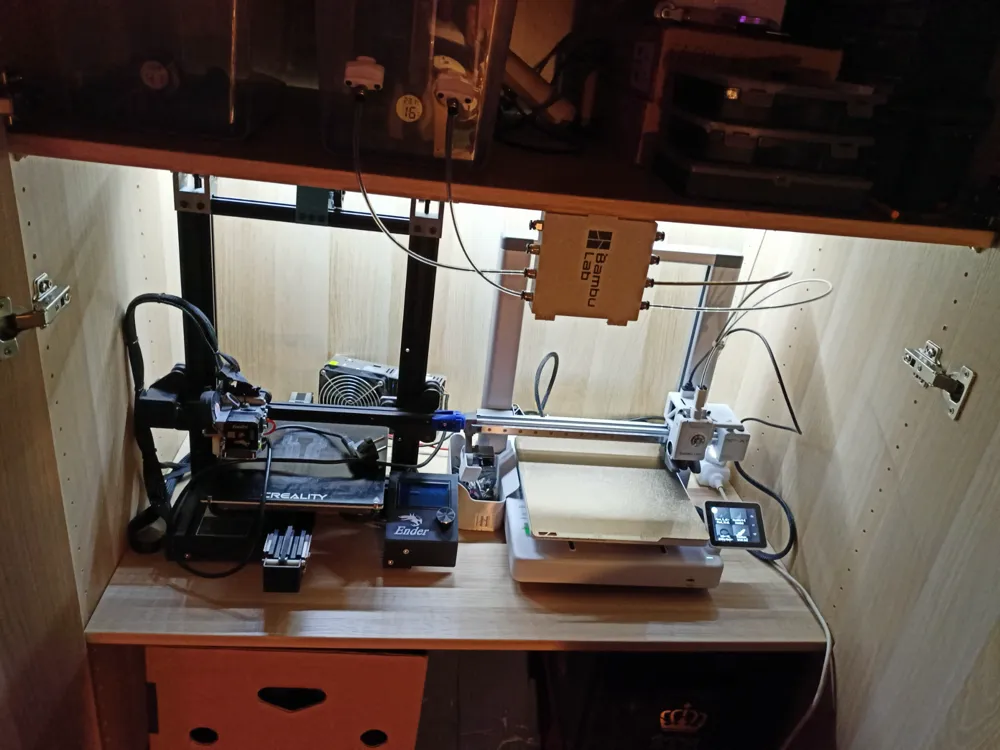
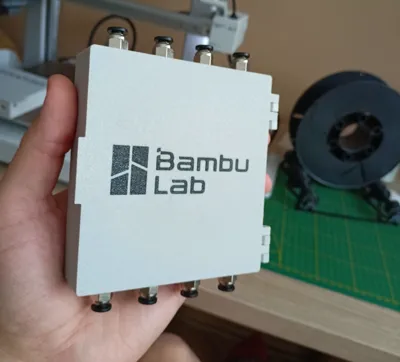
Simple and fast changing filament from up to 4 different spools!
How it's work? →
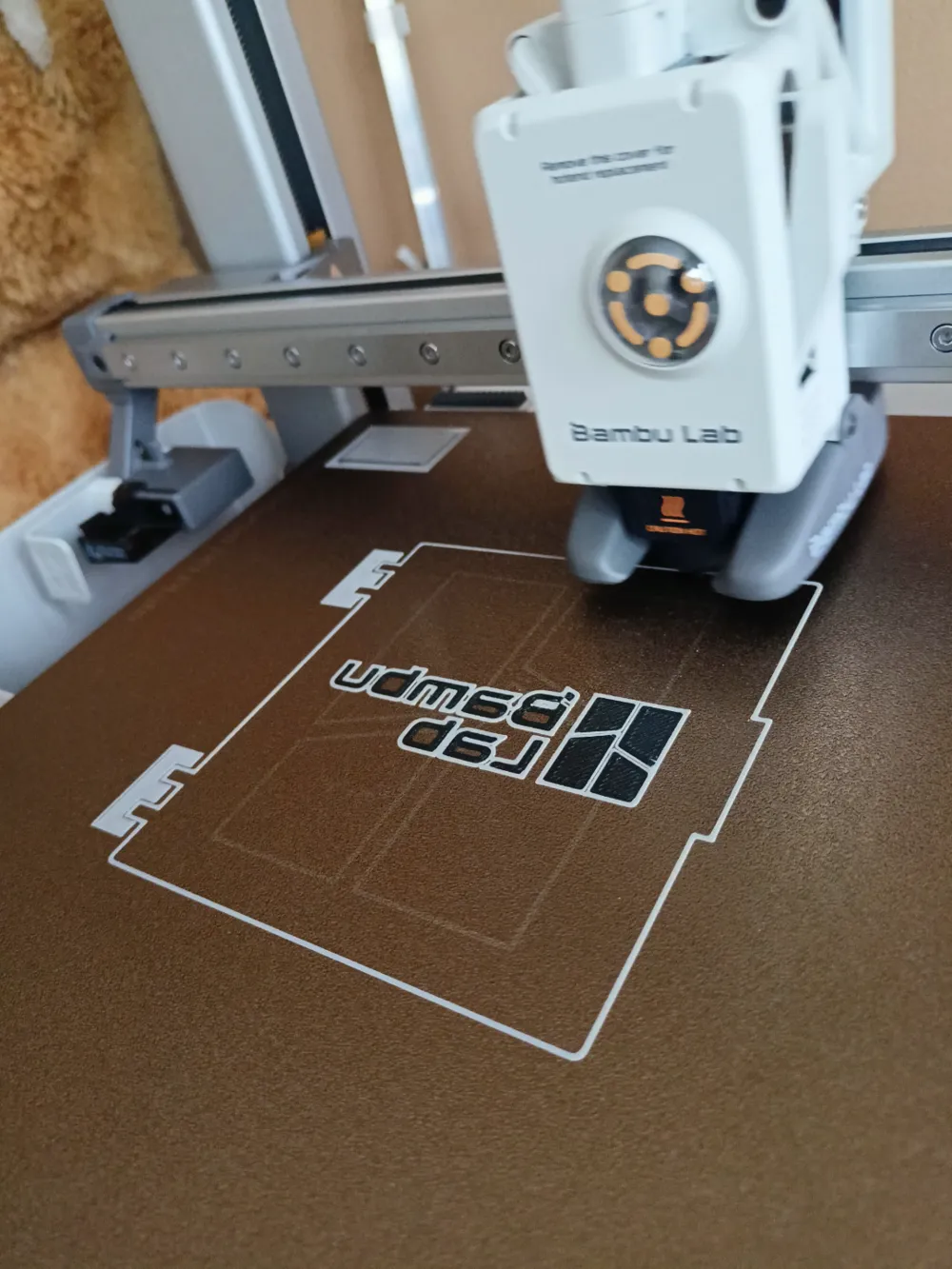
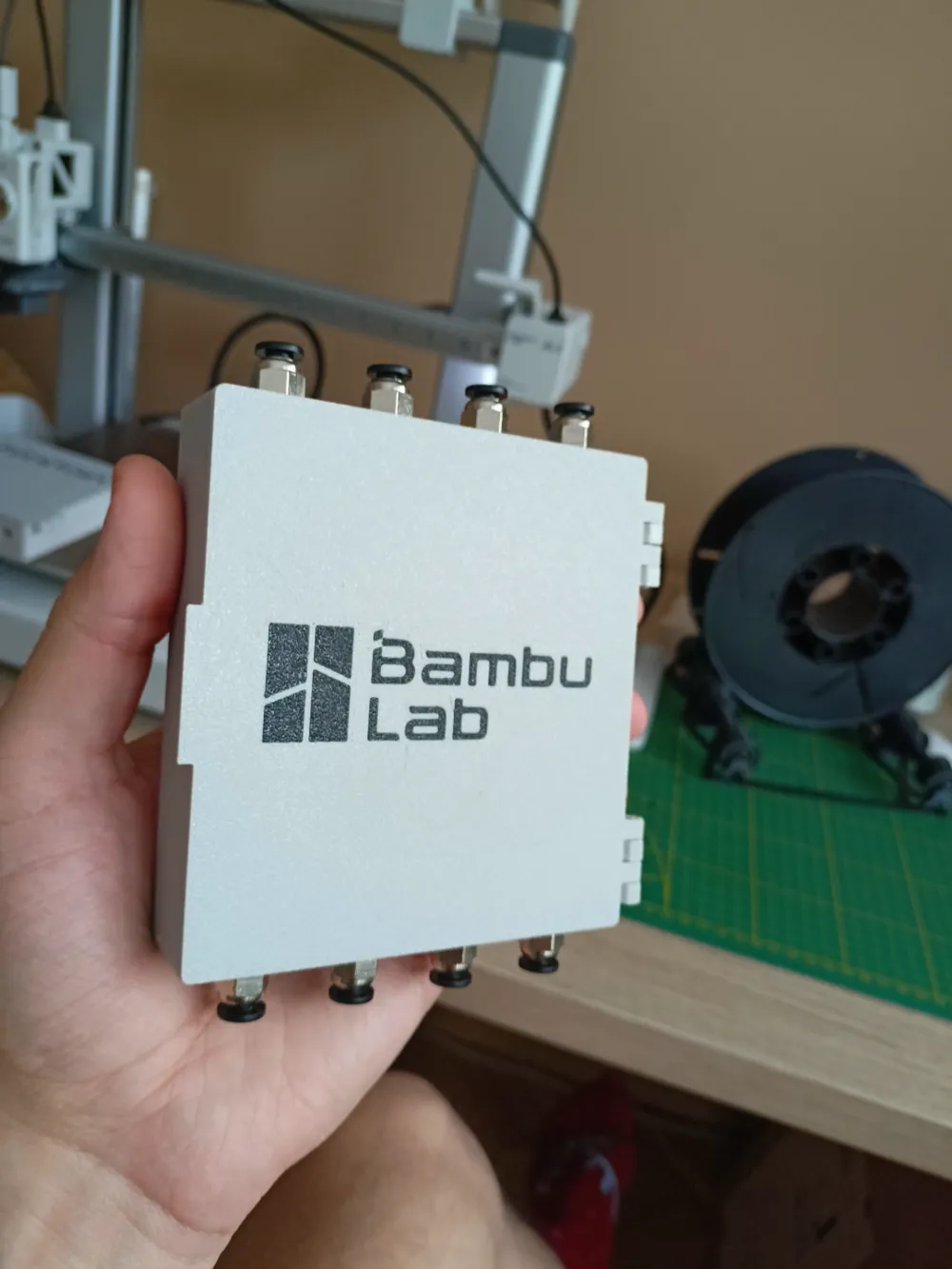
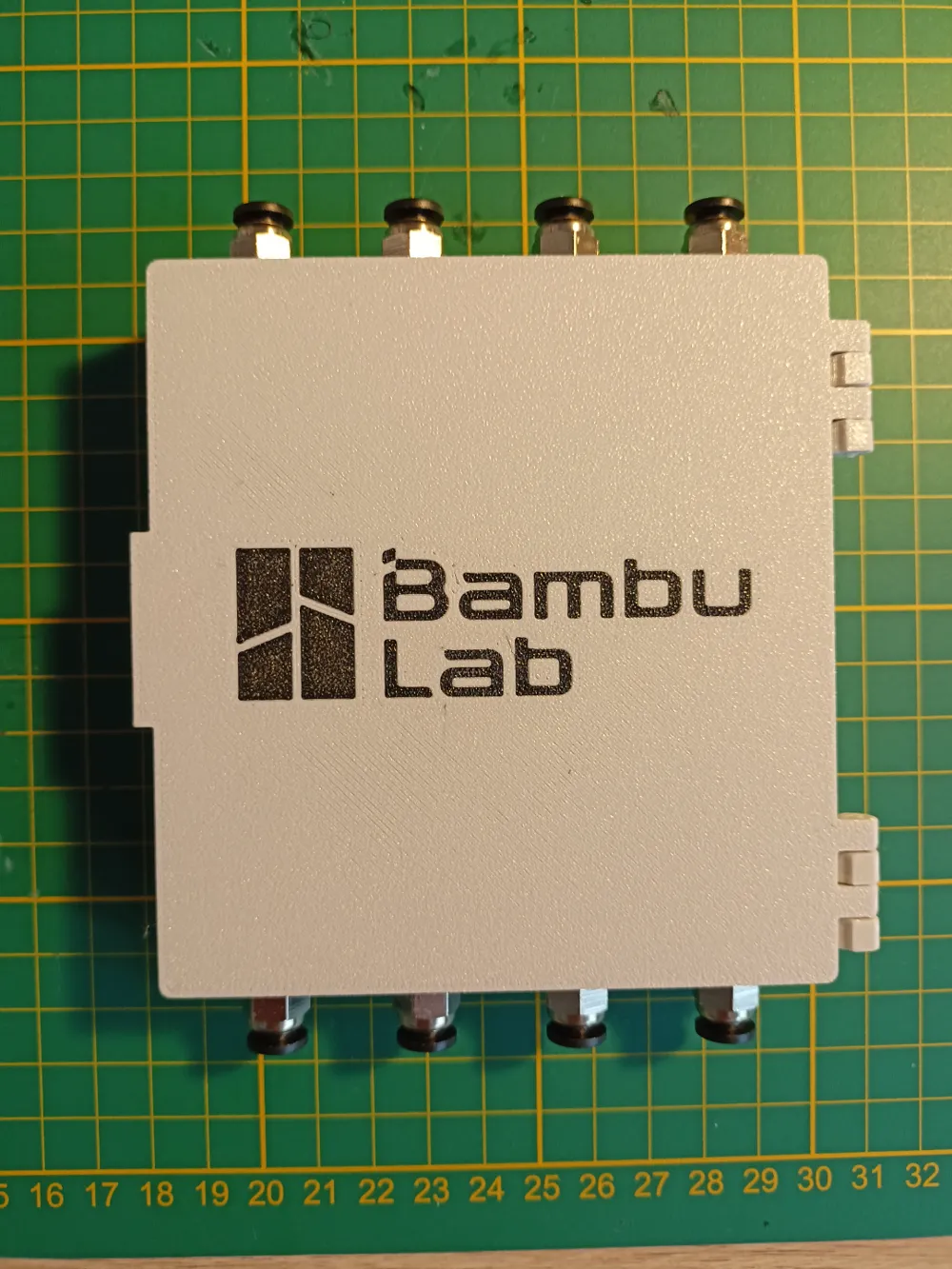
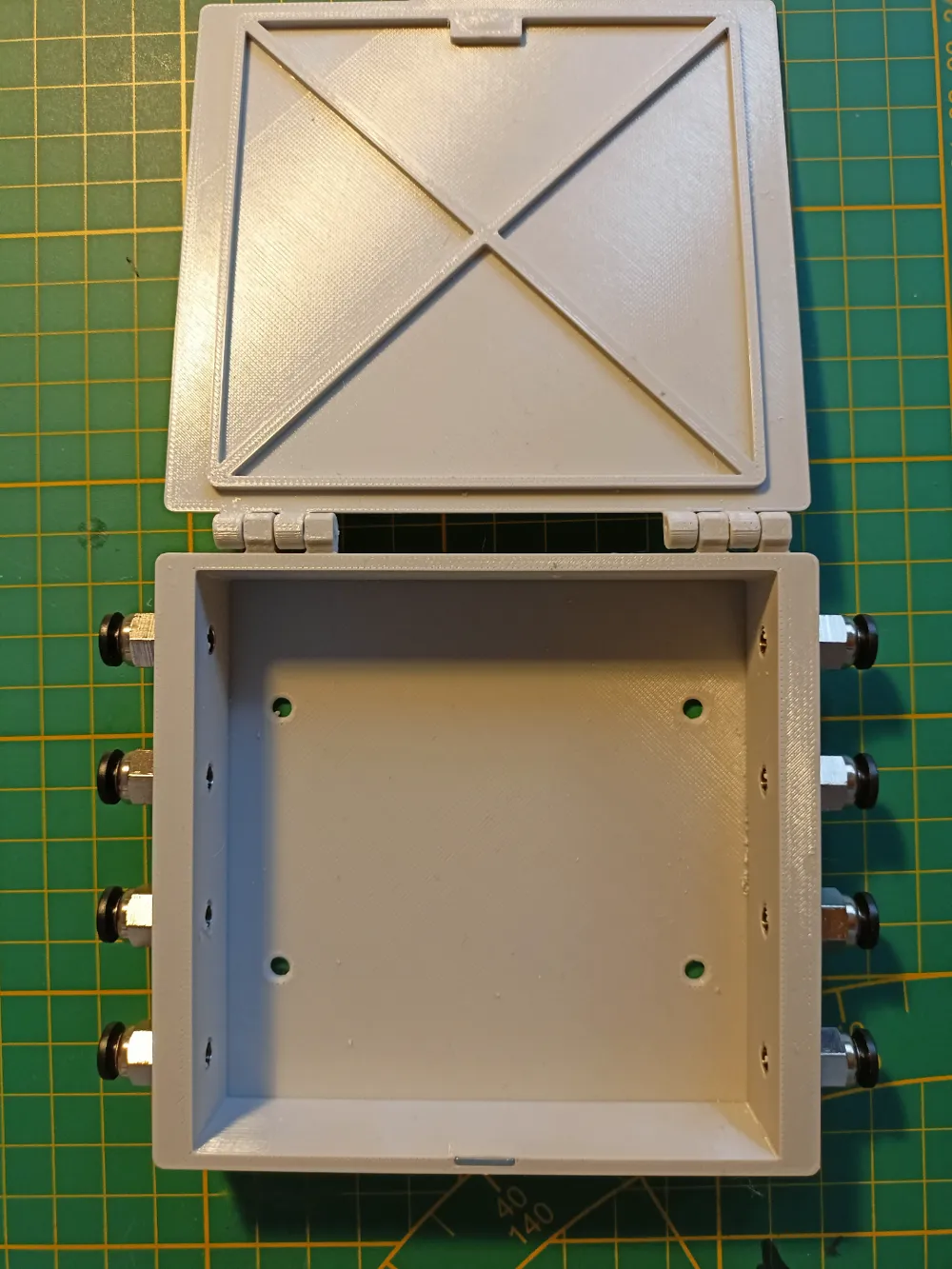
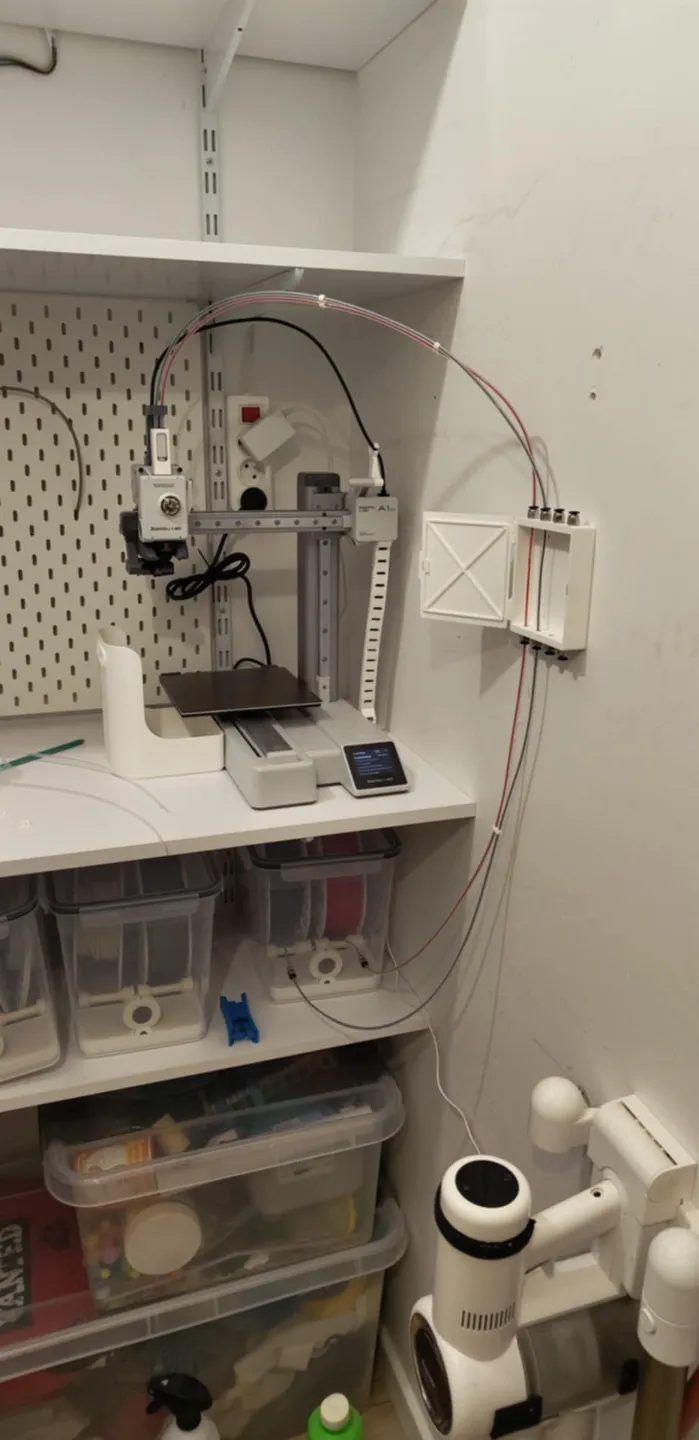
Easy mounting on any direction by compact shape. Dedicated to wall or wardrobe mounting. Easy to use door with magnetic lock
Boost Me (for free)
If you like it - Just click Boost!
Its free for you, but priceless for me
Parts:
- 8x PC4 M6 bowden tube conectors
- 2x 10x5x1 neodymium magnets
- pices of filament to put together hinges
About machine gcode:
Its a beta version of "filament change gcode" for A1 (and with small changes for A1 mini).
Just paste it as “Change filament G-code” and save
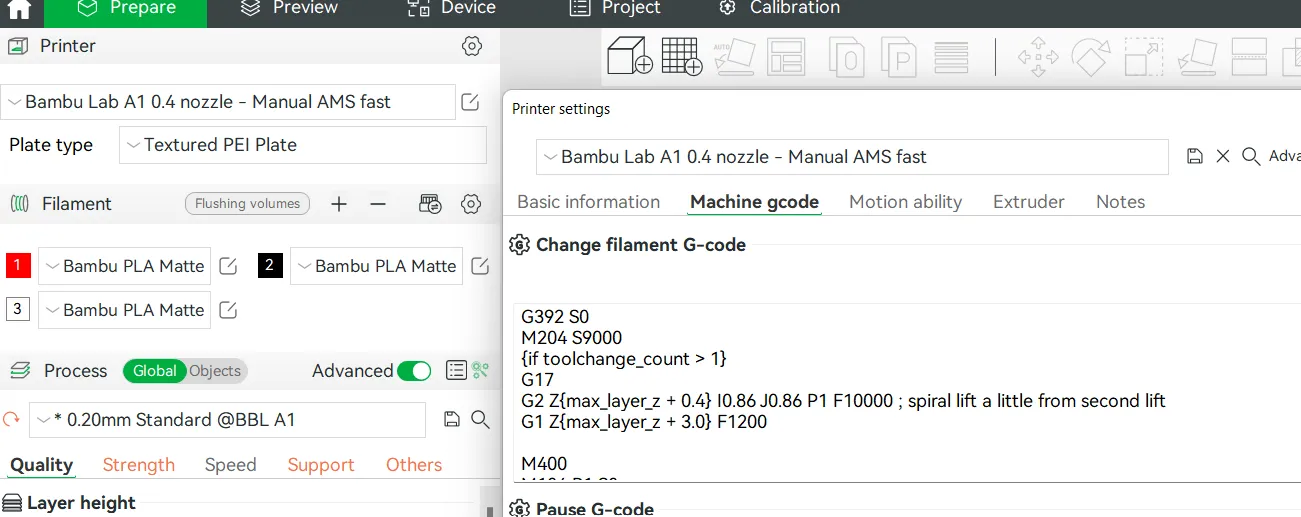
How its works?
When the need to change the filament arises during the printing of the project, the printer automatically switches to changing the filament:
Printing is paused, the head drives to the filament cutter and tries to cut it off (it tries because it doesn't work yet - the cutting process requires increasing the current of the X-axis motor, which I can't do. Actually you must use the cutter manually), then it parks on the left side and waits for the current filament to be pulled out and a new one to be loaded. After loading, we resume printing and the process of cleaning the nozzle from the previous filament begins and moves on to printing the cleaning tower and the printed model
Documentation (1)
License



Comment & Rating (205)