
Sony Xperia 1 VI Case with 2 Back Side-Card Slots
Print Profile(1)

Description
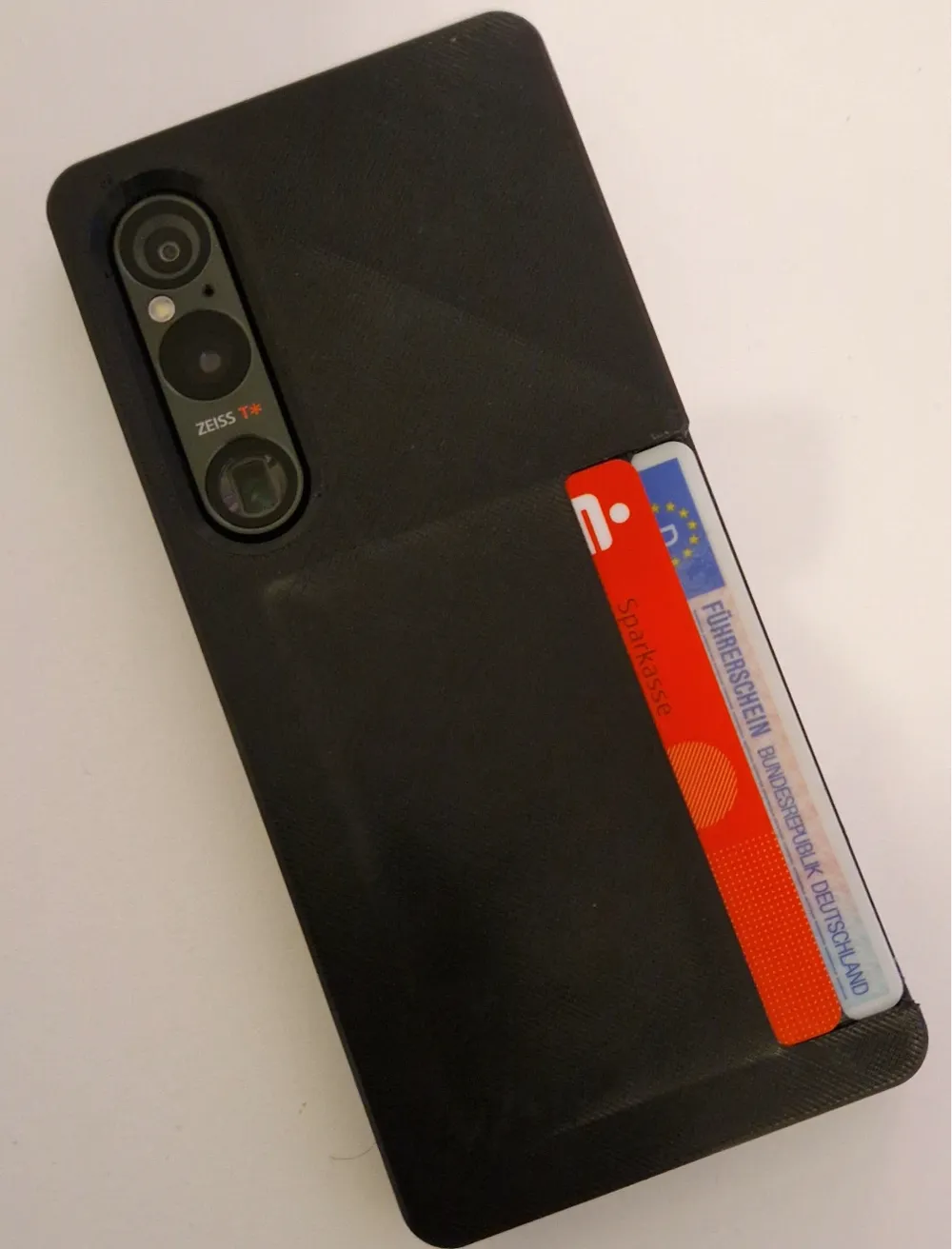
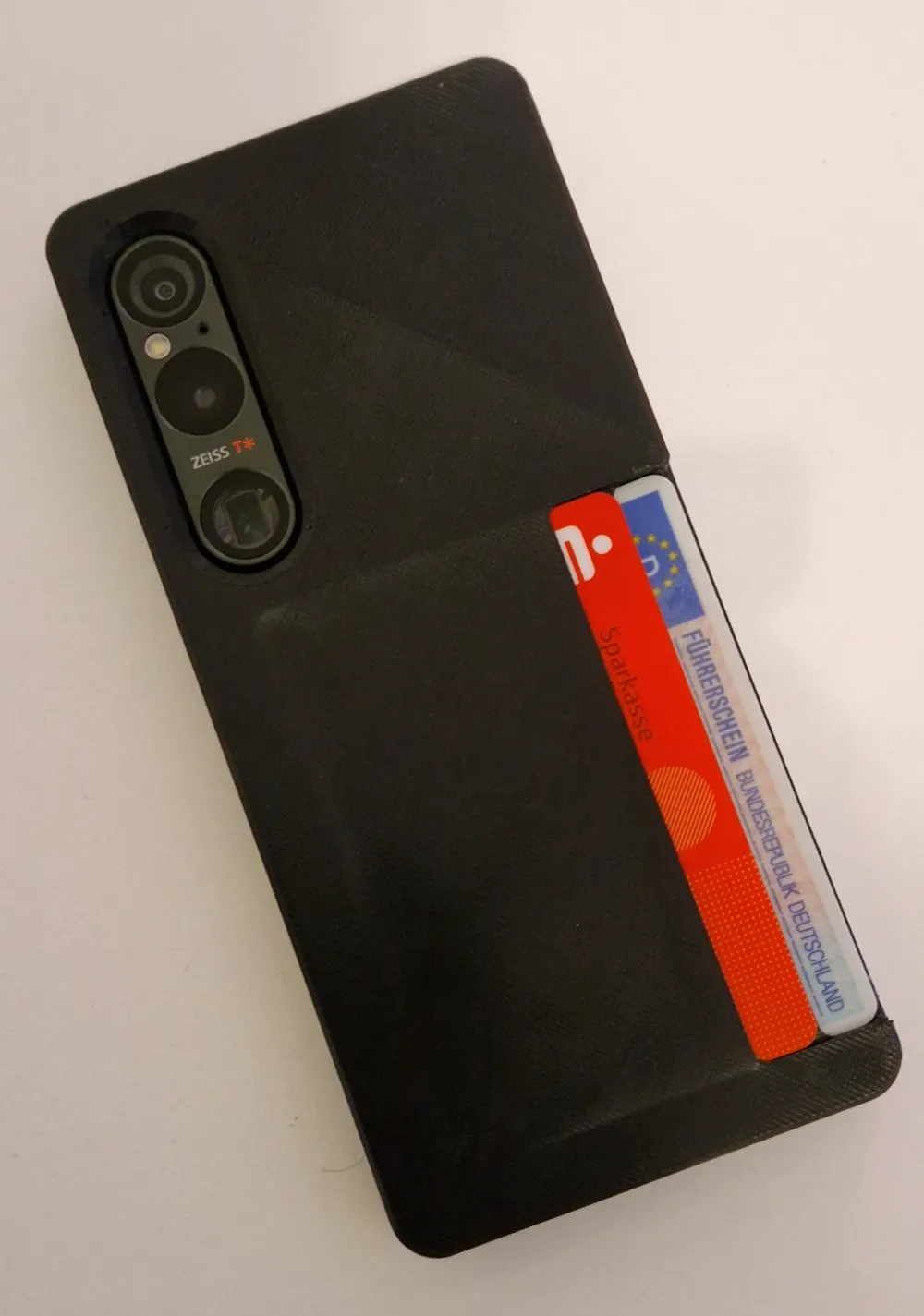
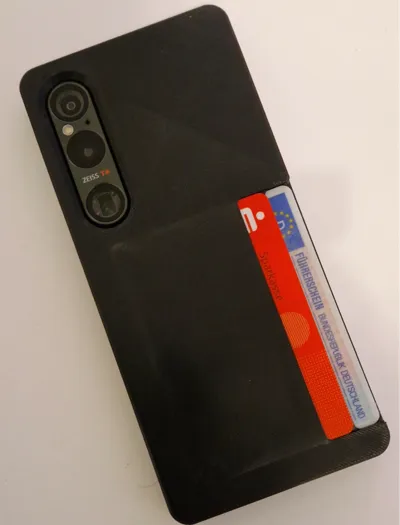
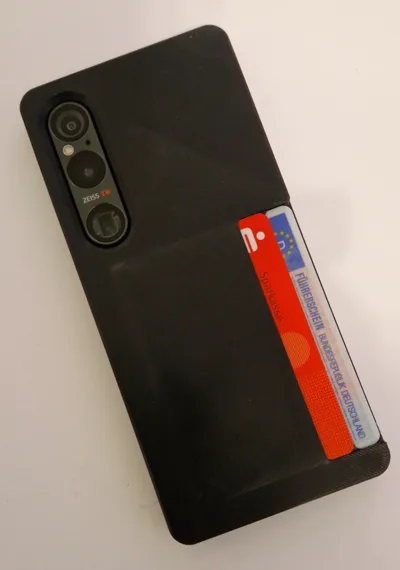
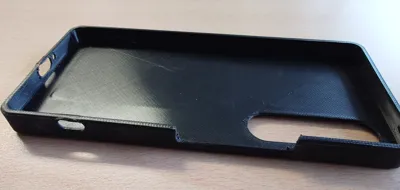
I designed a Phone case for my Sony Xperia 1 VI because there wasnt any around like i wanted it.
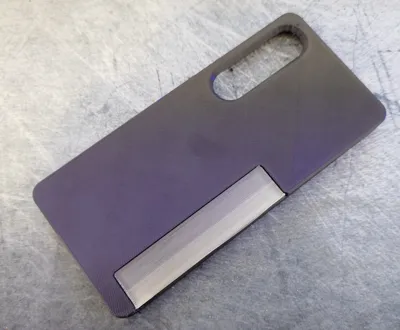
There are 2 Credit Card-Slots on the back.
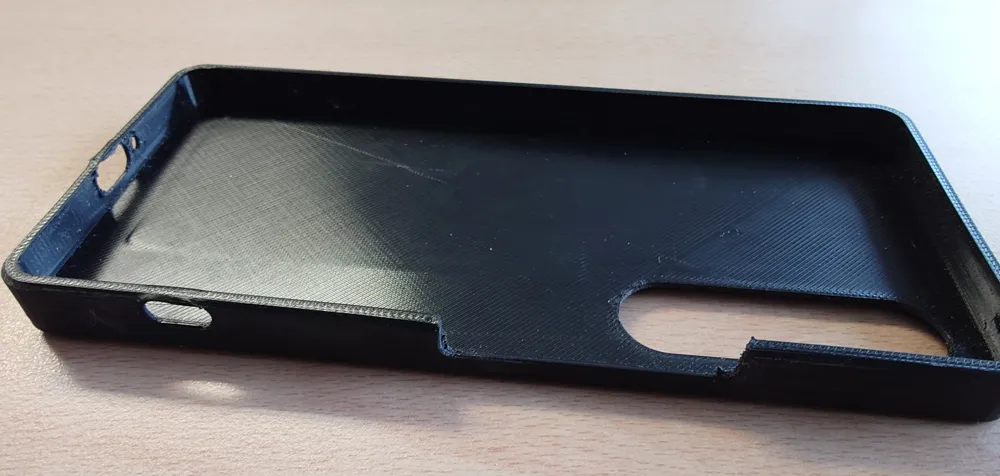
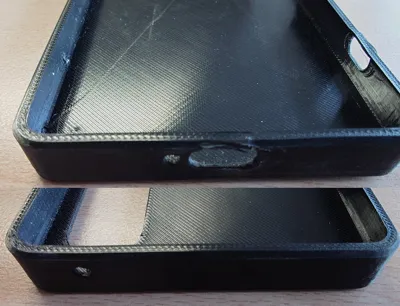
I didn’t design a Hole for the Headphone Jack. Don’t use it anyways.
Printed with:
BASF Ultrafuse TPU 64D Black
BambuLab PVA
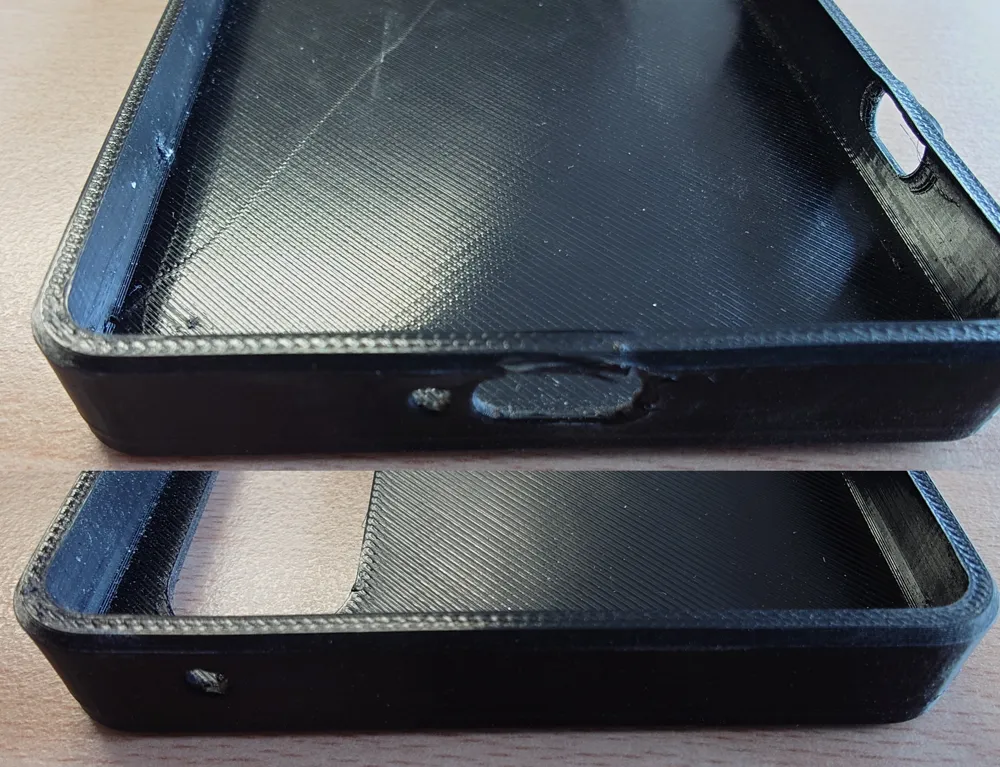
During the print i had to snap some of the TPU off that was there during the Filament switch, I don't know there where short threads sometimes, because if you print the TPU without the Card-Slots and without the AMS there wasn’t a single string.
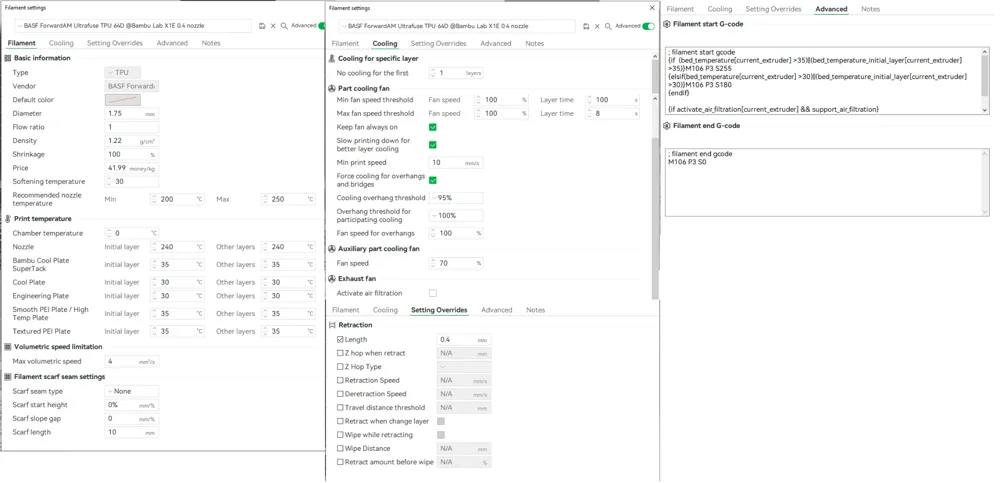
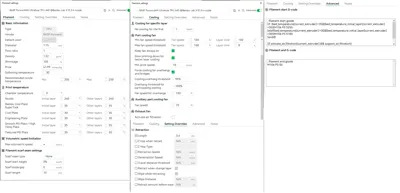
You will need to trick your Printer so you can Print TPU in the AMS. Even the “BambuLab TPU for AMS” wouldn’t work for me.
Use a “Standard PLA” and change every Setting to the Settings from BASF Ultrafuse TPU 64D from the homepage. (Or from the Picture)
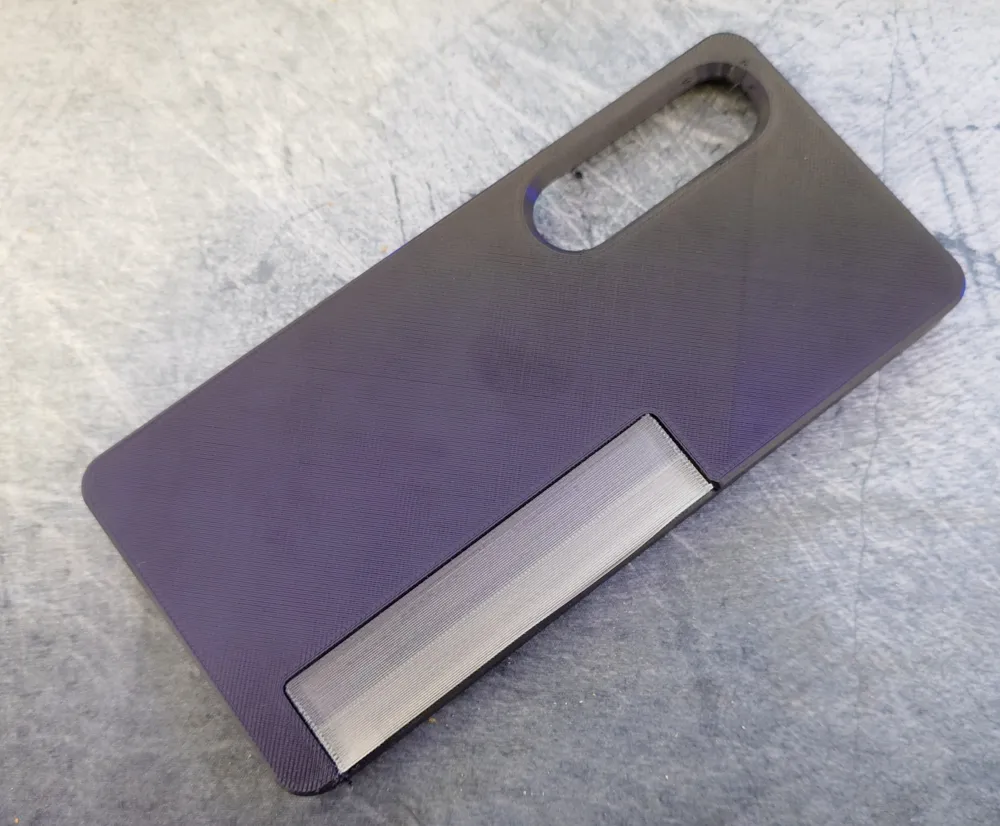
I did printed a Layer with PVA to get an Slash-Optic.
I don’t recommend using any TPU thats softer, i mean, there is a reason why BambuLab don’t allow you to print with it in the AMS.
Even if you type TPU into the Info Box the Printer will not let you print it.
To get the PVA out of the Card-Slots, after the outer Layers are resolved put a Breakfast-Knife (not sharp) in the card slots to get a little more space so the water can get there.
Its a little bit fiddly.
After the PVA is completely removed from the Case is used a compressed air gun to remove some leftover water that got into the upper part.
License



Comment & Rating (4)