
Yoshi Super Mario Lightbox LED Lamp


Print Profile(1)

Description
Yoshi Super Mario Lightbox.
For other Yoshis visit my profile.
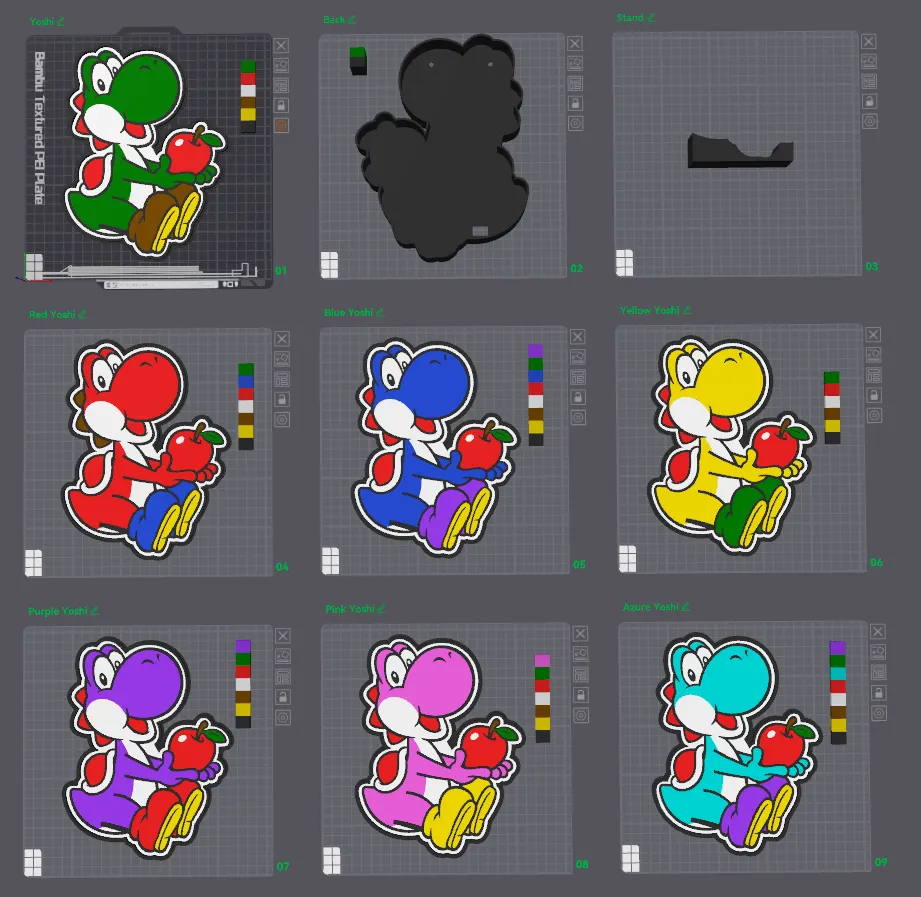
For best results use this profile.
Bambu Studio Settings
1. First Layer Flow Ratio: 1.08. (Developer settings).
2. Wall generator → Arachne.
3. Set Quality → Wall transitioning threshold angle to 50º.
4. In Strength → Advanced, adjust Infill/wall overlap to 20% to 25%.
5. Quality → Advanced → Activate "Avoid crossing walls."
6. Order the colors from the lightest to the darkest.
7. First layer speeds, 30mms and 60mms for first layer infill.
License

You shall not share, sub-license, sell, rent, host, transfer, or distribute in any way the digital or 3D printed versions of this object, nor any other derivative work of this object in its digital or physical format (including - but not limited to - remixes of this object, and hosting on other digital platforms). The objects may not be used without permission in any way whatsoever in which you charge money, or collect fees.


Comment & Rating (4)