
Biqu H2 Elegoo Neptune 2 mount (with bltouch)
Print Profile(0)
Description
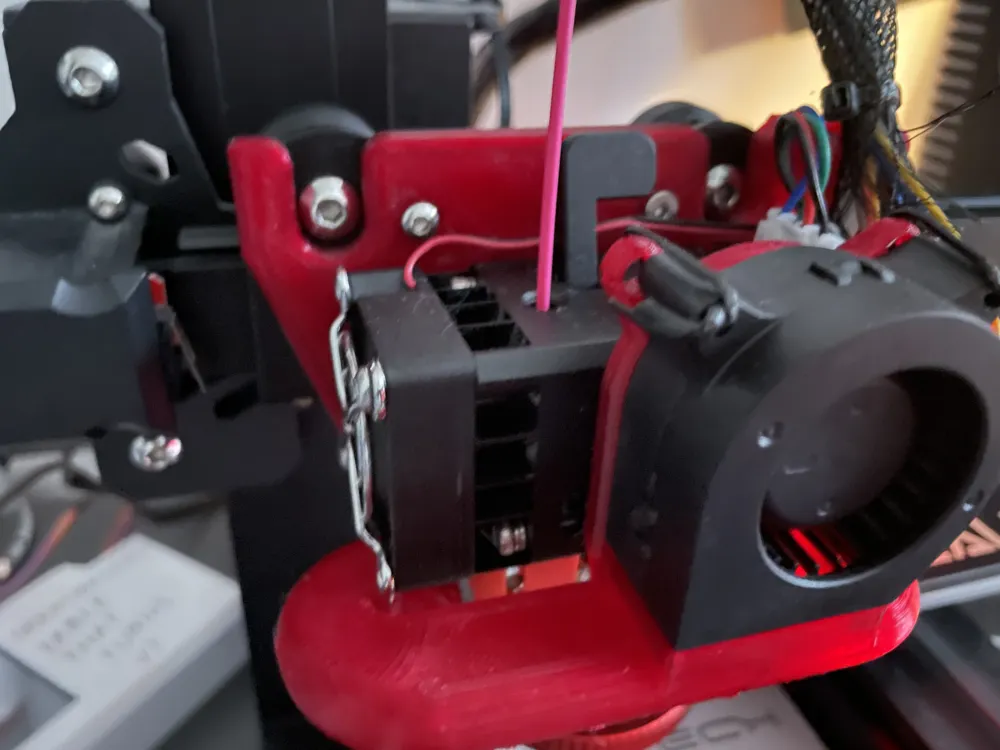
A remix because the original one was mounted from the top and it was wobbly so I made remixed it so it could be mounted using the two mounting holes on the back of the biqu h2.
For mounting it you need 3m3 screws
Installation steps:
1-mount the biqu H2 on the mounting plat using 2 m3 screws
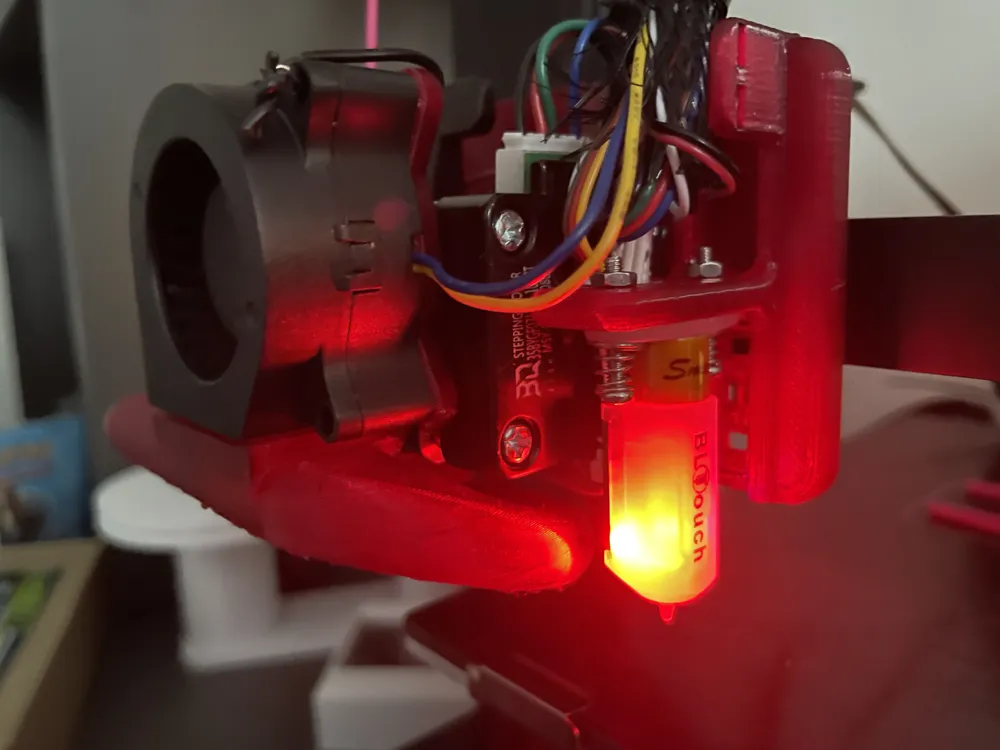
2-mount the bltouch
2-mount the mounting plate onto the carriage using 2 m3 screws
The 2 center holes do not need to be screwed in they are only here so the standoffs can pass through, I have had no “wobble” problems only using 2 screws to attach the mount to the carriage, but feel free to remix this model and add more mounting points :)
I recommend printing these files in PETG or ABS because they are near the hotend so this part will get hot and if it is printed PLA it may deform.
If using a BLTouch:
The X offset is : 58
The Y offset is: 5
I am using this: https://www.printables.com/model/263911-biqu-h2-4020-fan-duct
fan duct for a 4020 fan.
License



Comment & Rating (0)