
Battery Daddy Adapters
Print Profile(15)
Description
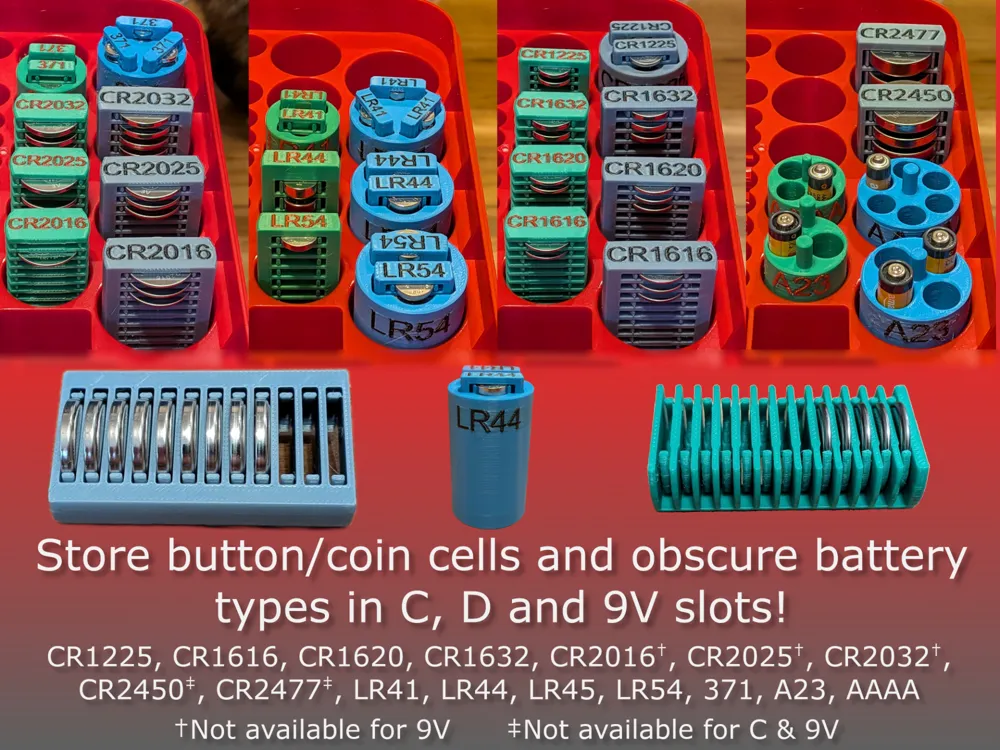
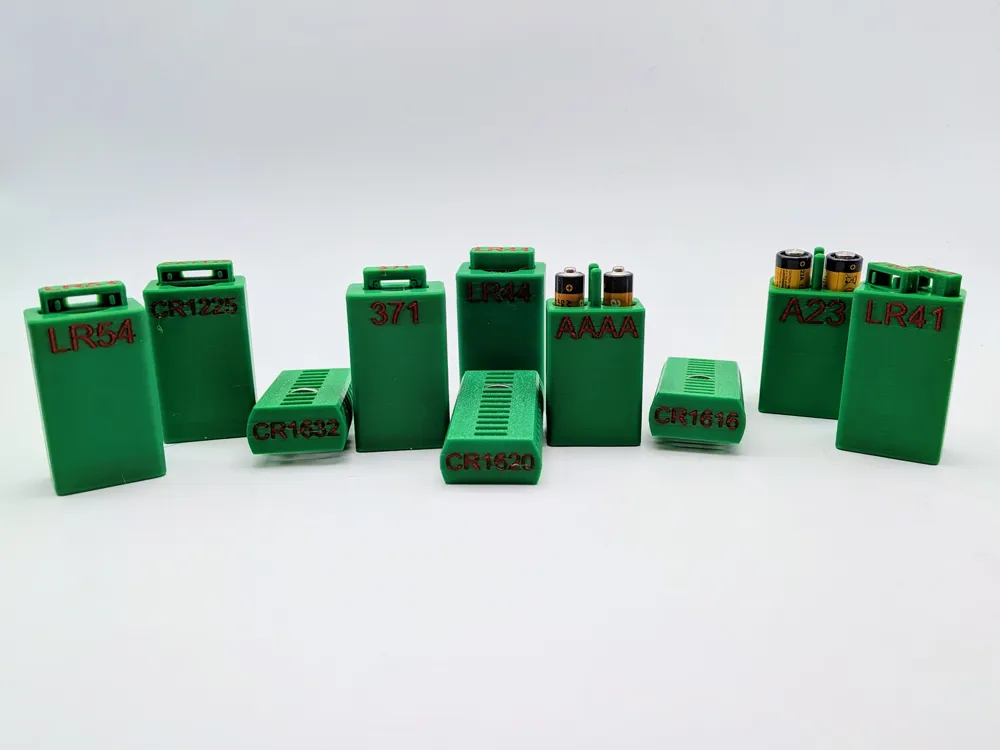
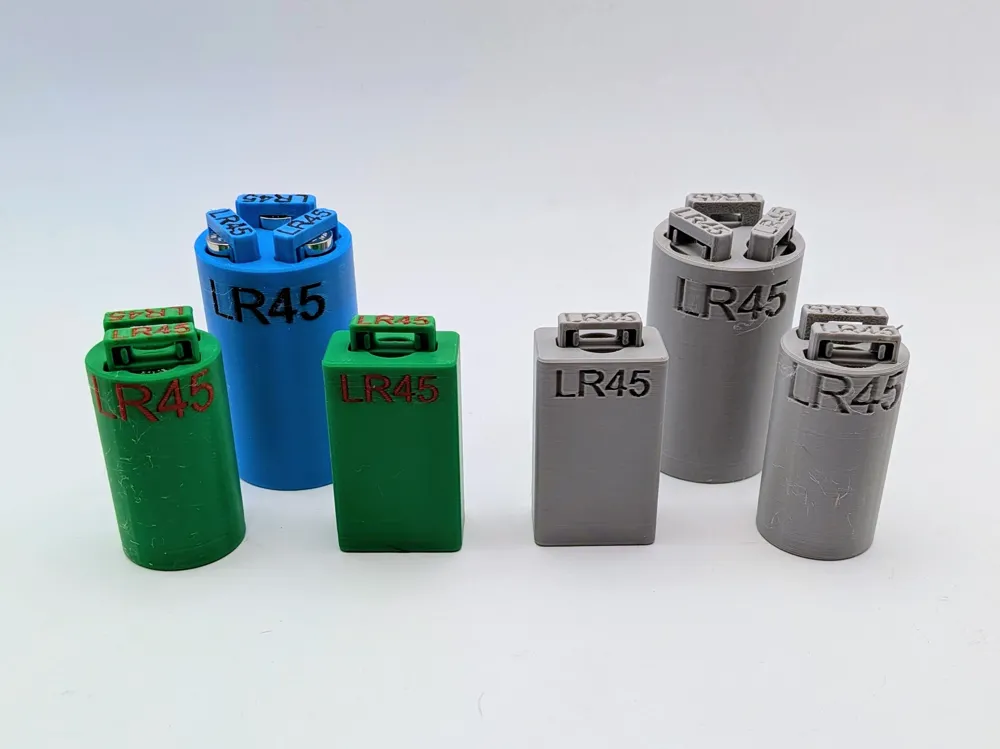
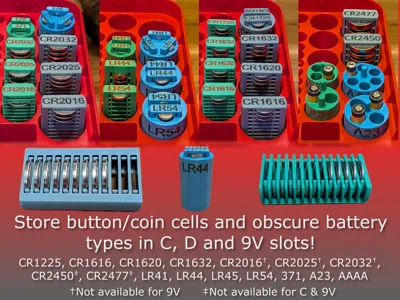
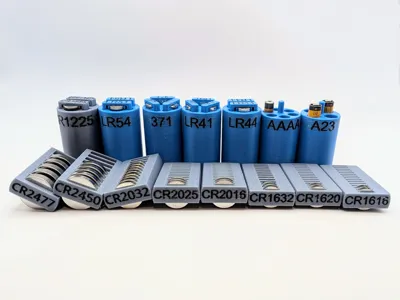
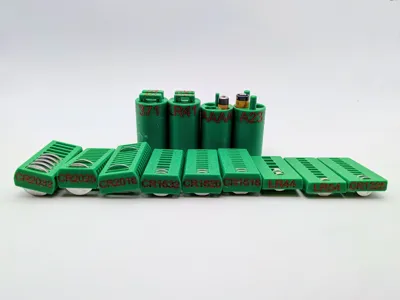
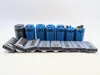
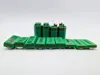
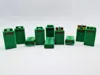
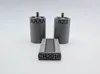
Adapters to store various button/coin cell and other obscure battery types in your unused Battery Daddy C, D & 9V Cell slots, or any box that stores C, D & 9V cells vertically. Each battery type is on its own plate, so print what you need. Includes both color label (AMS) and debossed label print profiles.
Boost Me (for free)
Need another battery type? Put it in the comments or send me a message. Boosts are greatly appreciated, and help support development!
UPDATE 3/13/2026:
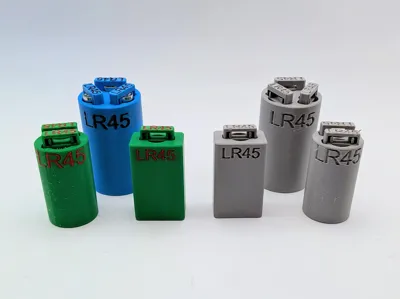
- Added LR45
UPDATE 3/5/2026:
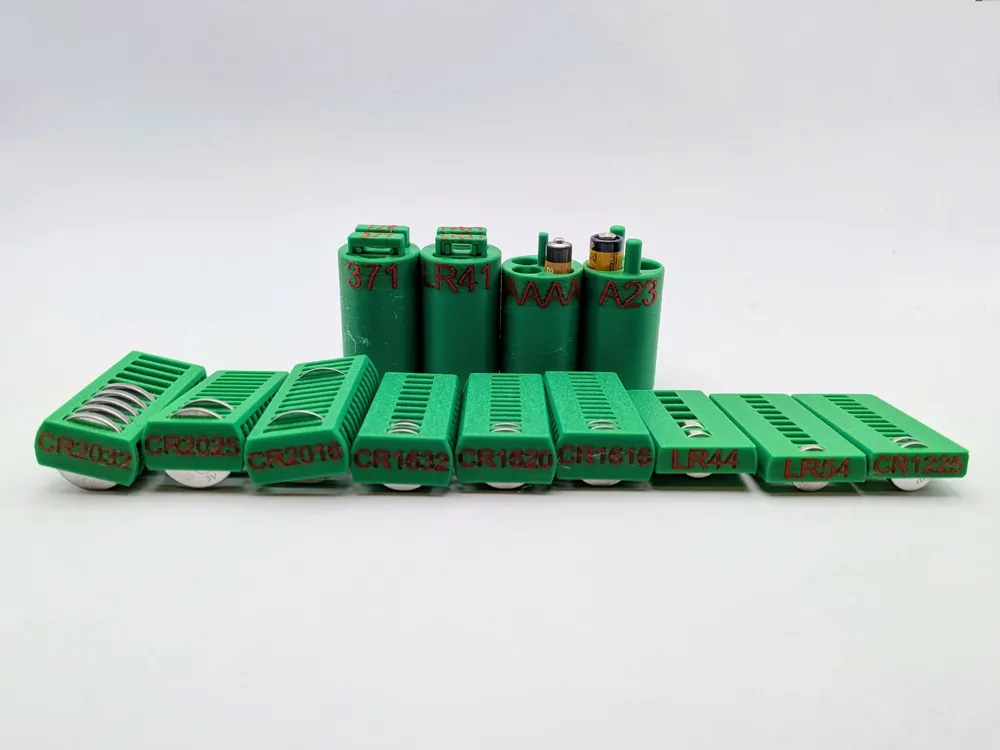
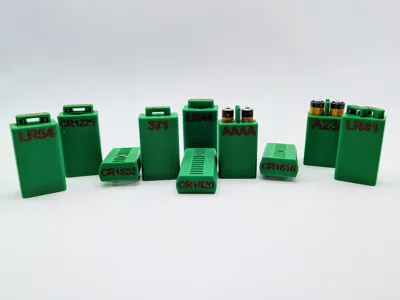
- Added 9V versions for LR41, 371, LR44, LR54, CR1225, CR1616, CR1620, CR1632, A23, AAAA
UPDATE 2/19/2026:
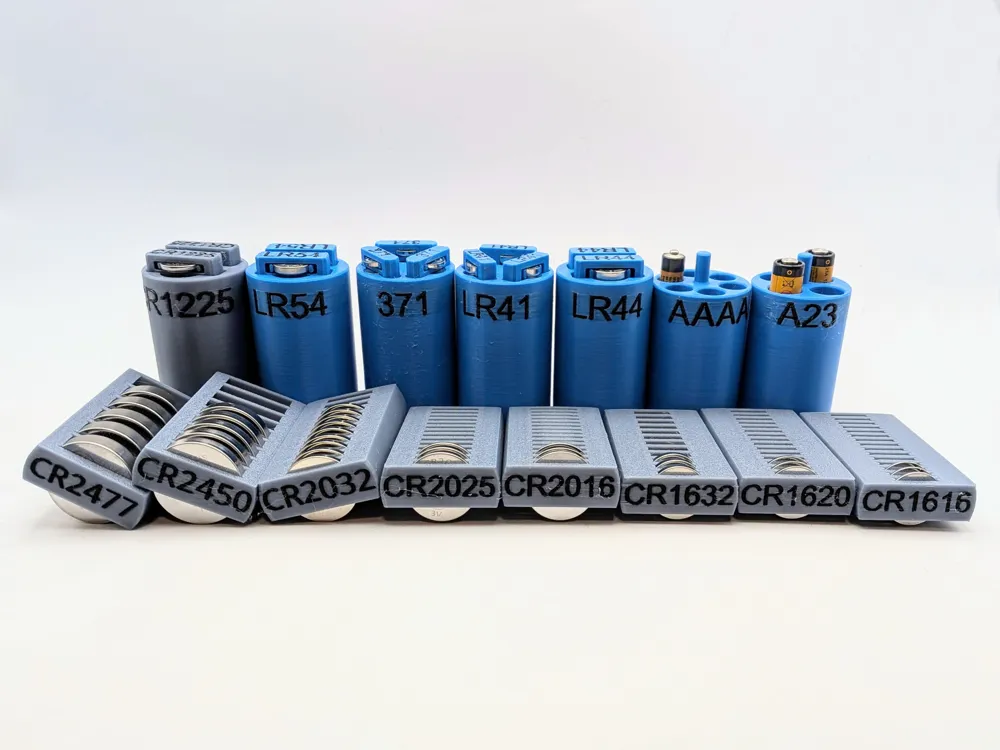
- 15 battery sizes now available: CR1225, CR1616, CR1620, CR1632, CR2016, CR2025, CR2032, CR2450 (D only), CR2477 (D only), LR41, LR44, LR54, 371, A23, AAAA
- The battery label text is now editable in Bambu Studio. Many battery sizes have multiple names (eg. LR44/357, LR54/189/AG10), so you can change the label depending on your specific batteries.
- This release uses 4 print profiles (for better organization):
- D Color Label (AMS)
- D Single Color
- C Color Label (AMS)
- C Single Color
- AAAA D now holds 6 batteries.

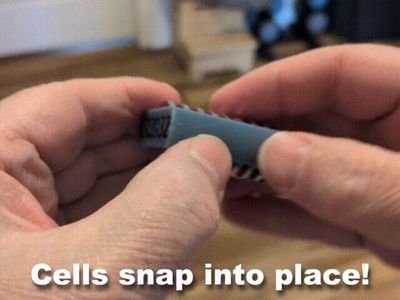
To remove the button cells, press them from behind with your finger or a small pointy object.
ABOUT FILAMENT
- IMPORTANT: Let the print cool before inserting batteries.
- IMPORTANT: Make sure your filament is properly dried.
- IMPORTANT: Make sure the print head is clean.
I only tested with Bambu PLA Basic. It may work with other filament brands and types.
ABOUT LABELS AND FONTS
The profiles use Arial font, since Arial is pre-installed on Windows and MacOS, but feel free to change to a different font or size.
If you want to change the battery name, you can find a very detailed list of batteries, their sizes, and their alternate names here: https://en.wikipedia.org/wiki/List_of_battery_sizes
HOW TO CHANGE THE LABEL
Method A
- Select the Prepare tab
- In the model view, right-click the text you want to change, and select Edit Text
- In the Text Edit dialog box, change the name, size and font as needed.
Method B
- Select the Prepare tab, and set the view to Objects.
- In the Objects list, find the battery name below the object’s .step file
- Right-click on the battery name label, and select Edit Text
- In the Text Edit dialog box, change the name, size and font as needed.
License

You shall not share, sub-license, sell, rent, host, transfer, or distribute in any way the digital or 3D printed versions of this object, nor any other derivative work of this object in its digital or physical format (including - but not limited to - remixes of this object, and hosting on other digital platforms). The objects may not be used without permission in any way whatsoever in which you charge money, or collect fees.


Comment & Rating (112)