Search models, users, collections, and posts

Patio Table Umbrella Gromet

Print Profile(1)

All
P1S
P1P
X1
X1 Carbon
X1E
A1
A1 mini
H2D
H2D Pro
H2S
P2S
H2C
X2D
A2L

0.2mm layer, 3 walls, 15% infill
Designer
40 min
1 plate
4.8(12)

Open in Bambu Studio
Boost
66
210
26
5
415
287
Released 

Description

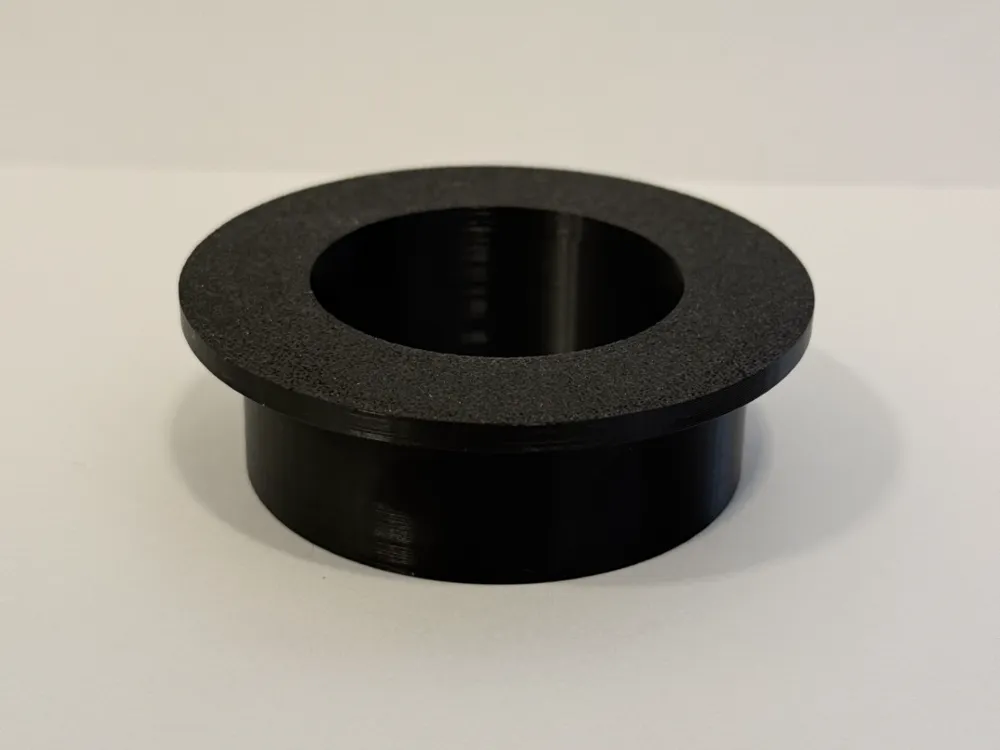
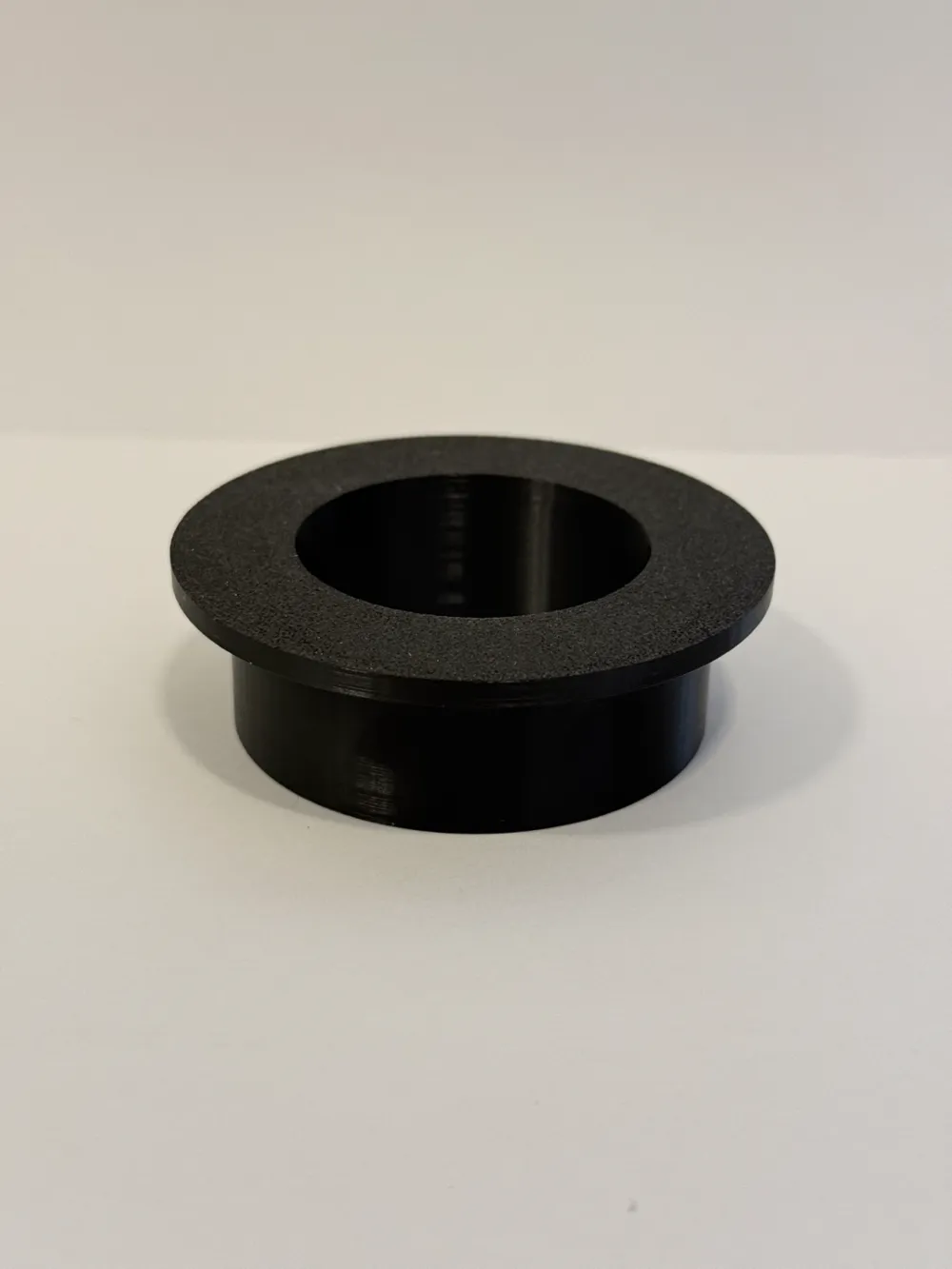
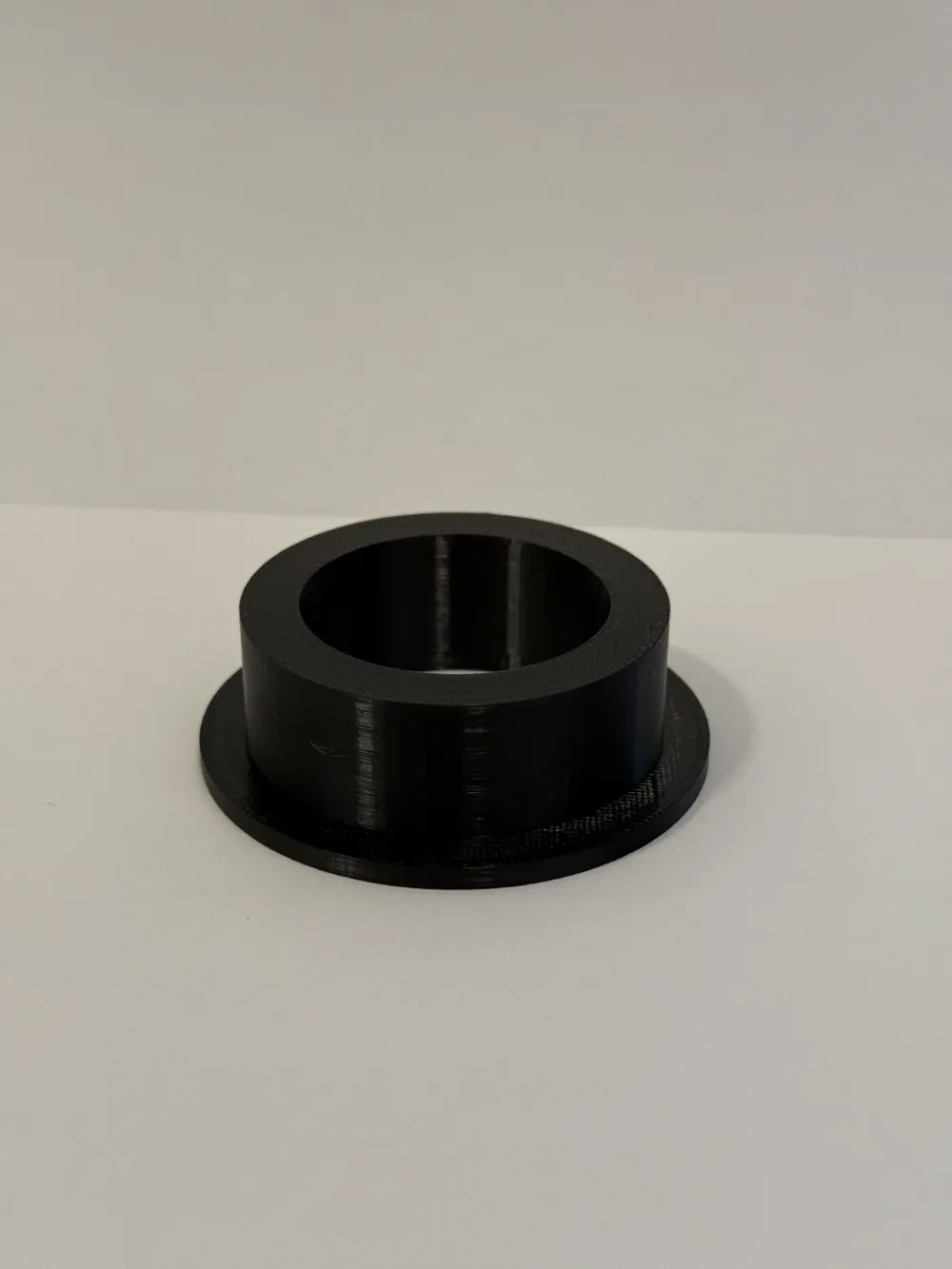
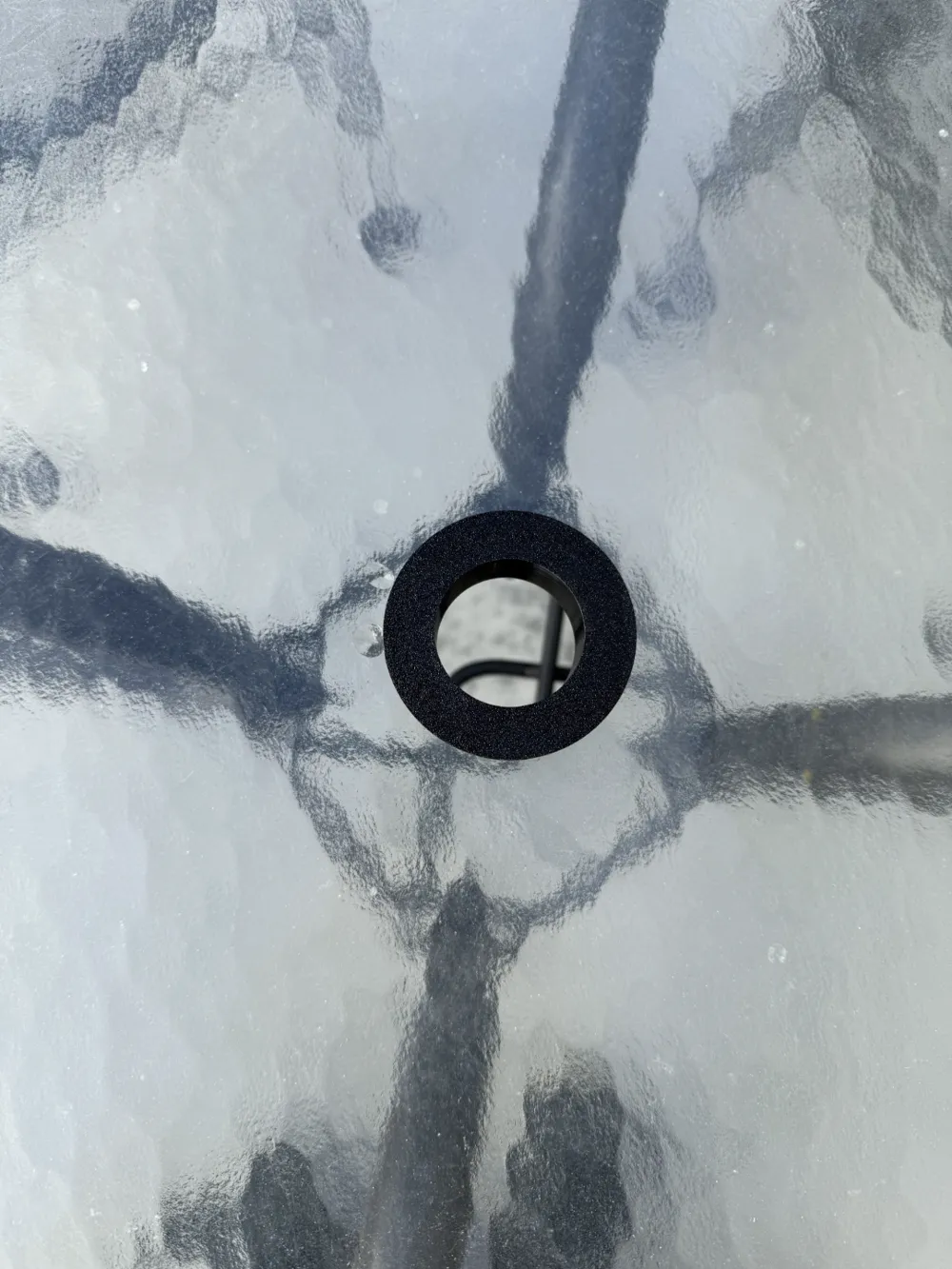
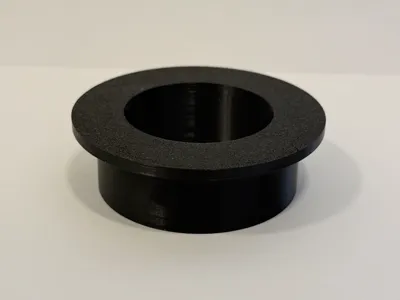
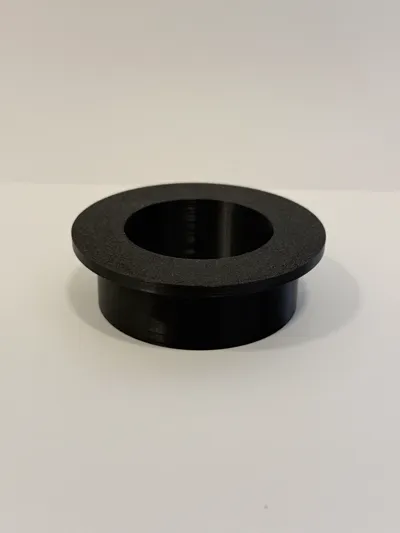
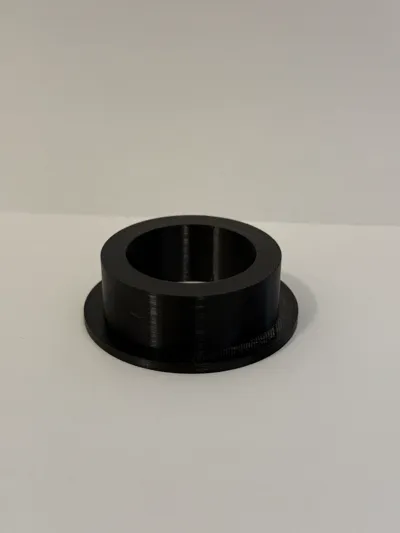
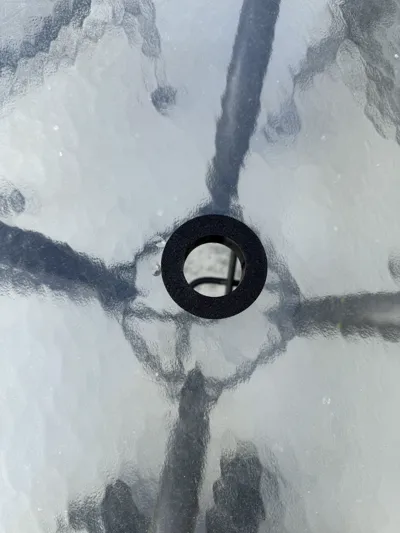
This is a patio umbrella gromet I made for my dads table. His wobbly patio umbrella was wearing out the aluminum umbrella post. The gromet measures ID 1.625 inches OD 2.25 inches Flange is 2.75 inches. Feel free to resize or change for your needs. I have added the f3d file. You can now use bambu parametric model maker to resize the parameters or use fusion 360.

Comment & Rating (26)

(0/1000)

This is a fantastic model. My issue isn’t with the model, rather with Bambu Handy/Studio. If you adjust parameters in handy it orients the model vertically which has caused print issues. In studio you aren’t able to adjust parameters. is there a way to adjust in handy AND orient the object the way it was intended to print?
(Edited)
The designer has replied
0
Reply
I’m glad you like the model. This is a weird issue. I haven’t noticed this before. I’m not sure you can orient the model in handy at this time. I don’t think this has always been an issue because my neighbor used handy to resize and print and it was the correct orientation. I will see if there is something I can do on my end to remedy this for handy. In studio you should still be able to use Bambu parametric model maker to change the parameters for your application. Then orient the model for printing if needed.
0
Reply
No worries at all! I was able to figure out a work around where you open the model in a browser, make the parametric adjustments, and then download the stl from there and open in studio to auto orient. definitely a Bambu issue of their separate systems not talking to each other. Again, fantastic model and really appreciate you doing all the work to make it adjustable so easily for people!
0
Reply
what dose all of it mean like OD
The designer has replied
0
Reply
od= outside dimension ( in this case the where the part would fit into the table hole) id= inside dimension (in this case the center hole the umbrella would go in)
0
Reply
Replying to @user_3491278548 :
Hi any chance you could do a cap to close the hole like something press fit or twist in ? thank you
0
Reply
What method can I use to resize it?
The designer has replied
0
Reply
hello, you can use bambu studio to resize as needed. I have also just added the fusion 360 file so you can change any parameters you would like that way. You can also use bambu parametric model maker to easily resize any of the parameters as well.
1
Reply
nice print, fixed my neighbor's umbrella in less than a hour after seeing the problem.
The designer has replied
0
Reply
Thats great! I’m glad it helped you out.
0
Reply
Print Profile
0.2mm layer, 3 walls, 15% infill
good Print Perfect Quali
The profile uploader has replied
0
Reply
Thank you!!
0
Reply
Print Profile
0.2mm layer, 3 walls, 15% infill
dis not fit my table
The profile uploader has replied
0
Reply
sorry it doesn’t fit your table. I gave the measurements of the model. you could try to resize to what you need.
(Edited)
1
Reply
Print Profile
0.2mm layer, 3 walls, 15% infill
Printed out perfect! Works exactly as it should, just scale it to fit your umbrella, and away you go. Thank you for taking the time to put this out there for us! 😁🙏
The profile uploader has replied
0
Reply
Thank you!!
0
Reply
Print Profile
0.2mm layer, 3 walls, 15% infill
Simple, but works.
0
Reply
Print Profile
0.2mm layer, 3 walls, 15% infill
The profile uploader has replied
0
Reply
Thanks!
0
Reply
Print Profile
0.2mm layer, 3 walls, 15% infill
0
Reply