Search models, users, collections, and posts

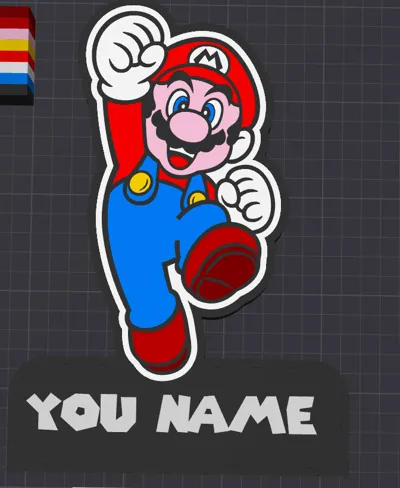
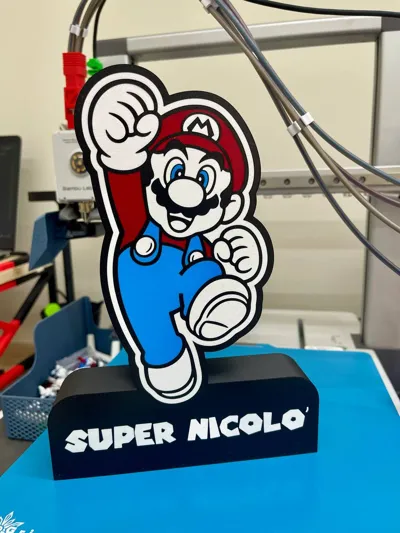
LUMINOUS BOX LAMP - Super Mario Bros

IP Report

Print Profile(1)

All
A1
P1S
P1P
X1 Carbon
X1E
X1
H2D
H2D Pro
H2S
P2S
H2C
X2D
A2L

0.2mm layer, 2 walls, 10% infill
Designer
6.9 h
2 plates
3.0(2)

Open in Bambu Studio
Boost
36
85
9
4
96
20
Released 

Description

Content has been automatically translated.
Show original


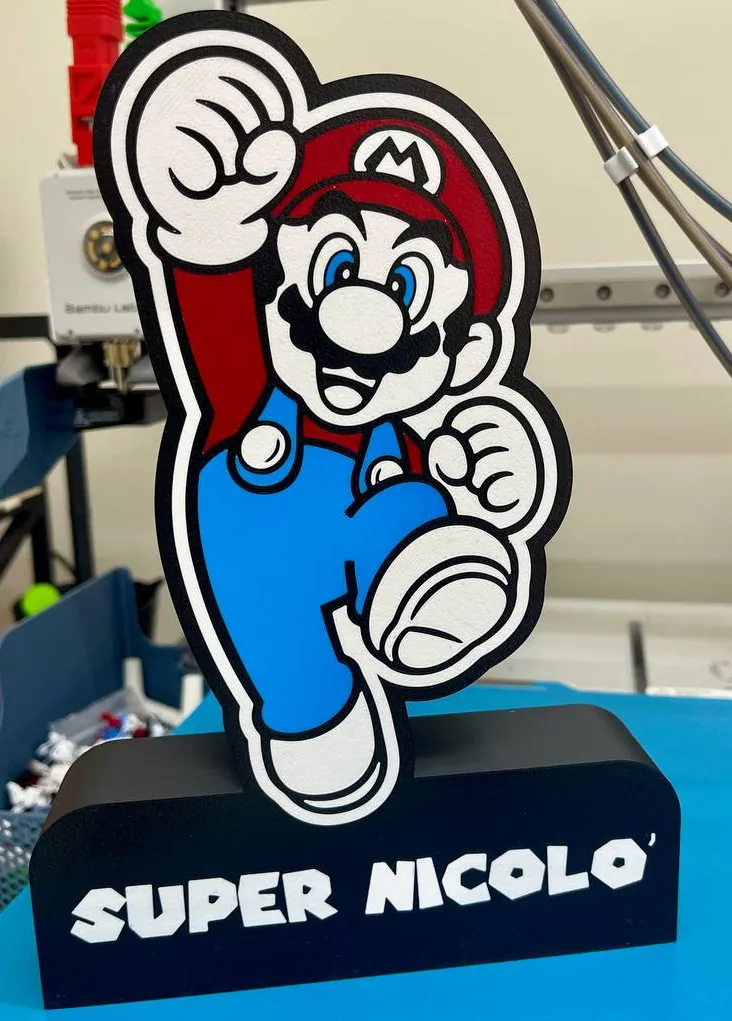
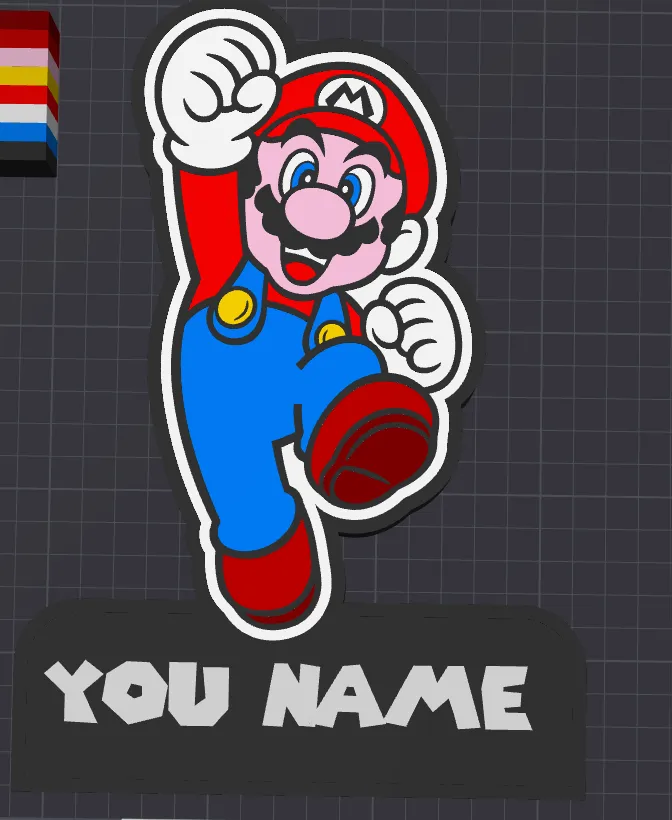
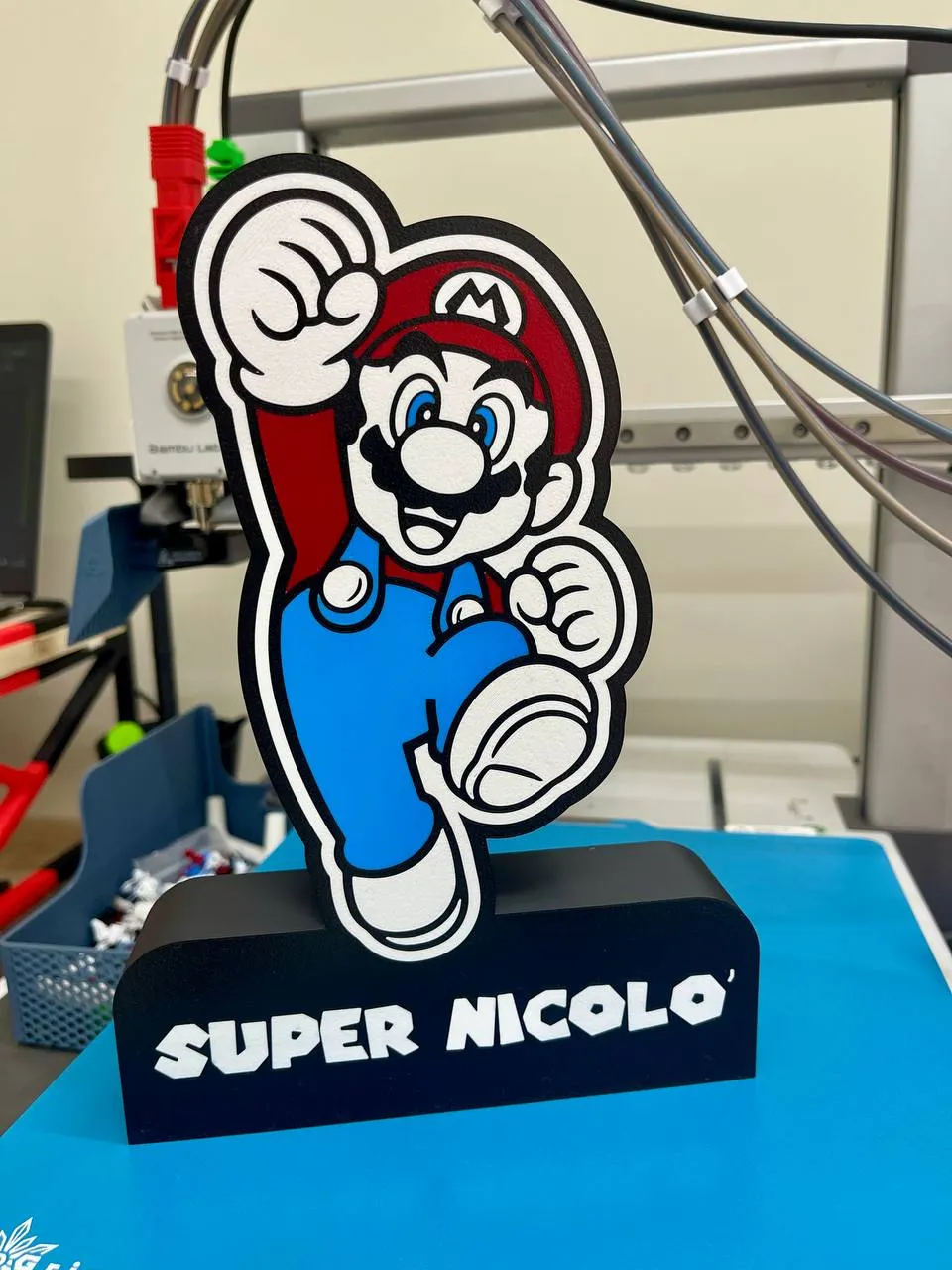
Lightbox lamp with customizable name directly in Bambu Studio, color choices in the objects.

To be completed with the addition of LEDs of your choice.

For other requests contact me.


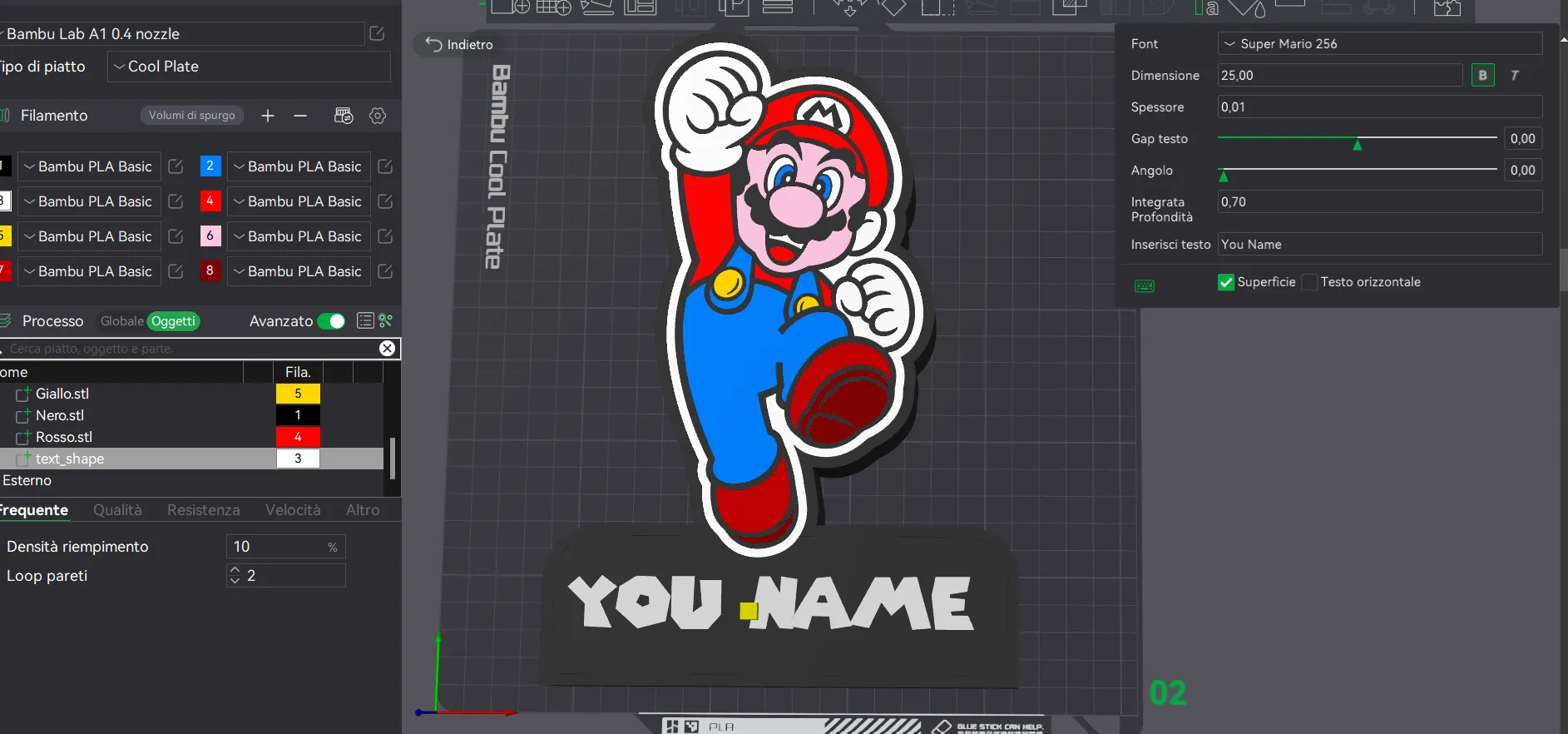
  • First step, from the objects menu modify the text shape to your liking, leaving all other settings unchanged. The font used is supermario 256 downloadable from the dafont.com website:
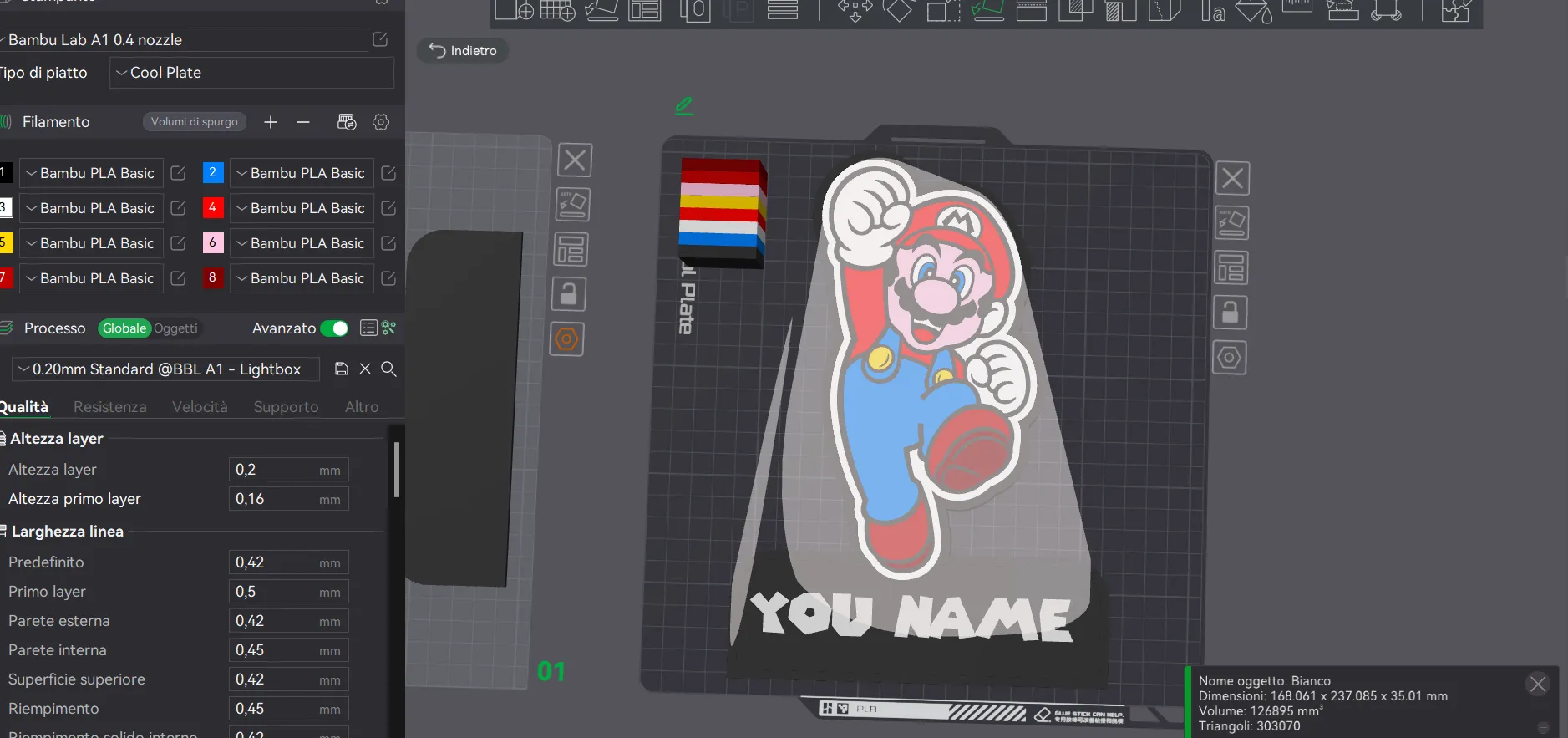
  • Second step, reposition the project with the main face facing the plate and then center the box to the plate with the right click:
 

Print in your preferred colors, having only one AMS Lite I limited myself to 4 colors.


Thank you

Comment & Rating (9)

(0/1000)

Print Profile
0.2mm layer, 2 walls, 10% infill
Nothing like this has ever happened to me before! I printed plate 2 in four colors tonight and when I tried to take it off the plate this morning, ALL the objects came off ONE BY ONE! So I had the black box as well as the Mario in all the assembled parts individually in my hand. Not a single part was connected to the other.
The profile uploader has replied
0
Reply
Hello, the photos show that your part didn't adhere to the bed. Ensure you selected the correct bed in your print settings; perhaps you printed with a cool plate when you have a textured one, resulting in an incorrect bed temperature. After checking this, I recommend cleaning the bed as the layers clearly lacked adhesion. I'm sorry this happened, but I personally tested the file before printing, as you can see from the photos. Thank you
(Edited)
Show original
0
Reply
Replying to @amariglia :
I was printing with my CryoGrip printing plate, which I have printed several other lightboxes with, and the print bed temperature was set to 45°C. And my print bed settings were set to Cool Plate. The layers adhered very well because I had to peel off each color individually, they were not bonded together. Incidentally, I would recommend not making the layer thickness of the black box the same as the colored parts. Their layer thickness is 0.6 for all colors. I have checked my other printed light boxes and the layer thickness is 0.8 for the colored parts and 1.0 for black. EDIT: I gave your model a second chance and printed it again. Before that, I meticulously cleaned my printing plate and COMPLETELY calibrated my BambuLab X1C. I got EXACTLY the same result! When I removed it from the print bed, I had the black frame in my hand and the rest (i.e. the colored figure itself) stuck to the print bed. And when I tried to detach it, I had the individual colored parts in my hand again. Your file, including your print profile, is therefore absolutely unusable. And again: 0.6 layer height is definitely too little! And so is an infill of 10%!
(Edited)
0
Reply
Print Profile
0.2mm layer, 2 walls, 10% infill
My nephew was thrilled!
The profile uploader has replied
0
Reply
Grazie per il supporto!
0
Reply
Boosted
My son adores it! Well-made model
The designer has replied
Show original
0
Reply
Grazie!
0
Reply
Boosted
Excellent
The designer has replied
Show original
0
Reply
I'm delighted you appreciate my work Thank you
Show original
1
Reply
No more

License

This user content is licensed under a Standard Digital File License.

You shall not share, sub-license, sell, rent, host, transfer, or distribute in any way the digital or 3D printed versions of this object, nor any other derivative work of this object in its digital or physical format (including - but not limited to - remixes of this object, and hosting on other digital platforms). The objects may not be used without permission in any way whatsoever in which you charge money, or collect fees.
