


Print Profile(1)

Description
How to print 3D protein and molecular structures - from virtual to physical

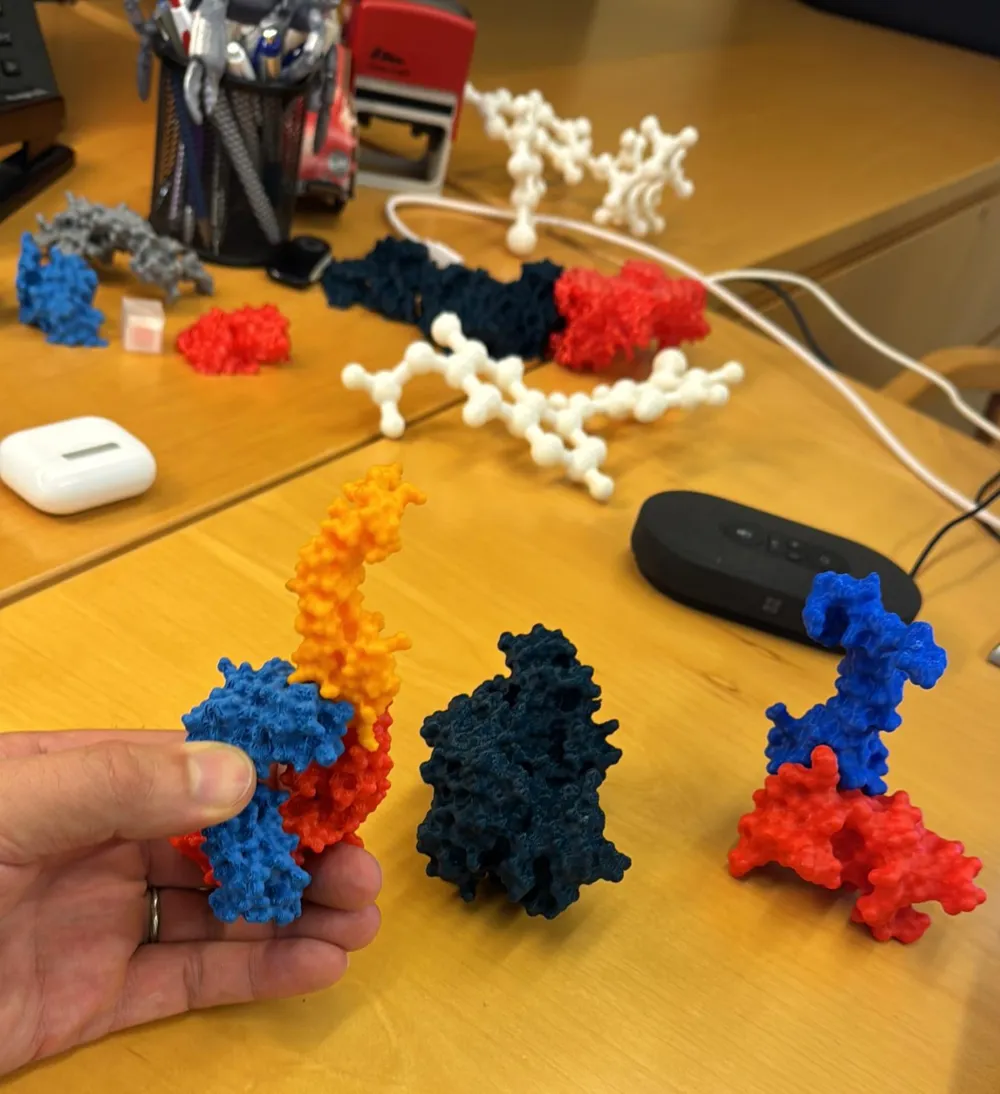
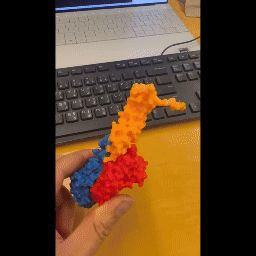
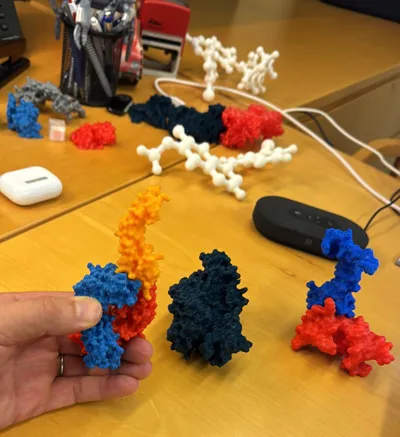
This is a 3D print of an antibody bound to a protein, i.e. PDGF-B blocking antibody bound to PDGF-BB. Blue and red are two subunits of the antibody, yellow is the bound PDGF protein. The three models can be printed individually. Fitting them together in the correct position is harder than it looks. Enjoy!
More generally, below is a brief How-To that explains how to make your own protein and molecule prints. It can be used in the class room to integrate 3D printing into a framework of teaching the physics of protein function.
Any protein or other macro-molecule can be freely downloaded from the RCSB Protein Data Bank (PDB).
The PDB collects and shares 3D structures of proteins, DNA, and other biological molecules. Its mission is to help scientists, educators, and students understand the shapes and functions of these molecules to advance medicine, research, and education.
The downloaded protein structure can be visualized using the free Visual Molecular Dynamics (VMD) software.
VMD is a molecular modeling and visualization software used to analyze and display 3D structures of biomolecules like proteins, DNA, and membranes. It allows users to explore molecular structures by rendering detailed representations, such as ribbons, surfaces, or space-filling models, and supports interactive manipulation of these structures.
Any printable visualization of a molecule from the PDB can be exported from VMD using the “render” option (chose STL format) and then directly imported to a slicer.
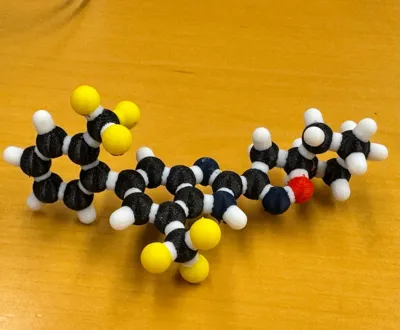
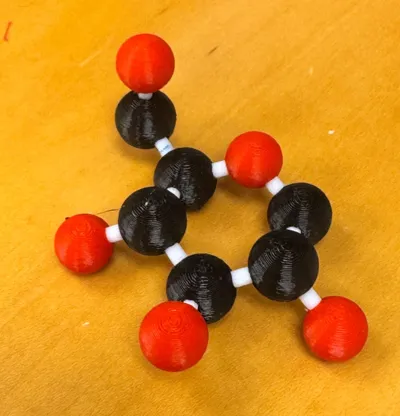
The photos show a few examples of proteins visualized as surfaces and molecules visualized as ball-and-stick structures.
License



Comment & Rating (17)