
DeWALT DCP580 Planer - Universal Wall Mount
Print Profile(1)

Description
DeWALT DCP580 Cordless Planer - Universal Wall Mount
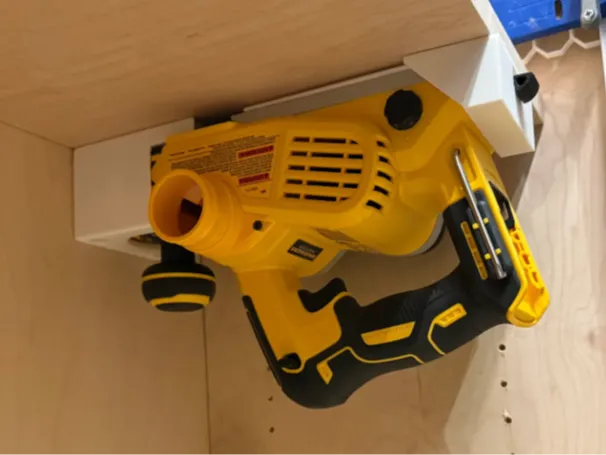
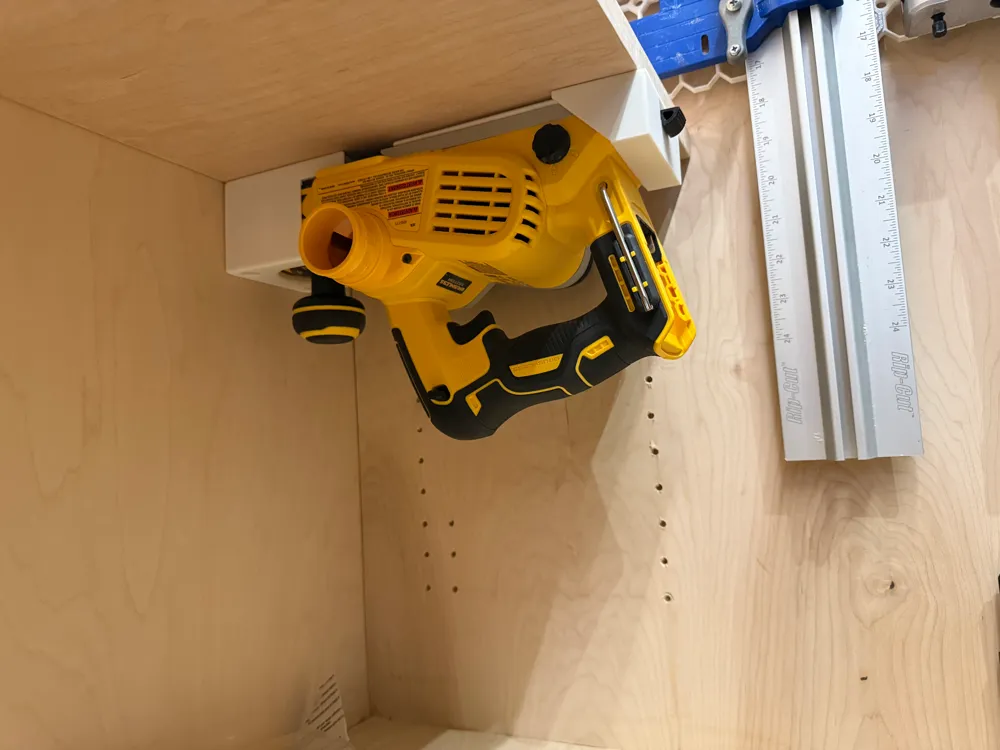
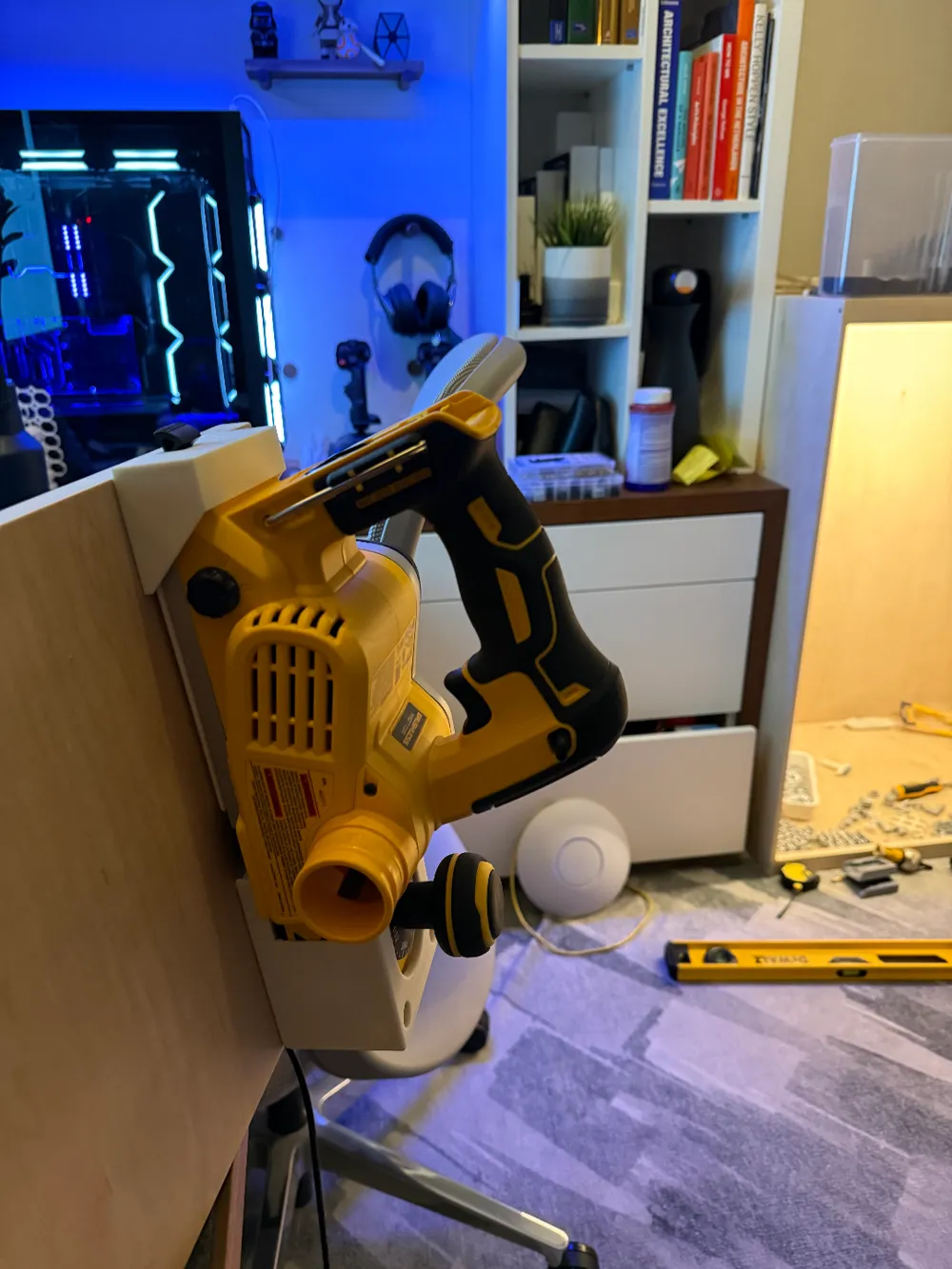
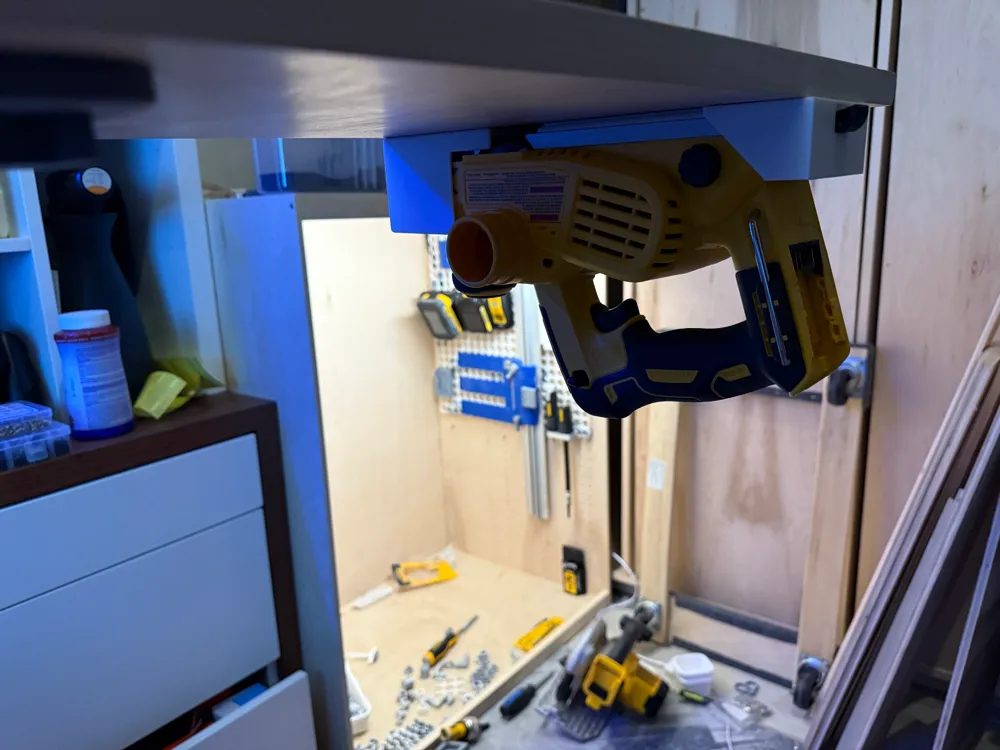
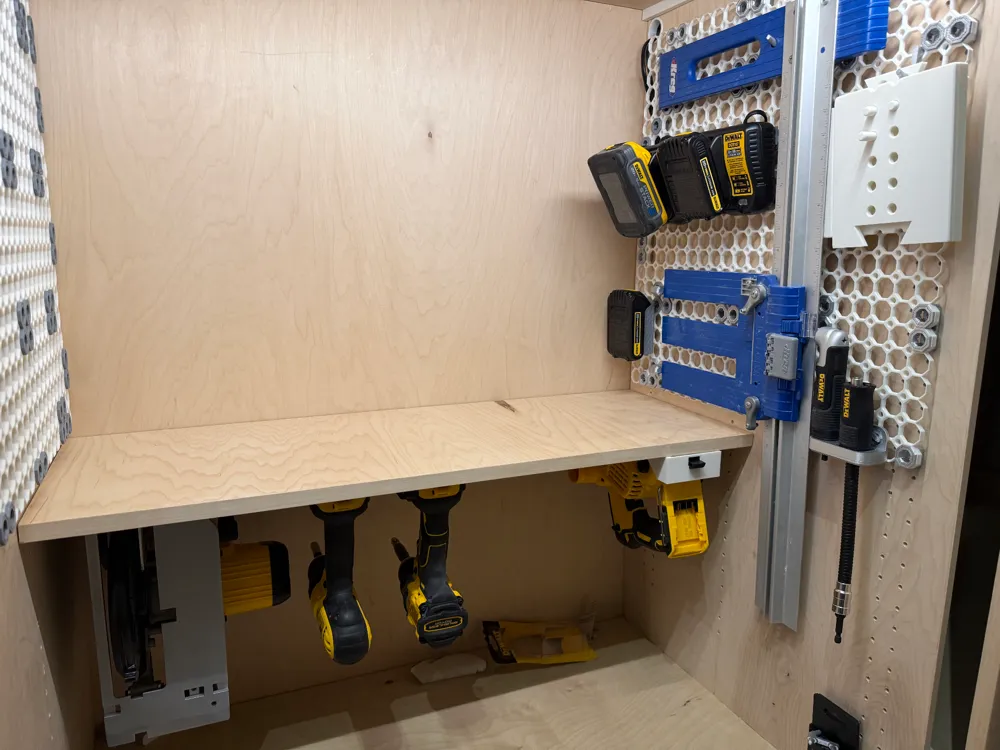
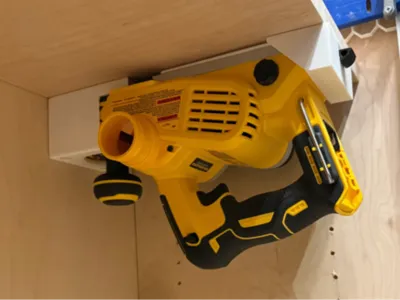
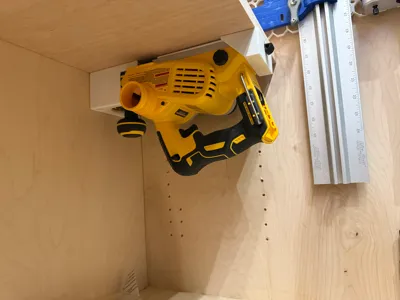
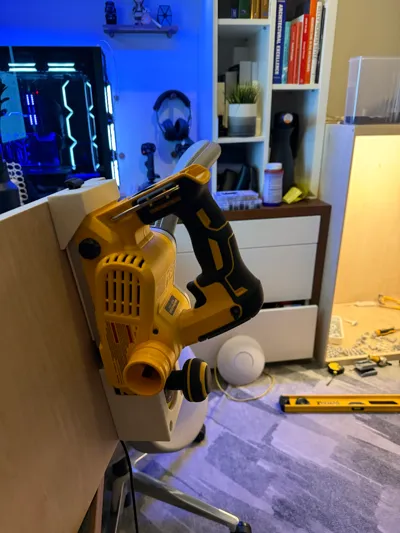
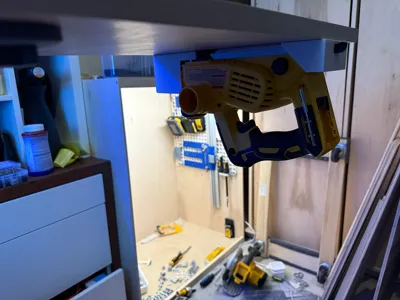
This universal planer mount is a secure 3D-printed holder for the DeWALT DCP580 cordless planer. It is designed to keep the planer stable and accessible in any orientation, whether you're positioning it horizontally, vertically, or even upside-down (see gallery photos).
Features
- All-Orientation Support: The mount securely holds the planer, preventing it from slipping or shifting while mounted. Ideal for storage, transport, and easily accessing the planer from any angle.
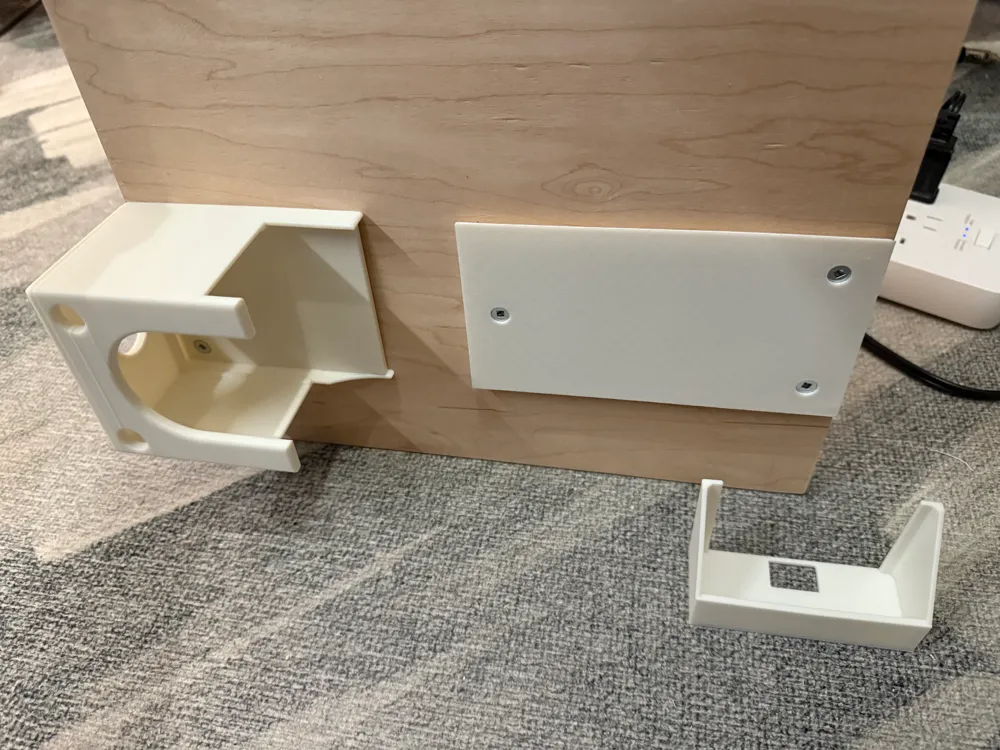
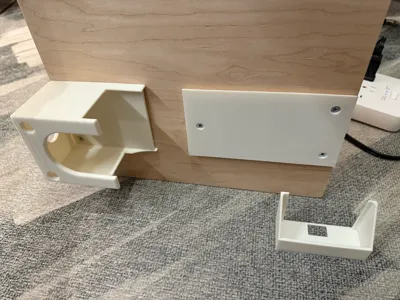
- Custom Locking Mechanism: Features a dovetailed slide-lock cap to keep the rear of the planer stable and protects it from accidental movement. It even slips around the little kick stand beautifully!
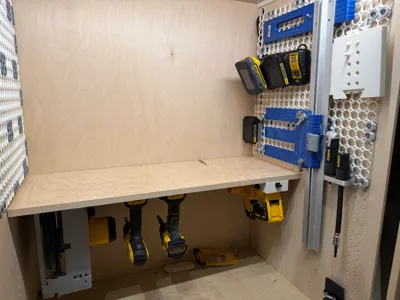
- Integrated Mounting Points: Includes pre-positioned countersunk holes for easy mounting. Put it on your wall or under your bench top using common wood screws.
Printing Specifications
- Prints on the A1 Mini 3D Printer: This model prints on the A1 Mini's build plate without supports. I've ensured that each component fits without needing to mess with multiple prints.
- Recommended Settings:
- Layer Height: 0.2 mm (or better) for durability
- Infill Density: 25-35% for strength
- Support Structures: None required! 🎉
Assembly and Use
- Mounting Instructions:
- Attach the “planer mount” piece to your desired surface with wood screws, ensuring it’s stable.
- Insert the planer (you may need to support or clamp it, so it's flush with your mounting surface).
- Grab a level and place it on any side of the planer mount. Align the “planer base” piece so that the rear of it lines up flush with the back of the metal base plate on the planer.
- Remove the planer and secure the “planer base” with screws.
- Re-insert the planer. The nose of the planer should snugly fit into the mount, and the metal plate should entirely cover the planer base piece.
- Slide the "locking clip" over the back of the planer. You'll need to flick up the kickstand so that it passes through the square hole in the locking clip.
- Testing Stability: Check the planer to confirm stability, adjusting screws / positioning as needed.
I designed this mount to still be sturdy with basic PLA which performed well in my tests. You may get even better results with stronger materials, but may need to make small adjustments (like PETG, PLA-CF, etc).
Boosting
Boost Me (for free)
It would be helpful if you supported this model by boosting. I used a lot of filament dialing in the tolerances so they were absolutely perfect, sturdy in all orientations, and easy to operate.
License

You shall not share, sub-license, sell, rent, host, transfer, or distribute in any way the digital or 3D printed versions of this object, nor any other derivative work of this object in its digital or physical format (including - but not limited to - remixes of this object, and hosting on other digital platforms). The objects may not be used without permission in any way whatsoever in which you charge money, or collect fees.


Comment & Rating (0)