
3D Printed Electromechanical 7-Segment Display
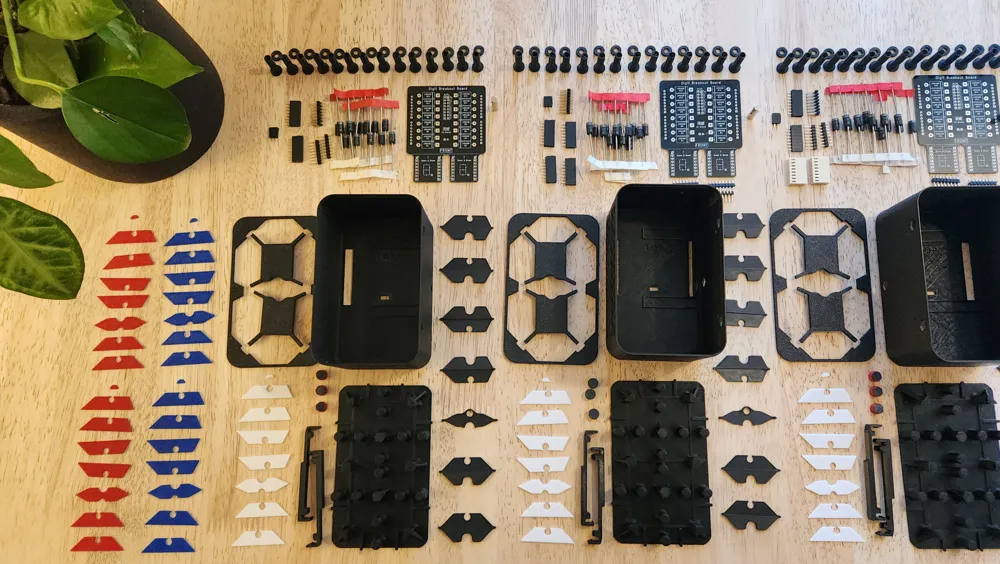
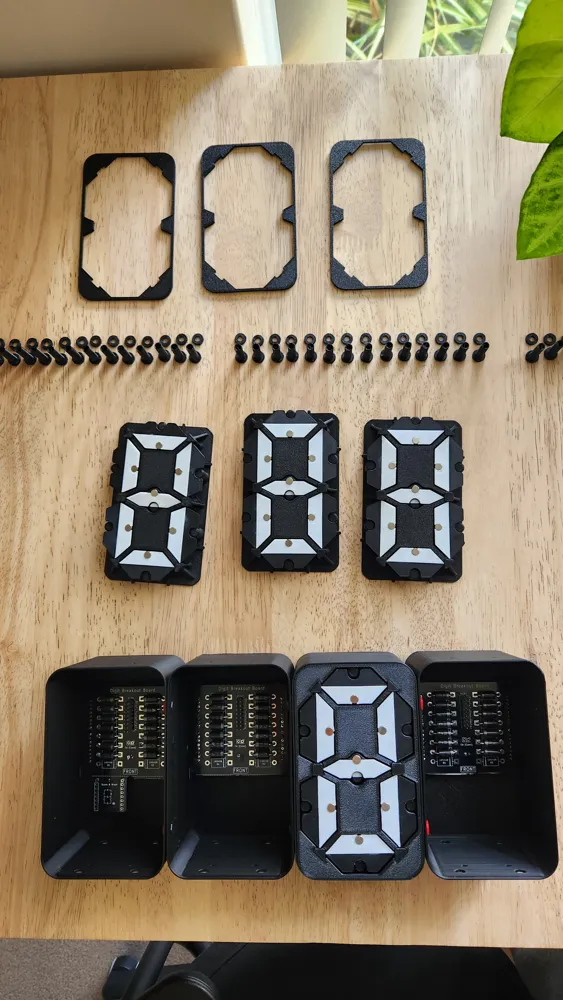
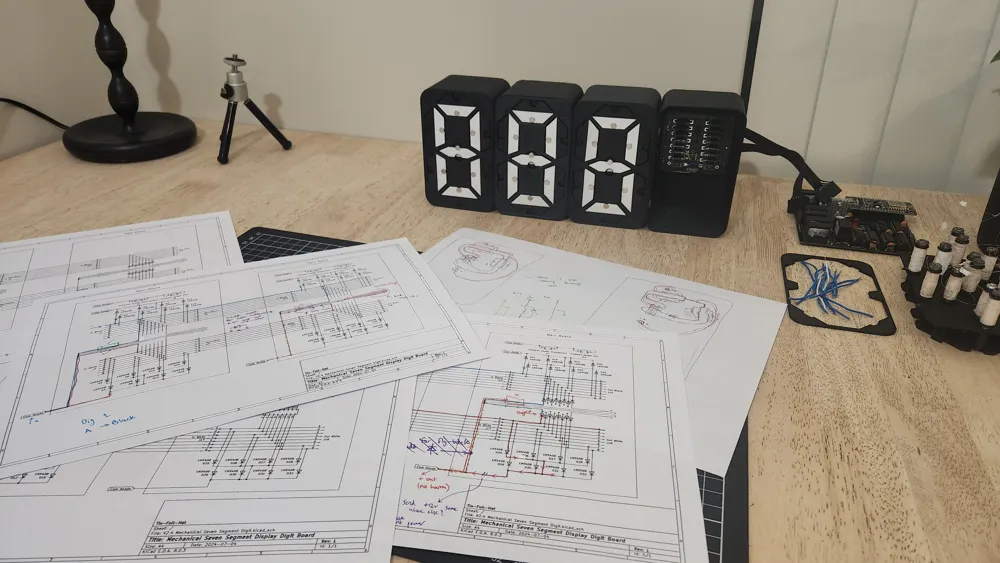


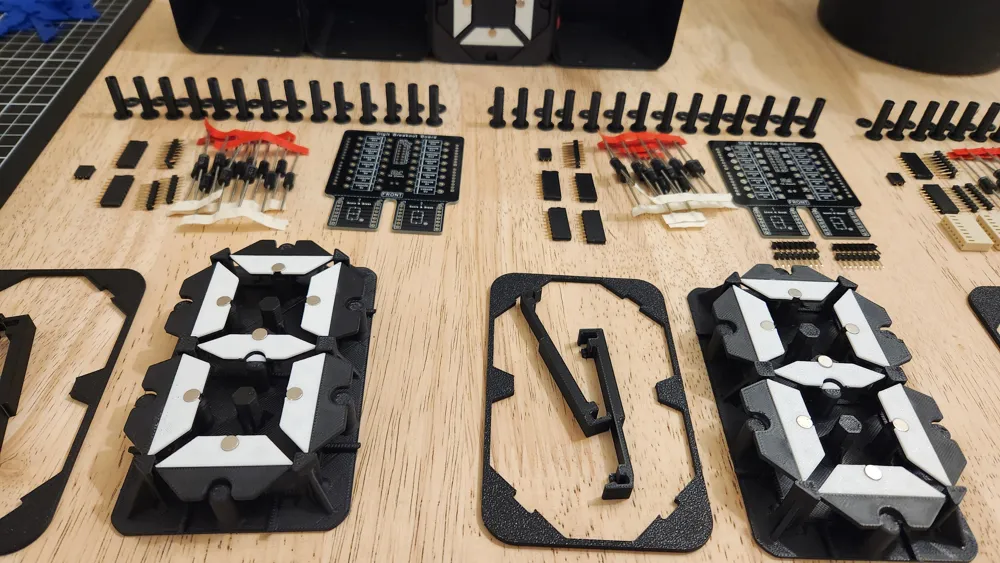
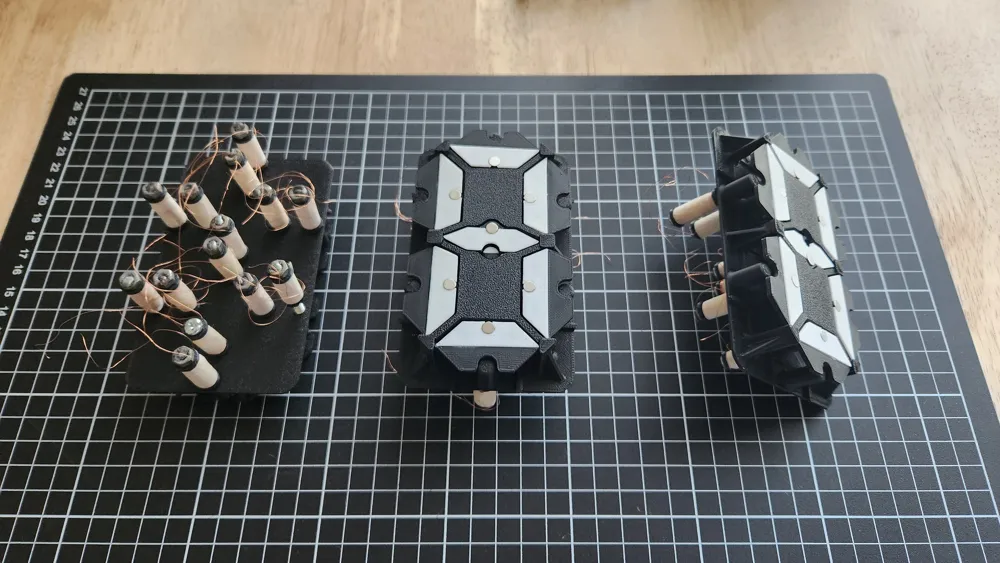
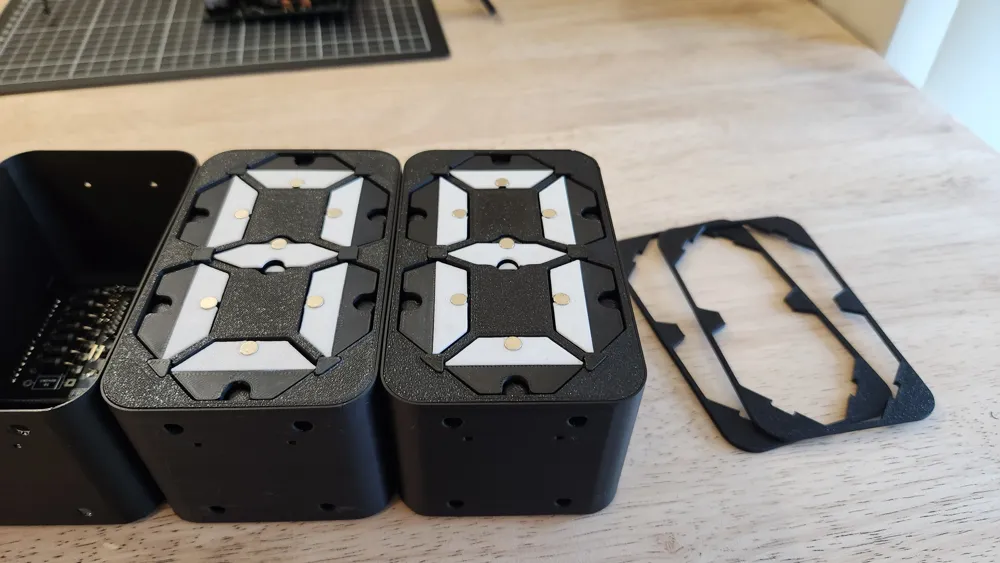
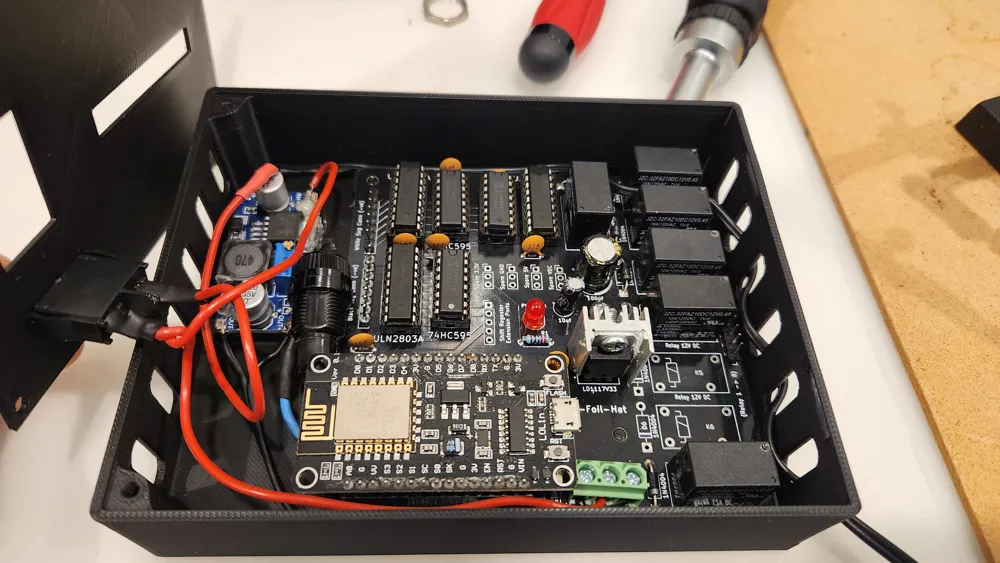

Print Profile(4)





Description
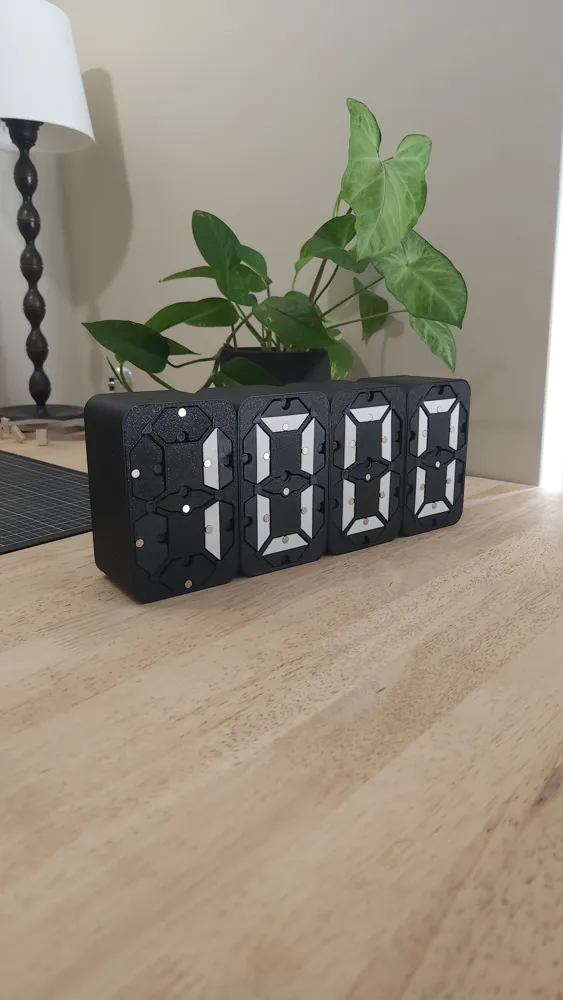
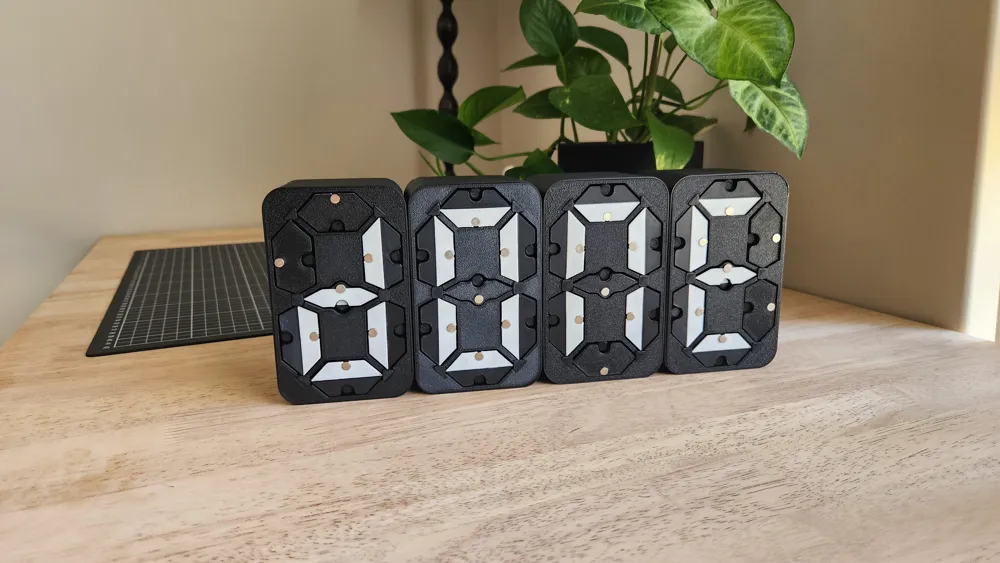
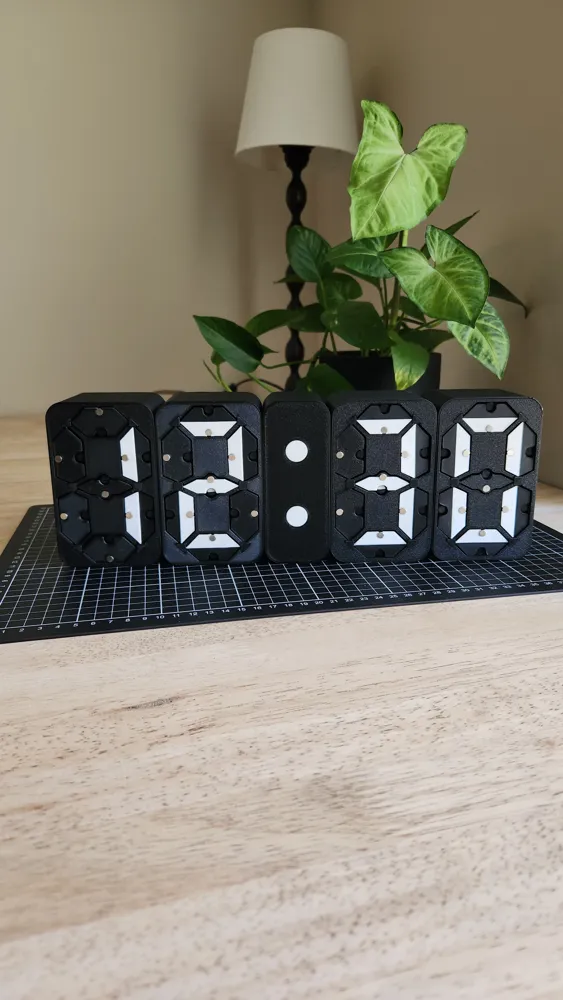
Introducing Flippy!
VERSION 2 IS OUT NOW! CLICK HERE TO VIEW IT!
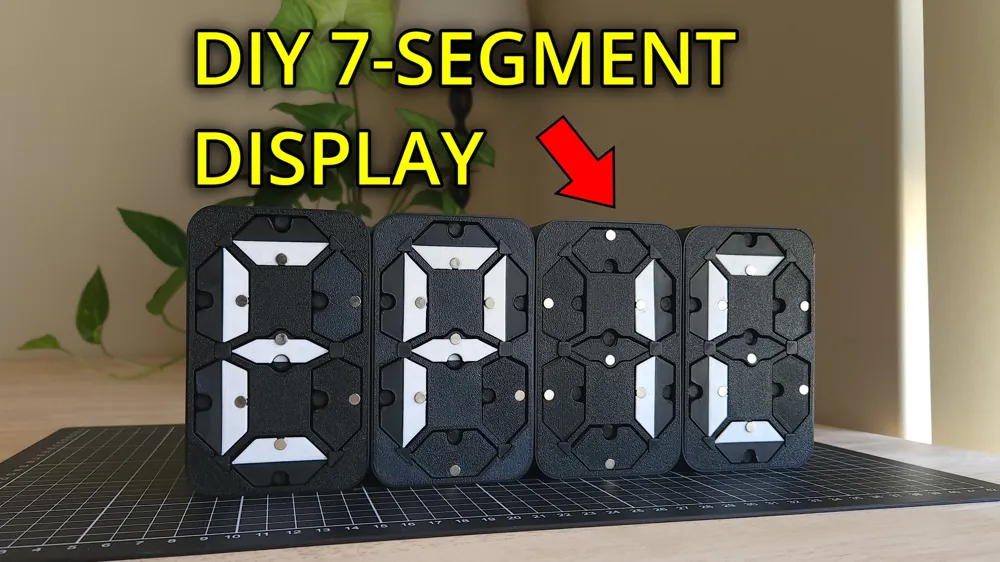

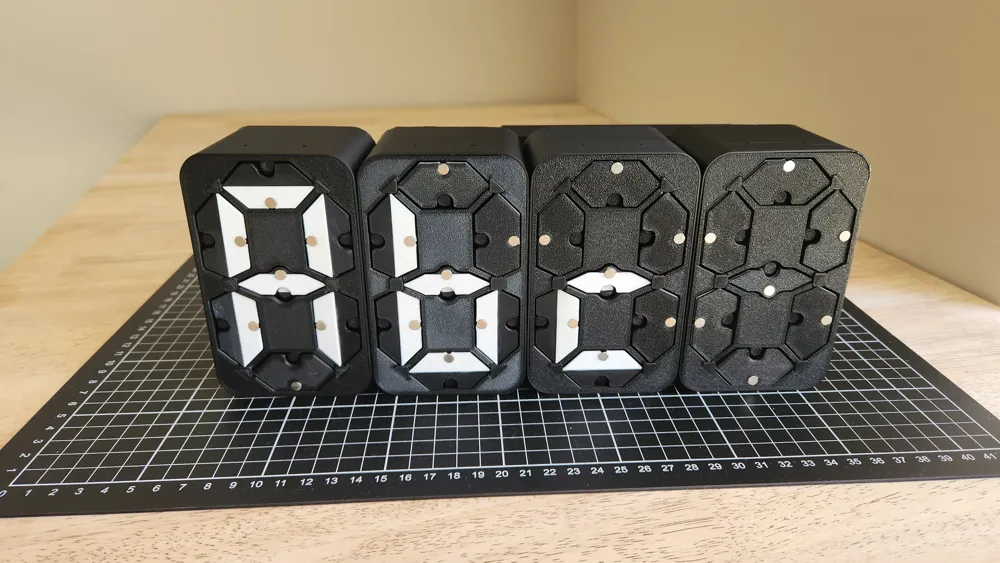
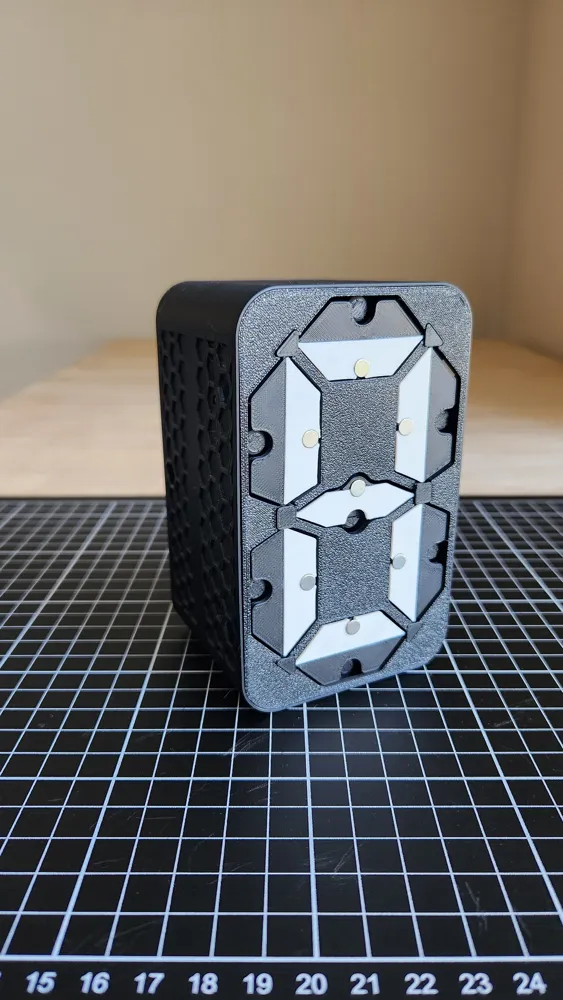
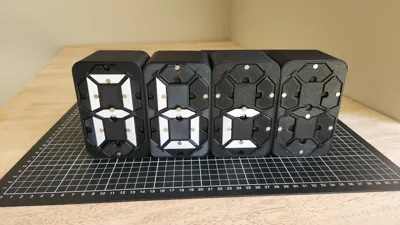
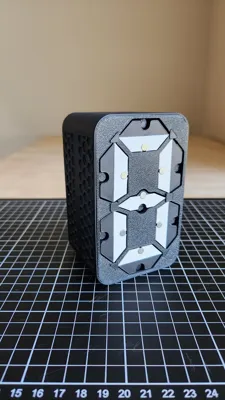
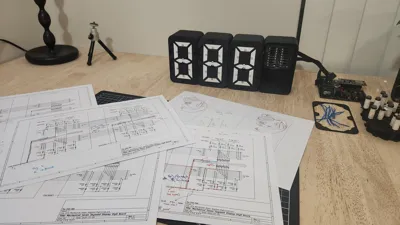
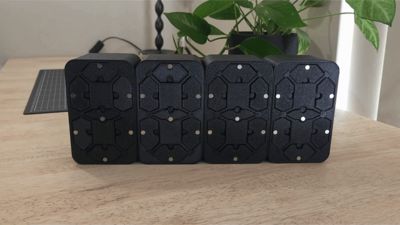
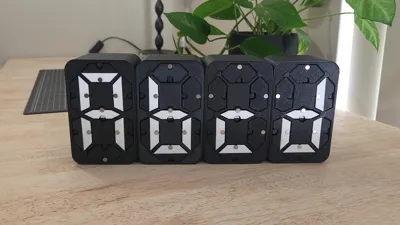
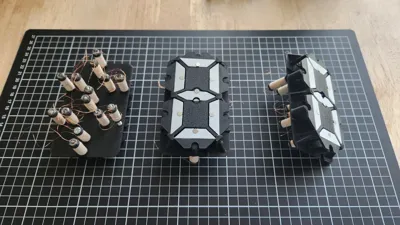
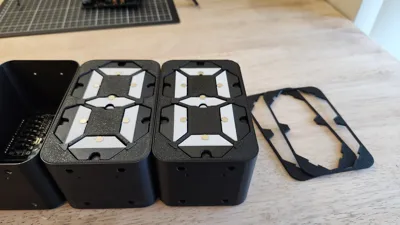
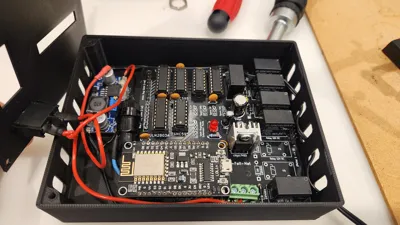
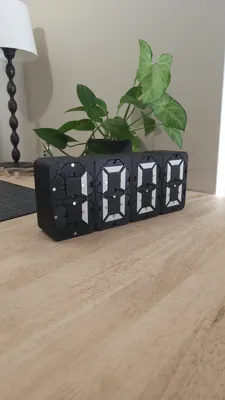
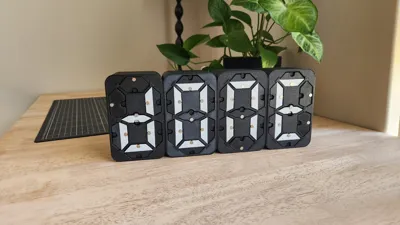
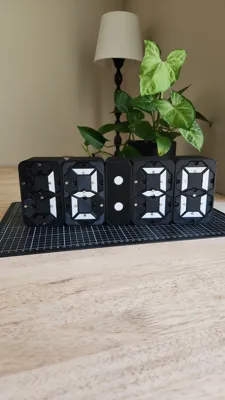
The all-in-one modular 3D printed electromechanical seven-segment display. Through the use of 14 electromagnets, each digit is able to quickly and mechanically display both numbers and letters. This creates a unique and satisfying display.
To build your own, check the full build instructions on Instructables
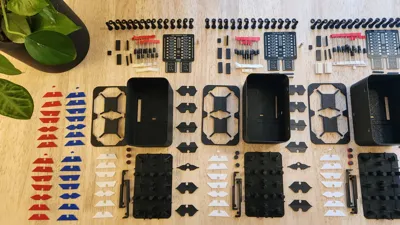
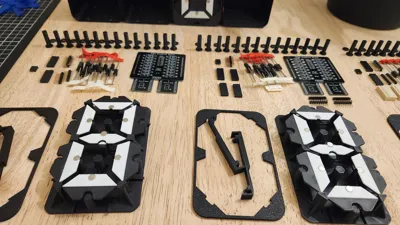
Print all parts in PLA apart from the PCB clips which should be ideally in PETG. Print all parts in your “primary” colour (in my case black), and then the “white” parts in your “secondary” colour.
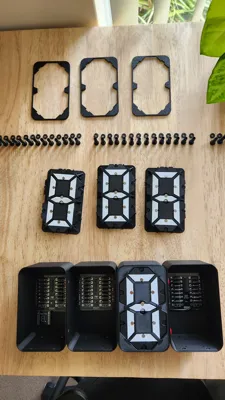
Almost all of the parts can be printed without support, apart from the IR disk and electronics box housing & lid.
Orca slicer
If you use Orca slicer I would highly recommend using the provided .3mf files (which you can download by choosing “Download STL/CAD Files”). However, if You use Bambu Studio, I have tried to best replicate my Orca slicer settings for you in the provided print profiles. If you use Cura etc. you can use the provided STLs.
Spooler
If you are building a spooler, you will need a servo mounting bracket. The ones I used can be found at the link below. I cannot share the files directly due to the licence type. https://makerworld.com/en/models/423292
License



Comment & Rating (95)