Search models, users, collections, and posts

BIIIG STIIIZY Charging Stand/Holder (Gridfinity)
IP Report
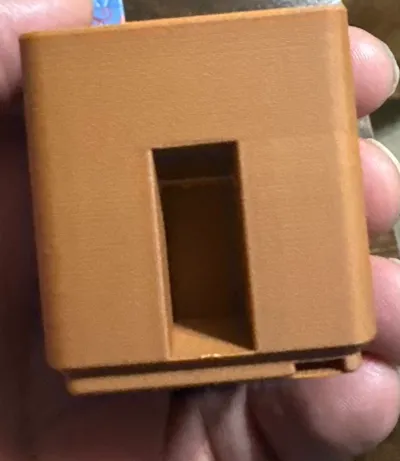
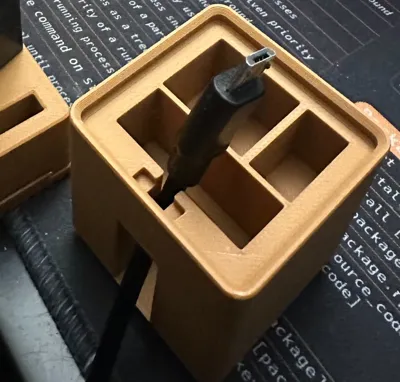
Print Profile(2)

0.2mm Manual tree supports 15% infill
Designer
45 min
1 plate

0.2mm layer, 2 walls, 15% infill
Designer
1.4 h
2 plates
Open in Bambu Studio
Boost
11
18
3
0
9
7
Released
Description
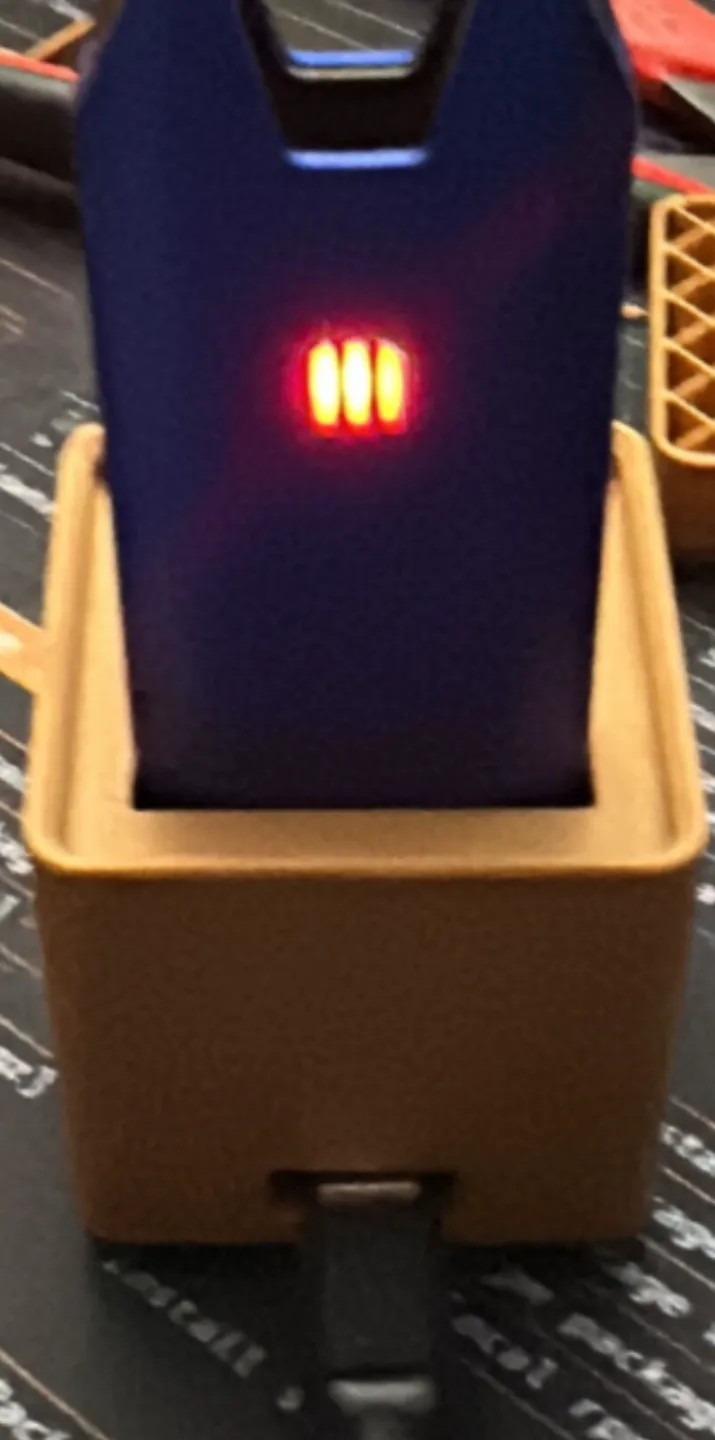
BIIIG STIIIZY Vape Pen Charging Stand
This is inspired by a charging stand for the regular Stiiizy vape pen by plomdawg - https://makerworld.com/en/models/124096?from=search#profileId-133705. I wanted one for my BIIIG STIIIZY so designed this in Fusion 360 based on this model.
Version 1.1 - Dock your pen while it charges without fussing with a cable
‼️ supports can help the opening not sag, but make captured installation more challenging
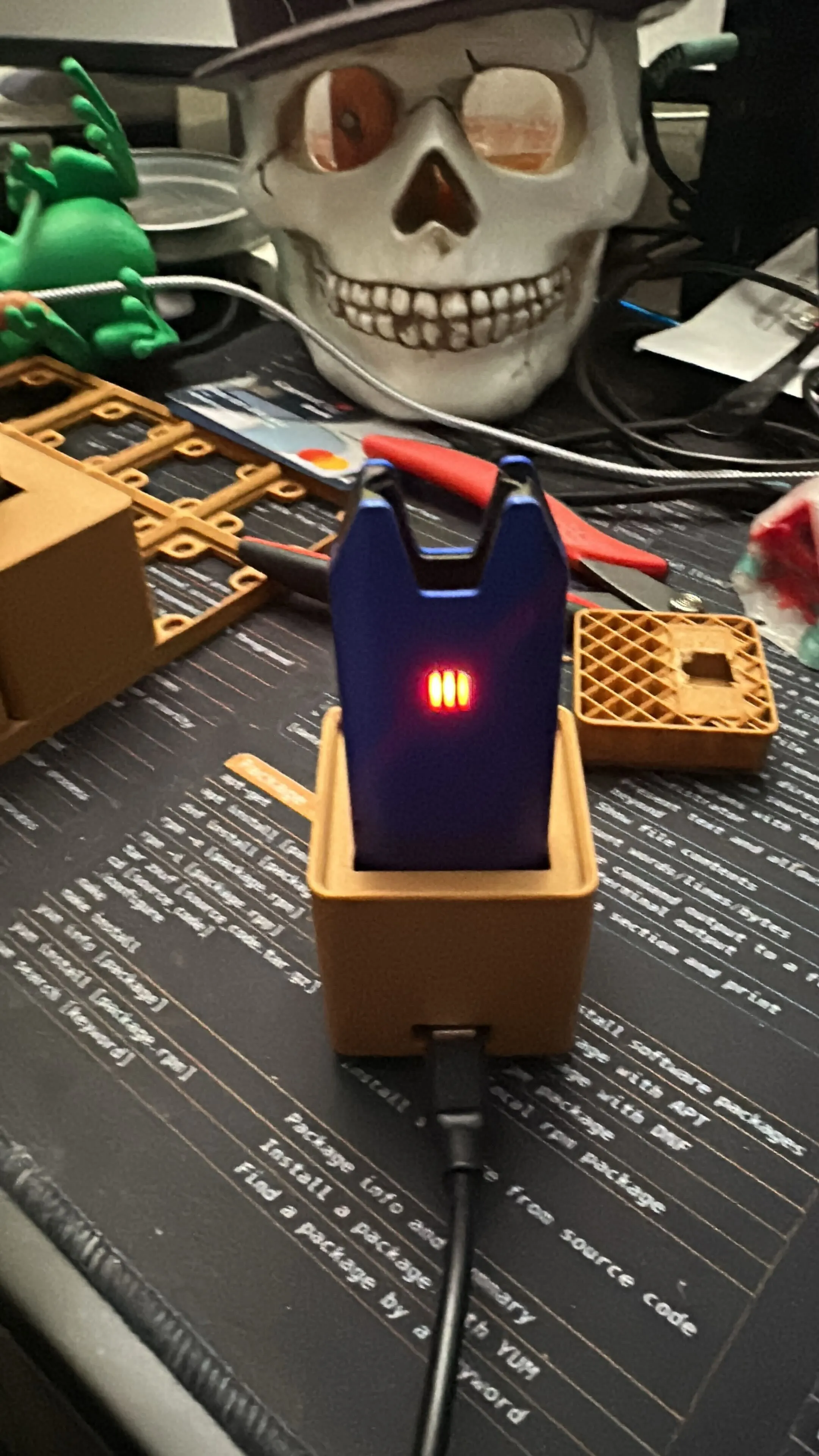
Features Captured Male to Female USB Adapter or cable and:
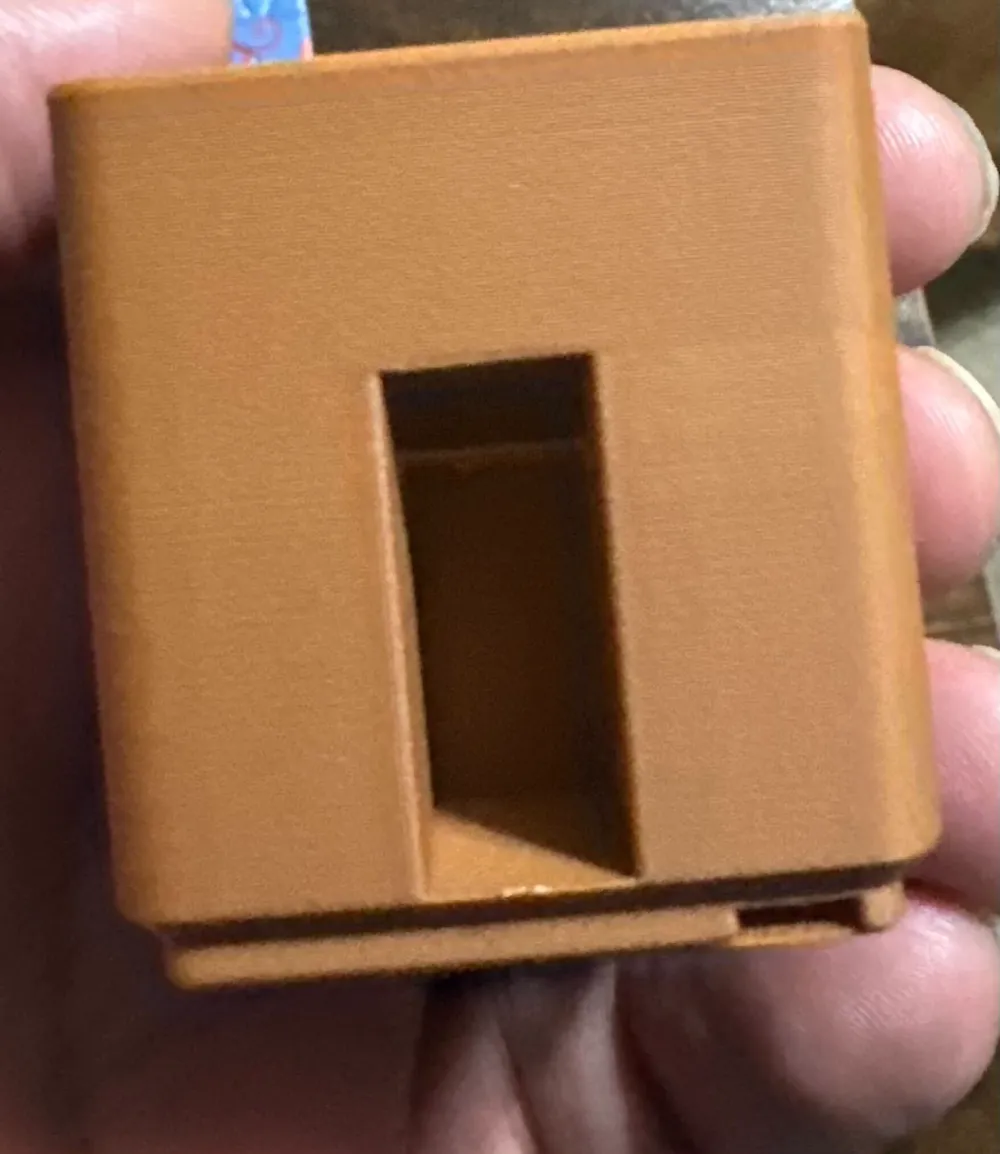
- Small hole in back with filleted channel to allow for easy installation of adapter.
- No cable (inside the stand), no cable channel
- Other features same as 1.0
Bill Of Materials
- Male to female micro USB Adapter. I used Micro USB 2.0 5Pin Male to Female M to F Extension Connector Adapter Long Plug Connector 90 Degree Right & Left Up Down Angled (UP)
To capture adapter or cable
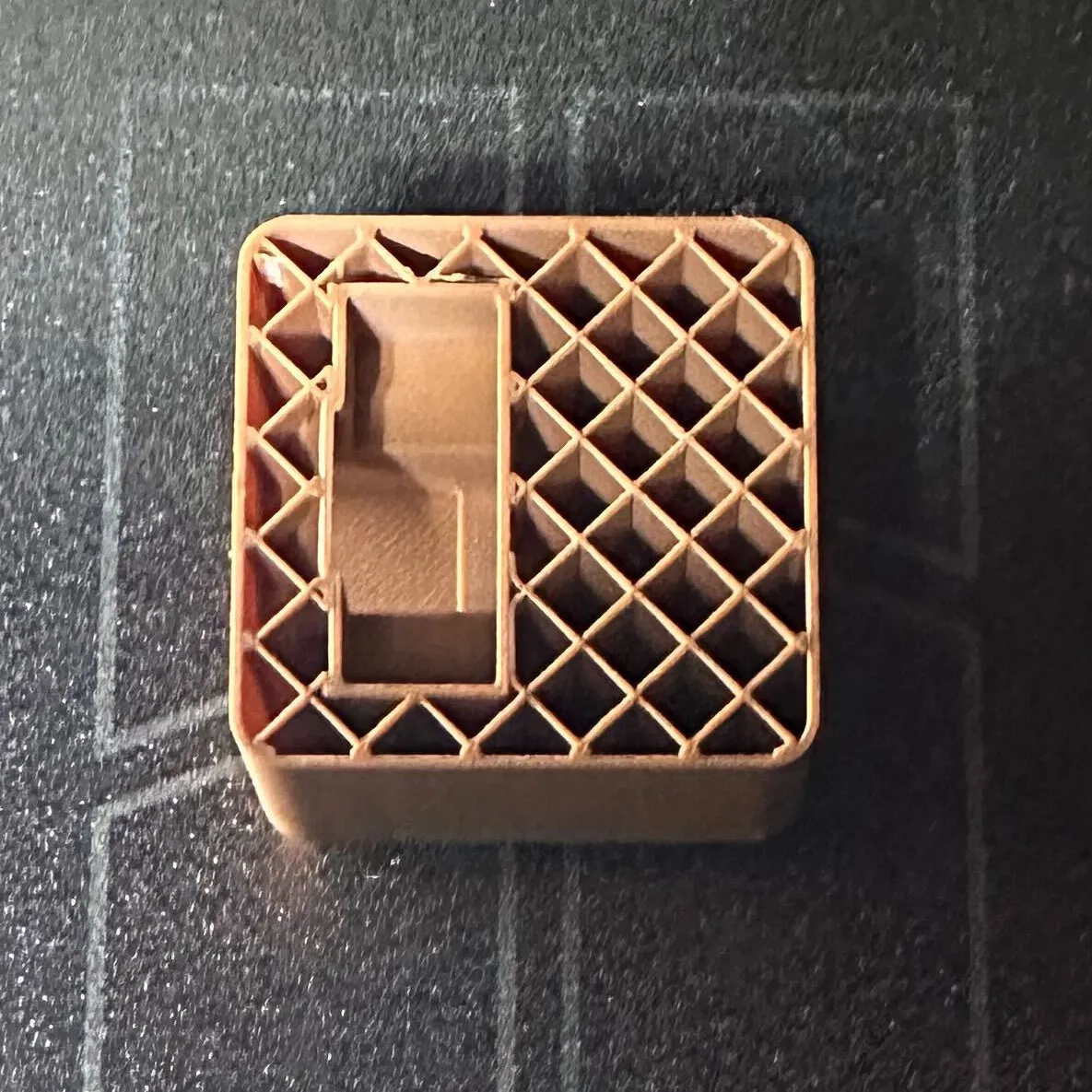
- Pause the print at layer 110 (already done in the included 3mf)
The charging stand should look like this
Carefully insert the adapter with the male end facing up and female end facing out - leave it angled initially
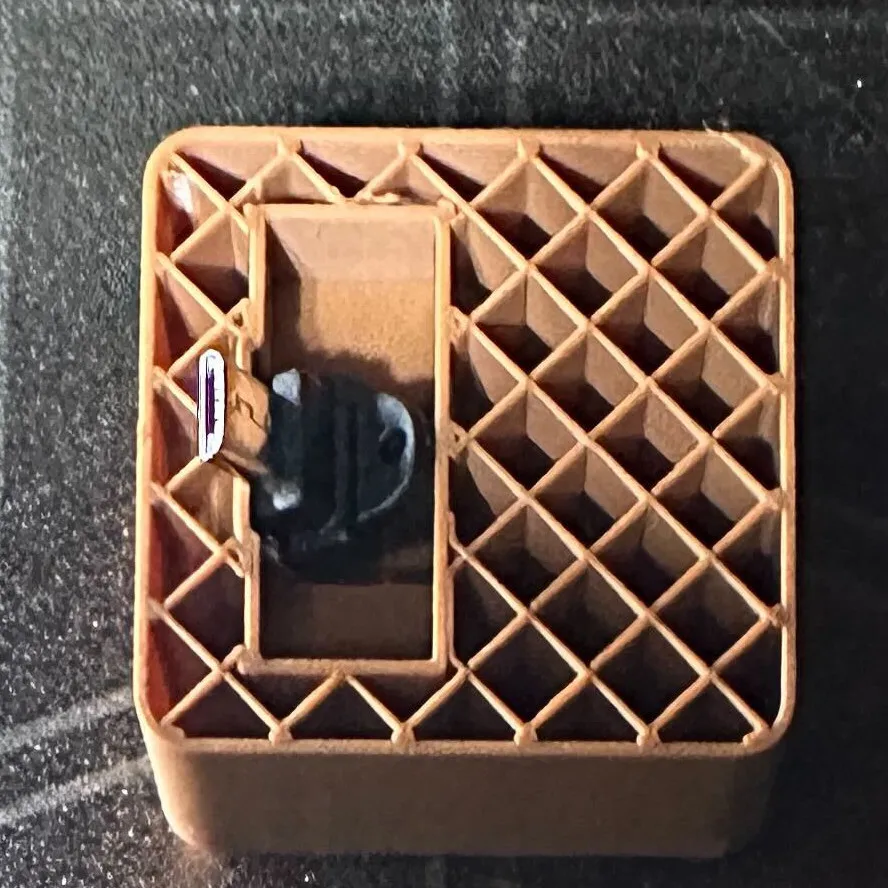
Gently push the adapter until the female end is sticking out of the stand fully
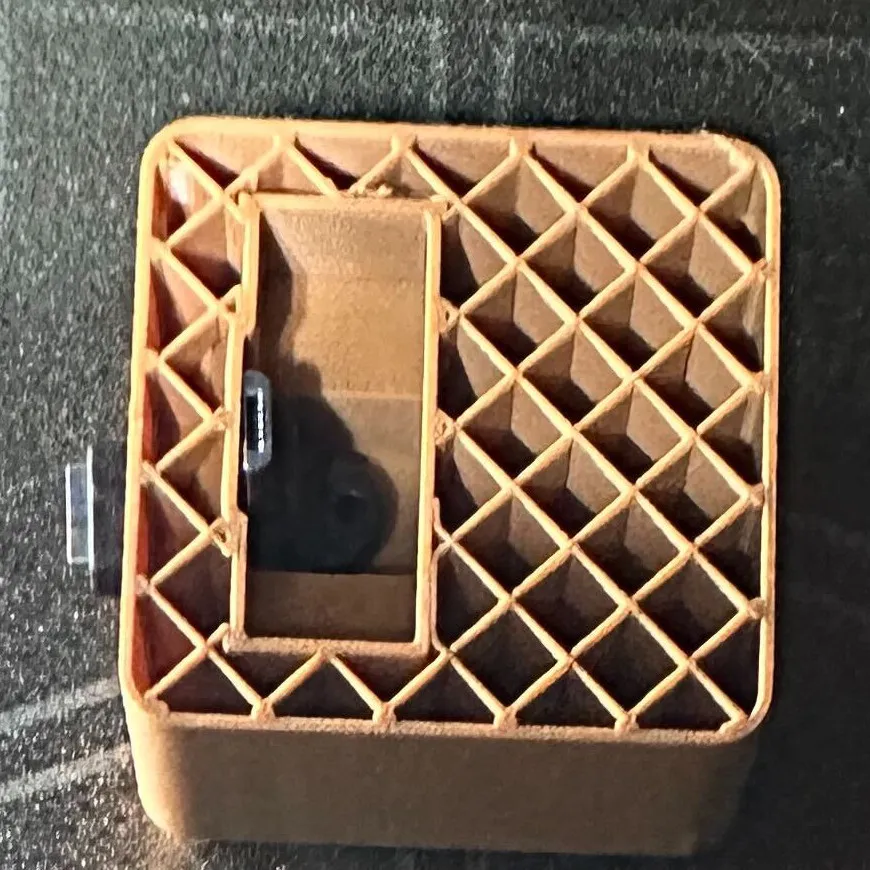
- Push the adapter into the stand fully until the tab beneath the male end is in the recessed area in the back of the STIIIZY port - there is a 1mm lip so you will meet some resistance as you insert it. If you're more comfortable, you can leave it for now and get it over the lip when the print is finished to avoid disturbing the print.
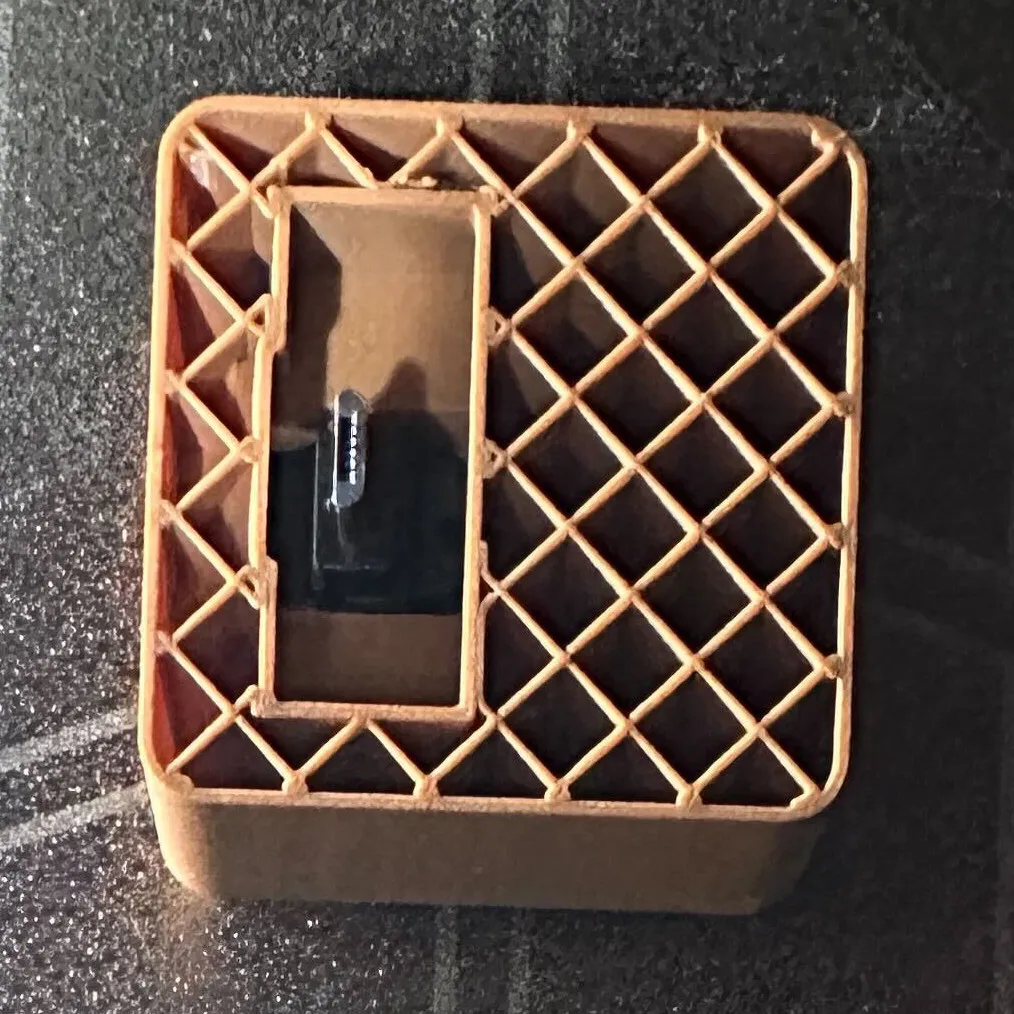
- If you pushed it back all the way, it should look like this. Either way, ‼️ensure the metal housing isn't protruding past the top of the cavity‼️. If it is, remove the adapter and continue the print for a few layers. Pause and check again. Once you ensure your nozzle won't be able to bump into it, continue the print.
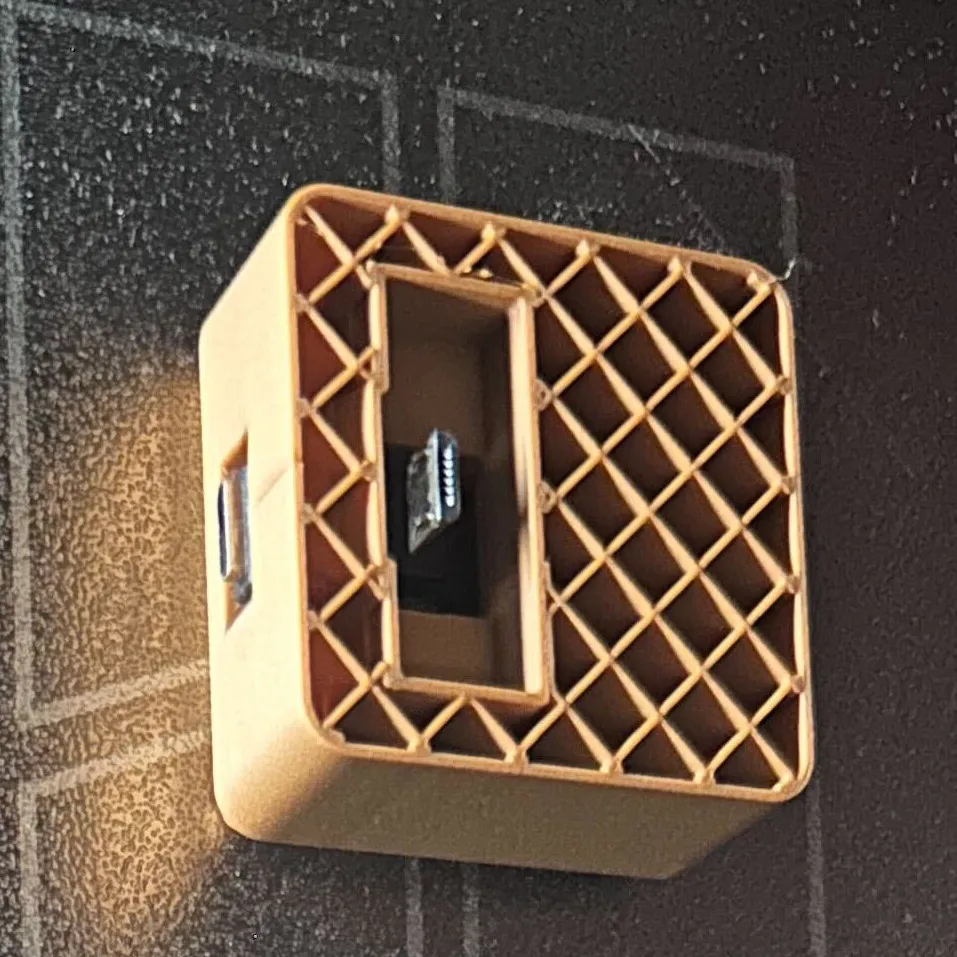
- When the print is finished, insert your STIIIZY into the port and carefully adjust until it's plugged into the male end of the adapter. This ensures the adapter is in the proper position. Ensure the female end of the adapter is unobstructed so a cable can be inserted when ready to charge - do not insert the cable now.
- CAREFULLY add 2-3 drops of superglue so the glue bonds the bottom of the adapter to the port's housing. Ensure you do not allow any glue to dry inside of the connector where the cable will be inserted. Also ensure no glue sits on the outside of the metal connector - only allow it between the plastic housing and the stand.
- Once the glue has set, remove your STIIIZY.
- Apply 2-3 drops of glue to the inside of the port so the adapter and port are bonded in at least 2 places.
- Wait for it to dry and fumes to dissipate before using it to charge - especially if you used a flammable glue or a glue with a flammable activator.
_______________________________
Version 1.0 - Open back with slot for cable to be held while pen is in stand and not charging.
‼️ use manual/tree supports for the bottom of the cable channel to prevent sagging (painted in profile)
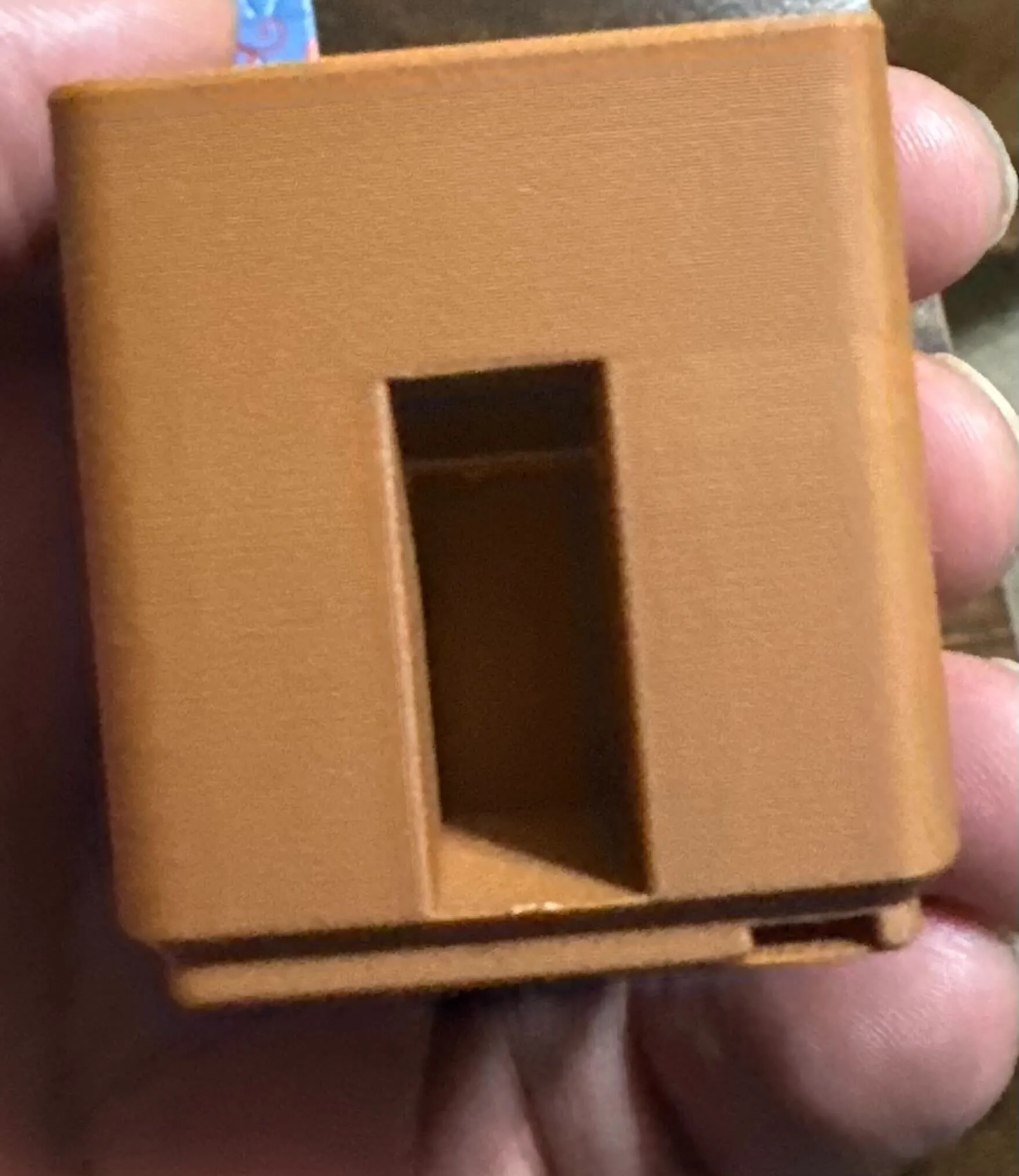
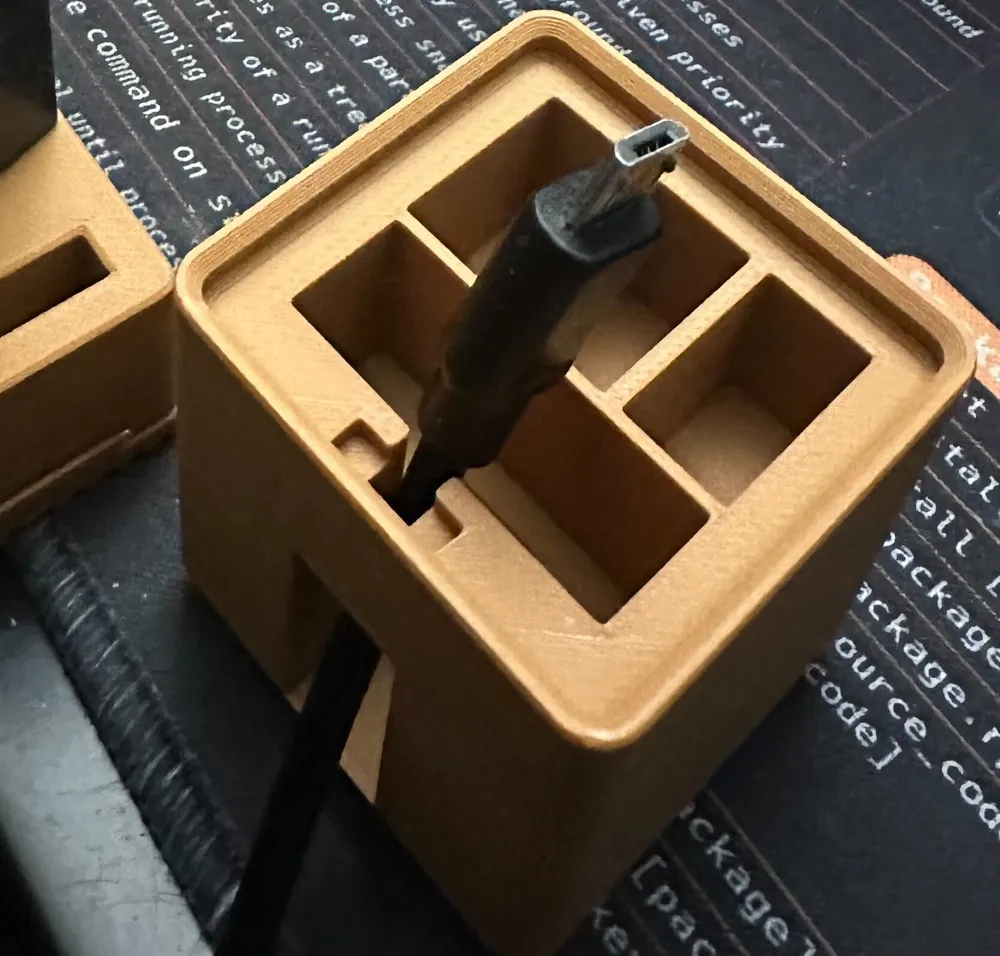
Features
- Area to fit BIIIG STIIIZY stand
- 3 holders for cartridges
- Open Back to feed in a micro USB Cable
Known Issues
- Cable channel is too small for thicker cables - it fits my no-name-brand cable perfectly so I can keep the cable in it while the STIIIZY is also in
- Area for cable is too short for most micro USB cables due to the length of their housing
- Area for cable is too narrow for some micro USB cables due to the width of their housing
Intended use for cable channel (to be used when charging not in use and STIIIZY is docked)
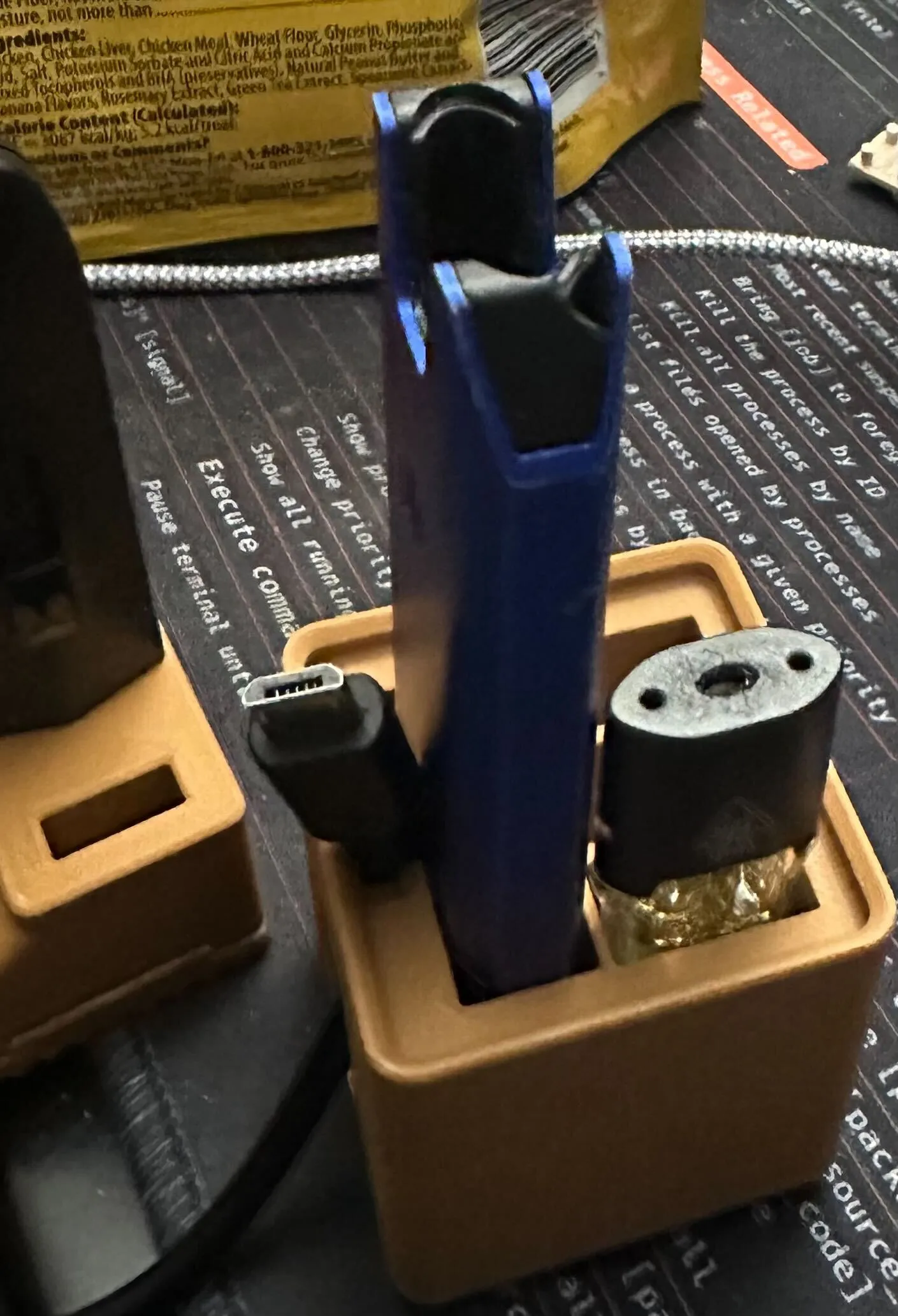
- With STIIIZY out of charging dock, feed the cable in through the back
- Feed the cable until the connector and housing are sticking up past the top of the stand
- Pull the cable back so the cable is snug in the channel against the back of the stand
- Insert the BIG STIIIZY
- Position the cable as desired (up or down)
License

This user content is licensed under a
Creative Commons Attribution


Comment & Rating (3)