
Customisable and Swappable IKEA Drawer Labels

Print Profile(5)





Description
Boost Me (for free)
If you like what you see, please don’t forget to collect, rate, and boost this model if it was helpful! 🚀
Boost Me (for free)
Found this useful? Please consider using a boost, this helps motivate all us creators to continue to innovate
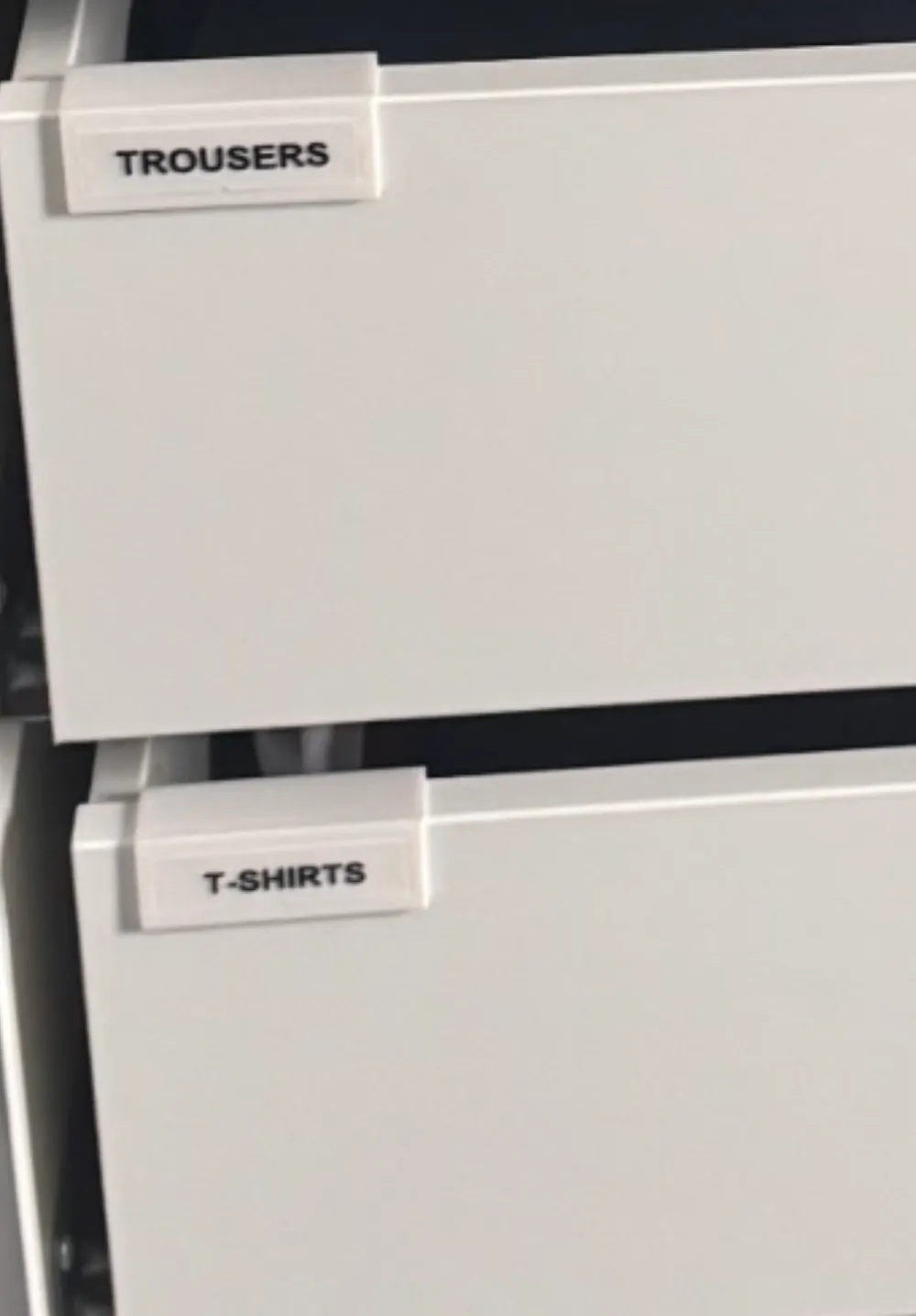
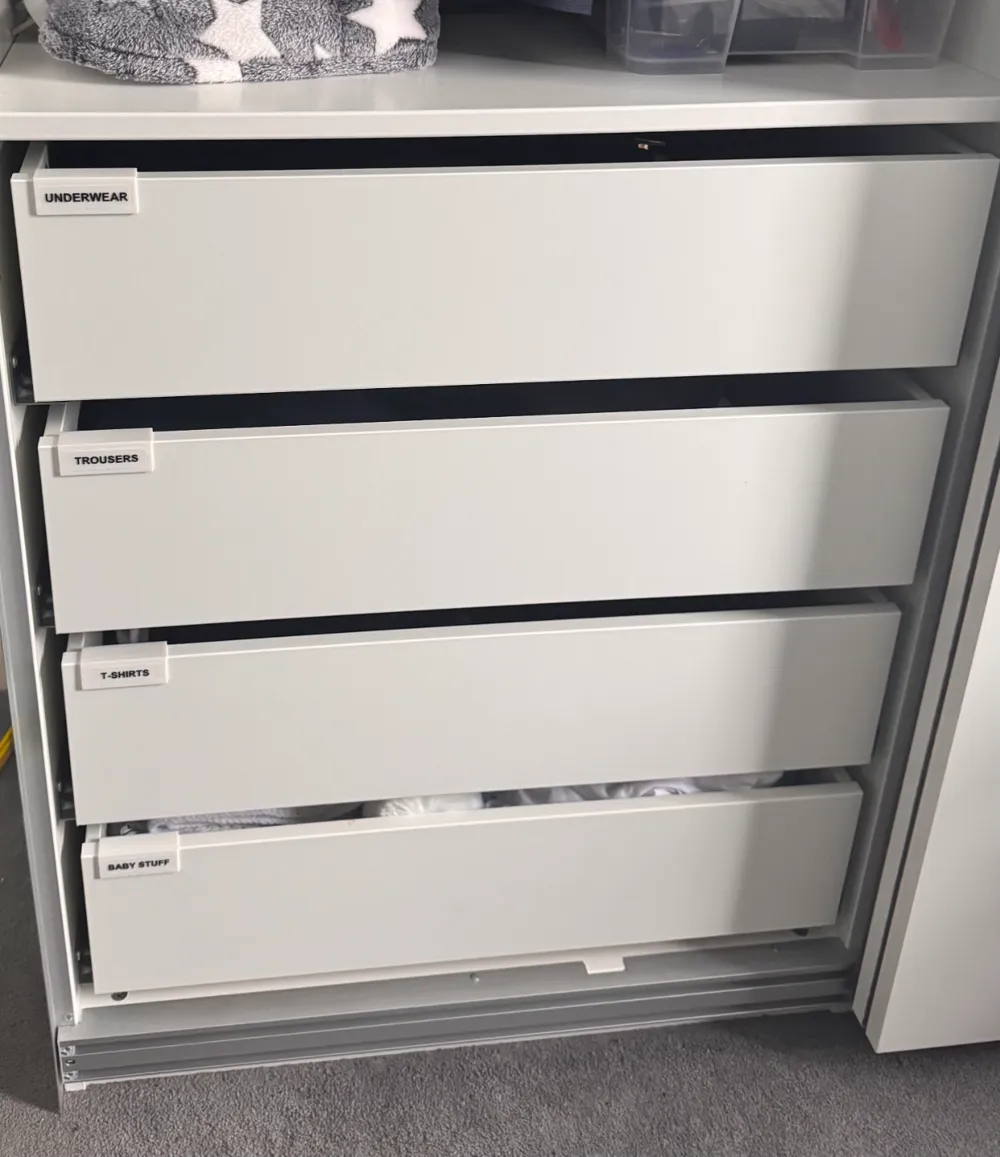
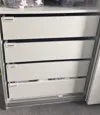
This 3D-printed system includes a holder that slides securely over the edge of your drawer, allowing you to easily insert and swap out labels as needed—all without causing any damage to your drawers.
Key Features:
- Designed for IKEA PAX KOMPLEMENT Drawers: Specifically created to fit IKEA PAX KOMPLEMENT drawers but also compatible with any drawer with a thickness of 16.5mm. Happy to accommodate additional thicknesses upon request!
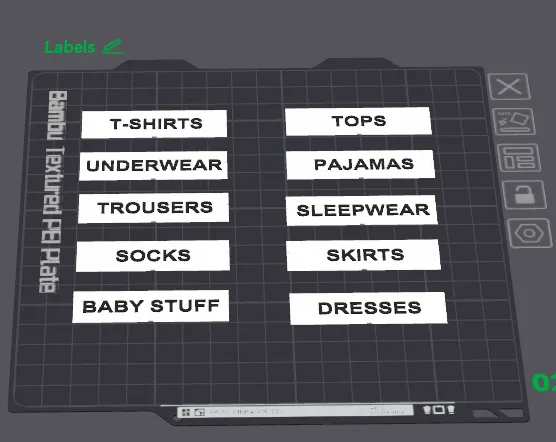
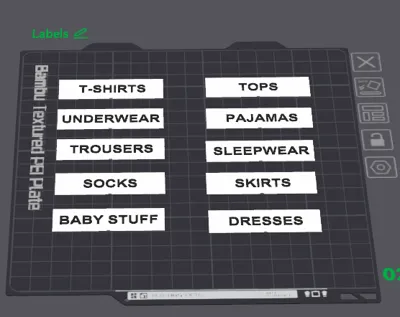
- Customizable Labels: Print as many holders as you need, then customize and print labels to suit your requirements (e.g., T-shirts, Underwear, Trousers, etc.).
- Compatible with AMS and Single-Color Printing:
- AMS Users: Easily assign colors for multi-material prints.
- Non-AMS Users: Use the Non-AMS print profile with a built-in pause at layer 10, allowing for seamless filament switching. Start with white filament, then unload it during the pause and load black filament to finish the print.
- Single-Color Printing: Use the Single-Color profile to print the labels in one color. You can then customize further with a Sharpie or paint as desired.
Custom Labels:
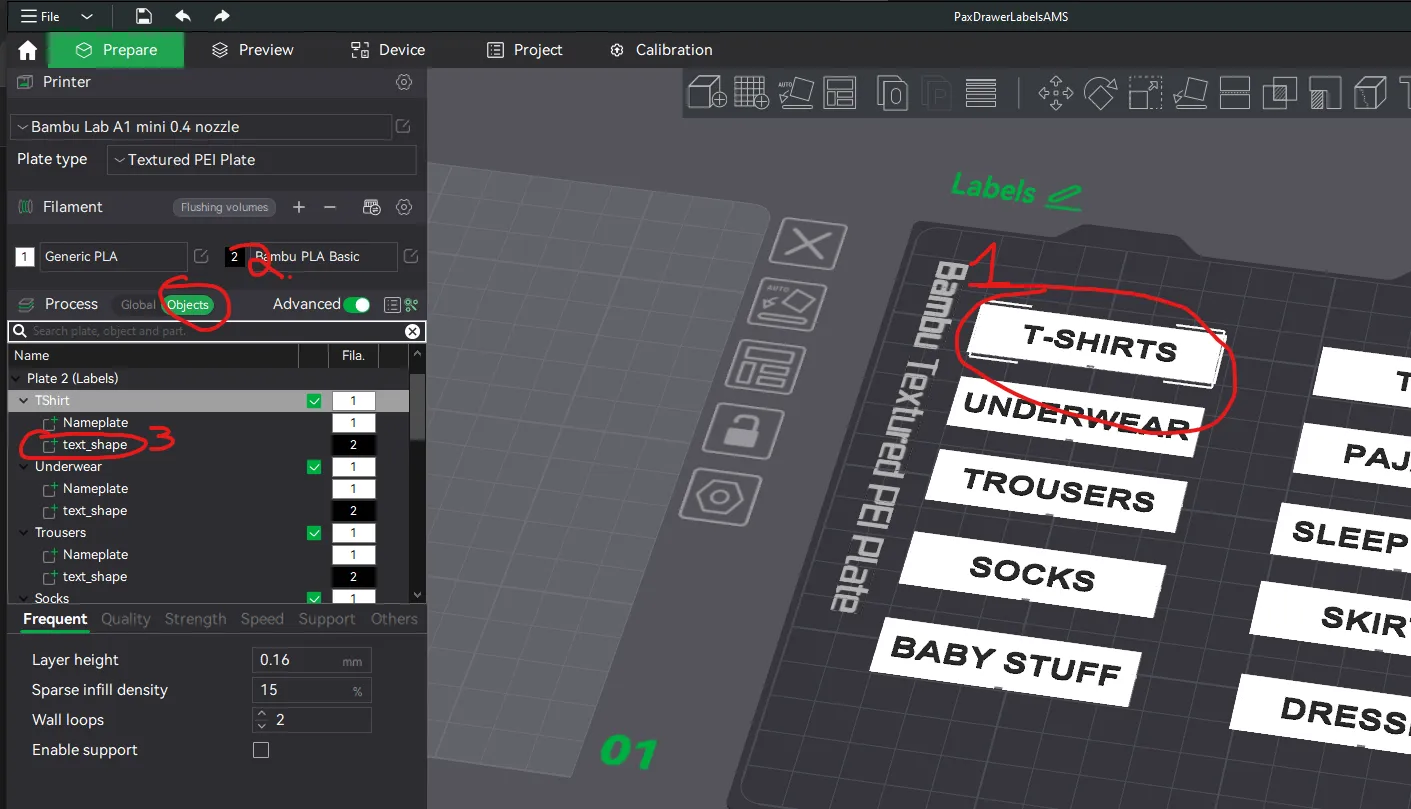
- Open the file in Bambu Studio
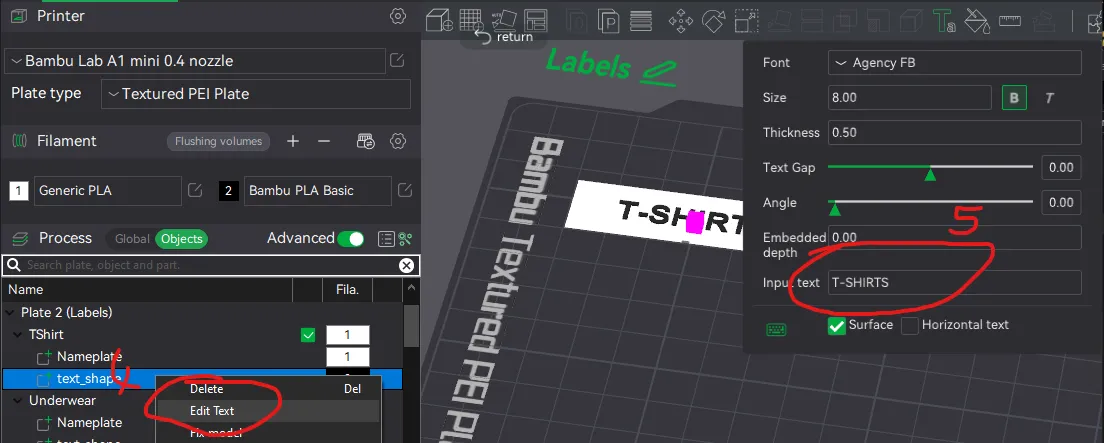
Select a label, then select Objects on the left hand side then right click a ‘text_shape’ of a label. Next select Edit Text, this will open a dialog box in which you can customise the label text.
License

You shall not share, sub-license, sell, rent, host, transfer, or distribute in any way the digital or 3D printed versions of this object, nor any other derivative work of this object in its digital or physical format (including - but not limited to - remixes of this object, and hosting on other digital platforms). The objects may not be used without permission in any way whatsoever in which you charge money, or collect fees.


Comment & Rating (57)