
Jinwen Safe Box
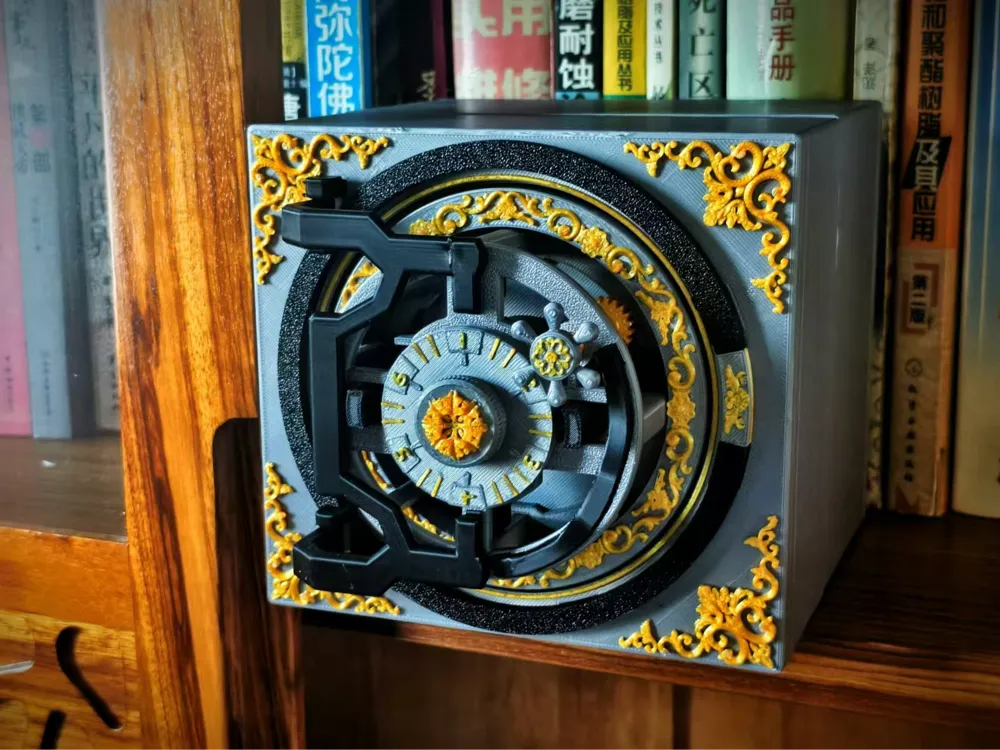
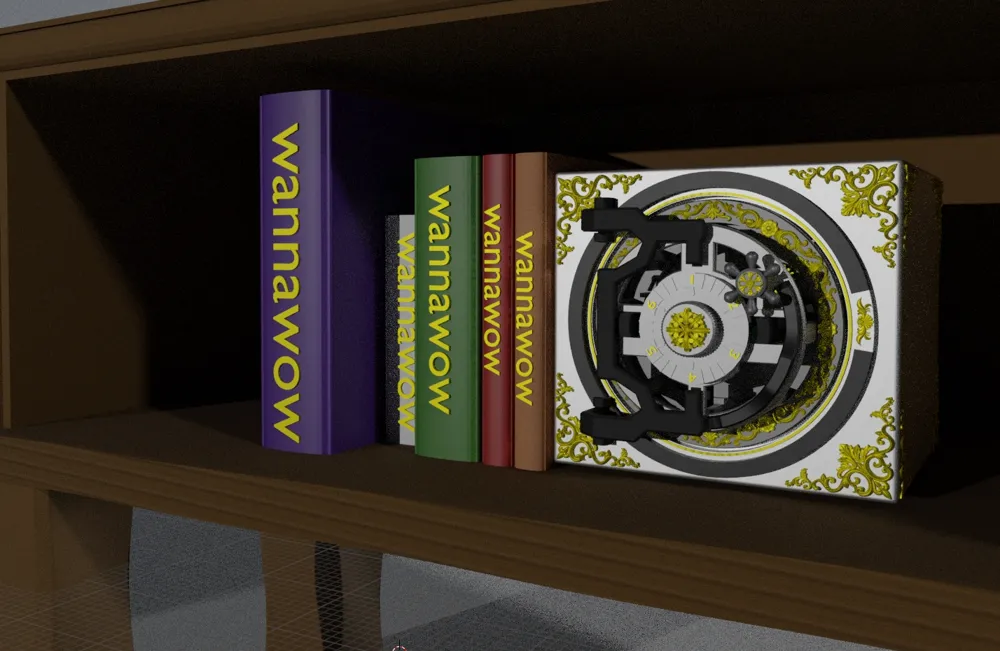
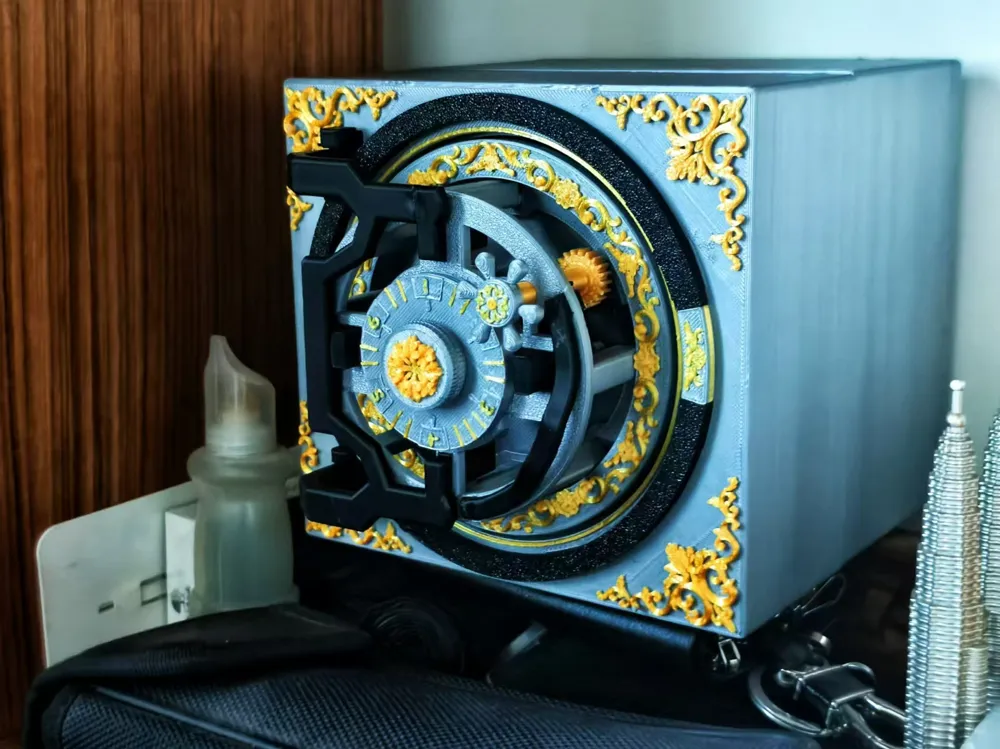
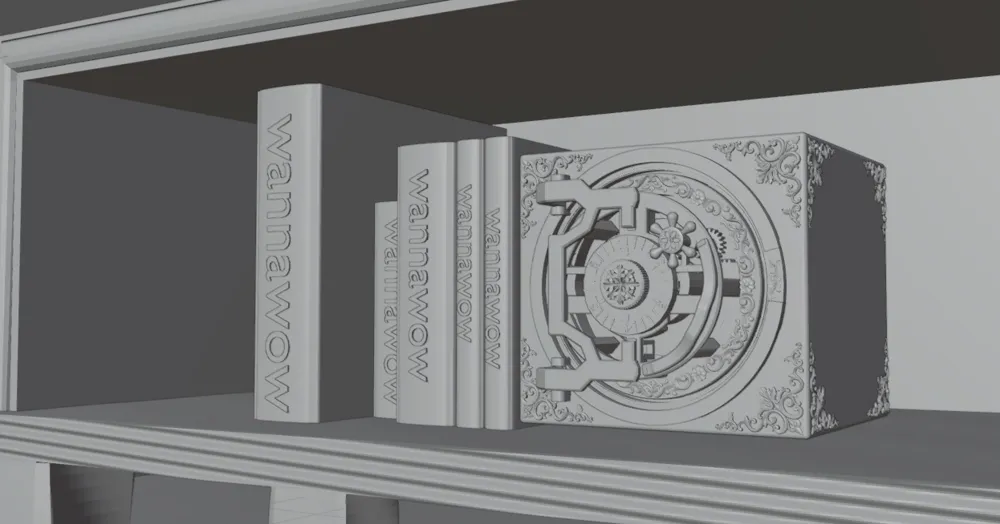

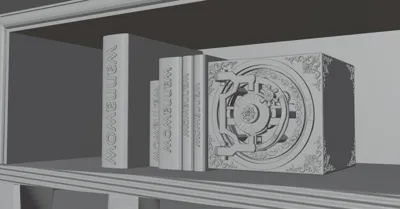
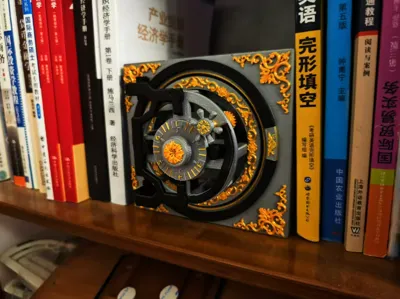
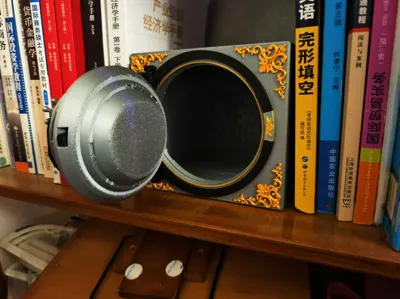
Print Profile(1)

Description
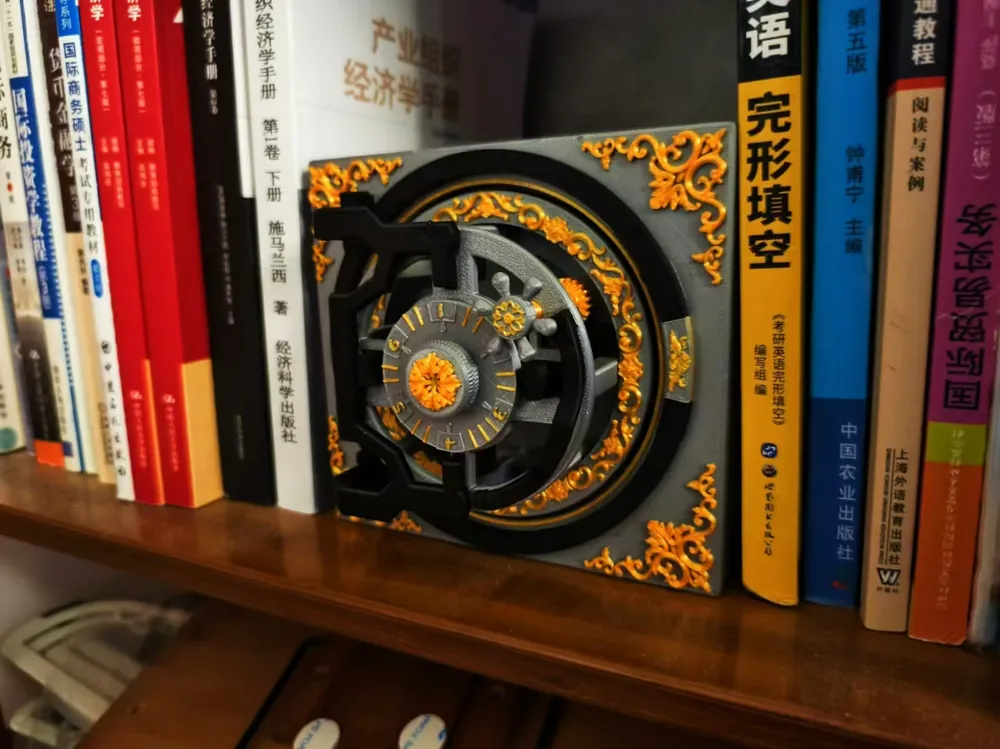
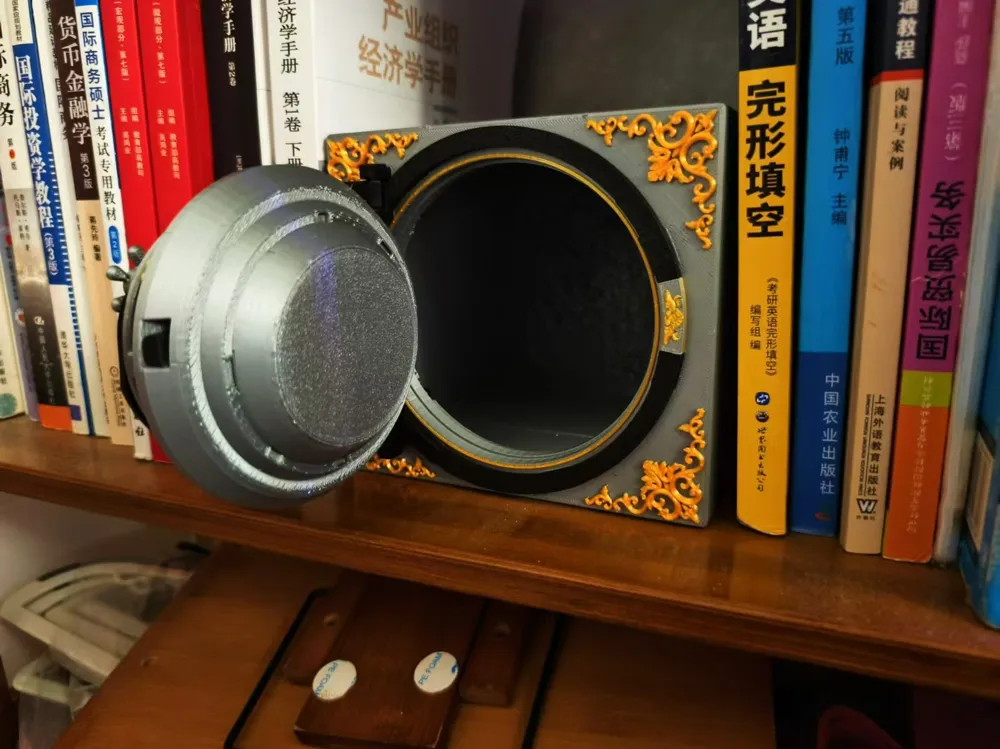
Name: Gold-Patterned Safe; Password Changeable During Use (Non-Removable, Customizable, with Password Button Change)
PETG is recommended, although I used PLA, PETG is suggested for enhanced strength
All parts are 3D printed, no additional external components required
Recommended PETG
Fully printed parts, no other external parts
Preface:
This is my maiden attempt. As a student of the humanities, I employed Blender to craft this safe, wherein all the mechanical mechanisms (lock cylinders) are entirely of my own devising. Their conformity to reality remains uncertain.
This is my first attempt. As a humanities student, I used Blender to make a safe, in which all the mechanical devices (lock cylinders) were imagined by myself. I don't know if they match reality.
Filament Testing:
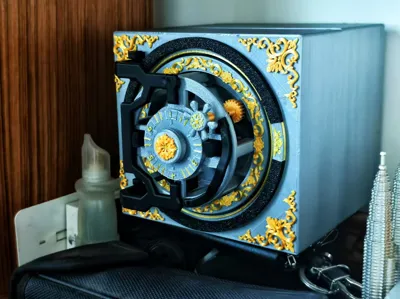
Bambu PLA Silver, Black, and Slik Gold
Printing consumables testing: Bambu PLA silver black and Slik gold
Assembly: Please refer to the uploaded file
Usage:
*Password Change
1: Press and hold the component with the outlined section shown in the image
1: Press and hold the part with contour in the picture
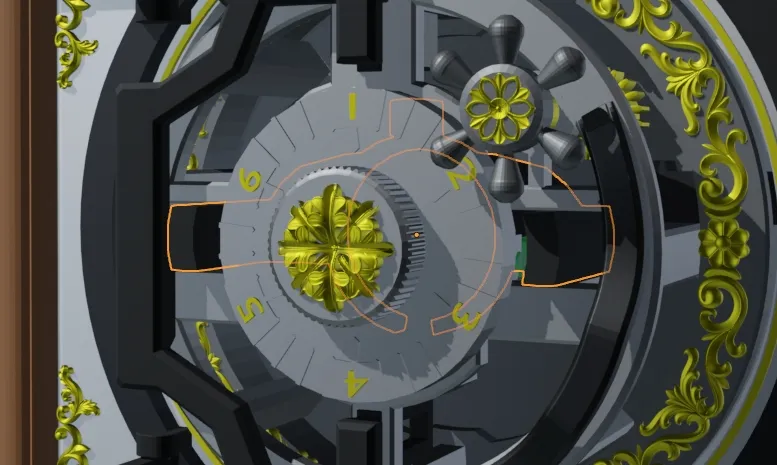
2: Disengage the mechanical catch indicated by the arrow
2: Separate the mechanical mount at the arrow
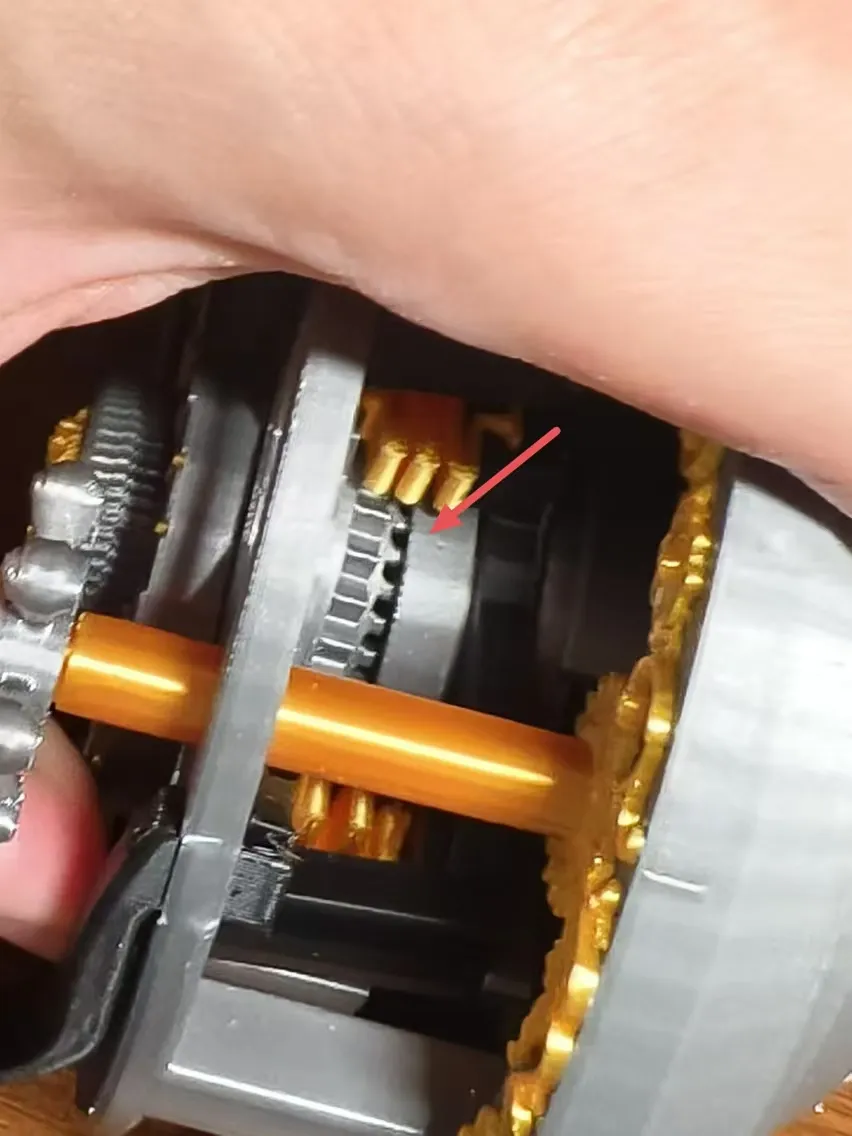
3: Directly rotate the dial to set your desired combination
3: Rotate the password wheel directly to adjust your favorite password
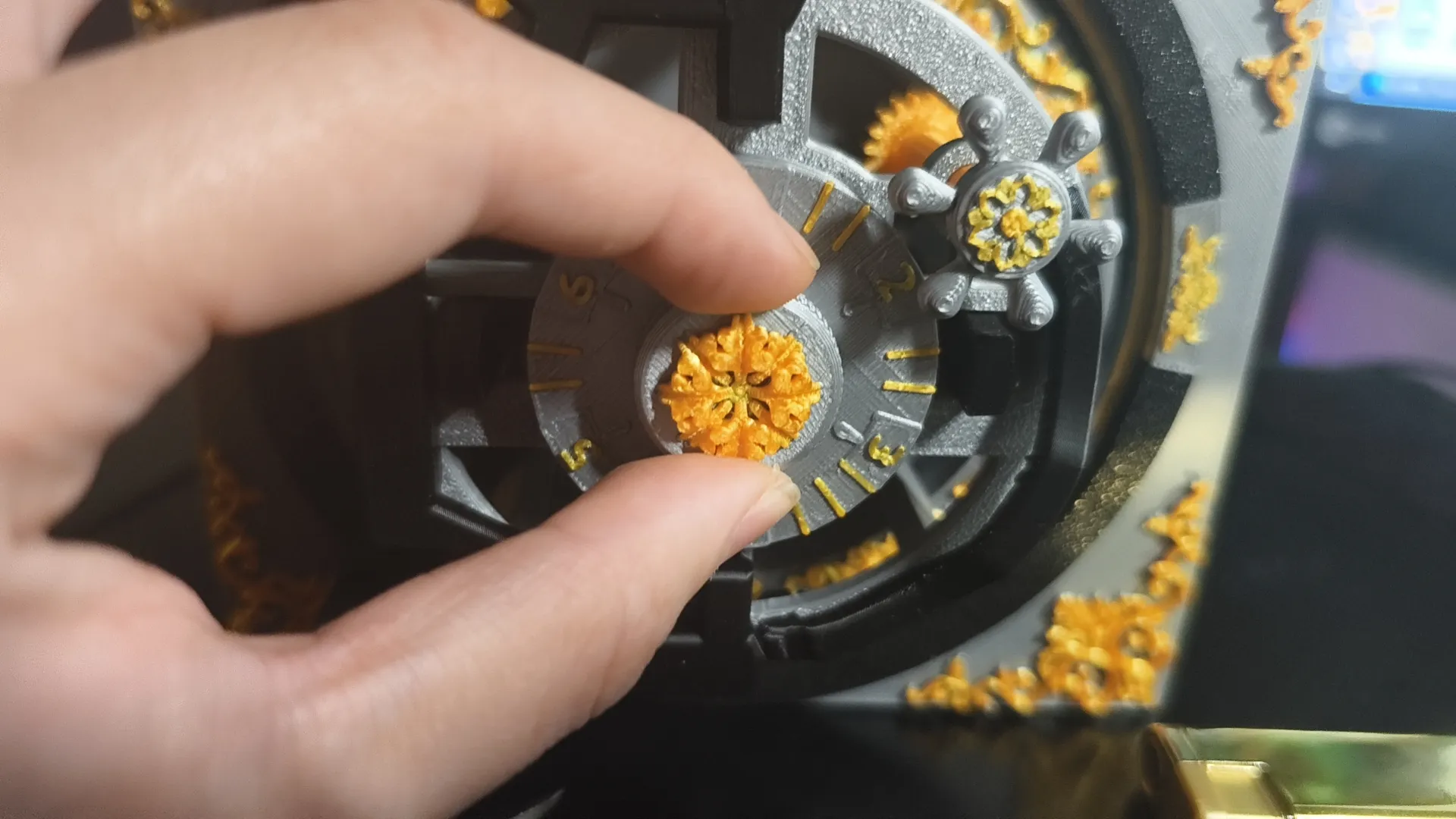
4: The password consists of thirty digits. Select a sequence you can readily recall; the combination comprises a single digit from this sequence
The password consists of 30 characters. Choose the number you remember
*Locking and Unlocking
*Unlocking and Closing Locks
Rotate the combination dial
Rotate the password disk
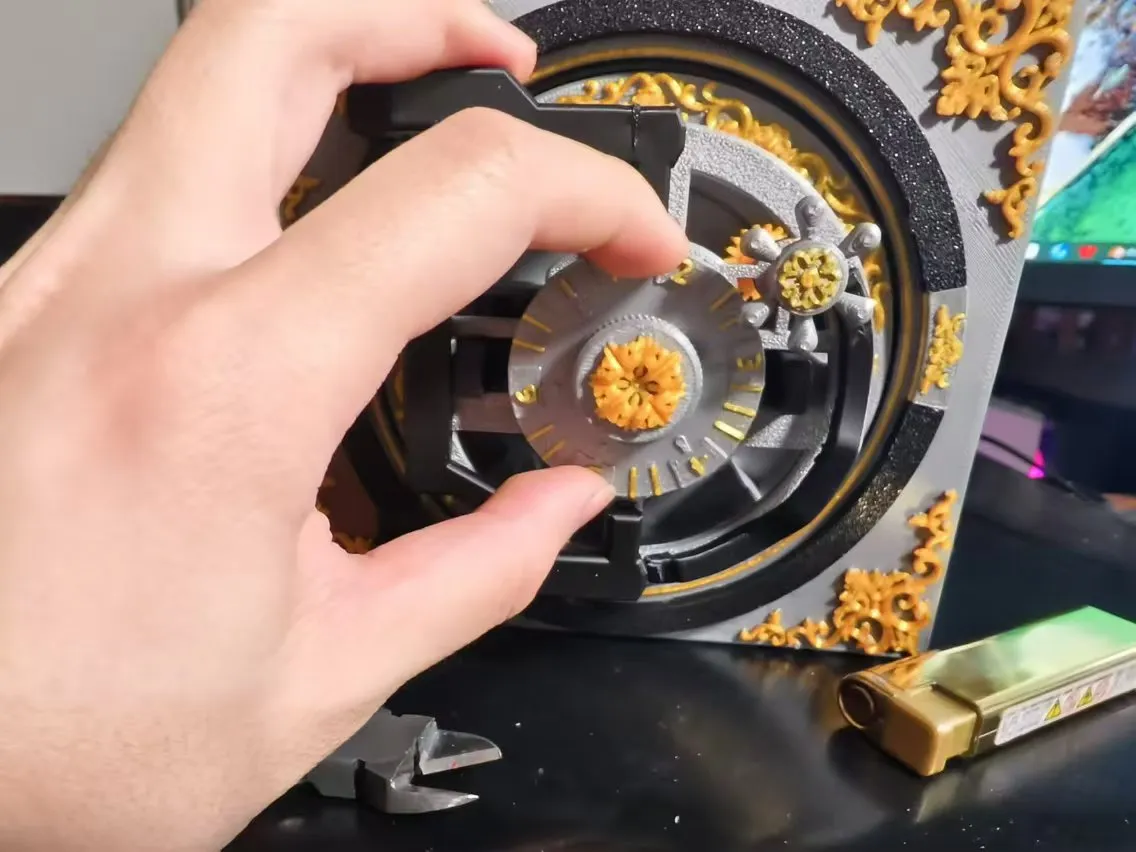
Turn the knob to unlock
Turn the knob to unlock
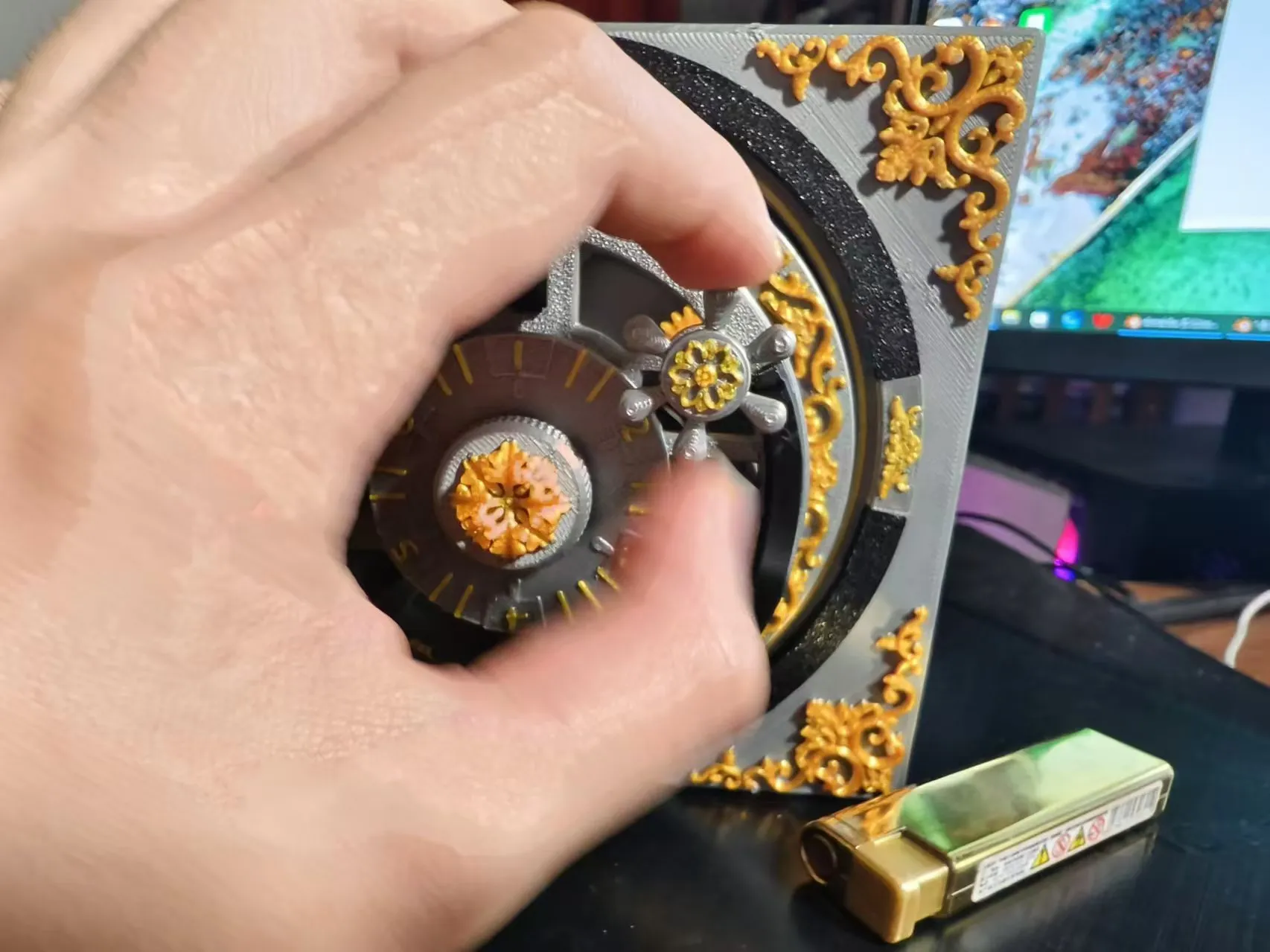
Open
Open
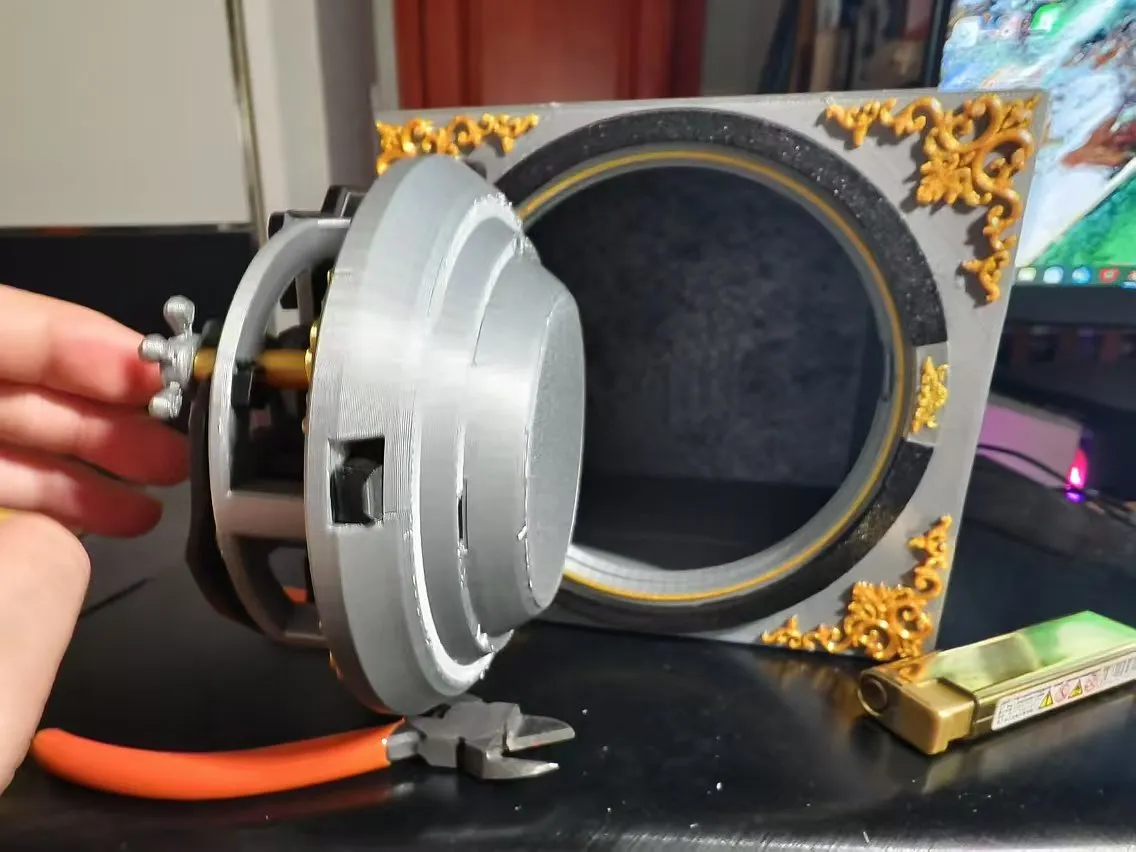
*Convenient Unlocking Mode
*Convenient unlocking mode
With the correct combination, turn the knob fully to lock the dial. (Potentially useful, potentially not, haha)
If the password is correct, turn the knob all the way to lock the password disk. (Maybe useful, maybe not useful haha)
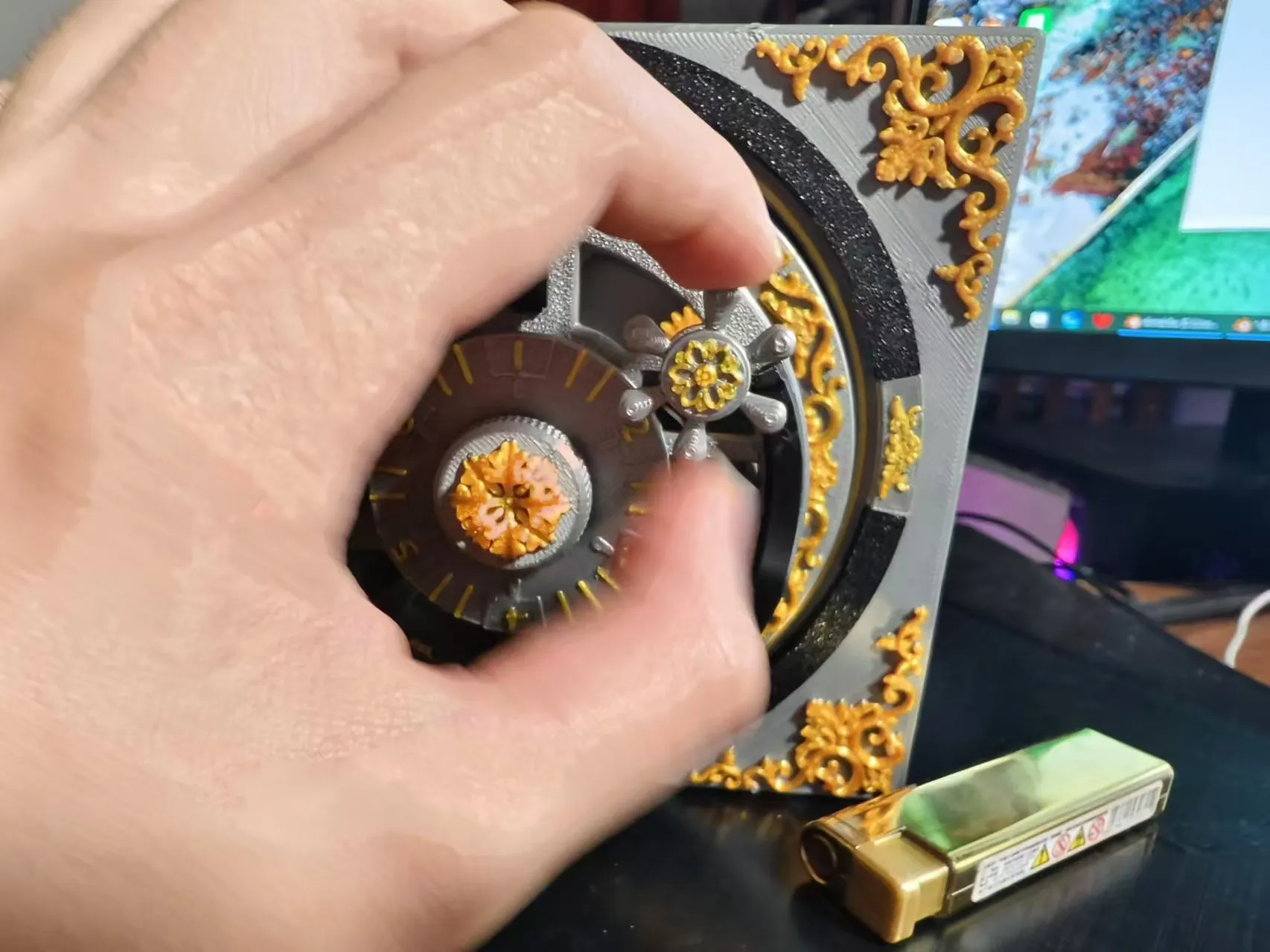
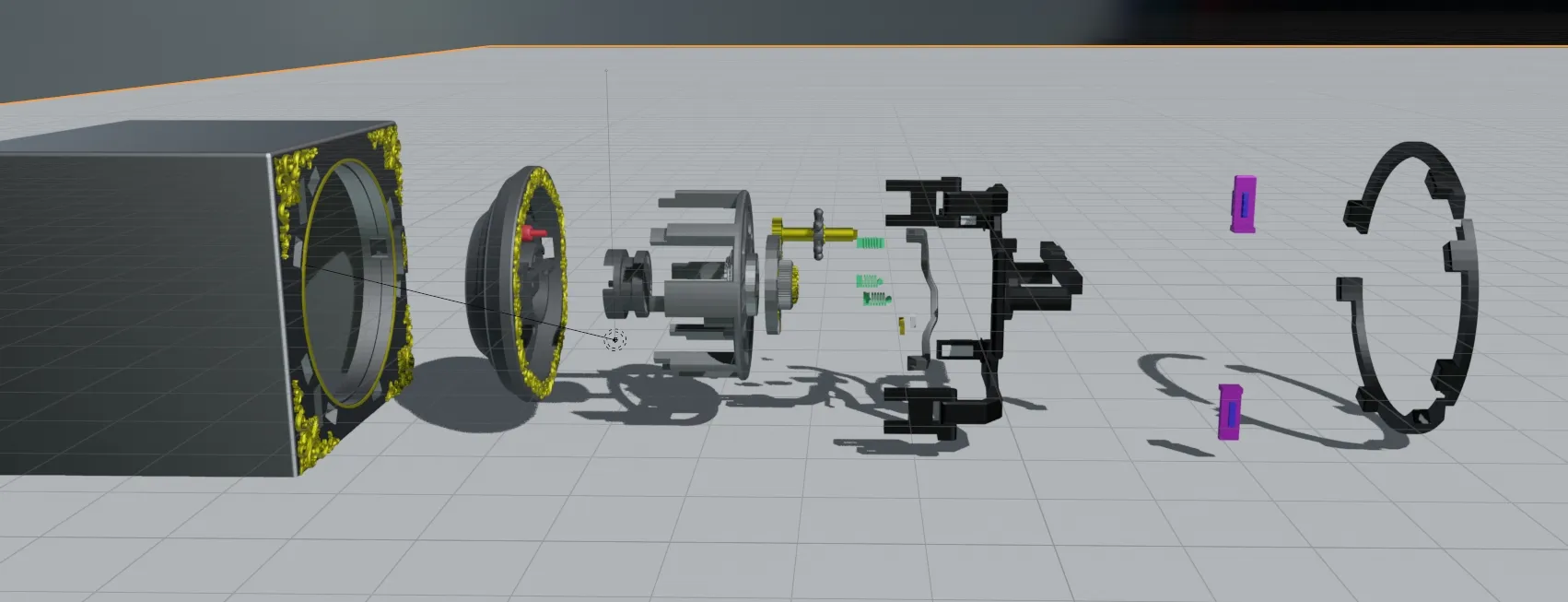
*Diagram of the Mechanism
Detailed explanatory diagram: To be added later (currently away from home)
Documentation (2)
License

You shall not share, sub-license, sell, rent, host, transfer, or distribute in any way the digital or 3D printed versions of this object, nor any other derivative work of this object in its digital or physical format (including - but not limited to - remixes of this object, and hosting on other digital platforms). The objects may not be used without permission in any way whatsoever in which you charge money, or collect fees.


Comment & Rating (25)