Search models, users, collections, and posts

Customizable IKEA Alex Labels with Allignment Tool
IP Report

Print Profile(1)

0.2mm layer, 2 walls, 15% infill
Designer
3.6 h
2 plates
Open in Bambu Studio
Boost
125
342
10
3
118
19
Released
Description
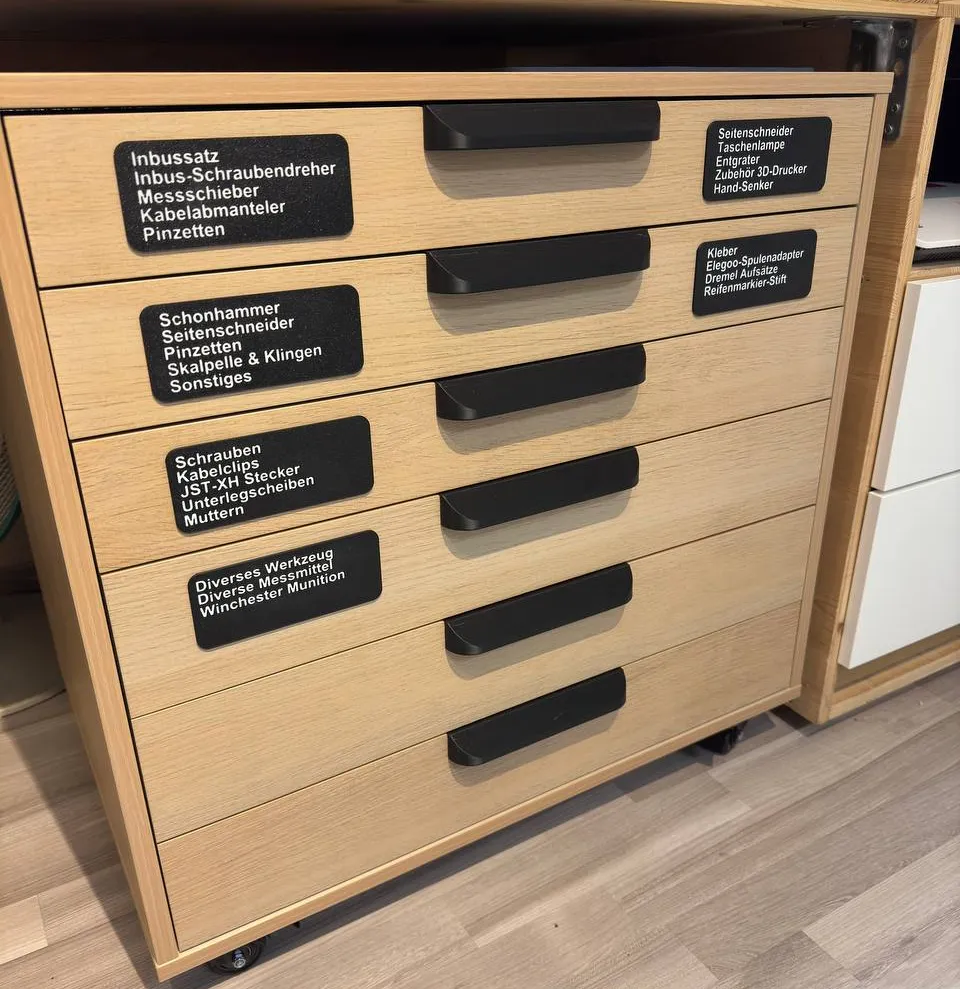
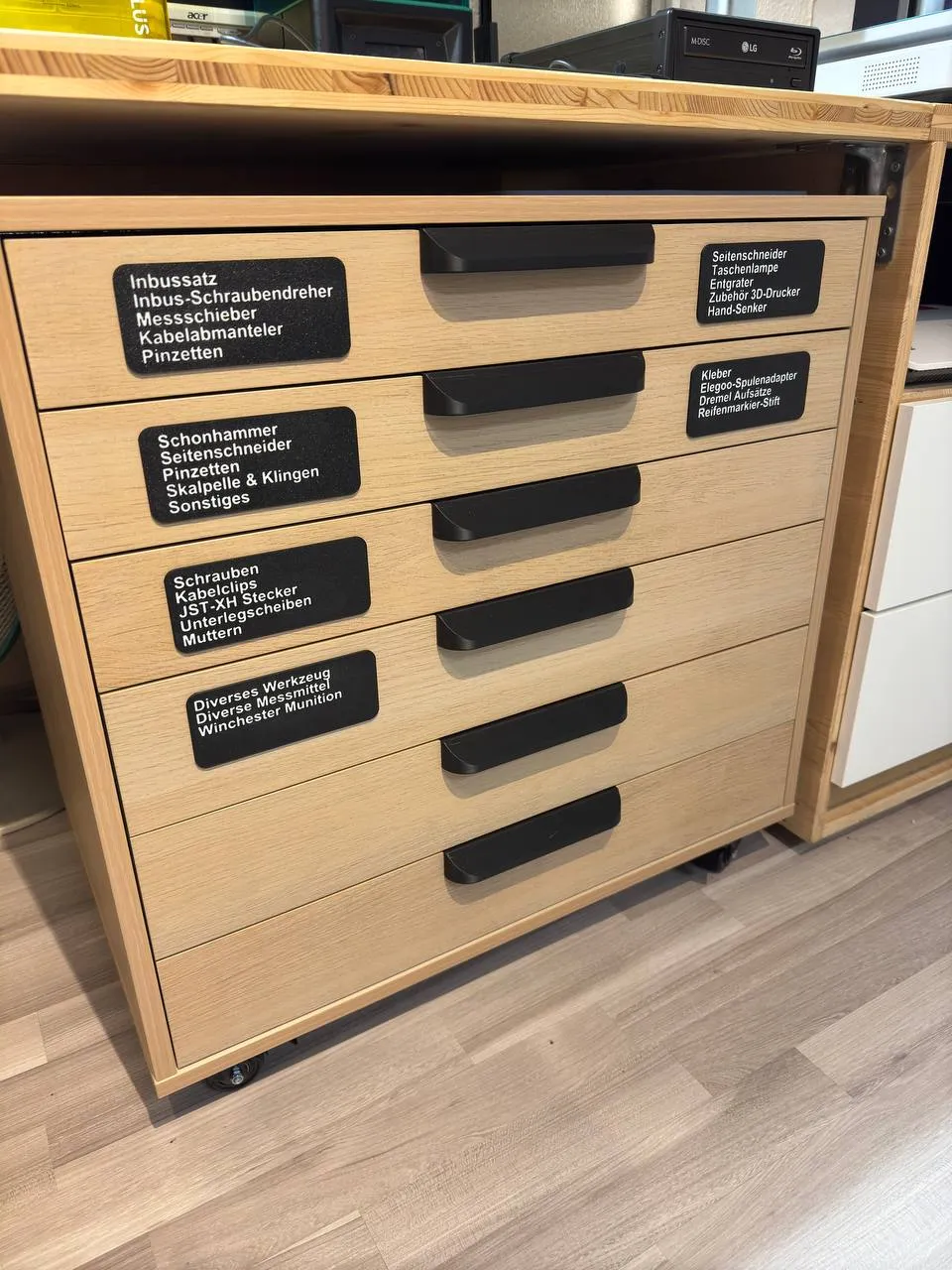
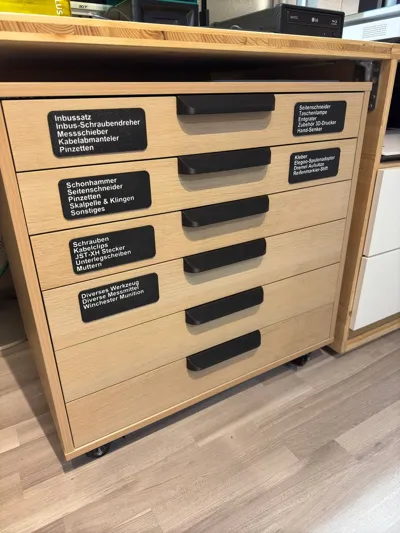
After i organized my new IKEA Alex with lots of Gridfinity stuff which took forever and a lot of filament i felt like just labeling the drawers with a P-Touch wouldn't cut it for me. So i quickly designed some label templates and an allignment tool in OnShape.
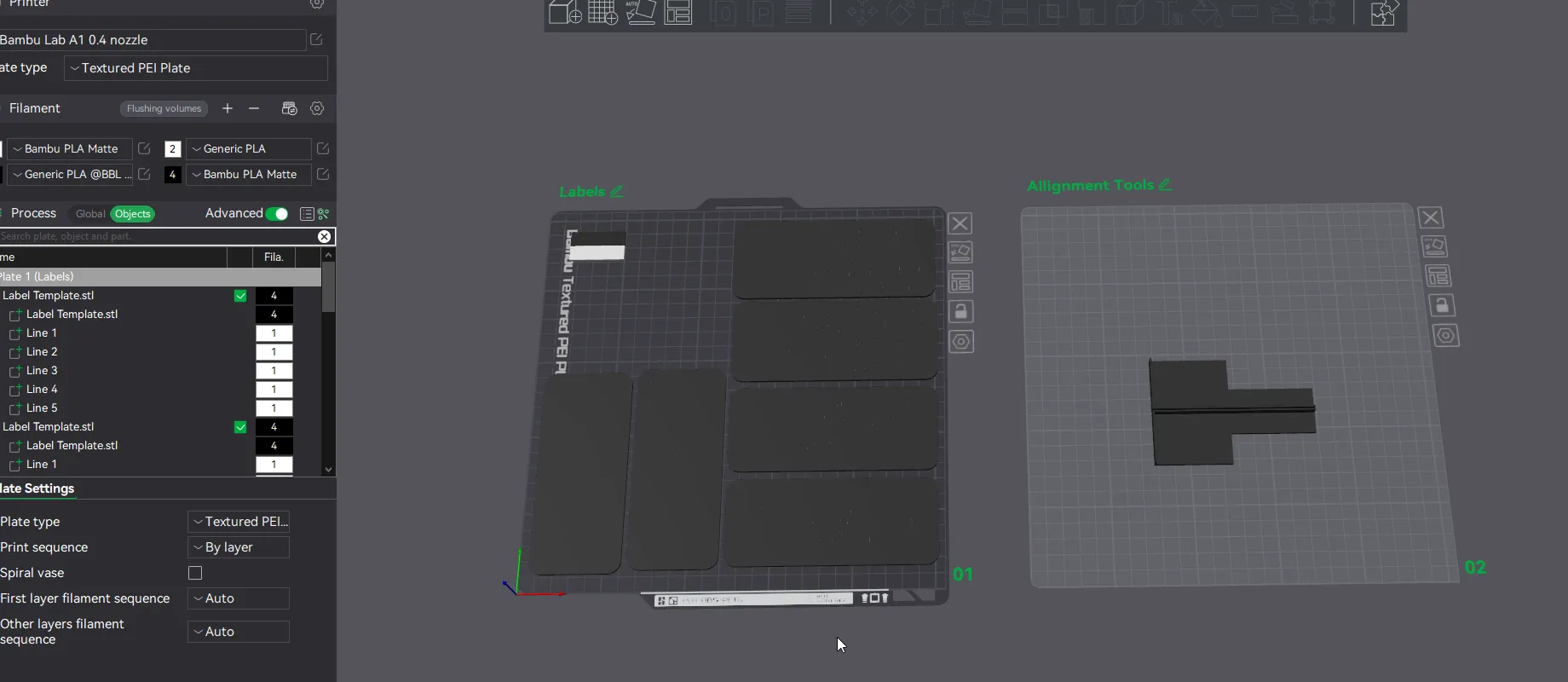
There are 2 Plates to print:
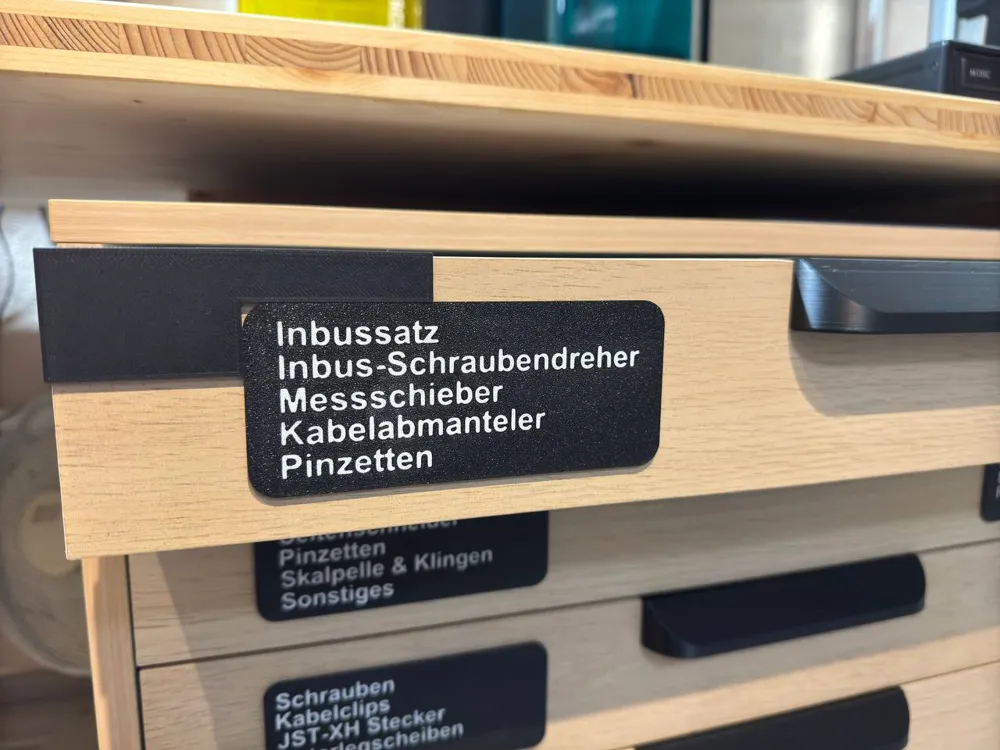
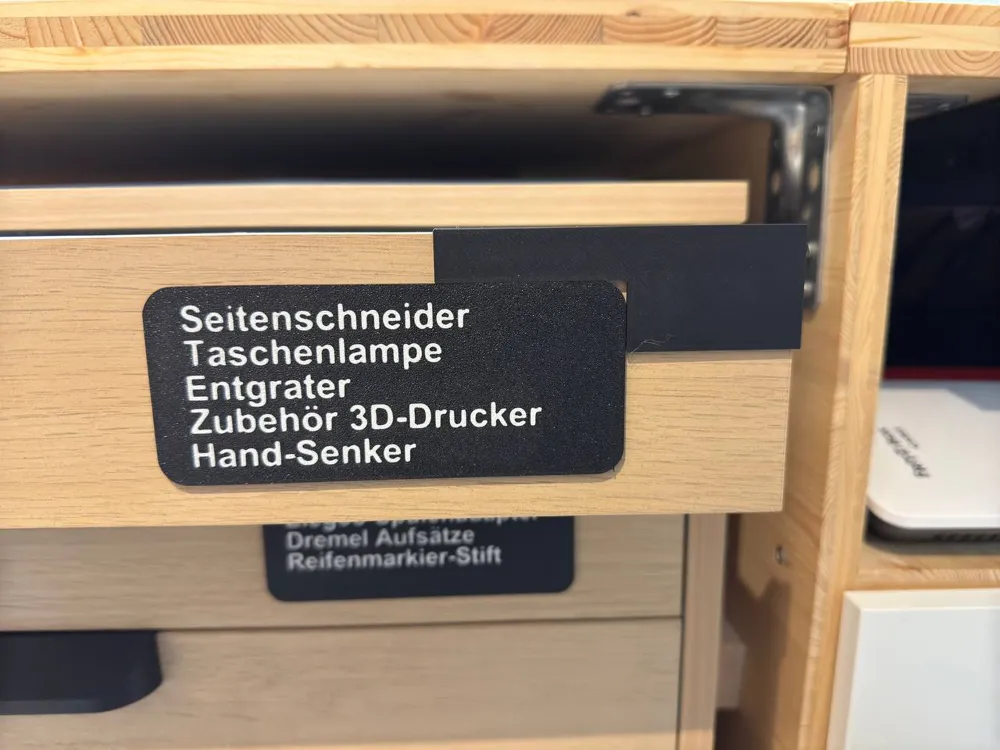
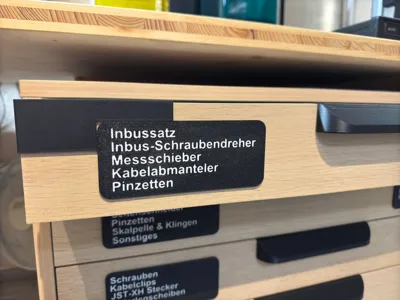
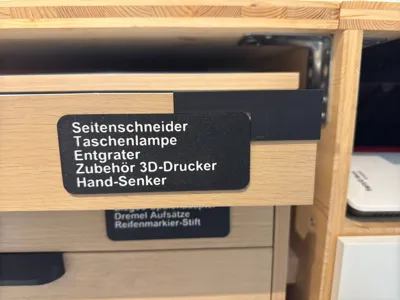
- A plate with a label which has 5 customizable Text Lines (just go to object view and right click and select “edit text”). You can duplicate them as you like. Maximum of 6 or 7 per plate when you have the priming tower turned on
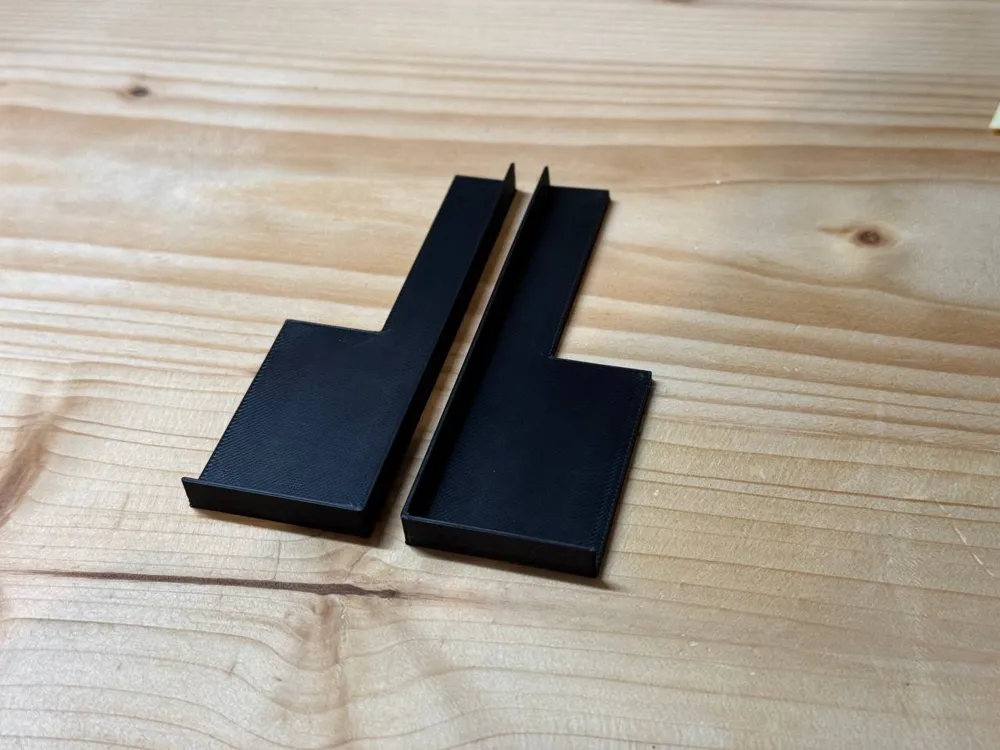
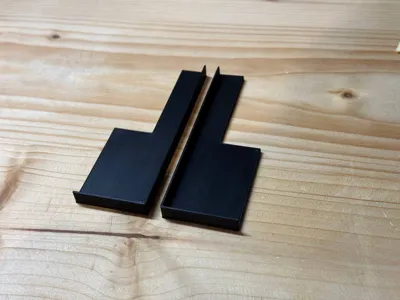
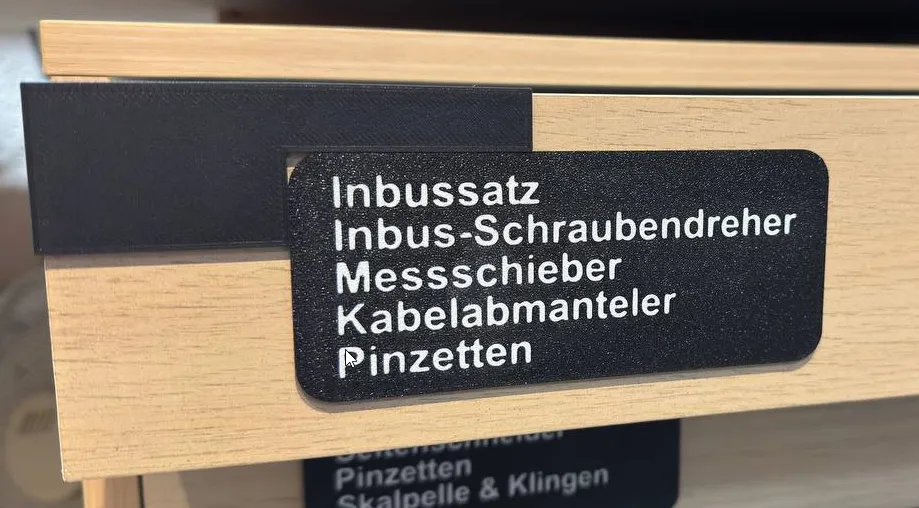
- and a plate with the two allignment tools for the left and right side.
Boost Me (for free)
If you like this model, please consider boosting me
License

This user content is licensed under a
Creative Commons Attribution-Noncommercial


Comment & Rating (10)