Search models, users, collections, and posts

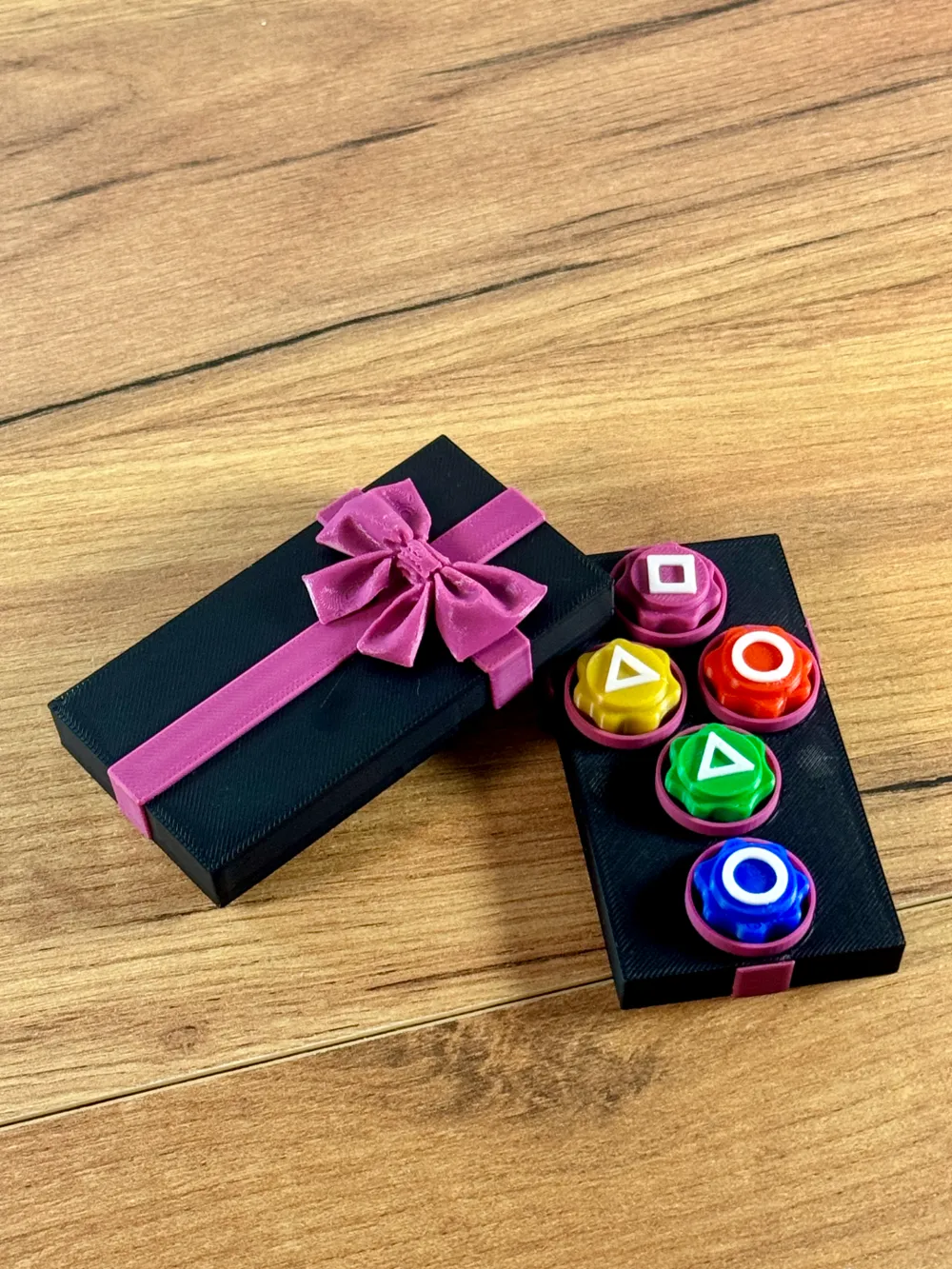
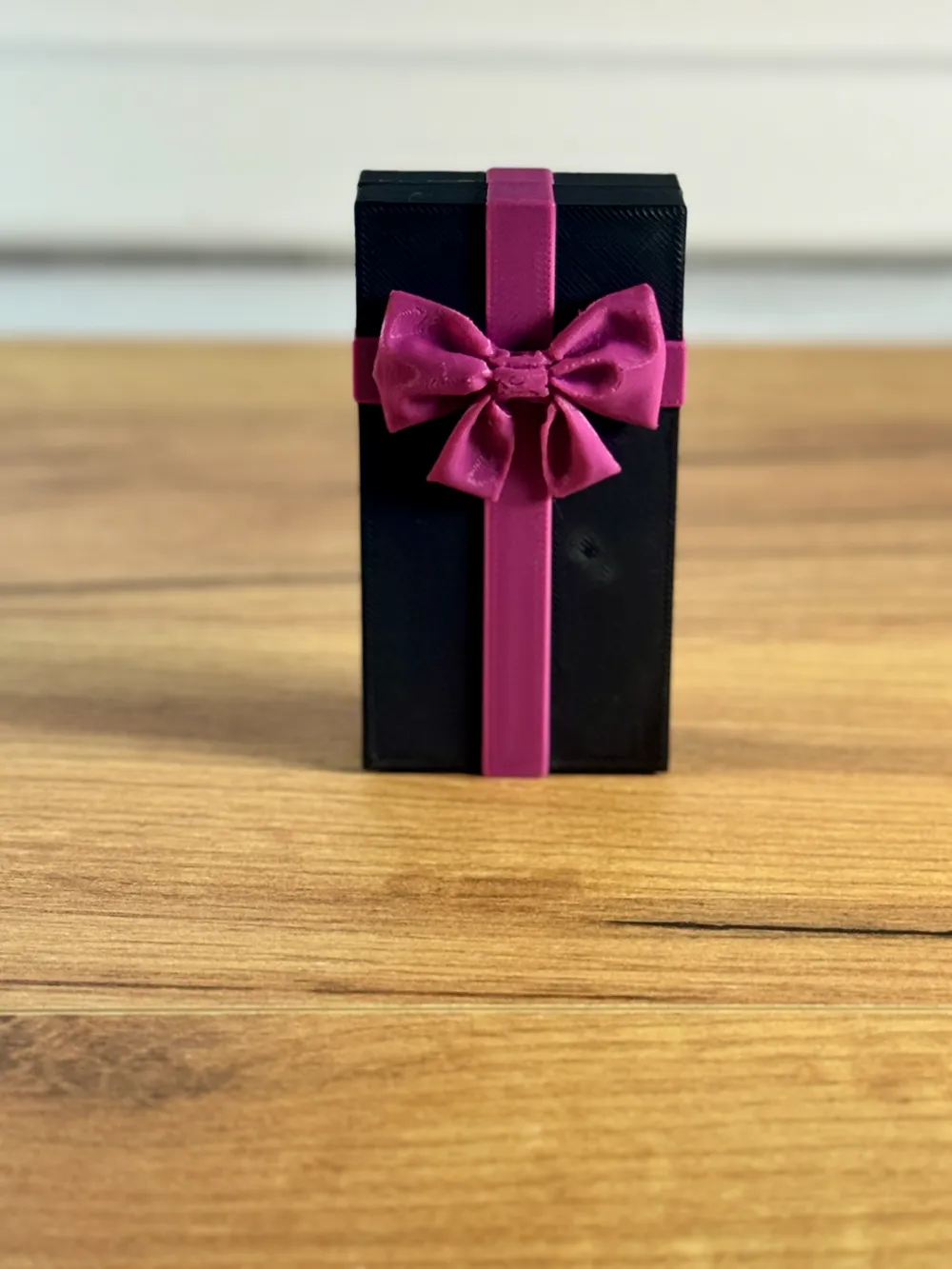
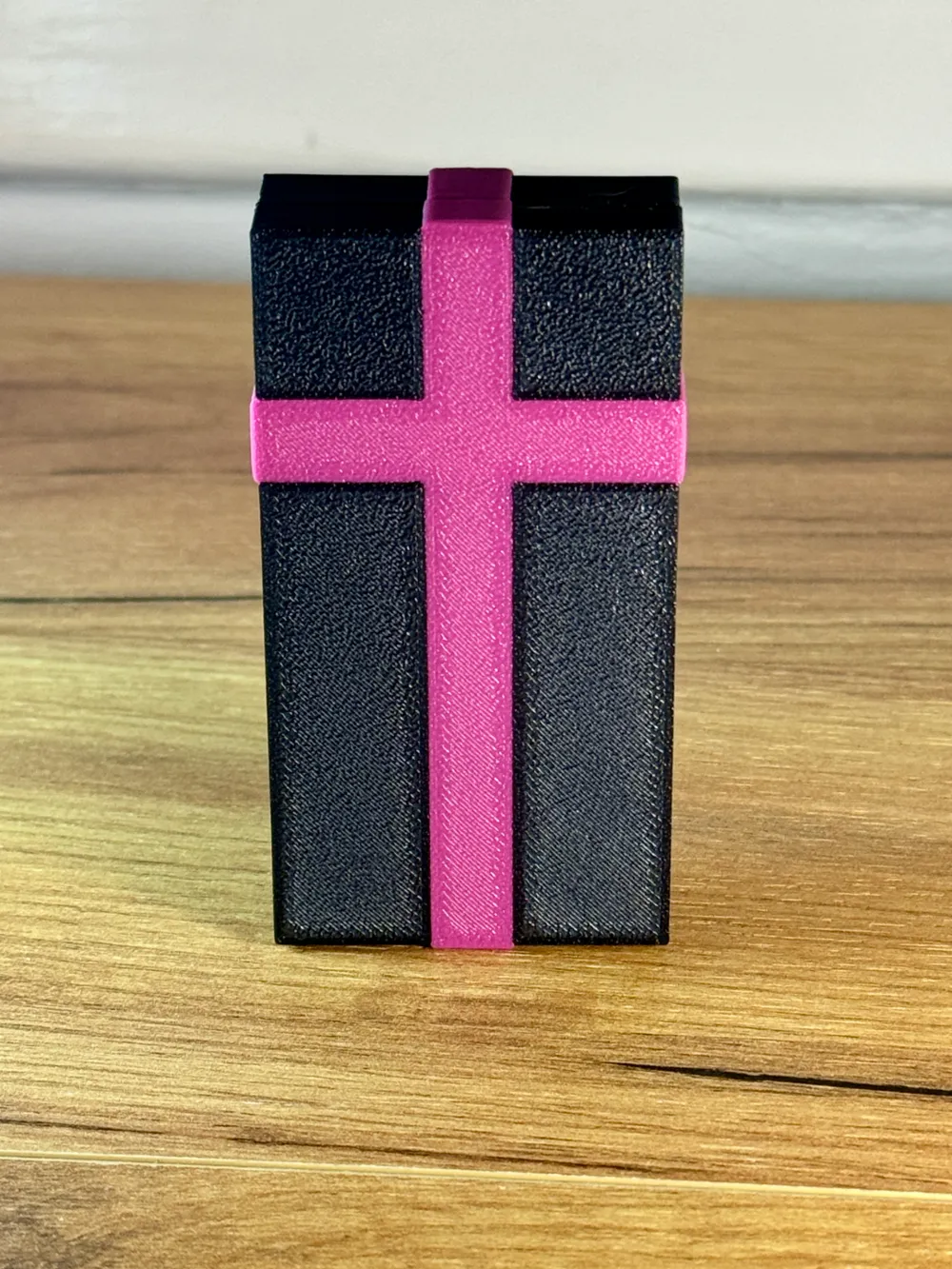
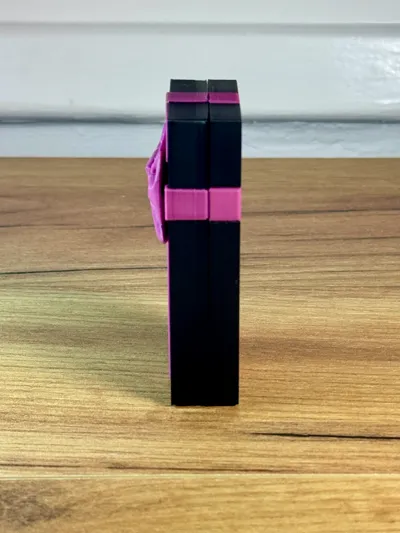
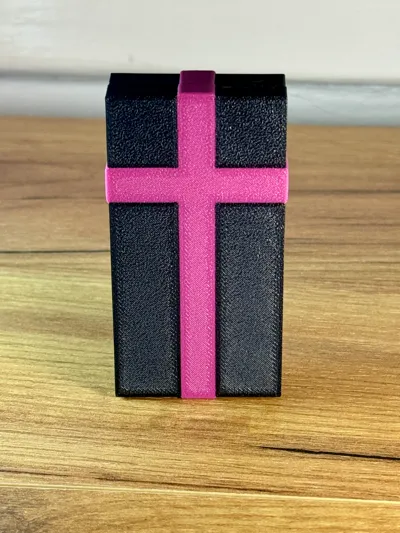
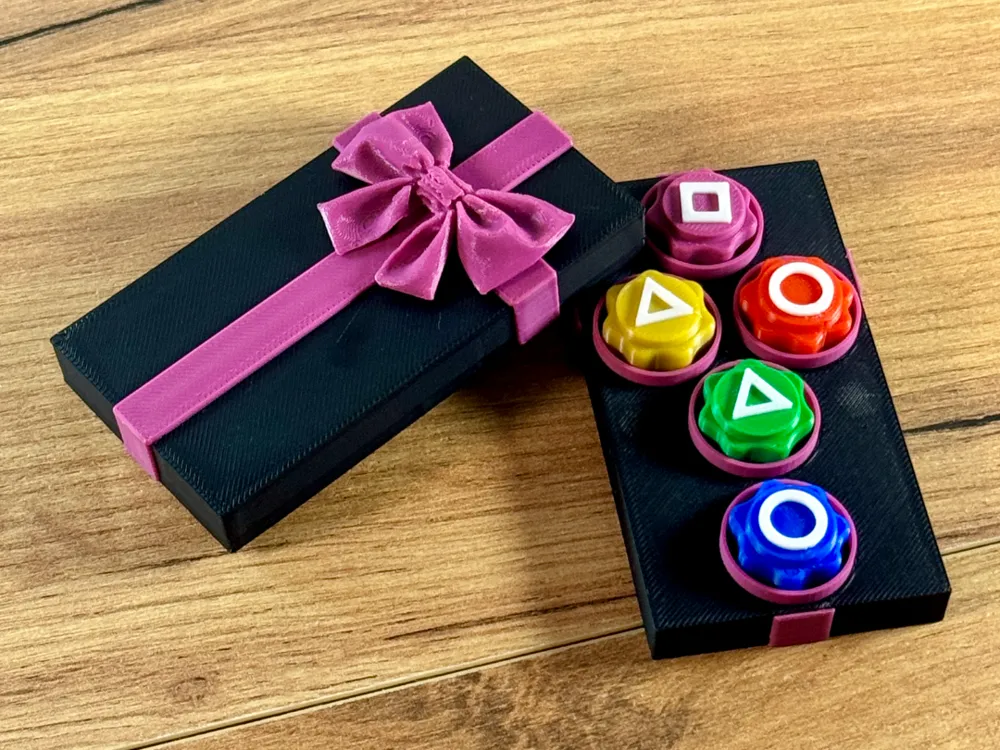
Gong-gi with Coffin Case
Print Profile(3)

All
P1S
P1P
X1
X1 Carbon
X1E
A1
A1 mini
H2D
H2D Pro
H2S
P2S
H2C
X2D
A2L

0.2mm layer, 9 walls, 15% infill
Designer
7.3 h
6 plates
4.9(9)

0.2mm layer, 9 walls, 15% infill
Designer
16 h
2 plates
4.5(13)

Split parts/colors
Split parts/colors
2.9 h
2 plates
4.7(13)

Open in Bambu Studio
Boost
456
667
75
44
976
330
Released 

Description

Boost Me (for free)

Your boost helps me keep creating unique designs and allows me to offer more free models for everyone to enjoy! 🌟


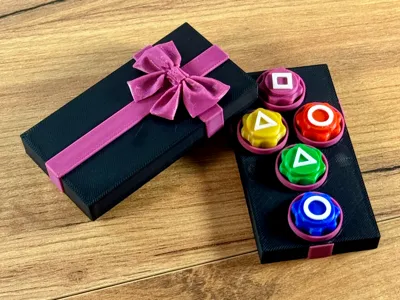
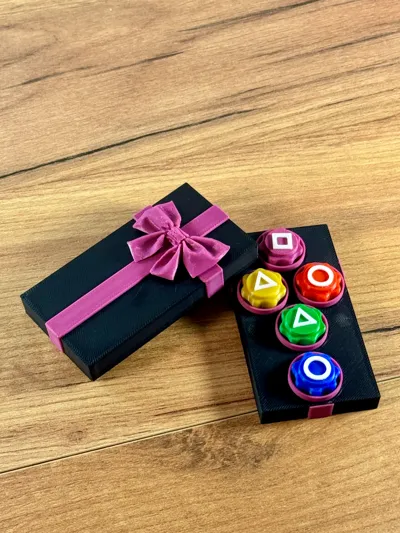
Relive the excitement of the second season with this Gonggi game set!
Designed for you to play right away, it recreates the elements of the classic Korean game with a twist inspired by the series.

Perfect for fans and traditional gaming enthusiasts.

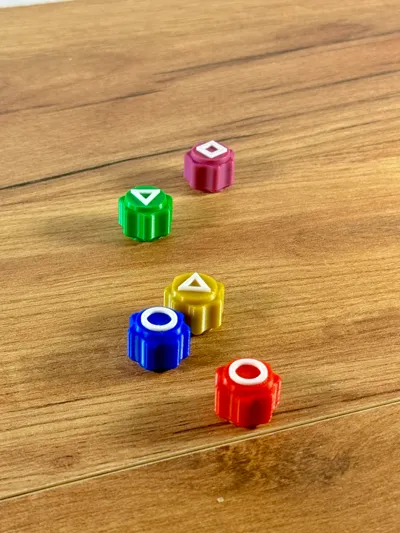
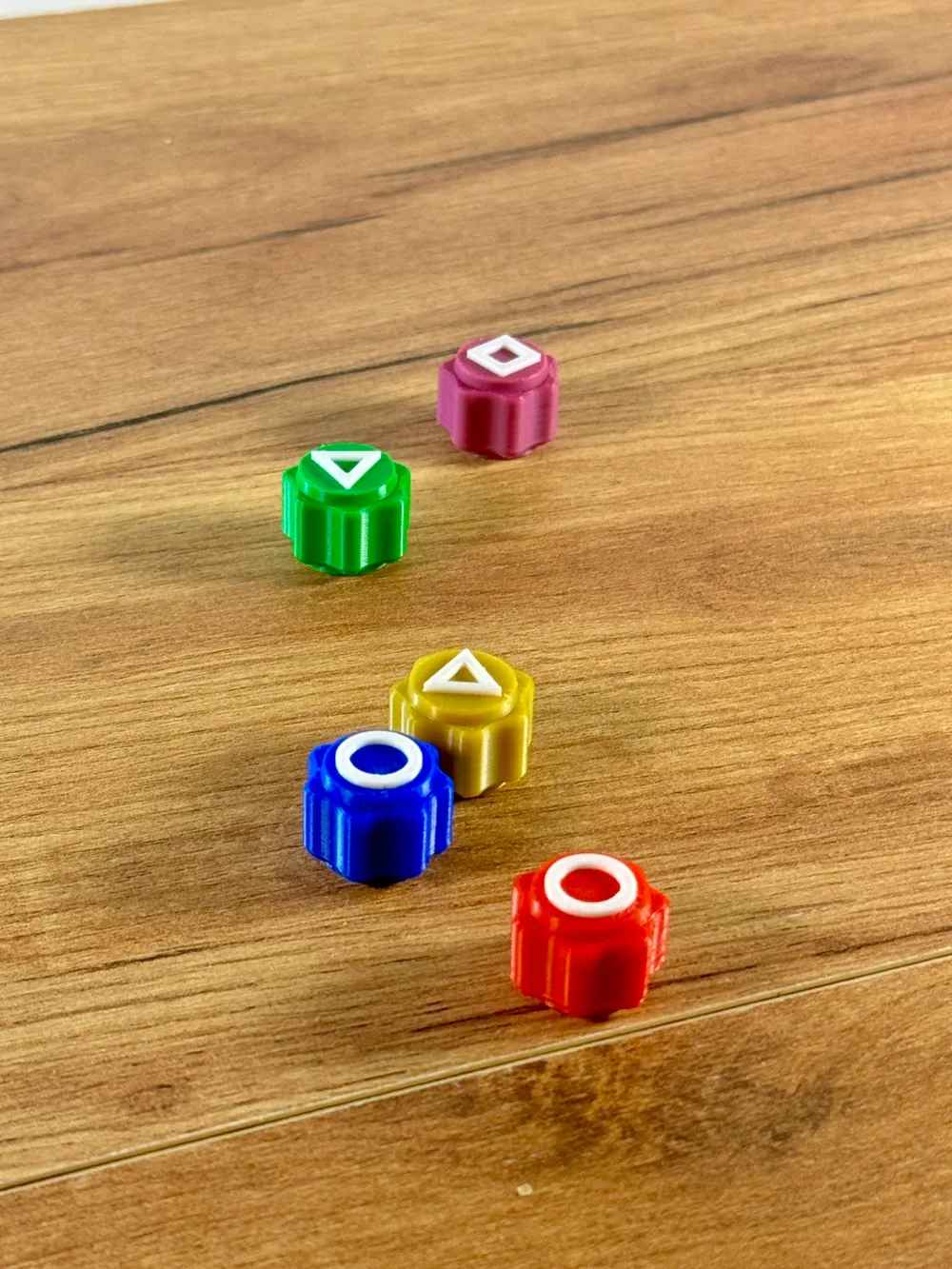
The Gonggi stone have 10 layers on purpose to add weight if you want you can print it with 3 walls and no infill to add weight to the stone


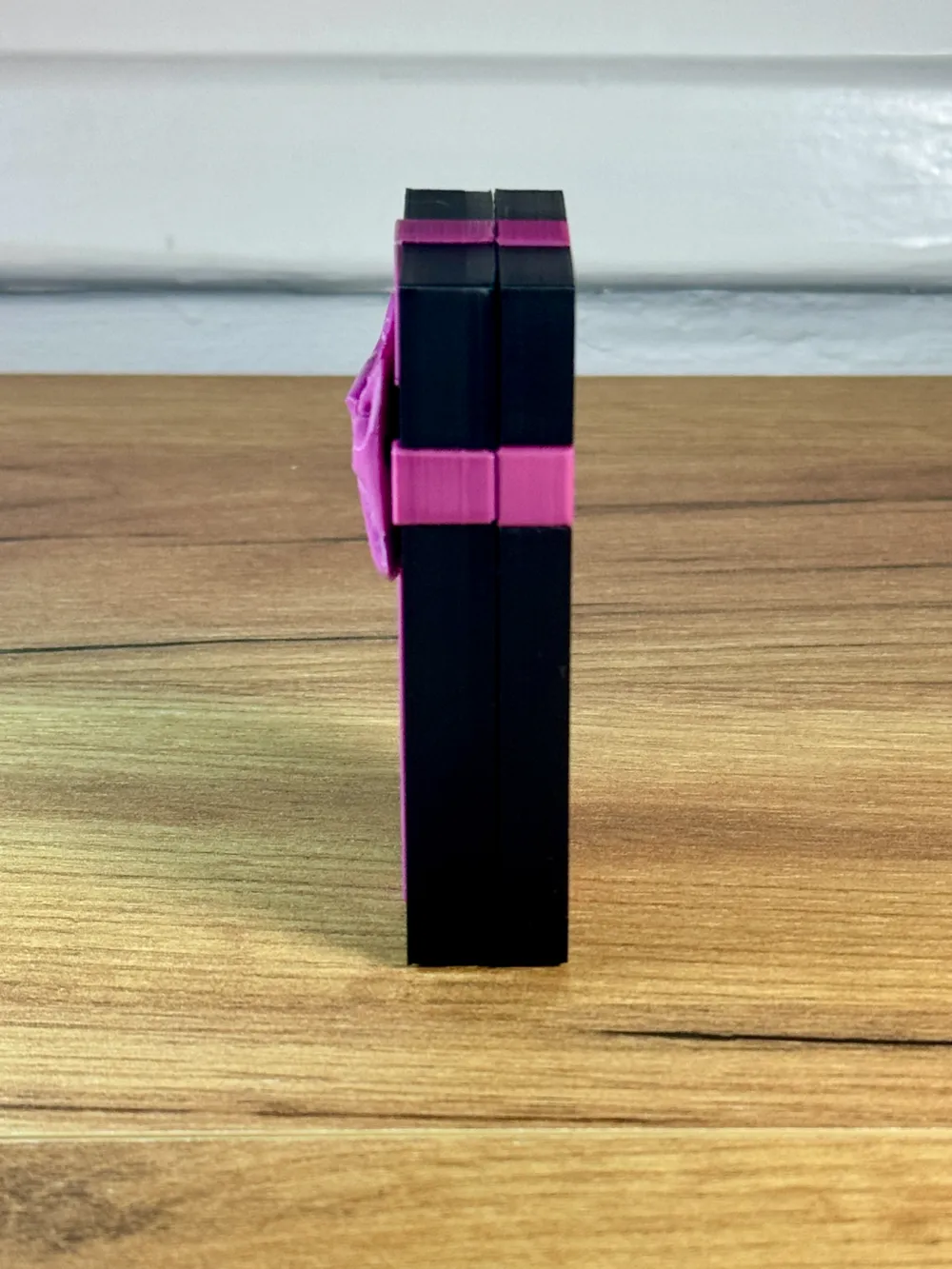
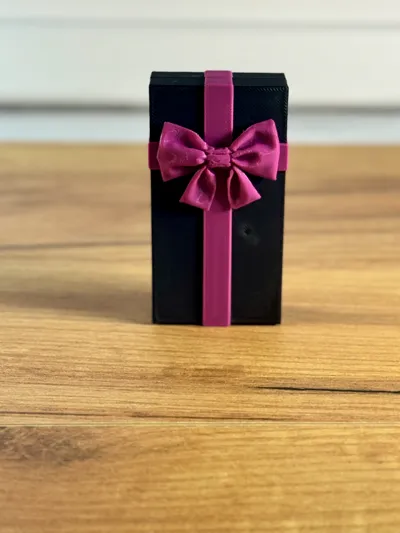
The case comes this cuts inside the model for magnets to be placed in order to remain shut and opened when needed.

The 3MF has already been programmed to pause at said layer heights and in total 4 round magnet 10mm x 3mm to be placed in the model in the same direction.
https://amzn.to/3W4n3wq


Made with BambuLab Basic PLA and Multicolor 3D printing to give a realistic look.

It can be  be used as a game or displayed on a shelf

If you Have any problems with the files please contact us

Happy printing


The Files will be available on Cults3D  as well so you can support us there too if you want.


Follow us on Instagram for more designs like this 
https://www.instagram.com/stupendous_props?igsh=bnIweGk1ZXcycG1n

Comment & Rating (75)

(0/1000)

not the best quality
The designer has replied
0
Reply
What is the condition of the stones
Show original
0
Reply
I don’t know I haven’t print them yet
0
Reply
but other than that it is amazing
designer
1
Reply
Boosted
Print Profile
Split parts/colors
I love this case! It was so clever to use the coffin design. I resize the magnets’ holes to fit my needs and it works great!!
2
Reply
thank you kind sir !!
0
Reply
Boosted
Replying to @StupendousProps :
I’m actually a Mrs. 🤣
0
Reply
Replying to @ALECRAM :
So sorry ma'am 🤠 Howdy 🤠
(Edited)
1
Reply
Print Profile
Split parts/colors
printed smooth the top failed the first time though but other than that great model. looks just like the show too!!
1
Reply
Hello in the chips that are triangles, it has an error and they also have the white color inside the piece and this turns out that more filament spends
The designer has replied
0
Reply
Hi, thank you for choosing my design to print Its my first time on Makerworld and I haven't optimized the print profiles 100% yet . give me a day or 2 two, to revise everything and get back to you. In the mean time there is no error. I suggest using different plate for each stone and use fillament for support the color of each stone lastly follow this video : https://youtu.be/9y92lhekdYA?si=h3Rr1MG5LV-vZsVX&;t=180 to add a modifier to fix the support issue until i upload the corrent print profiles Thanks Again StupendousProps
(Edited)
0
Reply
Print Profile
Split parts/colors
great
0
Reply
Print Profile
0.2mm layer, 9 walls, 15% infill
Great
0
Reply
Print Profile
0.2mm layer, 9 walls, 15% infill
really nice gonggi piece
0
Reply
The bow prints horribly, but it's still a nice print.
The designer has replied
0
Reply
You should Enable variable layer height (first adaptive-then smooth) the time you will save printing on 0,24mm layer height the main part you spend it on making the bow with 0,08mm layer height. Its magic , try it , thats the trick.
0
Reply
Replying to @StupendousProps :
I wish I could understand that but I read that comment and tried finding variable layer height but I think I’m way to new to understand everything you just said
0
Reply
Replying to @tztato :
google and youtube is your new best friend if you wanna become a 3D printing aficionado .
0
Reply
Can you make a version of the game piece that sit flat on the build plate with the shape not raise. To eliminate the need for supports on the game pieces
The designer has replied
0
Reply
Hi, I had it the way you describe it but I changed it to be more authentic, silly me , I will add the pieces not raised as well . no worries
0
Reply
Replying to @StupendousProps :
Thanks. can u let let me know when its published.
0
Reply
Replying to @Tri3D :
you got it
0
Reply
Print Profile
0.2mm layer, 9 walls, 15% infill
The profile uploader has replied
1
Reply
what was the problem, help us become better
0
Reply
Replying to @StupendousProps :
Make a version without a magnet hole (so like a box type with a press fit system or a snap fit), and clearly state in your description with bold that you need magnets!!!! Also do this in your print profile!! Besides, I think you need to change your print profile and add supports (see picture below)!! You've also stated in your description that your print profile pauses to insert magnets, which it did not!!!
0
Reply
Replying to @Thomas_K :
its my first design on makerworld ever , so some compassion. I said its in beta still and dont trust the print profile with blind eyes. also said that if you enable supports it like the holes for the magnets dont exist. its happened to me by mistake when the support was enabled. I put pauses but maybe they are not saved in the print profile(3mf) as they happen after slicing.
(Edited)
1
Reply