Search models, users, collections, and posts

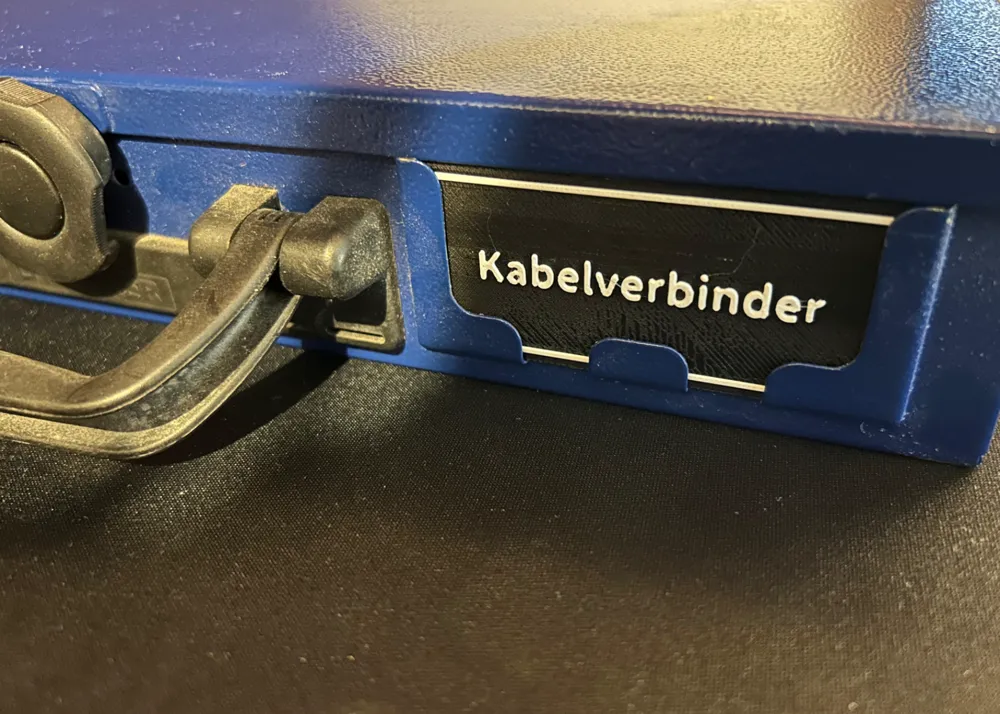
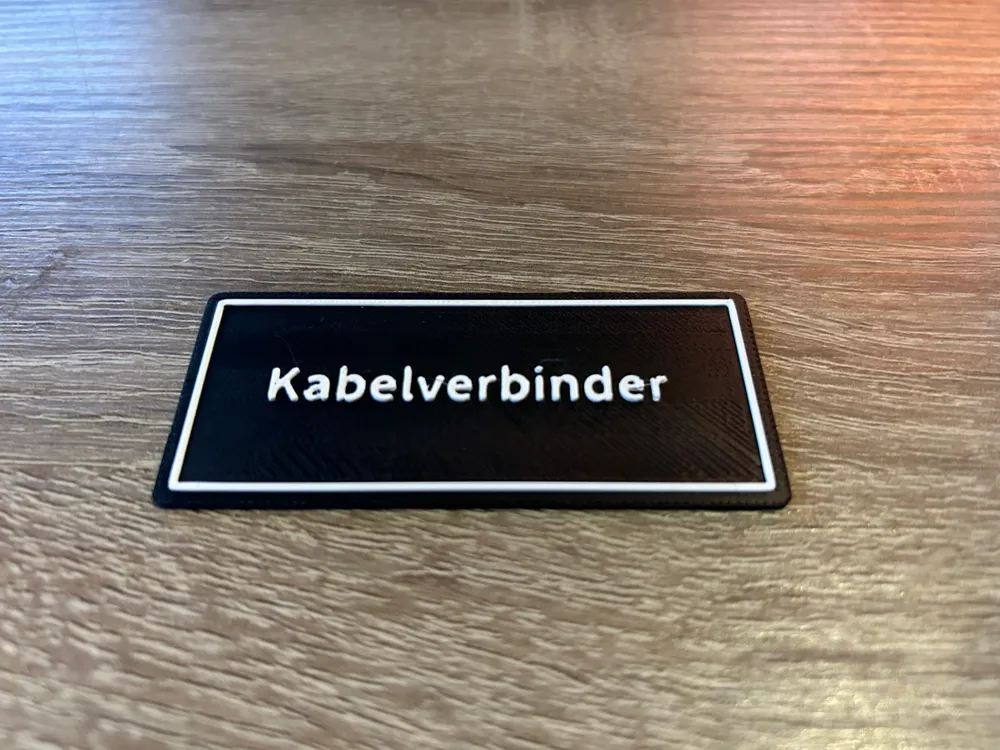
Berner Assortment Labeling
IP Report
This model is created by Make My Sign
Make Your Model
Print Profile(1)

0.2mm layer, 2 walls, 15% infill
Designer
1.7 h
4 plates
Open in Bambu Studio
Boost
5
2
1
4
12
1
Released
Description
Content has been automatically translated.
Labels for the Berner assortment drawers.
Berner only supplies these with paper labels, which are easily lost, hence a more durable alternative.
Boost Me (for free)
No AMS/AMS Lite?
- Pause the print at layer 6 and change the filament.
Instructions for the printer to automatically pause at layer 6.
- Slice the print plate
- Go down to layer 6 on the right side
- Right-click to add a pause
- Once the printer pauses, simply change the filament and continue printing to the end
License

This user content is licensed under a
Creative Commons Attribution


Comment & Rating (1)