
Stamp (with interchangeable designs)



Print Profile(1)

Description
Boost Me (for free)
If you also enjoy ACG, memes, cosplay, and related content, feel free to support me! Your encouragement will inspire me to continue creating more content like this!
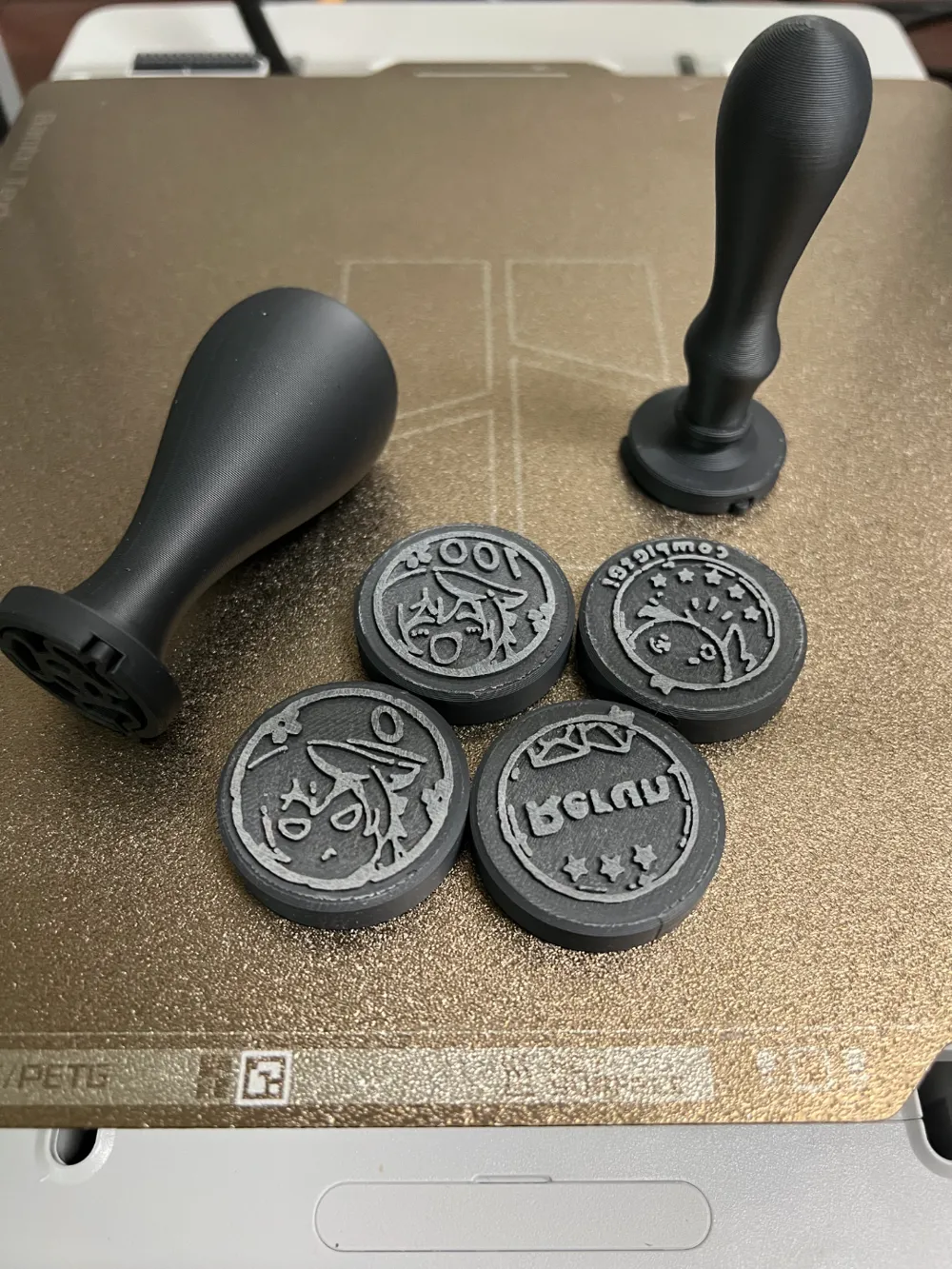
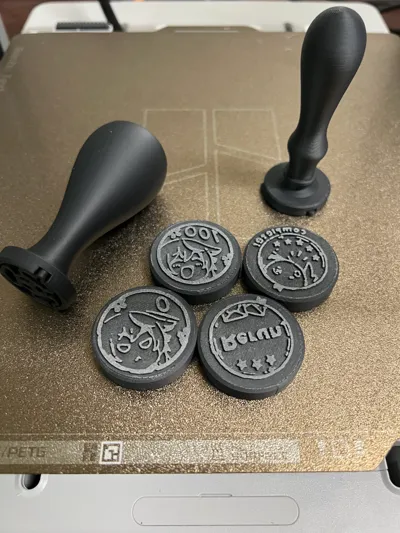
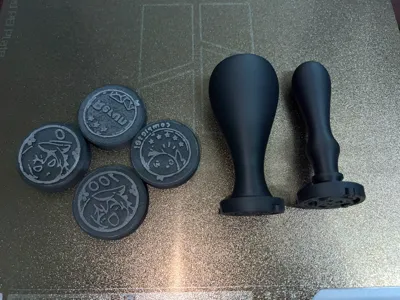
The file includes:
- Four designs (from Blue Archive memes),
- Two stamp handles,
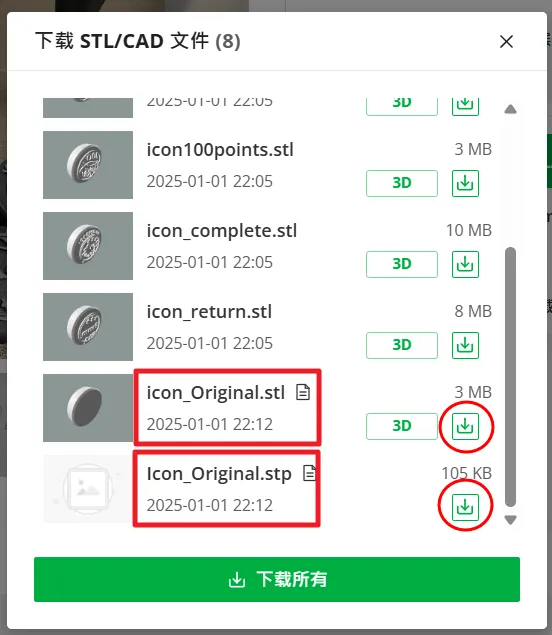
- One editable interchangeable part without any design (provided in .stp and .stl formats).
◆ Installation Instructions:
The bottom of the handle has three protruding flexible features. Align these features with the grooves on the design part, insert it fully, and then rotate clockwise (as if tightening a screw). The installation is complete once you hear a "click" sound.
◆ Notes:
- When rotating the more slender stamp handle, ensure it remains aligned to prevent uneven force that might cause breakage (the file has increased wall thickness for added durability).
- If you want to print custom interchangeable design parts, make sure to set the design side facing upward in Bambu Studio, and enable the "ironing" function. This will prevent the design surface from becoming overly indented due to the rougher texture of the gold PEI sheet, ensuring the design remains intact during stamping.
(Note: I only have the original gold PEI sheet that came with the machine.)
Update on 2025/01/17:
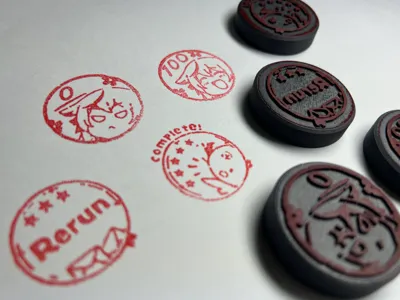
- After printing the stamp design components, please use sandpaper to lightly polish them. This will significantly improve the clarity of the design during stamping.
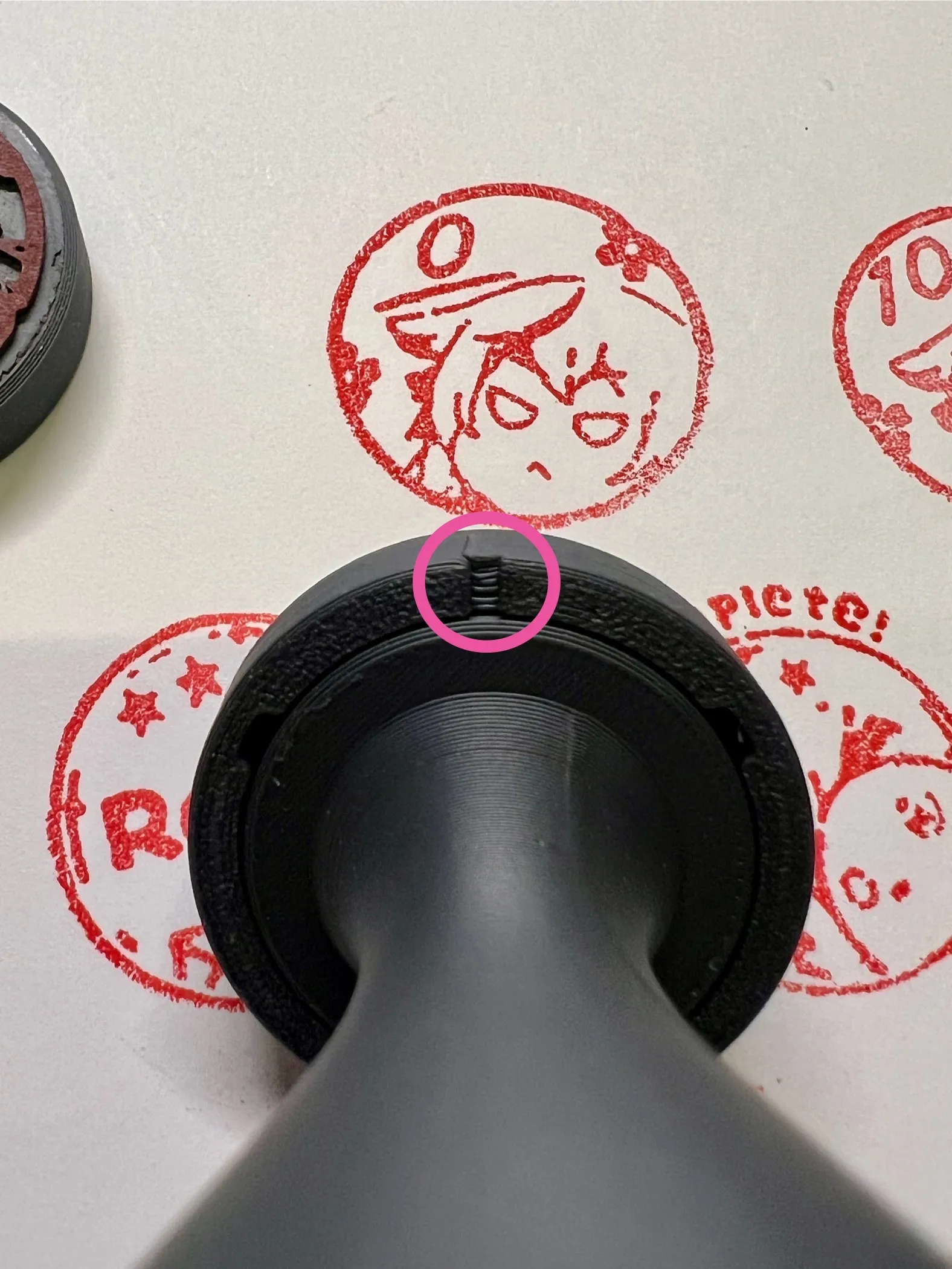
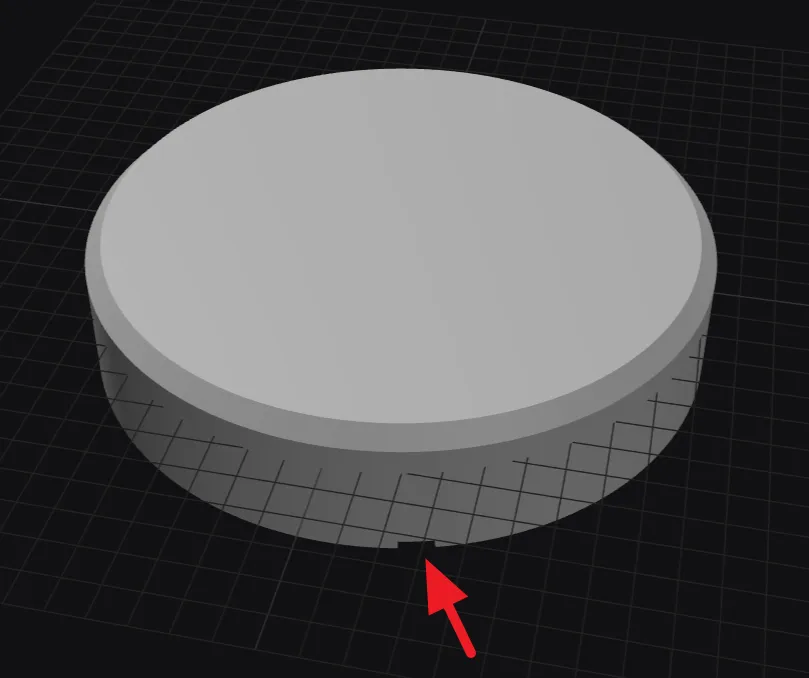
Each interchangeable stamp design component has a recessed feature on the back, which indicates the top of the design. Always ensure this feature is facing upward when stamping. ※For details, refer to the image below:
Update on 2026/03/28:
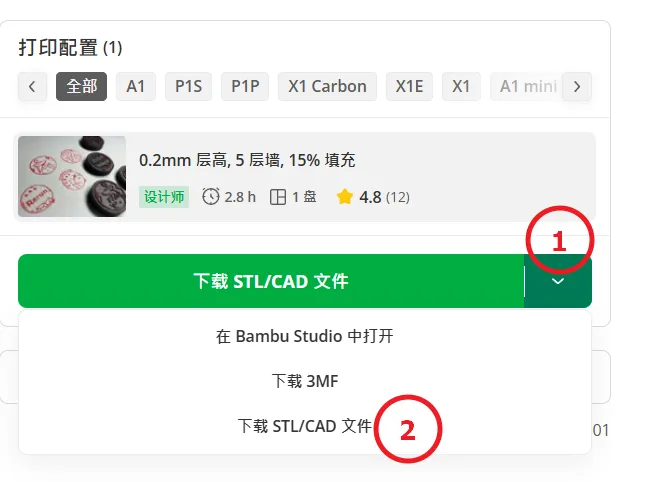
If you'd like to make your own version, you can use blank discs — please check the illustration below.
Update on 2026/05/23:
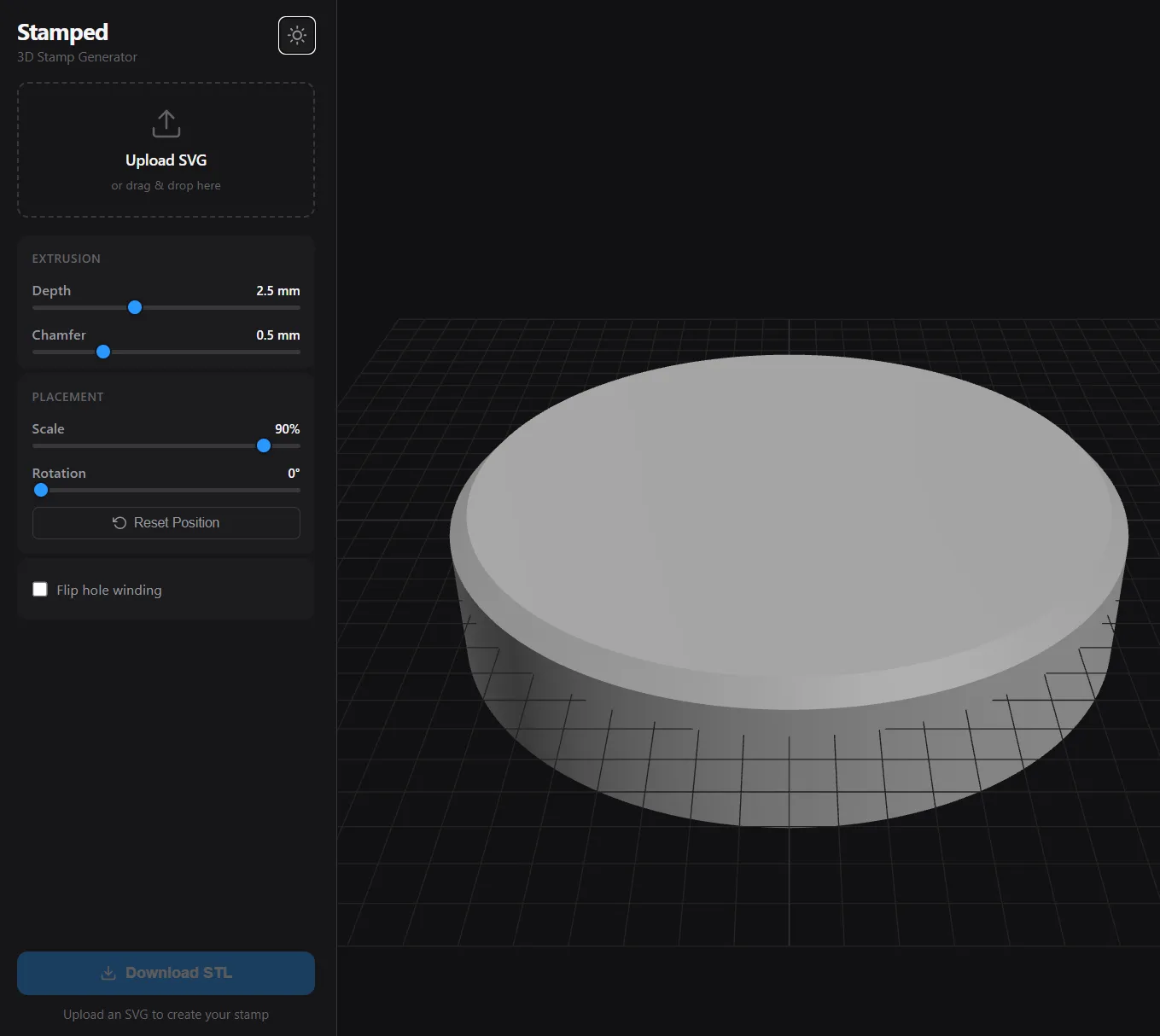
Special thanks and credit to @zeppike.
https://szabadkai.github.io/stamped/
Added a web-based tool for inserting icons into the stamp.
It’s incredibly efficient, smooth, and easy to use.
By the way, I noticed that the recessed feature on the back of the stamp is slightly misaligned vertically.
If you plan to use this feature, you may need to rotate your icon slightly to match the recessed alignment when designing your stamp.
(Please refer to the update on 2025/01/17.)
License

You shall not share, sub-license, sell, rent, host, transfer, or distribute in any way the digital or 3D printed versions of this object, nor any other derivative work of this object in its digital or physical format (including - but not limited to - remixes of this object, and hosting on other digital platforms). The objects may not be used without permission in any way whatsoever in which you charge money, or collect fees.


Comment & Rating (128)