Search models, users, collections, and posts

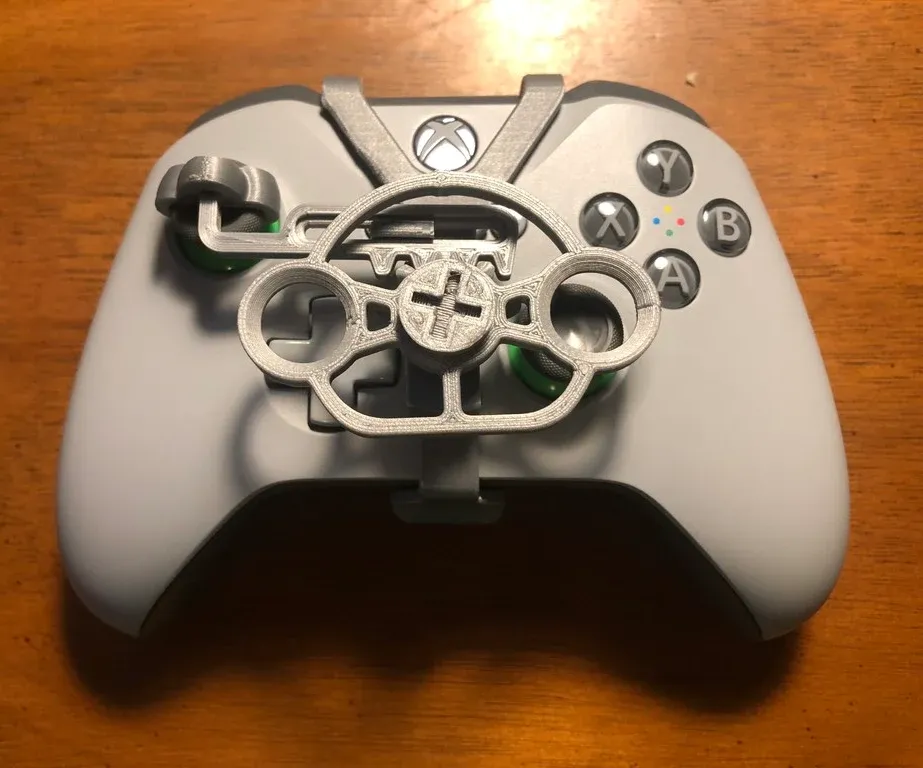
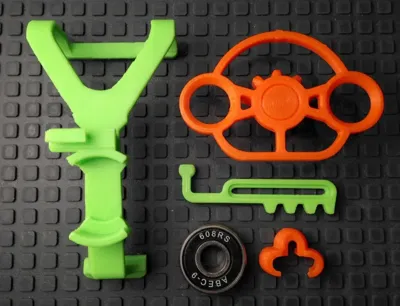
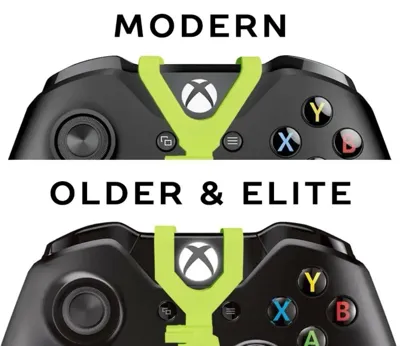
Xbox One, Series S/X controller mini wheel
IP Report
Print Profile(1)

0.2mm layer, 2 walls, 15% infill

1 h
1 plate
Open in Bambu Studio
Boost
822
1465
146
26
3.2 k
1.4 k
Released
Description
Boost Me (for free)
Can you boost me for new 3d printer
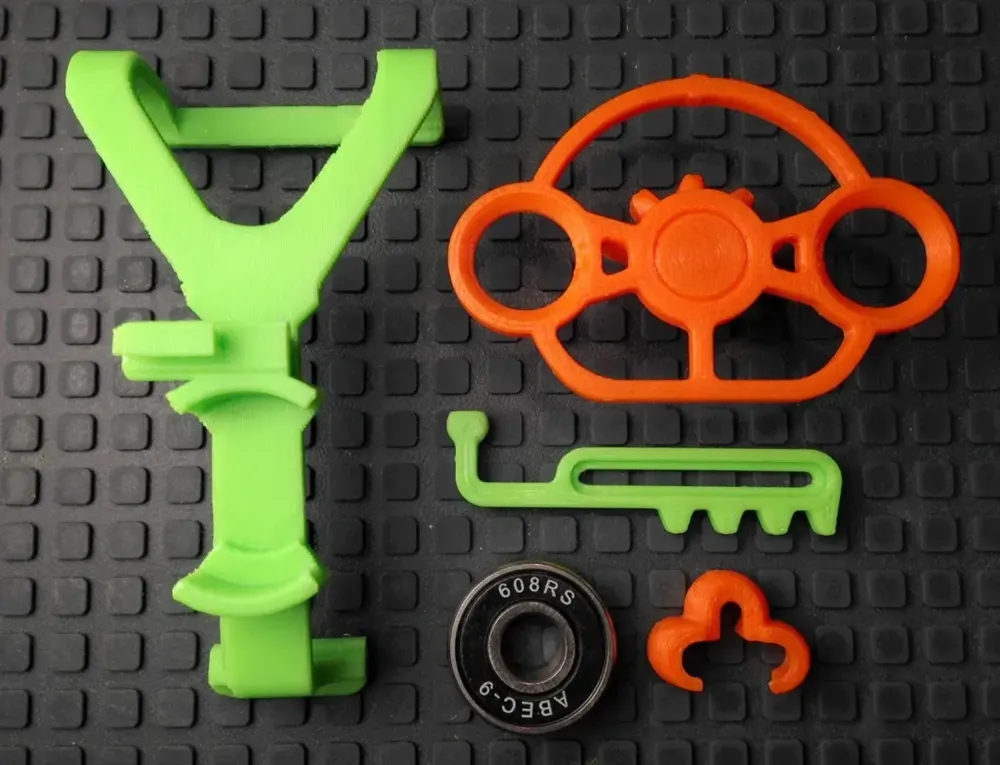
- Snap the rack into the pivot.
- Glue the top and bottom edge of the bearing into the frame. Wait for glue to dry. Superglue might leave a white haze on the controller if it's not dry.
- Snap the rack onto the frame.
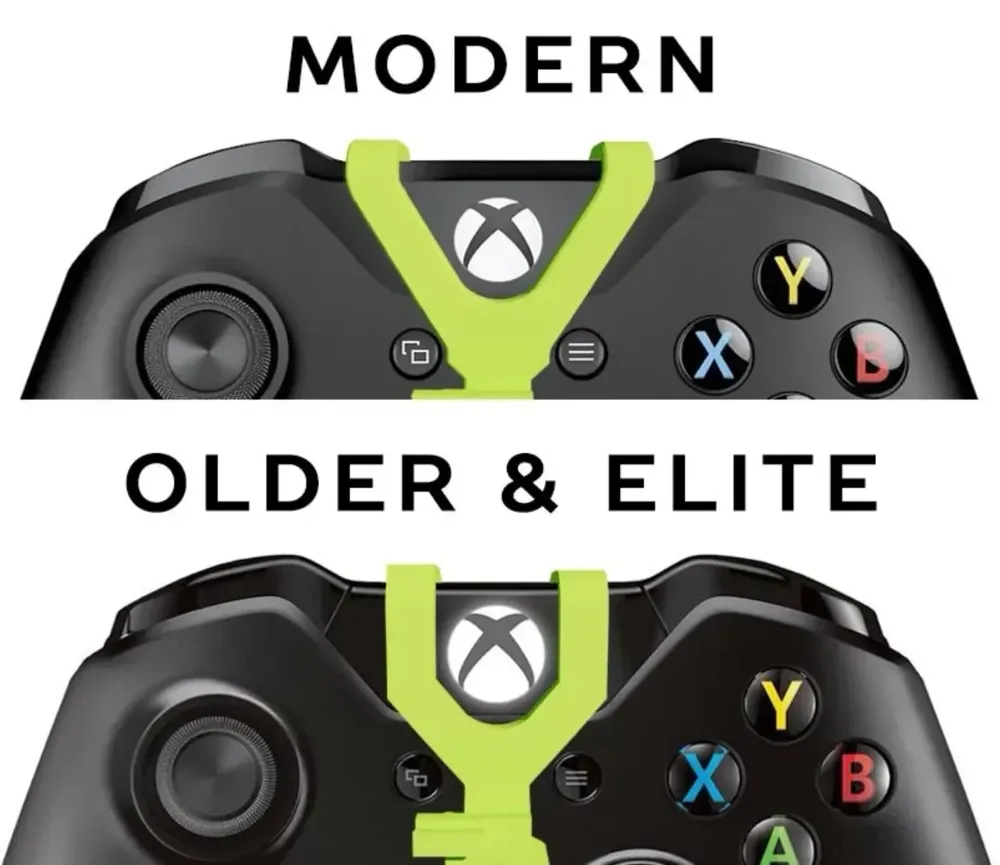
- Pop the frame on the controller. It's good practice to hook the front on first and then lock in the back tab. Reverse when removing it.
- Slide the pivot down on the stick. The ball joint should be in the center. Align the bottom edge of the pivot so it's parallel with the rack. The stick should return to the neutral position when pushed to either extreme.
- Center the wheel on the rack and press it into the bearing.
License

This user content is licensed under a Standard Digital File License.
You shall not share, sub-license, sell, rent, host, transfer, or distribute in any way the digital or 3D printed versions of this object, nor any other derivative work of this object in its digital or physical format (including - but not limited to - remixes of this object, and hosting on other digital platforms). The objects may not be used without permission in any way whatsoever in which you charge money, or collect fees.


Comment & Rating (146)