Search models, users, collections, and posts

Monster Hunter Switch Axe Transforming Weapon Keychain
GIF

Print Profile(5)

All
A1
P1S
P1P
X1 Carbon
X1E
X1
H2D
H2D Pro
H2S
P2S
H2C
X2D
A2L
A1 mini

Multi-color Version
Multi-color Version
Designer
1.7 h
1 plate
4.9(143)

Monochrome Edition
Monochrome Edition
Designer
53 min
1 plate
4.8(46)

Add shaft to the gear, no open hole, no tape needed
1.8 h
1 plate
5.0(25)

Add an independent keychain
1.7 h
1 plate
4.9(18)
Click to see more

Open in Bambu Studio
Boost
1732
3330
321
335
4 k
2.3 k
Released 

Bill of Materials

Maker's Supply Kits and Parts
Select all
25mm Silver Keychain (10pcs) - MA001

Description

Content has been automatically translated.
Show original

Membership

Join

Unauthorized resale prohibited!


⚠️ Copyright Notice ⚠️  
This model is for personal non-commercial printing only. Distribution to other platforms or commercial sale is strictly forbidden. Support creative work and respect intellectual property rights!


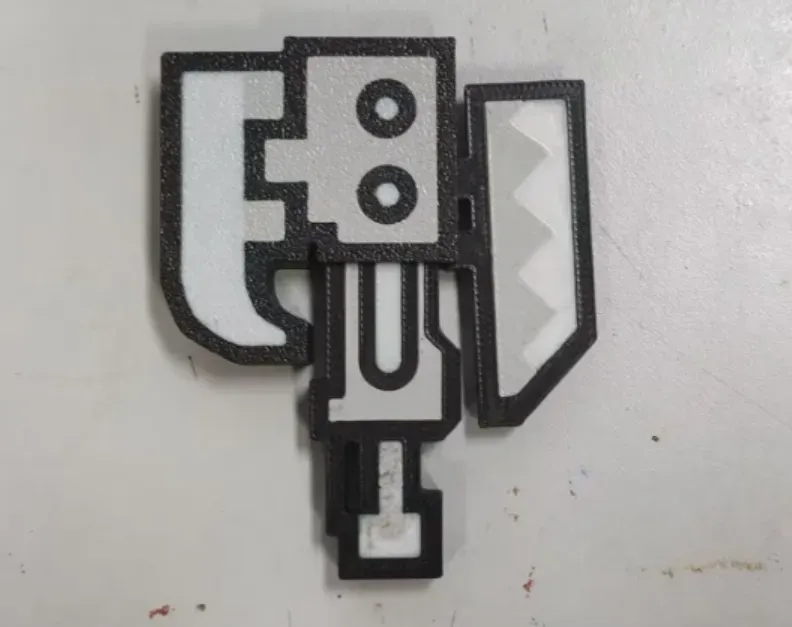
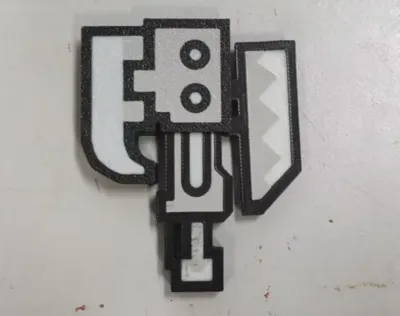
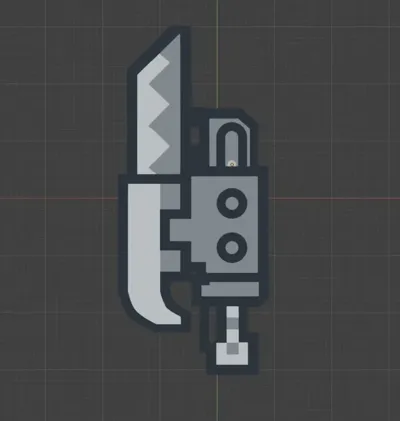
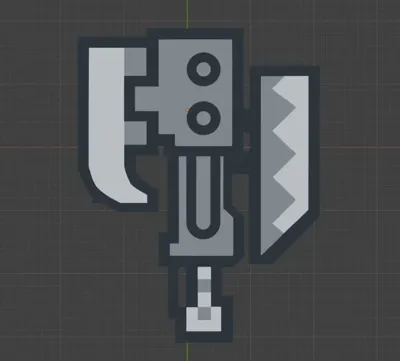

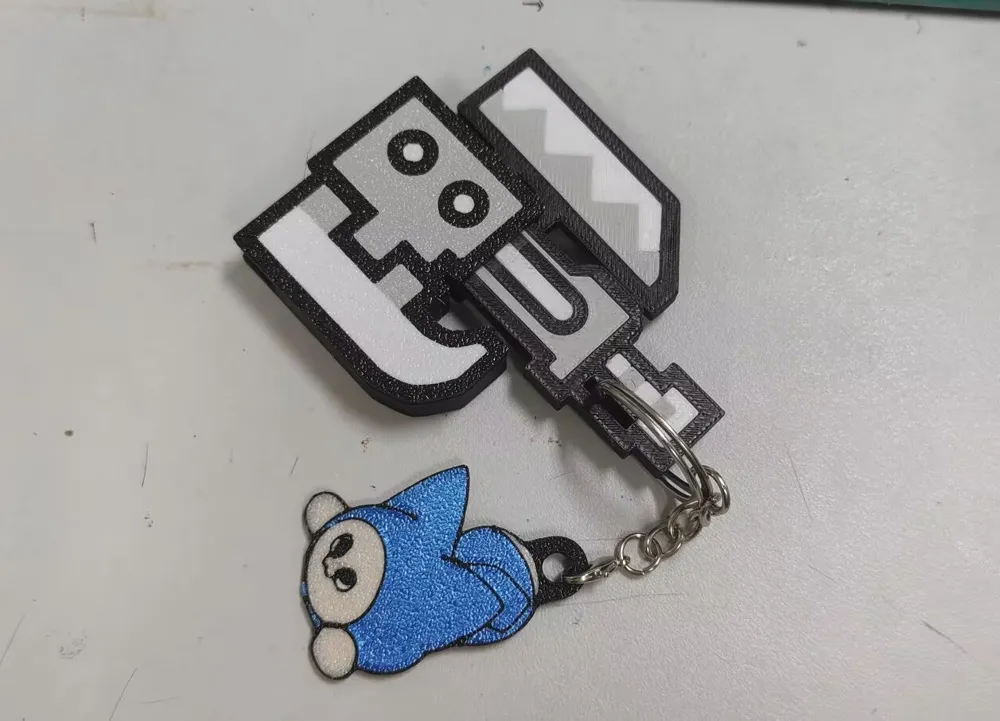
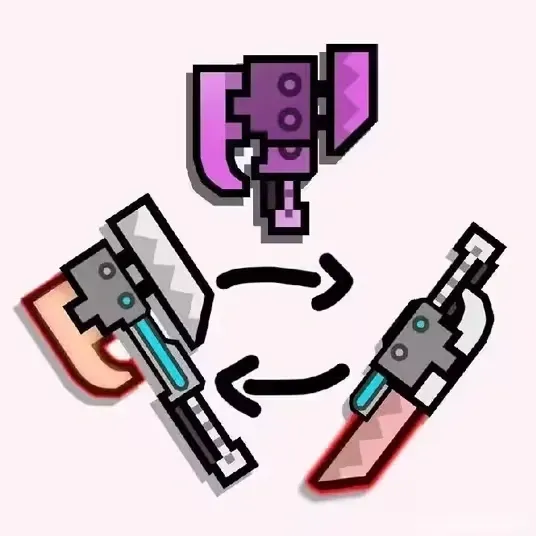
A transformable dual-form weapon~

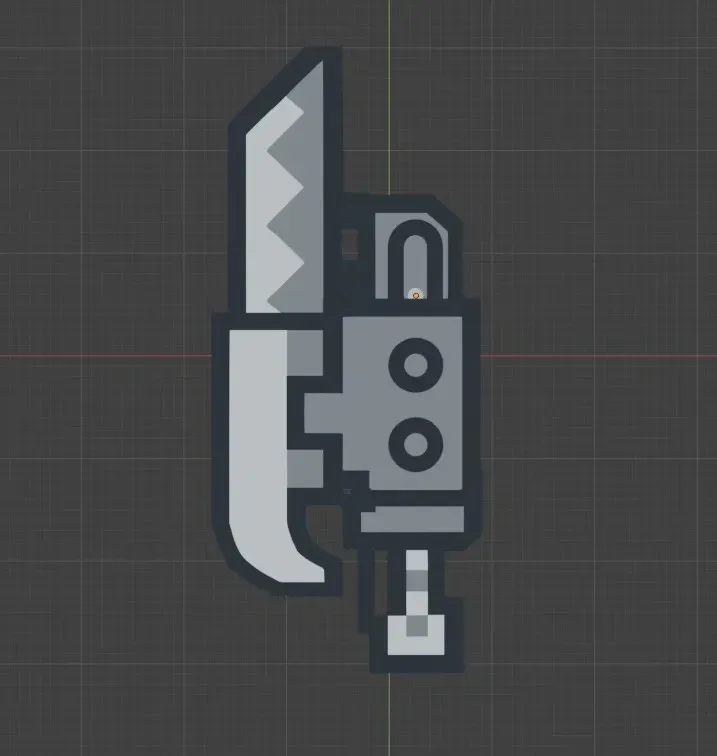
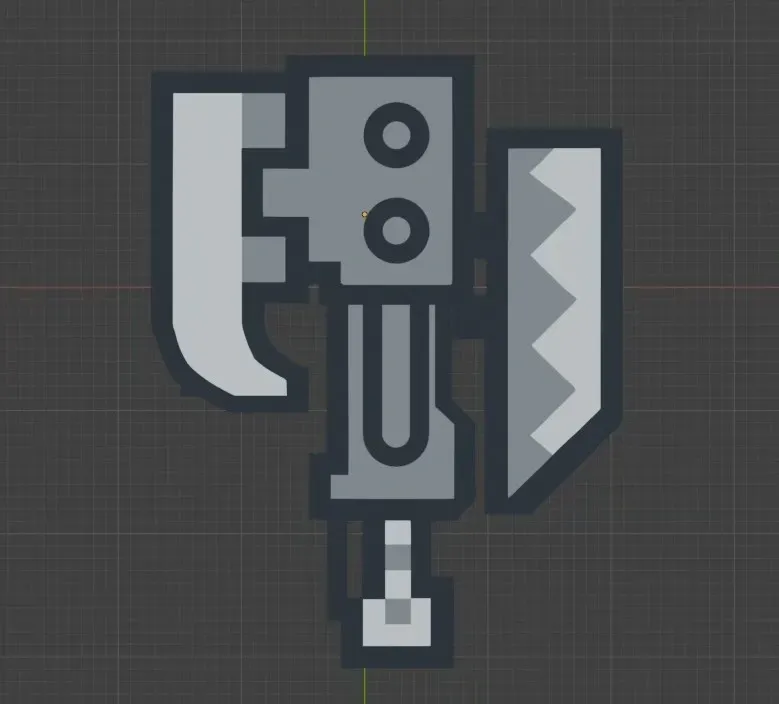
Re-created based on the following reference images; gratitude to the illustrator~

This version features a hooked axe and a polygonal sword, incorporating longer slides for simpler assembly~

Note: Please use a 0.2mm layer height; do not alter this setting!

Tip: Please use a height of 0.2 and do not change it to any other height!
Assembly instructions are provided after this introduction; please refrain from submitting negative reviews due to oversight, thank you!

There is an assembly tutorial at the back of the introduction.,Please don't give a bad review because you didn't see it, thank you!

Boost Me (for free)

Your support is greatly appreciated if you enjoy this!

Available in two versions: monochrome and multicolor. To ensure both versions are aesthetically pleasing, the model data differs. The monochrome version features an embossed effect (recommended for printing in grey):
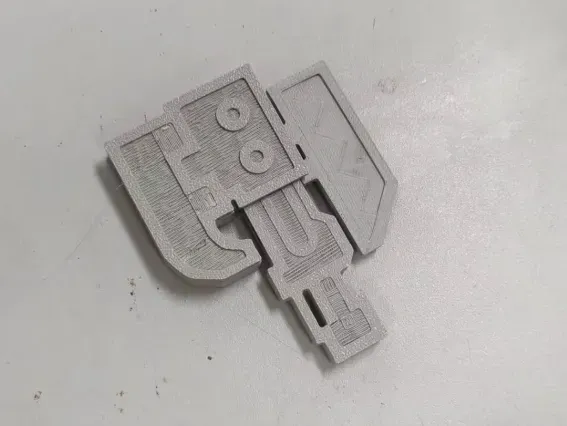
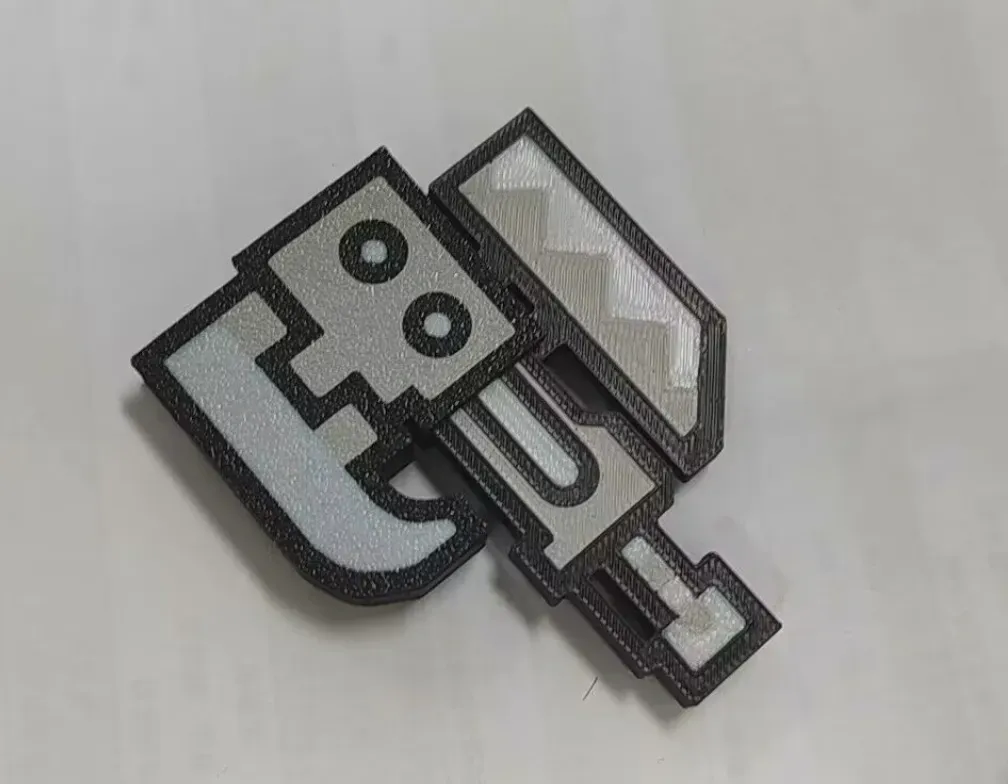
 

Assembly tutorials:

0. Initially, excise a segment of filament to serve as the rotational axis. Subtract a section from the consumables as the axis of rotation.
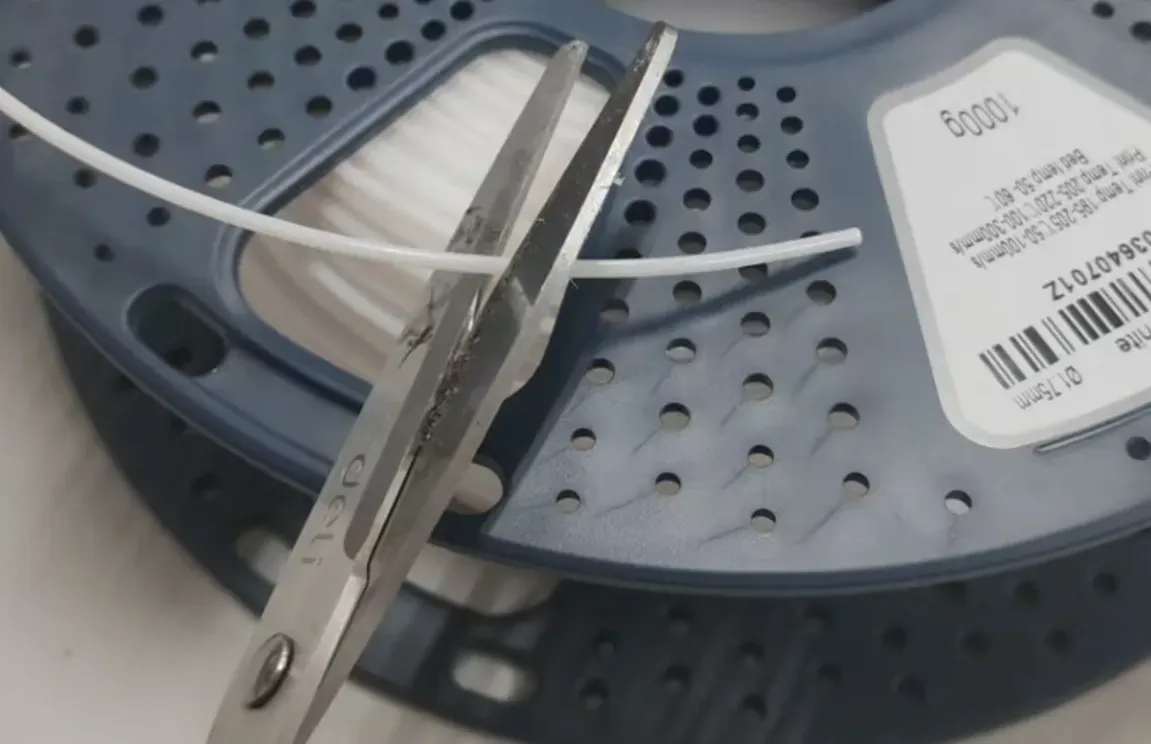
1. Remove supports; employing a craft knife is recommended for precise cutting! Remove the support, it is recommended to use a utility knife to assist cutting!
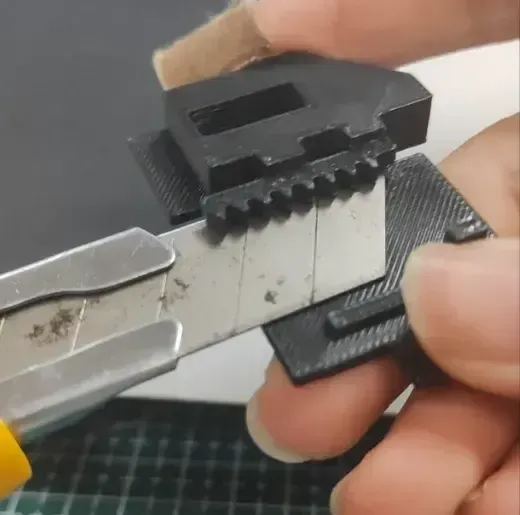
2. Align the blade and handle apertures, inserting a filament segment as a pivot. Avoid excessive trimming to prevent binding and ensure smooth operation! Subsequently, secure both sides with transparent tape to prevent the pivot from dislodging. Align the blade with the hole in the handle, insert a piece of filament wire into it as a hinge, don't cut it too long, otherwise it will jam the axe without being silky! After that, use scotch tape to glue both sides to plug the holes so that the hinge does not fall off.

Observe the image markers; incorrect installation should be avoided! Pay attention to the position of the image marker, don't install it backwards!
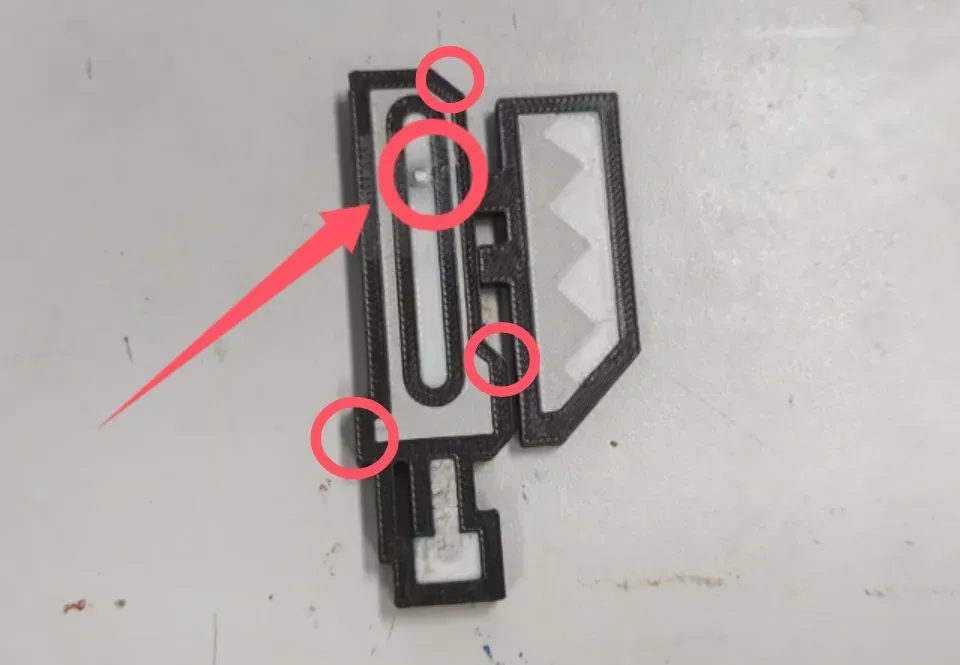
3. Secure the axe according to the image below, ensuring the rack is engaged with the handle gear before attaching the other side, then completing assembly with the remaining axe component. According to the position of the figure below to card the axe, note that at this time, the rack should be inserted into the handle and the gear bite first, and then buckle on the other side, and finally put on the other half of the axe.
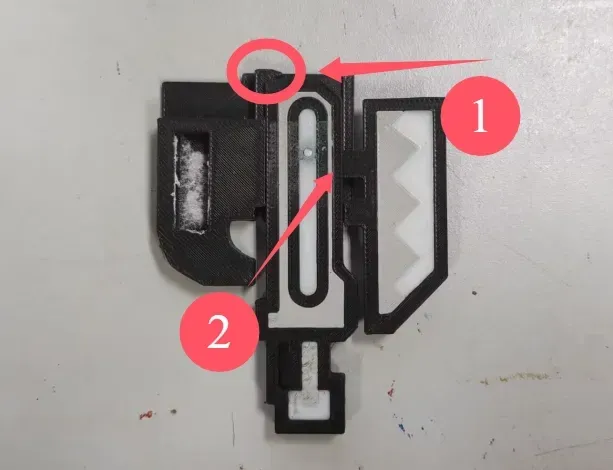
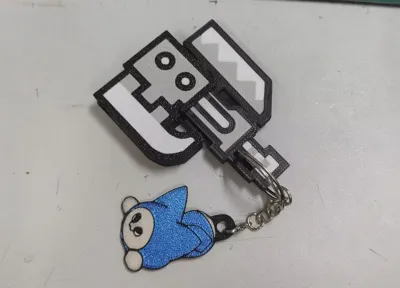
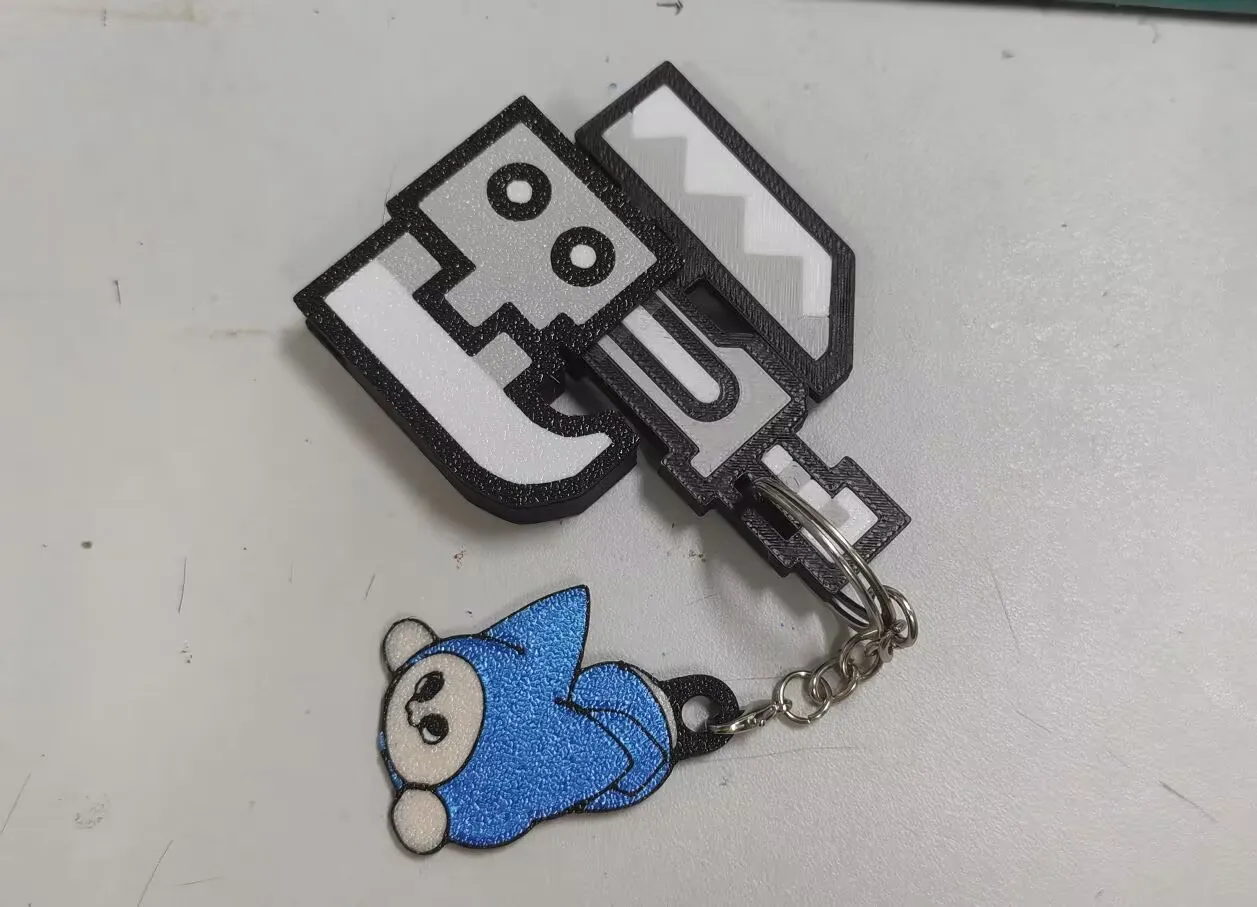
EX. If utilizing the keychain component from Maker's Supply, attach the ring to the axe handle for convenient outdoor transport and display of its impressive transformation capabilities! If you use the keychain component from Maker's Supply, you can attach the ring to the handle of the axe, take it out hunting, and show off its cool transformation!
Membership

Join

Comment & Rating (321)

(0/1000)

Turned out pretty freaking cool. Made a smaller one so it would be a bit more portable in my pocket. great design!
The designer has replied
5
Reply
good job!
0
Reply
Boosted
can you upload the file you used to make the smaller one
(Edited)
0
Reply
Replying to @JusMJor :
just use bambu lab studio to make it smaller
0
Reply
Print Profile
Monochrome Edition
great lil design!!
7
Reply
honestly for some reason this is one of my favorite 3D prints and I'm surprised it doesn't have more downloads and likes than it does I will be posting this in all the Monster Hunter groups I'm in and 3D printing groups hopefully it'll get you some more downloads and likes I was thinking would you possibly make one for something like the charge blade I feel like that could be a good one that you could also do some kind of fidget mechanic with when it goes from being sheathed to being an ax
The designer has replied
designer
4
Reply
Thank you very much for your support. I'm really glad that someone likes it. I'm planning to make a model of the charge blade and hope it will meet your expectations!
3
Reply
Brilliant model
The designer has replied
designer
3
Reply
thanks!
0
Reply
I printed this for a friend I only had two colors available, and on one side I mismatched the colors on the blade, haha the other side is correctly colored though I find the model excellent Visually, I think it's very well done, and my colleague was extremely pleased with the little gift With the given settings and a layer height of 0.2mm, the print worked flawlessly
The designer has replied
Show original
designer
2
Reply
thanks!
0
Reply
Saw this on Instagram today and thought it was fantastic I decided to quickly throw it into my X1C but encountered an error on the first layer Apparently some areas aren't printed until a few layers later which causes problems and ruins the print or the relevant side Is a revision possible
The designer has replied
Show original
1
Reply
Hello, a 0.2mm layer height will suffice
Show original
0
Reply
Rest assured, the variations in layer height for this model are negligible
Show original
0
Reply
i dunno why, it doesnt work for me, i used 0.2mm nozzle
The designer has replied
0
Reply
Please set the layer height to 0.2 mm and enable supports. Hope you'll love the result!
1
Reply
Or print it standing up
0
Reply
Awesomeness! I don't have a multi-color printer so the cool details don't print, that being said, it is still awesome and functional. Thank you for sharing. I don't know why, but it doesn't give me the option to give stars, but would definitely give it 5! ⭐⭐⭐⭐⭐
The designer has replied
1
Reply
thanks!!!!!
1
Reply
Boosted
Print Profile
Multi-color Version
Magnificent find! Thank you for sharing! The color separation and tolerances are excellent! A superb model! Five-star recommendation! Looking forward to your next creation!
The profile uploader has replied
Show original
1
Reply
Thank you, I love it
Show original
0
Reply
This turned out great! Really well made design. The instructions were a bit off from what actually needed to be done to assemble it, but figured it out easily enough.
The designer has replied
1
Reply
Thank you for your liking! May I ask which part of the description is inappropriate? I'll try to improve it.
0
Reply

License

If you want to use this model commercially, please join my membership.
Join Now
This user content is licensed under a Standard Digital File License.

You shall not share, sub-license, sell, rent, host, transfer, or distribute in any way the digital or 3D printed versions of this object, nor any other derivative work of this object in its digital or physical format (including - but not limited to - remixes of this object, and hosting on other digital platforms). The objects may not be used without permission in any way whatsoever in which you charge money, or collect fees.